

Kids A-Z
Version:5.60.1
Published:2026-11-22
Introduction
Read - then explore, Kids A-Z turns short bursts of attention into productive learning moments for young readers. This app collects hundreds of leveled e-books and pairs them with simple interactive activities so kids can practice reading, check comprehension, and see progress at a glance. The interface is child-friendly and keeps track of scores and completed quizzes, allowing teachers and parents to view outcomes and adjust learning paths. Whether used in a classroom reading corner or during a quiet wait at the clinic, Kids A-Z aims to make reading practice habitual and measurable for early learners.
Getting Started with Kids A-Z
Create or join an account: Teachers typically set up classroom rosters while parents may add individual student profiles so each child has a private workspace.
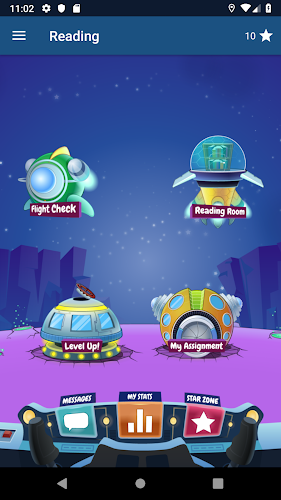
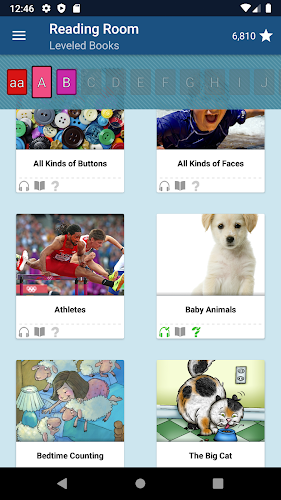
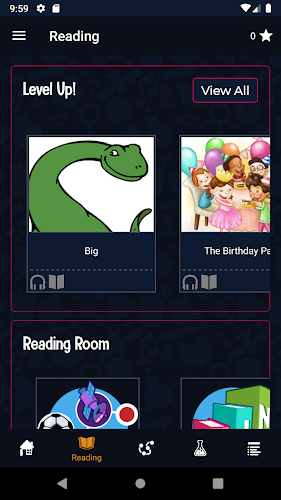
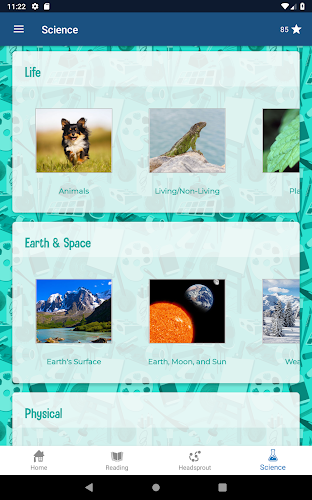
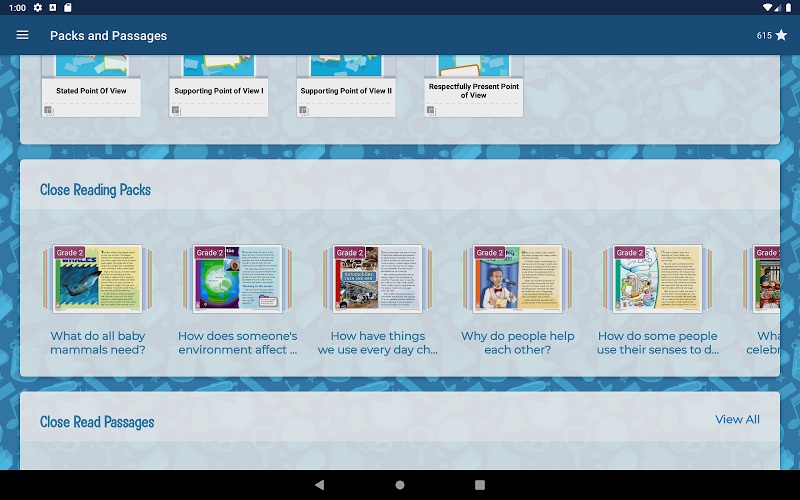
Pick a reading level: Browse the library by level or topic to find books that match a child's current skill, then assign or select titles to begin practice.
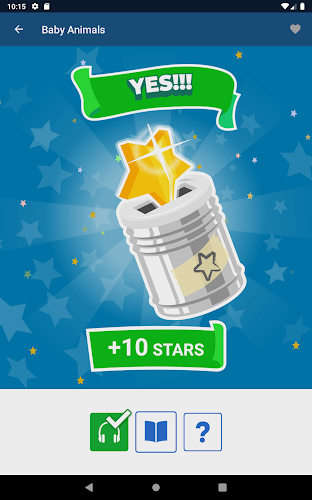
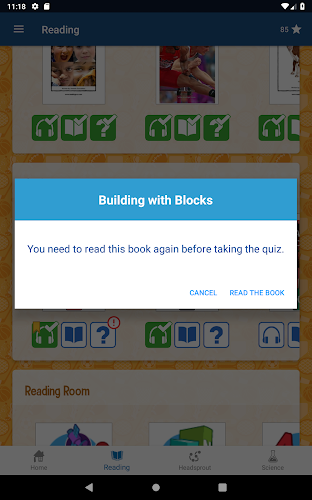
Complete a book cycle: Read, take the built-in quiz, and submit work to record results; the app logs answers and awards stars for completed tasks.
Features of Kids A-Z
Large leveled library: The app provides access to many short readers and non-fiction selections across difficulty bands to support gradual progress.
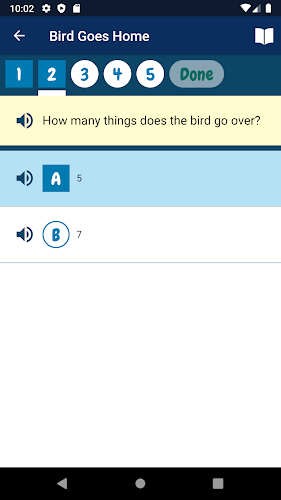
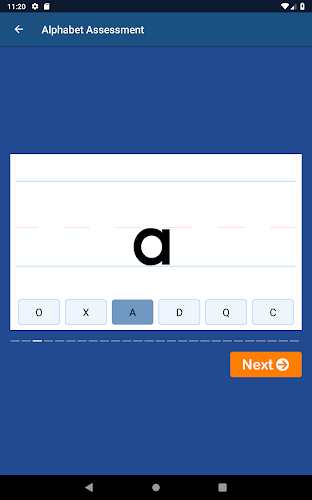
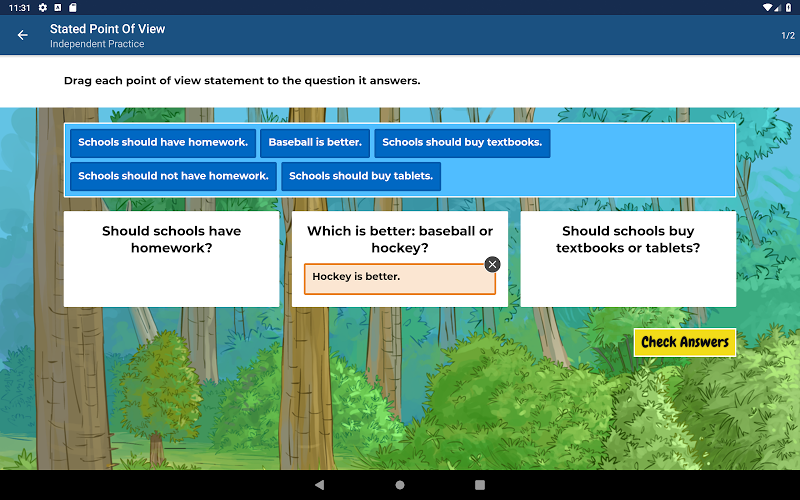
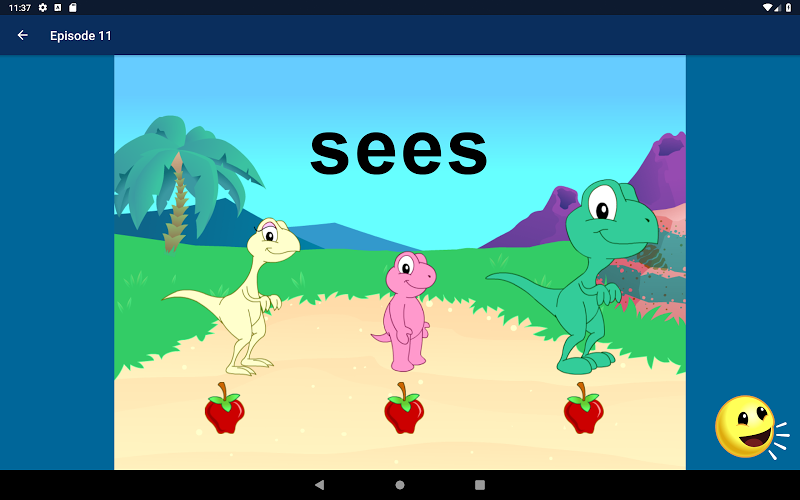
Interactive quizzes: Short comprehension checks follow books so children can test understanding and reinforce vocabulary and concepts.
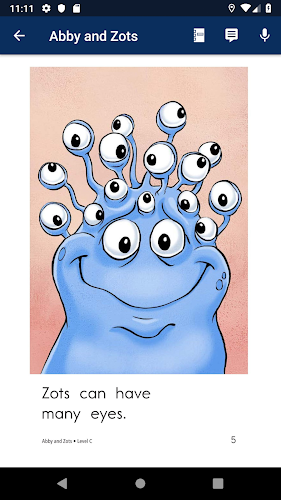
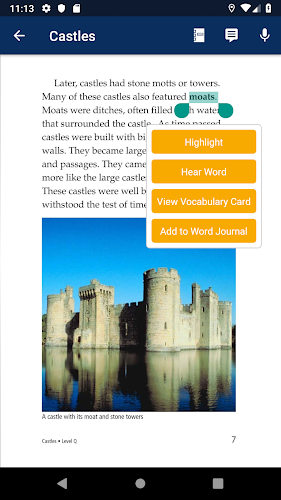
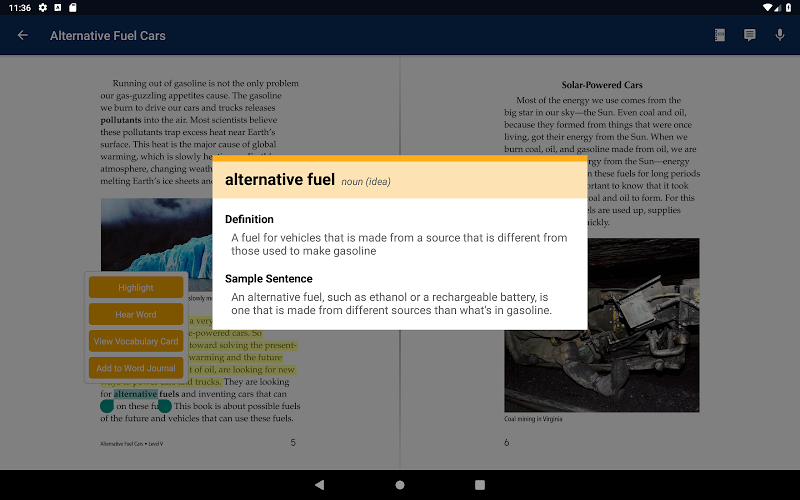
Annotation and audio tools: Built-in reading tools help children follow text closely and listen to passages, supporting multiple learning styles.
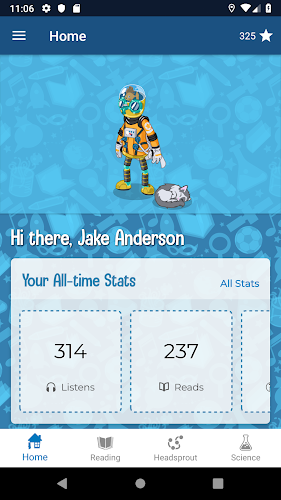
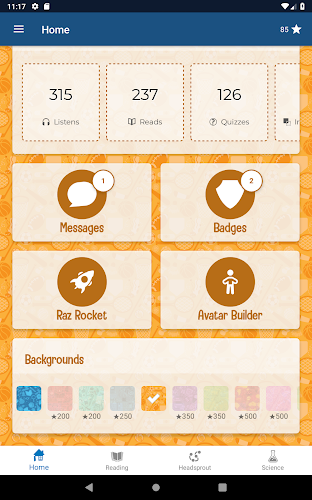
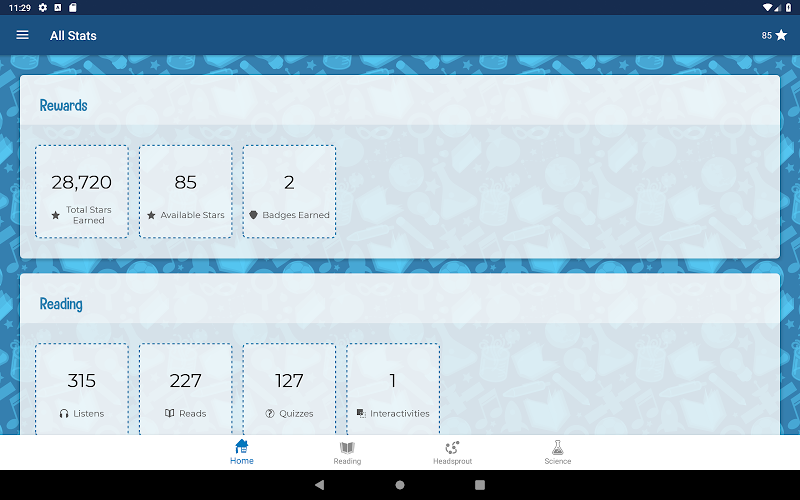
Progress reporting: Scores and completion data are shared with teachers automatically, making it simpler to plan lessons and interventions.
Tips and Tricks
Set a simple routine: Encourage a daily reading goal, such as one book and a quiz, to build confidence and accumulate stars steadily.
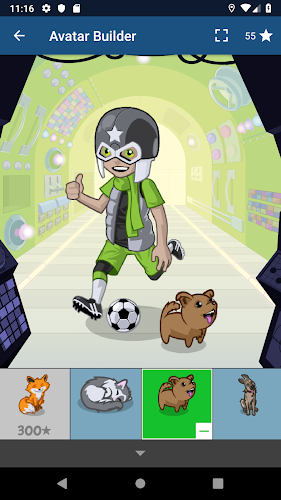
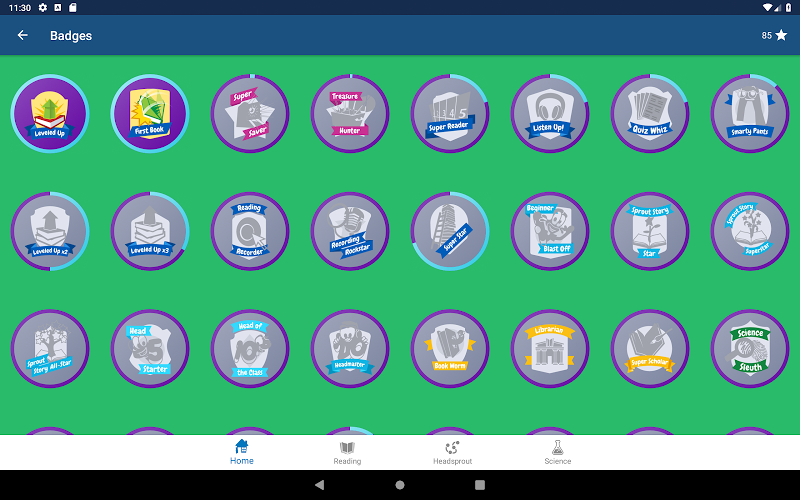
Use stars as incentives: Let children spend earned stars on avatar or profile customizations to keep motivation high during longer learning plans.
Mix guided and independent sessions: Have an adult read aloud with a child to model comprehension, then let the child try a book solo to check progress.
FAQs about Kids A-Z
Do I need a paid subscription to use the app?
Access policies depend on the publisher and institution; some schools provide accounts while individual subscriptions may unlock the full library.
Can parents view their child’s activity?
Yes, activity and quiz results are recorded and can be shared with authorized caregivers or teachers so you can monitor improvement.
Is the content age-appropriate?
Books and exercises are leveled for developmental stages, helping educators and parents choose material that matches a child’s reading ability.
Conclusion:
Kids A-Z is a straightforward companion for classroom reading programs and home practice, blending leveled texts with short assessments and rewards. It works well for guided lessons, solo practice, or informal moments like waiting rooms or rainy afternoons when you want a constructive activity. Keep in mind that the range of accessible material can depend on your subscription or school access; features and library size may change between updates and regional offerings.
Show More
Information
Screenshots


Latest Update










Hot Tags
Latest News
-
![Revealing the Launch Playlists and Cross-Progression for COD Warzone Mobile News]()
-
![March 2024 Free Redemption Codes for Honkai: Star Rail News]()
-
PUBG Mobile Teams Up with Bentley Motors: Luxury Cars, Exclusive Collectibles, and Beyond 2024-04-18
![PUBG Mobile Teams Up with Bentley Motors: Luxury Cars, Exclusive Collectibles, and Beyond News]()
-
![Monster Never Cry is now accessible on both Android and iOS mobile devices. News]()
-
V2.2 of the Farlight 84 update introduces an overhauled Season structure, fresh in-game currency, an 2024-04-16
![V2.2 of the Farlight 84 update introduces an overhauled Season structure, fresh in-game currency, an News]()
-
![Arrival of Genshin Impact 4.6 Update: 'Embers of Two Realms, Twilight of Crimson' News]()
-
April 2024 Clash of Clans Update: Unveiling a Fresh Companion, Enhanced Levels, Chat Tagging, and Be 2024-04-16
![April 2024 Clash of Clans Update: Unveiling a Fresh Companion, Enhanced Levels, Chat Tagging, and Be News]()






