

Add Date and Time on Photo
Version:18
Published:2025-08-29
Introduction
Add Date and Time on Photo is the go-to tool for anyone who wants to add an extra layer of depth and detail to their photos. With precise GPS coordinates, interactive maps, date & time stamps, and real-time weather data automatically attached to your images, you'll never have to worry about forgetting where or when a photo was taken. Whether you're a seasoned traveler, a professional photographer, or just someone who loves to keep things organized, this app is a game-changer for making your memories come to life. And with features like manual location correction, text captions, voice memos, and the ability to strip or mask location data before sharing, the customization options are endless. Plus, power-user tips like Trip Mode and keyboard shortcuts make it easy to take your geotagging skills to the next level. Say goodbye to guessing games and hello to perfectly documented photos with Add Date and Time on Photo.
Features of Add Date and Time on Photo:
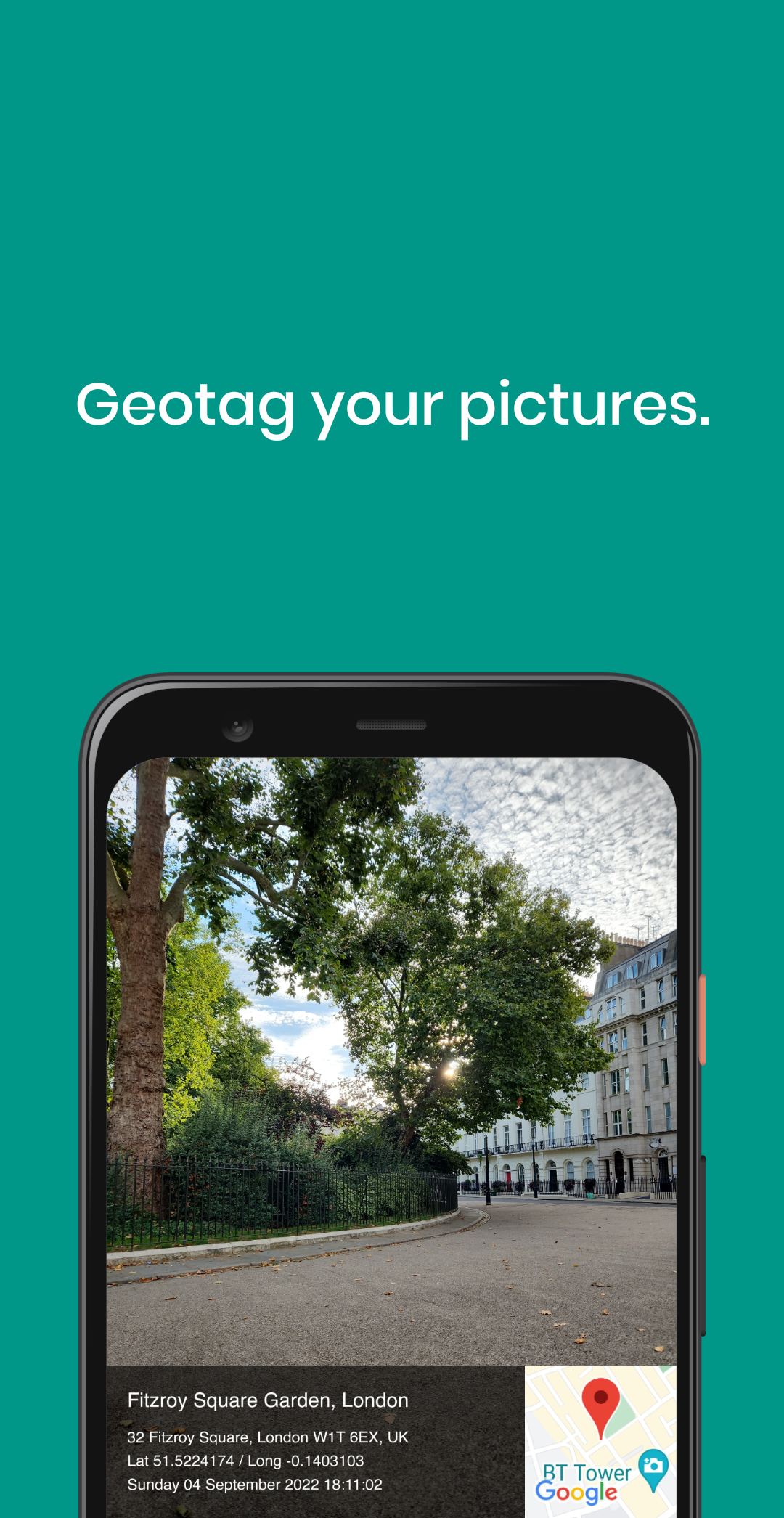
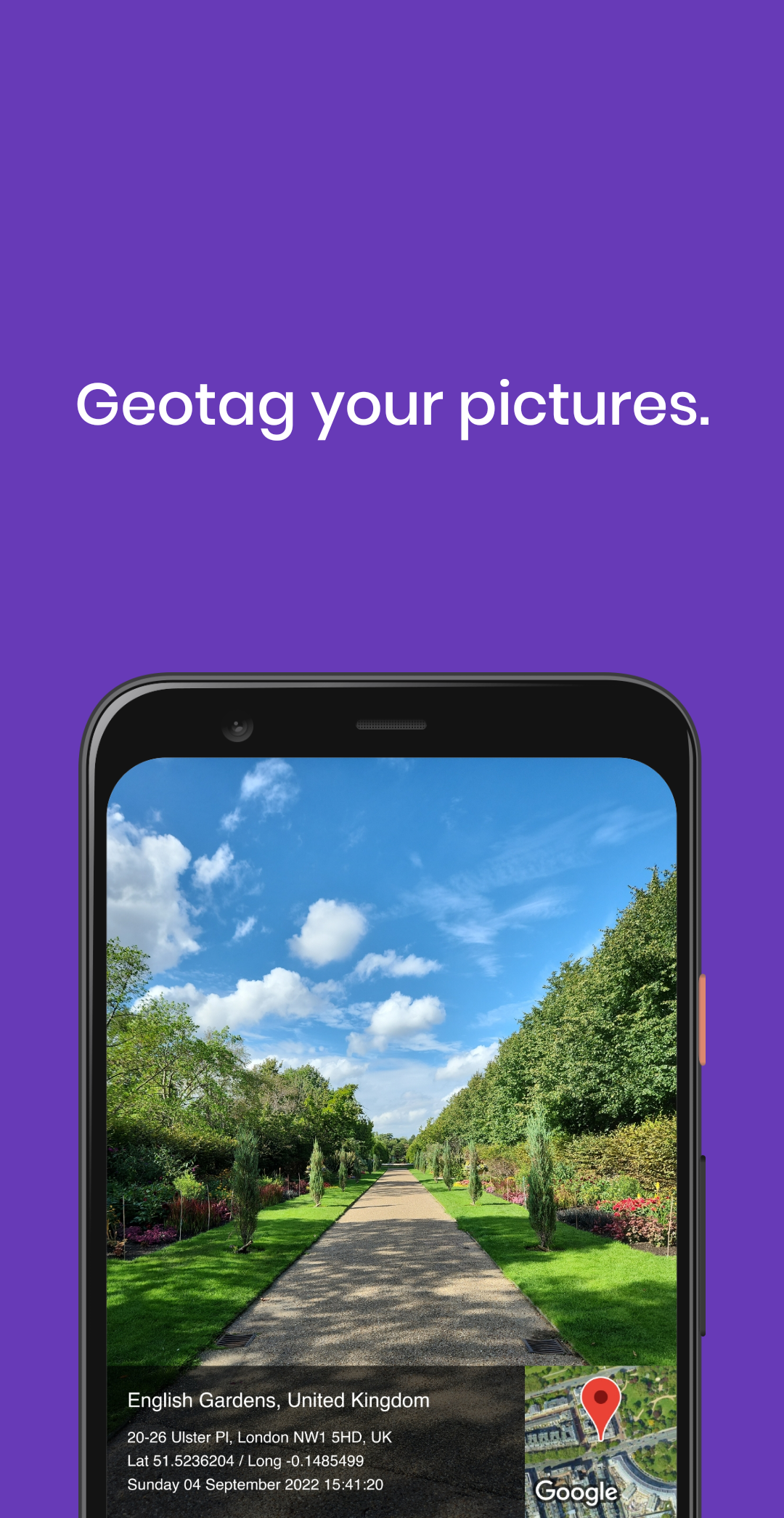
Effortless Geotagging: Add Date and Time on Photo automatically embeds GPS coordinates, map thumbnails, date & time stamps, and weather data to every photo, saving you time and hassle.
Versatile Compatibility: It works seamlessly with a variety of image formats, including JPG, HEIC, PNG, TIFF, and popular RAW file types like DNG, NEF, and CR
Customizable Features: From adding text captions and hashtags to recording voice memos, you can personalize your photos with notes that stay embedded in the EXIF data.
Privacy Protection: With the option to strip or mask location data before sharing on social media, you can control the amount of information you disclose online.
FAQs of Add Date and Time on Photo:
Can I manually adjust the location of my photos?
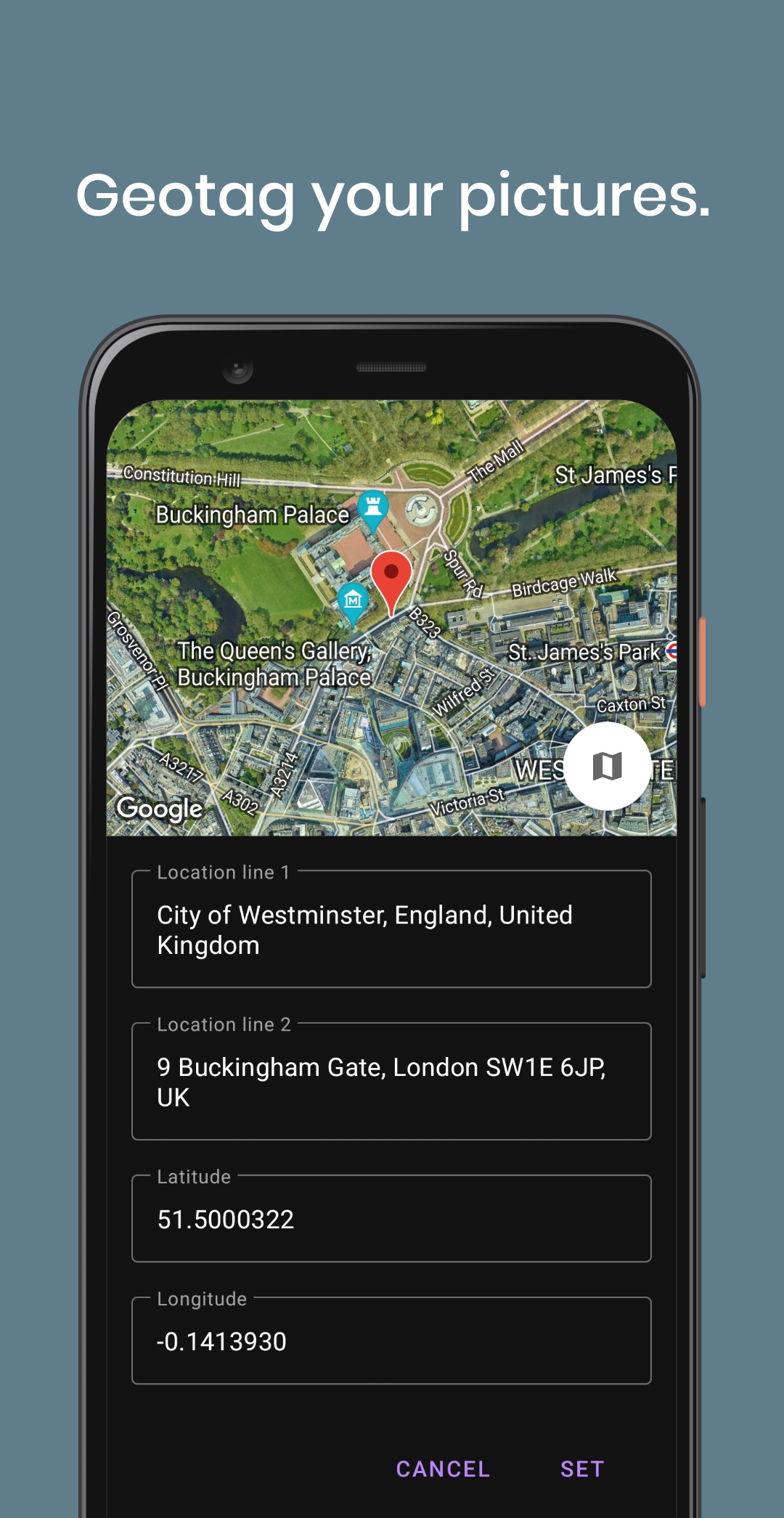
Yes, you can drag the pin on the mini-map to correct the location manually, which is particularly useful for indoor or inaccurate tagging.
How can I save my original photos with tags intact?
You can easily save your images to cloud storage services like iCloud, Google Drive, Dropbox, or OneDrive while preserving all geotagging information.
Is there a way to track my photo locations during a road trip?
By activating Trip Mode and recording a GPX file, you can later match your photos to the track, ensuring your memories are accurately geotagged.
Conclusion:
Add Date and Time on Photo offers a convenient way to enhance your photo collection with detailed location data, weather information, and personal notes. With its user-friendly interface, versatile compatibility, and customizable features, this geotagging tool is a valuable asset for photographers, researchers, and memory enthusiasts alike. Experience the seamless integration of geotagging technology and photo documentation with Add Date and Time on Photo.
Show More
Information
Screenshots

Latest Update












Hot Tags
Latest News
-
![Revealing the Launch Playlists and Cross-Progression for COD Warzone Mobile News]()
-
![March 2024 Free Redemption Codes for Honkai: Star Rail News]()
-
PUBG Mobile Teams Up with Bentley Motors: Luxury Cars, Exclusive Collectibles, and Beyond 2024-04-18
![PUBG Mobile Teams Up with Bentley Motors: Luxury Cars, Exclusive Collectibles, and Beyond News]()
-
![Monster Never Cry is now accessible on both Android and iOS mobile devices. News]()
-
V2.2 of the Farlight 84 update introduces an overhauled Season structure, fresh in-game currency, an 2024-04-16
![V2.2 of the Farlight 84 update introduces an overhauled Season structure, fresh in-game currency, an News]()
-
![Arrival of Genshin Impact 4.6 Update: 'Embers of Two Realms, Twilight of Crimson' News]()
-
April 2024 Clash of Clans Update: Unveiling a Fresh Companion, Enhanced Levels, Chat Tagging, and Be 2024-04-16
![April 2024 Clash of Clans Update: Unveiling a Fresh Companion, Enhanced Levels, Chat Tagging, and Be News]()






