

Desktop VNC Viewer
Version:1.7.3
Published:2026-08-31
Introduction
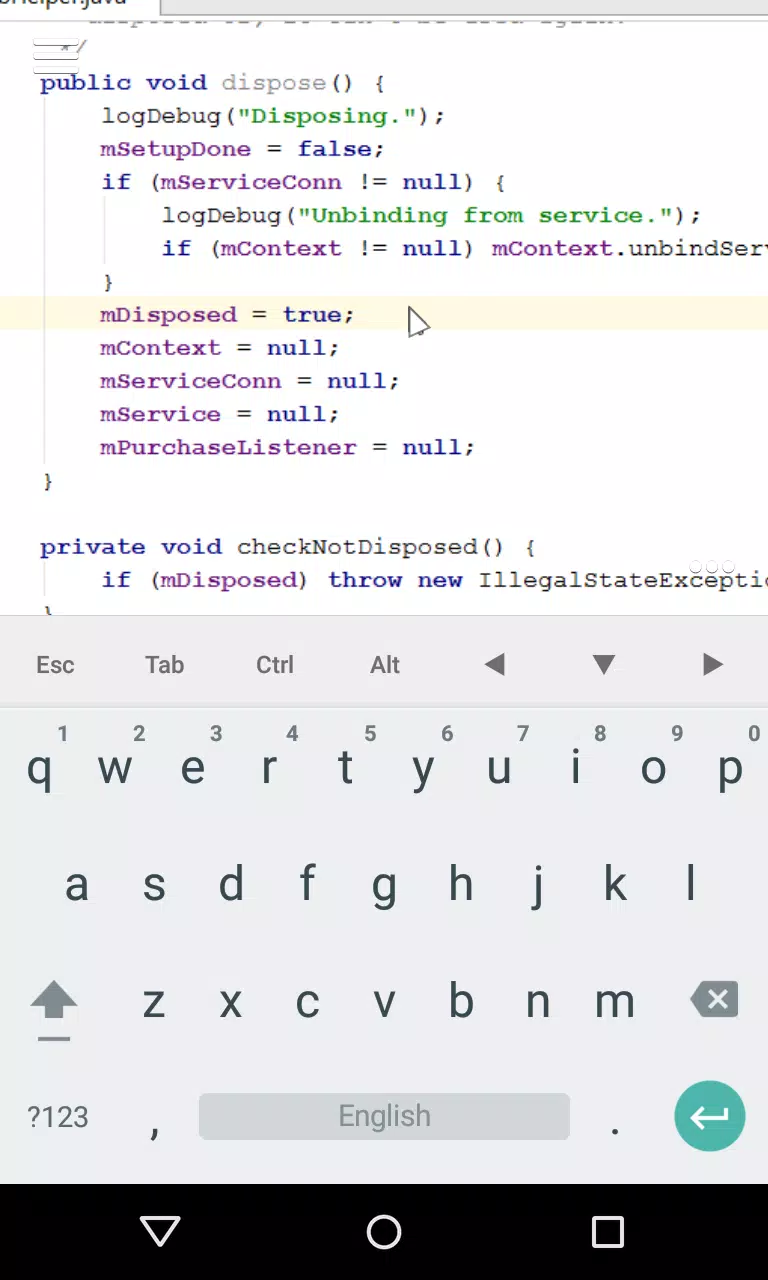
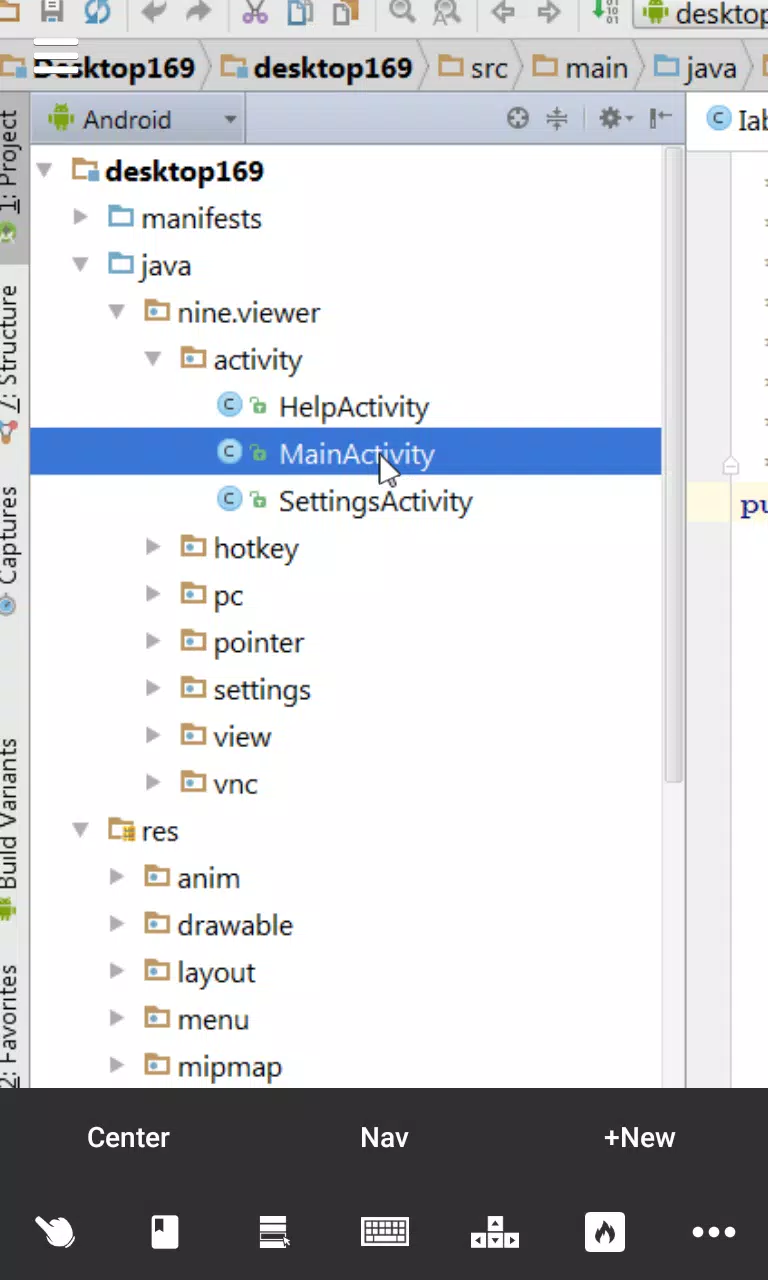
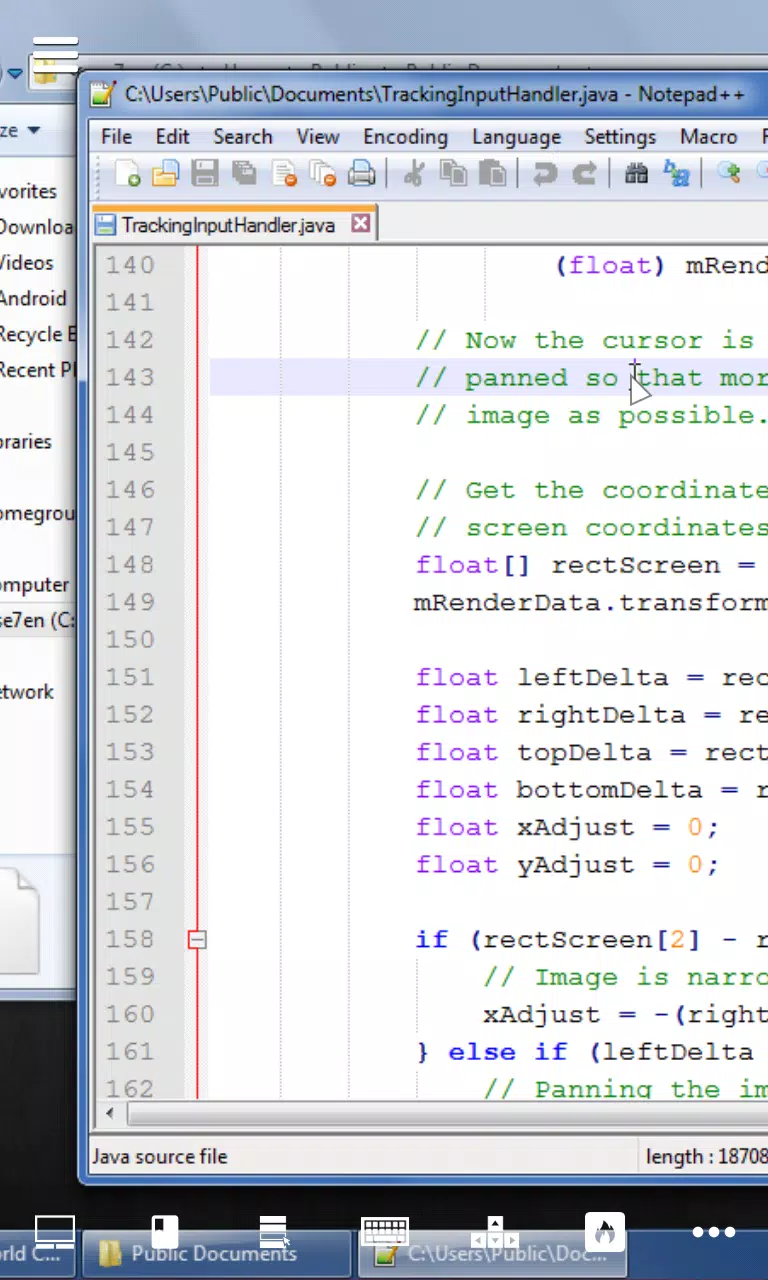
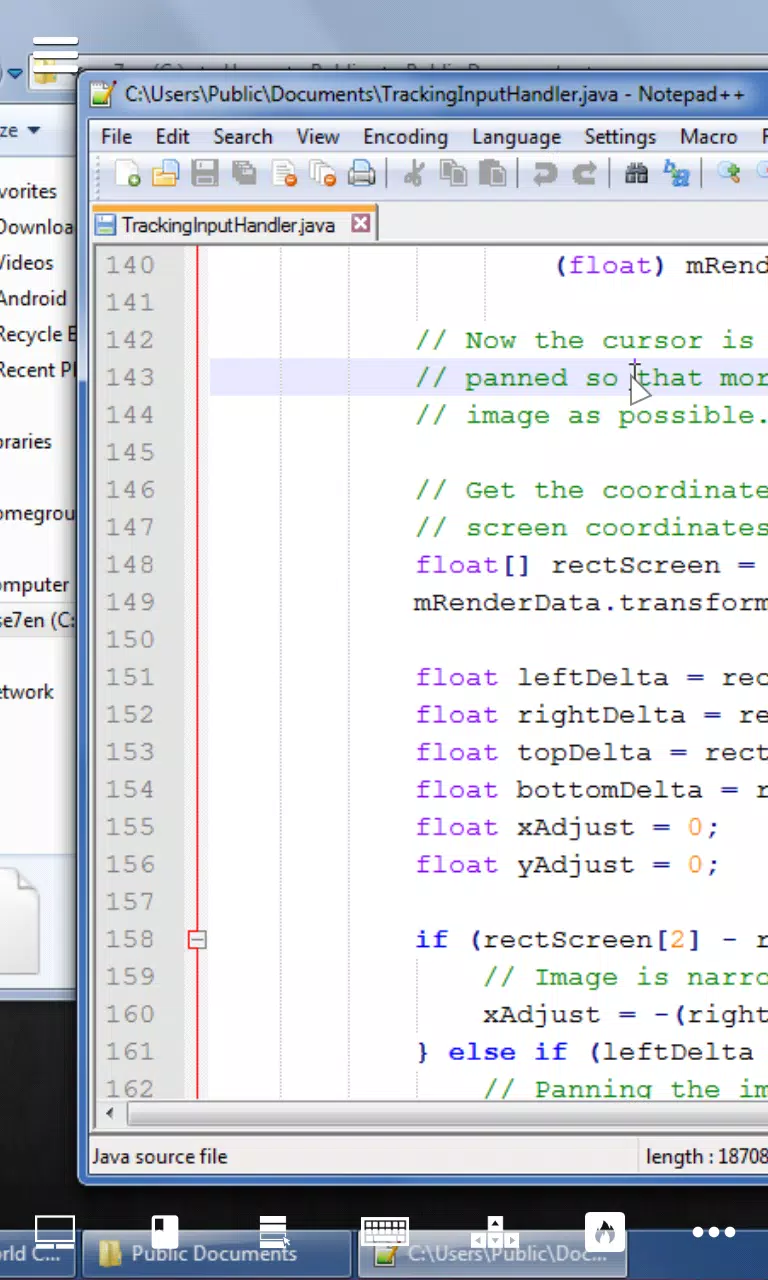
Desktop VNC Viewer lets you access and control your PC desktop directly from an Android device, bringing desktop-grade editing, coding and file management tools to your phone or tablet without carrying a laptop. Desktop VNC Viewer is optimized for local Wi‑Fi connections to keep latency low so screens stream smoothly and interactions feel responsive. The app is useful when you need to proofread documents, tweak code, manage files or switch between windows remotely, and it pairs configurable pointer controls with keyboard modifiers and screen mirroring to reproduce familiar desktop workflows on a mobile touchscreen.
Key features and what they do
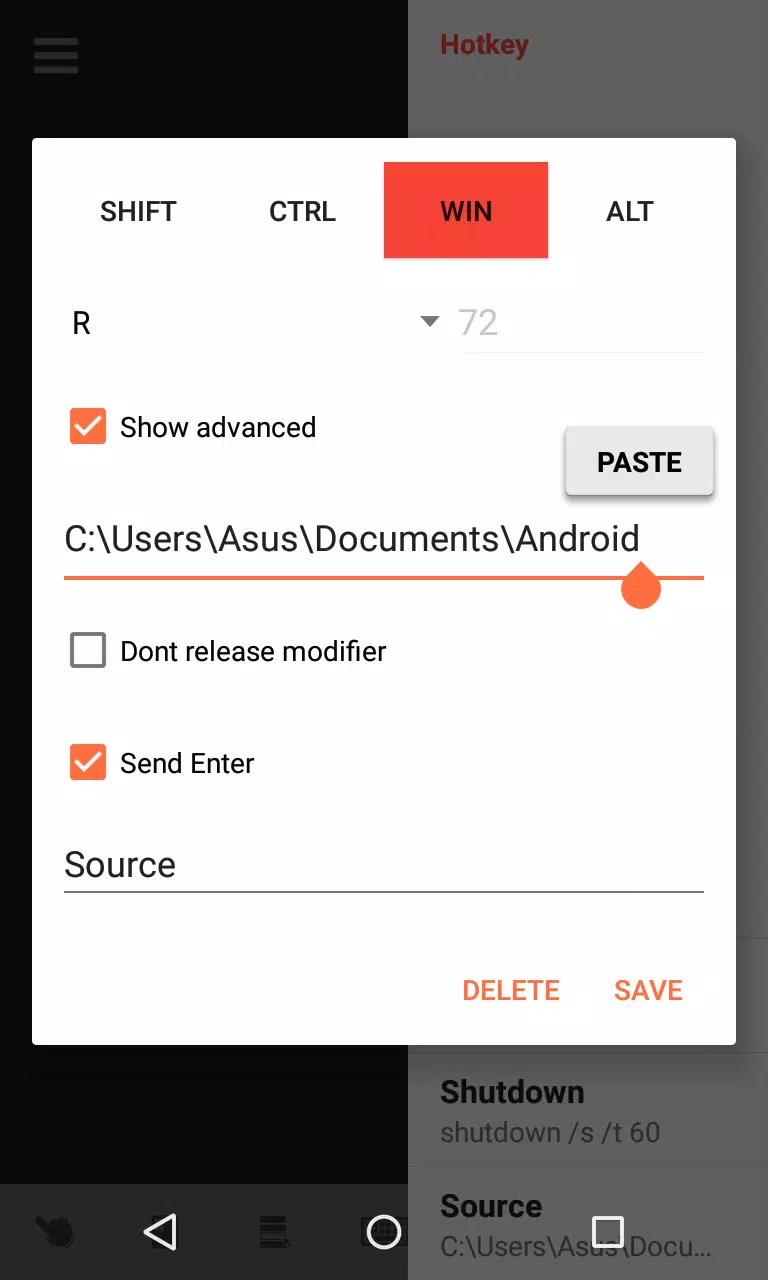
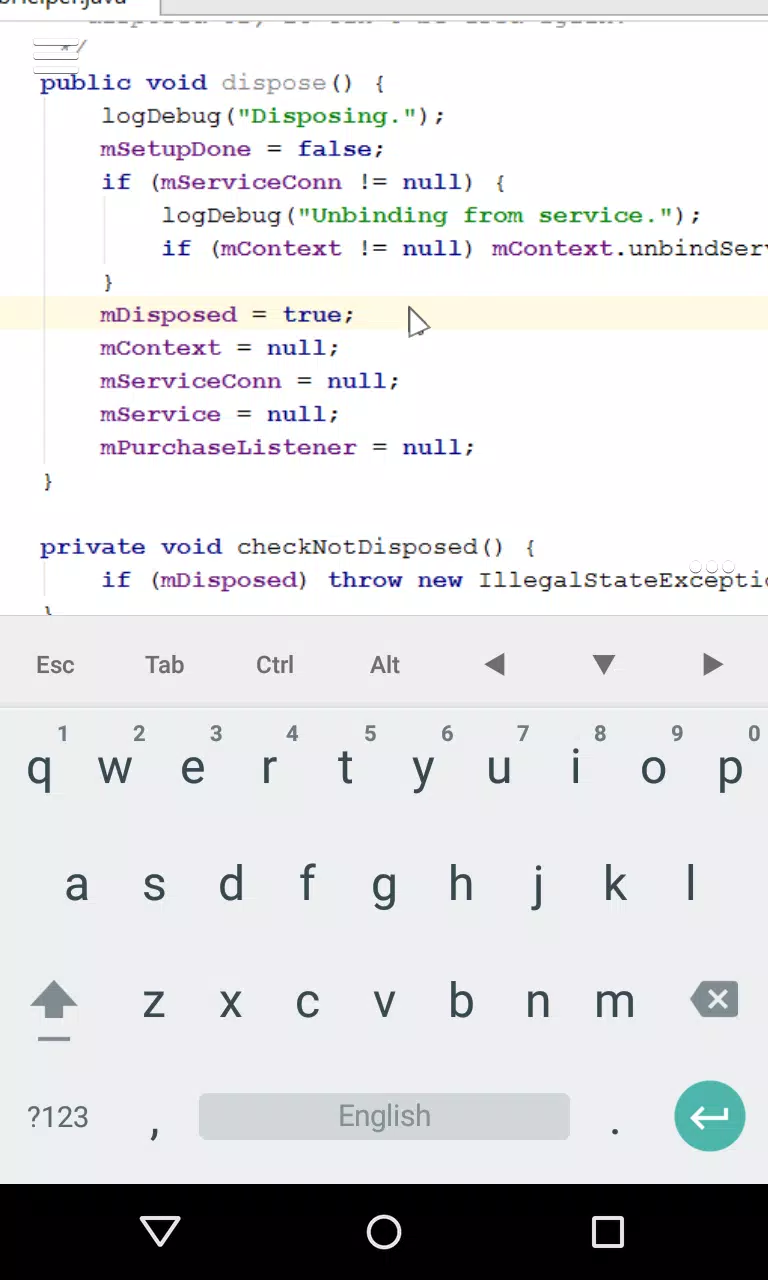
The app delivers low-latency remote desktop streaming tuned for local networks, full-screen mirroring that preserves detail, and multiple pointer control modes so you can choose the interaction style that fits the task. Screen tabs let you jump quickly between multiple apps or desktop locations, reducing time spent minimizing and maximizing windows. Built-in modifier keys and arrow controls sit above the virtual keyboard to help with precise typing and navigation, while custom hotkeys let you trigger repetitive commands without fumbling through menus. Desktop VNC Viewer also exposes quality and input settings that you can adjust to balance visual fidelity and bandwidth use.
Controls, customization and session management
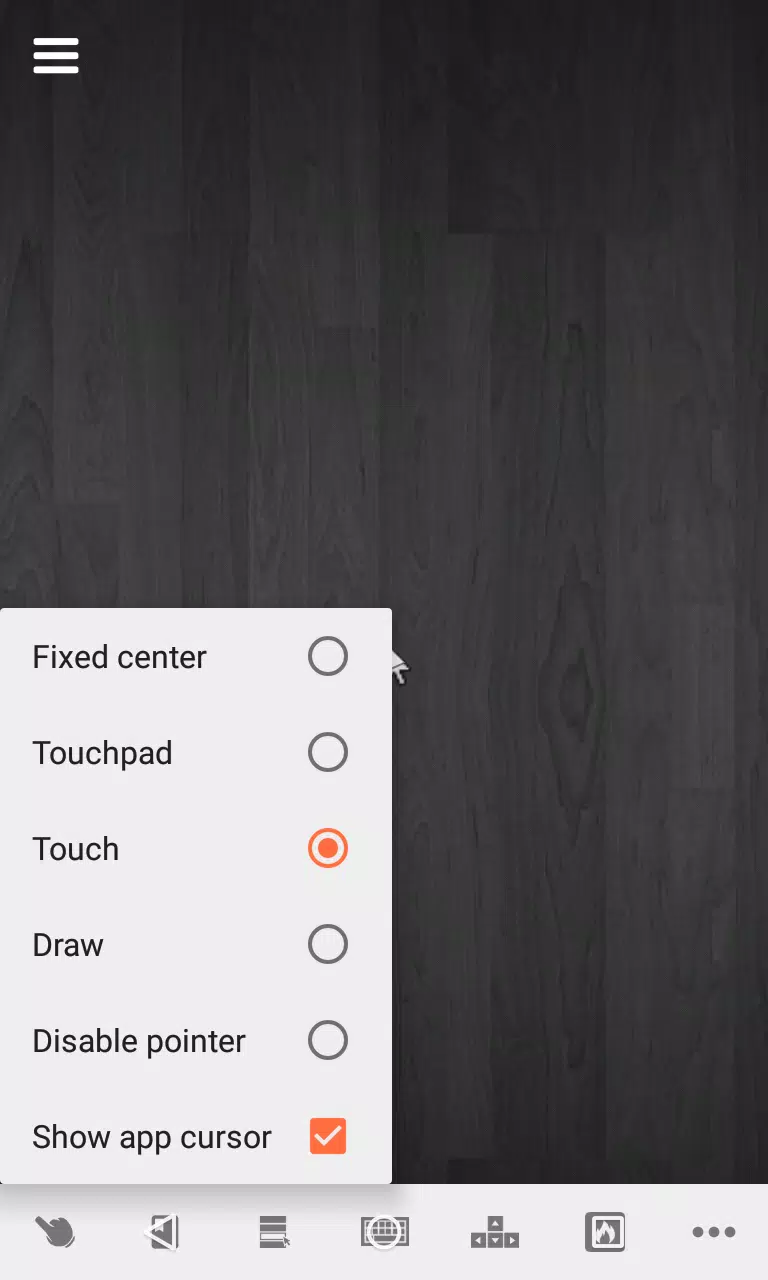
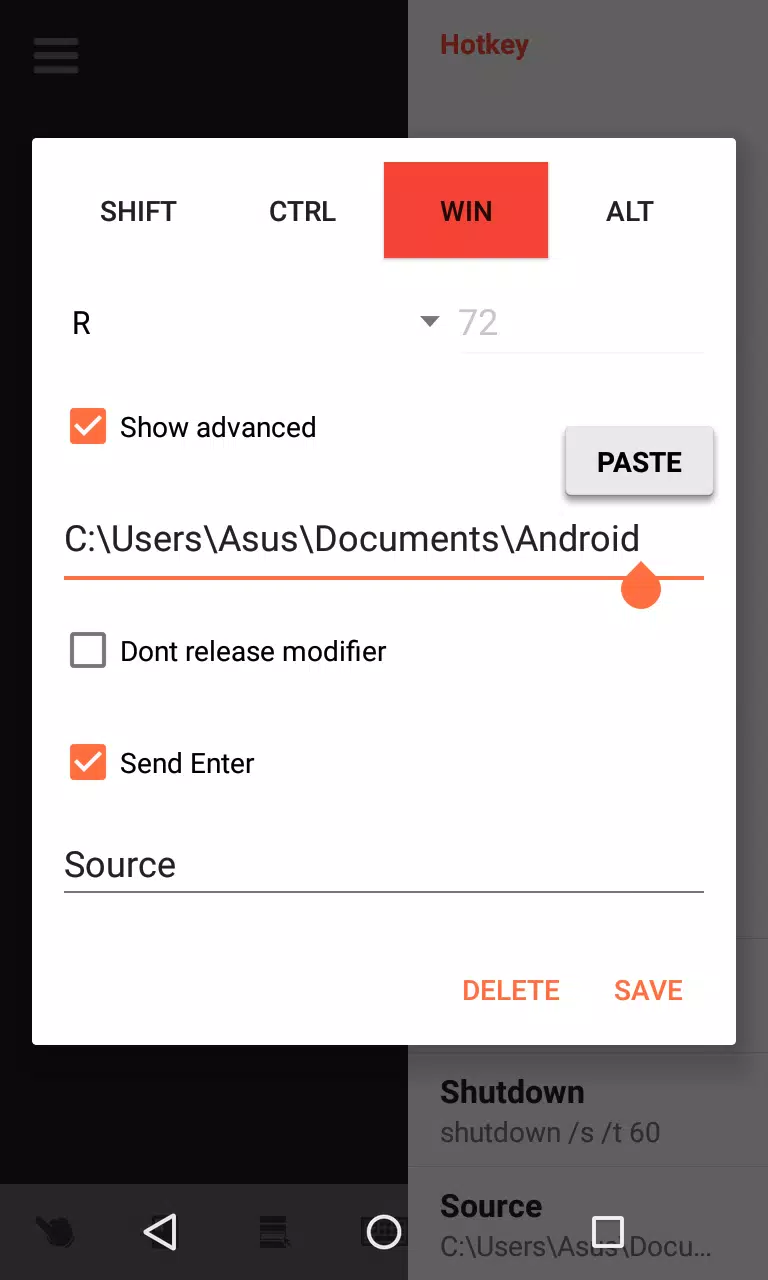
Controls are designed to feel natural on touch devices: choose between direct touch (tap to click), touchpad-style gestures, relative pointer mode for fine movement, or a precision cursor for pixel-level adjustments. Sensitivity and scroll behavior can be tuned to match your preference. The app supports saving connection parameters and connection profiles so you can reconnect to different machines quickly; screen tabs and a session list make it easy to switch contexts during a work session. Hotkey mapping and modifier configuration are available to replicate common desktop shortcuts and speed up repetitive workflows.
Visual style and responsiveness
Desktop VNC Viewer prioritizes a clear, uncluttered interface so the remote screen remains the focus. Full-screen mirroring preserves aspects of your PC’s display, and you can adjust scaling or resolution options to improve legibility on small screens. Compression and frame rate settings help adapt the visual experience to your network conditions: reducing color depth or frame rate lowers bandwidth use while preserving usability, whereas higher-quality settings are available when the connection is strong.
Progression, productivity and replay value
There isn’t a level system, but productivity improves as you customize the app for your workflow: after a few sessions you can refine pointer sensitivity, hotkeys and saved profiles to shorten common tasks. The convenience of on‑the‑go access and repeatable session setups gives the app high replay value for developers, writers and administrators who regularly need remote access to a desktop environment. Routine tasks become faster once you assemble a set of profiles and hotkeys tailored to the machines you manage.
User experience, accessibility and offline behavior
Accessibility is considered through large, readily reachable controls, configurable modifier keys above the keyboard, and options to increase contrast or scale the remote display for better readability. Because Desktop VNC Viewer is designed to work over a local network, you can use it without an internet connection as long as your Android device and the PC are on the same LAN. That local-only mode often provides the lowest latency and best responsiveness, making the app practical for on-site troubleshooting or presentations.
Setup considerations and limitations
To use Desktop VNC Viewer you must run a compatible VNC server on the PC, so an initial setup on the computer is required. Performance depends on network quality: weak Wi‑Fi or high interference will increase latency and reduce frame rates. Touch-based control schemes aim to replace mouse and keyboard input but may not fully replicate every advanced pointer behavior; for some precision work a physical mouse and keyboard are still preferable. The app intentionally avoids unnecessary background network services; it focuses on direct remote access rather than centralized cloud hosting.
Who benefits most from this app
Desktop VNC Viewer is best suited for developers who need quick code edits, writers who want to proofread documents remotely, IT professionals handling on-site maintenance, and anyone who prefers the convenience of controlling a desktop from a handheld device. With adjustable quality settings, flexible input options and session-saving features, it’s built to adapt to different devices and network environments while keeping core remote-desktop tasks efficient and comfortable.
Show More
Information
Screenshots
Latest Update
-
![Lines Gold Pro - Icon Pack APK]()
Lines Gold Pro - Icon Pack
-
![Remote Fire TV APK]()
Remote Fire TV
-
![Flight Dark Pro - Icon Pack APK]()
Flight Dark Pro - Icon Pack
-
![Ares Light: Pastel Icon Pack APK]()
Ares Light: Pastel Icon Pack
-
![getConf - Hidden Settings APK]()
getConf - Hidden Settings
-
![Dots Live Wallpaper - Battery APK]()
Dots Live Wallpaper - Battery
-
![Chroma - Icon Pack APK]()
Chroma - Icon Pack
-
![One UI Fluffy Icon Pack APK]()
One UI Fluffy Icon Pack
-
![Pixly Limitless Fluo Icon Pack APK]()
Pixly Limitless Fluo Icon Pack
-
![Compress Video - Resize Video APK]()
Compress Video - Resize Video
-
![Pixly Professional Dark APK]()
Pixly Professional Dark
-
![Tracker Detect Pro APK]()
Tracker Detect Pro












Latest News
-
![Revealing the Launch Playlists and Cross-Progression for COD Warzone Mobile News]()
-
![March 2024 Free Redemption Codes for Honkai: Star Rail News]()
-
PUBG Mobile Teams Up with Bentley Motors: Luxury Cars, Exclusive Collectibles, and Beyond 2024-04-18
![PUBG Mobile Teams Up with Bentley Motors: Luxury Cars, Exclusive Collectibles, and Beyond News]()
-
![Monster Never Cry is now accessible on both Android and iOS mobile devices. News]()
-
V2.2 of the Farlight 84 update introduces an overhauled Season structure, fresh in-game currency, an 2024-04-16
![V2.2 of the Farlight 84 update introduces an overhauled Season structure, fresh in-game currency, an News]()
-
![Arrival of Genshin Impact 4.6 Update: 'Embers of Two Realms, Twilight of Crimson' News]()
-
April 2024 Clash of Clans Update: Unveiling a Fresh Companion, Enhanced Levels, Chat Tagging, and Be 2024-04-16
![April 2024 Clash of Clans Update: Unveiling a Fresh Companion, Enhanced Levels, Chat Tagging, and Be News]()






