
Rail Tracker
Version:1.0.1
Published:2026-10-12
Introduction
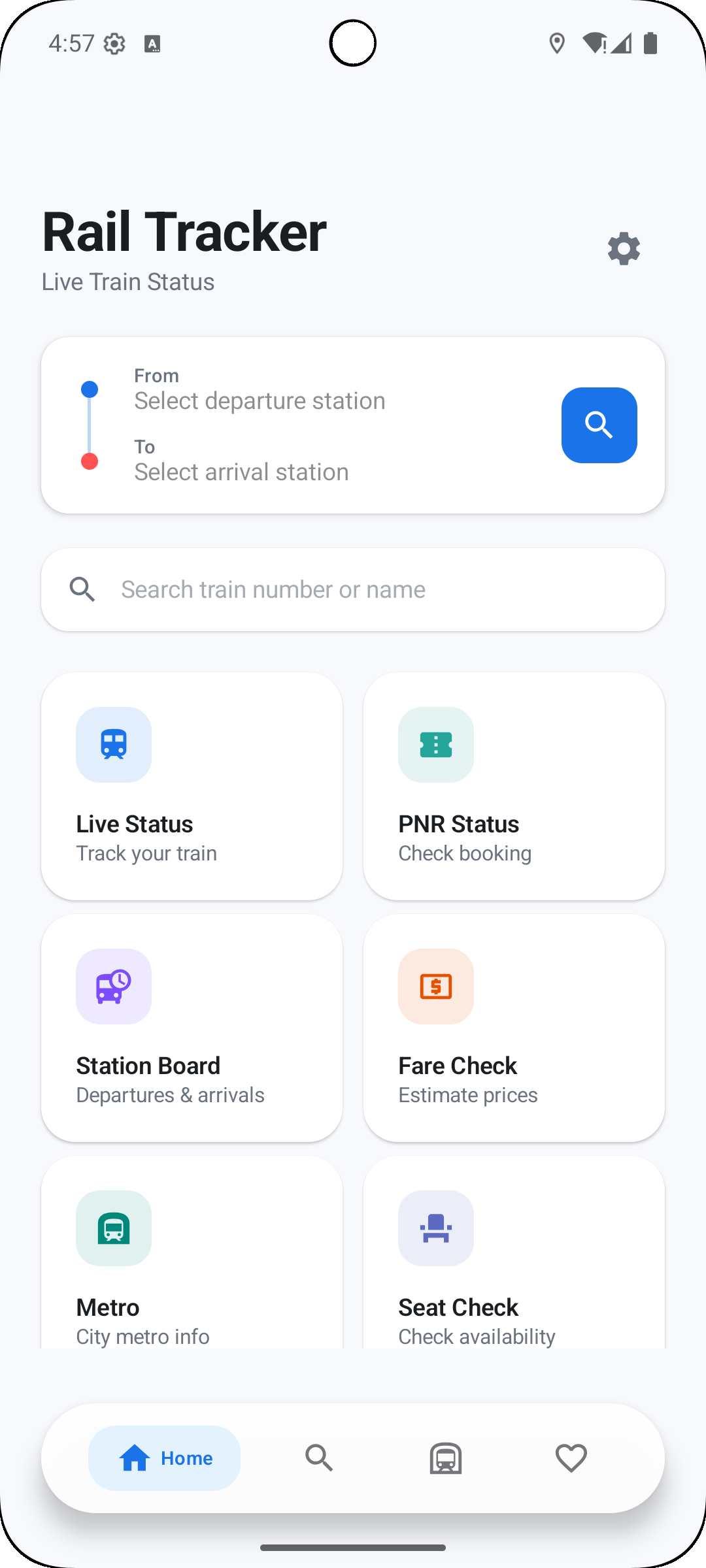
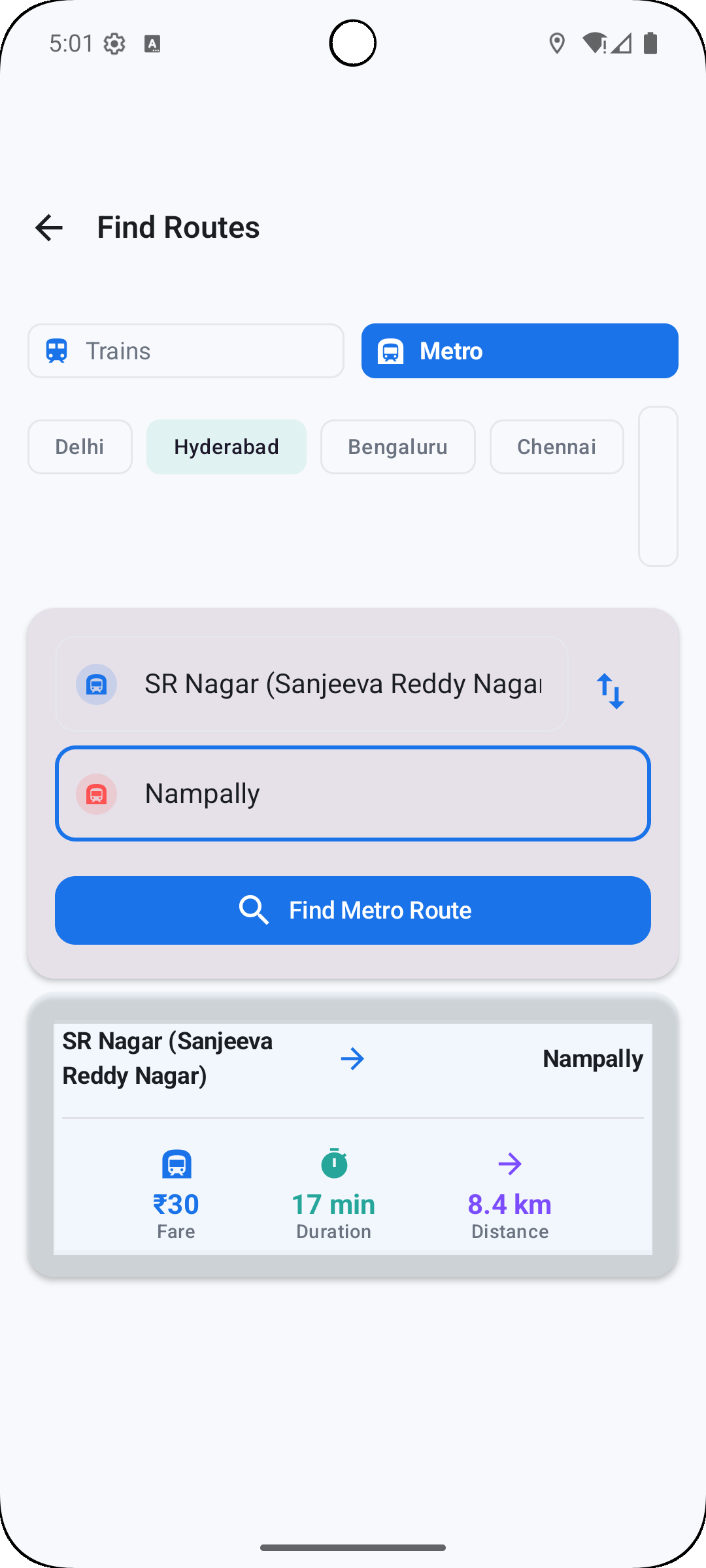
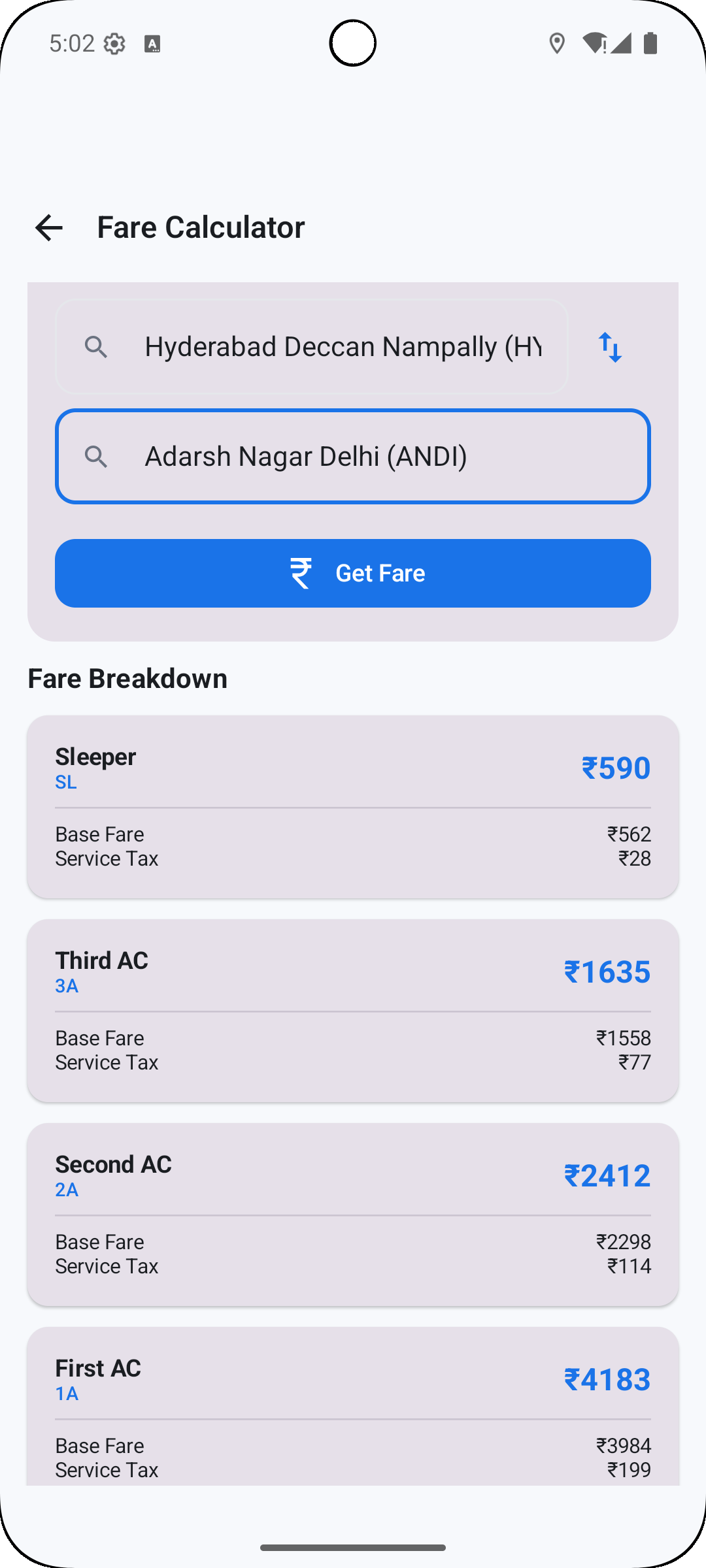
Rail Tracker helps commuters and railway enthusiasts monitor live train movements, delays, and platform changes with minute-by-minute accuracy. The app provides route-aware alerts, real-time station boards, and trip planning tools so users can check schedules, track trains on a map, and receive timely notifications wherever they travel.
What Rail Tracker Does
Designed for everyday travel and occasional journeys alike, this app consolidates timetable information, live positioning data, and operational notices into a single, searchable interface. You can follow individual services, view expected arrival and departure times, and see disruption messages pushed from rail operators so decisions can be made quickly.
Core Features
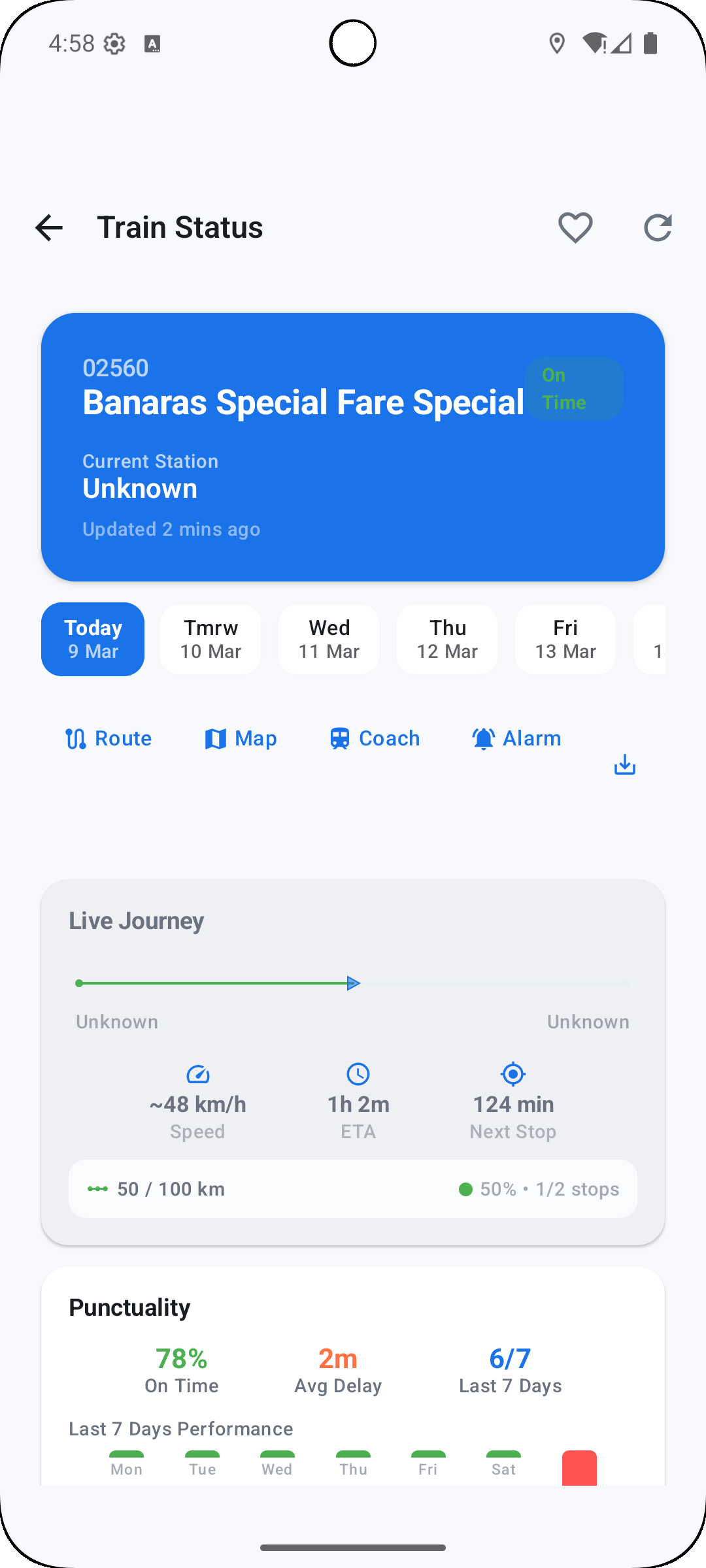
- Live train positions — Visualize where a train currently is and watch progress along its route in near real time.
- Platform and delay alerts — Get notified if platforms change or if a service is running late, with estimated delay times and cause notes when available.
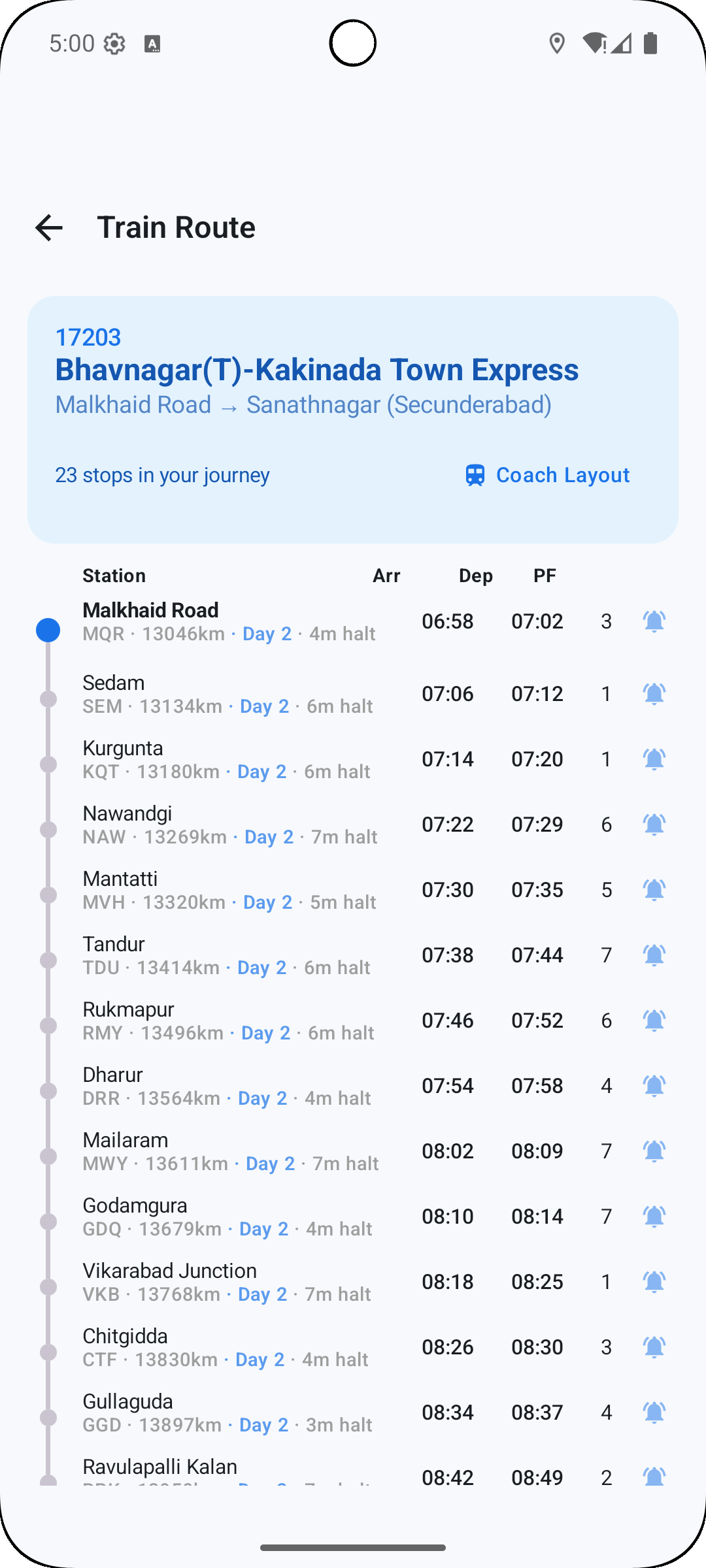
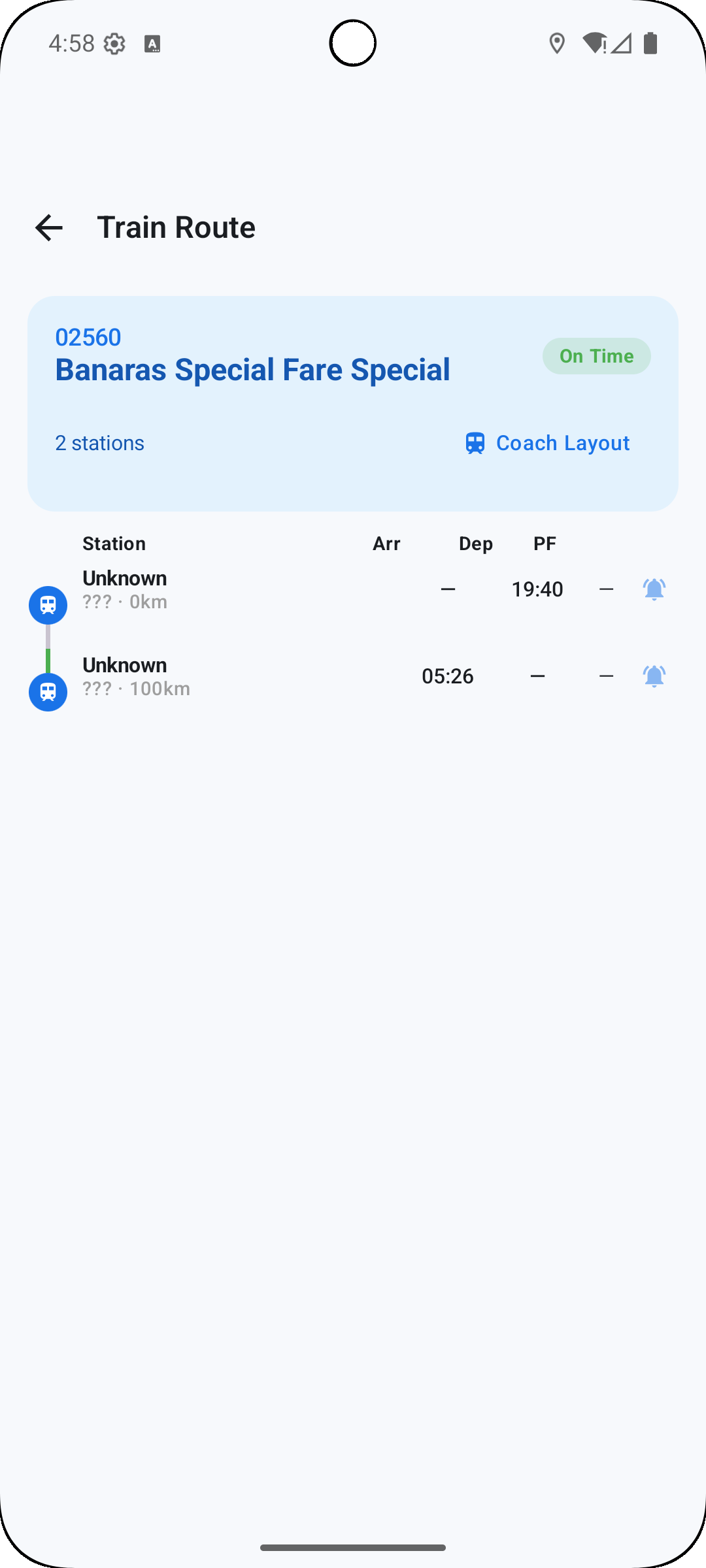
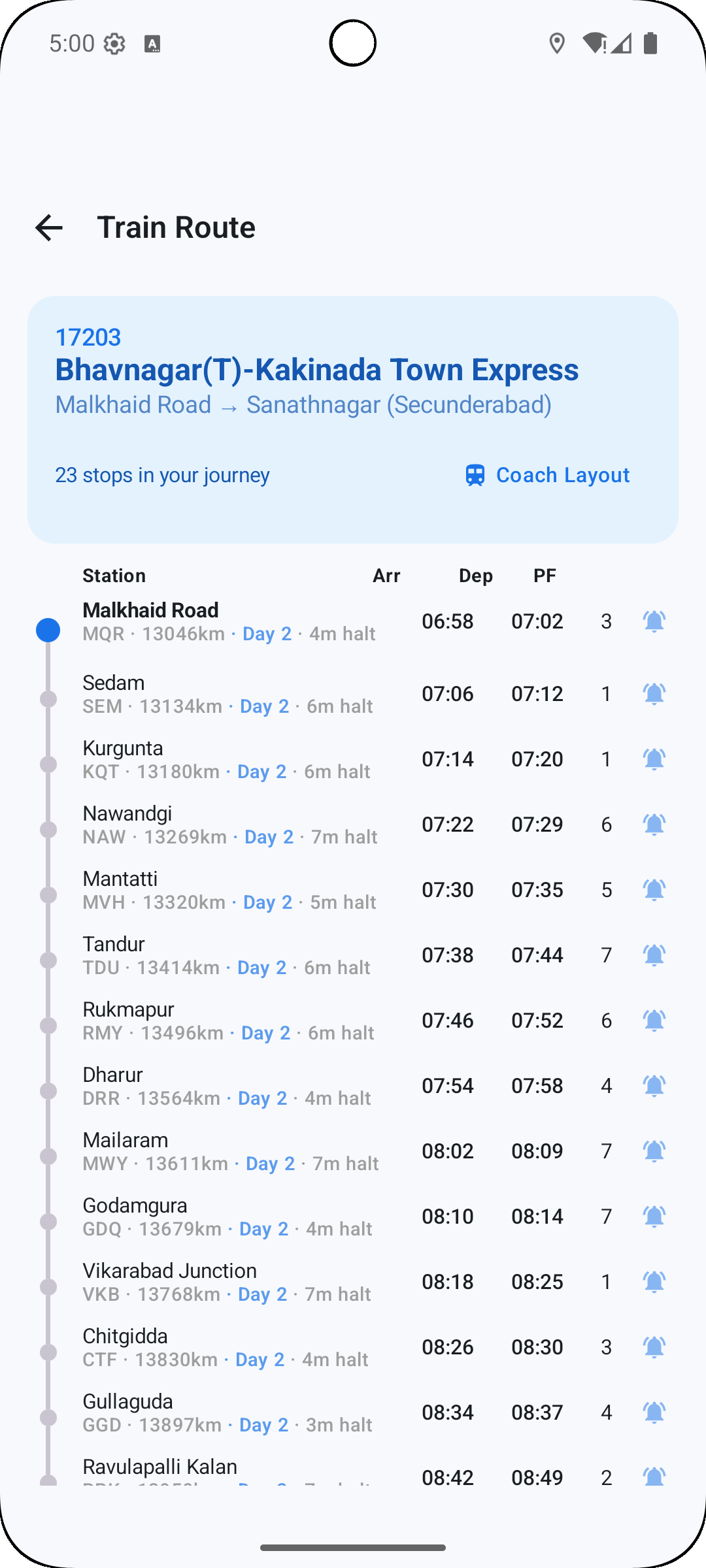
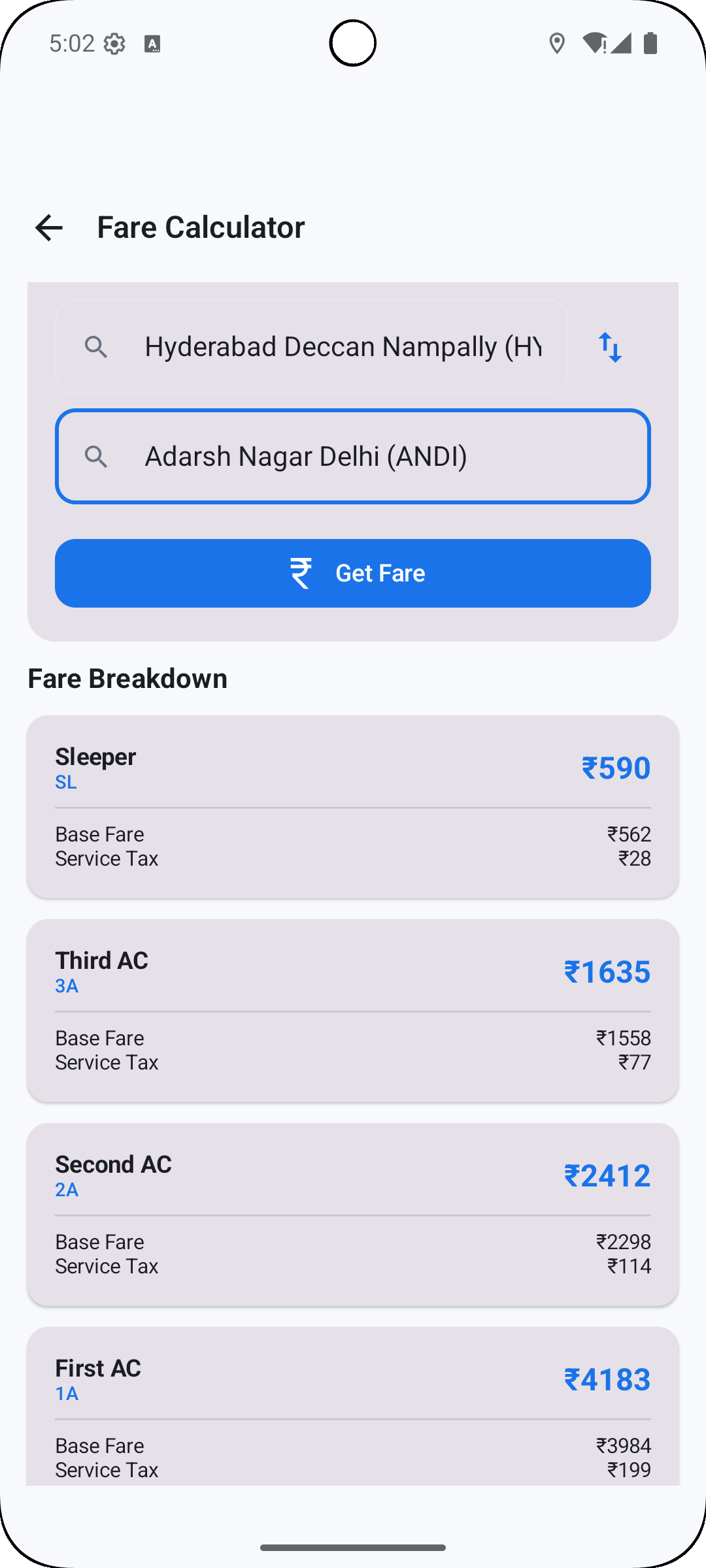
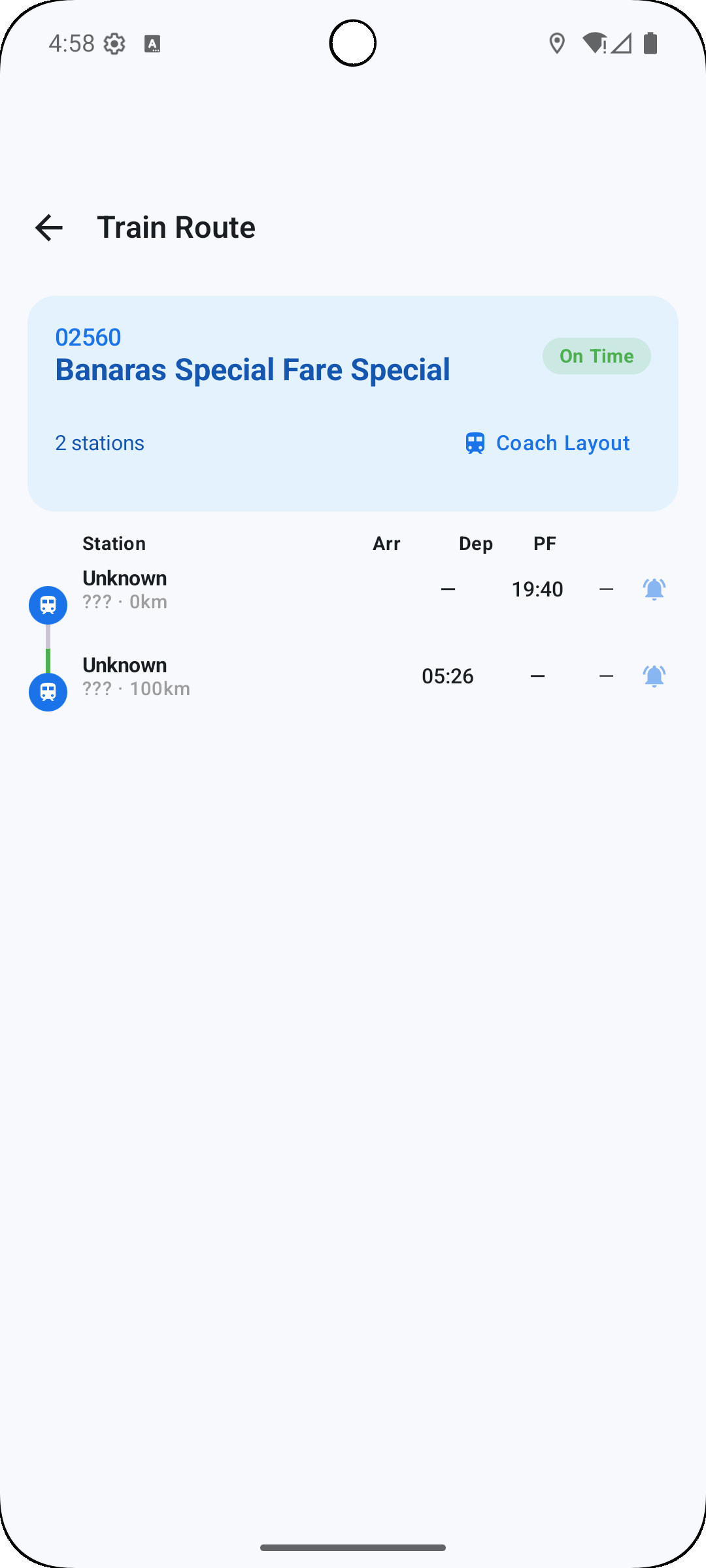
- Station boards and timetables — Browse arrivals and departures for any station, including detailed calling points and intermediate stops.
- Custom trip planning — Save frequent journeys, compare alternative routes, and see total journey time including transfer windows.
- Offline access — Store timetables and saved trips for use when cellular service is limited or absent.
User Interface and Workflow
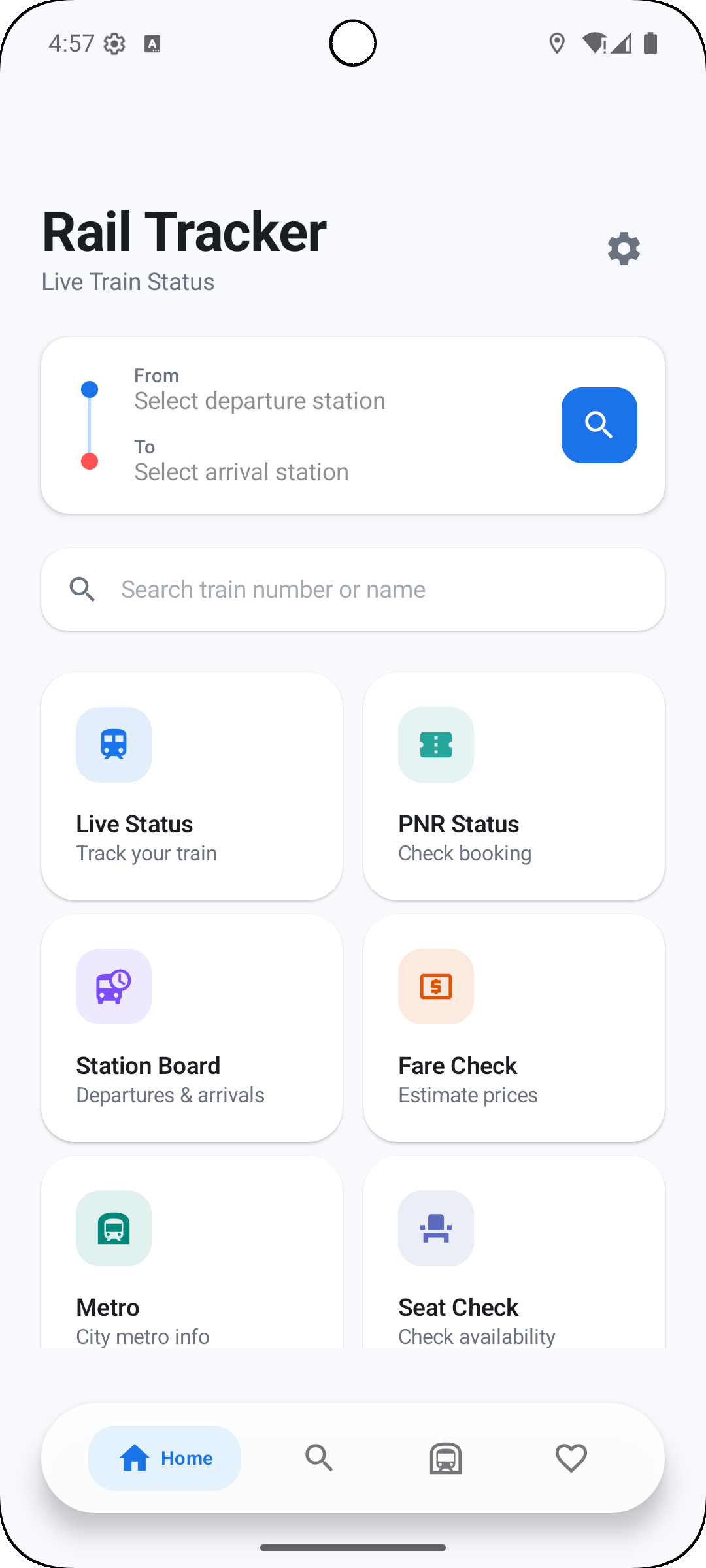
The interface focuses on clarity and speed. A clean dashboard presents upcoming saved journeys and nearby station information; a unified search bar finds trains, stations, or service numbers instantly. Map views let you toggle between a schematic route display and a geographically accurate map, while swipeable station cards make browsing departures quick and intuitive.
Notifications and Personalization
Notification settings are granular so alerts align with your needs. Choose push updates for specific trains, enable only major disruption notices, or receive real-time updates for connections during a planned trip. Custom filters allow priority handling for saved routes and favorite stations, minimizing noise while keeping you informed.
Performance and Compatibility
Rail Tracker is optimized to run smoothly on a wide range of Android devices. Background sync conserves battery by adjusting update frequency, and data usage options let you restrict live map refreshes when on metered networks. The app integrates with device accessibility features and supports offline caching so core functionality remains available without constant connectivity.
Practical Use Cases
- Daily commuters — Monitor the morning service and receive alerts on delays affecting your regular route.
- Occasional travelers — Plan single-day trips, compare alternative connections, and check platform assignments before arriving at the station.
- Rail enthusiasts — Track specific trains, follow timetabled movements, and archive historical service data for review.
Tips for Getting the Most Out of the App
Set up saved journeys for recurring trips to receive tailored notifications. Use the map mode to anticipate where a late train will make up time or run behind schedule. When traveling through busy hubs, enable platform-change alerts so you see updates as soon as they’re available. If you rely on the app offline, refresh saved timetables before you lose connection.
Data Sources and Reliability
The app aggregates official operator feeds, station reports, and live tracking inputs. While Rail Tracker strives for up-to-the-minute accuracy, allow for occasional discrepancies during major disruptions or system outages. The app displays source labels and timestamps so you can assess how recent each update is.
Privacy and Settings
Privacy controls are accessible from the settings menu: you can choose whether to share anonymous usage data, manage notification permissions, and clear cached information. Location permission is optional but recommended for proximity-based features like nearby station suggestions and live position context.
Getting Started
Download and open the app, allow optional permissions to personalize your experience, and add one or more favorite routes to the dashboard. Explore station boards and set a few notification rules to match your daily routine. In minutes you’ll have a tailored travel assistant that reduces uncertainty and helps keep journeys on track.
Show More
Information
Screenshots
Latest Update












Hot Tags
Latest News
-
![Revealing the Launch Playlists and Cross-Progression for COD Warzone Mobile News]()
-
![March 2024 Free Redemption Codes for Honkai: Star Rail News]()
-
PUBG Mobile Teams Up with Bentley Motors: Luxury Cars, Exclusive Collectibles, and Beyond 2024-04-18
![PUBG Mobile Teams Up with Bentley Motors: Luxury Cars, Exclusive Collectibles, and Beyond News]()
-
![Monster Never Cry is now accessible on both Android and iOS mobile devices. News]()
-
V2.2 of the Farlight 84 update introduces an overhauled Season structure, fresh in-game currency, an 2024-04-16
![V2.2 of the Farlight 84 update introduces an overhauled Season structure, fresh in-game currency, an News]()
-
![Arrival of Genshin Impact 4.6 Update: 'Embers of Two Realms, Twilight of Crimson' News]()
-
April 2024 Clash of Clans Update: Unveiling a Fresh Companion, Enhanced Levels, Chat Tagging, and Be 2024-04-16
![April 2024 Clash of Clans Update: Unveiling a Fresh Companion, Enhanced Levels, Chat Tagging, and Be News]()






