
Radio HDS
Version:1.0
Published:2026-10-13
Introduction
Radio HDS delivers live radio streaming, local station discovery, and offline playback management in a compact Android app. With a clean interface and customizable presets, Radio HDS makes tuning into music, news, and talk shows effortless whether you're on Wi-Fi or mobile data, saving favorites and adjusting quality to suit your connection.
What Radio HDS Offers
Radio HDS packages core radio functions into a lightweight mobile player designed for everyday listening. Expect real-time streaming from thousands of stations, search filters by genre and country, and a quick-access favorites list. Built-in tools include an equalizer, sleep timer, and the option to record live broadcasts for later playback.
Interface and User Flow
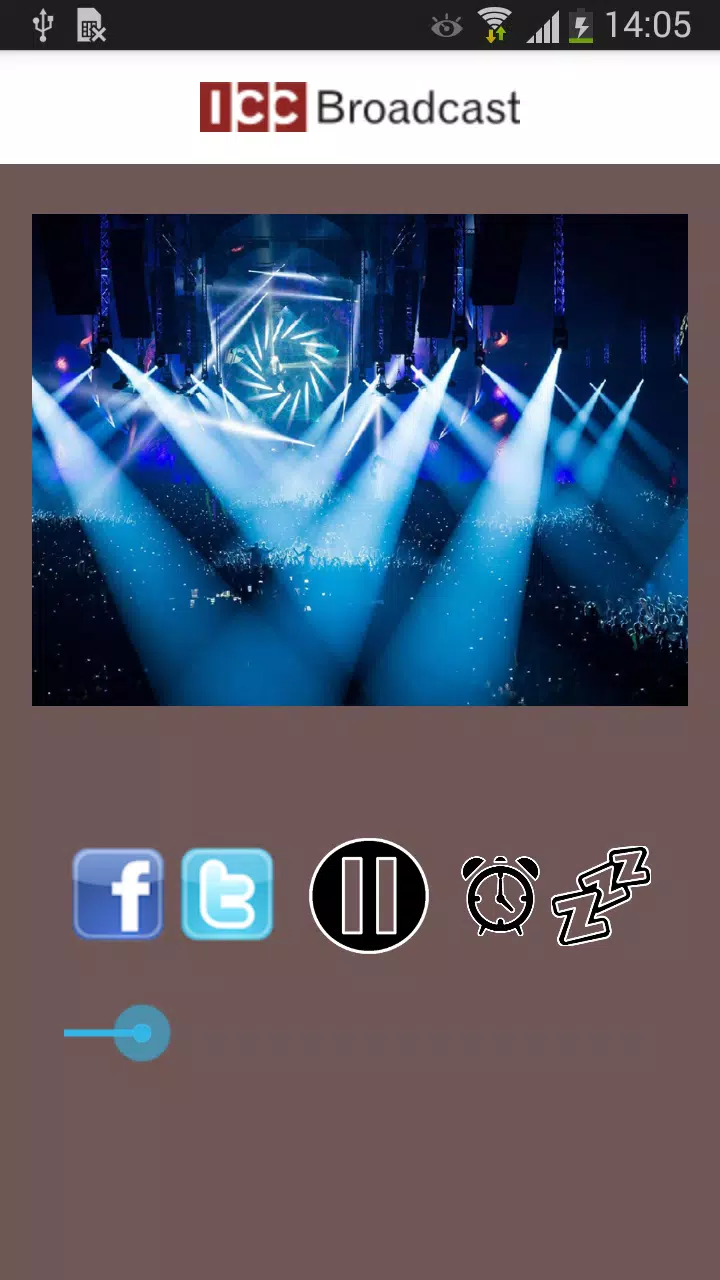
The interface focuses on clarity: station thumbnails, a persistent player bar, and swipe gestures for station switching. New users find the onboarding minimal — allow network access, pick a few favorite genres, and the home screen populates with relevant stations. Controls for play/pause, skip, and quality switching are placed for one-handed operation.
Station Discovery and Organization
Finding new radio stations is straightforward. Use the search to filter by name, genre, or region. The discovery tab recommends trending stations and recently added channels. You can create multiple custom lists (favorites, commute, workout) and reorder items with drag-and-drop, making it easy to curate daily listening.
Playback Features and Customization
Audio quality controls: Choose between multiple bitrates to balance data usage and sound clarity. Equalizer: A multi-band equalizer and presets let you tailor the sound for podcasts or music. Background play and notifications: Audio continues when the screen is off, with playback controls accessible from the notification shade and lock screen.
Offline Mode and Recording
Radio HDS lets you capture live shows and store them locally, useful for time-shifting news and interviews. Recorded files are organized by date and station and can be exported or deleted directly from the app. For low-connectivity situations, the offline mode caches recent streams so you can keep listening without interruption.
Connectivity and Casting
The app supports common casting protocols to send audio to smart speakers or TVs. Bluetooth car integration and Android Auto compatibility provide a seamless transition to in-car listening. Network handling adapts automatically, prioritizing stability on mobile networks and higher fidelity on Wi-Fi.
Performance and Battery Use
Designed to be energy-efficient, Radio HDS minimizes background CPU usage and suspends nonessential tasks when idle. Options to limit background data, disable album art downloads, or lower stream bitrate help extend battery life and reduce mobile data consumption, especially on longer commutes.
Privacy and Permissions
The app requests only necessary permissions—network access, storage for recordings, and optional location to show local stations. Settings include toggles for anonymous analytics and automatic updates. Stored recordings and favorites remain on-device unless you choose to share them.
Compatibility and Requirements
Radio HDS targets a wide range of Android devices and is optimized for both phones and tablets. The lightweight footprint makes it suitable for older hardware, while support for modern audio codecs ensures clarity on newer devices. Check the Play Store listing for the exact minimum Android version supported by each release.
Tips for Getting the Most Out of Radio HDS
- Set quality presets: add low and high bitrate options to switch quickly depending on your connection.
- Create contextual lists: make a commute list and a home list to fit different listening needs.
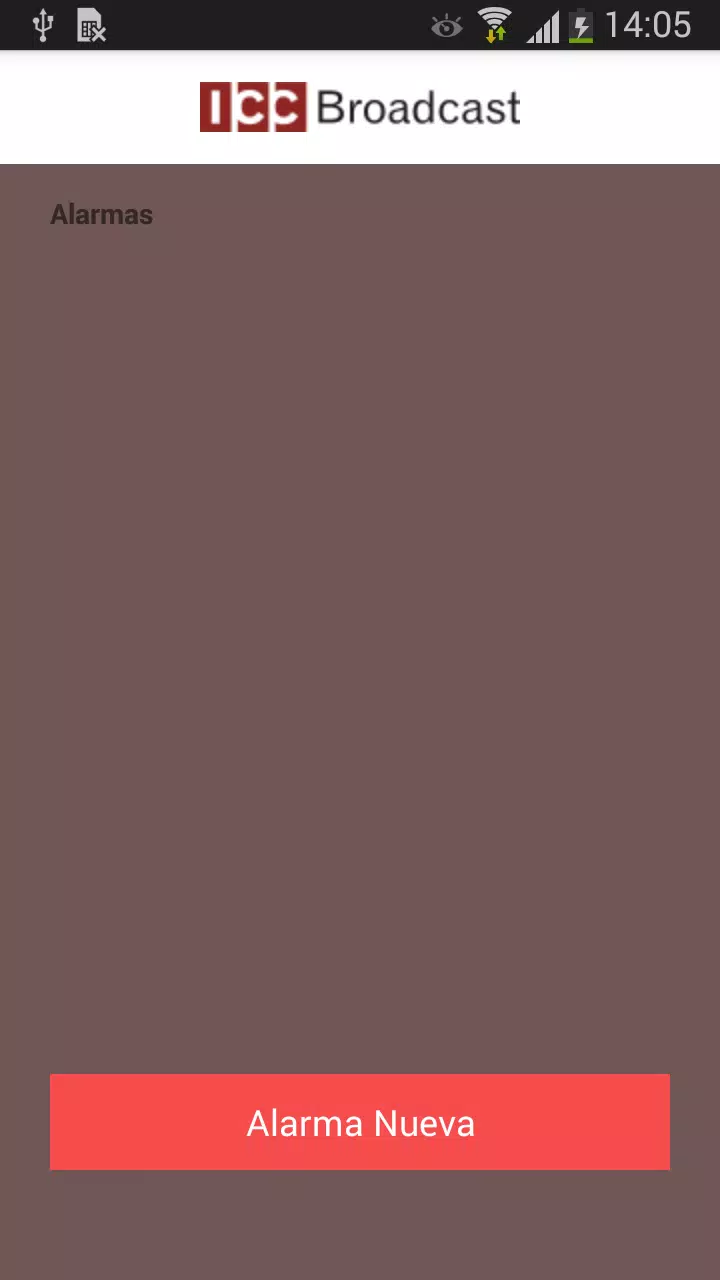
- Use the sleep timer: automatically stop playback after a set period when falling asleep.
- Record important broadcasts: use the recording feature to save interviews and live events for later.
- Enable caching: keep recent streams cached to avoid interruptions in poor signal areas.
Radio HDS is a practical choice for anyone who listens to radio frequently and values control over sound quality and data usage. Its combination of discovery tools, recording capabilities, and performance tuning provides a polished listening experience that adapts to daily routines and device constraints.
Show More
Information
Screenshots
Latest Update
-
![Lines Gold Pro - Icon Pack APK]()
Lines Gold Pro - Icon Pack
-
![Remote Fire TV APK]()
Remote Fire TV
-
![Flight Dark Pro - Icon Pack APK]()
Flight Dark Pro - Icon Pack
-
![Ares Light: Pastel Icon Pack APK]()
Ares Light: Pastel Icon Pack
-
![getConf - Hidden Settings APK]()
getConf - Hidden Settings
-
![Dots Live Wallpaper - Battery APK]()
Dots Live Wallpaper - Battery
-
![Chroma - Icon Pack APK]()
Chroma - Icon Pack
-
![One UI Fluffy Icon Pack APK]()
One UI Fluffy Icon Pack
-
![Pixly Limitless Fluo Icon Pack APK]()
Pixly Limitless Fluo Icon Pack
-
![Compress Video - Resize Video APK]()
Compress Video - Resize Video
-
![Pixly Professional Dark APK]()
Pixly Professional Dark
-
![Tracker Detect Pro APK]()
Tracker Detect Pro












Latest News
-
![Revealing the Launch Playlists and Cross-Progression for COD Warzone Mobile News]()
-
![March 2024 Free Redemption Codes for Honkai: Star Rail News]()
-
PUBG Mobile Teams Up with Bentley Motors: Luxury Cars, Exclusive Collectibles, and Beyond 2024-04-18
![PUBG Mobile Teams Up with Bentley Motors: Luxury Cars, Exclusive Collectibles, and Beyond News]()
-
![Monster Never Cry is now accessible on both Android and iOS mobile devices. News]()
-
V2.2 of the Farlight 84 update introduces an overhauled Season structure, fresh in-game currency, an 2024-04-16
![V2.2 of the Farlight 84 update introduces an overhauled Season structure, fresh in-game currency, an News]()
-
![Arrival of Genshin Impact 4.6 Update: 'Embers of Two Realms, Twilight of Crimson' News]()
-
April 2024 Clash of Clans Update: Unveiling a Fresh Companion, Enhanced Levels, Chat Tagging, and Be 2024-04-16
![April 2024 Clash of Clans Update: Unveiling a Fresh Companion, Enhanced Levels, Chat Tagging, and Be News]()






