
95.3 WLKR
Version:8.25.1.75
Published:2026-10-13
Introduction
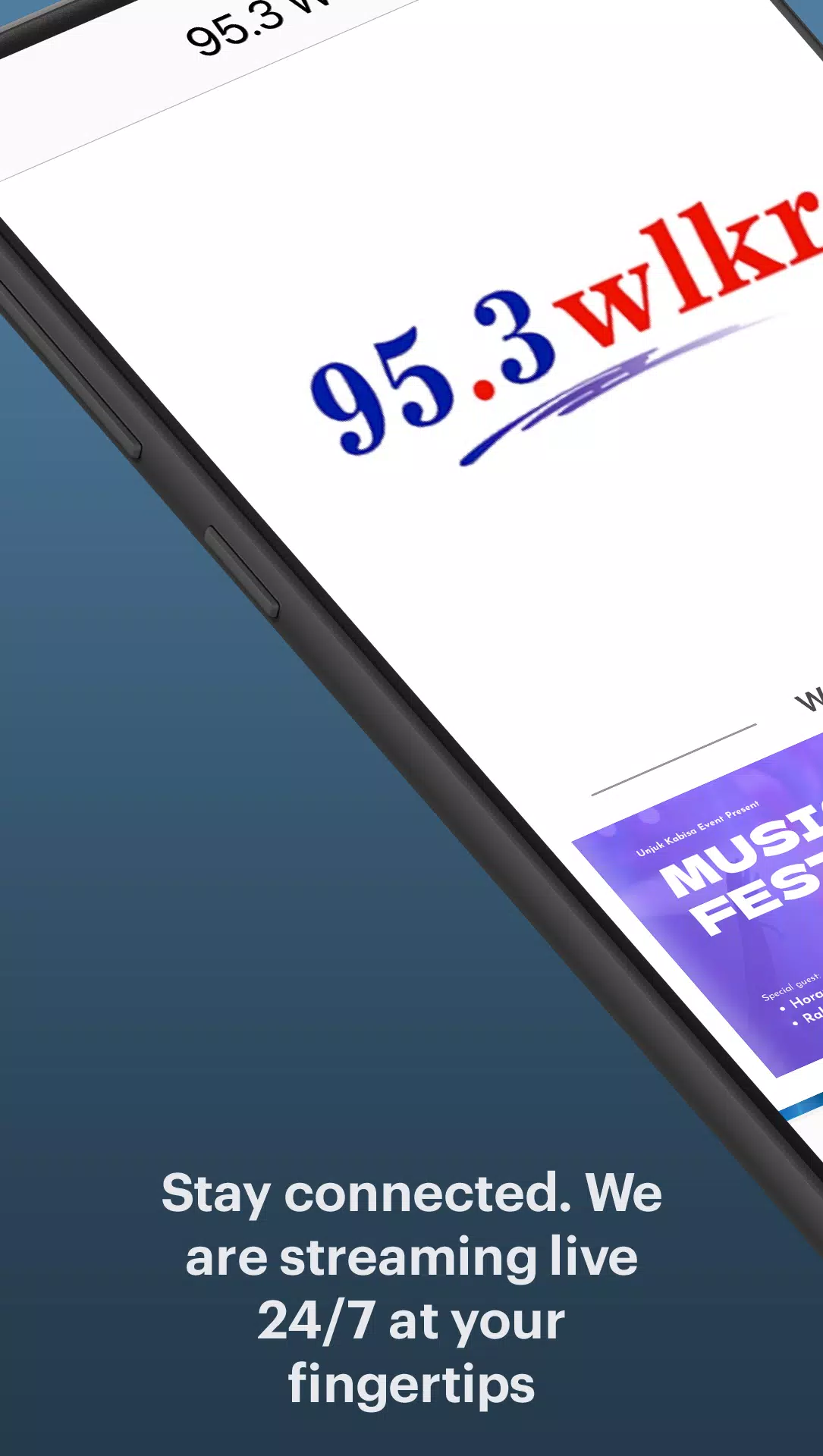
95.3 WLKR brings local radio to your Android device with live streaming, show schedules, and on-demand clips. The app packs a simple player, program guides, alerts for breaking updates, and quick access to contests and DJs. It's designed for easy listening whether at home or on the move.
Overview: What the app delivers
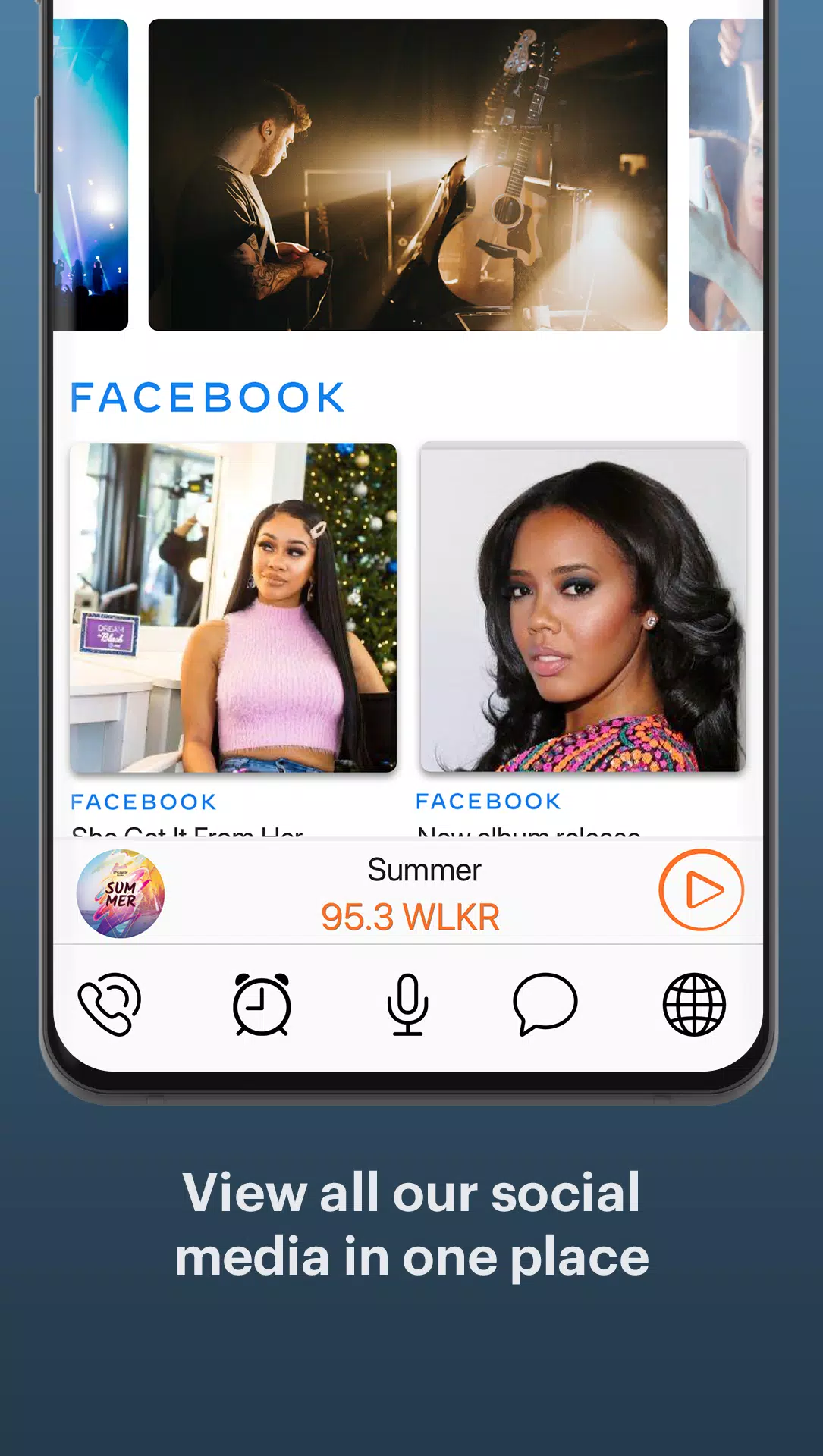
95.3 WLKR focuses on delivering a reliable radio experience with minimal fuss. The core appeal is immediate access to a live broadcast plus curated segments, interviews, and local news. Beyond streaming, the app integrates social touchpoints and short audio highlights so you never miss your favorite hosts or community events.
Core features at a glance
- Live Stream: High-quality audio with connect/reconnect logic to handle network changes.
- On-Demand Clips: Short shows and interviews you can replay anytime.
- Program Schedule: Browse daily lineups and set reminders for upcoming shows.
- Alerts & Notifications: Real-time updates for breaking news, contests, and special segments.
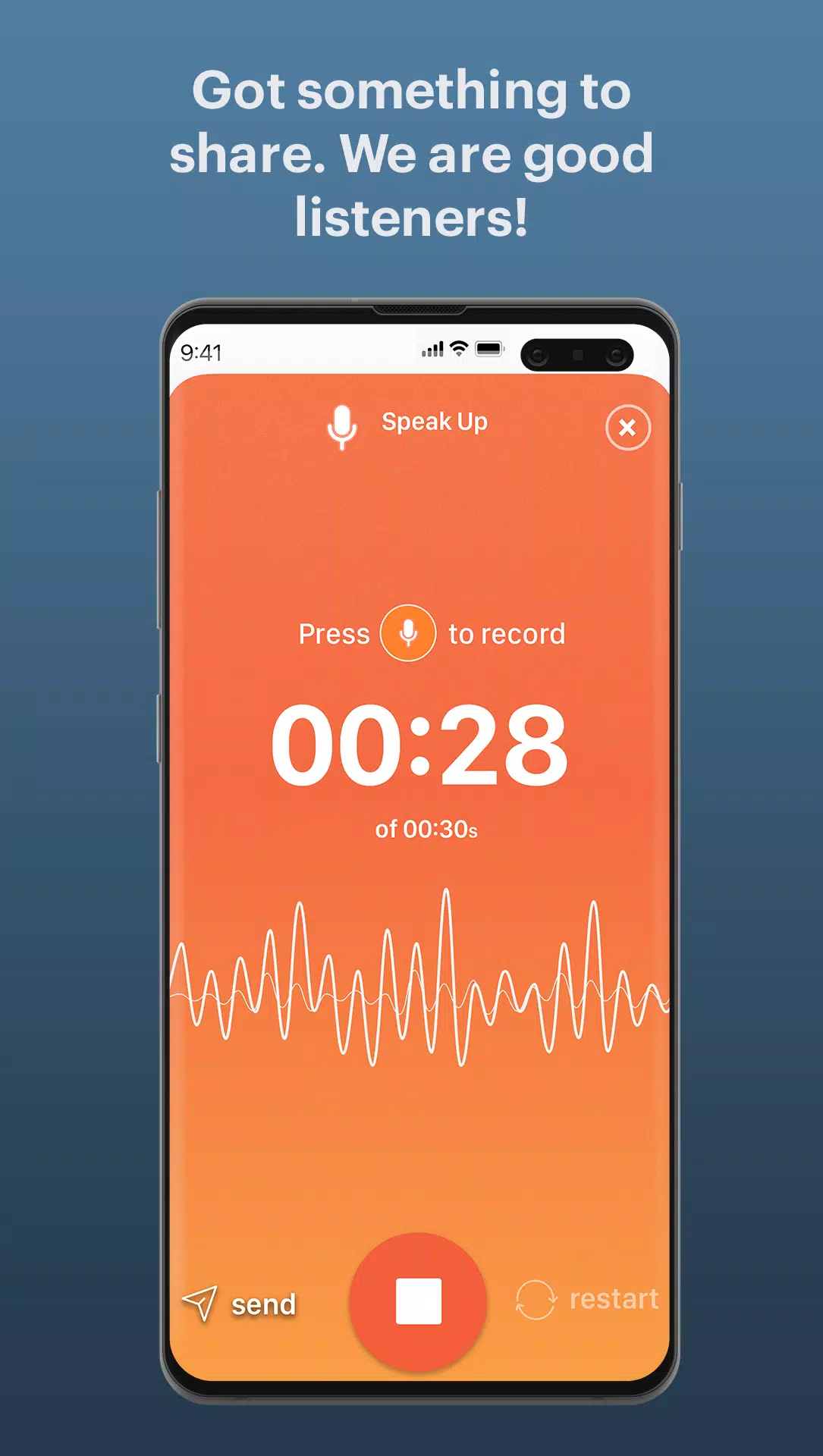
- Interactive Tools: Easy access to request lines, contests, and DJ profiles.
User interface and performance
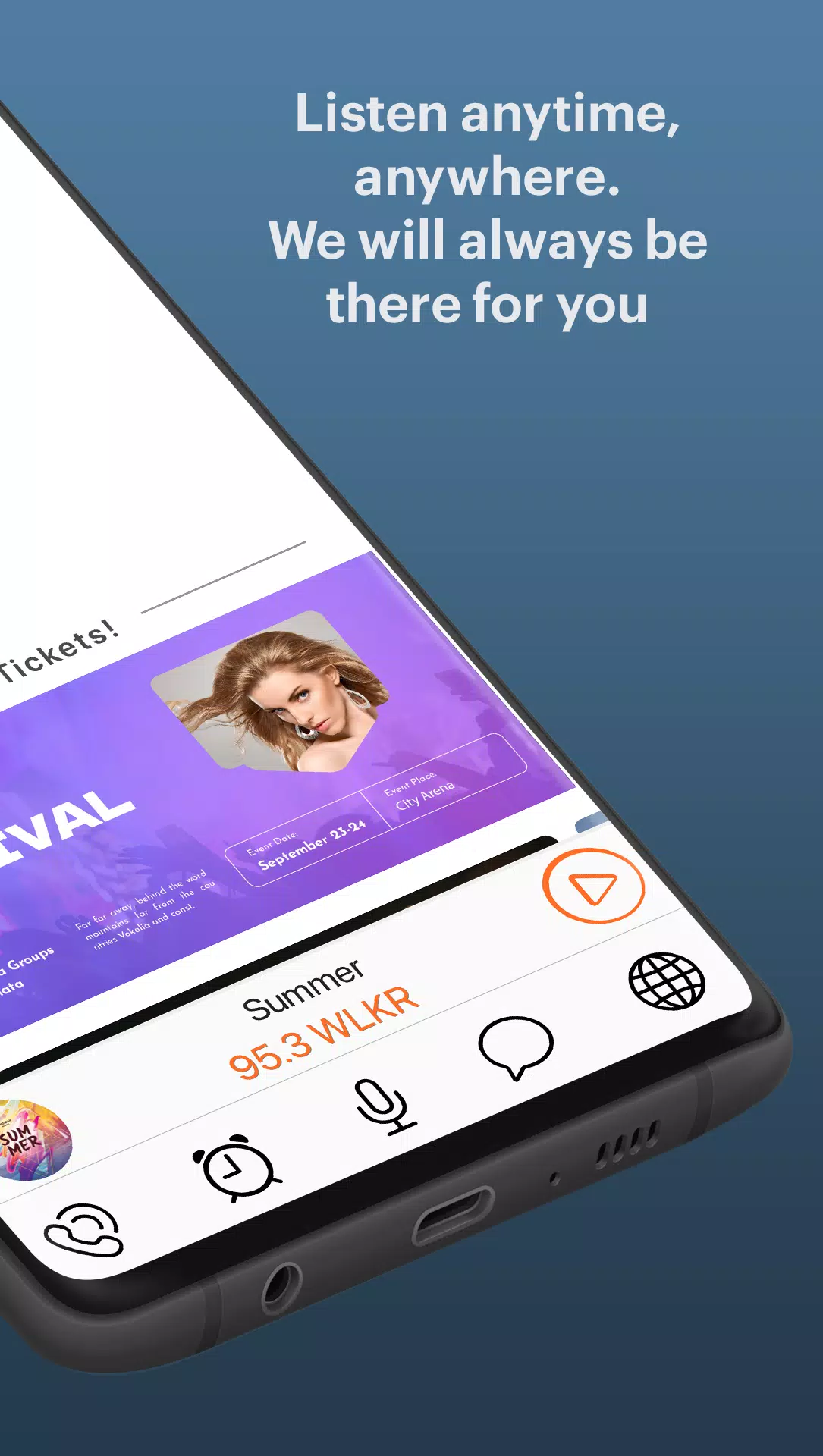
The design emphasizes clarity: large play/pause controls, readable show titles, and a persistent mini-player while browsing. Buffering is handled transparently, with a small cache to reduce dropouts on slower connections. Resource usage is modest, so the app stays responsive while running in the background or when you use other apps.
Navigation and usability
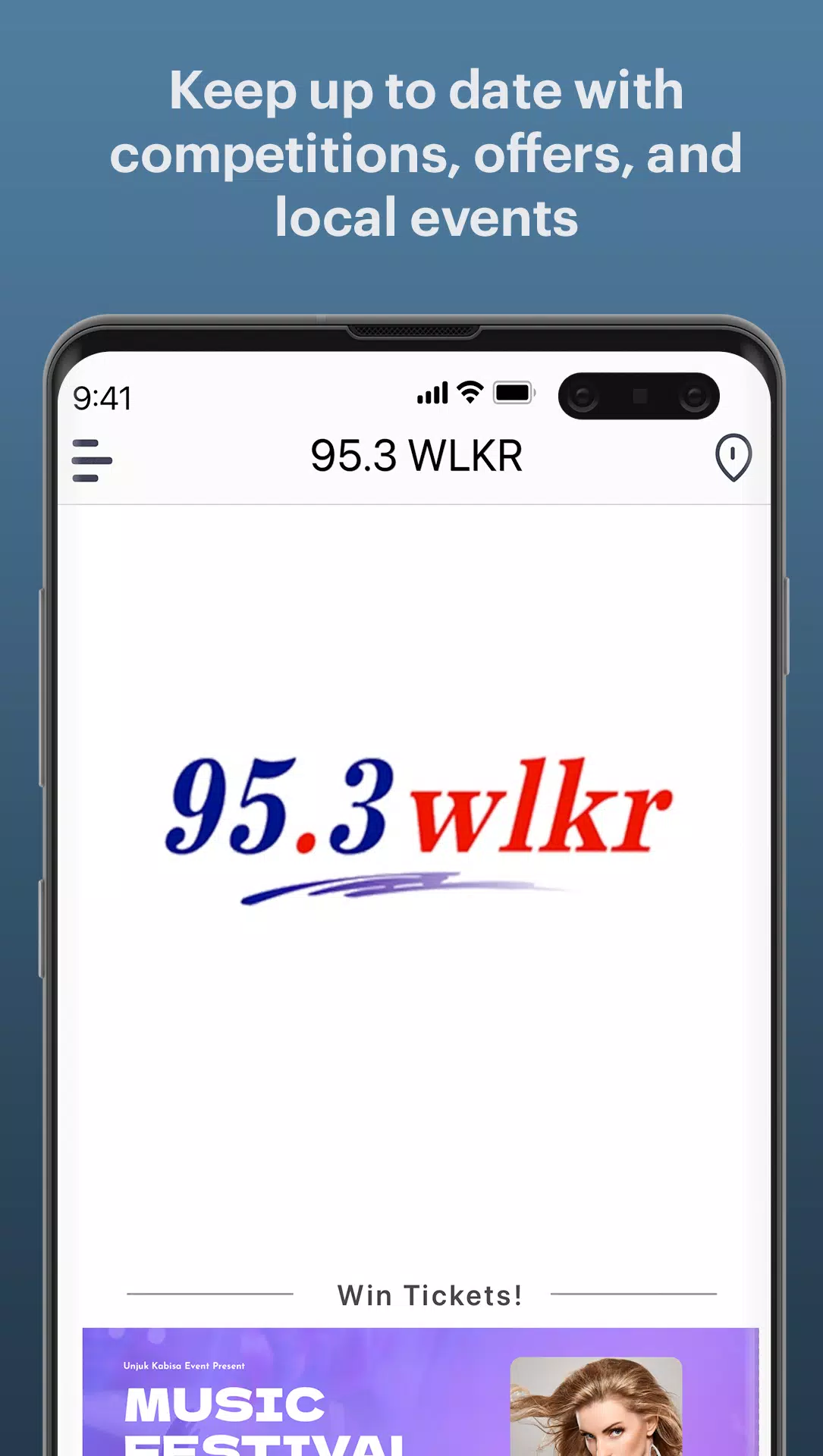
Menus are organized around listening, scheduling, and extras. The home tab highlights what’s live now plus upcoming must-listen items. Search is straightforward; type a host name, segment, or keyword to surface relevant clips and shows. Newly added features are accessible from the main screen without deep menu dives.
How to use 95.3 WLKR effectively
Getting the most from the app requires only a few steps. Tap the play button to start live audio. Use the schedule to mark shows and enable push notifications for reminders. If you want to save cellular data, switch to Wi-Fi-only downloads for on-demand clips in settings. Background playback keeps the stream running while you lock your device or switch apps.
Playback controls and shortcuts
- Mini-player: Appears on every screen for quick pause and skip.
- Lockscreen controls: Adjust volume and pause without unlocking your phone.
- Notifications: Jump directly to a live show or clip from a notification.
Personalization and settings
Customize alerts for the topics that matter to you, such as traffic reports, weather, or specific shows. The profile section keeps track of your favorite hosts and saved clips, so recommendations become more relevant over time. Users can also toggle data-saving modes and choose audio quality based on their network.
Tips for new listeners
- Enable notifications for a handful of must-listen shows to avoid overload.
- Use the schedule reminders to catch live contests or call-in segments.
- Download popular clips on Wi-Fi for smooth offline listening.
Why listeners return to 95.3 WLKR
Listeners come back because the app combines dependable streaming with local flavor. Regularly updated content, simple controls, and community-focused features make it more than a player — it becomes a hub for local culture. The mix of live radio and short-form on-demand content fits both long listening sessions and quick catch-ups.
Installation and first steps
Installing is standard: download, grant audio and notification permissions, and accept initial prompts. On first launch, the app suggests a few local shows to follow and offers a quick tour of the main interfaces. After setup you can tune in immediately and customize alerts from the settings menu.
Whether you want a steady stream of music, timely local updates, or easy access to favorite personalities, 95.3 WLKR offers a polished, no-nonsense radio app experience tailored to mobile listening habits.
Show More
Information
Screenshots
Latest Update
-
![Lines Gold Pro - Icon Pack APK]()
Lines Gold Pro - Icon Pack
-
![Remote Fire TV APK]()
Remote Fire TV
-
![Flight Dark Pro - Icon Pack APK]()
Flight Dark Pro - Icon Pack
-
![Ares Light: Pastel Icon Pack APK]()
Ares Light: Pastel Icon Pack
-
![getConf - Hidden Settings APK]()
getConf - Hidden Settings
-
![Dots Live Wallpaper - Battery APK]()
Dots Live Wallpaper - Battery
-
![Chroma - Icon Pack APK]()
Chroma - Icon Pack
-
![One UI Fluffy Icon Pack APK]()
One UI Fluffy Icon Pack
-
![Pixly Limitless Fluo Icon Pack APK]()
Pixly Limitless Fluo Icon Pack
-
![Compress Video - Resize Video APK]()
Compress Video - Resize Video
-
![Pixly Professional Dark APK]()
Pixly Professional Dark
-
![Tracker Detect Pro APK]()
Tracker Detect Pro












Hot Tags
Latest News
-
![Revealing the Launch Playlists and Cross-Progression for COD Warzone Mobile News]()
-
![March 2024 Free Redemption Codes for Honkai: Star Rail News]()
-
PUBG Mobile Teams Up with Bentley Motors: Luxury Cars, Exclusive Collectibles, and Beyond 2024-04-18
![PUBG Mobile Teams Up with Bentley Motors: Luxury Cars, Exclusive Collectibles, and Beyond News]()
-
![Monster Never Cry is now accessible on both Android and iOS mobile devices. News]()
-
V2.2 of the Farlight 84 update introduces an overhauled Season structure, fresh in-game currency, an 2024-04-16
![V2.2 of the Farlight 84 update introduces an overhauled Season structure, fresh in-game currency, an News]()
-
![Arrival of Genshin Impact 4.6 Update: 'Embers of Two Realms, Twilight of Crimson' News]()
-
April 2024 Clash of Clans Update: Unveiling a Fresh Companion, Enhanced Levels, Chat Tagging, and Be 2024-04-16
![April 2024 Clash of Clans Update: Unveiling a Fresh Companion, Enhanced Levels, Chat Tagging, and Be News]()






