

NAMS
Version:2.43
Published:2026-10-15
Introduction
NAMS is the mobile data entry client for the Navace asset management system and is built to help operators capture pre-start checks and report incidents from the field. NAMS puts focused forms and simple controls on a handheld device so operators can record equipment condition, attach photographic evidence and submit structured incident information into the Navace workflow without returning to the office. The app is designed for teams that perform routine equipment checks and need reliable, traceable records for maintenance, safety and regulatory audits.
Key Features
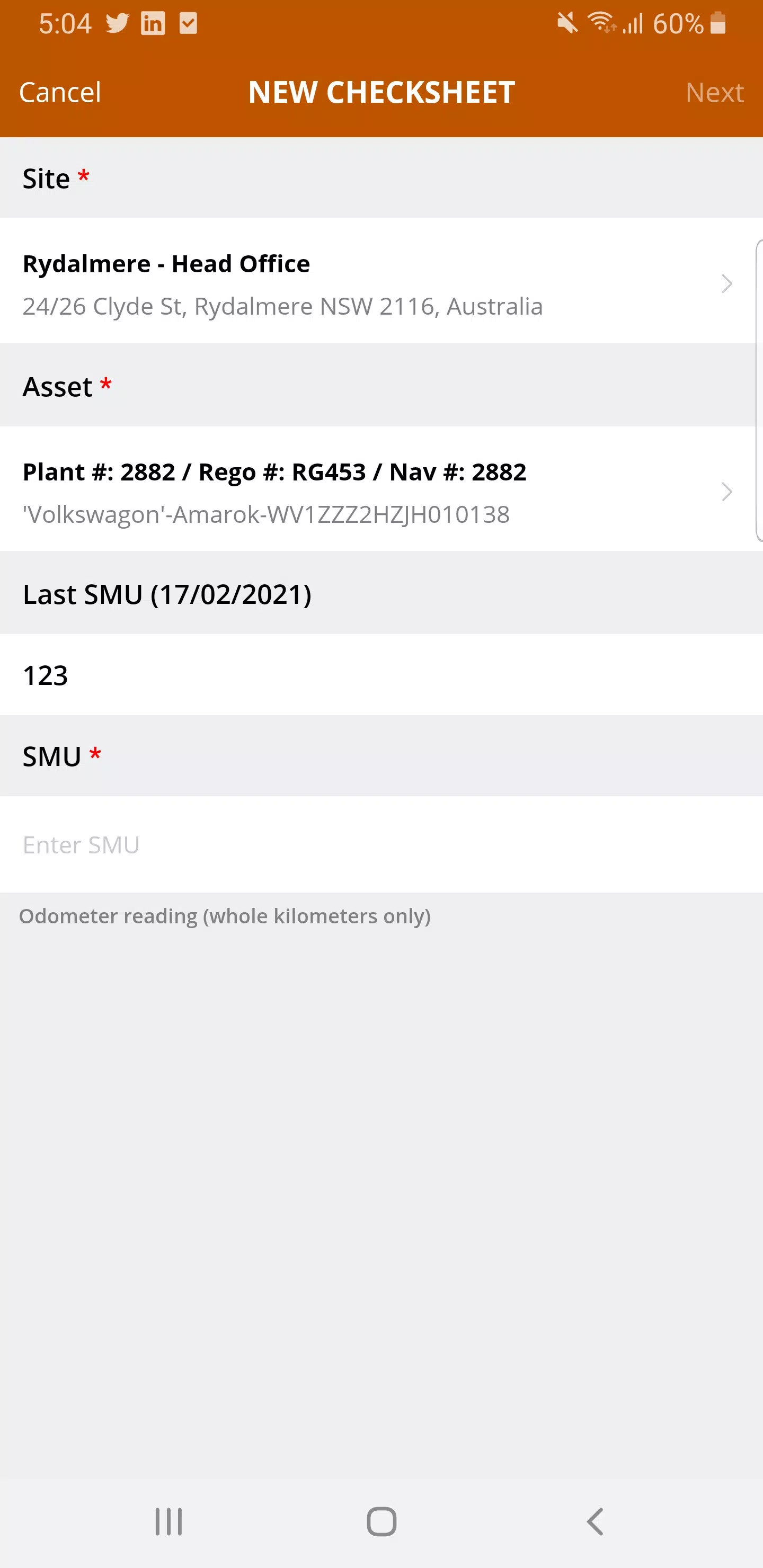
The app provides a compact set of tools to enter and manage operational checks: configurable forms that mirror the fields set up in Navace, guided pre-start checklists to ensure consistent inspections, incident reporting templates that capture context and relevant metadata, and the ability to attach photos and notes to any record. NAMS timestamps each entry and associates it with the submitting operator so every report becomes part of the asset history. Designed for speed and clarity, the forms minimize typing through drop-downs, toggles and auto-populated fields where appropriate.
Controls & User Experience
Interaction in NAMS relies on standard touch gestures and familiar mobile form controls so new users can adopt the app quickly. Large, tappable fields and clear labels reduce input errors while inline validation highlights missing or inconsistent entries before submission. Operators can navigate between checks using a simple workflow view, pause to take photographs with the device camera, and add short notes that provide context for maintenance staff. The user experience emphasizes rapid capture at the point of work, reducing the time spent on administrative tasks.
Workflows & Progression
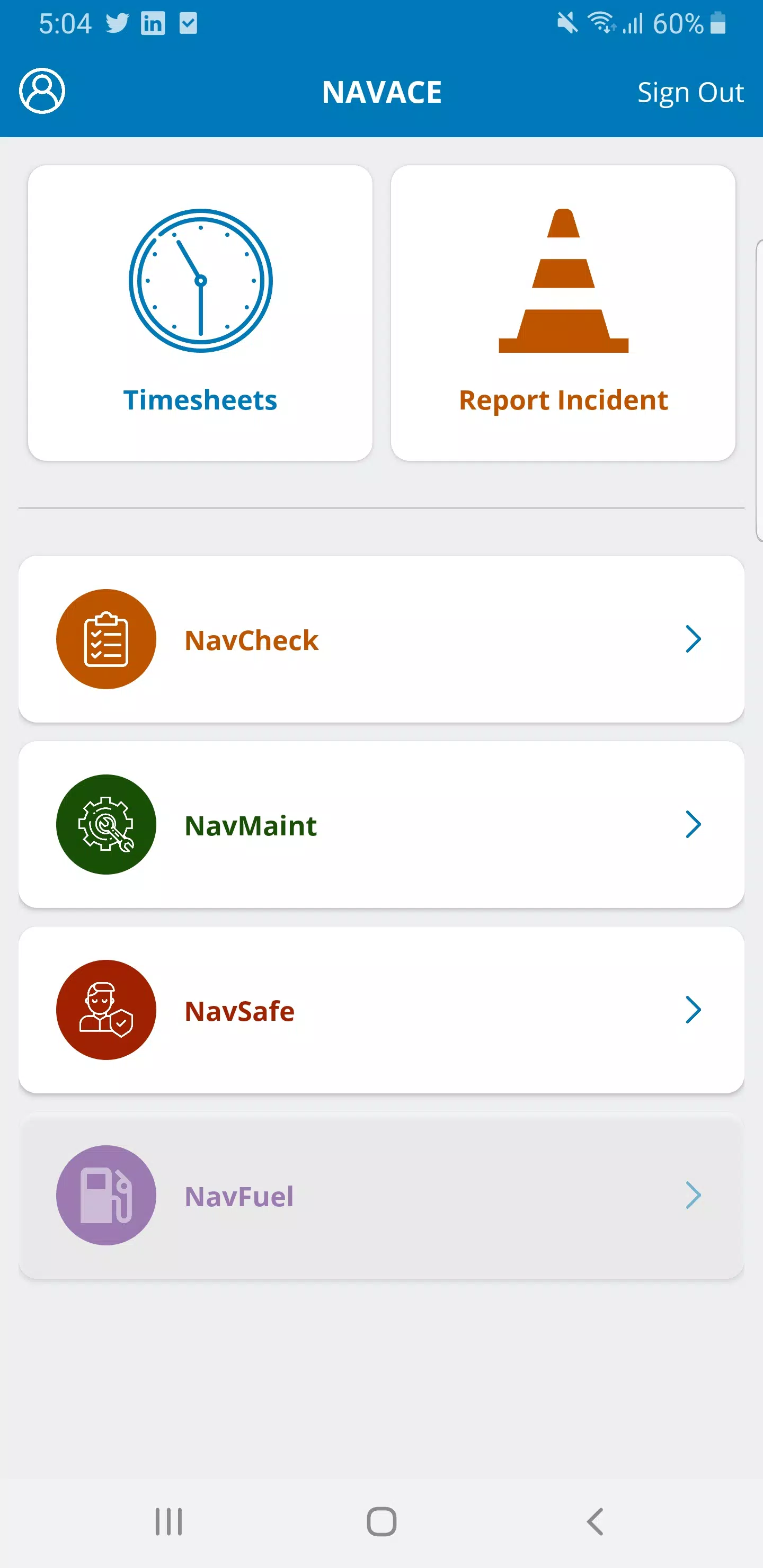
NAMS supports common operational workflows by guiding an entry from pre-start inspection to incident logging and follow-up. A typical progression starts with a pre-start checklist that confirms equipment readiness, then, if an issue is found, the operator can escalate immediately by creating an incident report linked to the same asset. Each entry is recorded as a discrete event in the Navace system, creating a chronological audit trail that helps teams track fault recurrence and maintenance responses. While the app focuses on capture and submission, ongoing workflow actions and scheduling are coordinated through the Navace back end.
Visual Style & Accessibility
The interface employs a clean, utilitarian visual style with high-contrast text, clear icons, and straightforward field layouts to support visibility in varied lighting conditions common to fieldwork. Accessibility considerations include scalable text for readability and logical form sequencing to minimize cognitive load. The design avoids clutter and concentrates on essential information so operators can complete checks reliably even under time pressure or in noisy, outdoor environments.
Integration & Offline Use
As the front-end client for the Navace asset management platform, NAMS is optimized to submit structured data into existing asset records and workflows. Submissions become immediately available to maintenance teams and supervisors through Navace, ensuring entries are centralized for compliance and action. To accommodate intermittent connectivity common on sites, the app preserves in-progress entries and stored drafts locally and will attempt to submit them when a network connection is available, reducing the risk of lost data during a shift.
Security, Compliance & Traceability
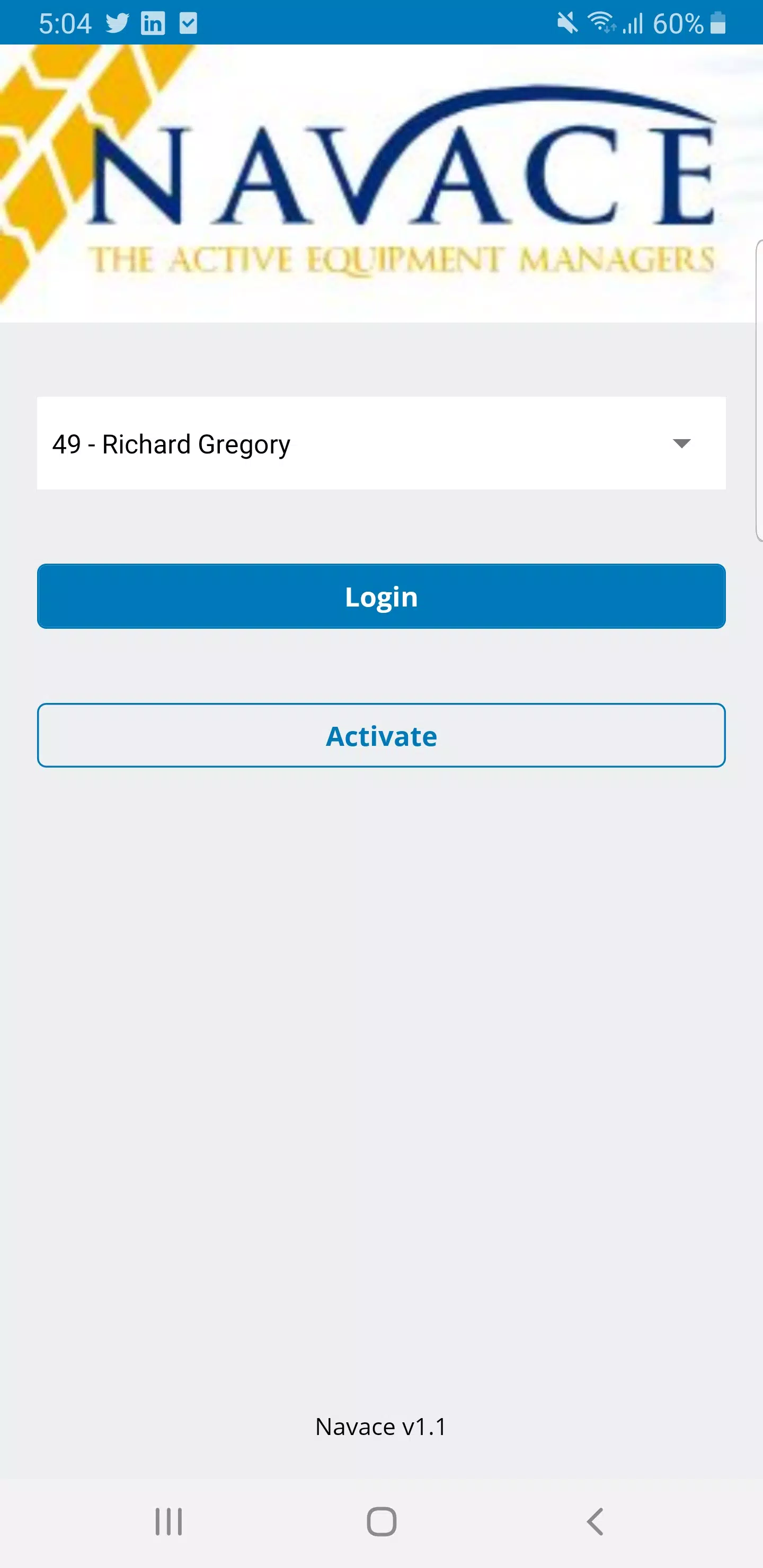
Records created with NAMS are intended to be part of the authoritative asset history within Navace, so entries include operator identifiers and timestamps to support traceability and audit requirements. The app is intended to work with organization-level security and authentication managed by Navace so that access and data handling align with company policies and regulatory obligations. NAMS emphasizes reliable, auditable capture rather than long-term analytics, which remain part of the Navace platform.
Practical Uses, Customization & Replay Value
NAMS is useful for frontline teams in construction, logistics, utilities and any operation that relies on regular equipment checks and quick incident reporting. Administrators can tailor form fields and required checks within Navace so the mobile client reflects each organization’s processes, enabling consistent capture across sites. Because records are fast to create and tied to assets, the app encourages repeated use as part of daily routines and supports continuous improvement by making issues easier to spot and resolve over time.
Show More
Information
Screenshots
Latest Update
-
![Lines Gold Pro - Icon Pack APK]()
Lines Gold Pro - Icon Pack
-
![Remote Fire TV APK]()
Remote Fire TV
-
![Flight Dark Pro - Icon Pack APK]()
Flight Dark Pro - Icon Pack
-
![Ares Light: Pastel Icon Pack APK]()
Ares Light: Pastel Icon Pack
-
![getConf - Hidden Settings APK]()
getConf - Hidden Settings
-
![Dots Live Wallpaper - Battery APK]()
Dots Live Wallpaper - Battery
-
![Chroma - Icon Pack APK]()
Chroma - Icon Pack
-
![One UI Fluffy Icon Pack APK]()
One UI Fluffy Icon Pack
-
![Pixly Limitless Fluo Icon Pack APK]()
Pixly Limitless Fluo Icon Pack
-
![Compress Video - Resize Video APK]()
Compress Video - Resize Video
-
![Pixly Professional Dark APK]()
Pixly Professional Dark
-
![Tracker Detect Pro APK]()
Tracker Detect Pro












Hot Tags
Latest News
-
![Revealing the Launch Playlists and Cross-Progression for COD Warzone Mobile News]()
-
![March 2024 Free Redemption Codes for Honkai: Star Rail News]()
-
PUBG Mobile Teams Up with Bentley Motors: Luxury Cars, Exclusive Collectibles, and Beyond 2024-04-18
![PUBG Mobile Teams Up with Bentley Motors: Luxury Cars, Exclusive Collectibles, and Beyond News]()
-
![Monster Never Cry is now accessible on both Android and iOS mobile devices. News]()
-
V2.2 of the Farlight 84 update introduces an overhauled Season structure, fresh in-game currency, an 2024-04-16
![V2.2 of the Farlight 84 update introduces an overhauled Season structure, fresh in-game currency, an News]()
-
![Arrival of Genshin Impact 4.6 Update: 'Embers of Two Realms, Twilight of Crimson' News]()
-
April 2024 Clash of Clans Update: Unveiling a Fresh Companion, Enhanced Levels, Chat Tagging, and Be 2024-04-16
![April 2024 Clash of Clans Update: Unveiling a Fresh Companion, Enhanced Levels, Chat Tagging, and Be News]()






