
Draw Any Where
Version:24.04.09
Published:2026-11-01
Introduction
Draw Any Where is a lightweight sketching tool that turns any surface into a digital canvas by using your device's screen, camera and simple gesture controls. It offers fast drawing, annotation and image import features designed for quick notes, ideation and on-the-fly sketches.
What Draw Any Where Brings to Your Workflow
Draw Any Where focuses on speed and accessibility. The app removes clutter and delivers a minimal set of tools that accelerate visual thinking. Use it to mark up photos, draft wireframes, create quick diagrams or record creative sparks while they are fresh. The interface is designed to minimize taps so ideas can be captured without interrupting flow.
Key Tools and Functionality
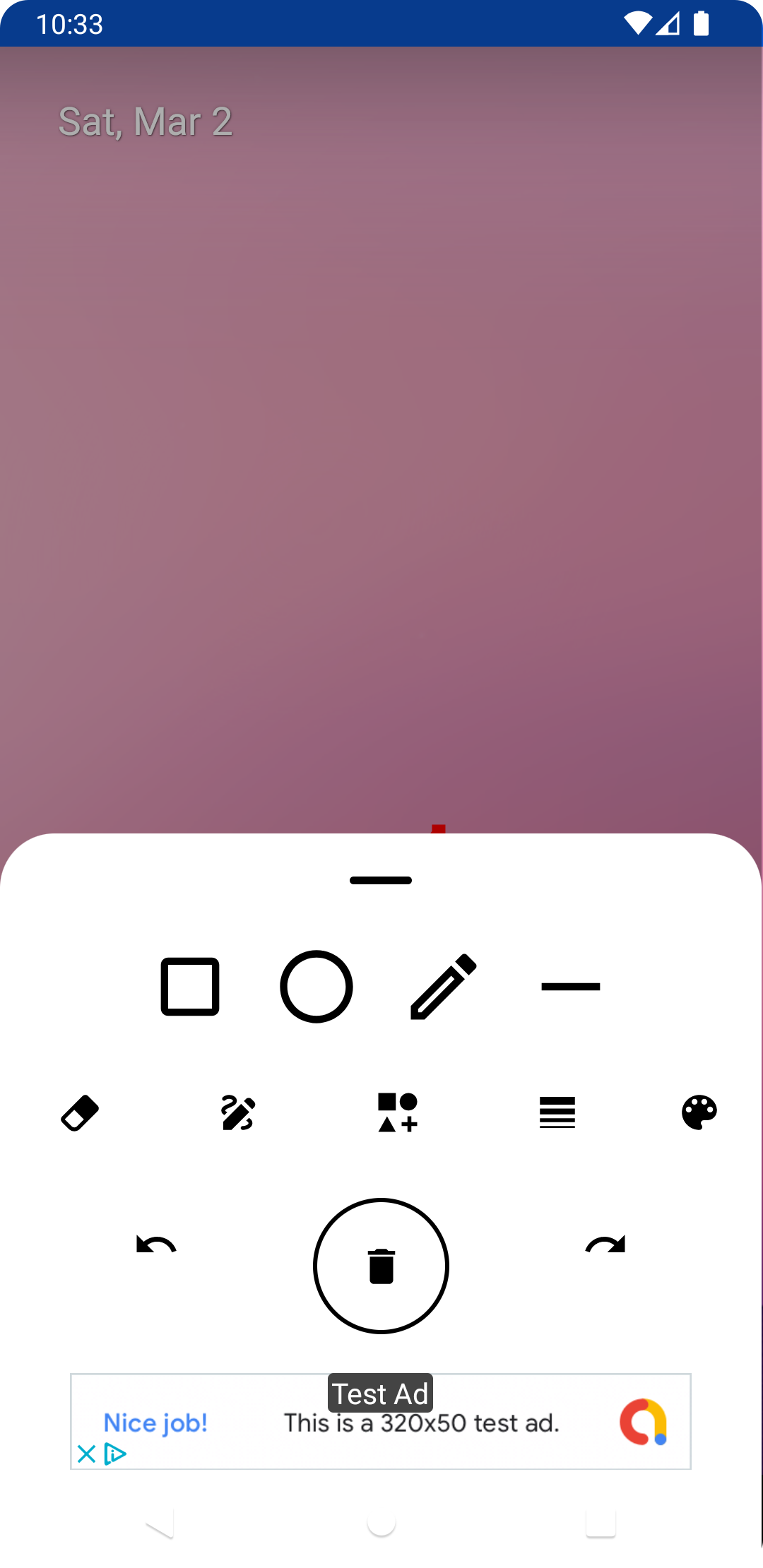
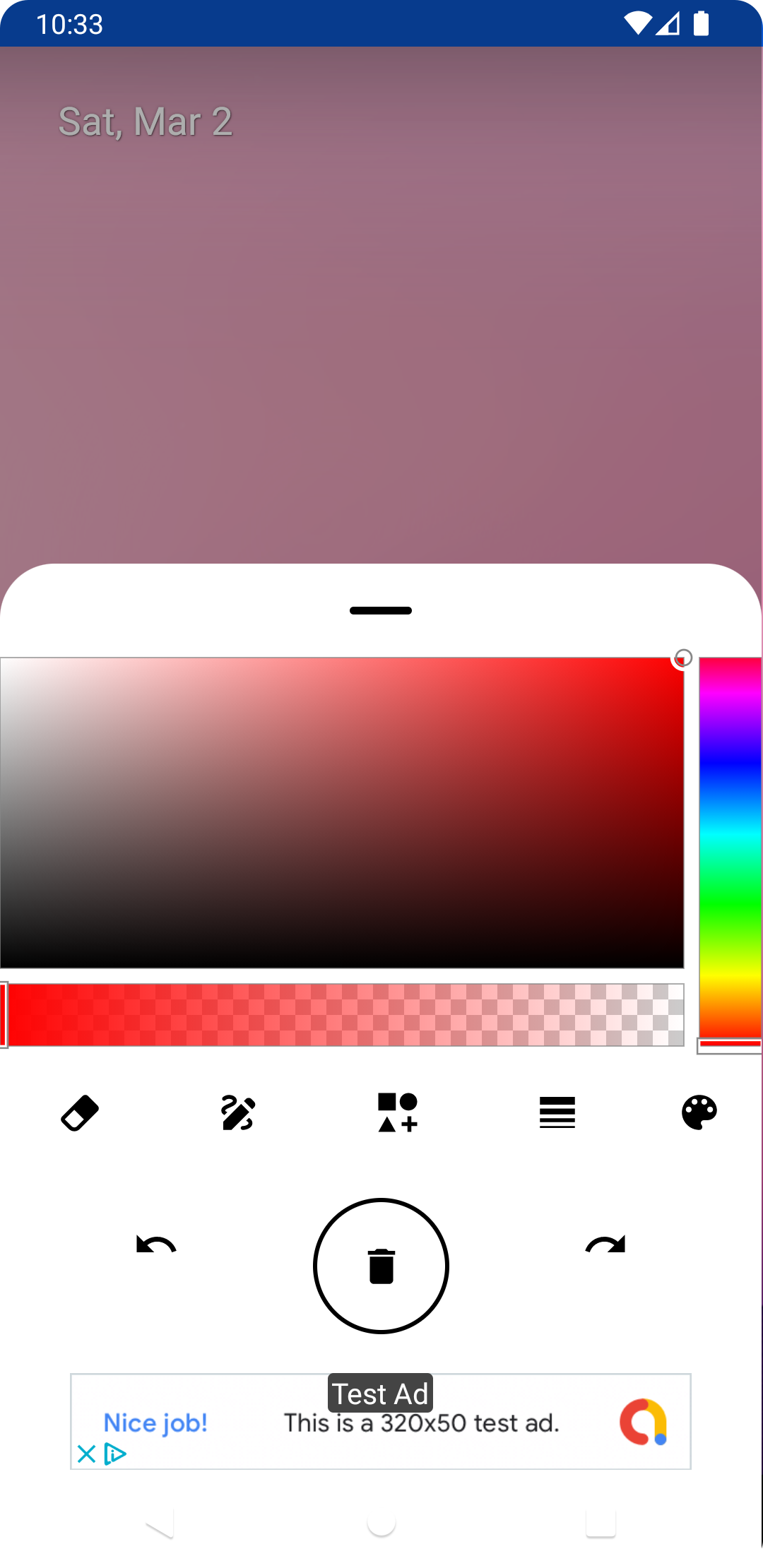
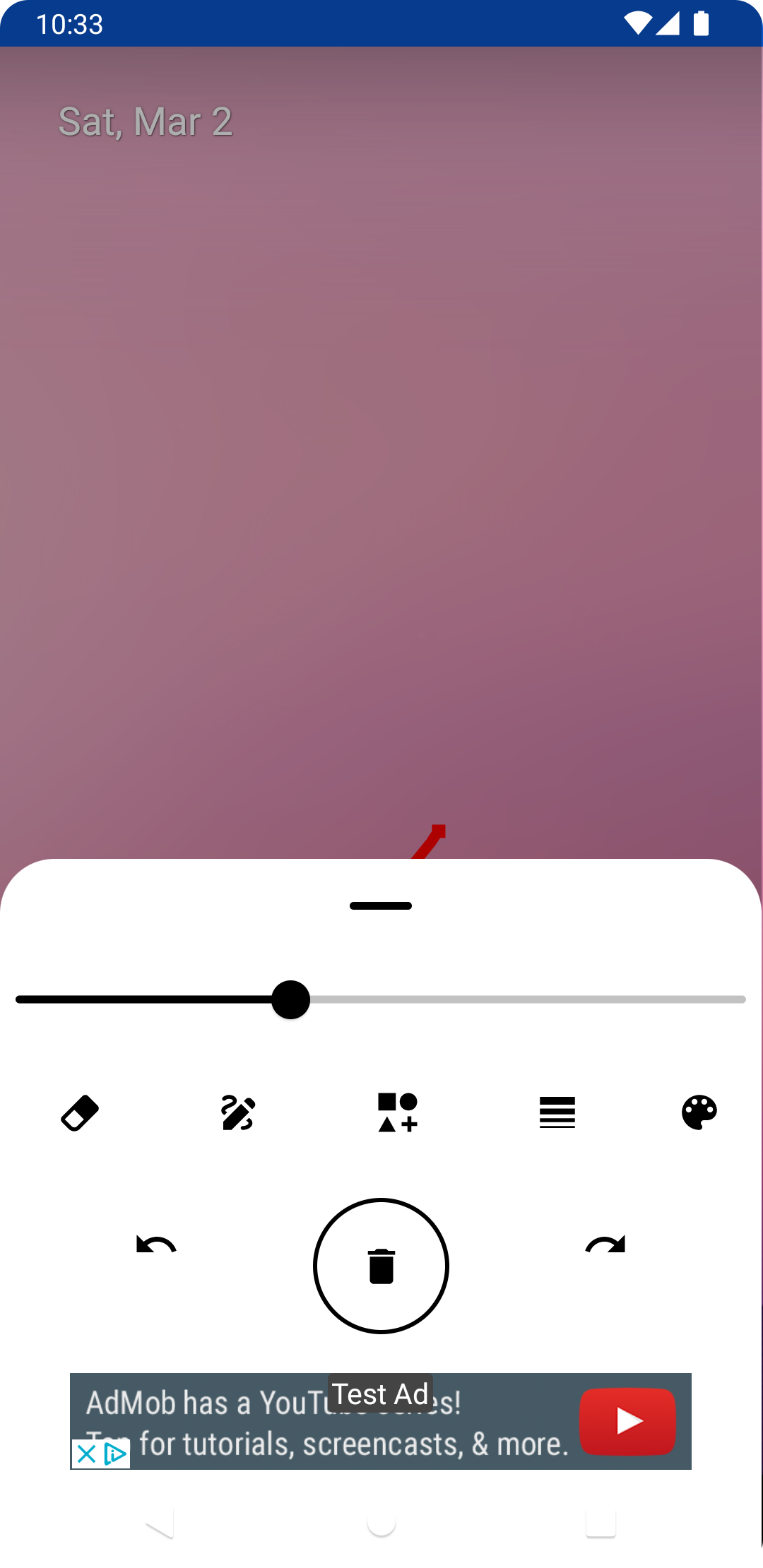
The toolbox includes a pen, marker, eraser, color picker and shape guides. Each tool offers adjustable thickness and opacity, letting you switch from fine technical lines to broad expressive strokes. Image import allows screenshots or photos to be layered beneath your drawings, while a transparent background option makes exports ready for compositing into documents or presentations.
- Pen and Marker: variable thickness, smoothing and pressure simulation for natural lines.
- Eraser: precise or area erase modes to correct without losing context.
- Color Picker: quick swatches and recent colors for consistent palettes.
- Import/Export: bring in photos, save PNG/JPEG with configurable resolution.
How the System Works
The app reacts to gestures for immediate control. Two-finger pan and pinch-to-zoom support detailed edits, and a double-tap undo keeps the workspace forgiving. Layers are lightweight and intuitive: add a sketch layer, place an image beneath and lock it to avoid accidental movement. Drawings are stored locally with optional export to cloud services through Android share sheets.
Customization and Personal Settings
Users can tailor the experience to match their habits. Customize the toolbar layout, set default stroke sizes, and enable grid or ruler overlays for technical sketches. A night mode reduces eye strain during late sessions, and customizable shortcuts let you assign frequent actions to gestures or floating buttons.
Performance and Compatibility
Draw Any Where is optimized for responsiveness across a wide range of devices. The app keeps memory usage low by compressing background images and freeing inactive layers. It supports both touch and stylus input, including pressure sensitivity where the hardware exposes that data. Battery management options reduce background activity when idle to extend on-device use.
Practical Use Cases
The app fits multiple roles in daily life and work. Designers use it for rapid prototyping, teachers annotate diagrams in classes, and product managers sketch flows during meetings. Because exports can be saved at different resolutions, sketches created on a phone can be refined later on larger screens without significant quality loss.
- Brainstorming: capture rough ideas and iterate quickly.
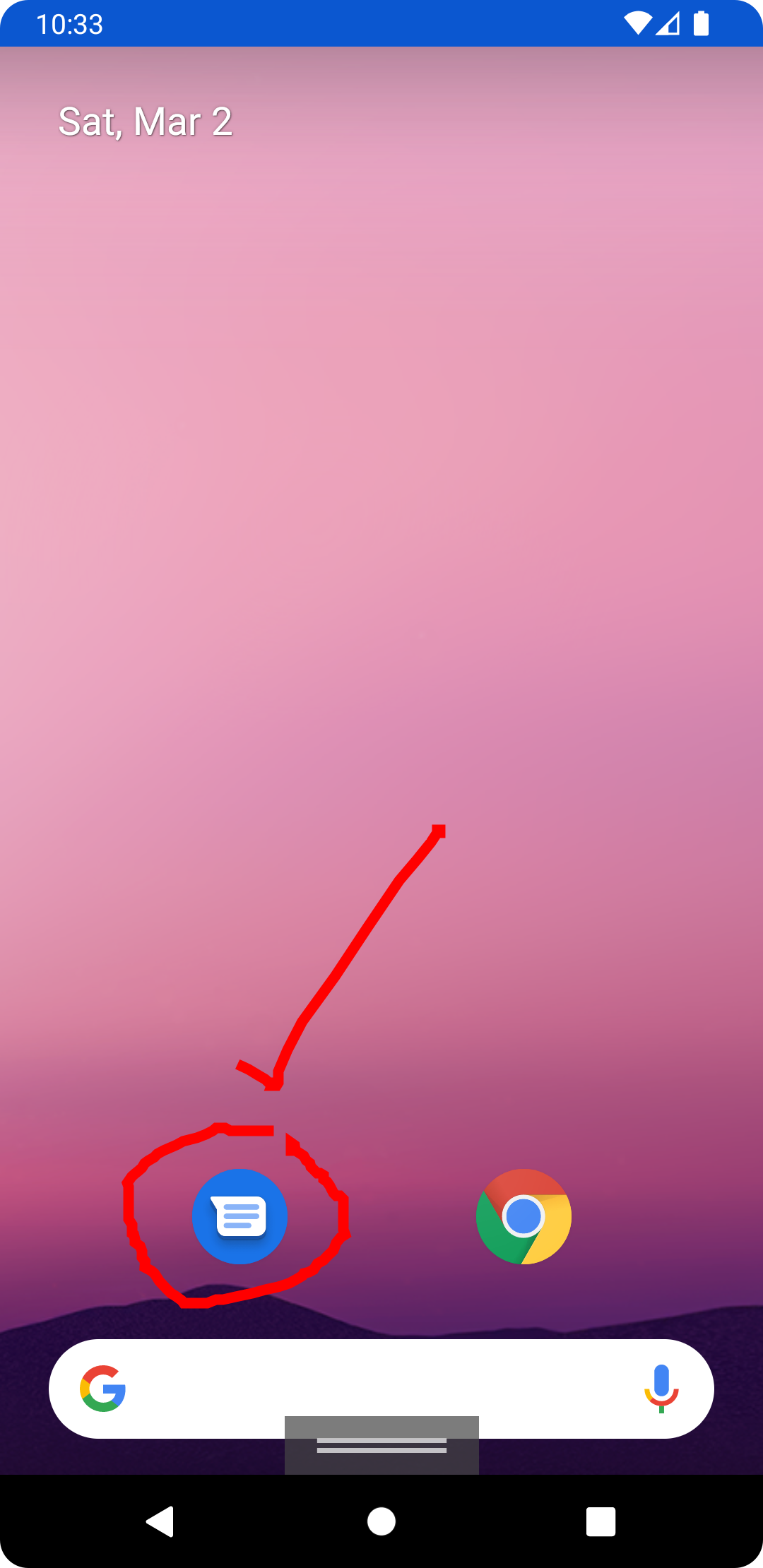
- Annotation: mark up screenshots, maps or reference photos.
- Education: explain concepts visually with simple diagrams.
- Documentation: create illustrative assets for reports or user guides.
User Experience and Interaction
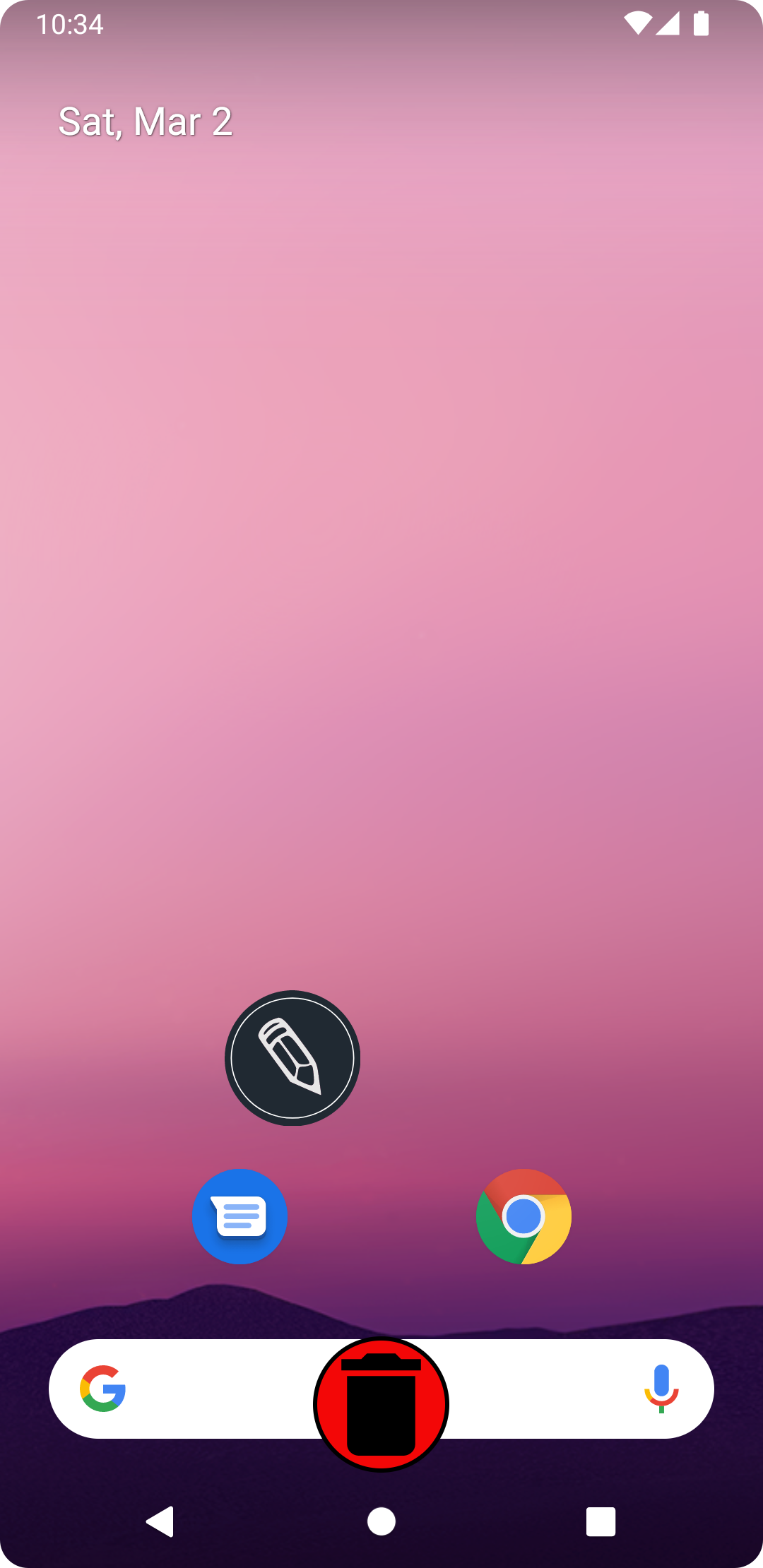
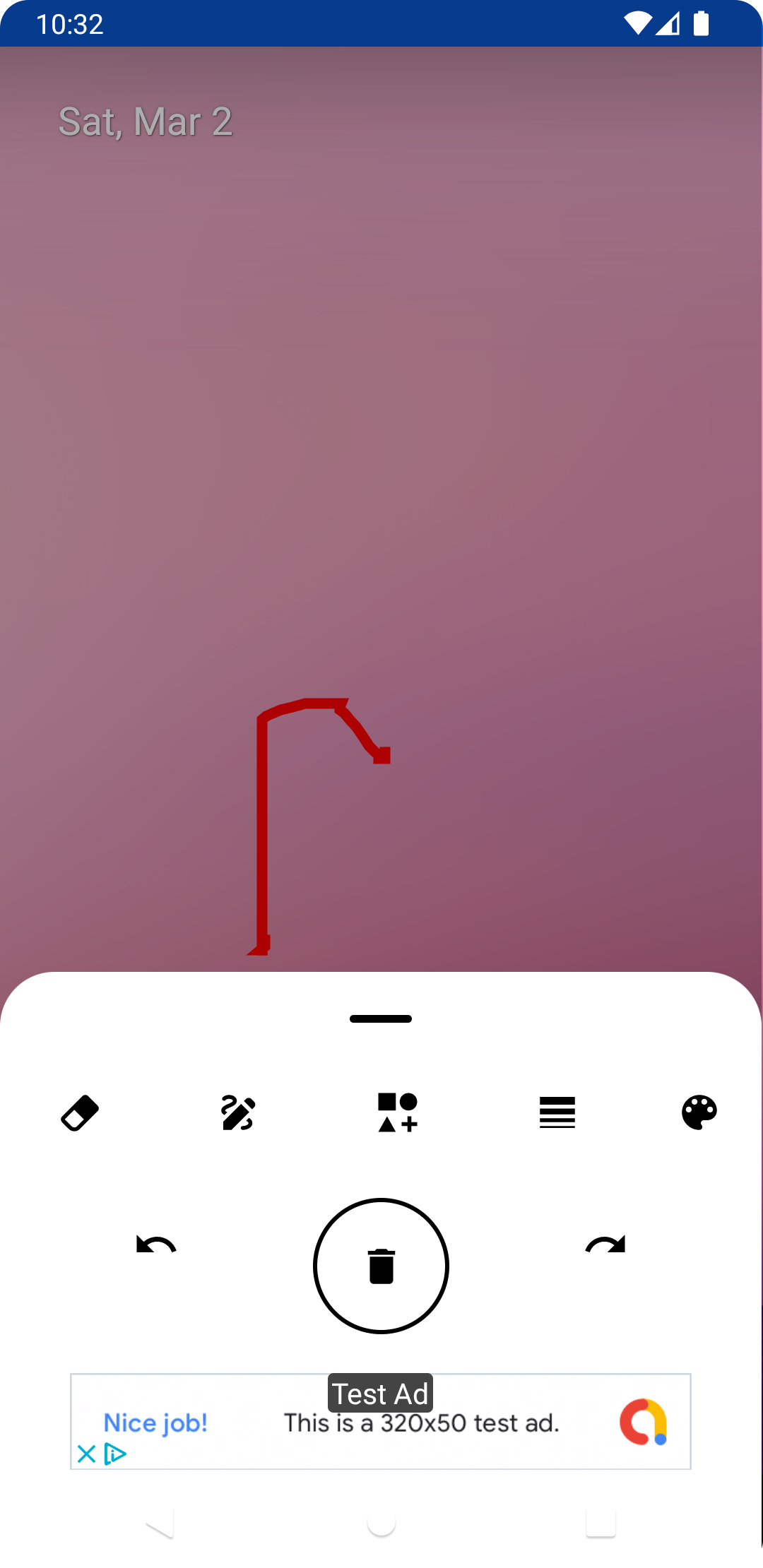
The app emphasizes an uninterrupted drawing experience. Controls fade while you draw, leaving a minimal edge toolbar accessible when needed. Undo and redo are immediate, and a history panel lets you revisit earlier states. For collaborative scenarios, exported images can be shared via messaging or cloud links, though live sync is not required for the core experience.
Getting Started Quickly
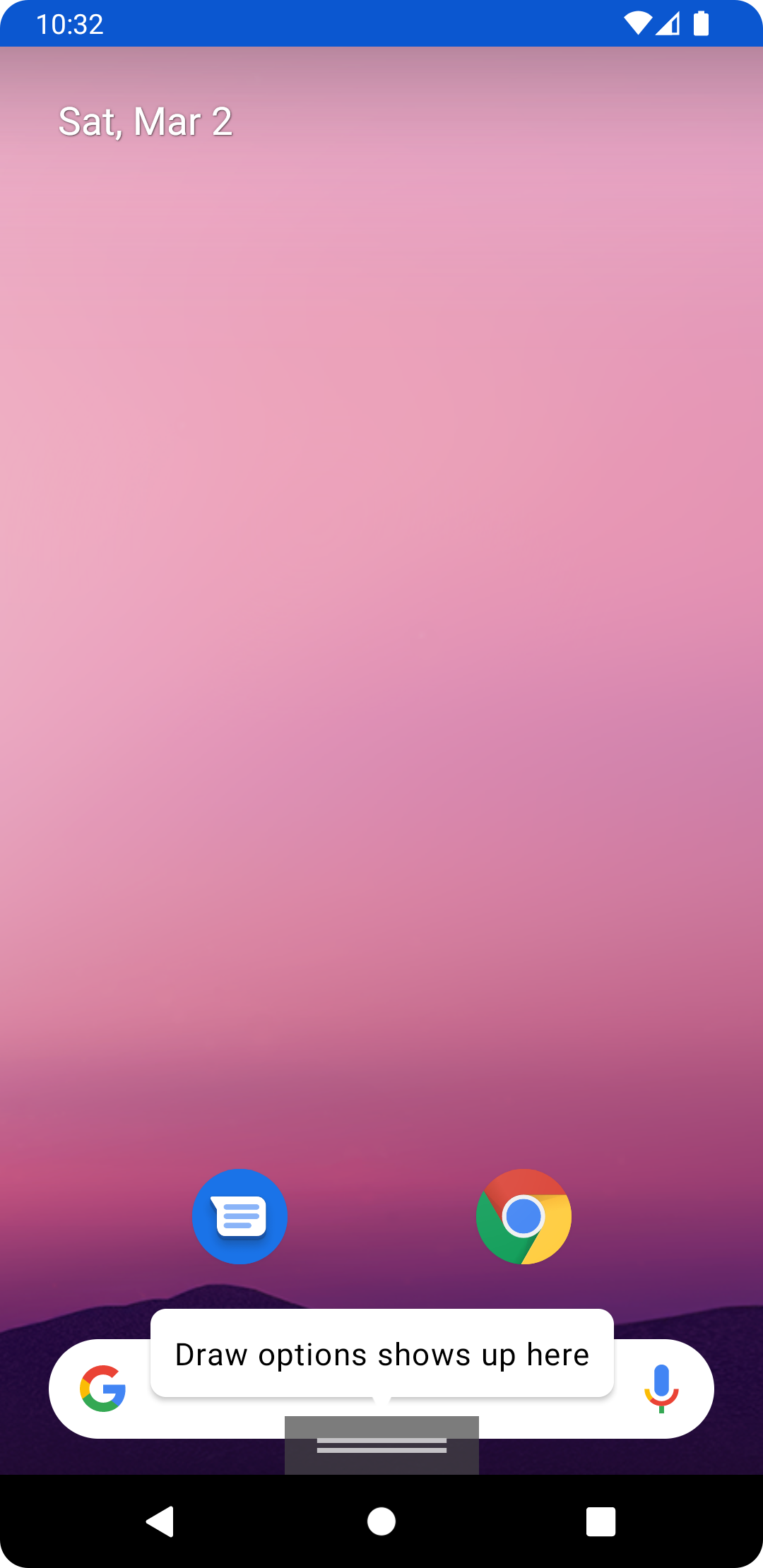
Open the app, choose a blank canvas or import an image, and pick a drawing tool. A brief onboarding overlay highlights gesture controls and layer basics so new users can begin sketching within moments. Advanced features are tucked into the settings menu to keep the primary workspace uncluttered.
Final Thoughts on Practical Value
Draw Any Where is built to support spontaneous creativity and routine annotation tasks. It combines a focused toolset with performance-conscious implementation, making it suitable for people who need a fast, dependable sketching app on their Android device. Whether capturing a quick idea or polishing a visual note, the app streamlines the steps between thought and image.
Show More
Information
Screenshots
Latest Update












Latest News
-
![Revealing the Launch Playlists and Cross-Progression for COD Warzone Mobile News]()
-
![March 2024 Free Redemption Codes for Honkai: Star Rail News]()
-
PUBG Mobile Teams Up with Bentley Motors: Luxury Cars, Exclusive Collectibles, and Beyond 2024-04-18
![PUBG Mobile Teams Up with Bentley Motors: Luxury Cars, Exclusive Collectibles, and Beyond News]()
-
![Monster Never Cry is now accessible on both Android and iOS mobile devices. News]()
-
V2.2 of the Farlight 84 update introduces an overhauled Season structure, fresh in-game currency, an 2024-04-16
![V2.2 of the Farlight 84 update introduces an overhauled Season structure, fresh in-game currency, an News]()
-
![Arrival of Genshin Impact 4.6 Update: 'Embers of Two Realms, Twilight of Crimson' News]()
-
April 2024 Clash of Clans Update: Unveiling a Fresh Companion, Enhanced Levels, Chat Tagging, and Be 2024-04-16
![April 2024 Clash of Clans Update: Unveiling a Fresh Companion, Enhanced Levels, Chat Tagging, and Be News]()






