

OH Private Web Browser
Version:112
Published:2026-11-05
Introduction
OH Private Web Browser is a lightweight Android browser designed to protect your privacy while delivering fast page loads and a clutter-free interface. It combines ad-blocking, encrypted connections, and easy session controls so users can browse, manage cookies, and clear history quickly without sacrificing speed or compatibility across modern websites.
Core Privacy Tools
Privacy is the central focus of OH Private Web Browser. The app provides built-in tracking protection that limits third-party trackers and fingerprinting techniques, preventing sites from following your activity across domains. A one-tap cookie and cache cleaner helps you remove traces of sessions, and an automatic private tab option makes it simple to browse without saving history or form data.
Key Features at a Glance
- Ad and tracker blocking: reduces intrusive ads and speeds up page loads while lowering data usage.
- Encrypted browsing: supports secure HTTPS connections and optional forcing of secure links when available.
- Private tabs and sessions: open independent sessions that don’t share cookies or history with other tabs.
- Quick data controls: clear cache, cookies, and site data with a single tap or schedule automatic cleanup.
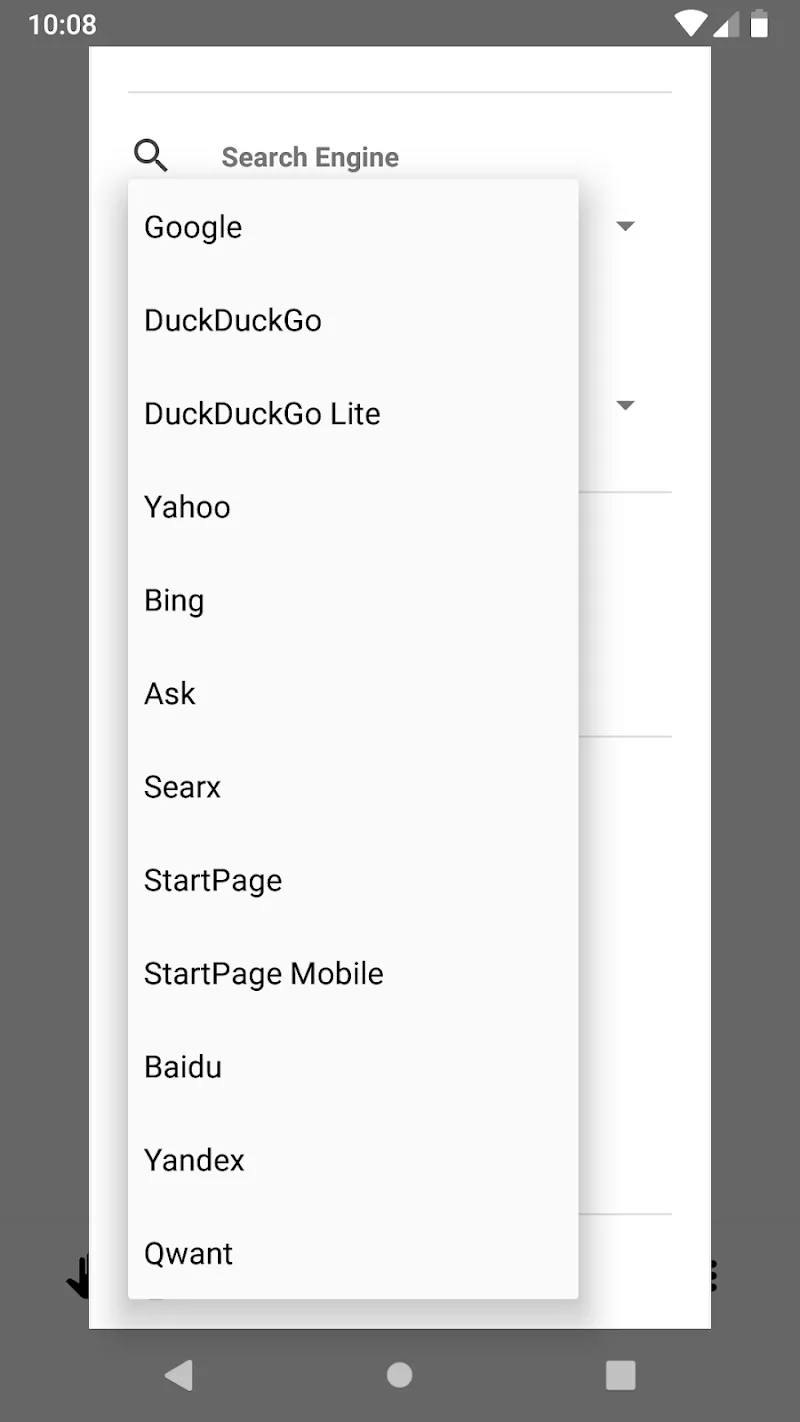
- Customizable homepage and search: choose your preferred search provider and set a minimal start page for instant loading.
Interface and Navigation
The user interface favors simplicity: a compact address bar, swipeable tabs, and clear icons for privacy actions. OH Private Web Browser keeps common controls within thumb reach so switching between private and regular tabs, blocking trackers, or toggling reader view is fast. Menus are intentionally concise to reduce clutter and make routine tasks discoverable without deep settings dives.
Workflow and Daily Use
Designed for people who value both convenience and privacy, the workflow centers on fast access to core tools. Open a private tab, browse as usual, and when finished use the clear button to remove session data. For power users, the browser supports multiple private windows and allows pinning frequently used sites to the home screen while still keeping them isolated from your main browsing profile.
Performance and Compatibility
OH Private Web Browser balances privacy features with performance. Blocking trackers and ads often results in noticeably faster page rendering and reduced battery drain. The browser is compatible with most modern web standards, ensuring that responsive sites, media playback, and web apps function correctly. It’s optimized for a range of Android devices, including older phones, with adaptive resource use to minimize slowdowns.
Customization Options
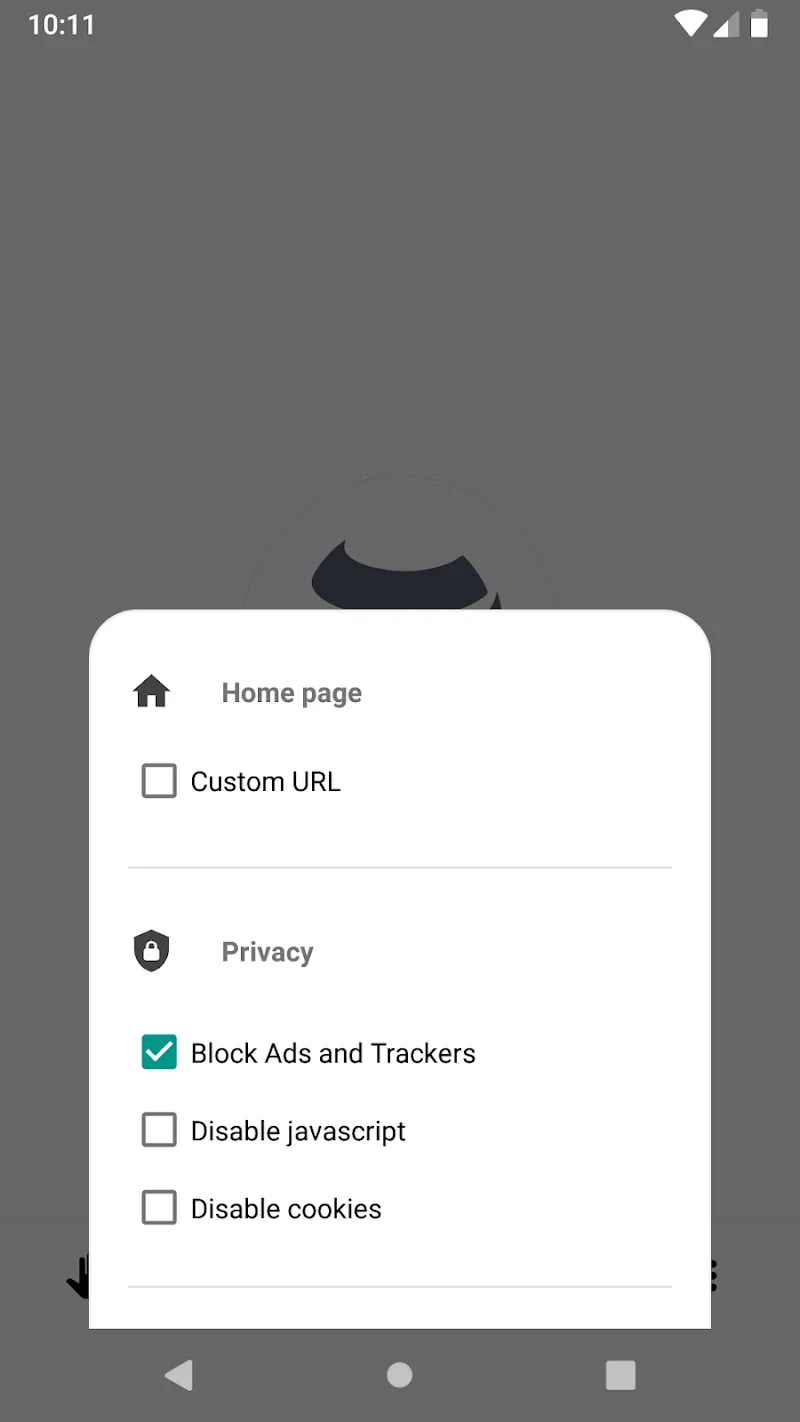
While privacy is the default, the app offers several customization choices so you can tailor behavior to your needs. Toggle tracker categories, whitelist trusted sites, switch between light and dark themes, and configure how the browser handles downloads and file permissions. These options allow you to prioritize privacy or convenience depending on the context.
Security and Updates
Regular updates are important for security and compatibility. OH Private Web Browser receives incremental updates that tighten privacy protections and patch vulnerabilities. The app also prompts safe download practices and provides clear permission dialogs so you can decide which features require access to location, storage, or other sensitive resources.
Tips for Getting the Most Out of OH Private Web Browser
- Enable automatic cleanup after each private session to ensure no data persists between uses.
- Whitelist essential sites where you want login persistence, such as banking or email, while keeping third-party trackers blocked globally.
- Use the reader view for distraction-free reading and to reduce tracking from embedded content like ads and social widgets.
- Review permissions periodically and limit access to sensors and files unless necessary for specific tasks.
Final Notes on Usability
OH Private Web Browser provides a straightforward way to regain control over online privacy without requiring technical expertise. Its mix of performance-minded blocking, easy cleanup, and practical customization makes it suitable for everyday browsing, research, and sensitive tasks where leaving no trace matters. Try the app to see how focused privacy tools can simplify your mobile web experience while keeping pages fast and usable.
Show More
Information
Screenshots
Latest Update










Latest News
-
![Revealing the Launch Playlists and Cross-Progression for COD Warzone Mobile News]()
-
![March 2024 Free Redemption Codes for Honkai: Star Rail News]()
-
PUBG Mobile Teams Up with Bentley Motors: Luxury Cars, Exclusive Collectibles, and Beyond 2024-04-18
![PUBG Mobile Teams Up with Bentley Motors: Luxury Cars, Exclusive Collectibles, and Beyond News]()
-
![Monster Never Cry is now accessible on both Android and iOS mobile devices. News]()
-
V2.2 of the Farlight 84 update introduces an overhauled Season structure, fresh in-game currency, an 2024-04-16
![V2.2 of the Farlight 84 update introduces an overhauled Season structure, fresh in-game currency, an News]()
-
![Arrival of Genshin Impact 4.6 Update: 'Embers of Two Realms, Twilight of Crimson' News]()
-
April 2024 Clash of Clans Update: Unveiling a Fresh Companion, Enhanced Levels, Chat Tagging, and Be 2024-04-16
![April 2024 Clash of Clans Update: Unveiling a Fresh Companion, Enhanced Levels, Chat Tagging, and Be News]()






