

Mello Night Icon Pack
Version:1.3.7
Published:2026-11-05
Introduction
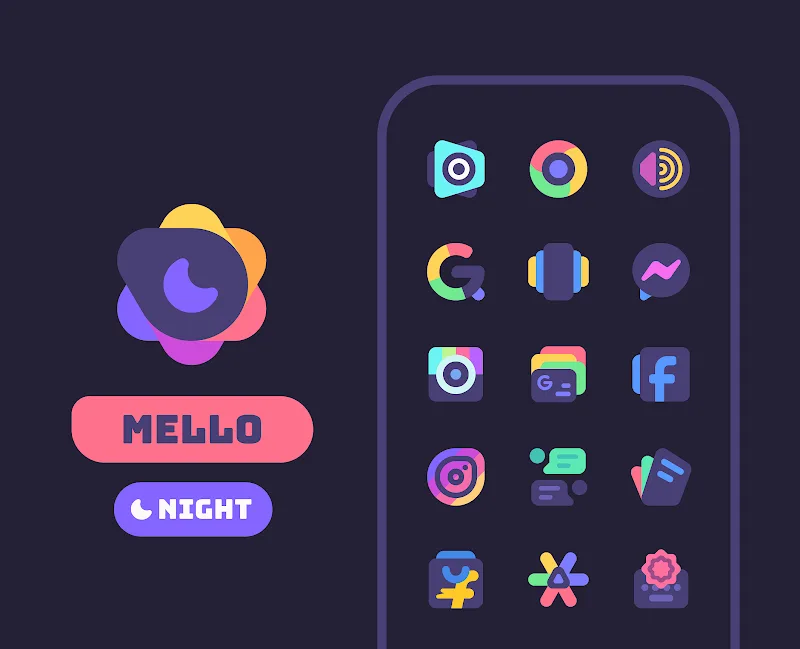
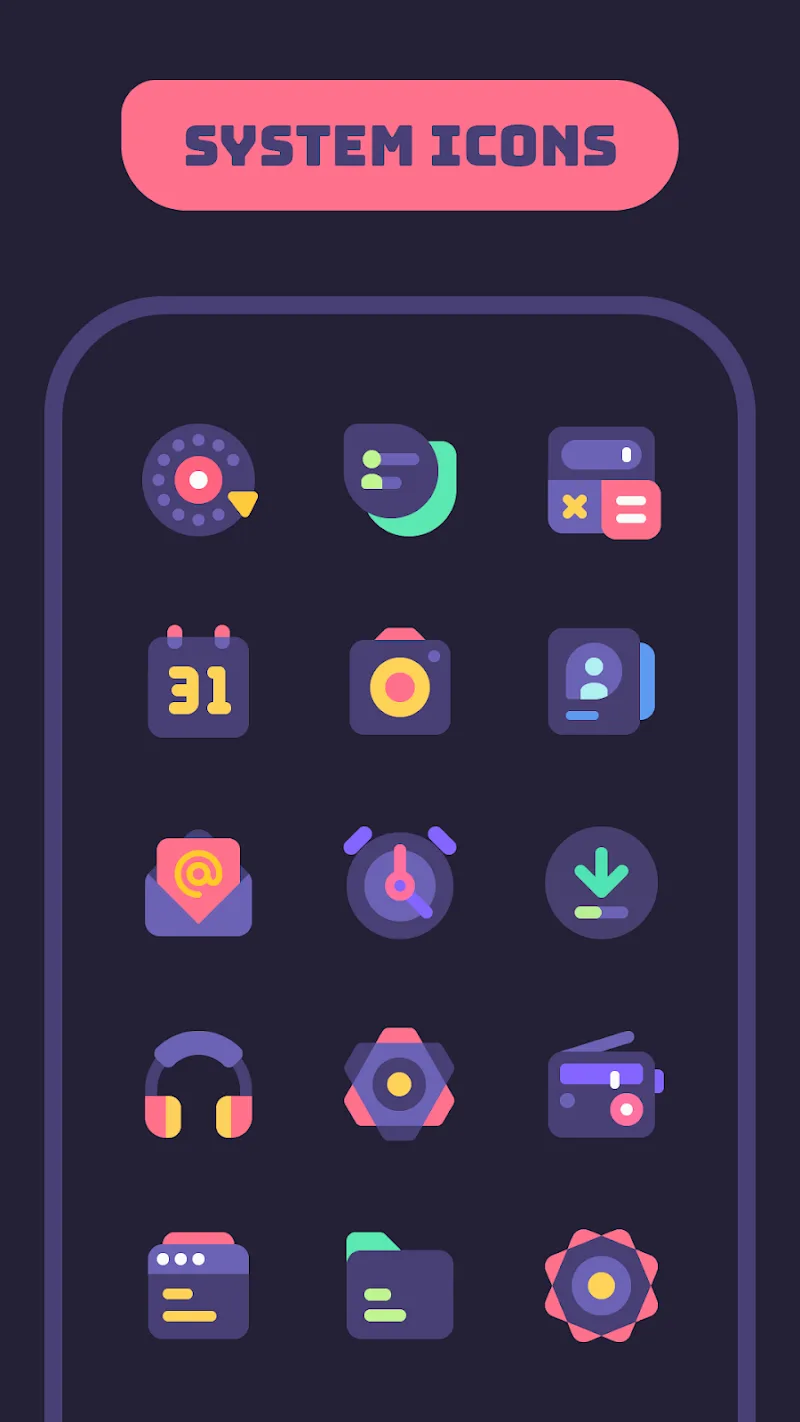
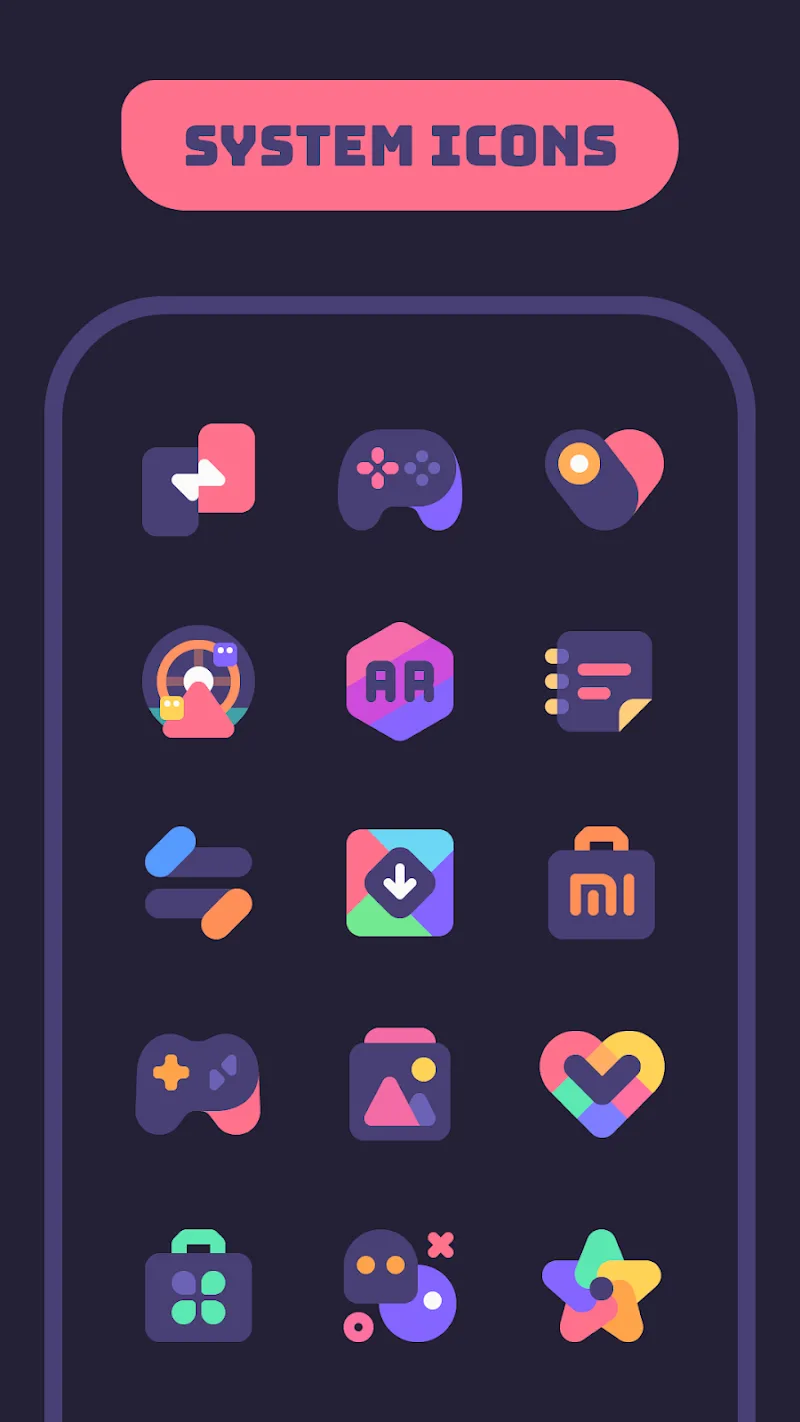
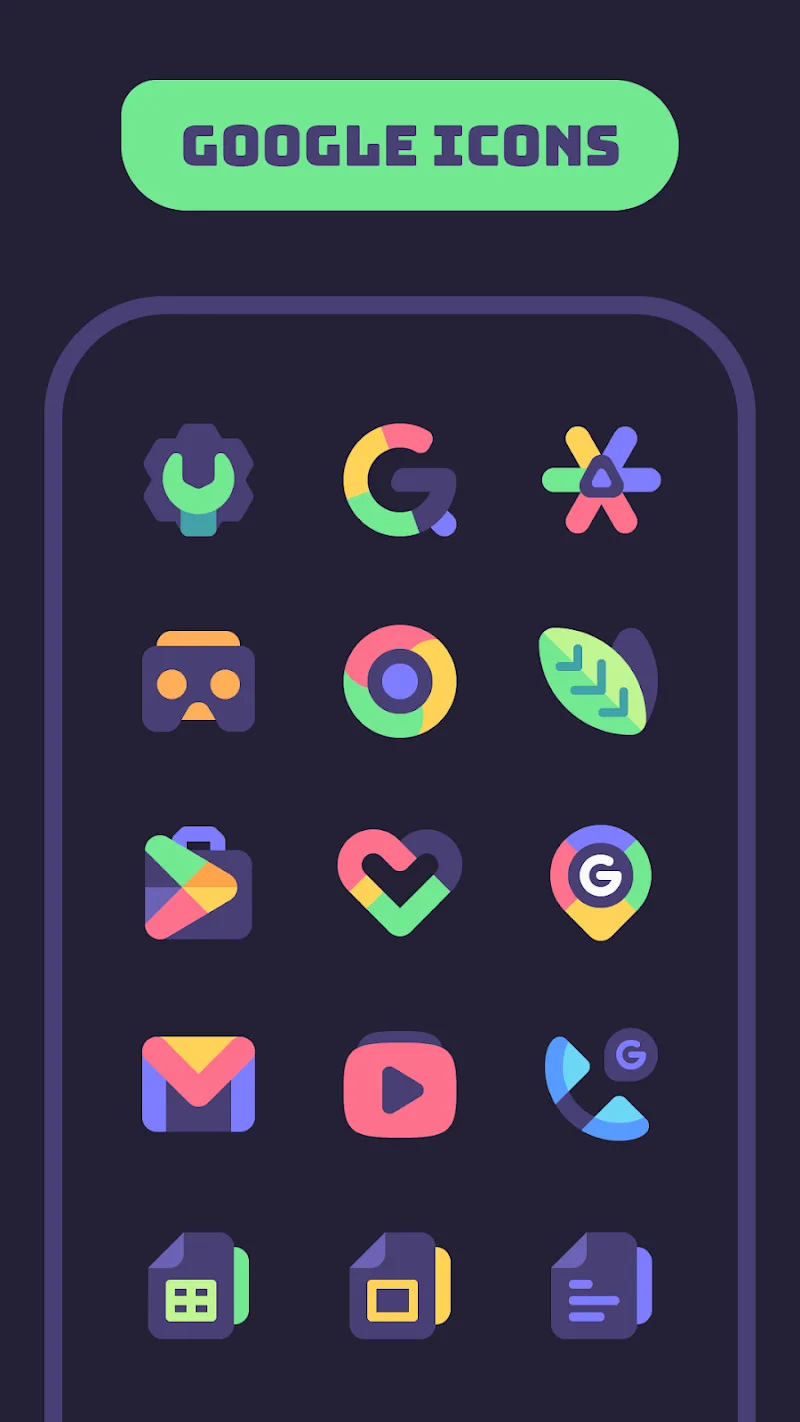
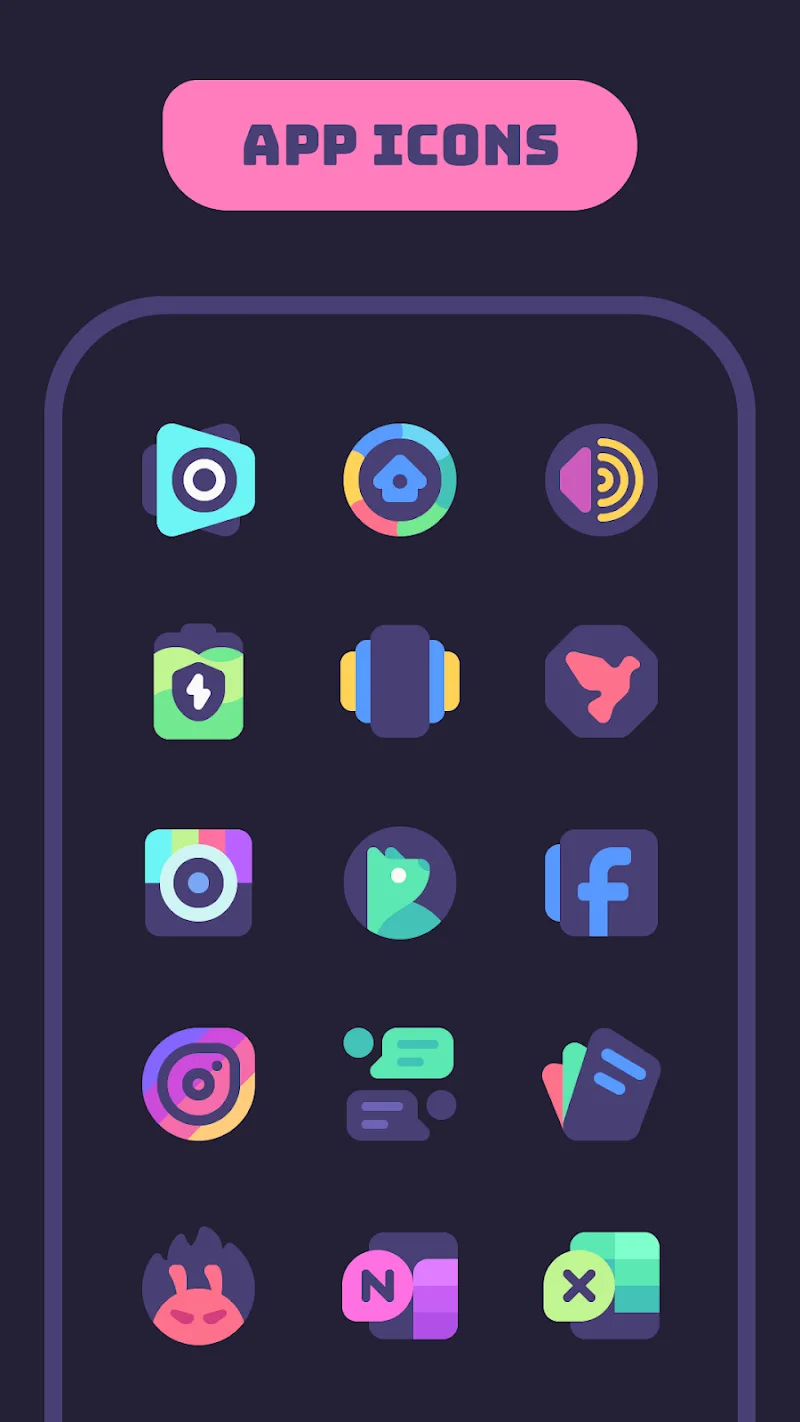
Mello Night Icon Pack brings a carefully considered dark aesthetic to Android home screens, combining hand-finished artwork and a calm, vivid palette to help users create a cohesive, moody look. Mello Night Icon Pack is built for people who prefer deep wallpapers with bright accents: the icons are drawn with attention to line work and subtle shading so they sit comfortably on dark backgrounds while still remaining readable and distinct.
Key features explained
This icon pack focuses on three practical areas: visual consistency, variety, and compatibility. The core set supplies a large, uniform group of icons designed to work together, while accent color variants and alternate icon versions let you fine-tune contrast and hue without breaking the overall style. Designers included shape alternatives—rounded, square, and slightly elongated silhouettes—so you can select the silhouette that best matches your launcher or preference. Broad launcher compatibility means you can apply icons through popular third-party launchers and expect reliable results across devices.
Visual style and customization
The visual identity of the pack emphasizes moody tones paired with lively accents: muted night shades form the foundation and brighter colors are used sparingly to highlight important glyphs. Hand-finished details such as gentle bevels, soft shadows, and refined edges make each icon feel tactile on screen. Customization goes beyond color swaps; themed bundles group icons around a single visual concept—neon highlights, soft gradients, or restrained pastels—so you can apply a single bundle to achieve a complete look quickly. Alternate icons for popular apps give you the flexibility to match a specific wallpaper or to create subtle contrast between icons.
Applying the pack and controls
Applying Mello Night Icon Pack is handled through your launcher’s appearance or theme menu and does not require root access. Typical flows include selecting the icon pack from a launcher’s theme browser or long-pressing an app to change its icon manually when your launcher supports individual assignment. If your launcher supports icon masking or adaptive shapes, choosing the pack’s matching silhouette will preserve consistency across legacy and newer app icons. The pack is designed to be straightforward: install the APK, open the icon pack app for additional options if available, then apply the style through your launcher of choice.
Organization, progression, and updates
Icons are organized into base sets, accent variants, and themed bundles so it’s easy to browse and decide which combination suits your home screen. Progression for the pack comes via regular updates: the developer typically adds new icons and refines existing artwork over time, expanding coverage for less common apps. Many users track updates to see whether their preferred apps are included; if a needed icon is missing, the pack includes a request option so you can ask the developer to create a matching icon in a future release.
User experience and replay value
Part of the appeal is experimentation: swapping accent colors, changing silhouettes, or applying a bundled theme can refresh your home screen without changing wallpapers or widgets. That creates replay value for users who like to iterate on a look—try variations during different times of day or for special events. The pack’s readable shapes and contrast choices aim to keep everyday usability high, so icons remain identifiable at a glance while retaining stylistic flair.
Accessibility, offline use, and compatibility
The color choices and clear glyphs improve accessibility by maintaining legibility on low-brightness displays and for users who prefer higher contrast. Once installed, the icon pack works offline; icon graphics are bundled with the APK so you don’t need a network connection to apply or switch themes. Compatibility notes are included in the app description: most major third-party launchers are supported, but built-in OEM launchers may have limited support for custom icons, so check your device’s launcher capabilities before attempting to apply the pack.
Tips and best practices
For best results, pair Mello Night Icon Pack with a dark or gradient wallpaper that highlights the pack’s accent colors; use the alternate icons to maintain harmony across frequently used apps. Before making extensive changes to a home screen, save a backup or take a screenshot so you can revert if a combination doesn’t work as expected. If you rely on very uncommon apps, submit an icon request through the pack’s support channel and monitor update notes to see when new icons are added.
Show More
Information
Screenshots
Latest Update






Latest News
-
![Revealing the Launch Playlists and Cross-Progression for COD Warzone Mobile News]()
-
![March 2024 Free Redemption Codes for Honkai: Star Rail News]()
-
PUBG Mobile Teams Up with Bentley Motors: Luxury Cars, Exclusive Collectibles, and Beyond 2024-04-18
![PUBG Mobile Teams Up with Bentley Motors: Luxury Cars, Exclusive Collectibles, and Beyond News]()
-
![Monster Never Cry is now accessible on both Android and iOS mobile devices. News]()
-
V2.2 of the Farlight 84 update introduces an overhauled Season structure, fresh in-game currency, an 2024-04-16
![V2.2 of the Farlight 84 update introduces an overhauled Season structure, fresh in-game currency, an News]()
-
![Arrival of Genshin Impact 4.6 Update: 'Embers of Two Realms, Twilight of Crimson' News]()
-
April 2024 Clash of Clans Update: Unveiling a Fresh Companion, Enhanced Levels, Chat Tagging, and Be 2024-04-16
![April 2024 Clash of Clans Update: Unveiling a Fresh Companion, Enhanced Levels, Chat Tagging, and Be News]()






