
Screen Color Filter
Version:6.16.0
Published:2026-11-05
Introduction
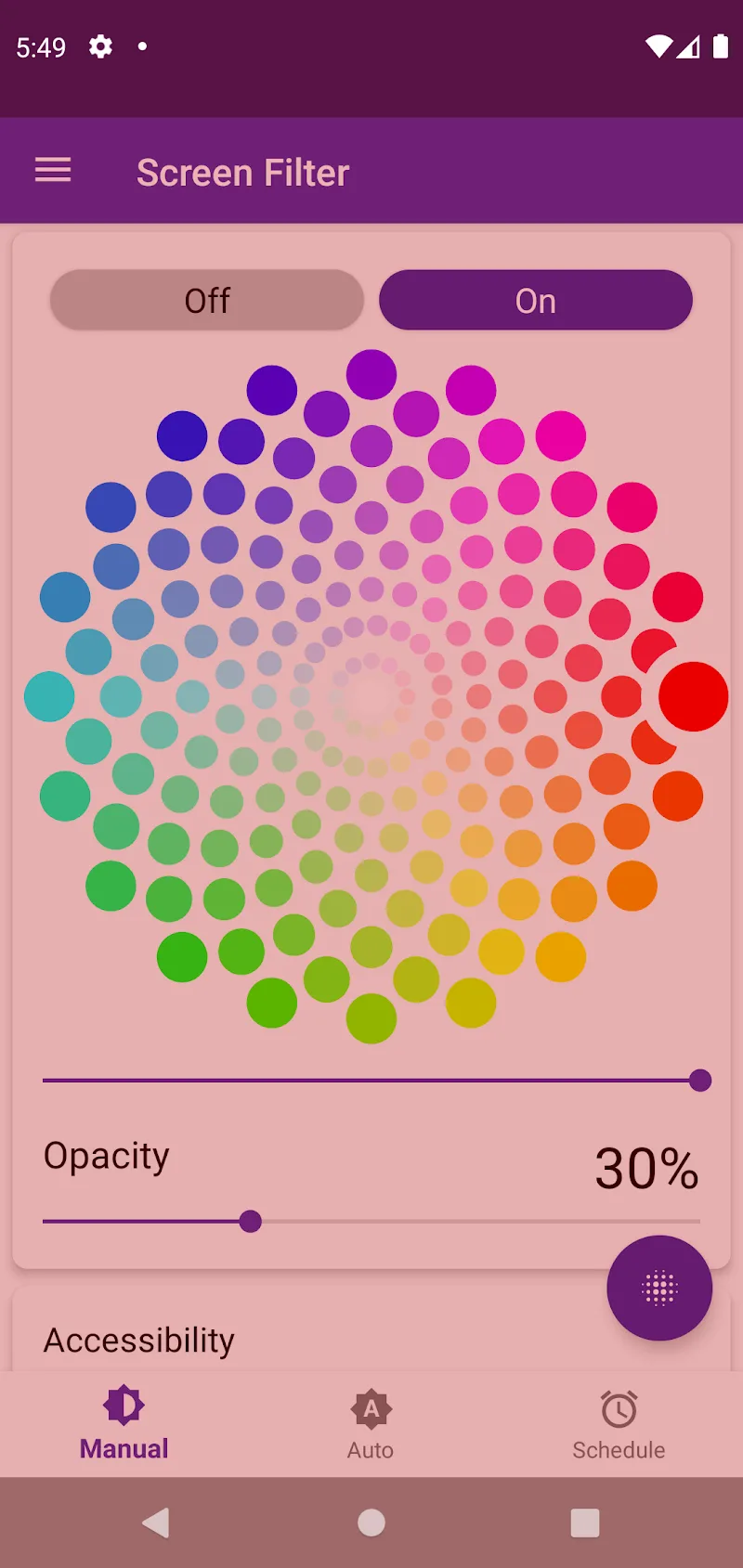
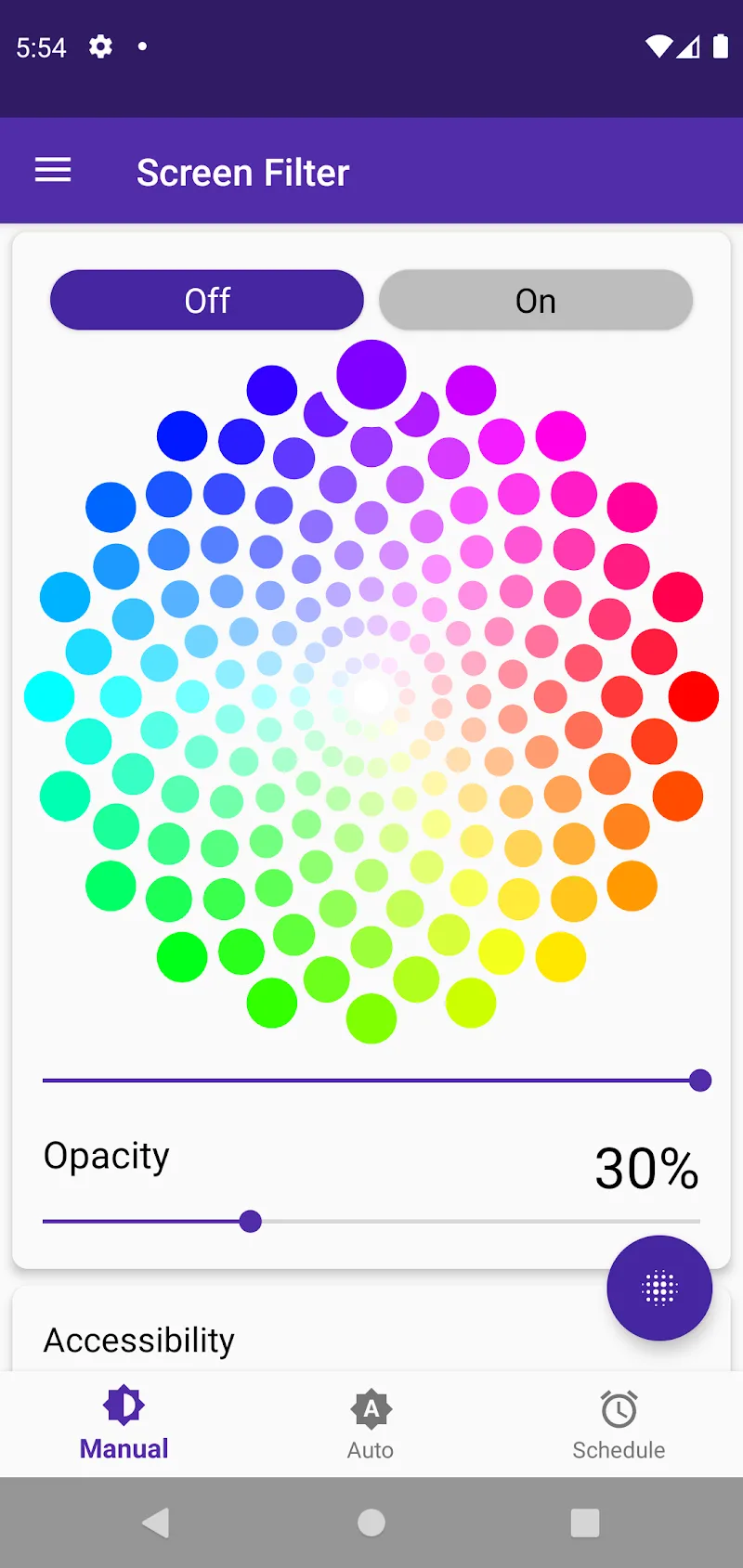
Screen Color Filter helps reduce eye strain by applying customizable color filters and blue-light reduction to your device screen, so viewing becomes more comfortable for long sessions or nighttime use. The app analyzes ambient light and adjusts color balance and brightness automatically or lets you pick from presets for different modes, smoothing uneven colors and preventing harsh blue light. Users who want an easier way to protect their eyes and correct color imbalances will appreciate its practical controls and suggested modes, which make quick adjustments simple without diving into complex settings.
Key Features
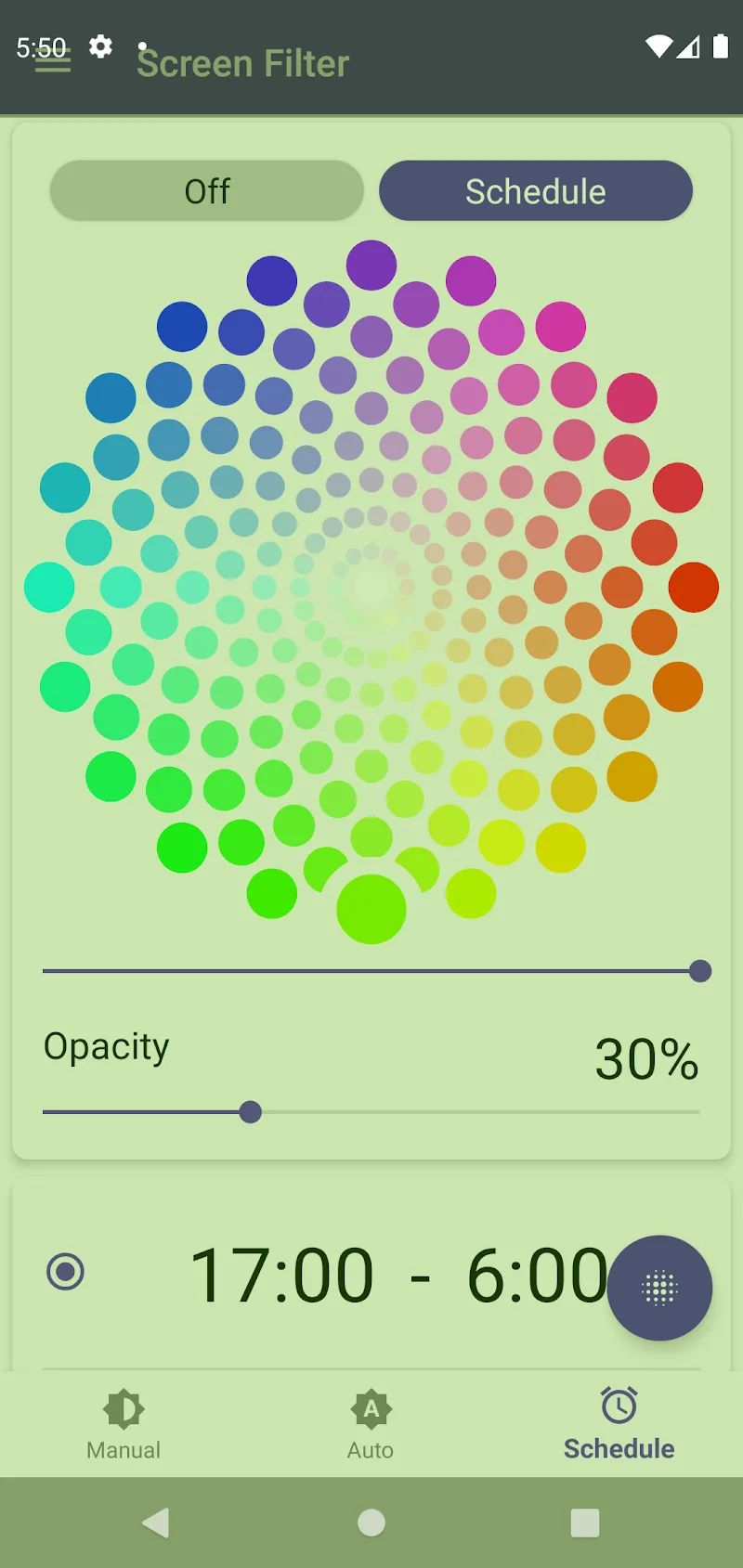
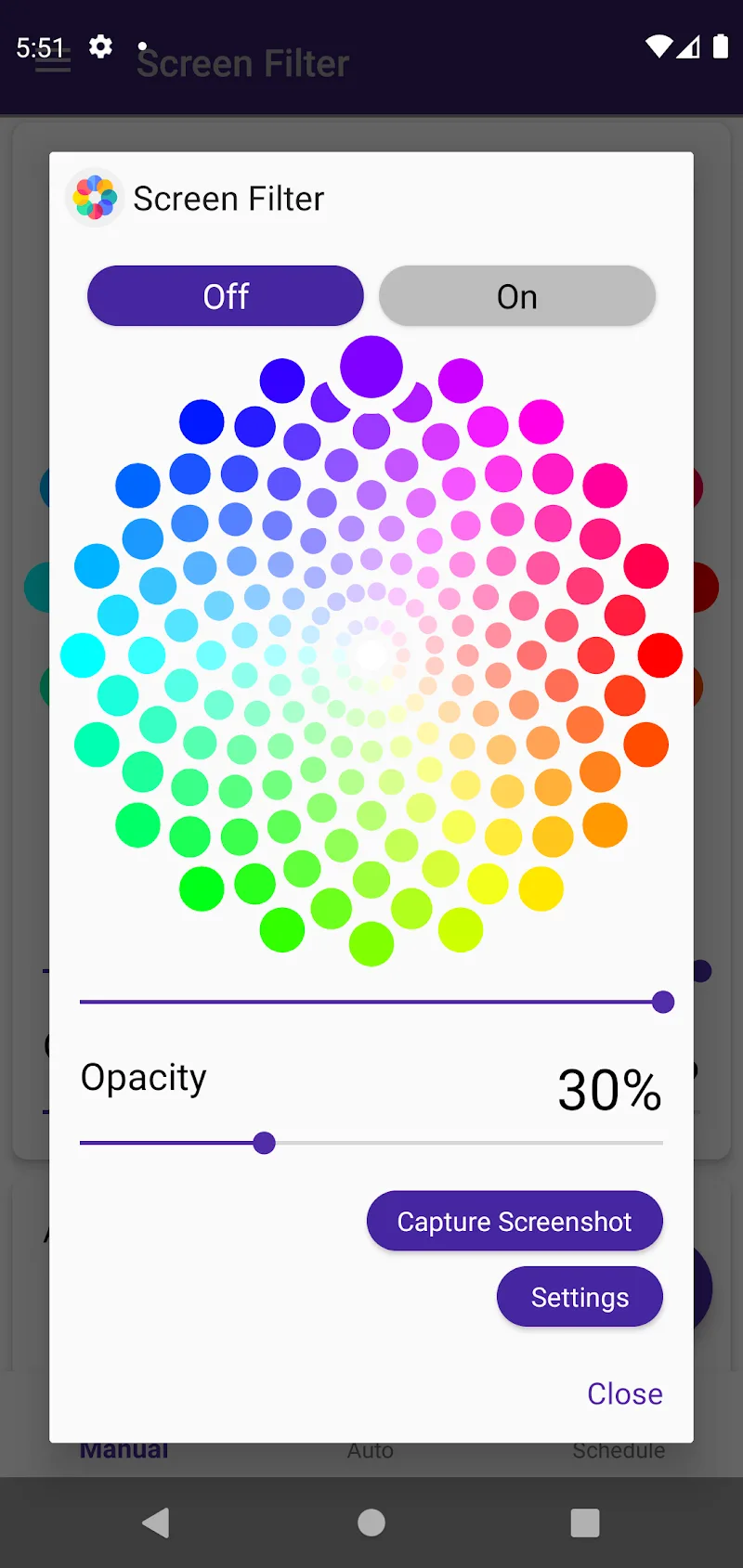
⭐ Screen Color Filter applies flexible color filters and multiple viewing modes to match reading, night use, or general browsing.
⭐ Blue-light reduction limits harmful wavelengths to help reduce eye fatigue during extended device use.
⭐ Built-in color analysis detects abnormal tints and rebalances the screen for more even color reproduction.
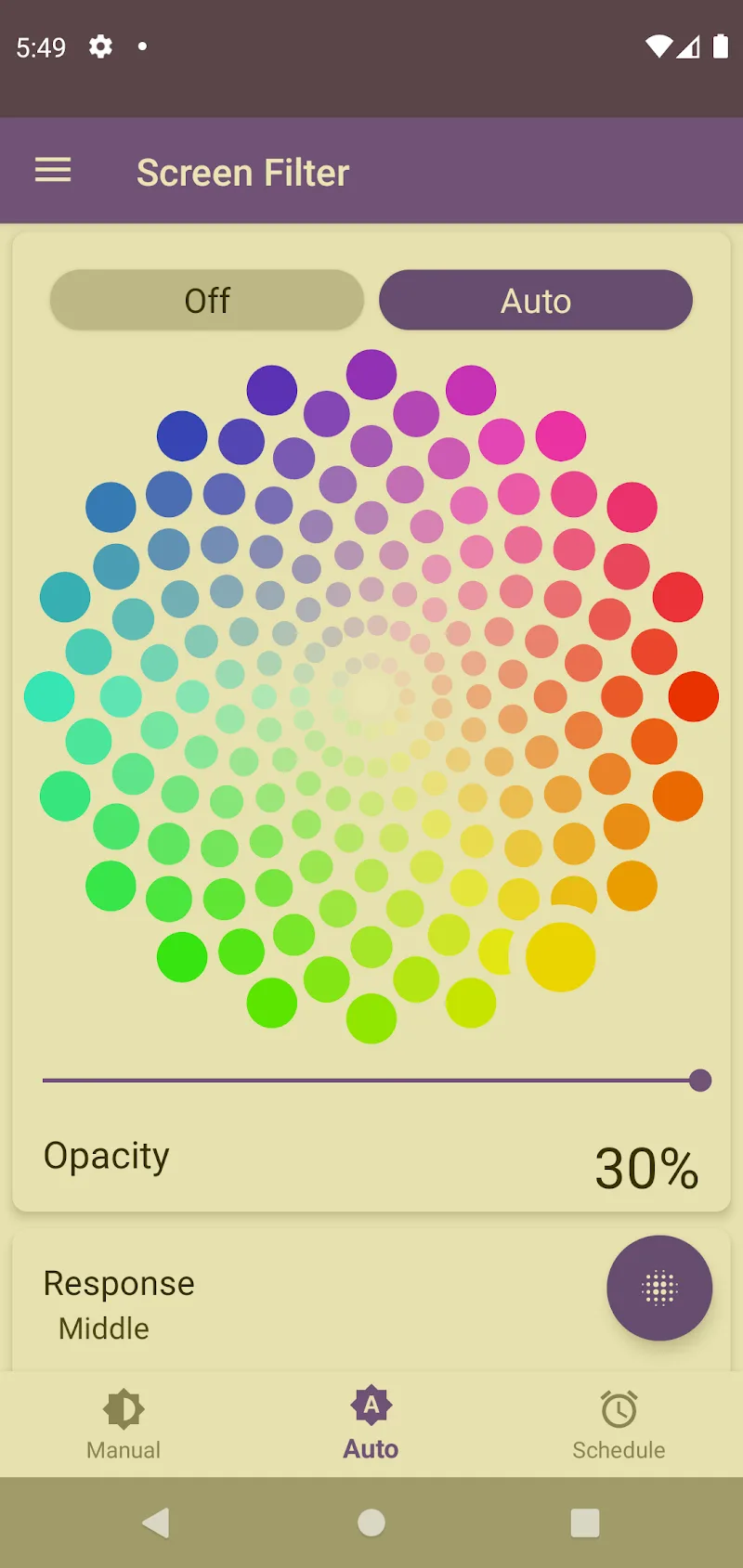
⭐ Automatic day/night and ambient-light detection switches filters based on surrounding light conditions.
⭐ Suggested presets and characteristic color modes simplify choosing the right filter for each situation.
⭐ Adjustable brightness controls let you decrease or increase screen brightness as needed.
Advantages
✅ Screen Color Filter helps reduce eye strain by limiting blue light and smoothing harsh contrast for more comfortable viewing.
✅ Automatic mode manages adjustments for you, reducing the need to change settings frequently.
✅ Color balancing prevents visible color spots and creates a more uniform display.
✅ Presets and suggested modes make it easy to switch between profiles for day, night, or task-specific use.
✅ Practical interface with straightforward controls allows fast customization without a steep learning curve.
Disadvantages
❎ Color filters can slightly alter true color accuracy, which may not suit color-sensitive tasks like photo editing.
❎ Automatic adjustments may not always match personal preference and sometimes require manual fine-tuning.
❎ Certain filter settings can reduce perceived brightness, making screens harder to read in very bright outdoor conditions.
Show More
Information
Screenshots
Latest Update









Hot Tags
Latest News
-
![Revealing the Launch Playlists and Cross-Progression for COD Warzone Mobile News]()
-
![March 2024 Free Redemption Codes for Honkai: Star Rail News]()
-
PUBG Mobile Teams Up with Bentley Motors: Luxury Cars, Exclusive Collectibles, and Beyond 2024-04-18
![PUBG Mobile Teams Up with Bentley Motors: Luxury Cars, Exclusive Collectibles, and Beyond News]()
-
![Monster Never Cry is now accessible on both Android and iOS mobile devices. News]()
-
V2.2 of the Farlight 84 update introduces an overhauled Season structure, fresh in-game currency, an 2024-04-16
![V2.2 of the Farlight 84 update introduces an overhauled Season structure, fresh in-game currency, an News]()
-
![Arrival of Genshin Impact 4.6 Update: 'Embers of Two Realms, Twilight of Crimson' News]()
-
April 2024 Clash of Clans Update: Unveiling a Fresh Companion, Enhanced Levels, Chat Tagging, and Be 2024-04-16
![April 2024 Clash of Clans Update: Unveiling a Fresh Companion, Enhanced Levels, Chat Tagging, and Be News]()






