

Vapor Iconpack
Version:2.3.7
Published:2026-11-05
Introduction
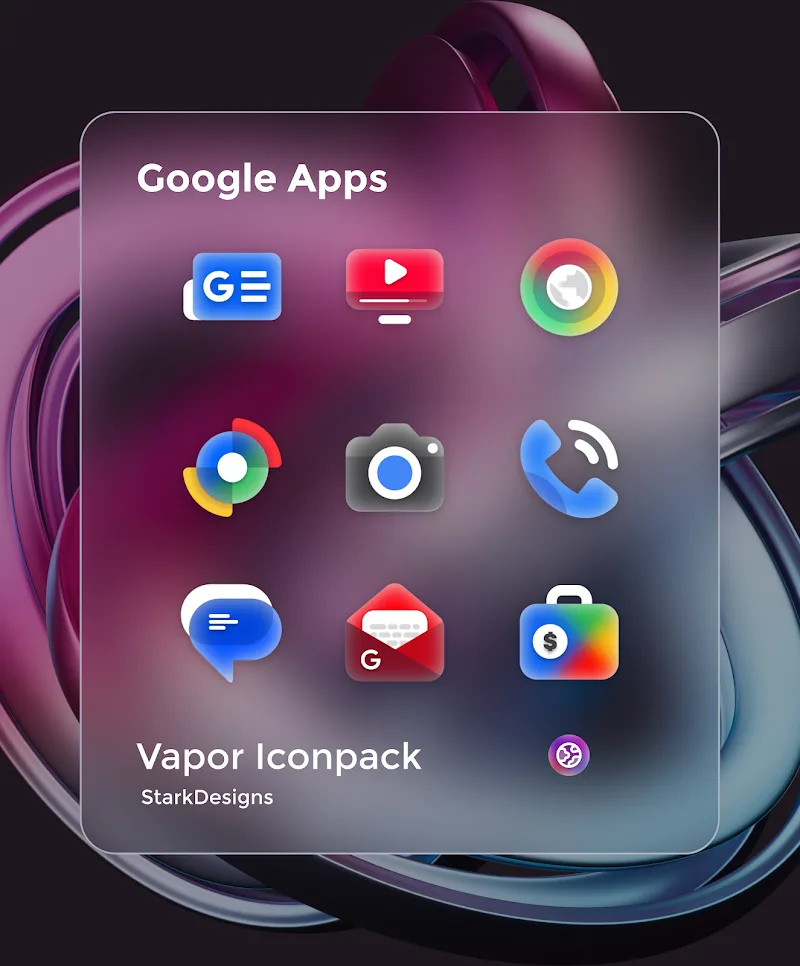
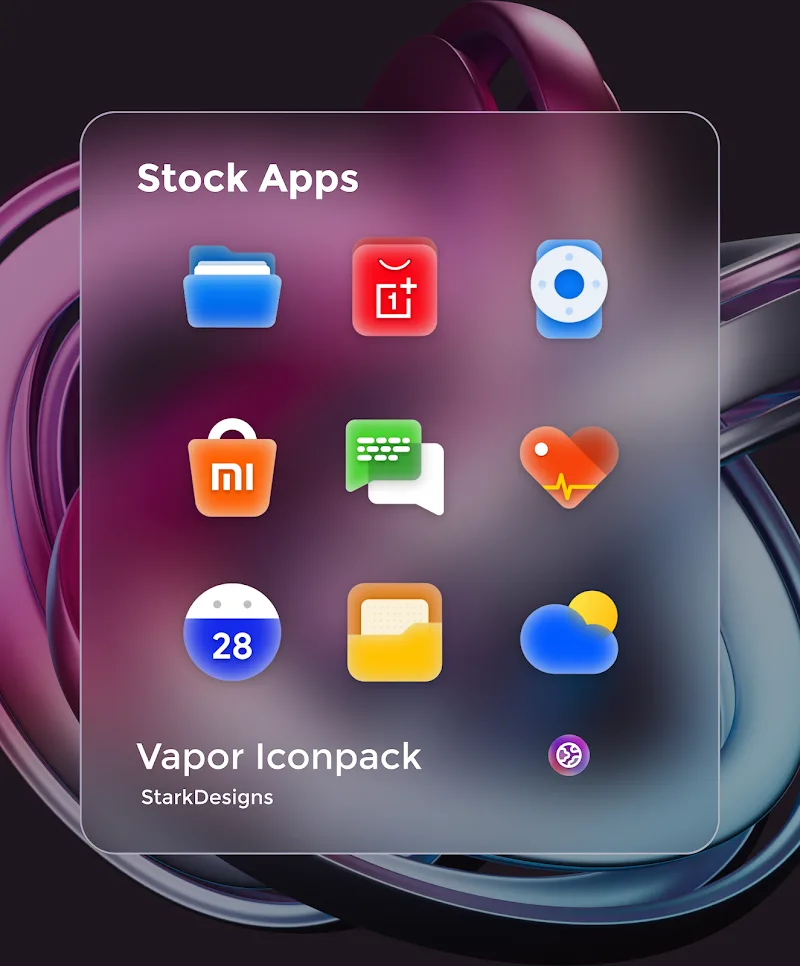
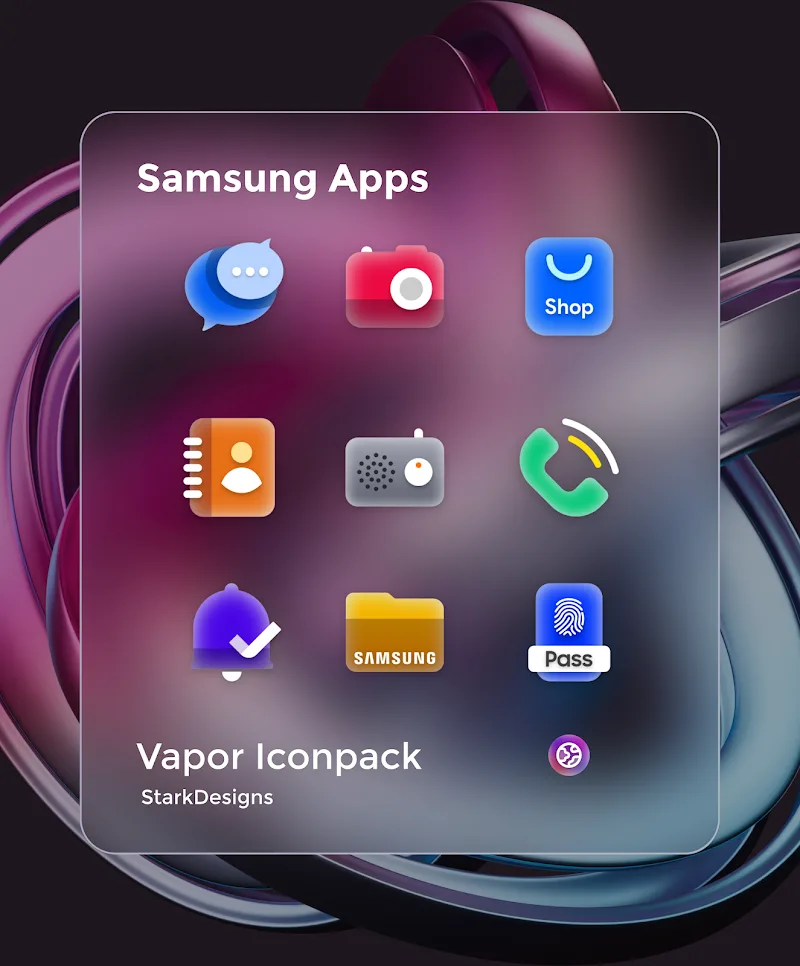
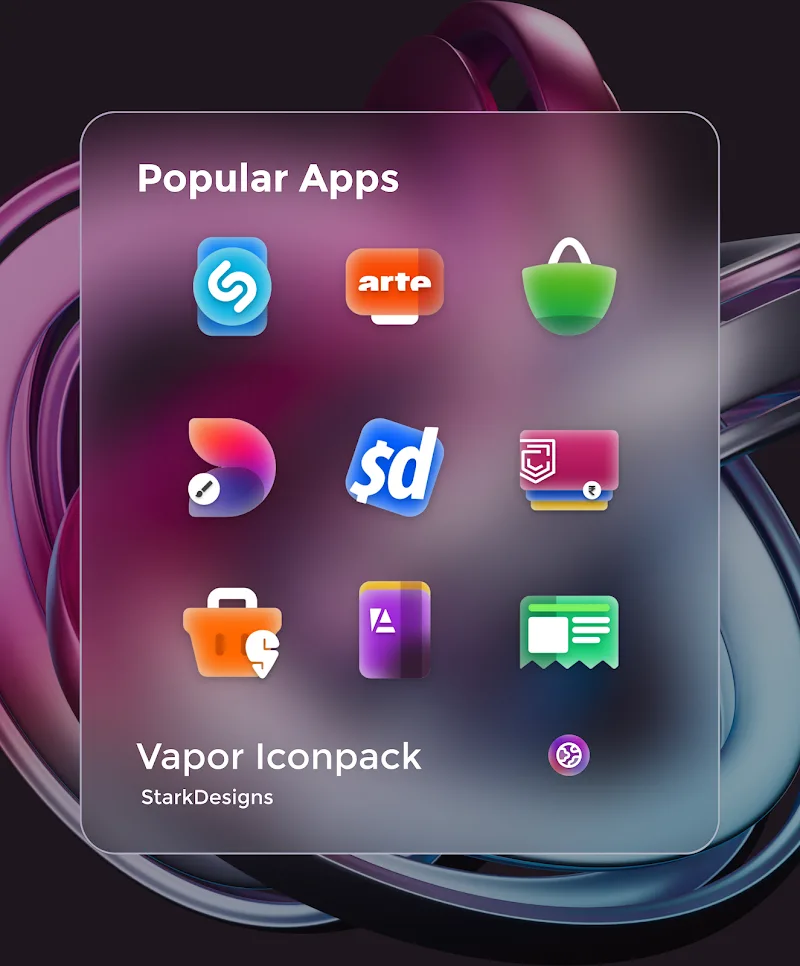
Vapor Iconpack transforms your Android home screen with a cohesive set of vaporwave-inspired icons, wallpapers and accents. It delivers consistent styling across apps while keeping performance light. Ideal for users who want a retro-futuristic look without complex setup, Vapor Iconpack streamlines customization for everyday use.
What the pack includes
The collection focuses on a unified visual language: pastel gradients, neon highlights and simplified glyphs. Inside the package you’ll find hundreds of handcrafted icons designed to replace default app icons, plus matching wallpapers and accent elements that extend the theme beyond just icons. Designers balanced detail and clarity so icons remain recognizable at small sizes.
Core features at a glance
- Extensive icon library — a broad selection of icons covering popular apps and utilities.
- Wallpaper set — coordinating home and lock screen images tuned to the icon palette.
- Adaptive and legacy support — assets that work with modern adaptive icon systems and older launchers.
- Request tool — an in-app method to ask for missing icons.
- Frequent updates — periodic additions to keep coverage current.
Design and technical approach
Vapor Iconpack takes a deliberate approach to visual consistency. Icons use a limited color scheme and repeat geometric motifs so the desktop looks curated rather than chaotic. From a technical standpoint the pack supplies both adaptive icon layers and PNG fallbacks, which helps compatibility with a wide range of launchers. The result is a cohesive aesthetic delivered without sacrificing clarity.
How it integrates with launchers
Most third-party launchers accept icon packs directly, and this set supports popular ones such as Nova, Lawnchair, Apex and Action Launcher. Applying the theme is typically a two-step process: choose the icon pack inside your launcher settings, then tweak grid and label options to match the look. Vapor Iconpack also includes guidelines for users of manufacturer launchers that require manual icon replacement.
User experience and performance
Performance is a priority: images are optimized to keep memory use low and avoid slowdowns. Once applied, the icon set behaves like any other visual theme — smooth transitions, no added background processes and minimal battery impact. The interface of the app is intentionally simple, focusing on previewing icons, selecting wallpapers and submitting icon requests.
Customization tips
For a polished home screen, pair the icon pack with a minimal widget set and a consistent grid layout. Try larger icon sizes and hide labels to emphasize the shapes and colors. If a particular app doesn’t have a themed icon, use the icon request feature or manually assign a similar glyph from the alternate icons provided. Mixing one or two complementary widgets helps the theme feel intentional instead of purely decorative.
Suitable users and use cases
This pack is aimed at users who enjoy visual themes and want a modern-retro vibe on their phones. It’s well suited for anyone who customizes homescreens regularly or those who want a quick visual refresh without building a setup from scratch. Because of its balanced design, it works for both casual themers and users who prefer minimal homescreen layouts.
Installation and first-run checklist
- Install the APK and open the icon pack app to preview assets.
- Choose your launcher and apply the pack from launcher settings.
- Select a wallpaper from the included set and adjust grid/label options.
- Submit any missing icon requests directly through the app.
Why people pick this icon pack
Users often appreciate the visual cohesion and ease of use. Vapor Iconpack stands out for its focused color palette and the way icons complement wallpapers. Regular updates and straightforward integration make it a reliable choice when you want a fresh look without a long setup process. If you enjoy a vaporwave or synthwave aesthetic, the pack delivers a consistent appearance across most apps and launchers.
Overall, the pack balances artistic style with practical compatibility, giving Android users a fast route to a distinctive, curated home screen.
Show More
Information
Screenshots
Latest Update







Latest News
-
![Revealing the Launch Playlists and Cross-Progression for COD Warzone Mobile News]()
-
![March 2024 Free Redemption Codes for Honkai: Star Rail News]()
-
PUBG Mobile Teams Up with Bentley Motors: Luxury Cars, Exclusive Collectibles, and Beyond 2024-04-18
![PUBG Mobile Teams Up with Bentley Motors: Luxury Cars, Exclusive Collectibles, and Beyond News]()
-
![Monster Never Cry is now accessible on both Android and iOS mobile devices. News]()
-
V2.2 of the Farlight 84 update introduces an overhauled Season structure, fresh in-game currency, an 2024-04-16
![V2.2 of the Farlight 84 update introduces an overhauled Season structure, fresh in-game currency, an News]()
-
![Arrival of Genshin Impact 4.6 Update: 'Embers of Two Realms, Twilight of Crimson' News]()
-
April 2024 Clash of Clans Update: Unveiling a Fresh Companion, Enhanced Levels, Chat Tagging, and Be 2024-04-16
![April 2024 Clash of Clans Update: Unveiling a Fresh Companion, Enhanced Levels, Chat Tagging, and Be News]()






