
Multi Run
Version:1.0.55.20
Published:2026-11-05
Introduction
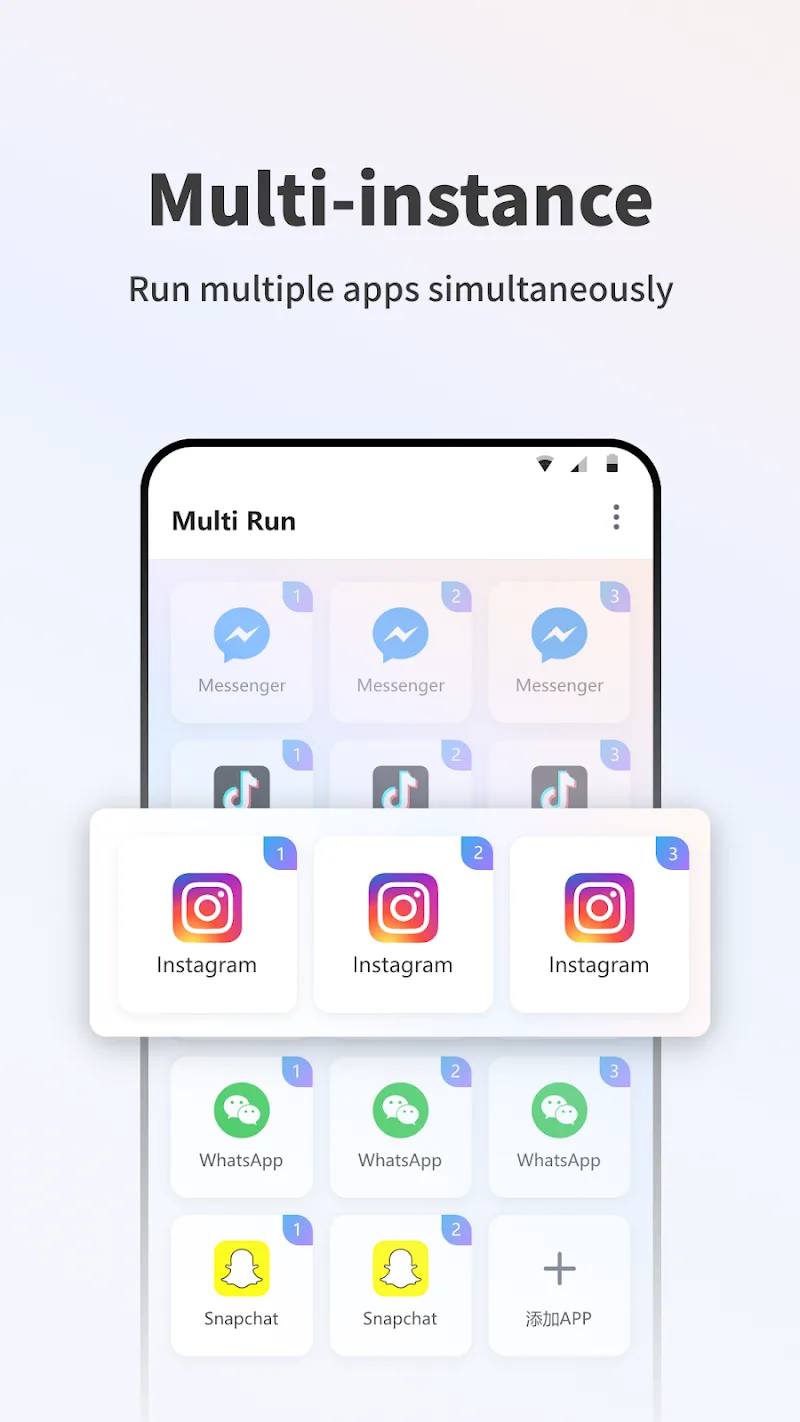
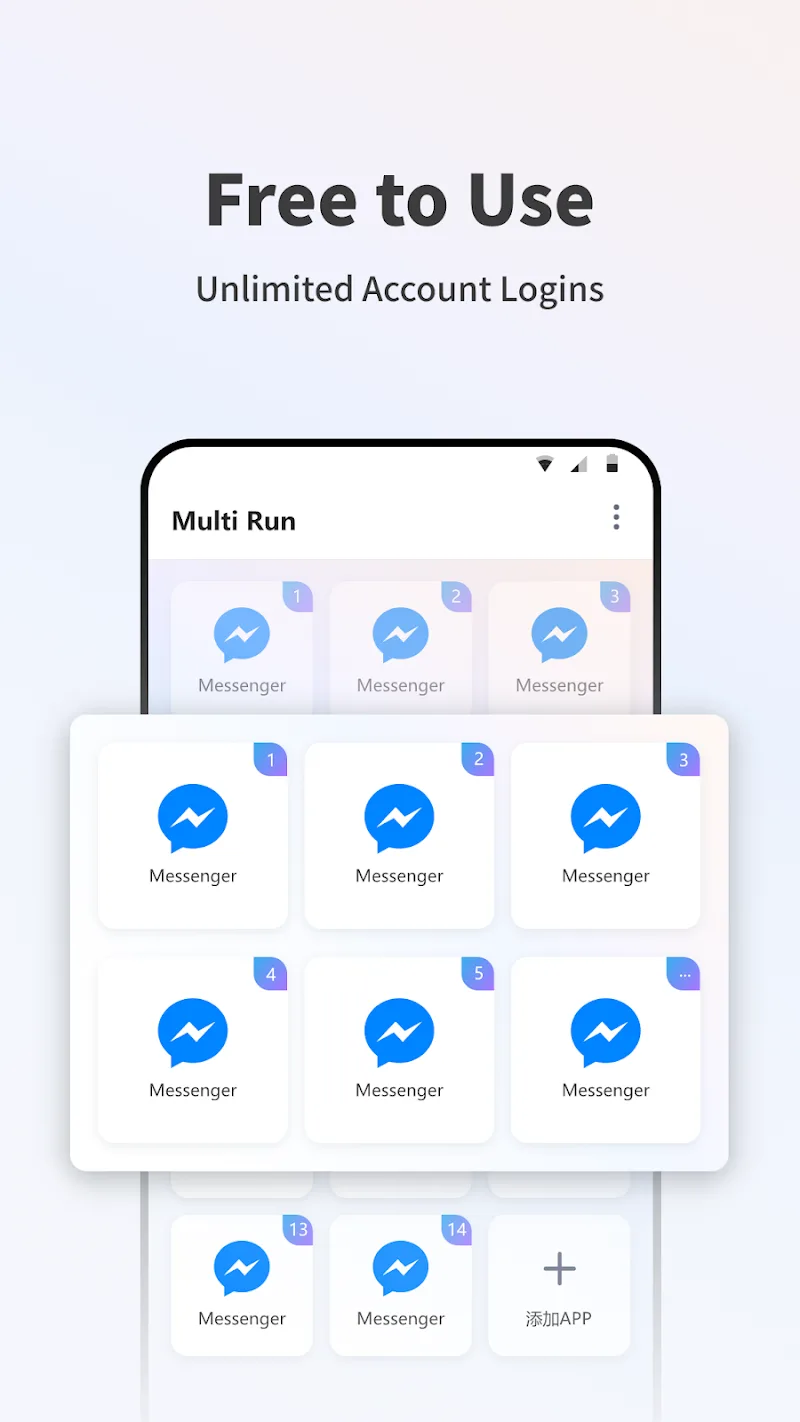
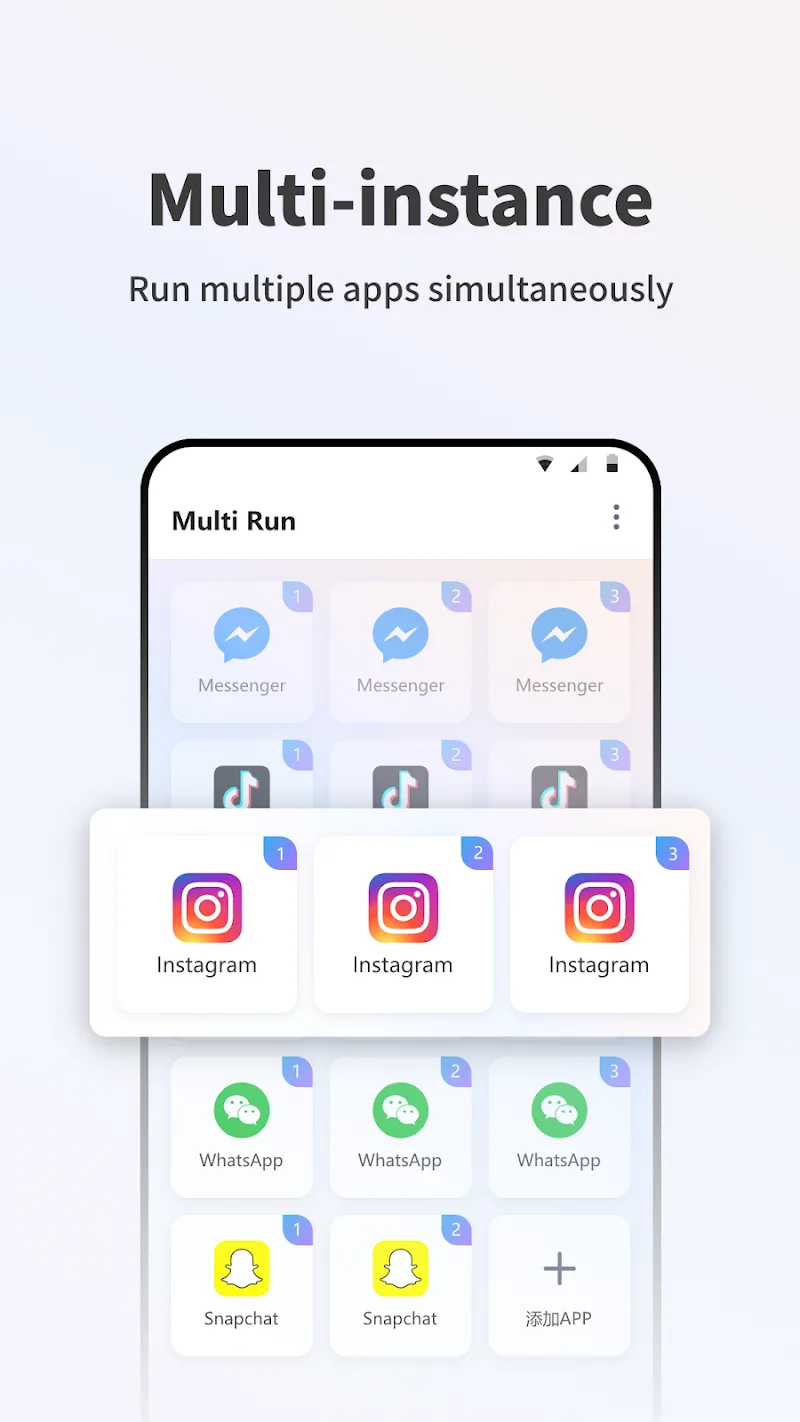
Multi Run turns your Android device into a multi-account workspace by cloning apps and creating isolated copies so you can run separate profiles side by side. Multi Run makes it possible to sign in to a main account and a sub account at the same time without repeatedly logging out, which is useful if you juggle work and personal profiles, manage multiple social identities, or run parallel sessions for productivity or automated tasks.
Key Features
Multi Run clones installed apps while maintaining strict data separation so each clone stores its own cache, settings and session data. The app supports compatibility with thousands of popular apps across messaging, social media, short-video and utility categories, and includes a stealth zone to hide sensitive clones on shared devices. Scheduling tools let cloned apps switch modes automatically, for example muting a work profile after office hours, and simple backup/export functions preserve clone configurations when you move devices.
Controls & Workflow
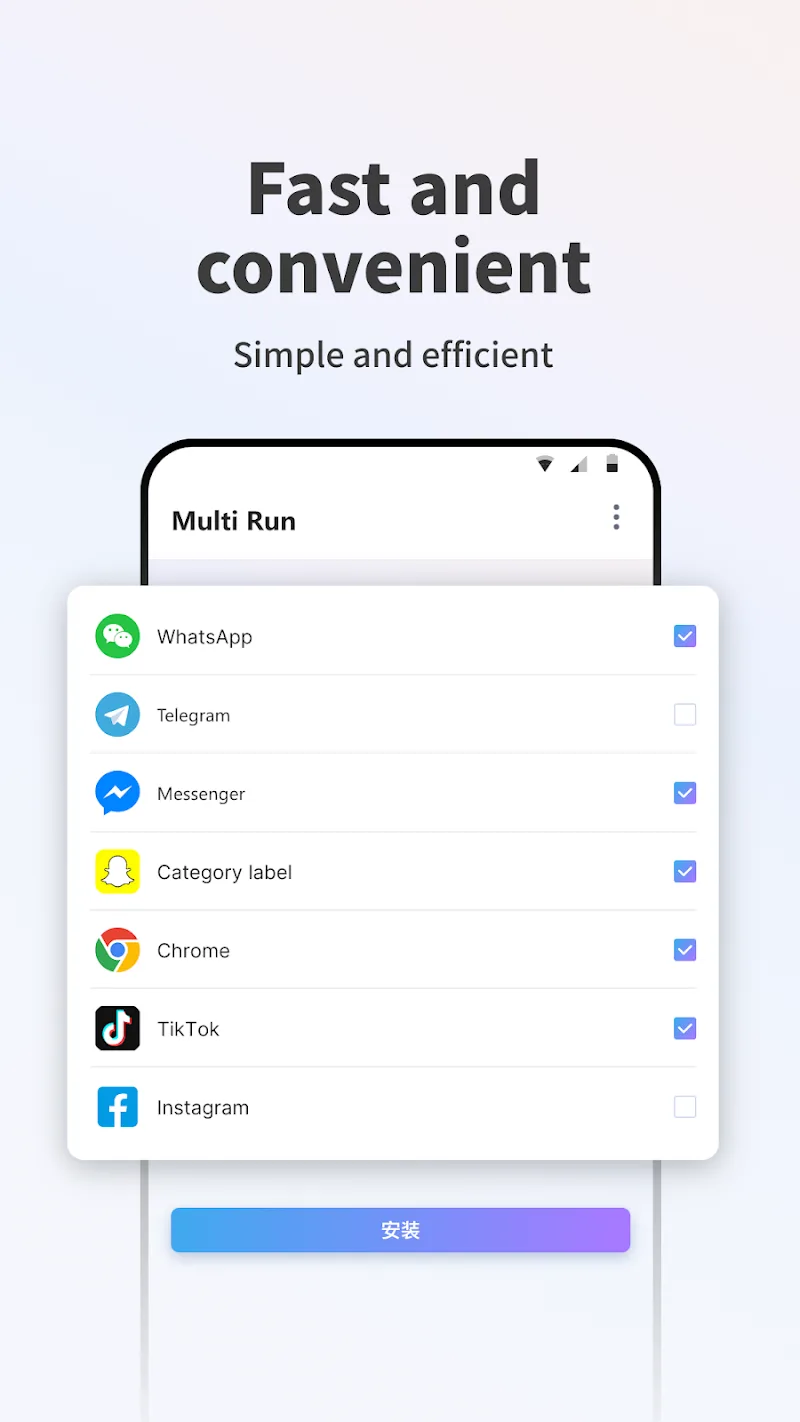
The interface focuses on touch-friendly controls and clear workflows: create a clone in a few taps, assign a profile name and icon badge, then launch clones from a single dashboard. Swipe gestures and long-press menus speed common actions like switching accounts, freezing background clones or opening clone settings. Notifications from cloned apps are grouped and can be filtered per profile so you can review messages from one account without interruption from others.
Profiles and Progression
Rather than levels, Multi Run offers a progression of organization: start with a basic clone, then build profile templates for frequent setups such as work, gaming or social. Templates preserve permissions, notification preferences and scheduling rules so you can reproduce a profile quickly. As your needs grow, nested organization (folders or tags) helps manage dozens of clones, and versioned snapshots allow you to roll back a clone to a previous state if configuration changes cause issues.
Visual Style & Customization
The app uses a clean, modern visual design with readable type, clear icons and optional dark mode to match system themes. Customization options let you change clone labels, choose icon overlays or color-code profiles for instant recognition. Interface scale and contrast settings help adapt the visual style to larger displays, tablets or single-handed use on phones with tall screens.
Performance & Resource Management
Running multiple clones increases CPU usage, RAM and battery consumption, so Multi Run provides tools to control resource impact: sleep modes for inactive clones, per-clone background activity limits and an activity monitor that shows CPU, memory and network usage by clone. These controls make it easier to keep essential clones active while pausing less important sessions to save power and extend device longevity.
Privacy, Security & Accessibility
Privacy features include isolated storage for each clone, optional PIN or biometric locks for the app and a stealth zone that hides selected clones from the launcher. Multi Run follows platform permissions rather than bypassing them, so apps that use strong anti-cloning protections may not work. Accessibility options include large text, high-contrast UI and compatibility with screen readers, and the workflow avoids intrusive animations to help users who prefer a simpler interface.
Offline Use & Reliability
Many functions of Multi Run operate offline: creating clones, changing visual settings, renaming profiles and scheduling local rules do not require an internet connection. Cloned apps that depend on online services will still need connectivity for their core features, but Multi Run's local management remains responsive even when the device is offline. Regular local backups and export/import of profile templates improve reliability when switching devices.
Tips for Best Experience
For consistent results, start by cloning only a few high-priority apps and confirming behavior before adding more. Use profile templates for repetitive setups, monitor resource usage from the dashboard and enable sleep mode for clones you only open occasionally. If you encounter an app with strict anti-cloning behavior, consult the compatibility list in Multi Run and consider running that app only on the primary profile. With careful organization and the available automation tools, Multi Run helps keep multiple accounts organized, private and easy to manage on one device.
Show More
Information
Screenshots
Latest Update










Latest News
-
![Revealing the Launch Playlists and Cross-Progression for COD Warzone Mobile News]()
-
![March 2024 Free Redemption Codes for Honkai: Star Rail News]()
-
PUBG Mobile Teams Up with Bentley Motors: Luxury Cars, Exclusive Collectibles, and Beyond 2024-04-18
![PUBG Mobile Teams Up with Bentley Motors: Luxury Cars, Exclusive Collectibles, and Beyond News]()
-
![Monster Never Cry is now accessible on both Android and iOS mobile devices. News]()
-
V2.2 of the Farlight 84 update introduces an overhauled Season structure, fresh in-game currency, an 2024-04-16
![V2.2 of the Farlight 84 update introduces an overhauled Season structure, fresh in-game currency, an News]()
-
![Arrival of Genshin Impact 4.6 Update: 'Embers of Two Realms, Twilight of Crimson' News]()
-
April 2024 Clash of Clans Update: Unveiling a Fresh Companion, Enhanced Levels, Chat Tagging, and Be 2024-04-16
![April 2024 Clash of Clans Update: Unveiling a Fresh Companion, Enhanced Levels, Chat Tagging, and Be News]()






