

Moonshine Pro - Icon Pack
Version:3.9.8
Published:2026-11-05
Introduction
Moonshine Pro - Icon Pack transforms your Android home screen with a cohesive set of colorful, material-inspired icons and matching wallpapers. Designed for simplicity and clarity, Moonshine Pro - Icon Pack offers thousands of high-resolution icons plus dynamic support for popular launchers to give your device a polished, consistent look.
What Moonshine Pro Delivers
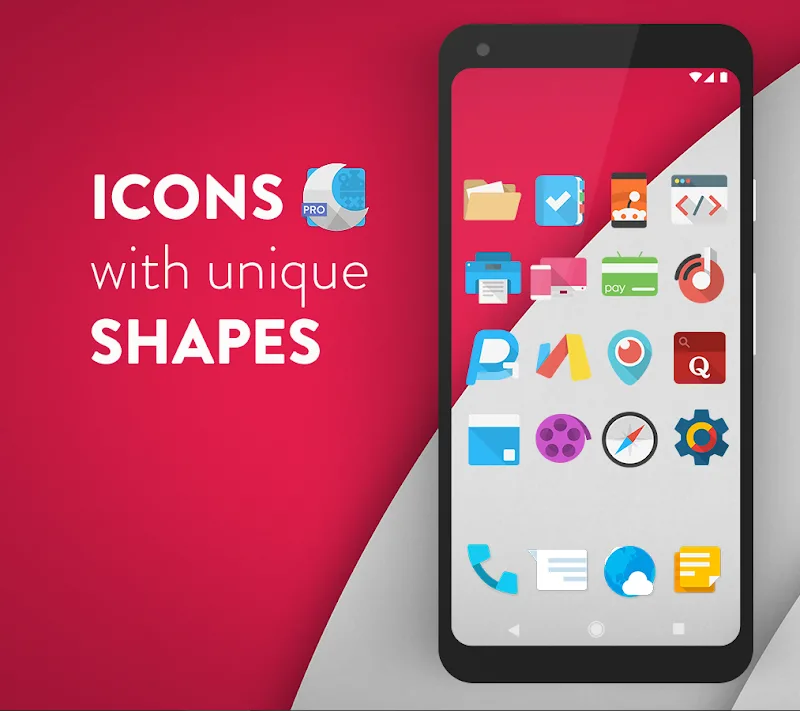
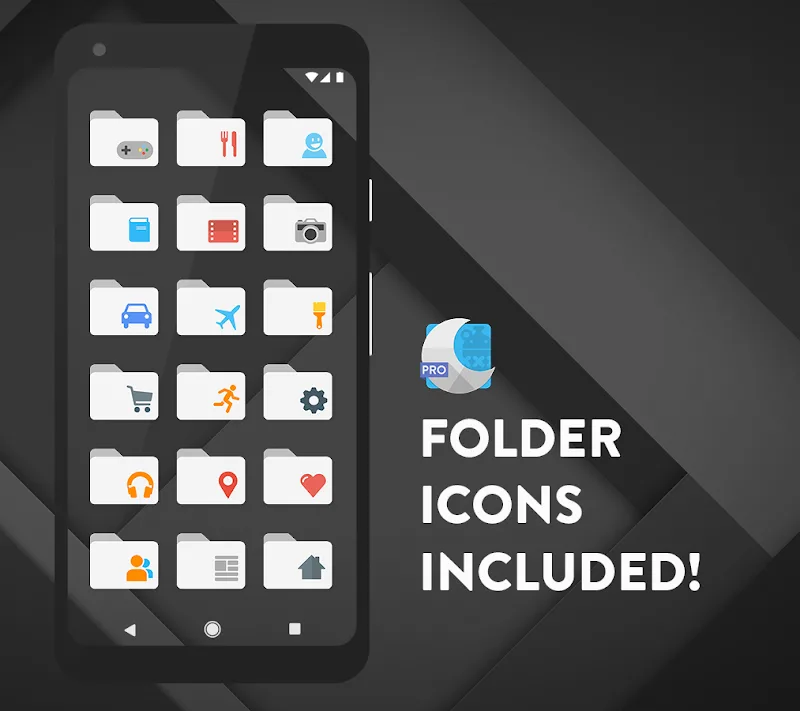
Moonshine Pro - Icon Pack brings a modern visual language to your phone with flat, rounded icons and subtle shadows that create depth without clutter. The pack includes over 5,000 icons, a growing collection of themed wallpapers, and a variety of alternative glyphs for commonly used apps. Each asset is rendered at high resolution to stay crisp on both standard and high-density displays.
Core Features
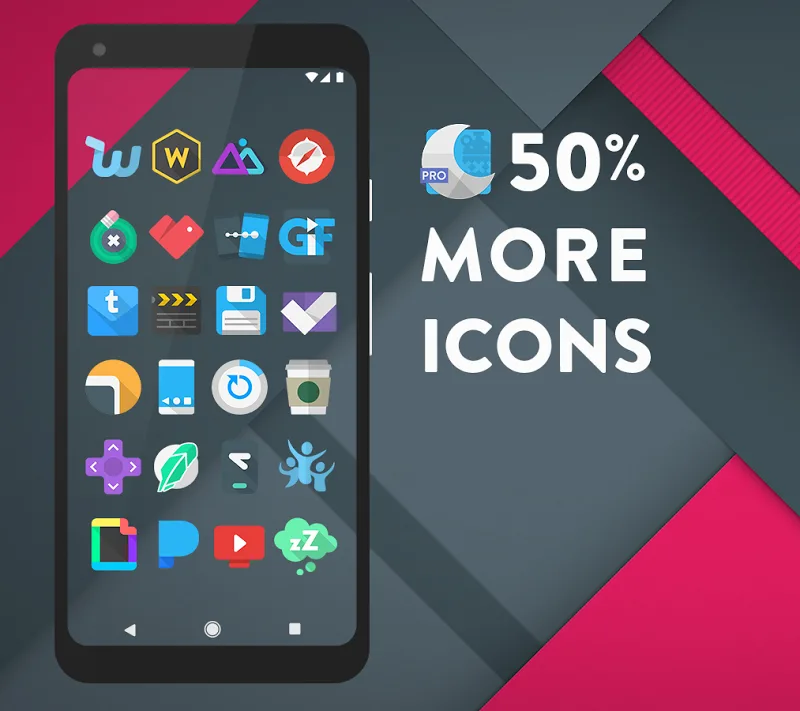
- Extensive Icon Library: Thousands of unique icons created to maintain visual harmony across your launcher.
- Adaptive and Masking Support: Icons are designed to integrate with adaptive icon frameworks and apply masks to unthemed apps for a consistent appearance.
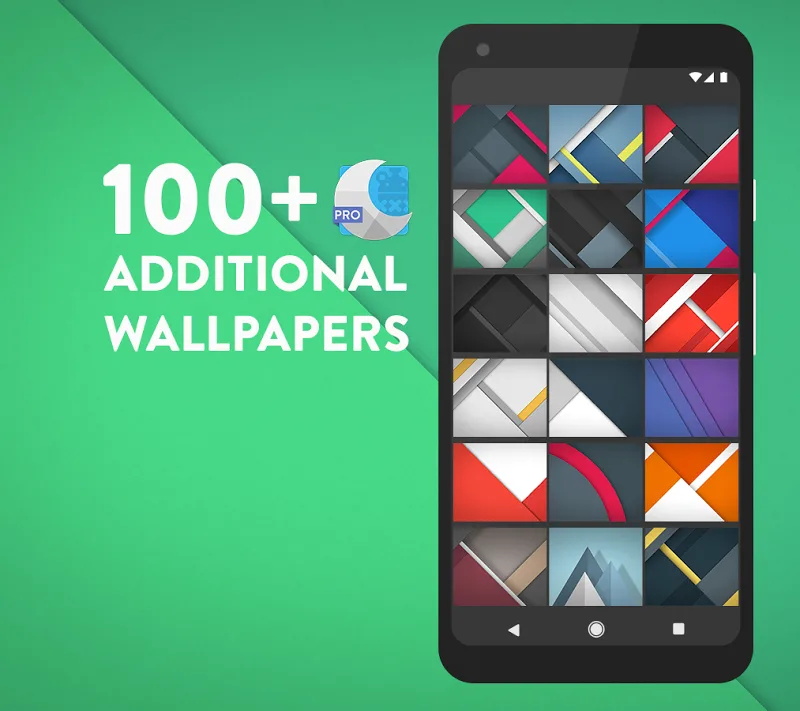
- High-Resolution Wallpapers: Complementary backgrounds crafted to match the icon palette and accent colors.
- Alternate Icons: Multiple icon styles for popular apps, so you can choose the version that suits your setup.
- Icon Request Tool: Built-in request system to submit missing icons directly from the app.
Design Philosophy and Visual Consistency
The visual approach emphasizes legibility and cohesion. Moonshine Pro uses a limited color palette and rounded silhouettes to reduce visual noise. Icons are optimized for clear recognition at small sizes while keeping decorative elements minimal. The consistent treatment of shadows and highlights helps apps look like they belong to the same system, improving the overall user experience.
Installation and Compatibility
Applying Moonshine Pro - Icon Pack is straightforward on most third-party launchers. The app includes step-by-step instructions and direct integration options for popular launchers such as Nova, Lawnchair, Action, and others. It also supports launcher engines that accept icon packs through standard intents. For devices running stock launchers with limited support, the app provides guidance on setting up compatible launchers to get the full suite of icons.
Performance and Resource Use
The icon pack is optimized for performance and minimal battery impact. Icons are packaged efficiently to reduce storage overhead while preserving image quality. Because the assets are static image resources rather than live elements, they do not introduce runtime CPU load. Wallpaper images are sized to balance sharpness and file size so scrolling home screens remains smooth.
Customization Options
Moonshine Pro - Icon Pack is built for customization. Users can mix and match alternate icons, apply adaptive masks, and select wallpapers to define a unique visual identity. The app enables batch icon replacement, so you can theme your entire launcher with a single action. For users who want finer control, manual icon selection for individual shortcuts is supported through compatible launchers.
Support and Updates
Active development means regular updates with new icons and bug fixes. The icon request tool lets users submit apps missing from the library and often receives updates within a few release cycles. The developer provides clear changelogs and maintains compatibility notes for new launcher versions and Android releases.
Tips for Best Results
- Use a compatible launcher to unlock adaptive icon and masking features.
- Apply the included wallpapers to preserve the intended color balance and contrast.
- Send icon requests directly from the app for apps you rely on that aren’t themed yet.
- Explore alternate icon variants to create visual hierarchies for frequently used apps.
Why Choose Moonshine Pro - Icon Pack
Moonshine Pro - Icon Pack provides a polished, cohesive look that works across many devices and launcher setups. Its combination of a large icon set, thoughtful design, and practical tools for requests and updates makes it a strong choice for users who want a refined and consistent home screen without constant tweaking. Whether refreshing a device or building a themed setup, Moonshine Pro helps keep the visual presentation tidy and modern.
Show More
Information
Screenshots
Latest Update










Latest News
-
![Revealing the Launch Playlists and Cross-Progression for COD Warzone Mobile News]()
-
![March 2024 Free Redemption Codes for Honkai: Star Rail News]()
-
PUBG Mobile Teams Up with Bentley Motors: Luxury Cars, Exclusive Collectibles, and Beyond 2024-04-18
![PUBG Mobile Teams Up with Bentley Motors: Luxury Cars, Exclusive Collectibles, and Beyond News]()
-
![Monster Never Cry is now accessible on both Android and iOS mobile devices. News]()
-
V2.2 of the Farlight 84 update introduces an overhauled Season structure, fresh in-game currency, an 2024-04-16
![V2.2 of the Farlight 84 update introduces an overhauled Season structure, fresh in-game currency, an News]()
-
![Arrival of Genshin Impact 4.6 Update: 'Embers of Two Realms, Twilight of Crimson' News]()
-
April 2024 Clash of Clans Update: Unveiling a Fresh Companion, Enhanced Levels, Chat Tagging, and Be 2024-04-16
![April 2024 Clash of Clans Update: Unveiling a Fresh Companion, Enhanced Levels, Chat Tagging, and Be News]()






