
Lines Dark Pro - Icon Pack
Version:3.9.8
Published:2026-11-07
Introduction
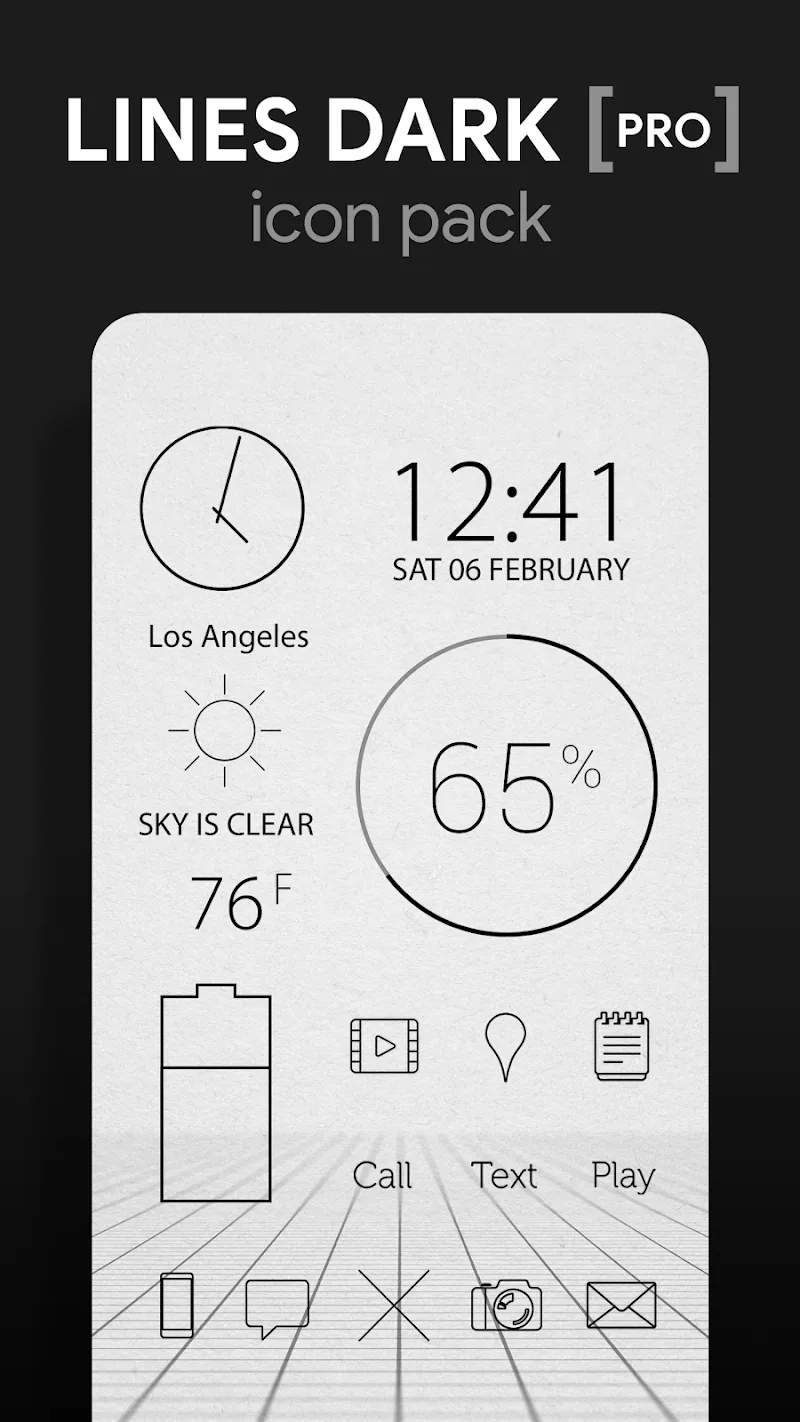
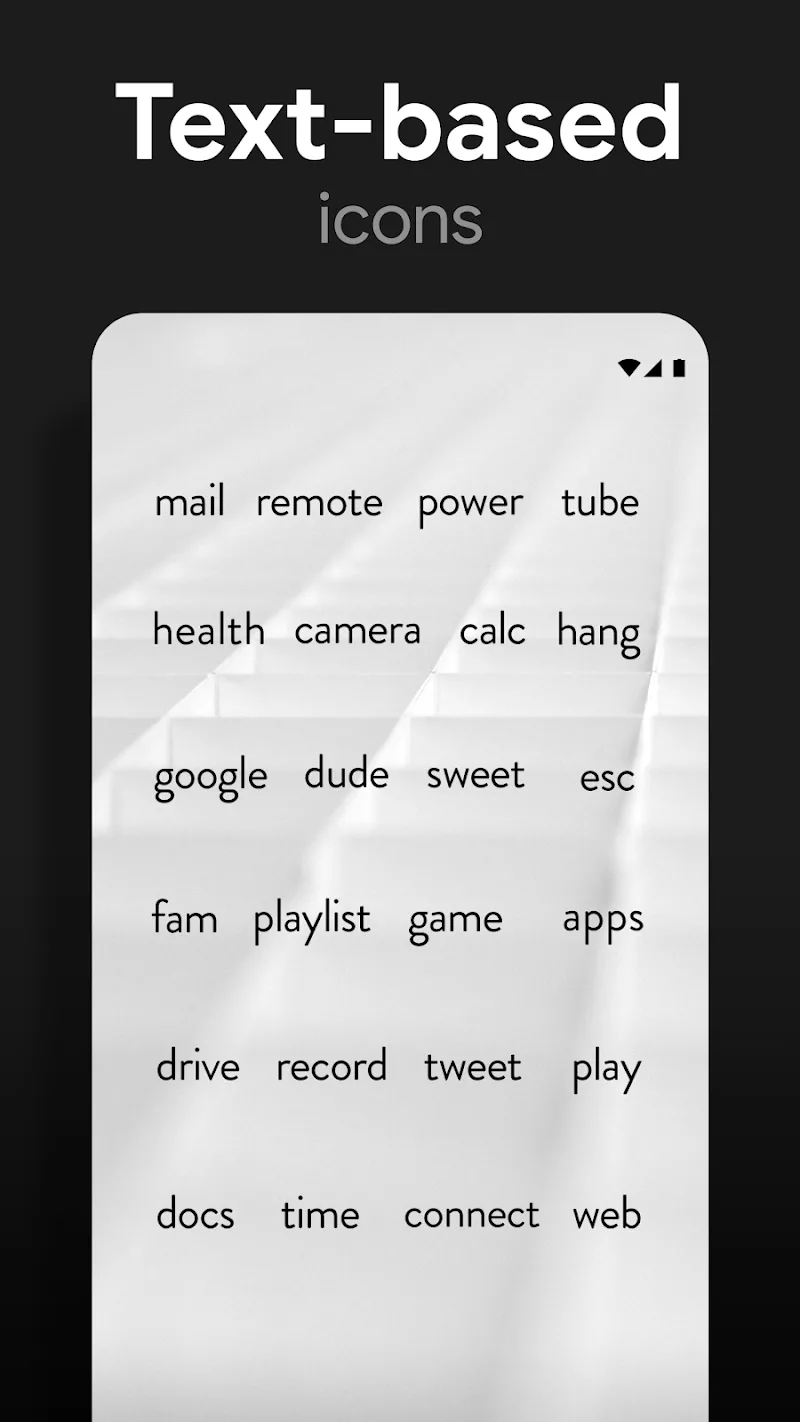
Swipe, arrange, refresh: Lines Dark Pro - Icon Pack gives your Android home screen a subtle, modern makeover with thin-lined icons and a tidy transparent center that highlights your chosen wallpaper. This icon pack focuses on a minimalist aesthetic, high-resolution artwork and consistent sizing so your apps look polished across launchers and screen sizes. Inside you will find a curated wallpaper gallery, carefully crafted glyphs and options to fine-tune visual harmony. It works well when you want to tidy your phone before a meeting or when reorganizing apps ahead of a trip.
Getting Started with Lines Dark Pro - Icon Pack
Install and open: Download the APK and launch the pack to view its apply options and wallpaper gallery.
Choose a launcher: Lines Dark Pro - Icon Pack supports most popular launchers; open your launcher settings to apply the theme if automatic apply is not offered.
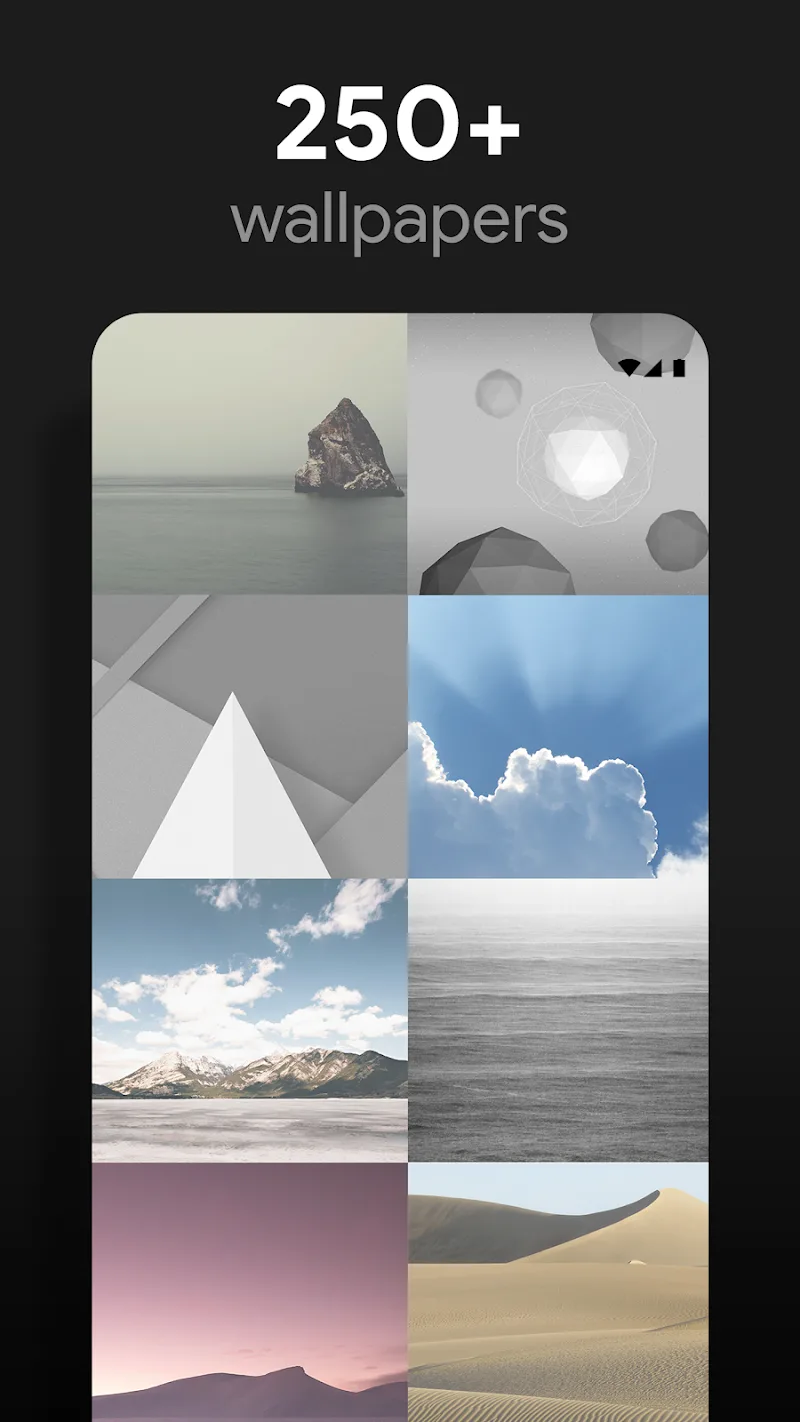
Apply wallpapers: Browse the included wallpaper library and set a background that complements the transparent center design for the best contrast.
Adjust icon size: If icons look too large or small, tweak your launcher icon size or grid to match the pack's optimized dimensions.
Features of Lines Dark Pro - Icon Pack:
Transparent center motif: A defining visual choice keeps centers of icons subtly transparent, giving the home screen a layered, modern look.
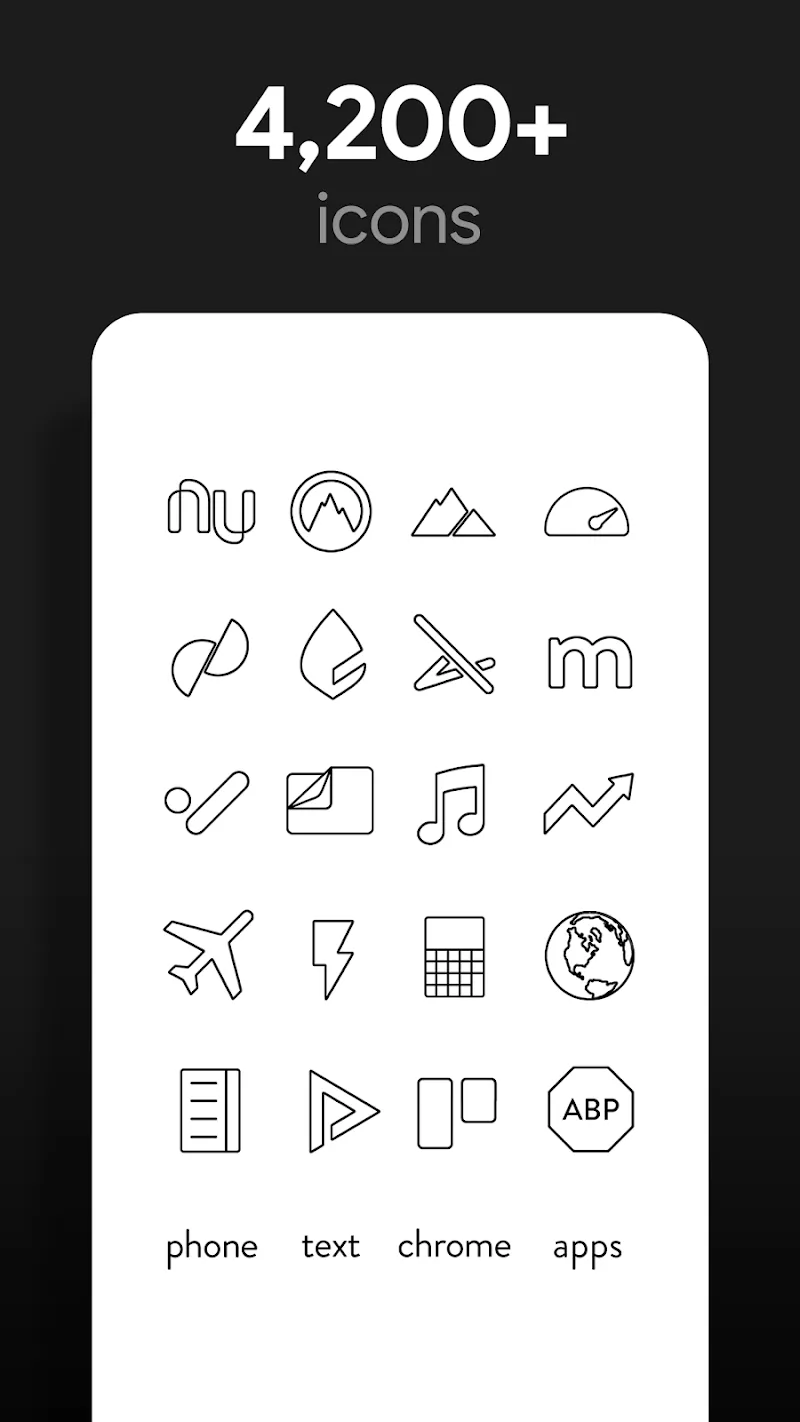
Minimal, linear artwork: Icons use refined line work and restrained color so app glyphs remain legible without competing with busy wallpapers.
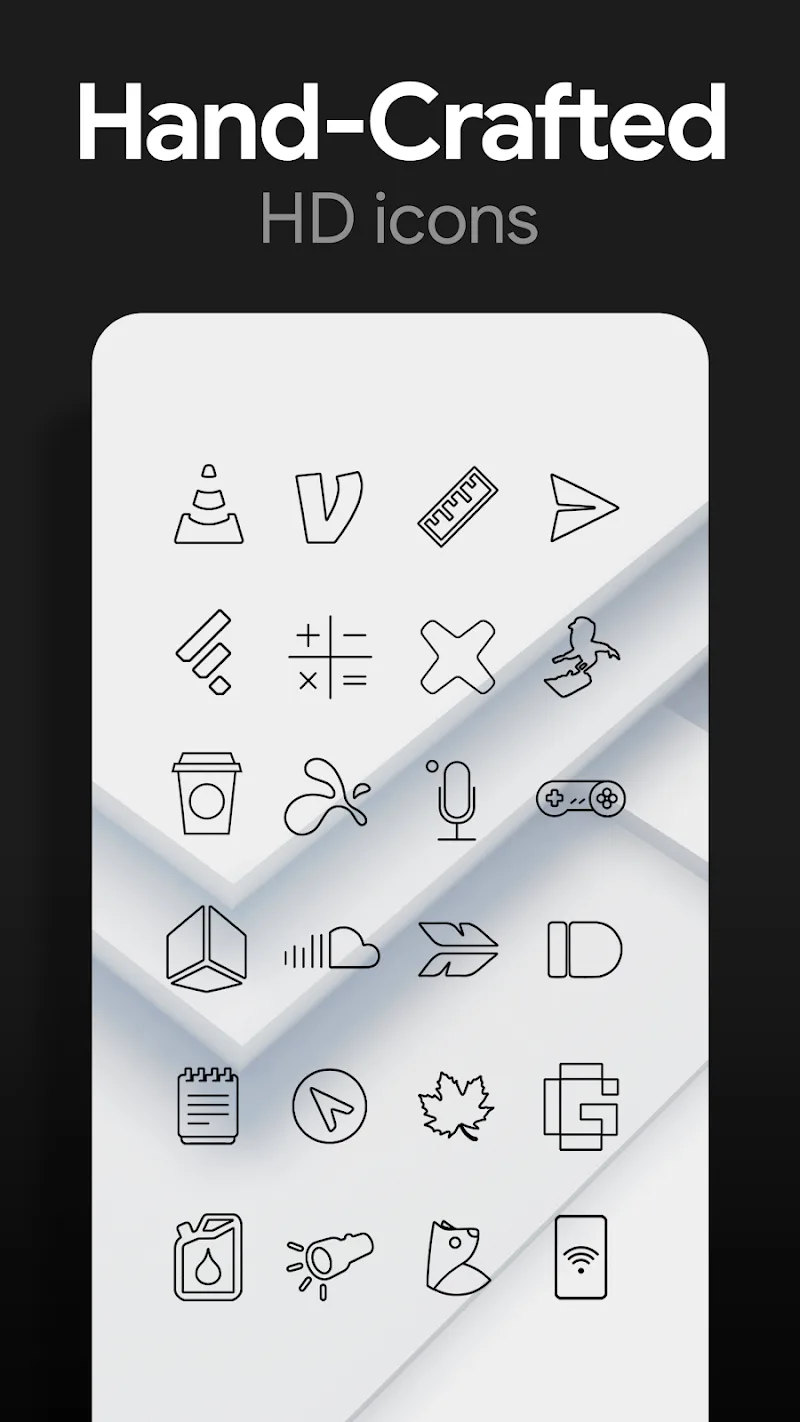
High-resolution assets: Each icon and wallpaper is provided in sharp, large formats so they remain crisp on high-density displays.
Wallpaper gallery: A selection of coordinated backgrounds is built into the pack so you can quickly find images that match the icon set.
Consistent sizing and detail: Icons are created with precise dimensions and clear strokes to avoid pixelation or uneven alignment.
Tips and Tricks:
Match contrast: Pick darker or muted wallpapers to make the thin icon lines stand out without overpowering the layout.
Use a compatible launcher: For reliable results, pair Lines Dark Pro - Icon Pack with launchers that support icon packs such as Nova or Lawnchair.
Create themed folders: Group related apps and rename folders to keep the minimal aesthetic intact while improving organization.
Test on different screens: Try the pack on phones and tablets to see how icon scale and spacing look, and adjust your launcher grid accordingly.
FAQs about Lines Dark Pro - Icon Pack:
Will this icon pack work with my launcher?
Most mainstream launchers accept custom icon packs. If automatic apply fails, use your launcher's icon settings to select the pack manually.
Can I mix these icons with other packs?
You can apply icons selectively through many launchers, so mixing is possible, but design consistency is best preserved when using the pack across most core apps.
Does the pack affect battery or performance?
Icon packs are lightweight resources and typically have minimal impact on battery or speed; performance depends more on your launcher and device hardware.
How do I request new icons?
Check the pack's support or contact link inside the app to submit icon requests or report missing apps for future updates.
Conclusion:
Lines Dark Pro - Icon Pack gives your device a low-key, upscale look with crisp icons and a handy wallpaper collection, ideal if you prefer clean visuals and consistent iconography. It won't change how your apps work, and some launchers may require a manual apply step, but the overall result elevates the feel of the home screen while remaining easy to revert or update. Availability and features can vary between releases, so check the app listing for the latest version notes and compatibility details.
Show More
Information
Screenshots
Latest Update











Hot Tags
Latest News
-
![Revealing the Launch Playlists and Cross-Progression for COD Warzone Mobile News]()
-
![March 2024 Free Redemption Codes for Honkai: Star Rail News]()
-
PUBG Mobile Teams Up with Bentley Motors: Luxury Cars, Exclusive Collectibles, and Beyond 2024-04-18
![PUBG Mobile Teams Up with Bentley Motors: Luxury Cars, Exclusive Collectibles, and Beyond News]()
-
![Monster Never Cry is now accessible on both Android and iOS mobile devices. News]()
-
V2.2 of the Farlight 84 update introduces an overhauled Season structure, fresh in-game currency, an 2024-04-16
![V2.2 of the Farlight 84 update introduces an overhauled Season structure, fresh in-game currency, an News]()
-
![Arrival of Genshin Impact 4.6 Update: 'Embers of Two Realms, Twilight of Crimson' News]()
-
April 2024 Clash of Clans Update: Unveiling a Fresh Companion, Enhanced Levels, Chat Tagging, and Be 2024-04-16
![April 2024 Clash of Clans Update: Unveiling a Fresh Companion, Enhanced Levels, Chat Tagging, and Be News]()






