

Shortcut+
Version:12.6
Published:2026-11-07
Introduction
Shortcut+ is a productivity launcher for Android that lets you create, organize, and access custom shortcuts across apps, settings and tasks with a single tap. It bundles flexible trigger options, gesture support, and contextual rules to speed up common actions and reduce time spent navigating menus.
What Shortcut+ Does
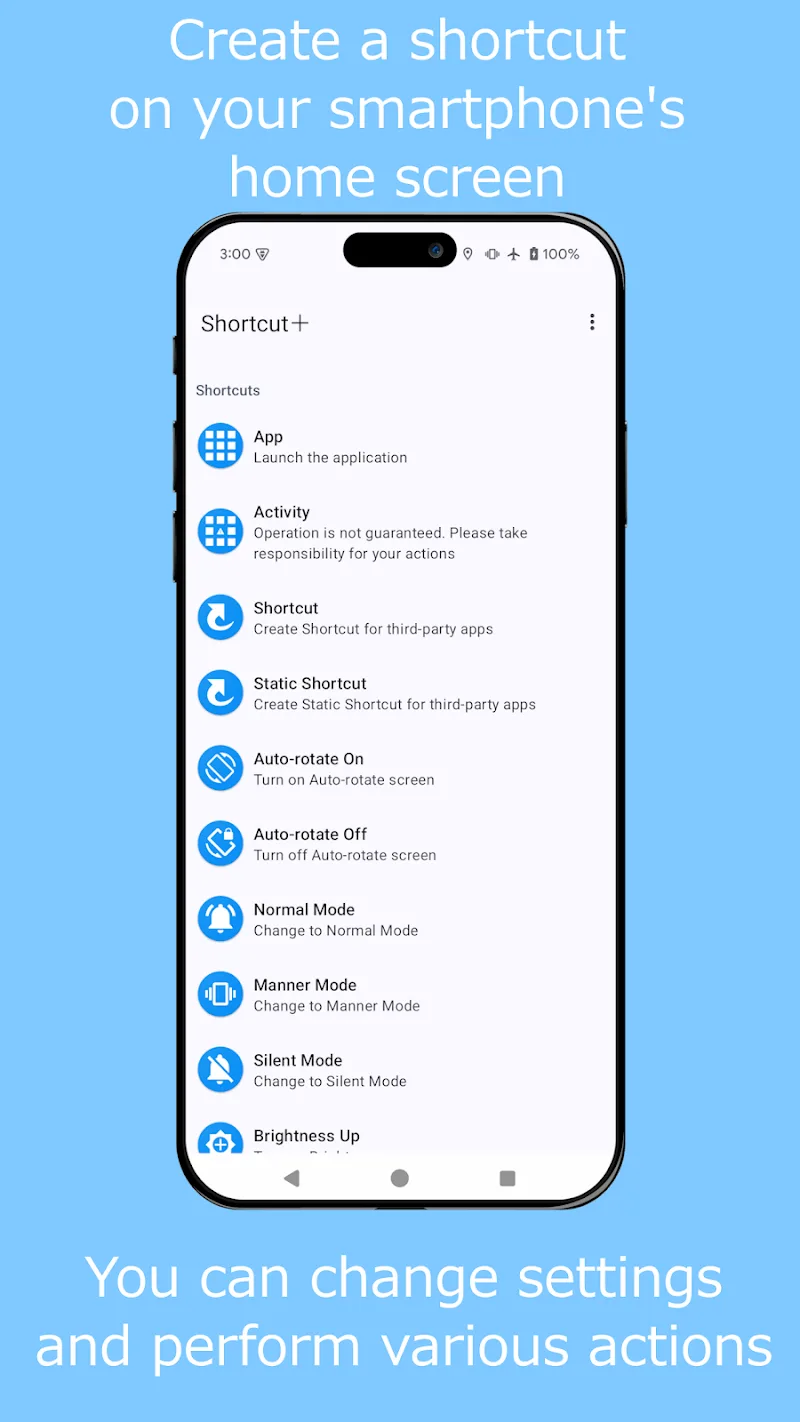
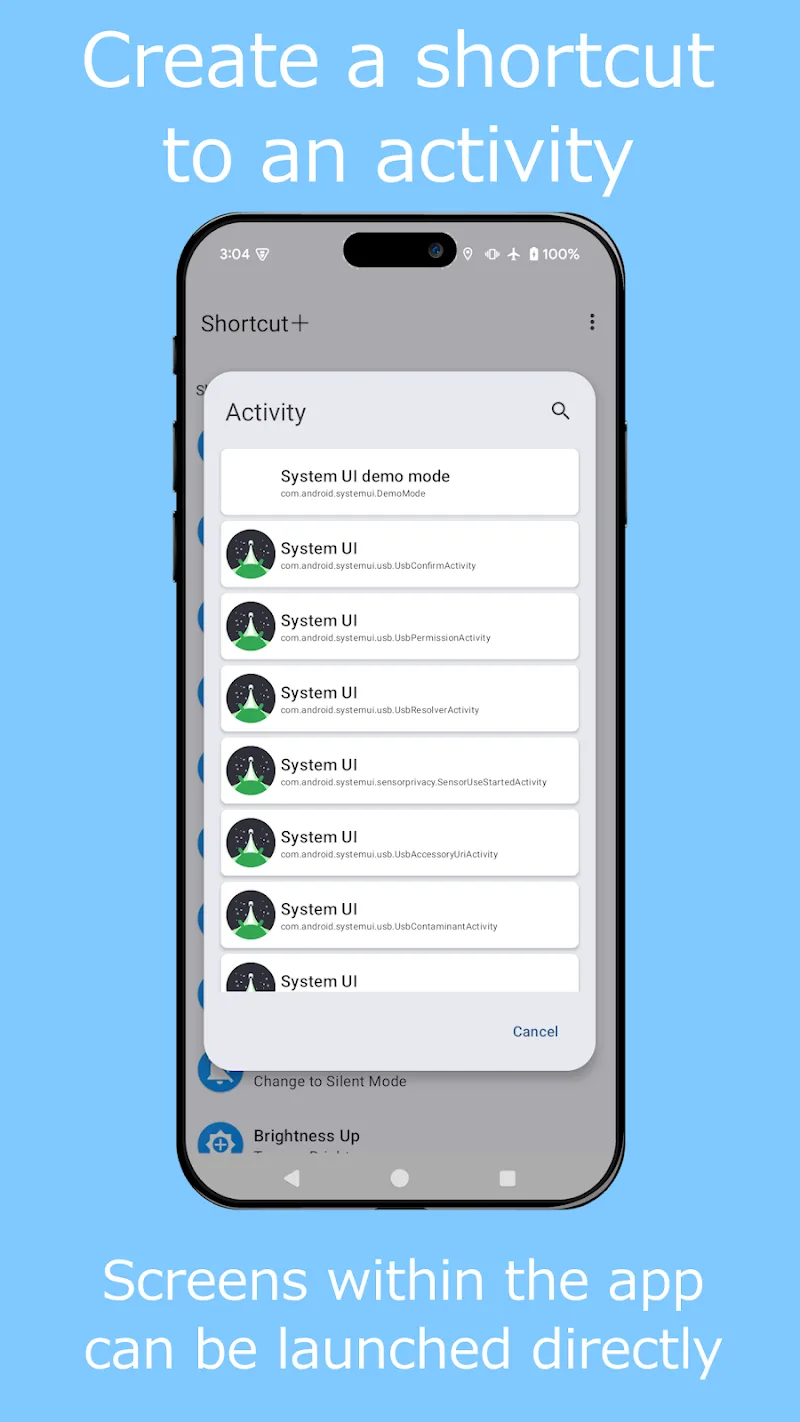
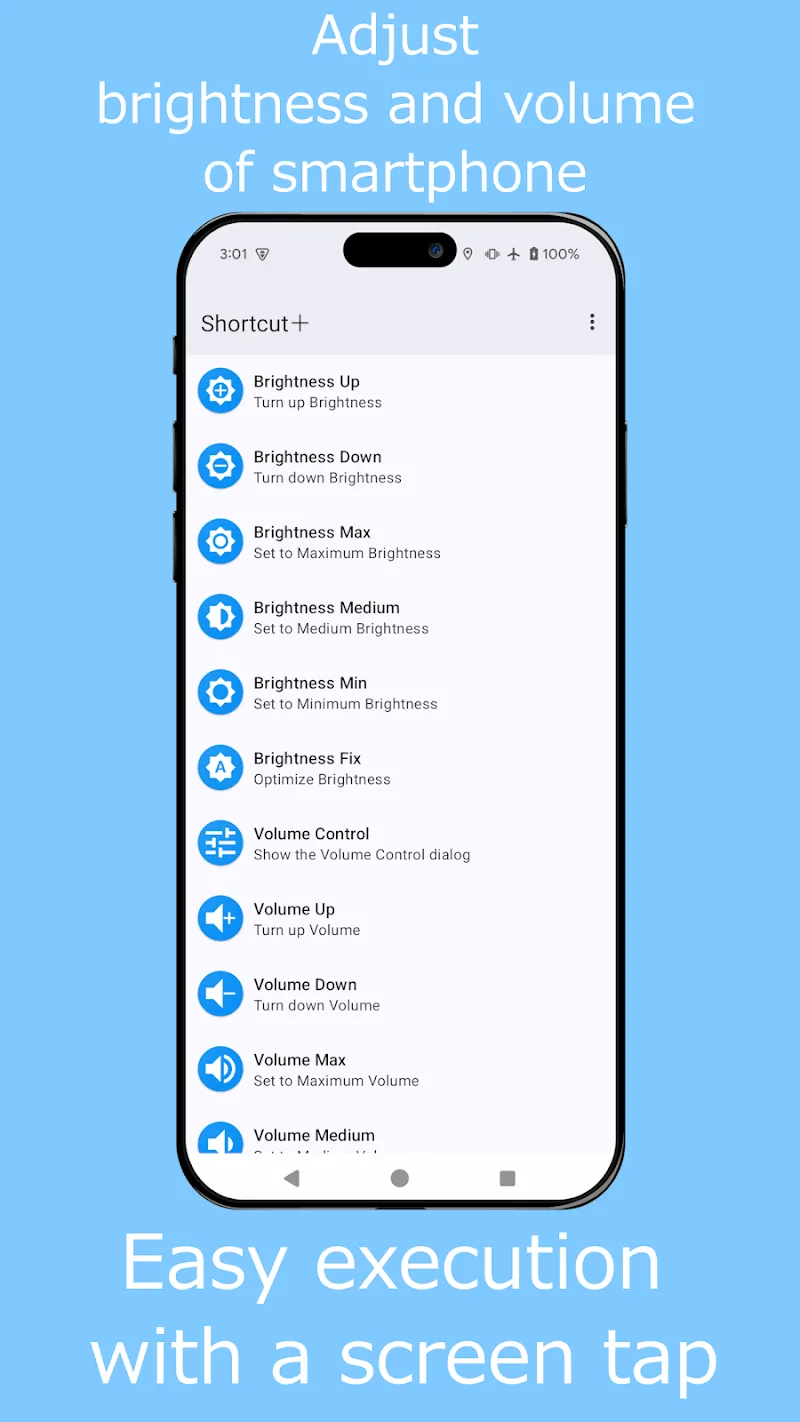
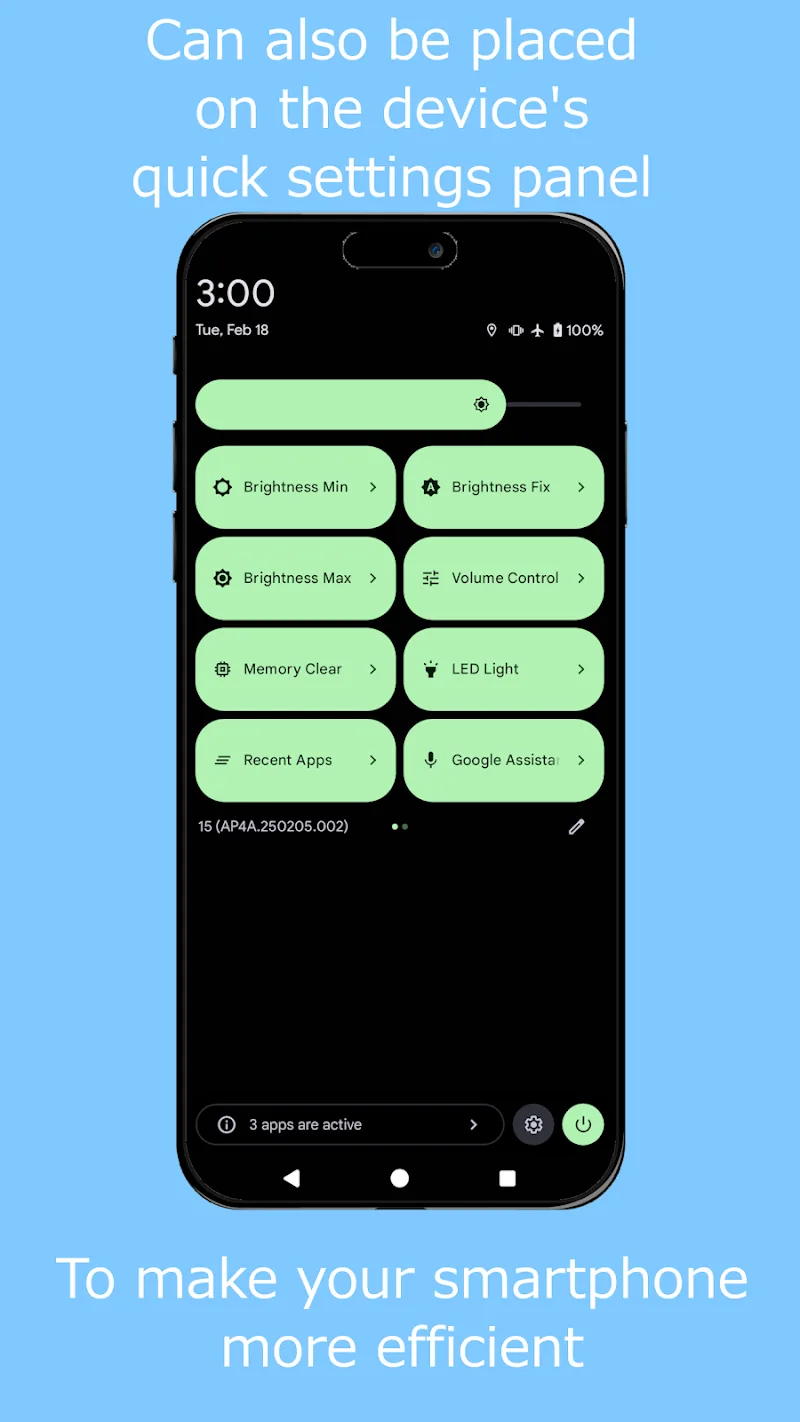
Shortcut+ serves as a lightweight hub for frequently used actions. Rather than hunting through nested menus or relying on app-specific widgets, Shortcut+ lets you compose shortcuts that launch apps, toggle system settings, open specific screens inside apps, or run multi-step sequences. It can place shortcuts on the home screen, in a persistent overlay, or inside custom widgets.
Key Features and Tools
- Shortcut builder: Combine intents, deep links and system toggles to craft a single-point action.
- Gesture triggers: Assign swipes, double-taps or long-press gestures to activate shortcuts without leaving your current app.
- Contextual rules: Set conditions like time, location, or connected devices so shortcuts run only when they make sense.
- Groups and folders: Organize shortcuts into collections for work, travel, or entertainment.
- Widget and overlay support: Add compact controls to the home screen or create a floating panel accessible from any app.
- Backup and restore: Export your shortcut sets and import them on another device to keep workflows consistent.
Interface and Workflow
The interface is designed for quick setup and repeatable workflows. A step-by-step shortcut editor helps you select target apps, define parameters, and test actions without leaving the editor. Visual feedback shows the order of operations and potential conflicts, while a search function helps you find apps, activities, and system actions quickly.
Customization Options
Customization is central to Shortcut+. You can change icons, labels, and colors to match your home screen theme, or build compact widgets with only the controls you need. Advanced users will appreciate support for variables and conditional branches so shortcuts can adapt to different inputs or device states.
Performance and Compatibility
Designed with efficiency in mind, Shortcut+ minimizes background resource use by only activating when a gesture or trigger occurs. It supports most modern Android versions and adheres to platform permissions for secure operation—requesting only what’s necessary to perform actions like launching apps or toggling settings. Performance remains smooth even with extensive shortcut libraries thanks to lightweight indexing and caching.
Practical Use Cases
- Commute mode: One shortcut can launch navigation, set phone to vibrate, and start a music playlist.
- Work setup: Switch screen timeout, open calendar and email, and enable do-not-disturb with a single gesture.
- Travel shortcuts: Toggle roaming settings, convert to local currency apps, and open translation tools when you arrive at a foreign location.
- Media controls: Create on-screen quick controls to play, pause, or skip tracks without pulling up the full player.
Getting Started
Begin by granting the minimal permissions Shortcut+ requests and creating a few test shortcuts—such as launching a favorite app or toggling Bluetooth. Use the template gallery to learn common patterns, then modify them to match your habits. Enable the overlay or add a widget once you’re comfortable so actions are one tap or gesture away.
Tips for Power Users
- Use conditional steps to make shortcuts context-aware (e.g., different behavior on Wi-Fi vs. mobile data).
- Group related shortcuts into folders for faster access during focused tasks.
- Export and version control your configurations before making major changes.
With its balance of simplicity and depth, Shortcut+ streamlines repetitive tasks and adapts to varied workflows, making it a practical tool for anyone who wants faster access to the things they do most on their Android device.
Show More
Information
Screenshots
Latest Update











Hot Tags
Latest News
-
![Revealing the Launch Playlists and Cross-Progression for COD Warzone Mobile News]()
-
![March 2024 Free Redemption Codes for Honkai: Star Rail News]()
-
PUBG Mobile Teams Up with Bentley Motors: Luxury Cars, Exclusive Collectibles, and Beyond 2024-04-18
![PUBG Mobile Teams Up with Bentley Motors: Luxury Cars, Exclusive Collectibles, and Beyond News]()
-
![Monster Never Cry is now accessible on both Android and iOS mobile devices. News]()
-
V2.2 of the Farlight 84 update introduces an overhauled Season structure, fresh in-game currency, an 2024-04-16
![V2.2 of the Farlight 84 update introduces an overhauled Season structure, fresh in-game currency, an News]()
-
![Arrival of Genshin Impact 4.6 Update: 'Embers of Two Realms, Twilight of Crimson' News]()
-
April 2024 Clash of Clans Update: Unveiling a Fresh Companion, Enhanced Levels, Chat Tagging, and Be 2024-04-16
![April 2024 Clash of Clans Update: Unveiling a Fresh Companion, Enhanced Levels, Chat Tagging, and Be News]()






