

Persona: Beauty Camera
Version:1.6.65
Published:2026-11-07
Introduction
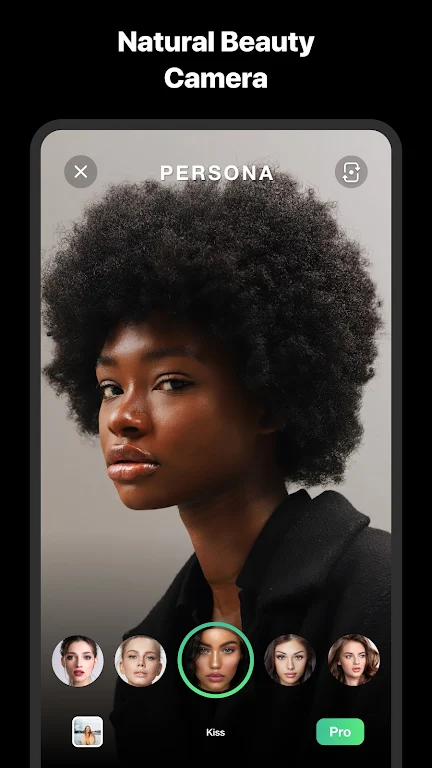
Users who love subtle selfie enhancement will find Persona: Beauty Camera a handy companion for everyday videos. This app focuses on producing polished clips with a light touch, applying facial smoothing and realistic masking so your footage looks natural rather than overworked. Whether you want a quick social story or a short intro clip for a profile, Persona: Beauty Camera streamlines basic retouching while keeping controls approachable for anyone who prefers a fast, reliable camera workflow.
Getting Started with Persona: Beauty Camera:
Install and permissions: After installation grant the camera and microphone permissions so the app can capture video and audio; also allow storage access to save your clips.
Select a mode: Pick from the camera presets before you record; modes tailor smoothing intensity and the types of masks available, making it easy to start without manual adjustments.
Preview in real time: Use the live view to see corrections and masks applied as you record, which helps you adjust angle, expression, or lighting on the fly.
Save and share: When recording is complete choose resolution and export options, then save to your device or share directly to social apps or messaging tools.
Features of Persona: Beauty Camera:
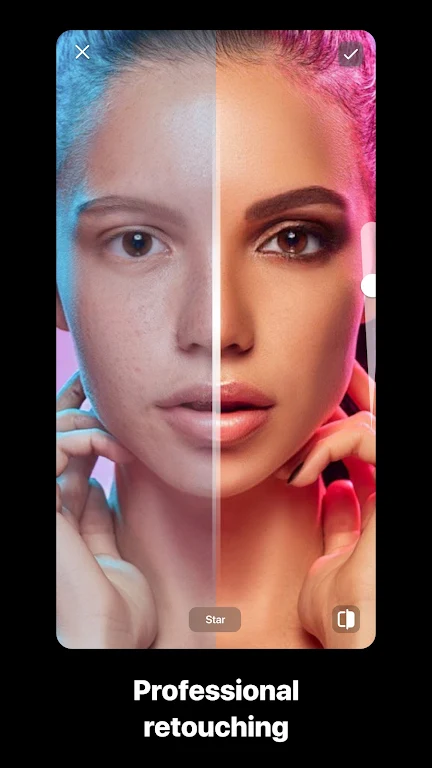
Natural-looking retouching: The app applies soft corrections that reduce blemishes and even out skin tone while avoiding an artificial mask-like finish.
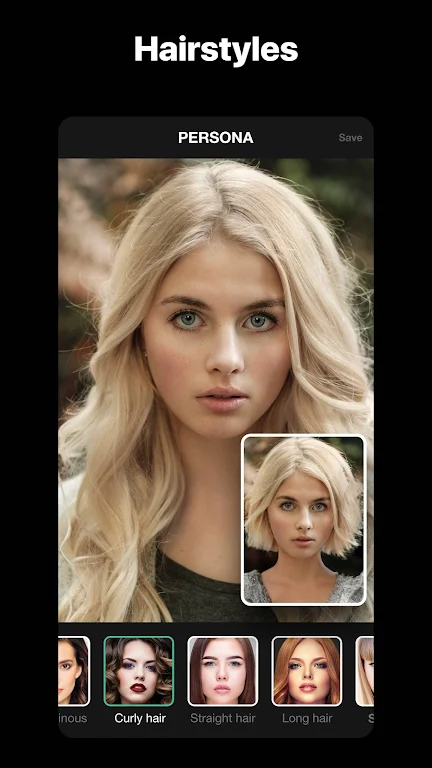
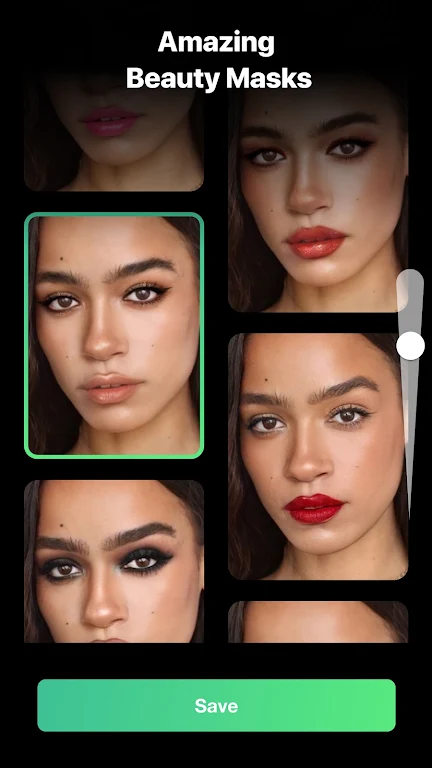
Real-time expressive masks: Besides subtle beauty adjustments you can switch to creative face masks for playful clips, from stylized cartoon filters to age-shift effects that perform live while you record.
Automatic lighting fixes: Built-in adjustments help compensate for uneven lighting so faces remain clear in indoor or dim environments without fiddly manual edits.
Smooth motion processing: Motion-aware smoothing helps keep corrections steady during walking shots or short handheld clips, so the result feels consistent across frames.
Fast export options: Choose quick-share presets or control output quality for different uses, whether you need a compact file for chat or a higher-resolution clip for a profile video.
Pros & Cons:
- Pro: Produces realistic enhancements rather than heavy cosmetic changes.
- Pro: Live masks and effects that are fun to use for stories and short clips.
- Con: Advanced manual editing tools are limited compared with multi-track editors.
- Pro: Simple workflow that gets good results with minimal setup.
- Con: Some high-quality export options may increase file size quickly.
Final Words:
Persona: Beauty Camera is worth trying if you want a no-fuss app that makes everyday videos look polished without a steep learning curve. Give it a spin to see how its live masks and subtle retouching suit your content style, and decide if the balance between simplicity and control fits your needs.
Show More
Information
Screenshots
Latest Update











Hot Tags
Latest News
-
![Revealing the Launch Playlists and Cross-Progression for COD Warzone Mobile News]()
-
![March 2024 Free Redemption Codes for Honkai: Star Rail News]()
-
PUBG Mobile Teams Up with Bentley Motors: Luxury Cars, Exclusive Collectibles, and Beyond 2024-04-18
![PUBG Mobile Teams Up with Bentley Motors: Luxury Cars, Exclusive Collectibles, and Beyond News]()
-
![Monster Never Cry is now accessible on both Android and iOS mobile devices. News]()
-
V2.2 of the Farlight 84 update introduces an overhauled Season structure, fresh in-game currency, an 2024-04-16
![V2.2 of the Farlight 84 update introduces an overhauled Season structure, fresh in-game currency, an News]()
-
![Arrival of Genshin Impact 4.6 Update: 'Embers of Two Realms, Twilight of Crimson' News]()
-
April 2024 Clash of Clans Update: Unveiling a Fresh Companion, Enhanced Levels, Chat Tagging, and Be 2024-04-16
![April 2024 Clash of Clans Update: Unveiling a Fresh Companion, Enhanced Levels, Chat Tagging, and Be News]()






