

Pixly Vintage - Icon Pack
Version:3.6
Published:2026-11-07
Introduction
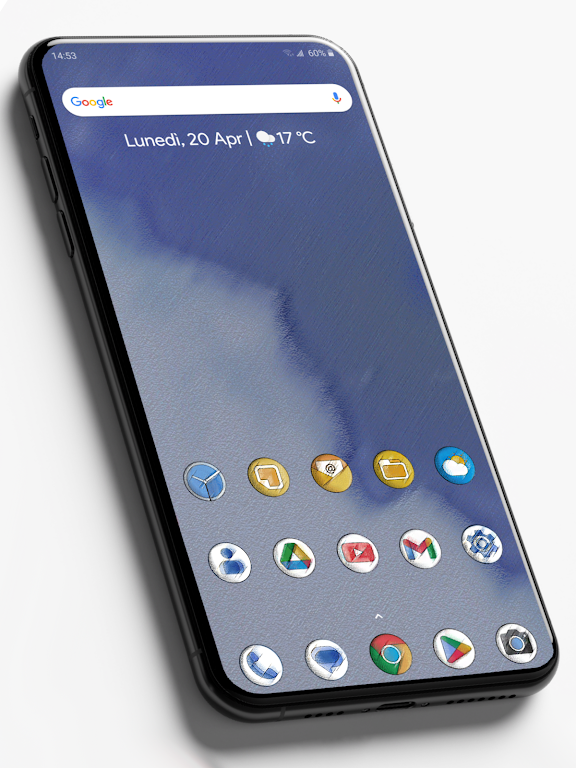
Pixly Vintage - Icon Pack transforms your Android home screen with a curated set of retro-styled app icons and matching wallpapers. This lightweight icon pack focuses on consistent color palettes, hand-crafted glyphs, and subtle texture to give devices a cohesive, nostalgic look without compromising modern launcher compatibility or performance.
What Pixly Vintage Delivers
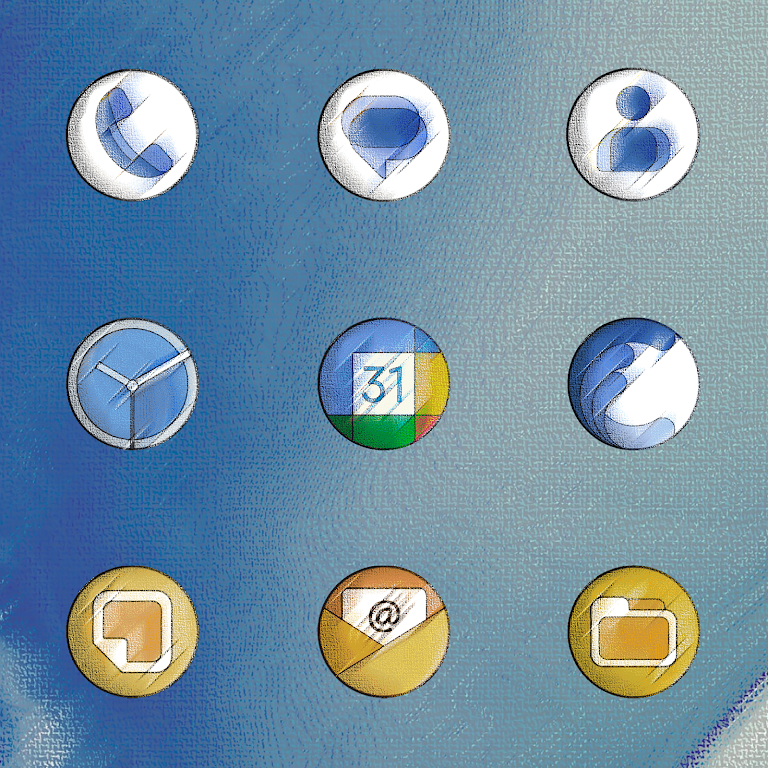
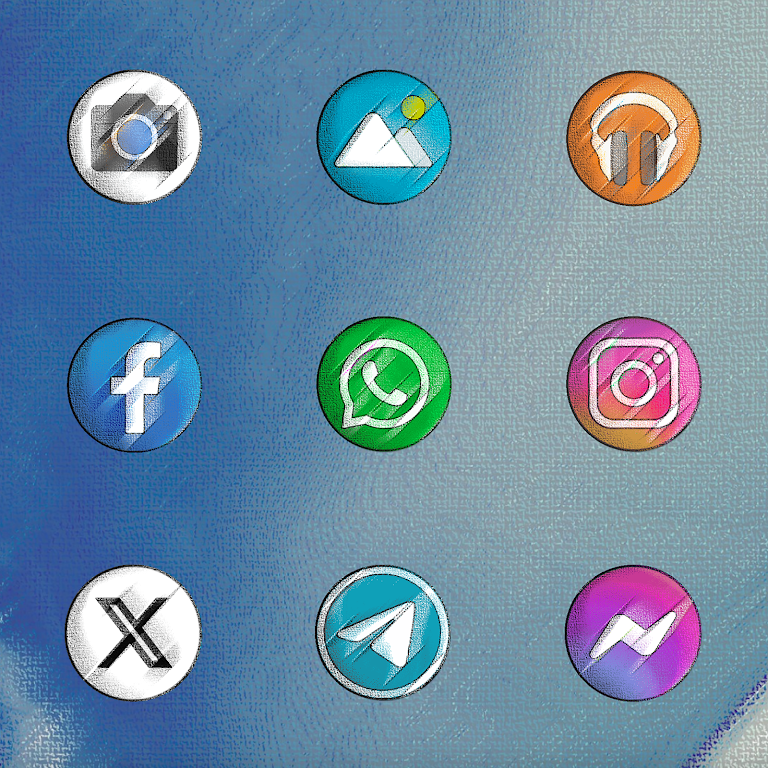
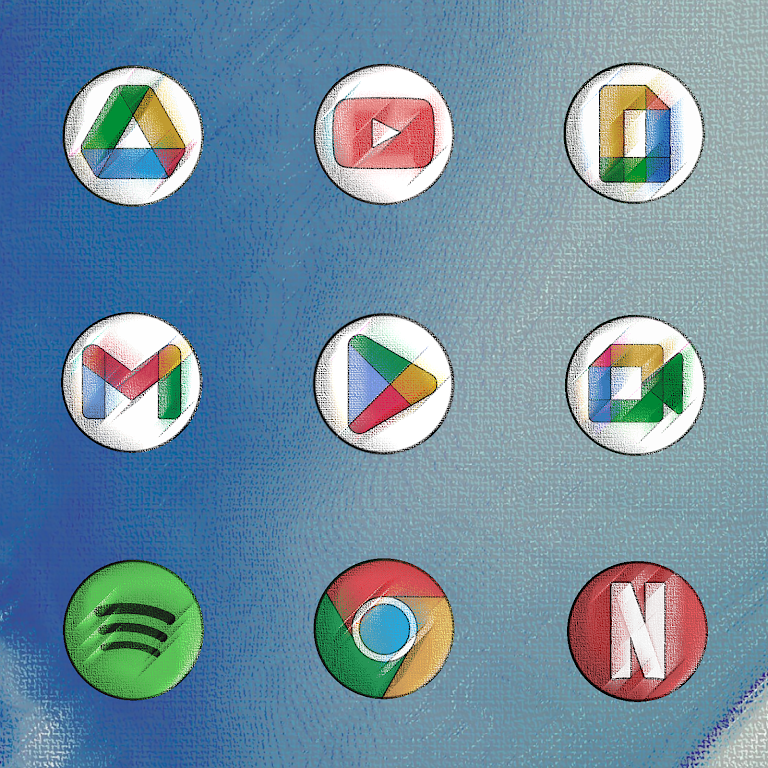
Pixly Vintage - Icon Pack includes thousands of icons designed to match classic aesthetics while supporting a wide range of third-party launchers. Each icon blends muted tones, worn-paper textures, and simplified symbols so that apps remain recognizable at a glance. Wallpapers and alternate icons are included to help users create a complete theme rapidly.
Design Philosophy and Visual Style
Instead of flashy or hyper-realistic images, Pixly Vintage focuses on restraint. Icons favor flat shapes, grainy overlays, and limited palettes inspired by mid-century print design. The result is a look that's distinct yet subtle, suitable for users who prefer a curated, cohesive home screen instead of loud gradients or 3D renders.
Key Features at a Glance
- Extensive Icon Library: Thousands of icons covering popular and niche apps.
- Alternative Icon Choices: Multiple variants for many common apps to fit different layouts.
- Matching Wallpapers: A selection of textures and patterns designed to complement the icons.
- Easy Icon Request: Built-in request form to ask for missing icons.
- Launcher Compatibility: Works with Nova, Lawnchair, Action Launcher, ADW, and others.
How to Apply Icons
Applying Pixly Vintage - Icon Pack is straightforward. Install a compatible launcher, open the pack, select your preferred wallpaper and icon set, then apply. For launchers that don’t support direct theme application, individual icons can be replaced through the launcher’s edit menu. The app also provides guided steps for less experienced users.
Customization and Workflow
The app emphasizes user control. Want a single app to keep its original icon? The designer choices let you mix and match originals with vintage variants. Use alternate icons to create visual hierarchy, such as larger glyphs for essential apps and smaller, subtler marks for utilities. The included wallpapers are tagged by color and pattern to speed up selection.
Performance and Compatibility
Pixly Vintage - Icon Pack is optimized to be small and fast. Icons are vector-based where possible, which keeps file sizes low while ensuring crispness at different resolutions. The icon pack supports adaptive icons on compatible launchers and respects Android’s scaling settings to prevent blurring on high-density displays.
User Experience and Interface
The icon pack app presents assets in a simple, scrollable grid with preview and apply buttons. A search function helps find specific icons quickly, and the icon request tool tracks pending submissions. Minimal ads and clear instructions make the app approachable for both newcomers and theming veterans.
Tips for Beginners
- Pick a Base Wallpaper: Choose one wallpaper first, then match icons to that base color for a unified look.
- Start Small: Change the icons for your dock and home screen before applying across every page.
- Use Alternate Icons: Swap a few variant icons to balance contrast and legibility.
- Request Missing Icons: Use the built-in request to get high-priority apps added faster.
Why Users Appreciate This Pack
Users who enjoy retro design, minimalism, or consistent visual environments find Pixly Vintage - Icon Pack especially appealing. The balance between nostalgia and modern usability makes it suitable for professional and casual setups. Regular updates add frequently used icons and refine artwork based on community feedback.
Getting Started and Installation Notes
To get the most out of Pixly Vintage - Icon Pack, install a compatible launcher from the Play Store, download the icon pack APK, and follow the on-screen apply instructions. Keep your launcher updated to ensure full adaptive icon support. If you encounter missing icons, submit a request with a screenshot to speed up coverage.
Pixly Vintage - Icon Pack offers a focused approach to theming: carefully crafted icons, practical customization tools, and a user-friendly interface that fits into everyday Android workflows.
Show More
Information
Screenshots
Latest Update











Latest News
-
![Revealing the Launch Playlists and Cross-Progression for COD Warzone Mobile News]()
-
![March 2024 Free Redemption Codes for Honkai: Star Rail News]()
-
PUBG Mobile Teams Up with Bentley Motors: Luxury Cars, Exclusive Collectibles, and Beyond 2024-04-18
![PUBG Mobile Teams Up with Bentley Motors: Luxury Cars, Exclusive Collectibles, and Beyond News]()
-
![Monster Never Cry is now accessible on both Android and iOS mobile devices. News]()
-
V2.2 of the Farlight 84 update introduces an overhauled Season structure, fresh in-game currency, an 2024-04-16
![V2.2 of the Farlight 84 update introduces an overhauled Season structure, fresh in-game currency, an News]()
-
![Arrival of Genshin Impact 4.6 Update: 'Embers of Two Realms, Twilight of Crimson' News]()
-
April 2024 Clash of Clans Update: Unveiling a Fresh Companion, Enhanced Levels, Chat Tagging, and Be 2024-04-16
![April 2024 Clash of Clans Update: Unveiling a Fresh Companion, Enhanced Levels, Chat Tagging, and Be News]()






