

Sketch Photo Editor
Version:1.6.4
Published:2026-11-07
Introduction
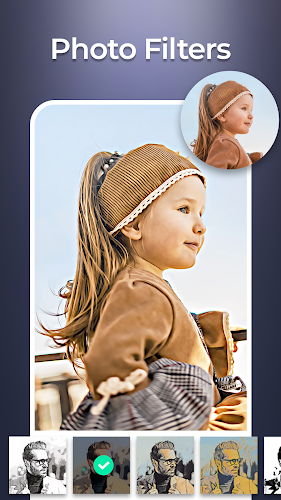
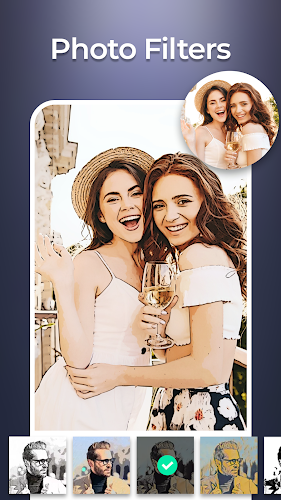
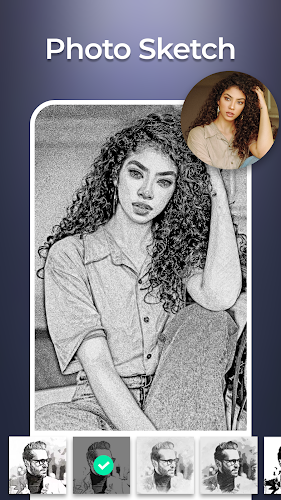
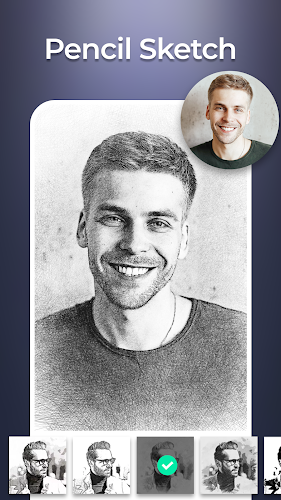
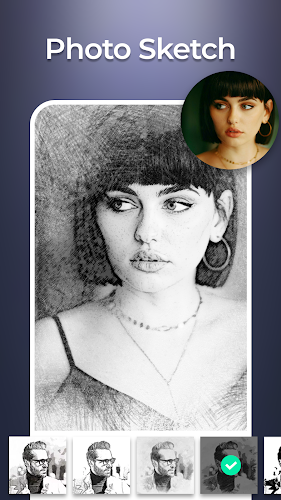
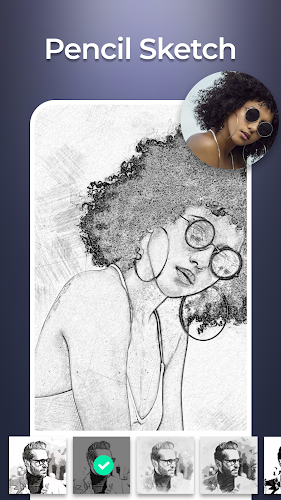
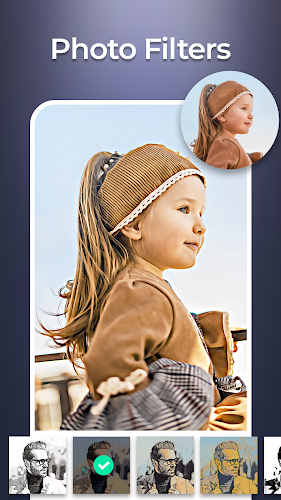
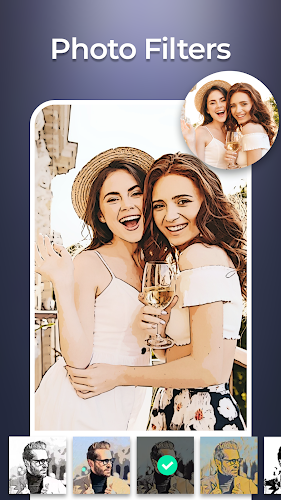
Sketch Photo Editor converts your photos into realistic pencil, charcoal, and color sketches using a variety of filters and precise adjustment tools, all within an intuitive interface. It balances automatic effects with manual controls so you can fine-tune strokes, shading, and contrast for professional-looking results on the go.
What the app offers
Sketch Photo Editor provides a toolkit geared toward creative photographers and casual users alike. The core features include multiple sketch filters, color-to-sketch transformations, background removal, and layer-like blending options. Built-in presets allow instant results, while adjustable sliders and masking give access to advanced refinements without a steep learning curve.
Key editing tools
- Pencil and charcoal filters emulate different drawing media, from soft graphite to rough charcoal textures.
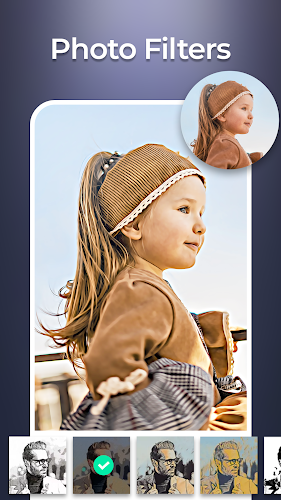
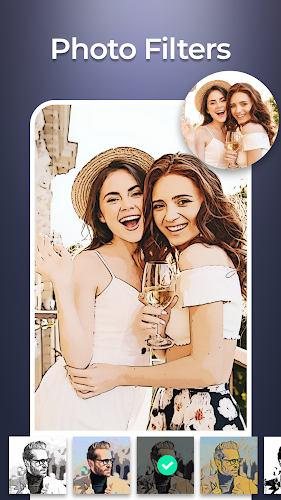
- Color sketch effects preserve or reintroduce color accents over line art for stylized portraits and landscapes.
- Edge detection and smoothing refine outlines so sketches look natural rather than overly processed.
- Mask brush and eraser let you selectively apply or remove effects with fingertip precision.
- Adjustment sliders control intensity, contrast, brightness, and grain to match the mood you want.
Workflow and interface
The interface is organized into a simple step-by-step workflow: import, choose style, refine, and export. Importing photos from your gallery or cloud services is fast, and the preview updates in real time as you tweak settings. Tool icons are clearly labeled and grouped, so even users new to photo editing can navigate quickly.
Customization and creative control
Customization is a highlight: Sketch Photo Editor includes an array of presets, but its strength lies in the manual options. You can adjust stroke thickness, paper texture, and shading density, plus blend multiple sketch layers to create depth. Color blending modes allow you to mix full-color, duotone, or monochrome sketches for distinctive art styles.
Performance and compatibility
The app is optimized for mobile performance, balancing visual quality with responsive editing. On mid-range devices it runs smoothly for single-image edits, and on higher-end phones you can work with larger files and export high-resolution results. Background processing ensures filters apply quickly, and the app minimizes battery drain during typical editing sessions.
Practical uses
People use Sketch Photo Editor for a variety of practical and creative projects: turning family photos into keepsake portraits, creating unique social-media posts, designing greeting cards, or producing concept art for presentations. Photographers can use the sketch style as part of a portfolio to showcase a different visual treatment, while content creators appreciate the fast export options for online publishing.
Tips for best results
- Begin with a high-contrast photo to make edges clearer for sketch conversion.
- Use the mask brush to protect faces or important details while applying rough textures elsewhere.
- Experiment with paper texture and grain at low intensity for a natural hand-drawn look without distracting noise.
- Save custom presets to reproduce favorite styles across different projects quickly.
Getting started
To start, open Sketch Photo Editor, import an image, and try a few presets to see how different filters interpret your photo. Spend a minute adjusting contrast and edge strength, then refine with masking and color controls. Export options commonly include JPG and PNG, and some versions support transparent backgrounds for further compositing.
Why it stands out
Sketch Photo Editor is compelling because it merges artistic effects with practical editing controls. The combination of automated filters for speed and granular settings for expressiveness makes it suitable for anyone who wants sketch-style imagery without learning complex design software. Frequent updates and a focus on mobile performance keep the app useful as phone cameras and display resolutions evolve.
Show More
Information
Screenshots

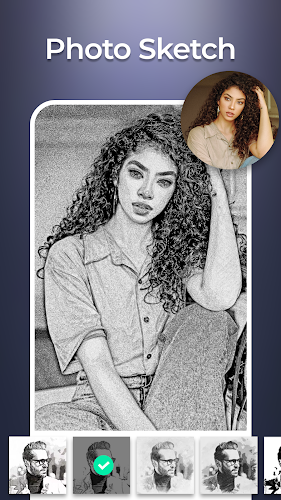
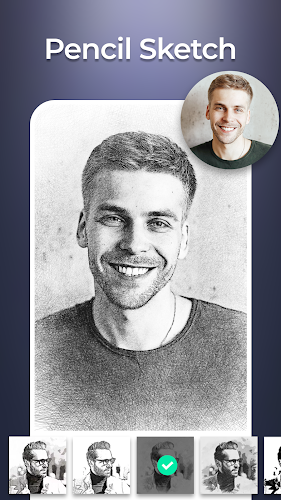
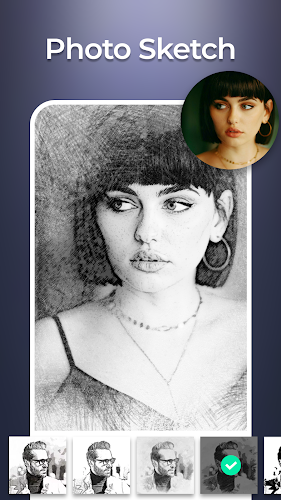
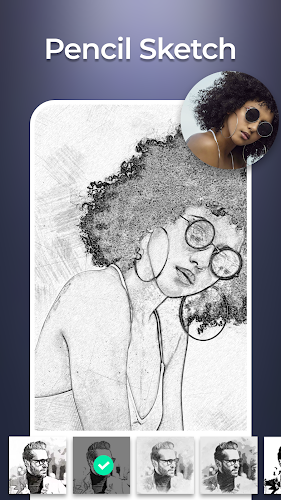


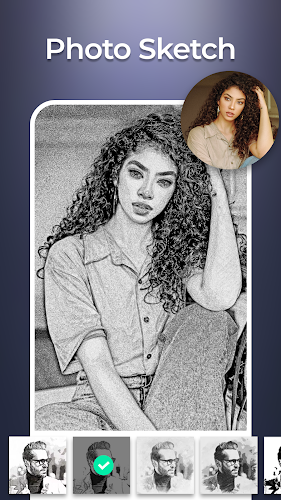
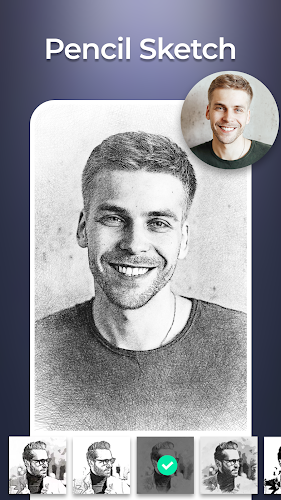
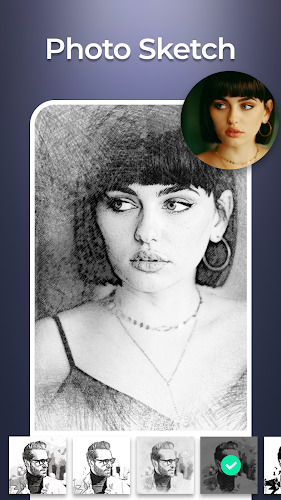
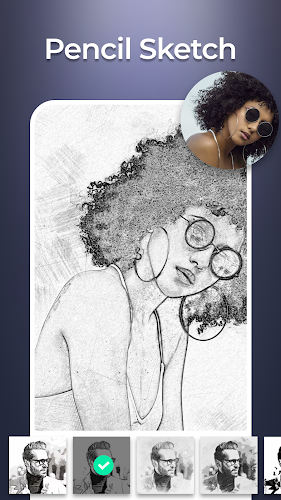
Latest Update











Hot Tags
Latest News
-
![Revealing the Launch Playlists and Cross-Progression for COD Warzone Mobile News]()
-
![March 2024 Free Redemption Codes for Honkai: Star Rail News]()
-
PUBG Mobile Teams Up with Bentley Motors: Luxury Cars, Exclusive Collectibles, and Beyond 2024-04-18
![PUBG Mobile Teams Up with Bentley Motors: Luxury Cars, Exclusive Collectibles, and Beyond News]()
-
![Monster Never Cry is now accessible on both Android and iOS mobile devices. News]()
-
V2.2 of the Farlight 84 update introduces an overhauled Season structure, fresh in-game currency, an 2024-04-16
![V2.2 of the Farlight 84 update introduces an overhauled Season structure, fresh in-game currency, an News]()
-
![Arrival of Genshin Impact 4.6 Update: 'Embers of Two Realms, Twilight of Crimson' News]()
-
April 2024 Clash of Clans Update: Unveiling a Fresh Companion, Enhanced Levels, Chat Tagging, and Be 2024-04-16
![April 2024 Clash of Clans Update: Unveiling a Fresh Companion, Enhanced Levels, Chat Tagging, and Be News]()






