
Rotation Control Pro
Version:5.1.0
Published:2026-11-07
Introduction
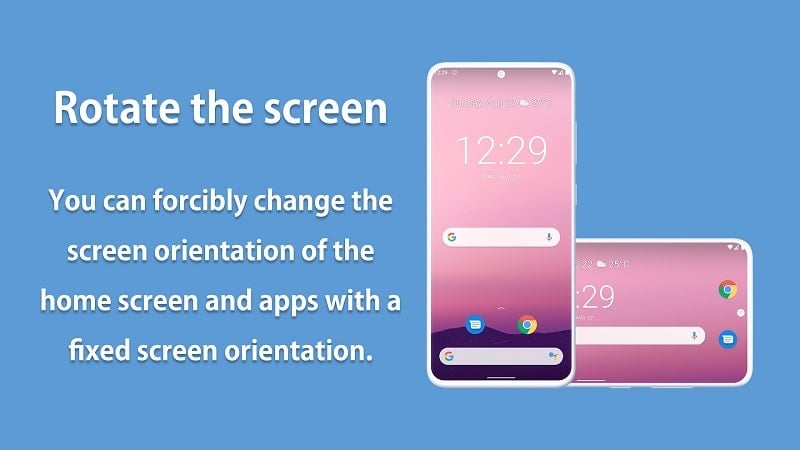
Rotation Control Pro puts precise orientation management in your hands, giving you control over how and when your screen rotates across apps and the home screen. Rotation Control Pro starts quickly and runs locally on your device so you can force portrait, landscape, reverse landscape or auto-rotate per app, lock a system-wide mode for media consumption, or apply temporary rules that revert when an app closes. Designed to reduce frustration when individual apps behave unpredictably, Rotation Control Pro helps you watch videos, read long-form content or use productivity tools without unwanted rotation interruptions.
Key features and behavior
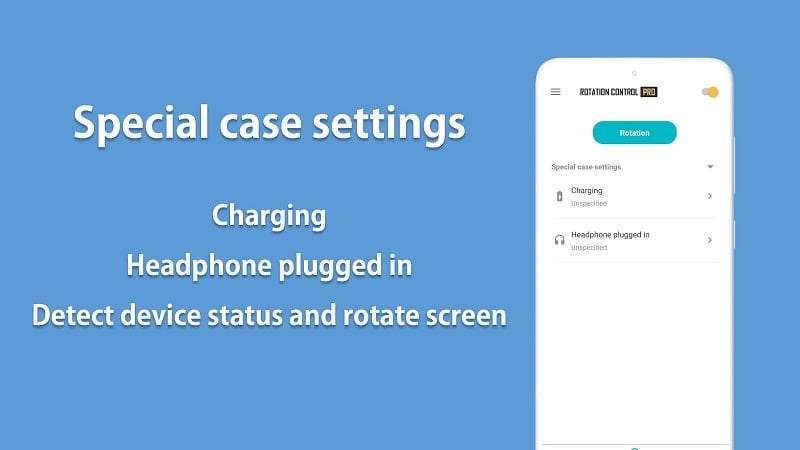
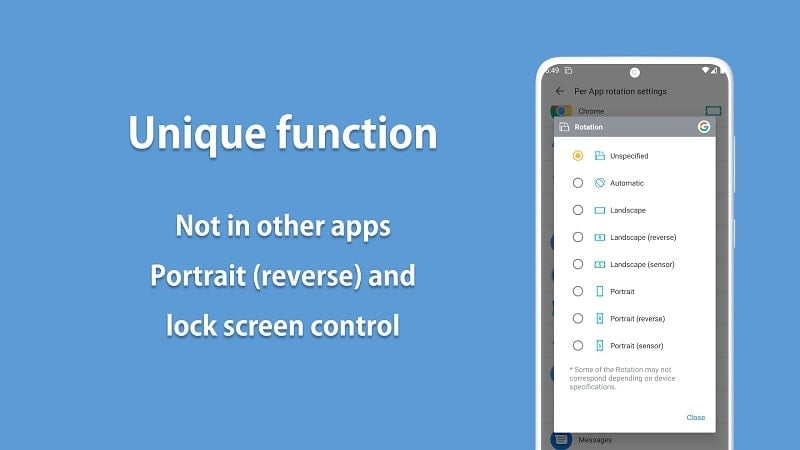
Rotation Control Pro lets you create and apply per-app orientation presets that take effect immediately when an app opens, so a video player can always launch in landscape while a news reader stays in portrait. Presets are saved as named profiles and can be set to apply automatically or activated manually. A persistent notification toggle provides fast access to the current mode and lets you switch enforcement on or off without leaving your foreground app. The tool also supports a global lock to keep your device in a chosen orientation for short tasks like watching movies or using a map app.
User interface and controls
The app exposes a compact, easy-to-scan settings screen where you assign orientations to apps, manage saved profiles and adjust behavior such as whether settings revert on app exit. Controls are designed to be reachable with one hand: large touch targets for toggling the service, clear labels for profile selection, and contextual help that explains what each option does. Notification controls mirror in-app settings so you can make changes while an application is open without disrupting your workflow.
Customization and workflow
Rotation Control Pro supports flexible customization that fits multiple workflows. Create per-app rules for frequently used software, group similar apps under a shared profile, or set a default behavior for less-common apps. Profiles are reversible and temporary by design: the app can revert the orientation when you close the controlled app to preserve your home screen layout. Many users rely on these profiles as a simple progression system—start with a few essential presets and expand to a comprehensive set as you identify apps that need different treatments.
Visual style and level structure
Visually, the interface aims for clarity rather than flash: readable typography, consistent spacing and iconography that quickly communicates the active orientation and profile state. The settings hierarchy is intentionally shallow to reduce friction: top-level toggles for service activation, then a profile manager and a per-app assignment view. This structure makes it easy to discover controls, make a change and see it reflected immediately in the running app.
Accessibility and offline use
Rotation Control Pro works fully offline and does not require an internet connection to apply orientation rules. Accessibility considerations include large targets, high-contrast labels and predictable toggling behavior so assistive technologies can interact reliably. Because the app operates locally, it respects device privacy and continues to apply saved rules even when you are offline or in airplane mode.
Replay value and daily use
The utility of Rotation Control Pro is tied to how often you switch between apps with different orientation needs. For many users the app becomes a daily convenience: once presets are set up, routine tasks like reading, video playback and single-handed operation become smoother. The value comes from repeated, low-effort wins—fewer interruptions and fewer manual rotations—rather than from one-time novelty.
Compatibility notes and known limitations
While Rotation Control Pro can override most apps, some applications are built to ignore external rotation controls and will not respond to forced orientations. In addition, certain system events such as accessory connections or manufacturer enhancements to system rotation may cause the device to revert to its default orientation. These behaviors depend on how an app or the device firmware handles orientation and are not under the control of Rotation Control Pro. We recommend testing presets on a few key apps to confirm results and adjusting settings if an app does not accept forced rotation.
How to get started
Begin by opening the profile manager, adding the apps you use most, and assigning a preferred orientation. Test each preset briefly to ensure the expected behavior, then enable the notification toggle for quick access while running other apps. Over time you can refine your profiles to match new apps you install or changes to your daily routine, making Rotation Control Pro a small but persistent productivity booster on your device.
Show More
Information
Screenshots
Latest Update











Latest News
-
![Revealing the Launch Playlists and Cross-Progression for COD Warzone Mobile News]()
-
![March 2024 Free Redemption Codes for Honkai: Star Rail News]()
-
PUBG Mobile Teams Up with Bentley Motors: Luxury Cars, Exclusive Collectibles, and Beyond 2024-04-18
![PUBG Mobile Teams Up with Bentley Motors: Luxury Cars, Exclusive Collectibles, and Beyond News]()
-
![Monster Never Cry is now accessible on both Android and iOS mobile devices. News]()
-
V2.2 of the Farlight 84 update introduces an overhauled Season structure, fresh in-game currency, an 2024-04-16
![V2.2 of the Farlight 84 update introduces an overhauled Season structure, fresh in-game currency, an News]()
-
![Arrival of Genshin Impact 4.6 Update: 'Embers of Two Realms, Twilight of Crimson' News]()
-
April 2024 Clash of Clans Update: Unveiling a Fresh Companion, Enhanced Levels, Chat Tagging, and Be 2024-04-16
![April 2024 Clash of Clans Update: Unveiling a Fresh Companion, Enhanced Levels, Chat Tagging, and Be News]()






