

Flashcard maker
Version:5.1.0
Published:2026-11-06
Introduction
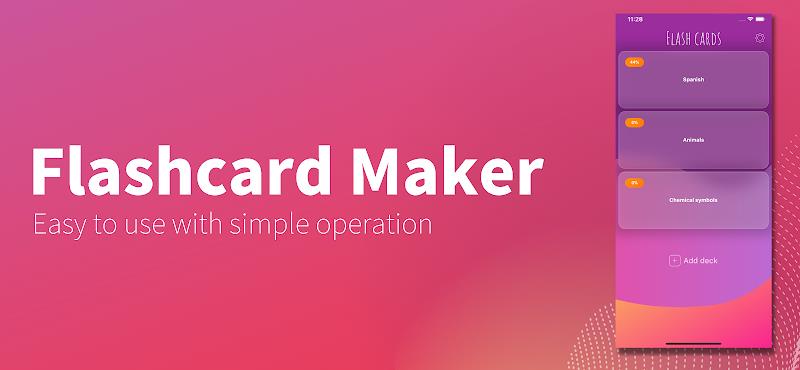
Flashcard maker is a mobile app designed to simplify creating, organizing, and studying digital flashcards. It supports images, audio, and rich text, and uses adaptable review schedules to boost retention. The app suits students, professionals, and language learners seeking a focused, customizable study tool.
Key Features
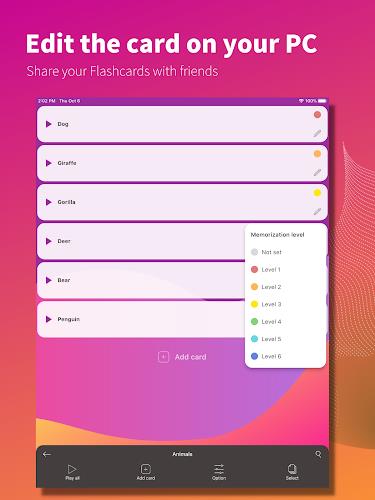
Flashcard maker bundles practical tools that streamline the study process. Create decks in seconds with a clean editor that accepts text, images, and voice recordings. Advanced import/export options let you bring in CSV files or share decks via standard formats, while automatic backups keep your progress safe. A built-in search and tagging system helps you locate specific cards quickly.
How the Study Engine Works
The study engine in Flashcard maker relies on evidence-based review techniques to optimize memory. Cards are scheduled using adjustable intervals that respond to your performance, reducing review load for well-known items and prioritizing weaker cards. You can toggle between fixed review schedules and spaced repetition to match your learning preferences.
Customization and Study Modes
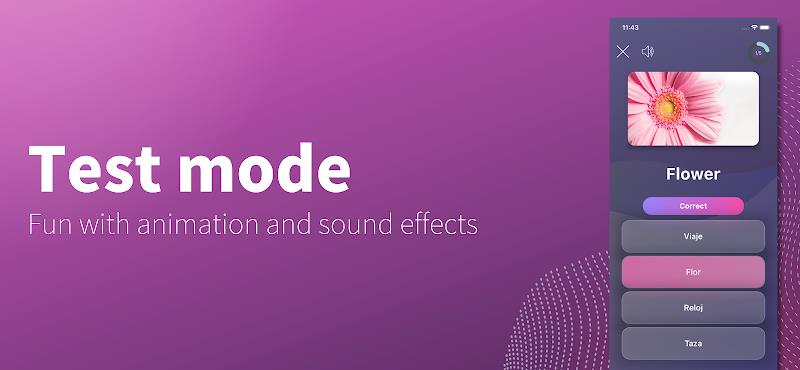
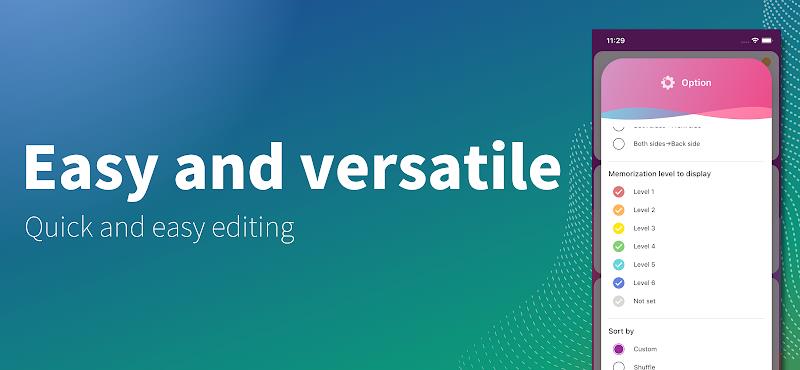
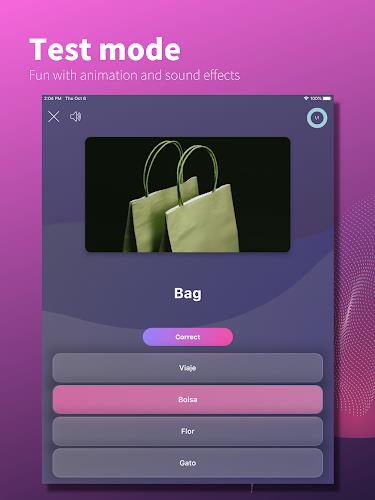
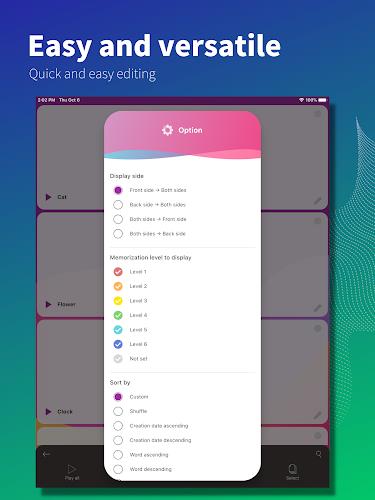
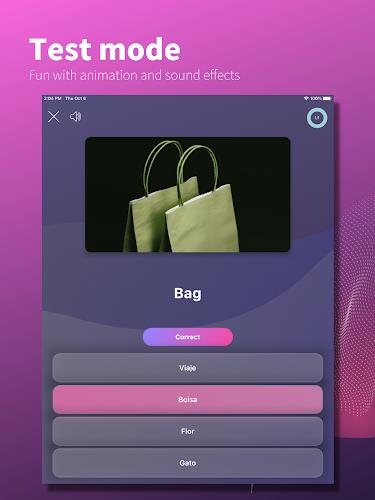
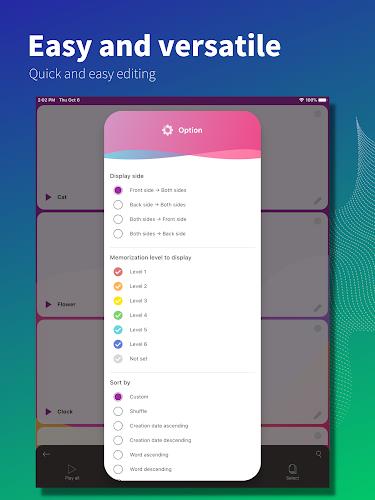
Personalization is central to the experience. Flashcard maker offers multiple study modes: standard forward/reverse review, multiple-choice quizzes generated from your deck, and timed drills for focused practice. Customize card layouts with templates, choose which fields appear during review, and set deck-specific rules for how often and when cards reappear.
Templates, Media and Rich Content
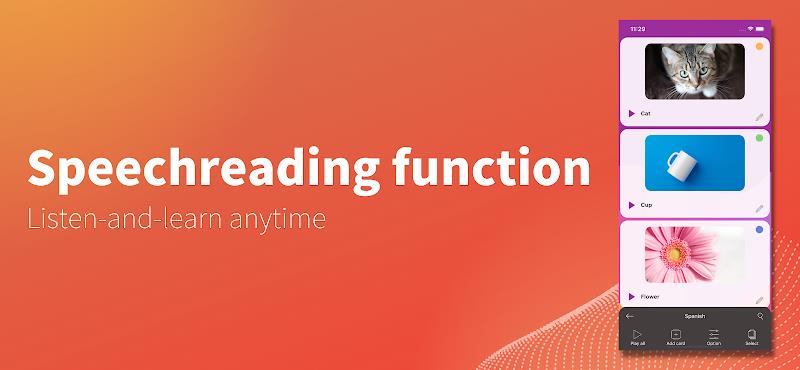
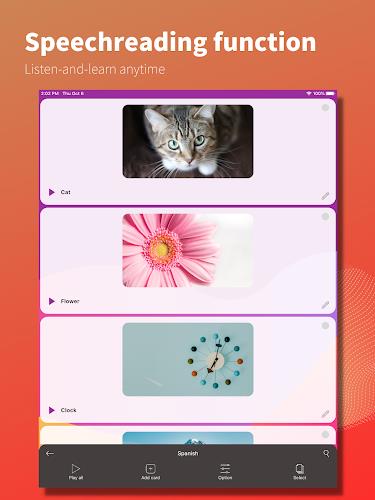
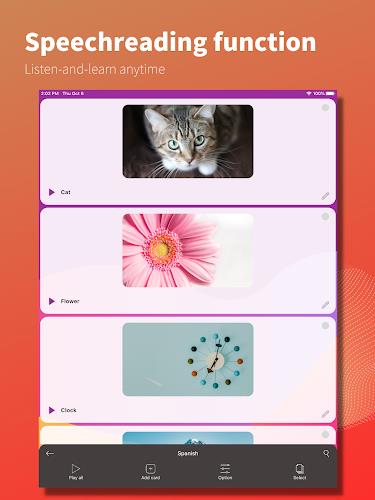
Create richer study material with support for images, audio clips, and formatted text. Add pronunciation files for language learning, attach diagrams for technical subjects, or embed short audio notes to clarify complex ideas. Templates speed up card creation: build a template once and apply it to entire decks to maintain consistent structure across subjects.
Workflow and Productivity Tools
Flashcard maker fits into study routines with features that reduce friction. Use batch editing to update many cards at once, clone decks to create focused sub-decks, and mark cards for quick review before exams. The app also includes study statistics so you can track progress over days and weeks, identify weak topics, and set daily goals to stay motivated.
Organizing Your Content
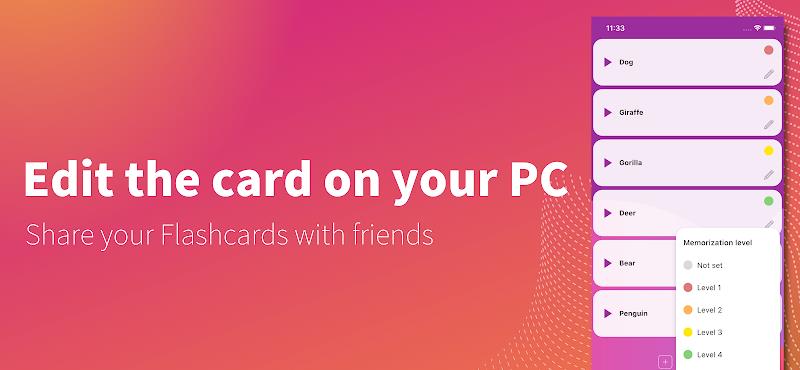
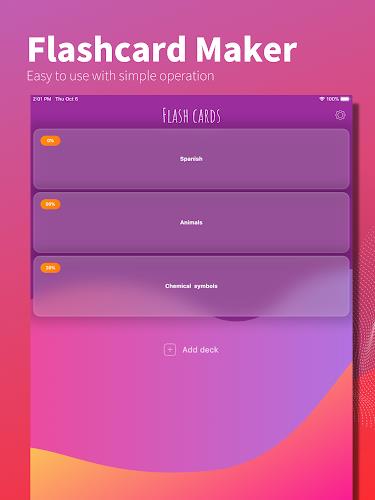
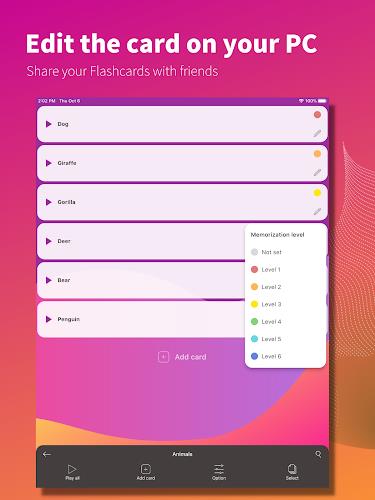
Efficient organization prevents clutter. Combine tags, folders, and deck hierarchies to arrange cards by course, chapter, or topic. Smart filters let you assemble ad-hoc review sessions based on tags or difficulty. Sharing options make it easy to distribute a deck to classmates or collaborators without losing structure or media attachments.
Performance and Compatibility
Flashcard maker is optimized for performance on a wide range of Android devices. It runs smoothly offline, so you can study without an internet connection, and background sync ensures changes are uploaded when connectivity returns. Compatibility options include import from common spreadsheet formats and export for backup or use in other study tools.
Privacy and Data Control
Privacy matters for learners who store sensitive notes or personal study logs. The app provides local storage with optional encrypted backups, giving you control over where your data is saved. Permissions are minimal and explained clearly during setup, so you understand what access is required and why.
Practical Use Cases
- Students: Build decks for exams, flash key definitions, and rehearse formulas with image support.
- Language learners: Practice vocabulary, attach pronunciation audio, and run mixed drills for listening and recall.
- Professionals: Prepare for certifications by structuring decks around topics and tracking weak areas.
- Teachers: Create and distribute ready-to-use decks for classroom review and assessments.
Getting Started
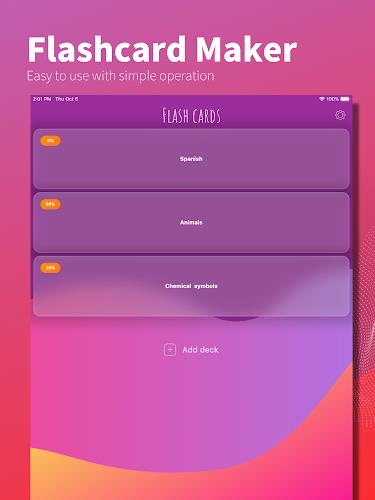
Begin by creating your first deck: give it a clear name, choose a template, and add a handful of cards to start. Spend a few minutes customizing review intervals to match your study schedule. Flashcard maker makes it easy to expand a deck gradually—import related content, tag cards, and use quick-edit features to keep building without interrupting study flow.
Tips for Better Results
Maximize retention by keeping cards concise, using images where helpful, and reviewing daily in short sessions. Combine spaced repetition with active recall prompts and periodic mixed practice to cement learning. Use the app’s statistics to adjust focus and identify content that needs reworking or simplification.
Flashcard maker offers a balance of simplicity and depth: it’s accessible for casual study while providing the advanced options power users expect. Whether assembling a set of vocabulary words or preparing a comprehensive course review, the app is designed to make repetition efficient and study time more effective.
Show More
Information
Screenshots
Latest Update











Latest News
-
![Revealing the Launch Playlists and Cross-Progression for COD Warzone Mobile News]()
-
![March 2024 Free Redemption Codes for Honkai: Star Rail News]()
-
PUBG Mobile Teams Up with Bentley Motors: Luxury Cars, Exclusive Collectibles, and Beyond 2024-04-18
![PUBG Mobile Teams Up with Bentley Motors: Luxury Cars, Exclusive Collectibles, and Beyond News]()
-
![Monster Never Cry is now accessible on both Android and iOS mobile devices. News]()
-
V2.2 of the Farlight 84 update introduces an overhauled Season structure, fresh in-game currency, an 2024-04-16
![V2.2 of the Farlight 84 update introduces an overhauled Season structure, fresh in-game currency, an News]()
-
![Arrival of Genshin Impact 4.6 Update: 'Embers of Two Realms, Twilight of Crimson' News]()
-
April 2024 Clash of Clans Update: Unveiling a Fresh Companion, Enhanced Levels, Chat Tagging, and Be 2024-04-16
![April 2024 Clash of Clans Update: Unveiling a Fresh Companion, Enhanced Levels, Chat Tagging, and Be News]()






