

Horizon Camera
Version:1.6.0.0
Published:2026-11-06
Introduction
Fed up with phone videos that turn vertical the moment you move? Horizon Camera flips that script by keeping your recordings level no matter how you hold the device. Built around your phone's motion sensors, the app corrects orientation in real time so landscapes, action shots and everyday moments stay horizontal and ready for sharing. It also adds tilt-to-zoom control, several quality presets, and a simple media browser so you can shoot, review and export without juggling menus.
Highlights of Horizon Camera:
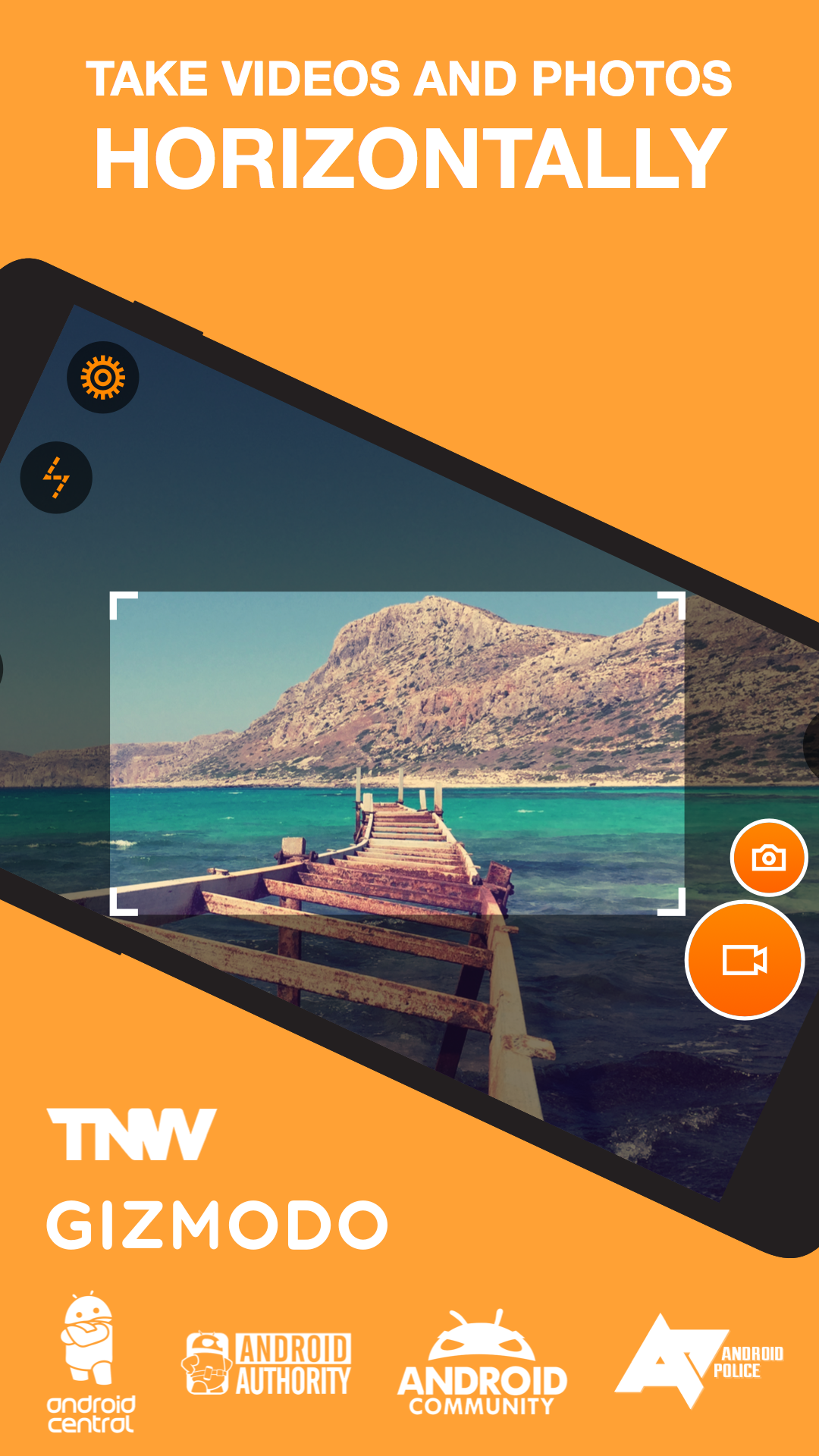
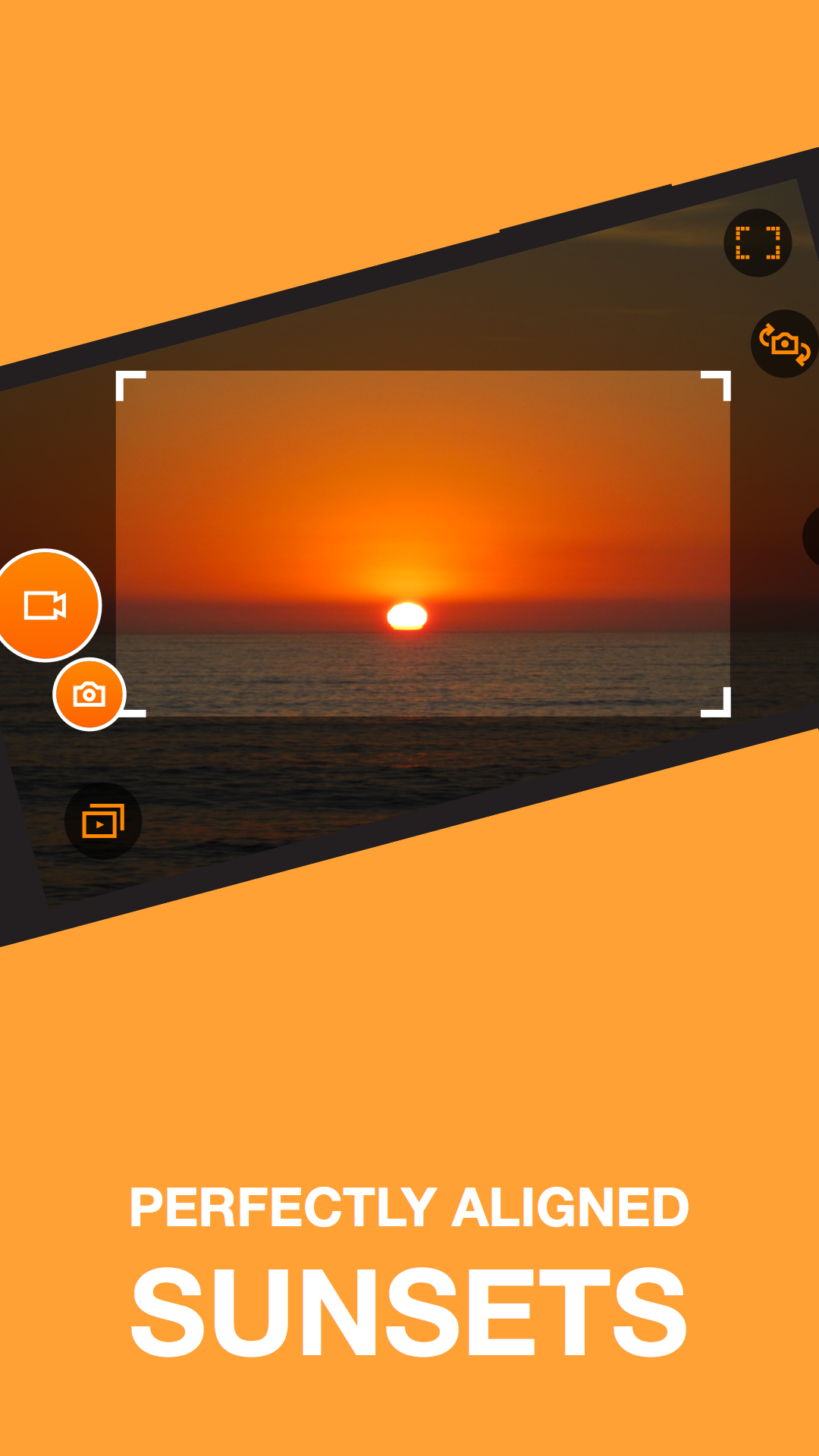
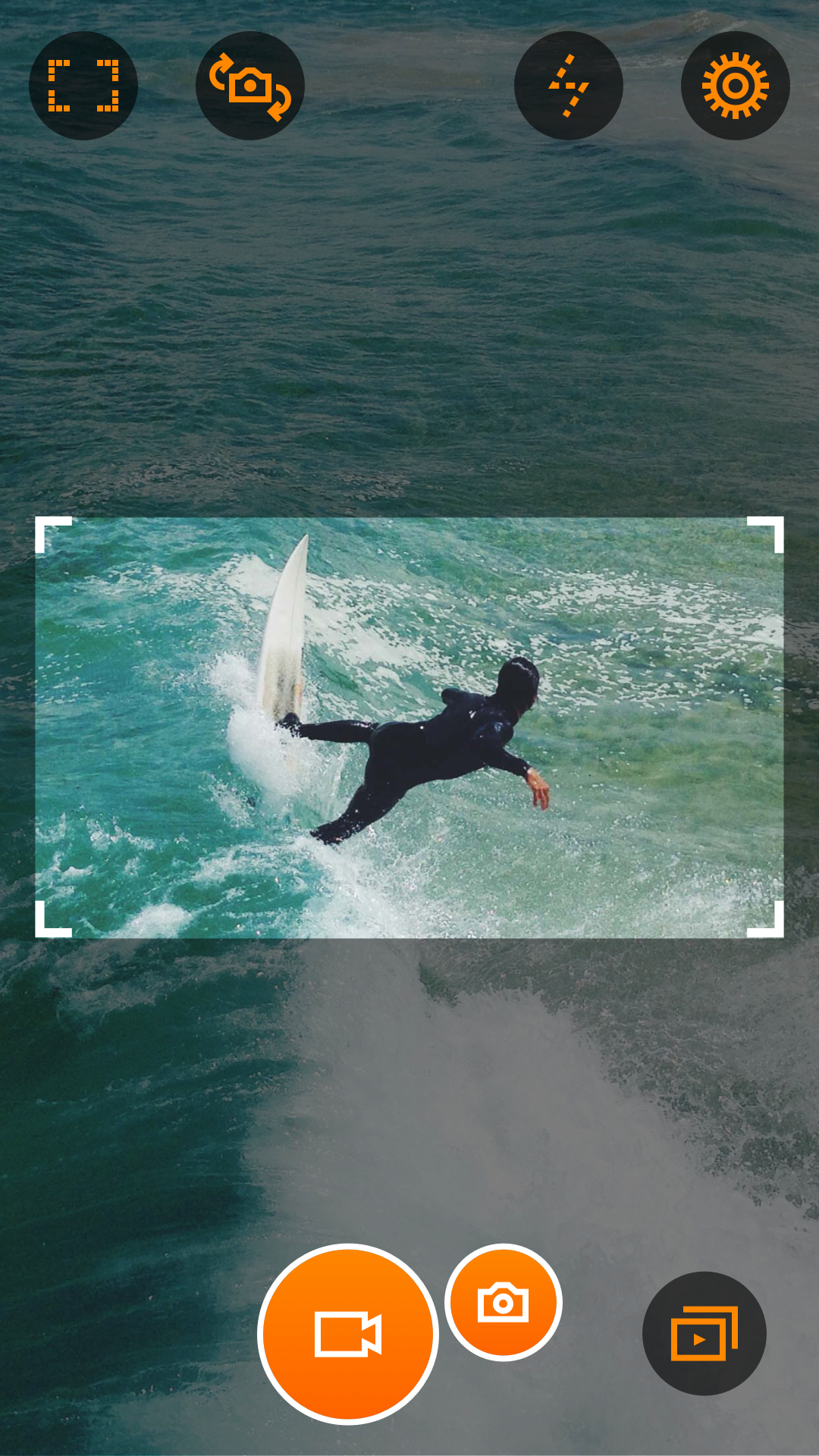
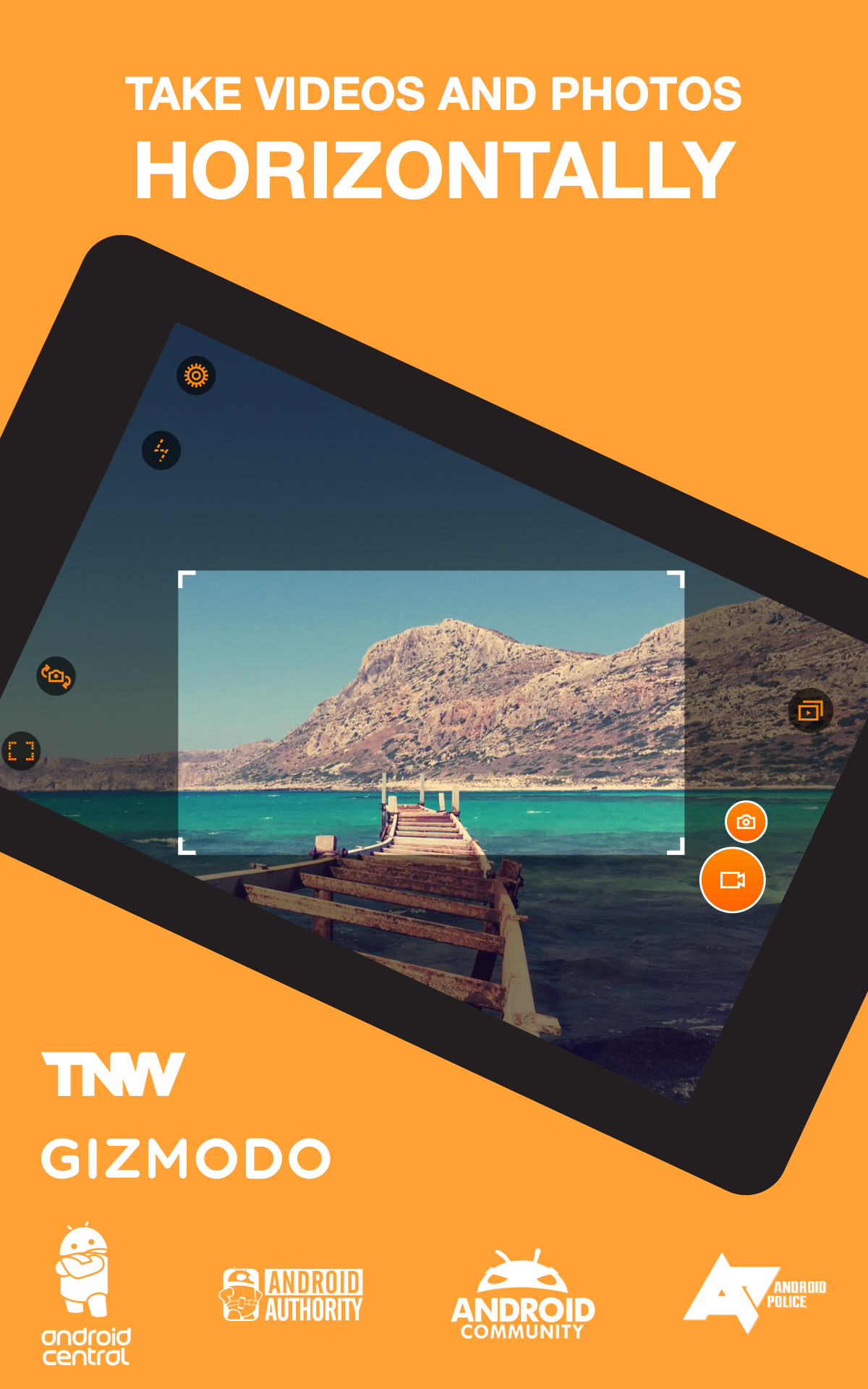
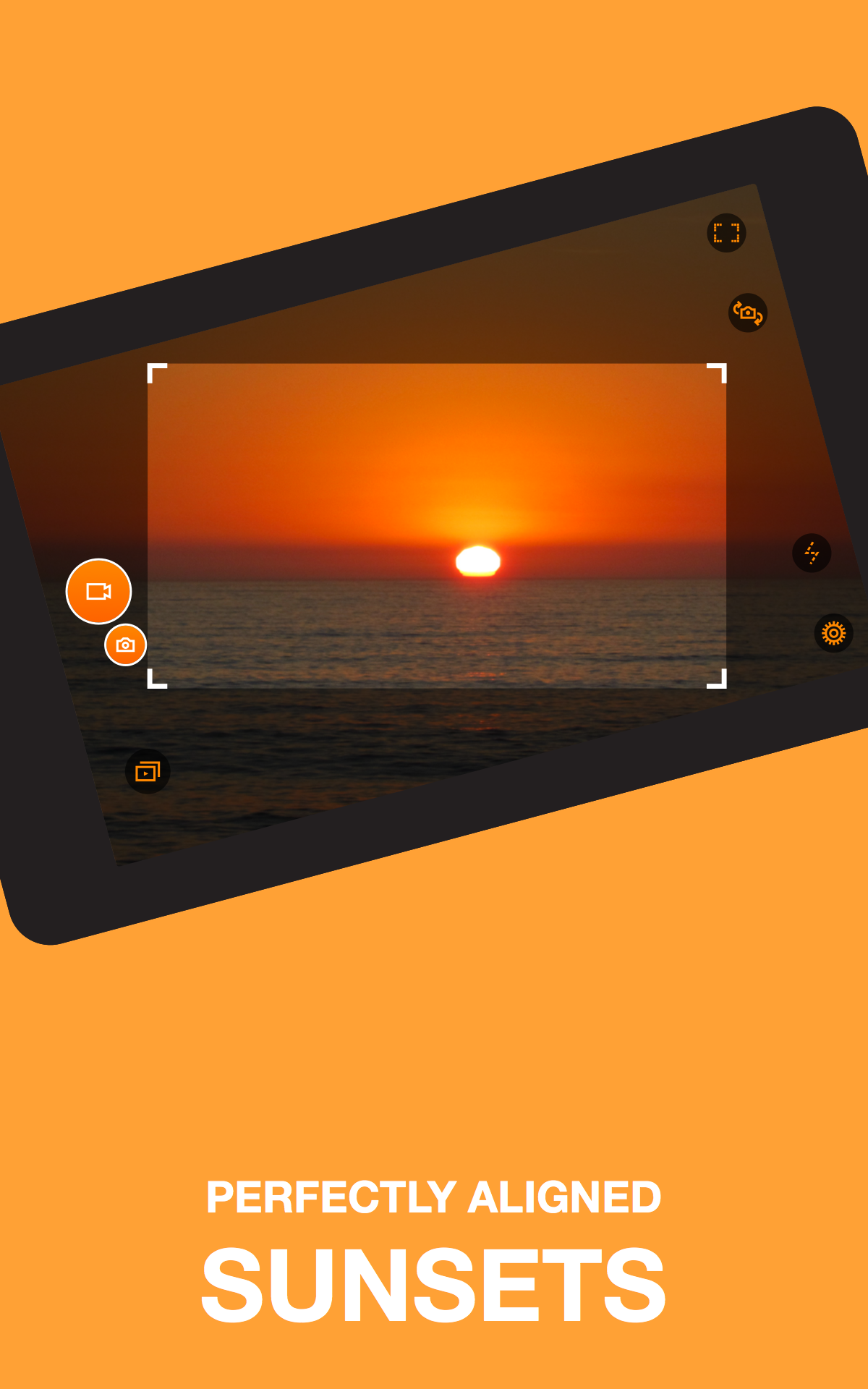
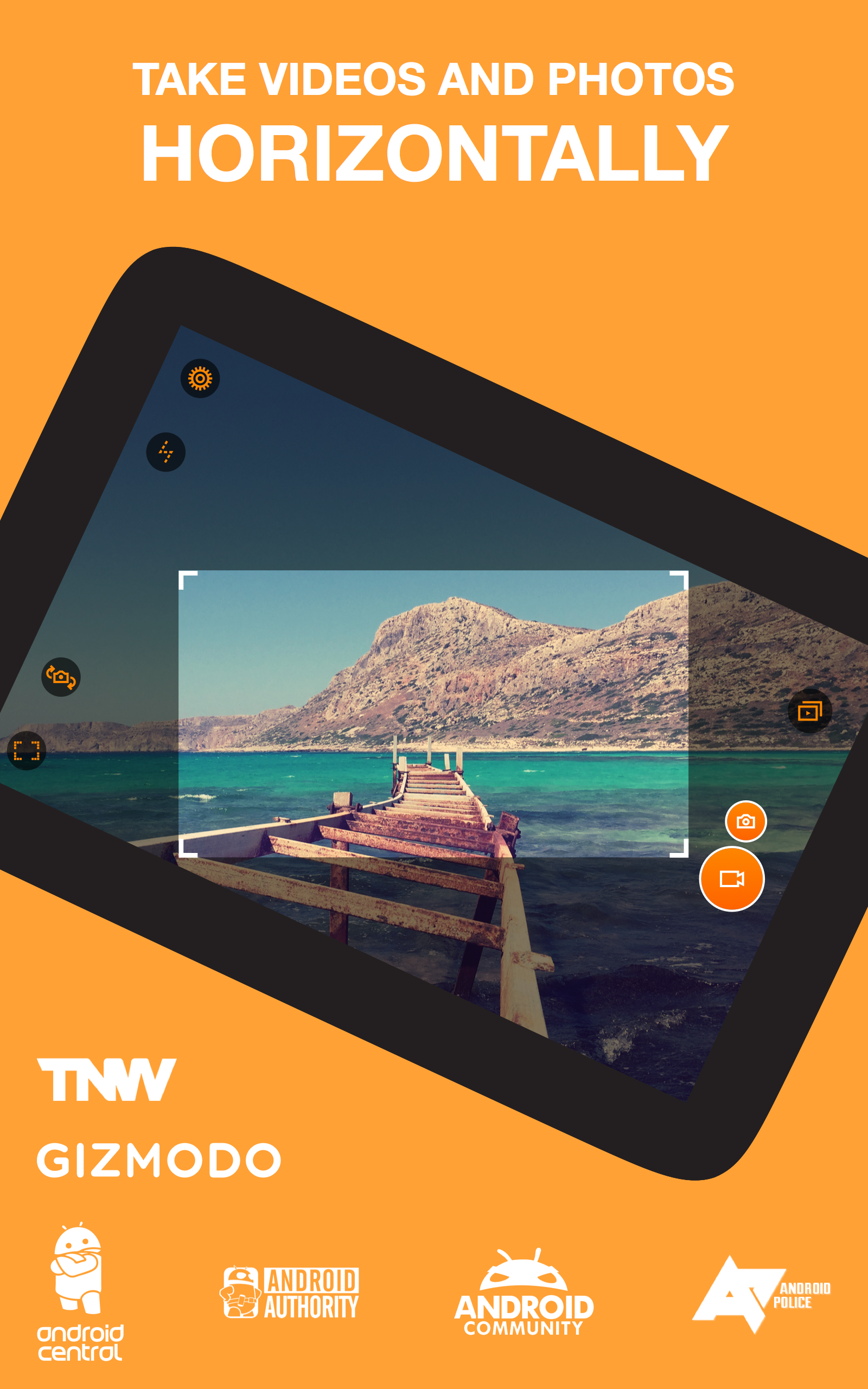
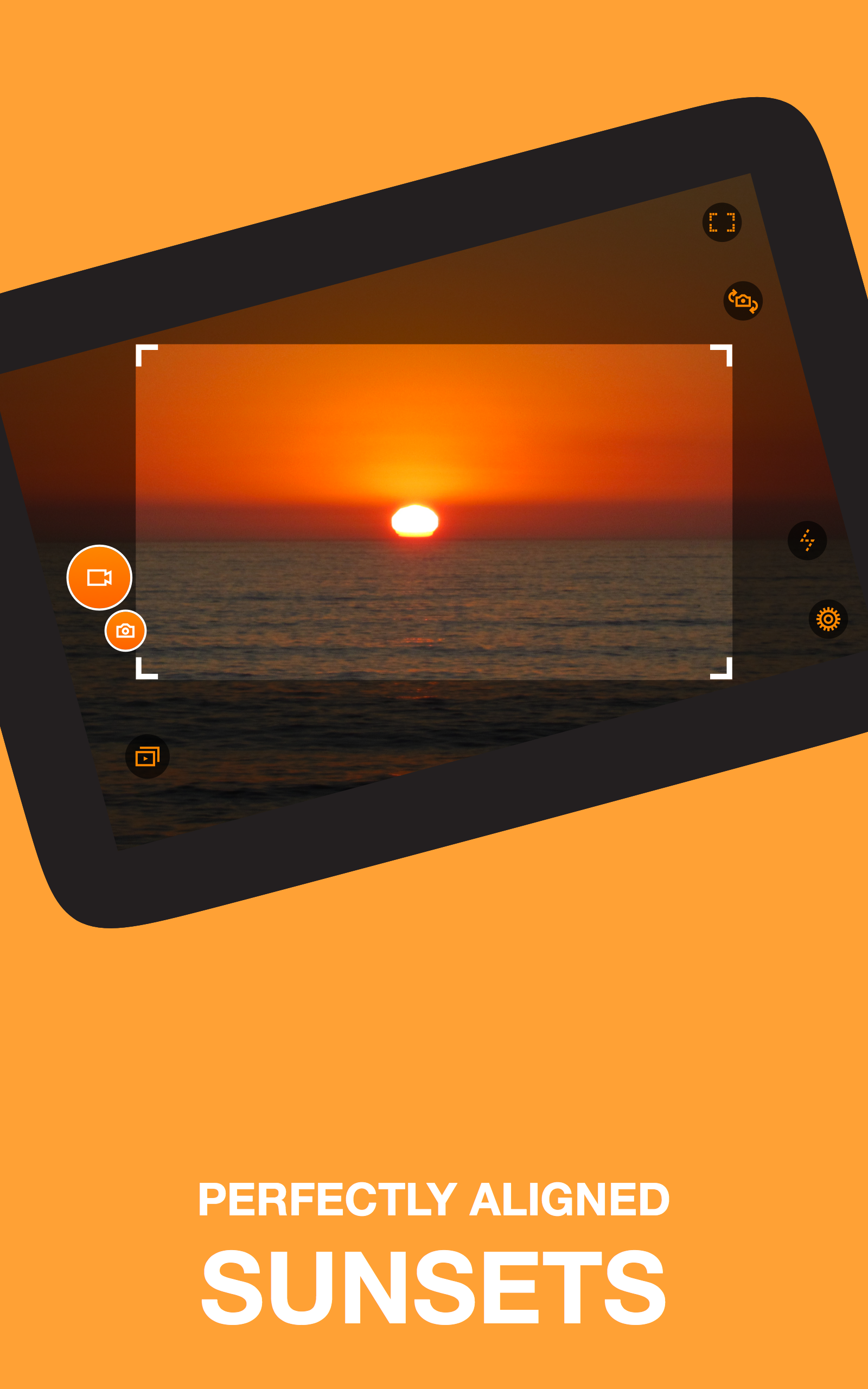
Level framing: Horizon Camera keeps the horizon line steady by reading the gyroscope and accelerometer, so clips remain parallel to the ground even if you swing the phone while filming.
Tilt-to-zoom: Instead of pinching, you change focal length by tilting the phone forward or back; it feels intuitive when you need hands-free framing during a live moment.
Multiple frame rates and resolutions: Choose from standard definition up to Full HD and higher output modes on compatible devices, plus 60 and 120 FPS options for smoother or slow-motion playback.
Live looks and slow-motion preview: Several real-time filters are available while you record, and high-frame-rate clips can be reviewed in slow motion right inside the app.
Features of Horizon Camera:
Three leveling modes: Pick Flex, Rotate or Locked modes to control how aggressively Horizon Camera compensates for movement — from subtle leveling to fixed upright output.
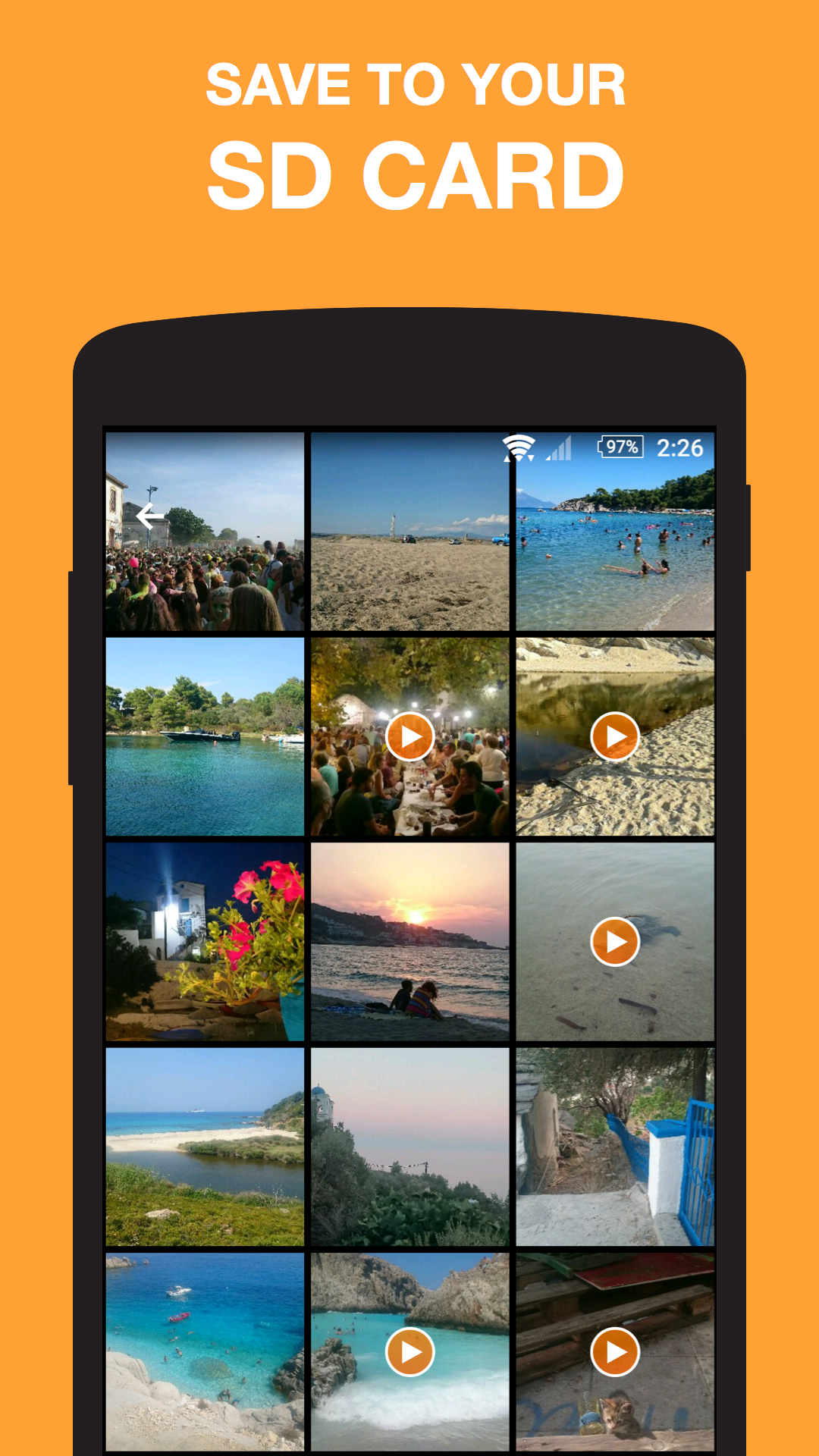
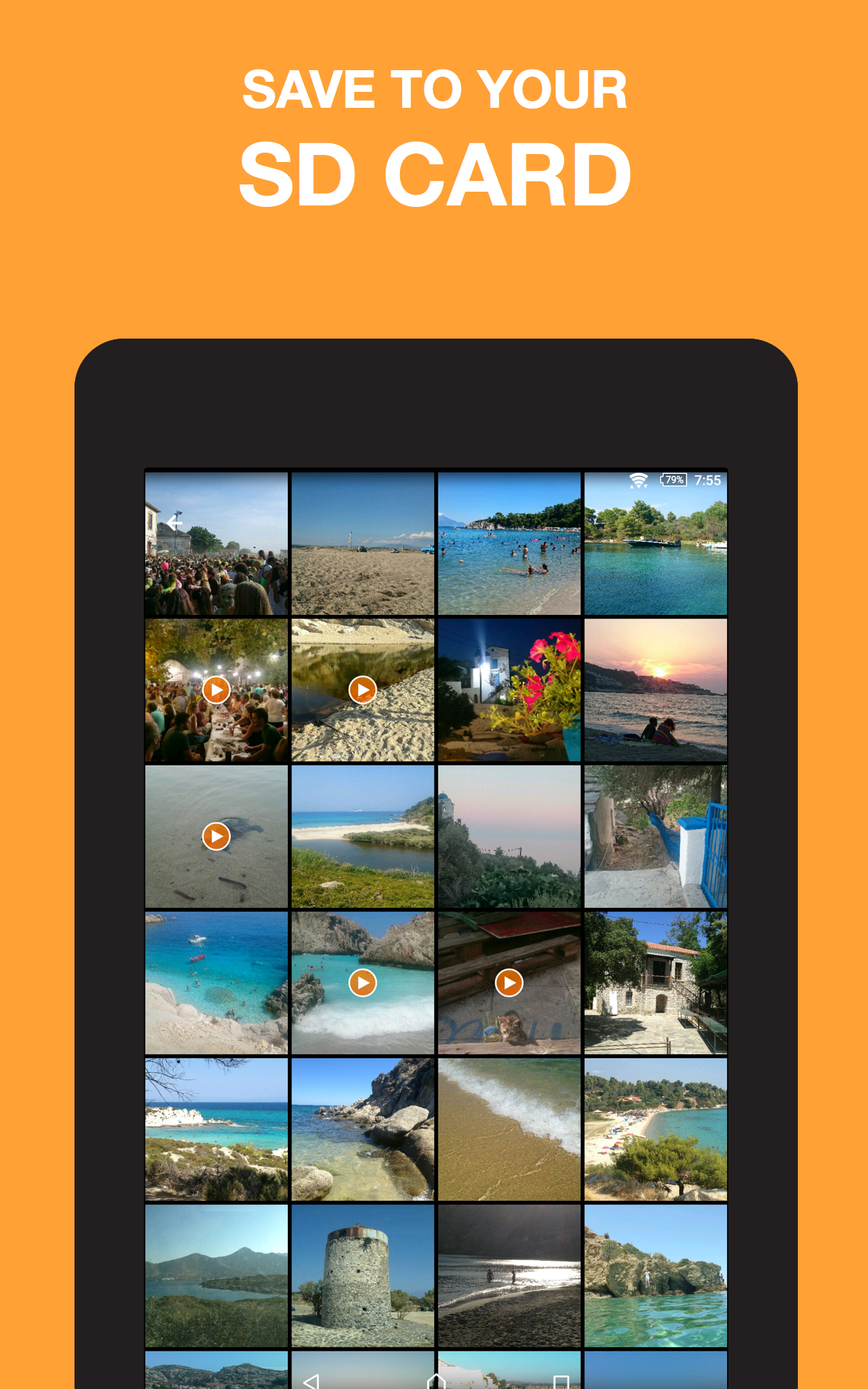
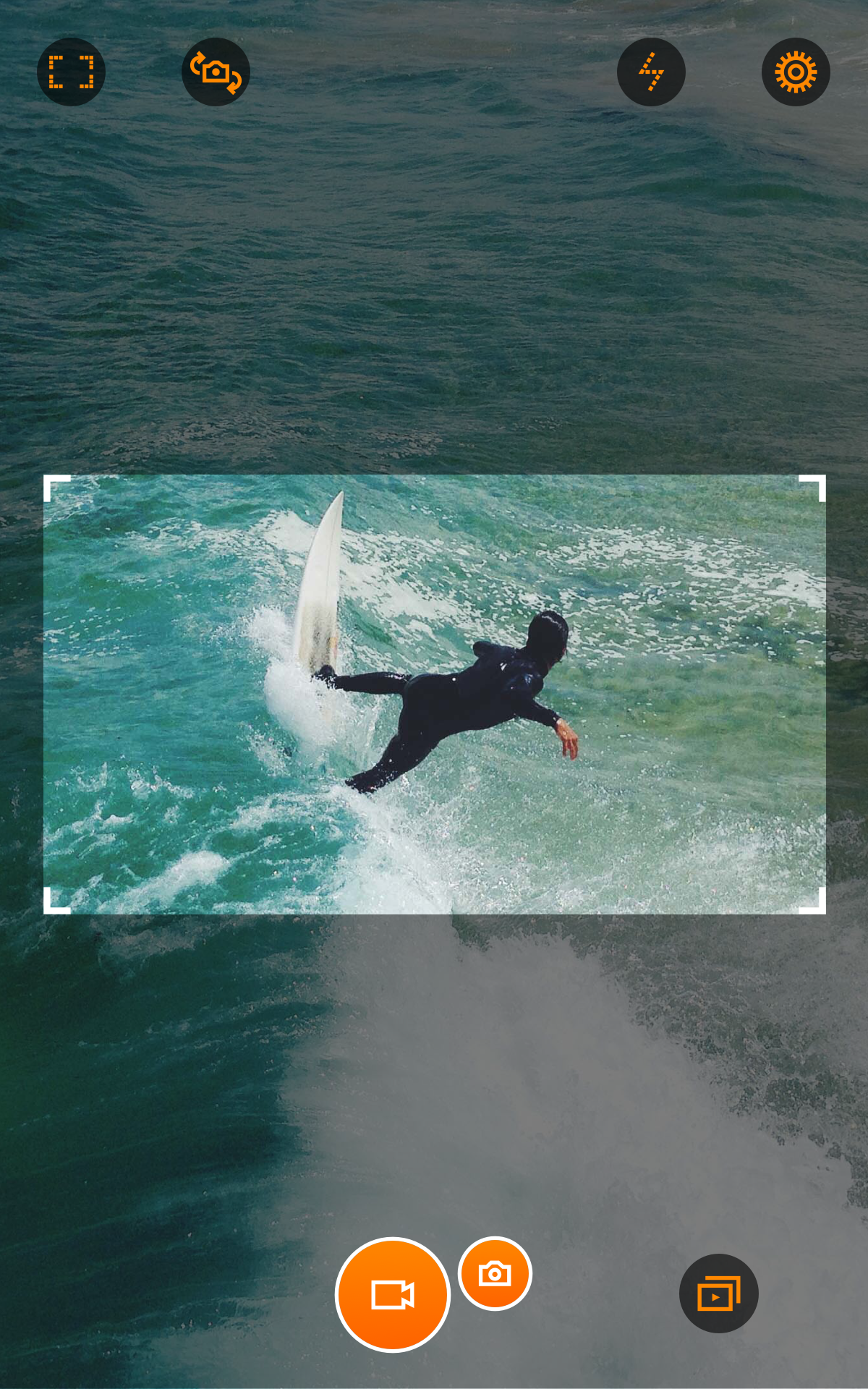
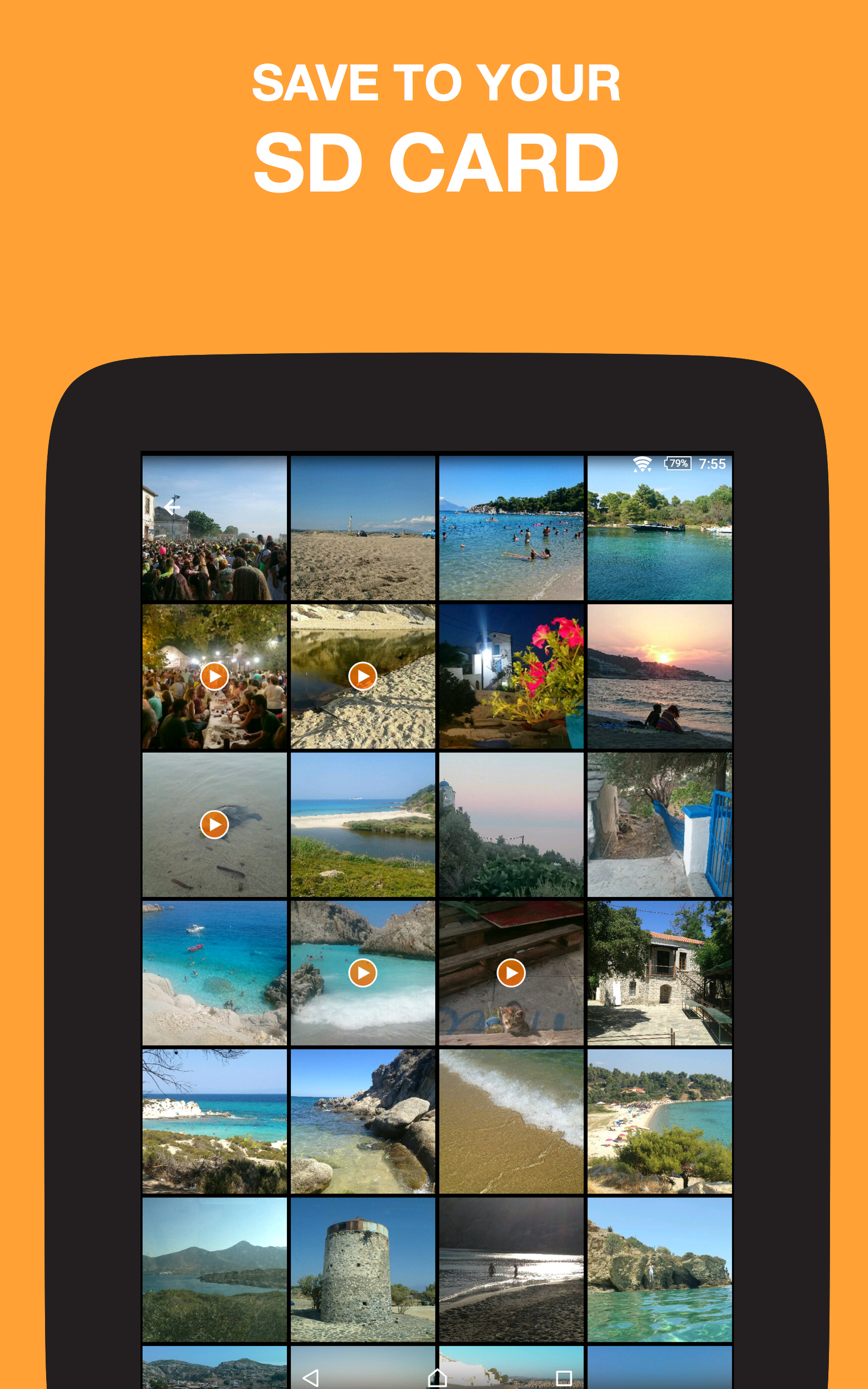
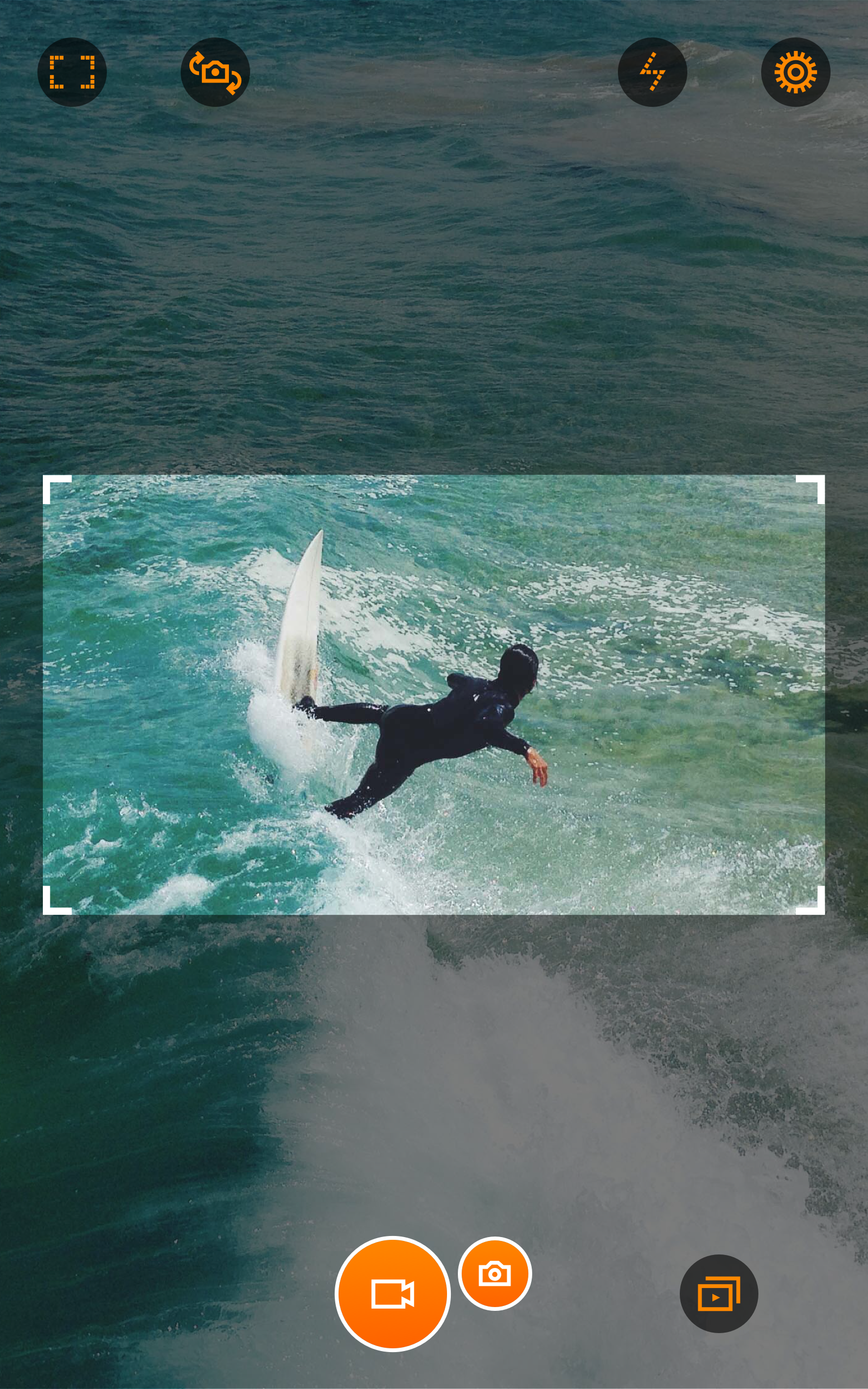
Hardware controls and SD support: Use your device's camera or volume buttons to start and stop recording, and save files directly to external storage where supported.
Quality presets: Manage file size by switching between High, Medium and Low quality profiles, useful when storage is limited or you want longer recording times.
Background integration: Other apps can call Horizon Camera to record video, letting it act as a dedicated horizontal recorder for workflows that need consistent orientation.
Optional upgrades: The free tier covers the essentials, while in-app purchases remove ads and provide extra support options for users who prefer a cleaner interface.
Getting Started with Horizon Camera:
Grant permissions: After installing, allow sensor and microphone access so Horizon Camera can stabilize footage and capture sound; devices without a gyro may have reduced functionality.
Pick resolution and frame rate: Set your preferred output before shooting — lower settings save space, higher settings produce crisper results, and high FPS helps with slow-motion clips.
Try tilt-to-zoom in practice: While recording a moving scene, tilt the phone gently to zoom without changing grip; this is handy when filming a child at a birthday party while moving through a crowd or when you need to follow action from the sidelines.
Use the media library: Swipe to select multiple items, long-press to play high-frame-rate clips in slow motion, and export items to share or edit in other apps.
FAQs about Horizon Camera:
Does Horizon Camera work on older Android phones?
It requires Android 4.3 or above and at least an accelerometer or gyroscope; devices without proper sensors will not get the full stabilization benefits.
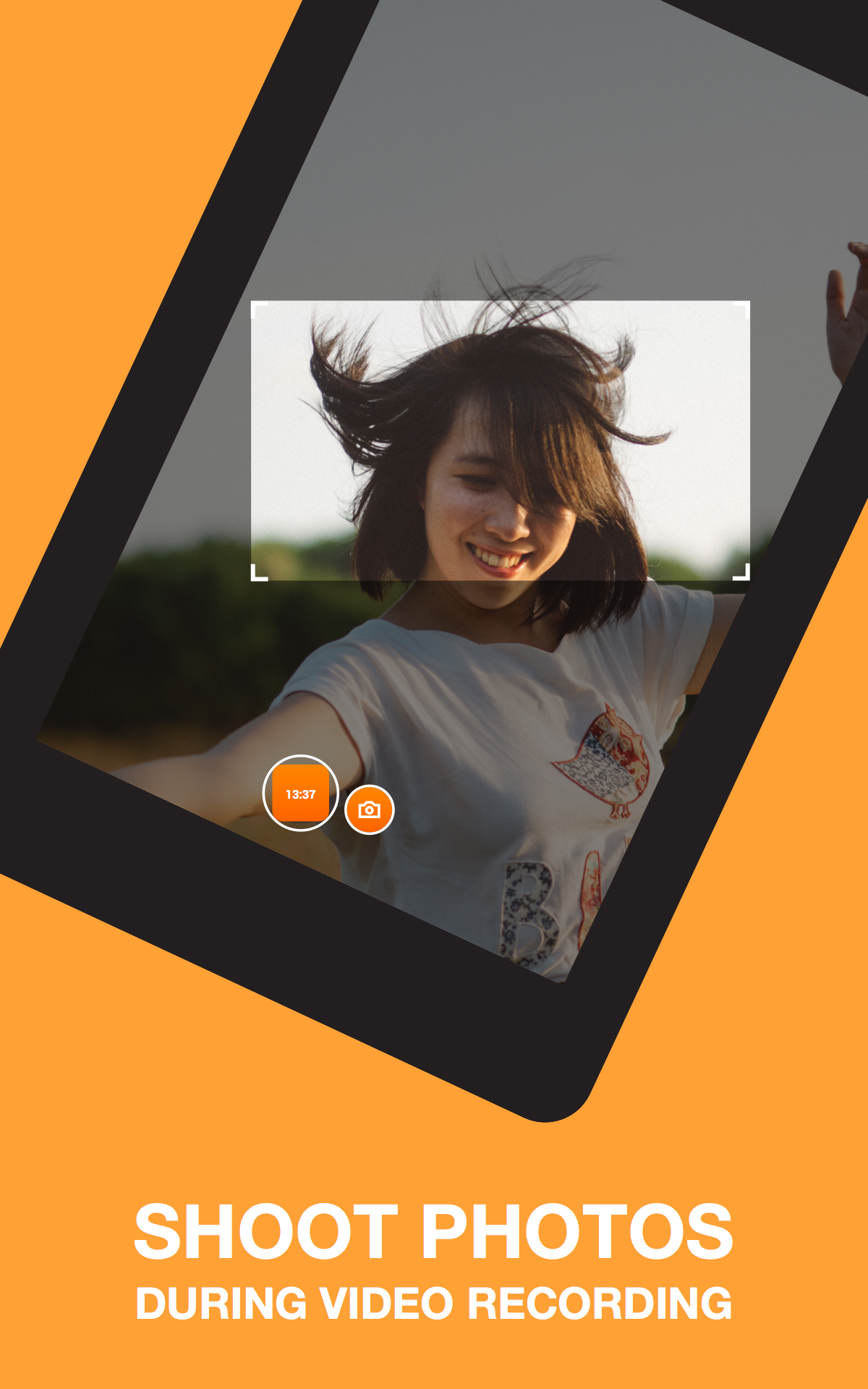
Can I take still photos while recording video?
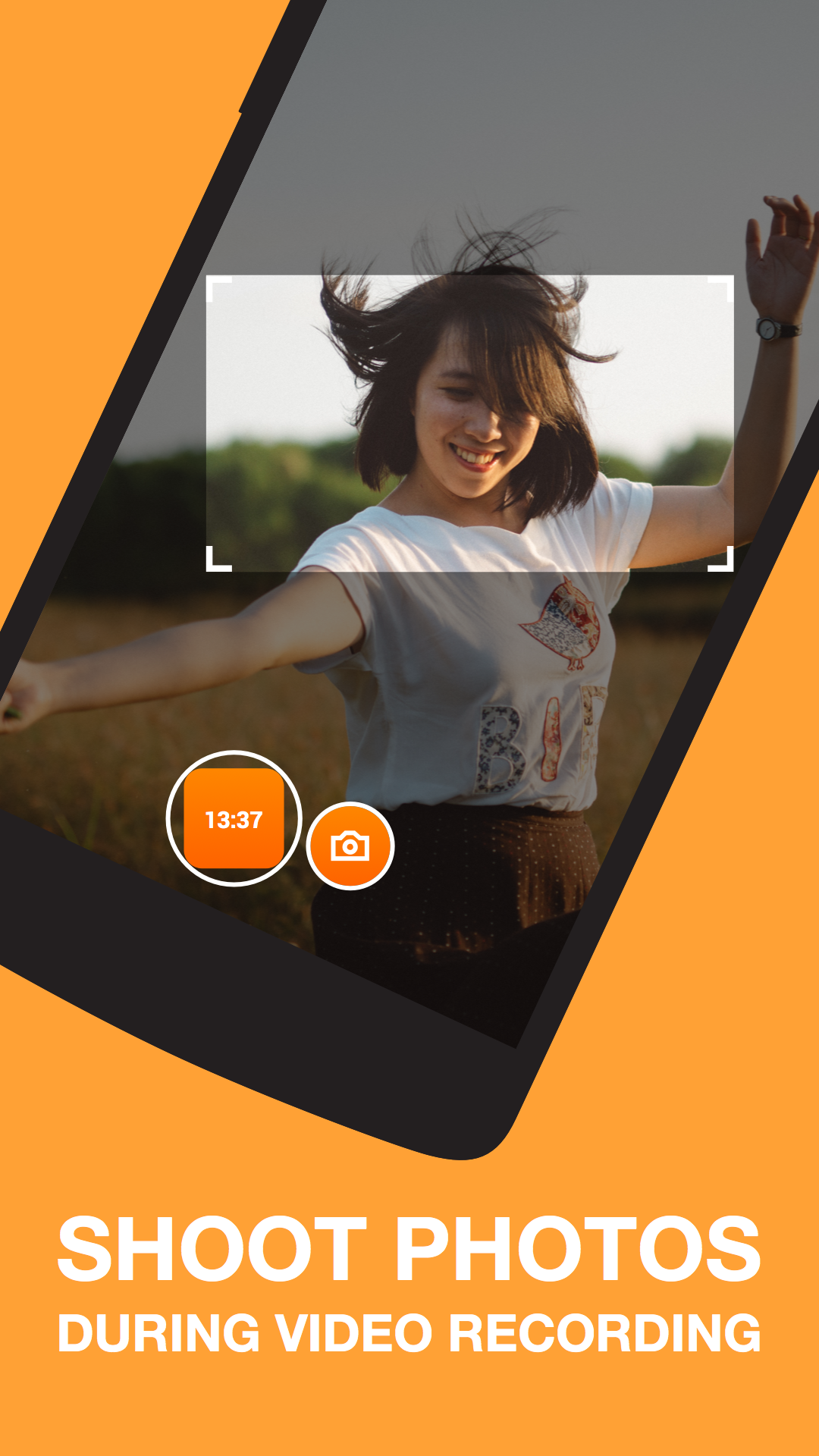
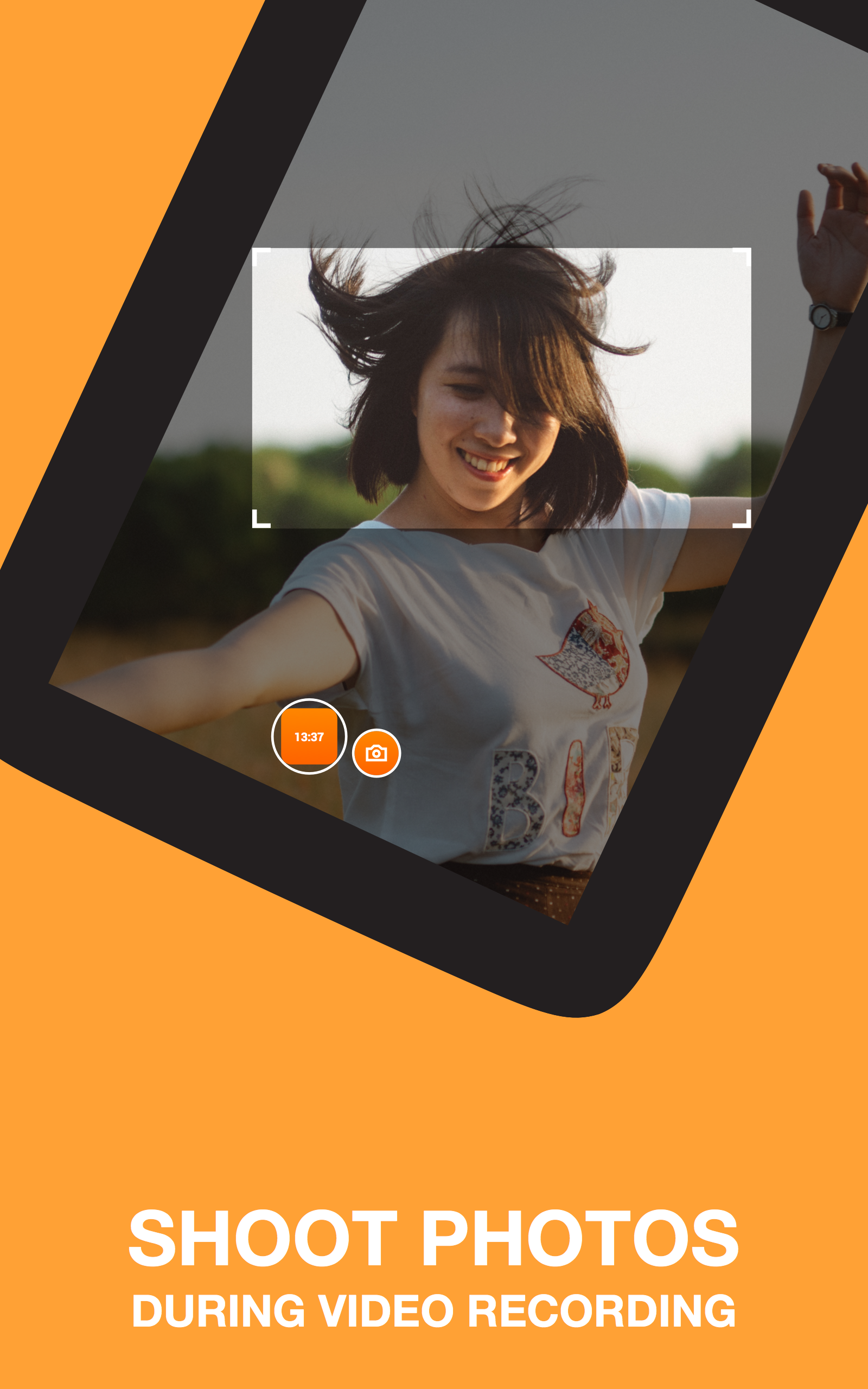
Yes, Horizon Camera supports snapping photos during video capture and allows recording to external storage when the device supports that feature.
Are there premium features worth buying?
Paid options mainly remove ads and add customer support priority; core recording and stabilization functions are available in the free version.
Conclusion:
Compared with a stock camera that flips orientation as you move, Horizon Camera maintains a steady horizontal frame so your footage looks consistent across screens. If you make vlogs, record family moments while walking, or need reliable horizontal clips for social posts, Horizon Camera offers a focused set of tools that simplify capture while leaving room to upgrade if you want fewer ads or extra support.
Show More
Information
Screenshots
Latest Update










Hot Tags
Latest News
-
![Revealing the Launch Playlists and Cross-Progression for COD Warzone Mobile News]()
-
![March 2024 Free Redemption Codes for Honkai: Star Rail News]()
-
PUBG Mobile Teams Up with Bentley Motors: Luxury Cars, Exclusive Collectibles, and Beyond 2024-04-18
![PUBG Mobile Teams Up with Bentley Motors: Luxury Cars, Exclusive Collectibles, and Beyond News]()
-
![Monster Never Cry is now accessible on both Android and iOS mobile devices. News]()
-
V2.2 of the Farlight 84 update introduces an overhauled Season structure, fresh in-game currency, an 2024-04-16
![V2.2 of the Farlight 84 update introduces an overhauled Season structure, fresh in-game currency, an News]()
-
![Arrival of Genshin Impact 4.6 Update: 'Embers of Two Realms, Twilight of Crimson' News]()
-
April 2024 Clash of Clans Update: Unveiling a Fresh Companion, Enhanced Levels, Chat Tagging, and Be 2024-04-16
![April 2024 Clash of Clans Update: Unveiling a Fresh Companion, Enhanced Levels, Chat Tagging, and Be News]()






