

AiOS launcher
Version:4.8.1
Published:2026-11-06
Introduction
AiOS launcher is a modern Android home screen replacement that blends smart organization with streamlined visuals. Designed for people who want faster access to apps, cleaner widgets, and adaptive shortcuts, AiOS launcher focuses on productivity and personalization while keeping a low memory footprint and intuitive gestures.
What AiOS launcher brings to your device
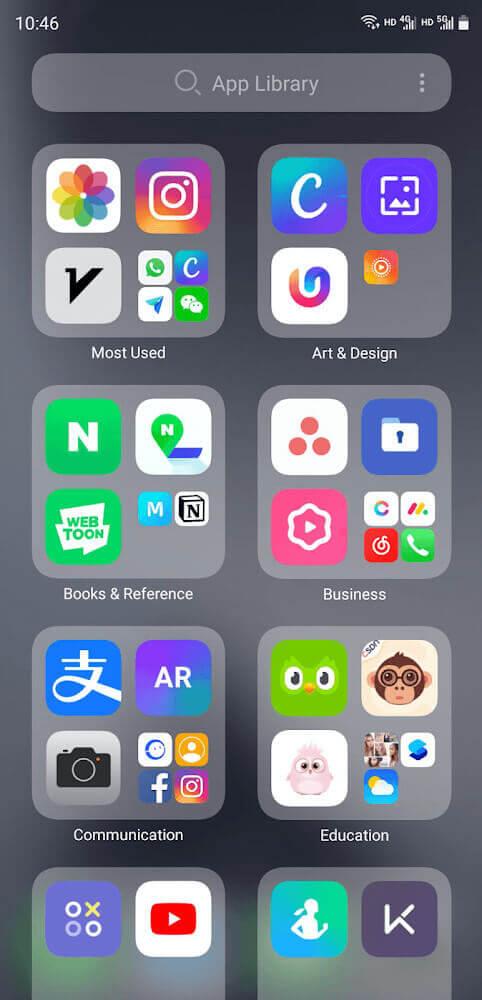
AiOS launcher rethinks the way you interact with your phone by combining a minimalist aesthetic with practical features. The launcher focuses on reducing clutter through context-aware folders, dynamic search, and an app drawer that surfaces frequently used apps. It aims to speed up routine tasks without introducing complexity.
Core features at a glance
- Smart app suggestions — predictive shortcuts based on usage patterns and time of day.
- Adaptive widgets — widgets that resize and change content according to context.
- Gesture controls — customizable swipes, taps and pinches to open apps or execute actions.
- Lightweight performance — optimized memory use to keep your device snappy.
- Privacy-minded permissions — minimal data requests and local processing for suggestions.
Customization and visual options
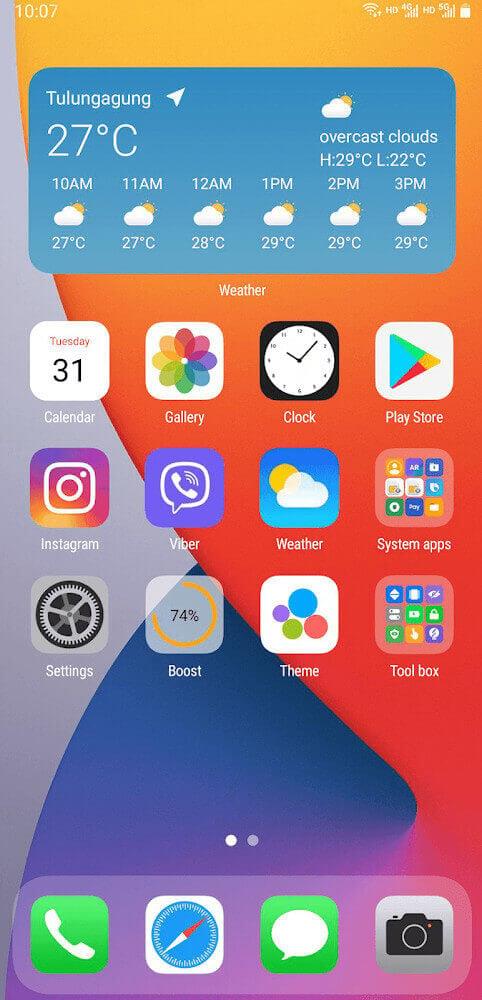
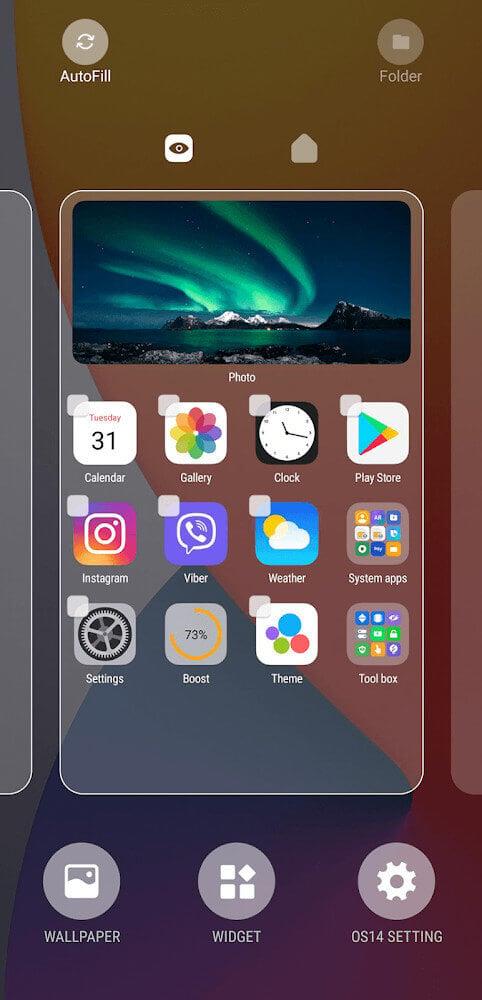
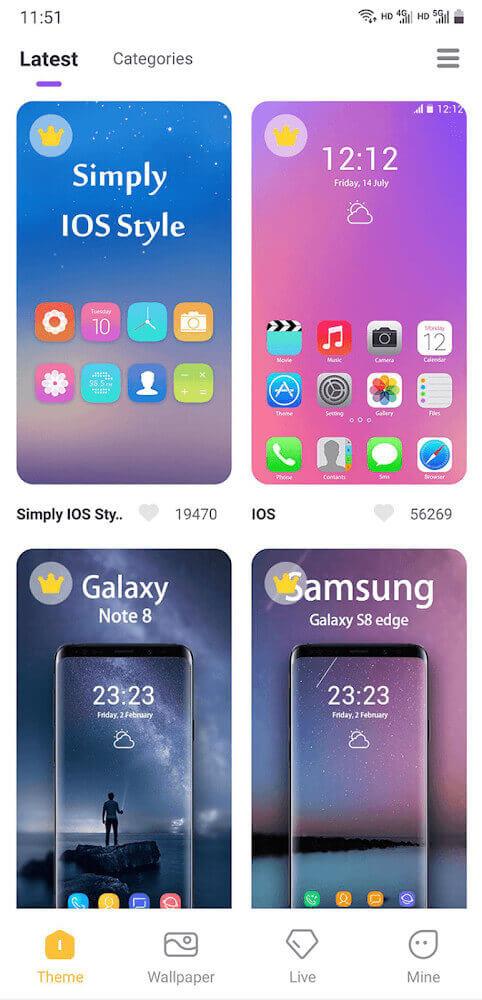
One of AiOS launcher’s strengths is its balance between personalization and restraint. You can change icon packs, adjust grid density, and select from several curated themes. Themes range from pared-back monochrome layouts to colorful, bold styles that emphasize easy readability. Live wallpapers are supported, and the launcher applies subtle animations only when requested to preserve battery life.
Layout tools and shortcuts
AiOS launcher provides fine-grained control over home screen real estate. Moveable docks, multiple app stacks, and customizable folders let you structure apps by task or frequency. The built-in shortcut editor enables compound actions: for example, a long-press can both open an app and trigger a related widget or toggle system settings.
How it improves daily workflow
Beyond aesthetics, AiOS launcher focuses on reducing friction between intent and action. The unified search bar locates apps, contacts, and settings quickly. Contextual suggestions adapt to travel, work hours, and fitness routines, so the apps you need most are presented first. For power users, integration with third-party automation tools enables more complex task chaining.
Performance and battery considerations
Performance is treated as a first-class concern. AiOS launcher limits background processes, loads assets lazily, and uses efficient rendering to maintain smooth scrolling. On mid-range phones it typically preserves battery life better than more feature-heavy launchers while still providing responsive animations and transitions.
User experience and accessibility
Accessibility options in AiOS launcher include scalable text, high-contrast themes, and larger touch targets. Settings are grouped logically, so new users can get a clean home screen up and running in minutes while experienced users can fine-tune every interactive element. Tooltips and guided setup make the transition from a stock launcher straightforward.
Tips for new users
- Start with the default theme and adjust icon size before changing layouts.
- Enable predictive shortcuts to speed up first-week interactions; the suggestions improve over time.
- Use gesture controls to replace clumsy widget stacks and speed access to frequently used functions.
- Explore the folder automation features to auto-sort new app installs into categories.
Installation and getting started
Installing AiOS launcher is straightforward: download, grant the minimal required permissions, and set it as your default home app. The initial setup guides you through selecting a grid size, choosing a theme, and enabling gesture controls. A backup option lets you save layouts and preferences to restore on a new device.
Who should consider it
AiOS launcher is suited to users who want a focused, efficient home screen that adapts to daily routines. It's particularly useful for professionals and students who value quick app access and minimal distractions, as well as enthusiasts who enjoy tweaking layouts without sacrificing performance.
Overall, AiOS launcher presents a practical alternative to heavier launchers: it balances customization with speed, supports thoughtful accessibility choices, and includes workflow-oriented features that help keep your Android device organized and responsive.
Show More
Information
Screenshots
Latest Update









Latest News
-
![Revealing the Launch Playlists and Cross-Progression for COD Warzone Mobile News]()
-
![March 2024 Free Redemption Codes for Honkai: Star Rail News]()
-
PUBG Mobile Teams Up with Bentley Motors: Luxury Cars, Exclusive Collectibles, and Beyond 2024-04-18
![PUBG Mobile Teams Up with Bentley Motors: Luxury Cars, Exclusive Collectibles, and Beyond News]()
-
![Monster Never Cry is now accessible on both Android and iOS mobile devices. News]()
-
V2.2 of the Farlight 84 update introduces an overhauled Season structure, fresh in-game currency, an 2024-04-16
![V2.2 of the Farlight 84 update introduces an overhauled Season structure, fresh in-game currency, an News]()
-
![Arrival of Genshin Impact 4.6 Update: 'Embers of Two Realms, Twilight of Crimson' News]()
-
April 2024 Clash of Clans Update: Unveiling a Fresh Companion, Enhanced Levels, Chat Tagging, and Be 2024-04-16
![April 2024 Clash of Clans Update: Unveiling a Fresh Companion, Enhanced Levels, Chat Tagging, and Be News]()






