
PrintHand Mobile Print
Version:14.1.0
Published:2026-11-11
Introduction
PrintHand Mobile Print is a versatile Android utility that turns phones and tablets into full-featured print stations. Designed for users who need on-the-go printing, it supports multiple printer brands and connection types, making it easy to send documents and photos from mobile apps to local or networked printers within seconds.
Overview
PrintHand Mobile Print focuses on simplifying mobile printing without requiring a desktop intermediary. It acts as a bridge between Android apps and printers, offering drivers and communication options to make printing seamless. The app targets professionals, students, and home users who frequently need reliable, direct print capabilities from their mobile devices.
Core Capabilities
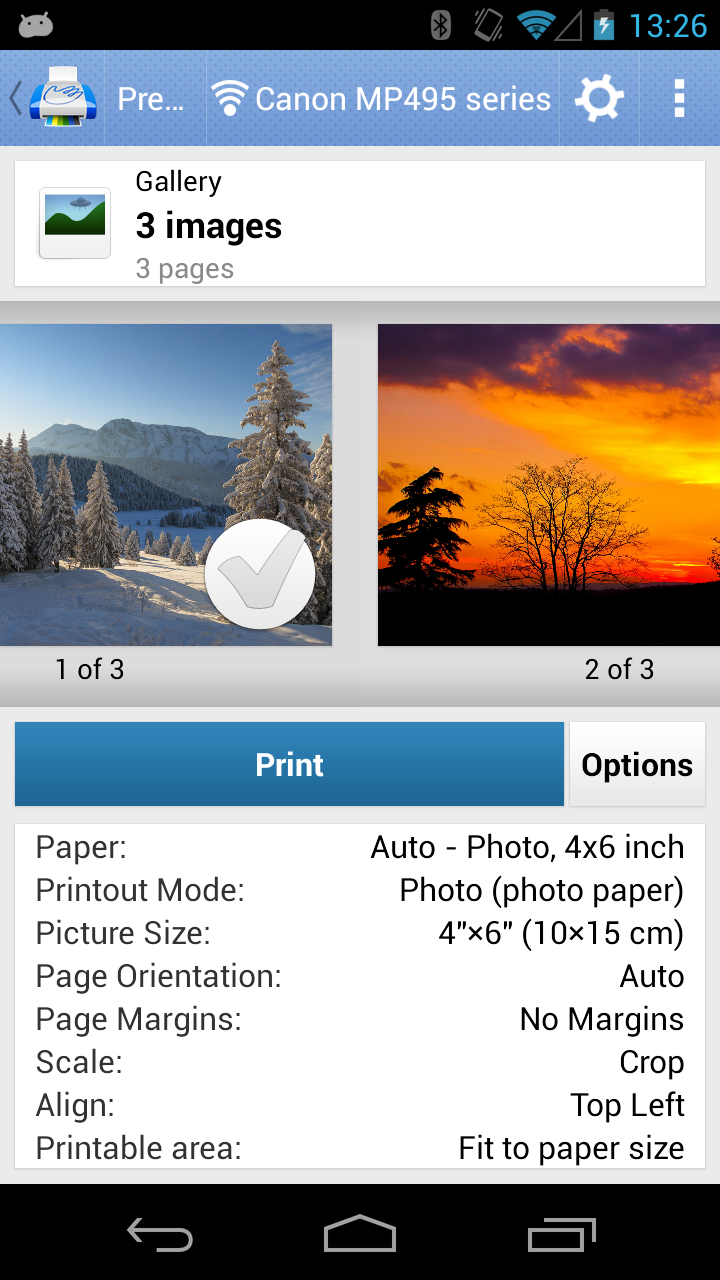
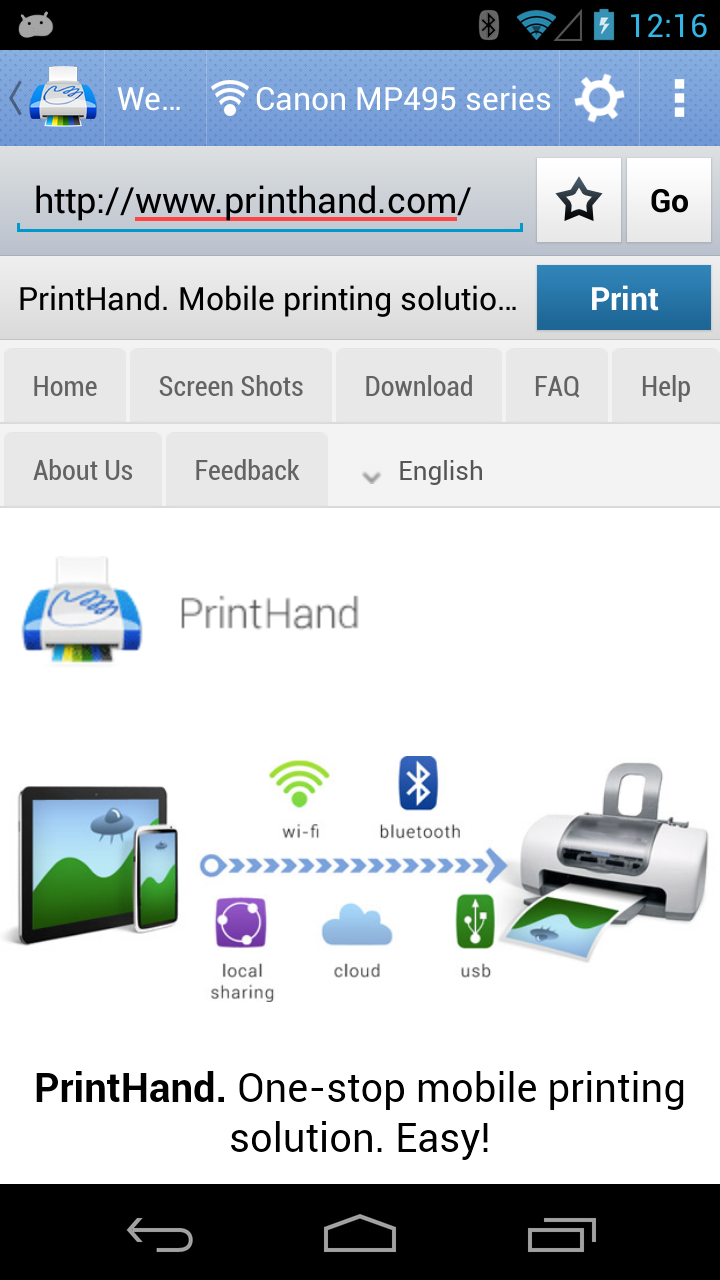
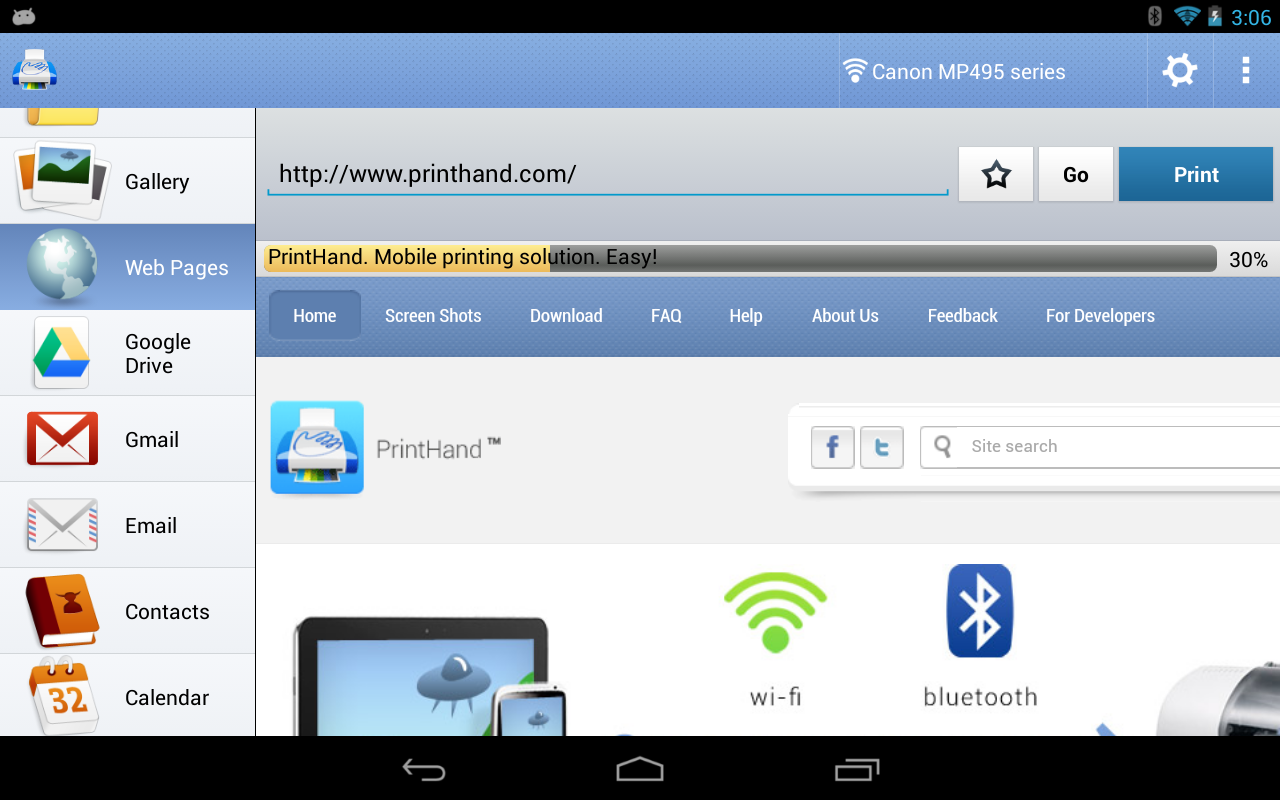
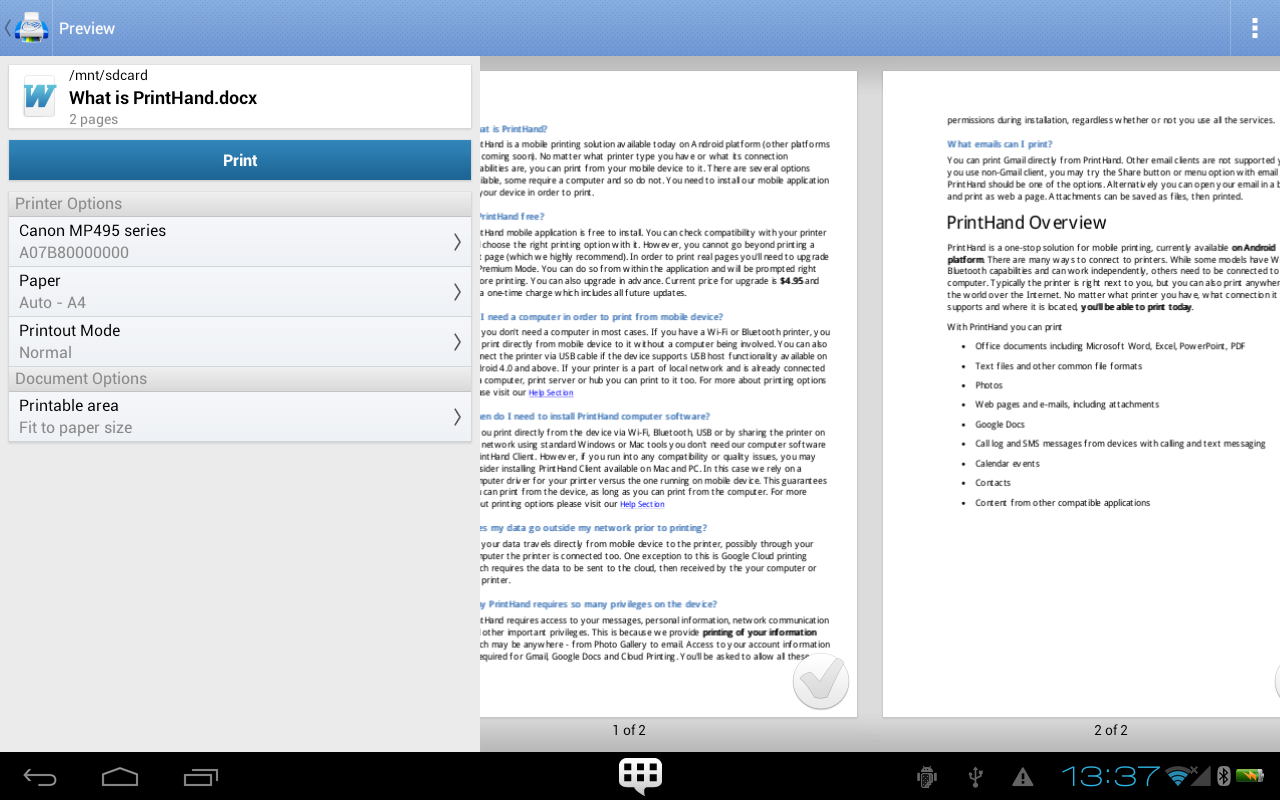
At its core, PrintHand Mobile Print handles document formats, photo prints, and print settings. It recognizes PDFs, images, web pages, and common office formats, converting them as necessary for the target printer. Users can change paper size, orientation, color mode, and duplex options before sending a job, so printed output matches expectations.
How It Connects
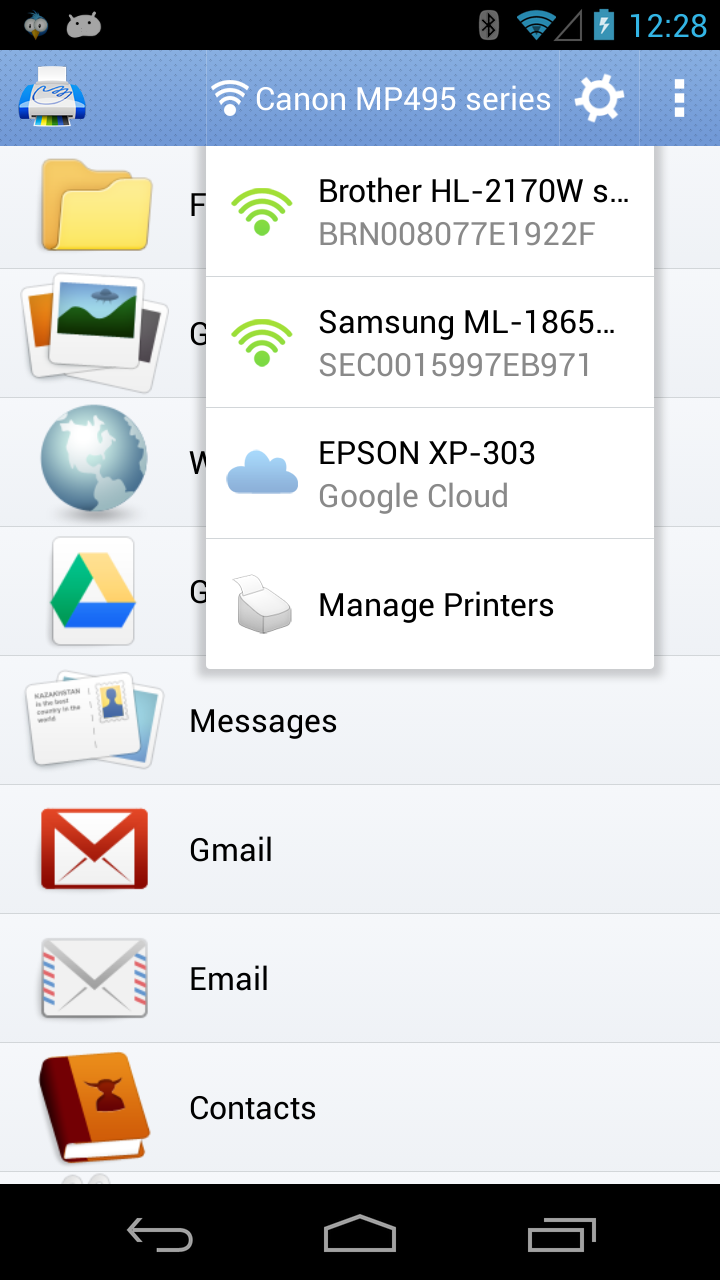
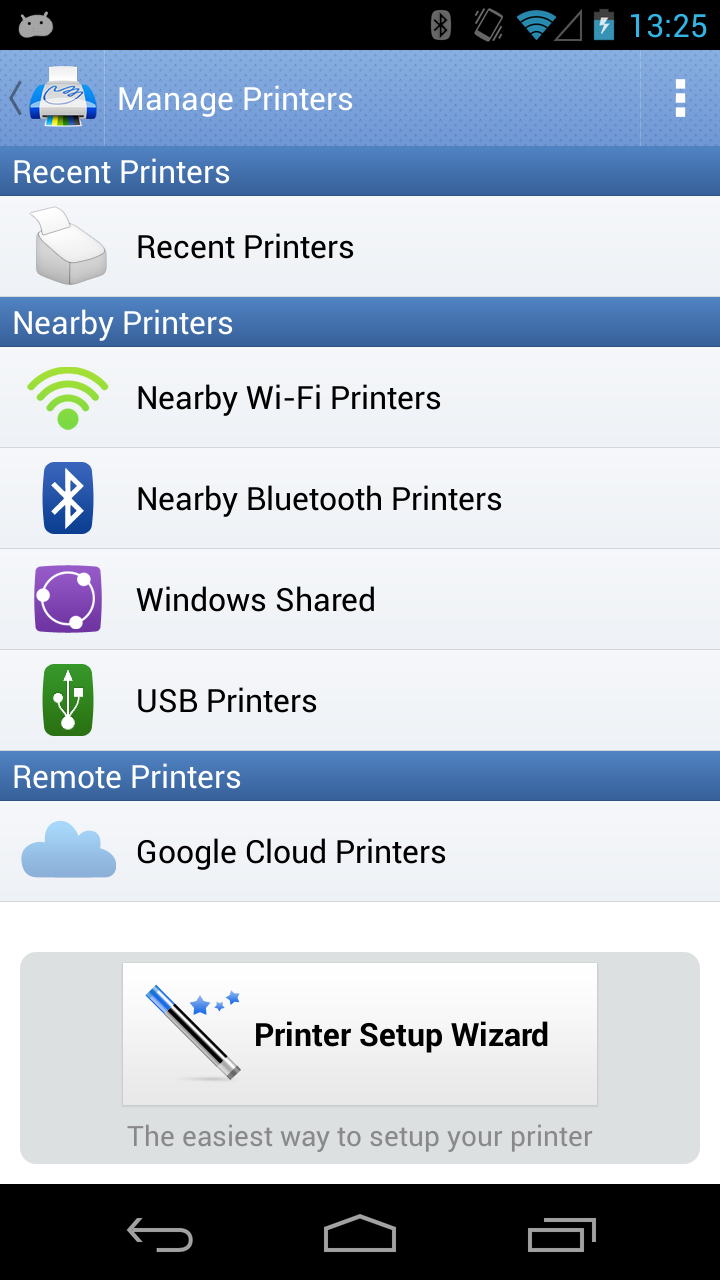
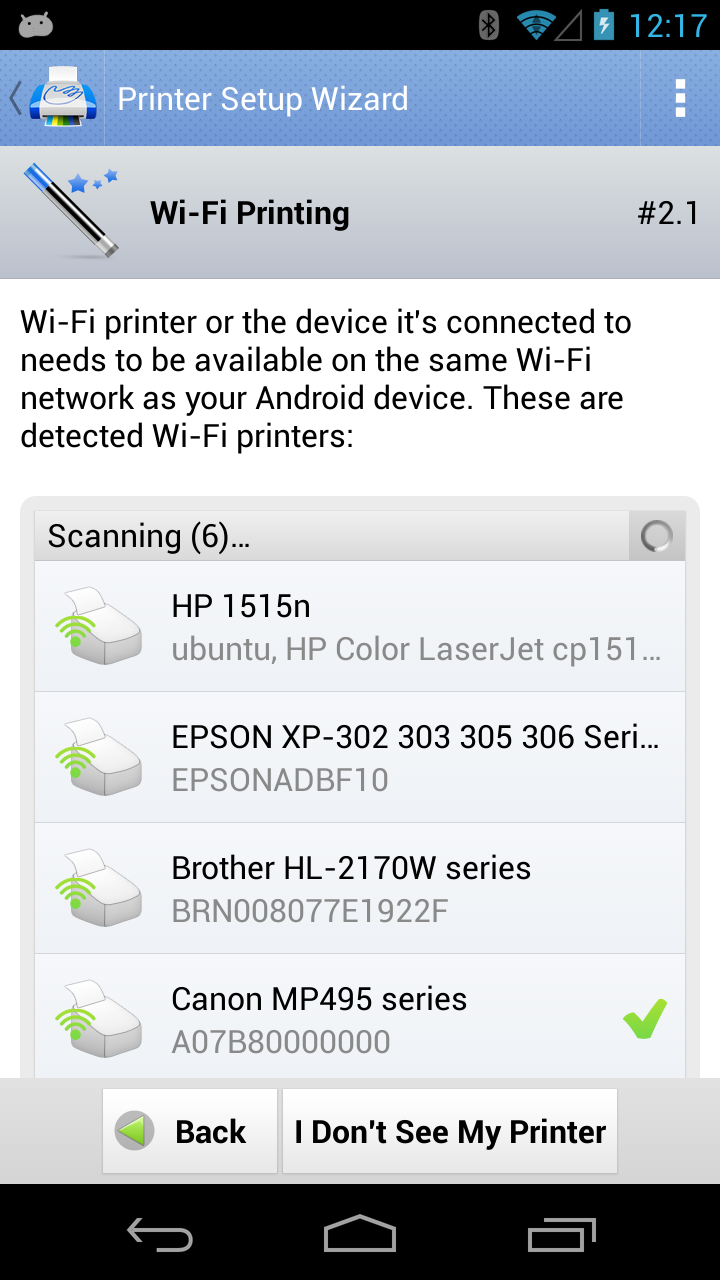
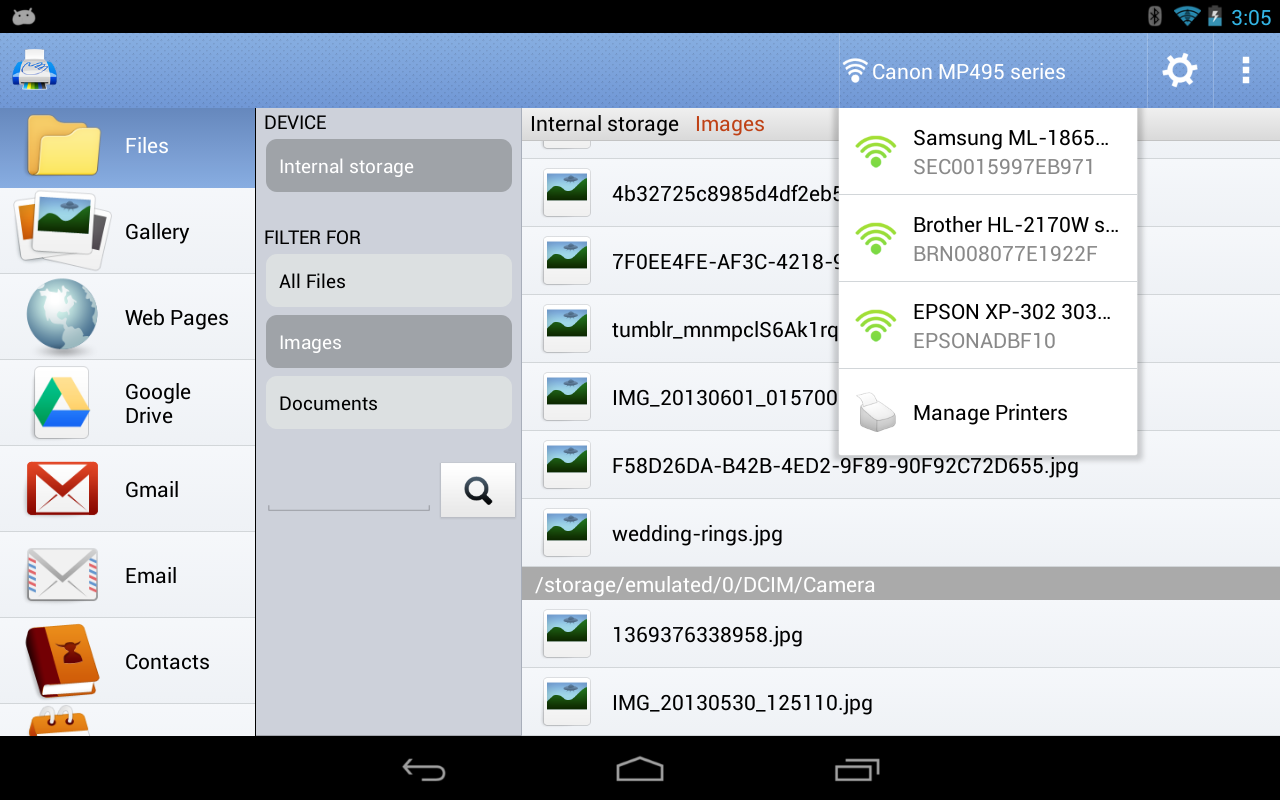
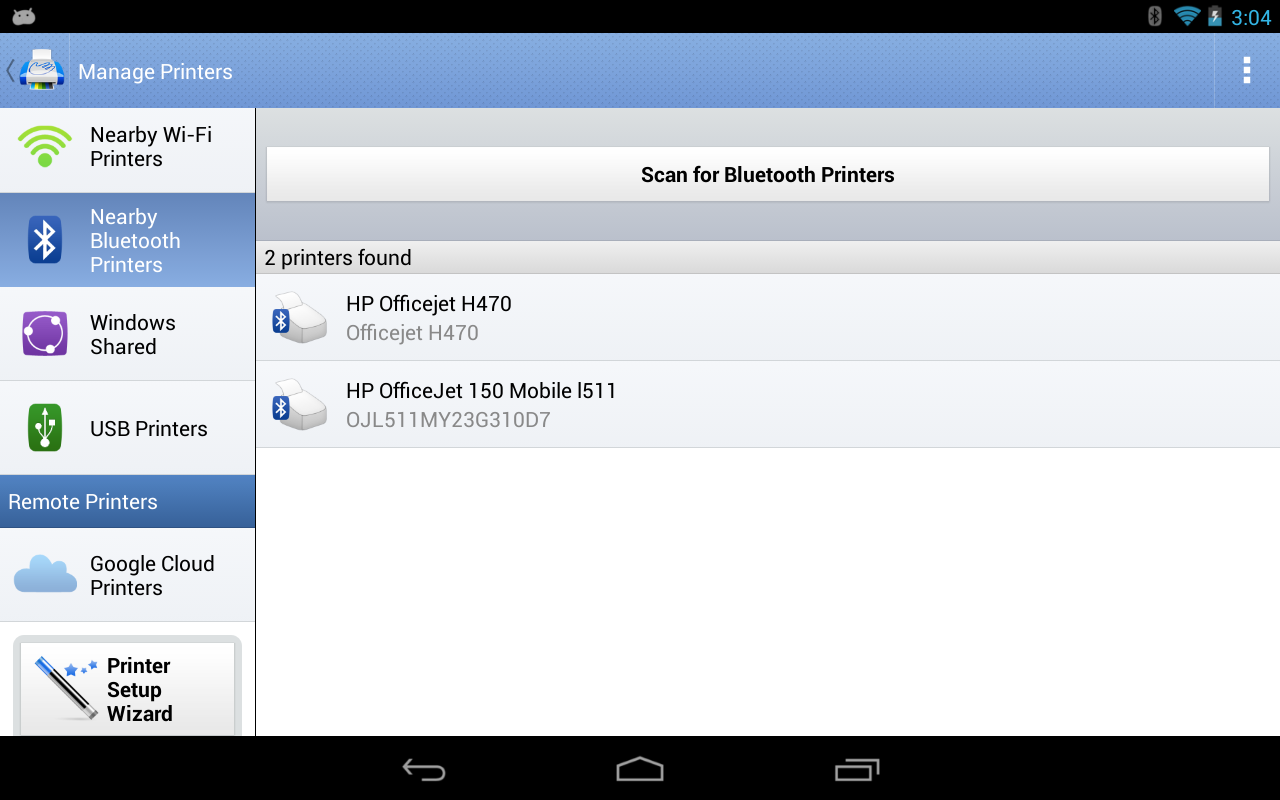
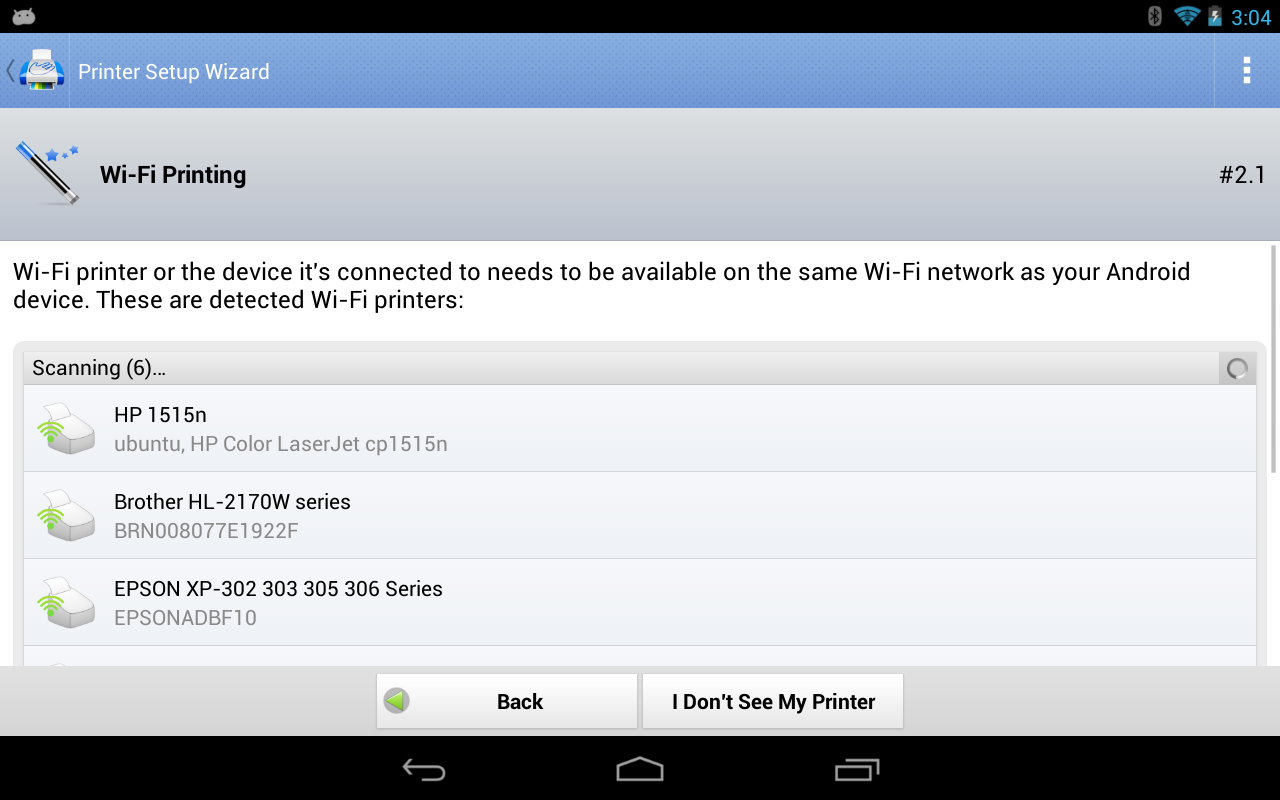
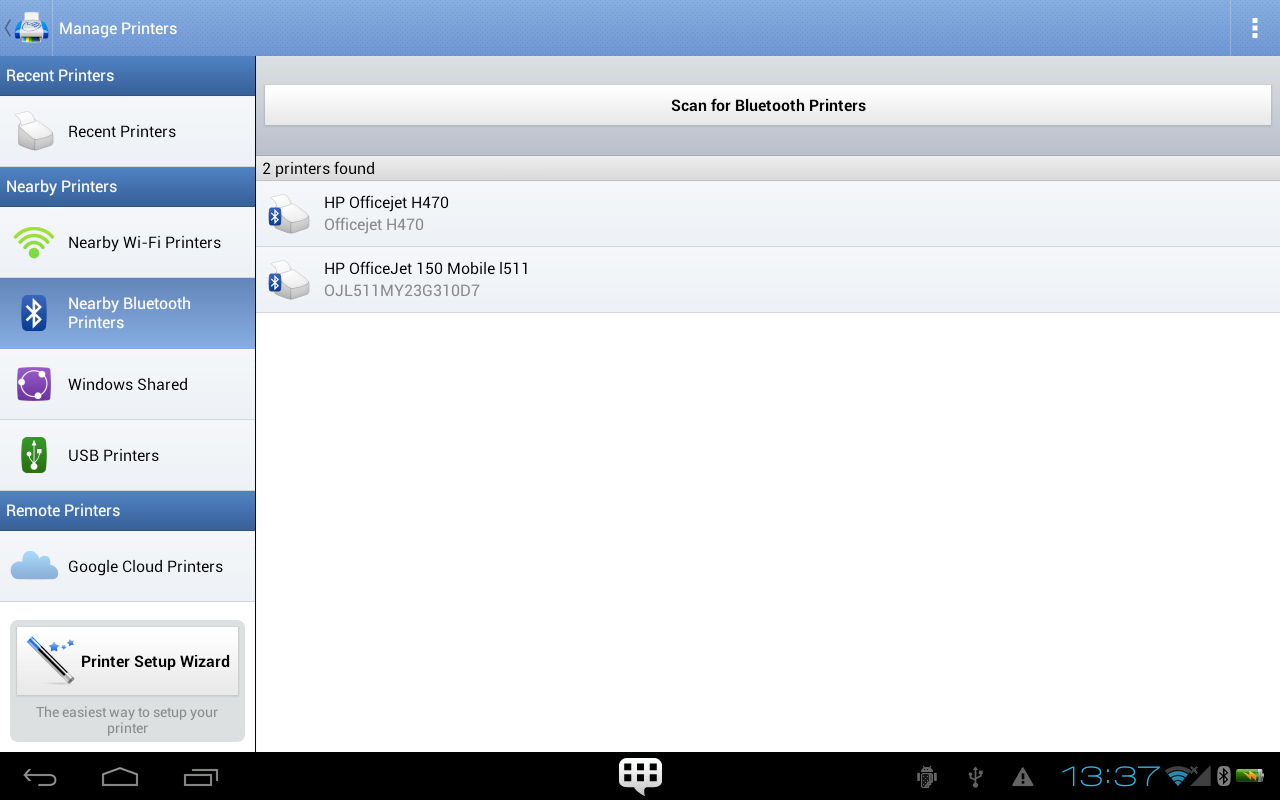
The app supports a wide array of connection methods to reach printers: Wi-Fi, Bluetooth, USB On-The-Go, and network protocols like IPP or LPD. For many modern printers, PrintHand can detect and connect automatically, while advanced users can enter IP addresses or use hostnames. This flexibility makes it suitable for both simple home setups and more complex office networks.
Supported Hardware and Compatibility
PrintHand Mobile Print includes extensive printer compatibility, with vendor-specific drivers and generalized modes for unsupported models. It lists compatible printers and provides fallbacks such as PDF generation or image rasterization. Compatibility coverage is a major benefit for users with mixed-brand environments or older hardware.
User Interface and Workflow
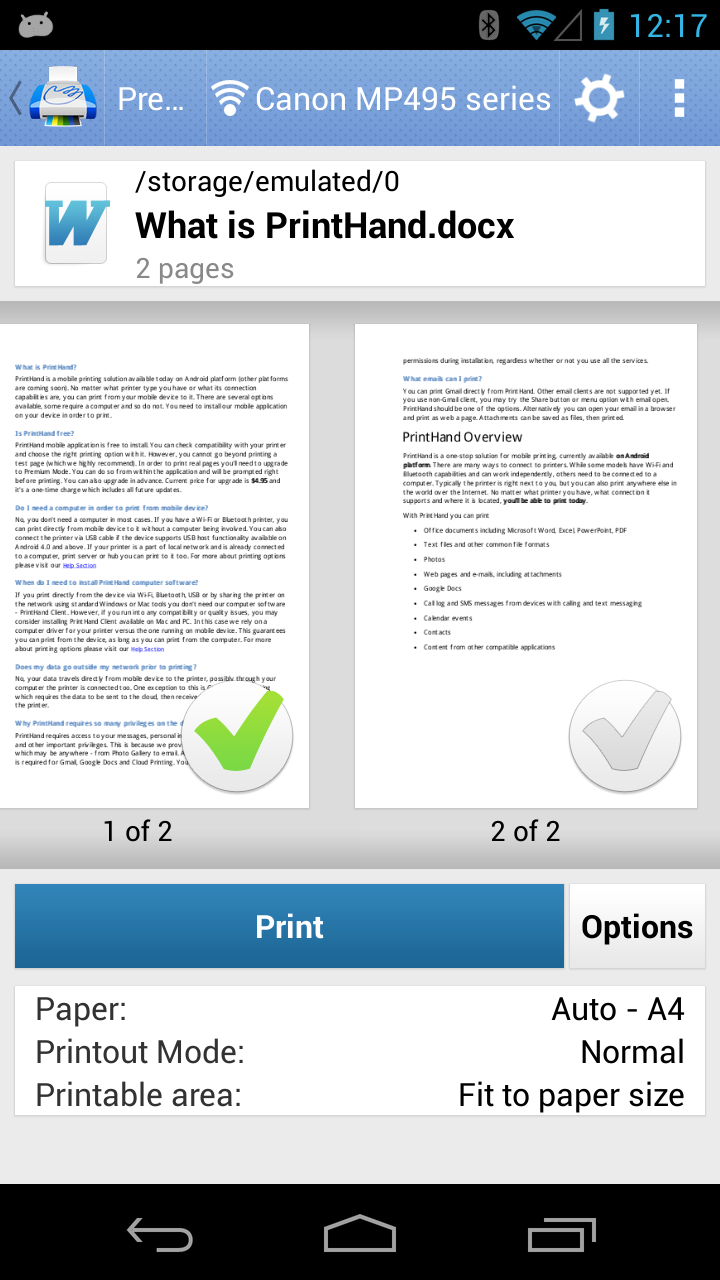
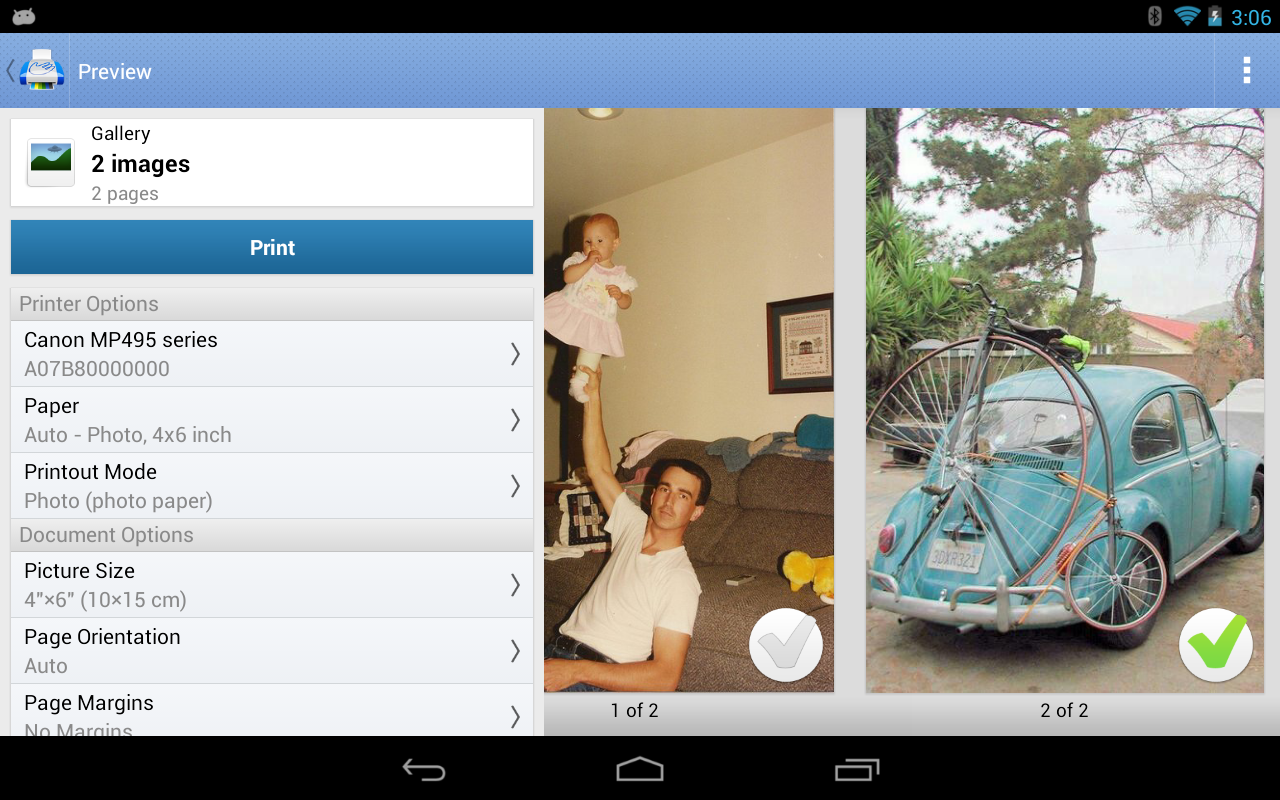
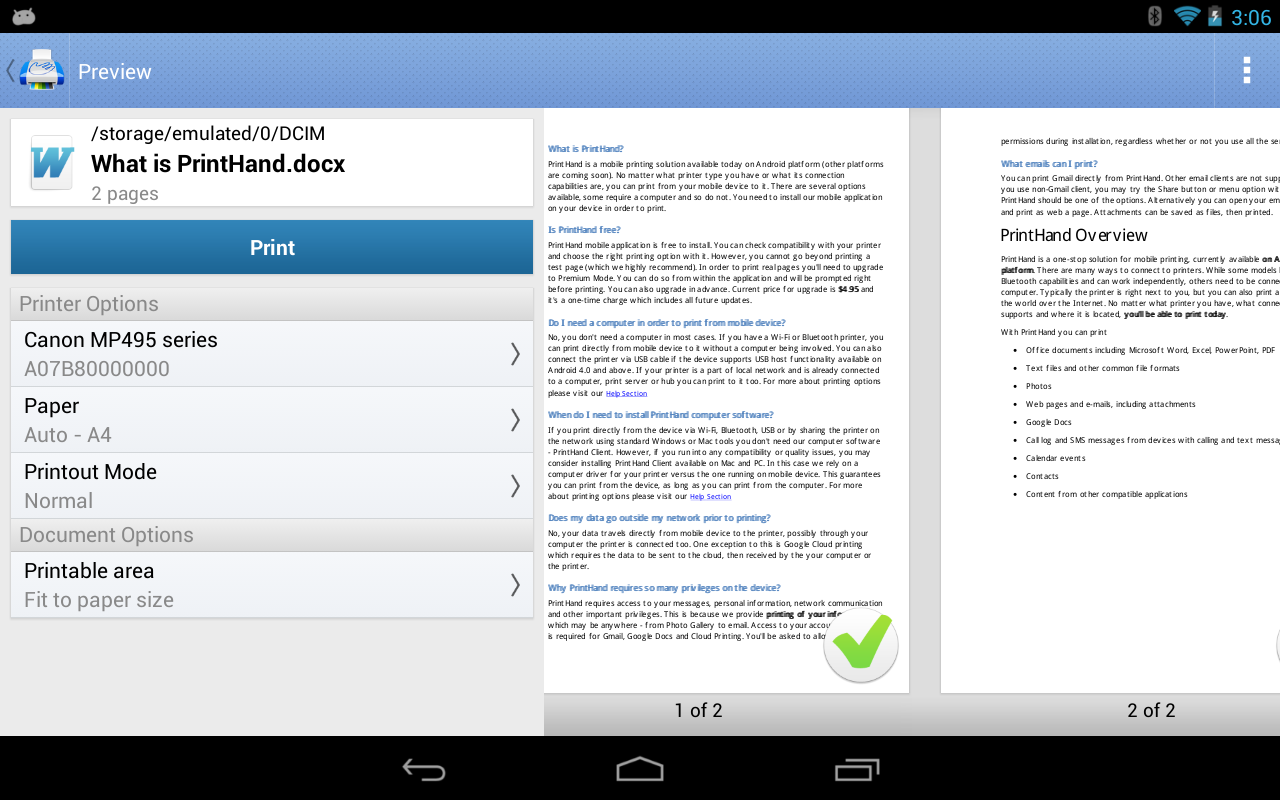
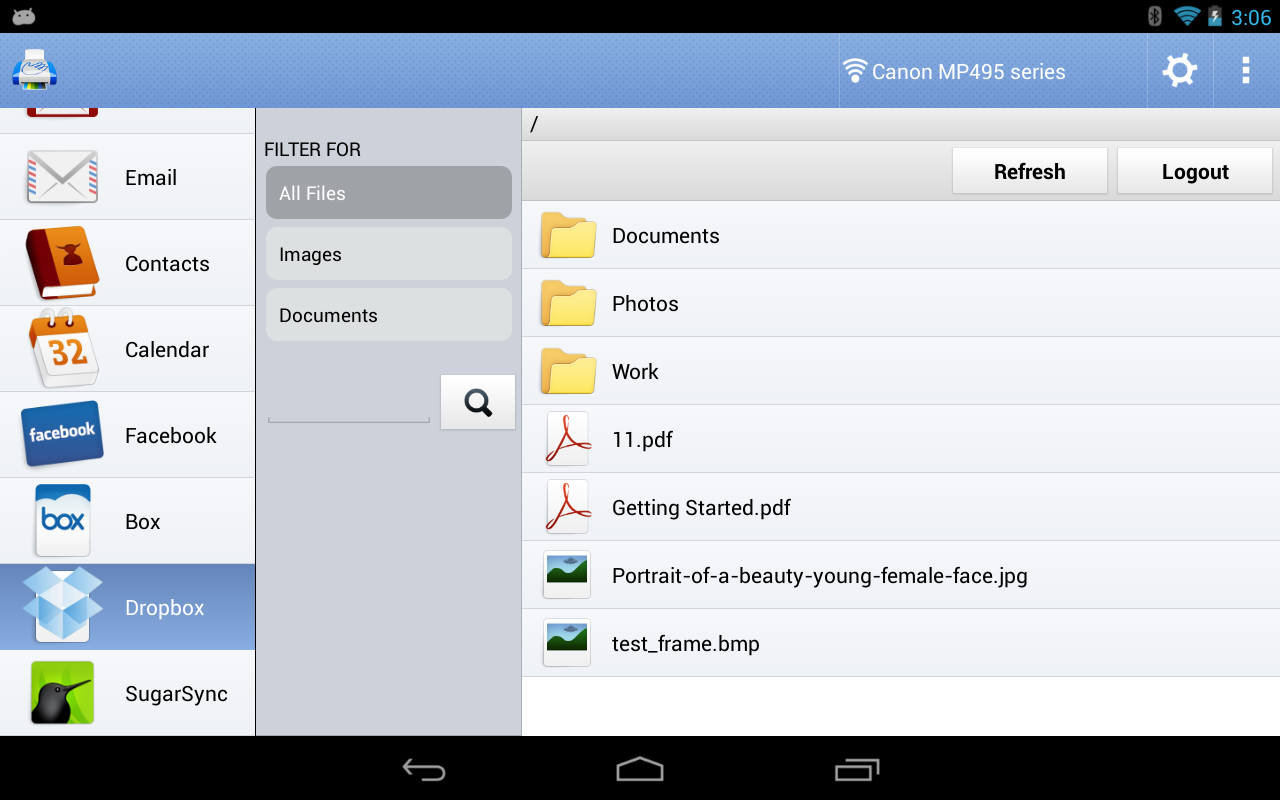
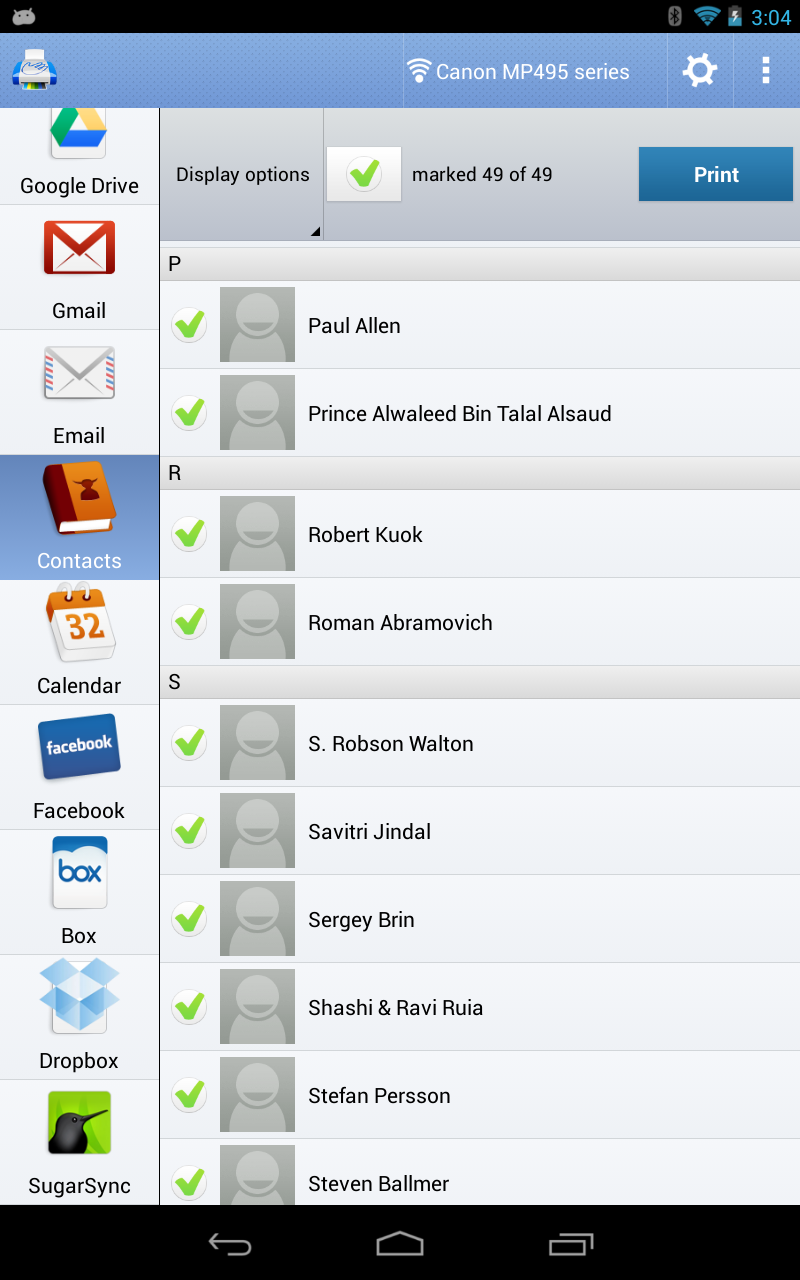
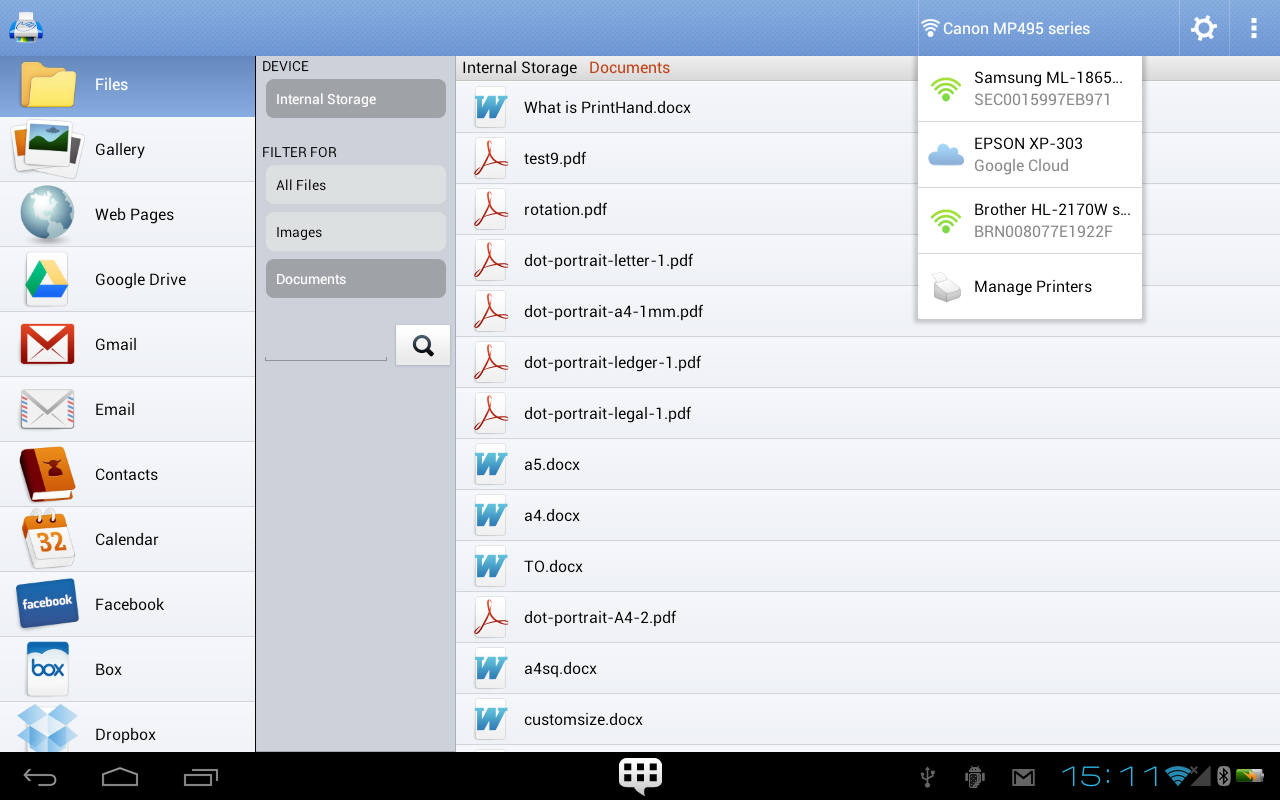
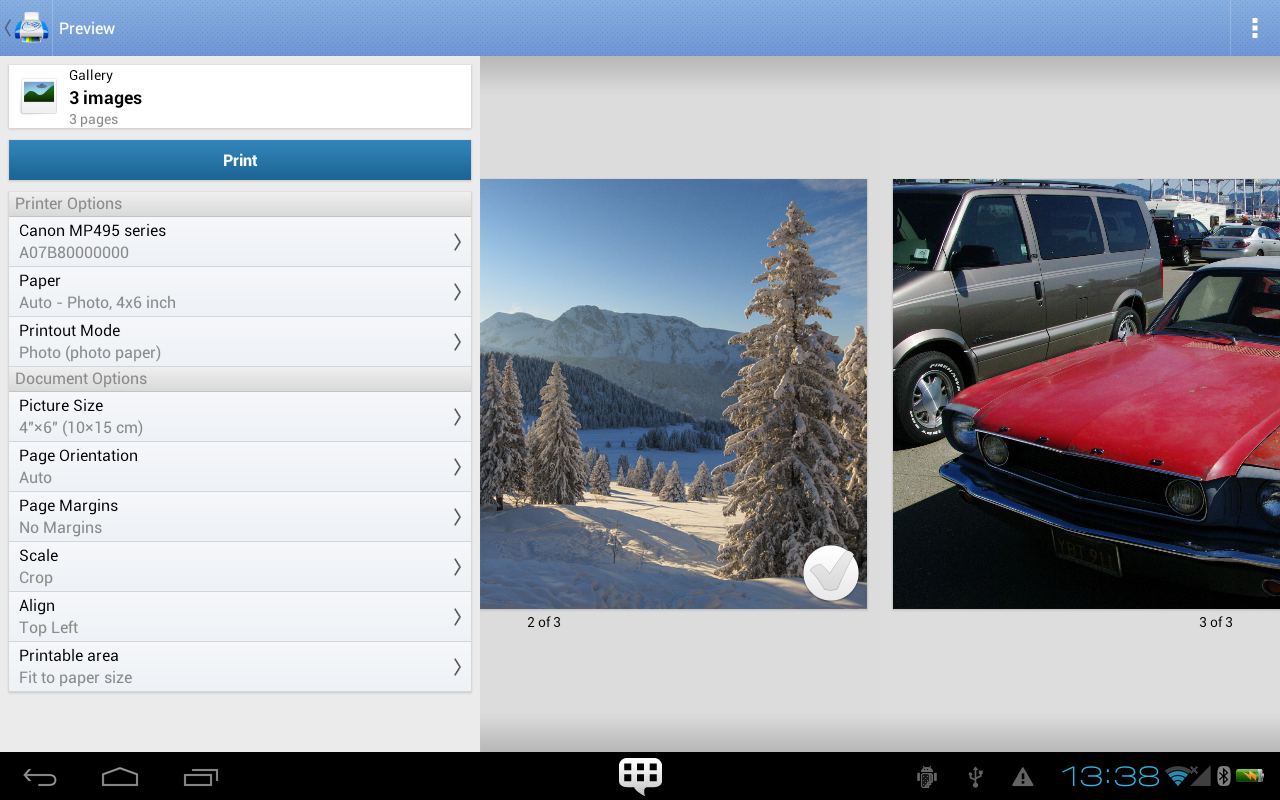
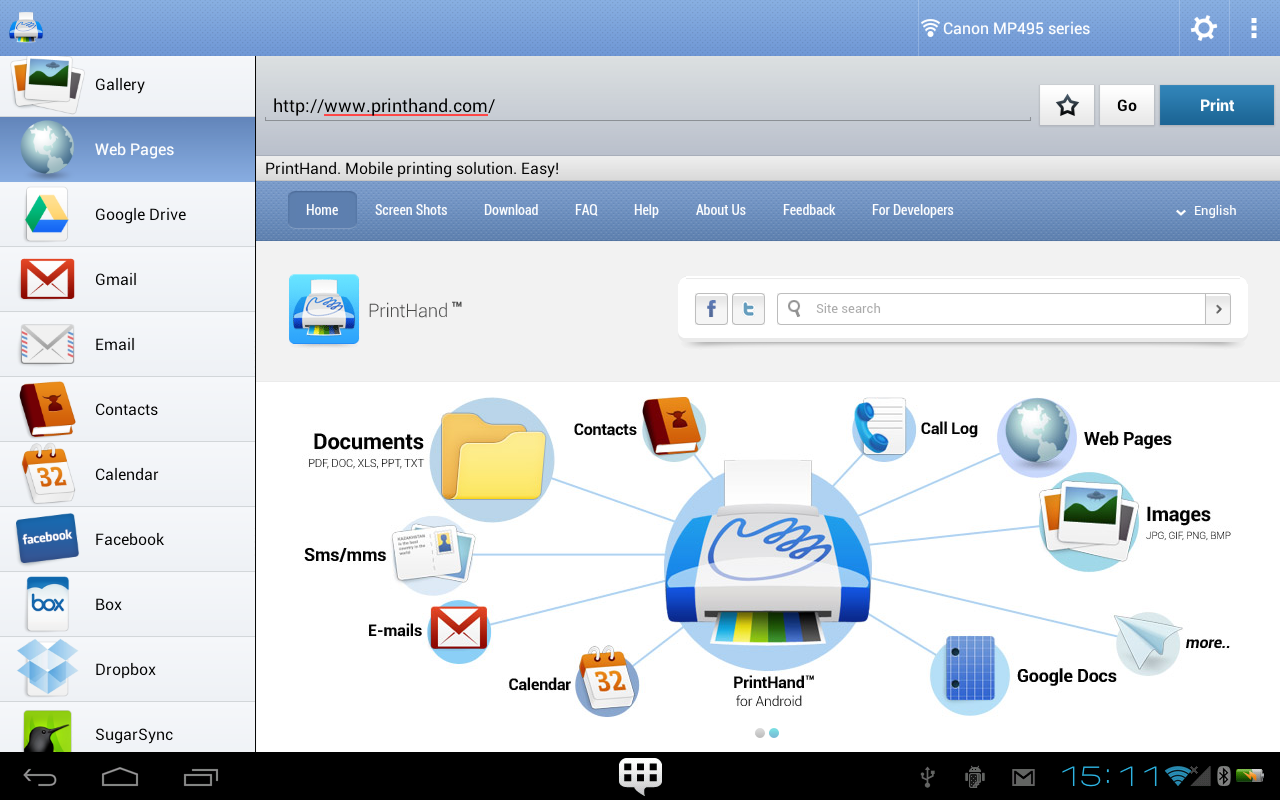
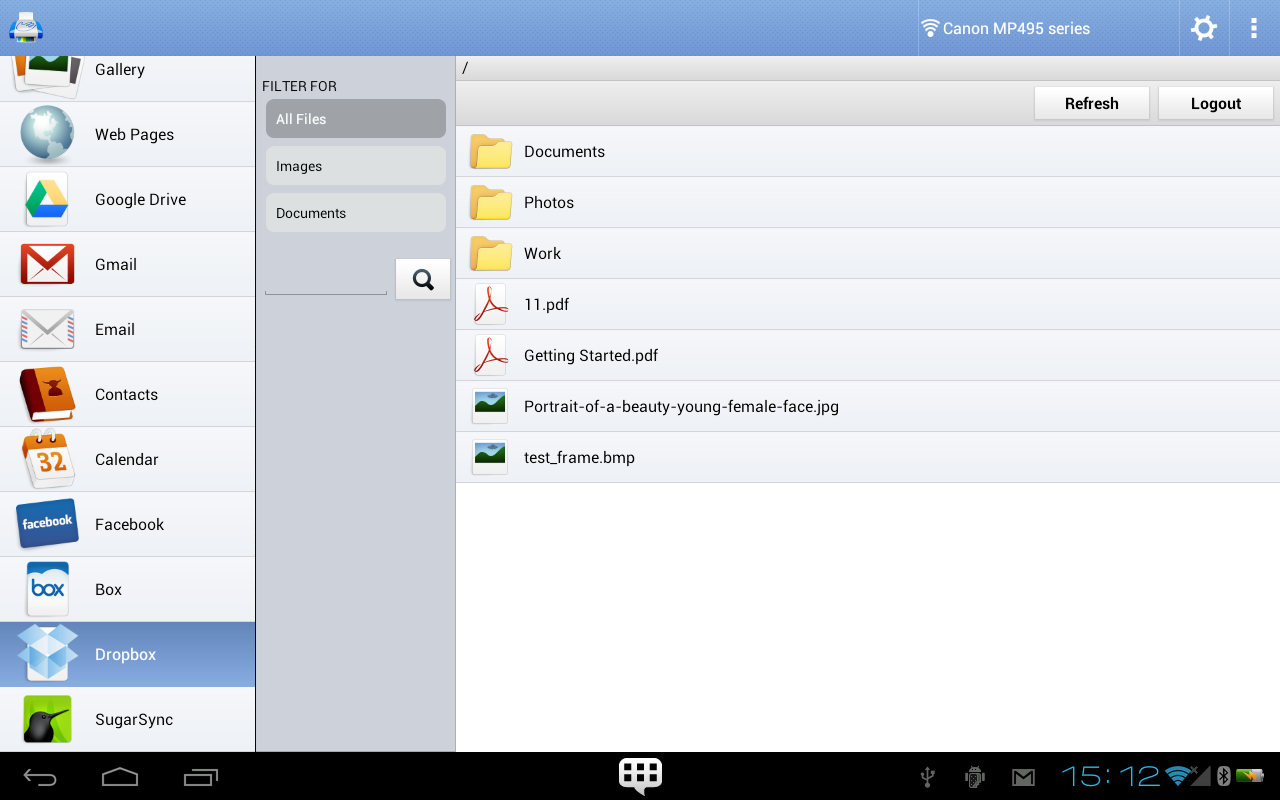
The interface emphasizes quick access and low friction. Print jobs can be initiated from the Android share menu or directly from the app’s file browser. Preview screens display how pages will look and allow fine-tuning of margins, scaling, and page ranges. The app balances simplicity for casual users and depth for those who need more control.
Performance and Reliability
Print performance varies with connection type and printer speed, but the app is optimized to minimize file processing time on-device. Network jobs use efficient protocols to reduce latency and retry logic helps recover from transient issues. For large documents or photo-heavy jobs, PrintHand offers job queuing and status notifications so users can monitor progress without staying in the app.
Customization and Advanced Tools
Beyond basic settings, PrintHand Mobile Print includes features for power users: custom paper sizes, manual DPI adjustments, and scaling presets. There are options to save favorite printers and templates, which speeds repeat tasks. IT administrators can also configure the app for enterprise deployment with preset network printers or security policies.
Practical Use Cases
- Mobile professionals printing invoices or contracts directly from email attachments.
- Students producing handouts or project prints from cloud storage providers.
- Photographers creating quick proofs or contact sheets on photo-capable printers.
- Small business owners managing receipts or labels without a dedicated workstation.
Getting Started Tips
To get the best results, install PrintHand Mobile Print and grant it storage and network permissions. Start by adding your most-used printer and sending a test page to verify settings. Use the preview feature frequently to avoid wasted paper, and create templates for recurring print jobs to save time.
Troubleshooting Advice
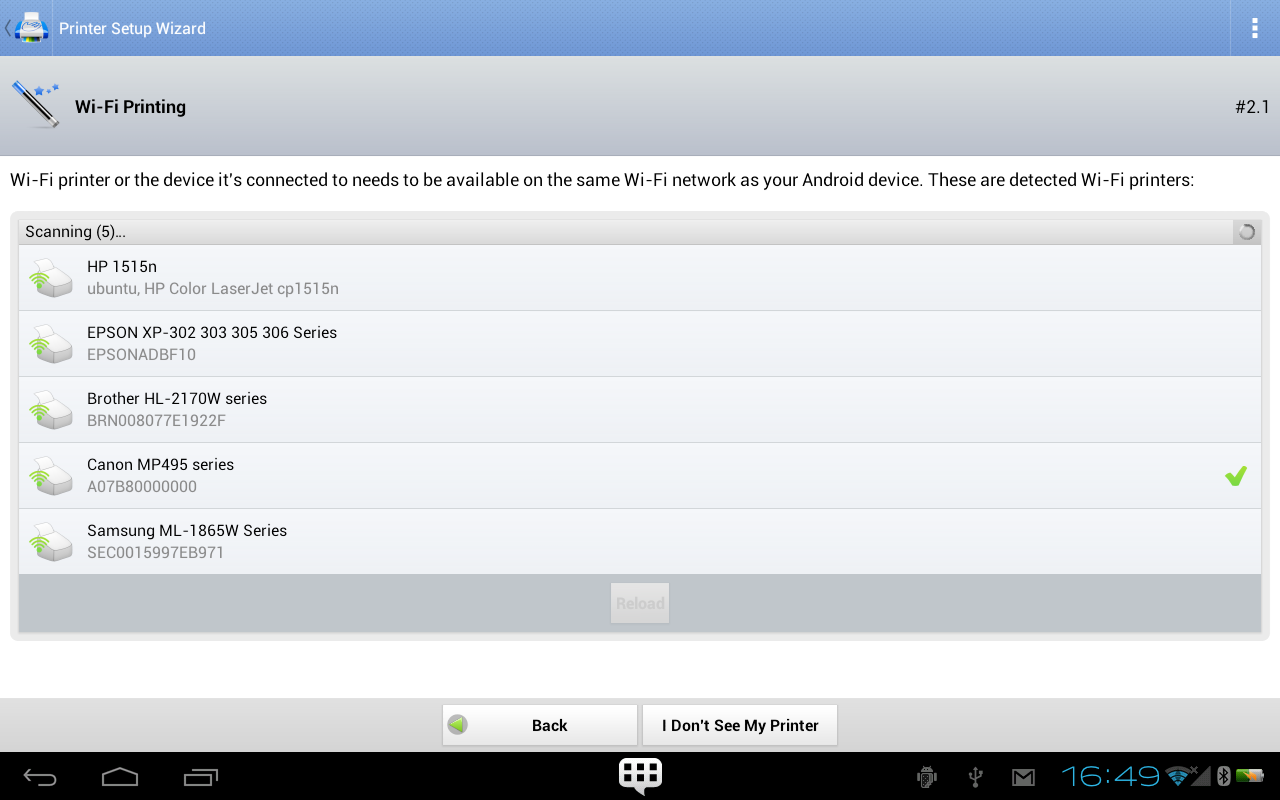
If a printer isn’t discovered automatically, verify that the device and the Android gadget are on the same network and that any firewalls permit standard print ports. For USB connections, use a compatible OTG cable and confirm that the printer is supported in the app’s hardware list. When in doubt, generate a PDF and send it to the printer’s web interface.
Why Choose This App
PrintHand Mobile Print stands out for its combination of compatibility, flexibility, and a practical feature set tailored to real-world printing needs. It removes common barriers to mobile printing and offers enough advanced options to satisfy users who need more granular control. For anyone who prints regularly from Android devices, the app is a dependable utility to keep on hand.
Show More
Information
Screenshots
Latest Update









Hot Tags
Latest News
-
![Revealing the Launch Playlists and Cross-Progression for COD Warzone Mobile News]()
-
![March 2024 Free Redemption Codes for Honkai: Star Rail News]()
-
PUBG Mobile Teams Up with Bentley Motors: Luxury Cars, Exclusive Collectibles, and Beyond 2024-04-18
![PUBG Mobile Teams Up with Bentley Motors: Luxury Cars, Exclusive Collectibles, and Beyond News]()
-
![Monster Never Cry is now accessible on both Android and iOS mobile devices. News]()
-
V2.2 of the Farlight 84 update introduces an overhauled Season structure, fresh in-game currency, an 2024-04-16
![V2.2 of the Farlight 84 update introduces an overhauled Season structure, fresh in-game currency, an News]()
-
![Arrival of Genshin Impact 4.6 Update: 'Embers of Two Realms, Twilight of Crimson' News]()
-
April 2024 Clash of Clans Update: Unveiling a Fresh Companion, Enhanced Levels, Chat Tagging, and Be 2024-04-16
![April 2024 Clash of Clans Update: Unveiling a Fresh Companion, Enhanced Levels, Chat Tagging, and Be News]()






