

Azulox Icon Pack - Dark mode
Version:237.0
Published:2026-11-11
Introduction
Question? Looking for a cleaner look that eases eye strain at night? Azulox Icon Pack - Dark mode gives your Android a cohesive, low-light makeover with a fully dark, minimalist icon set and matching artwork. This review walks through what the pack delivers, how to install and apply it, and practical uses where a monochrome aesthetic matters. Whether you want a polished home screen for presentations or a battery-friendly theme for long nights, Azulox Icon Pack - Dark mode aims to simplify your device surface while keeping a modern, consistent appearance.
Highlights of Azulox Icon Pack - Dark mode:
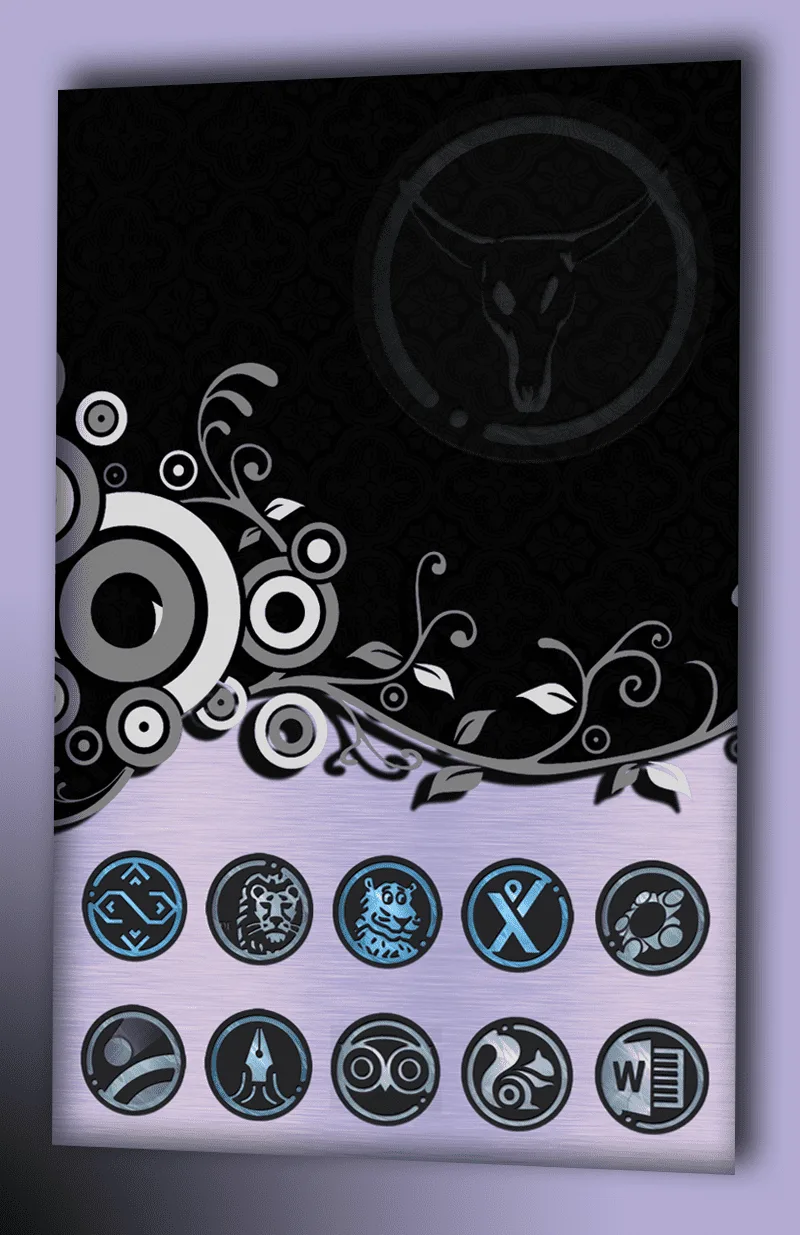
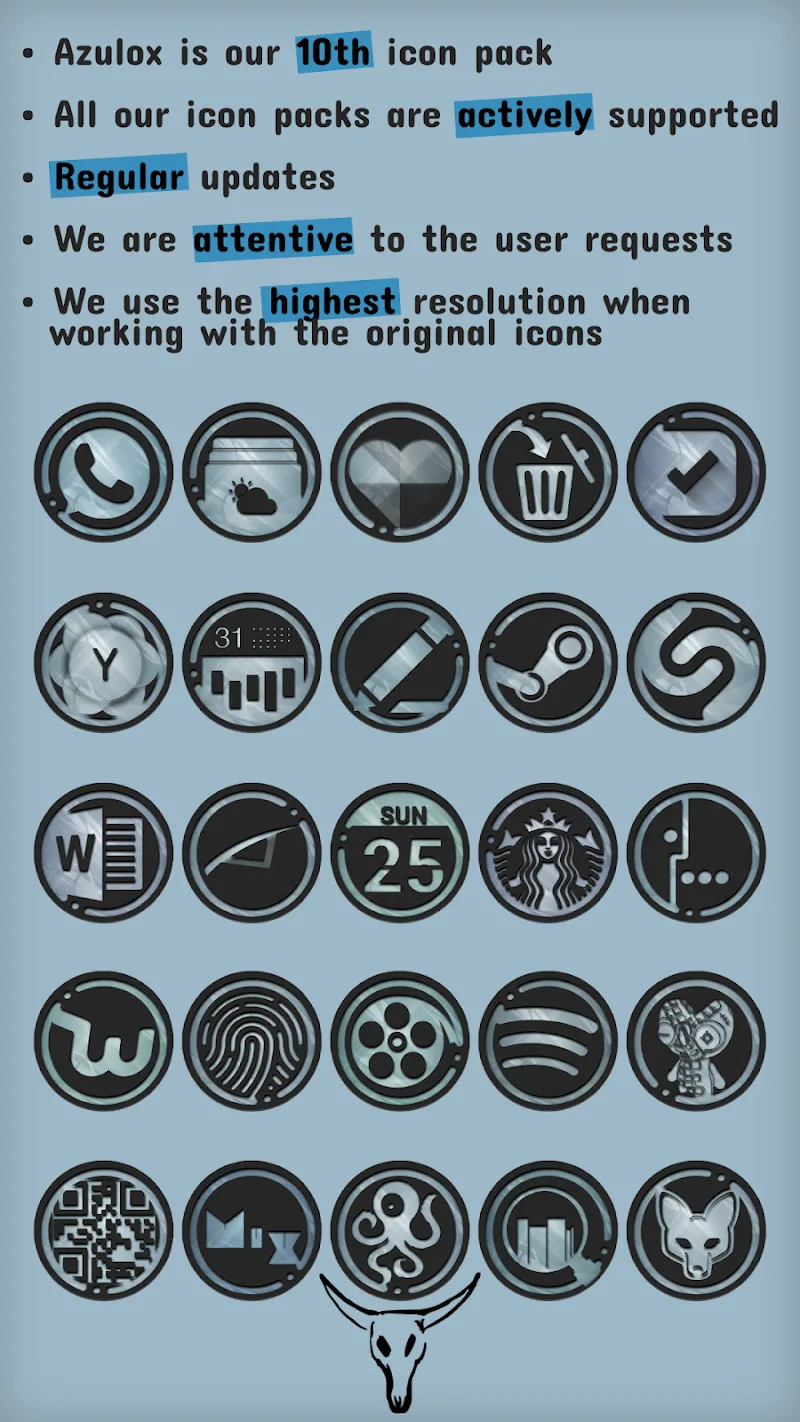
Unified monochrome design: The pack replaces disparate colored icons with a restrained, mostly black and gray palette so your home screen looks intentionally curated.
High-resolution artwork: Icons and supporting wallpapers are rendered with sharp edges and subtle gradients so they read well on large and small displays.
Battery-friendly look: Predominantly dark assets can help OLED screens use less power, making this pack a good option for users who want to extend screen time between charges.
Consistent glyph language: Icons follow a single visual logic, which helps reduce visual clutter and makes it easier to locate apps at a glance.
Features of Azulox Icon Pack - Dark mode:
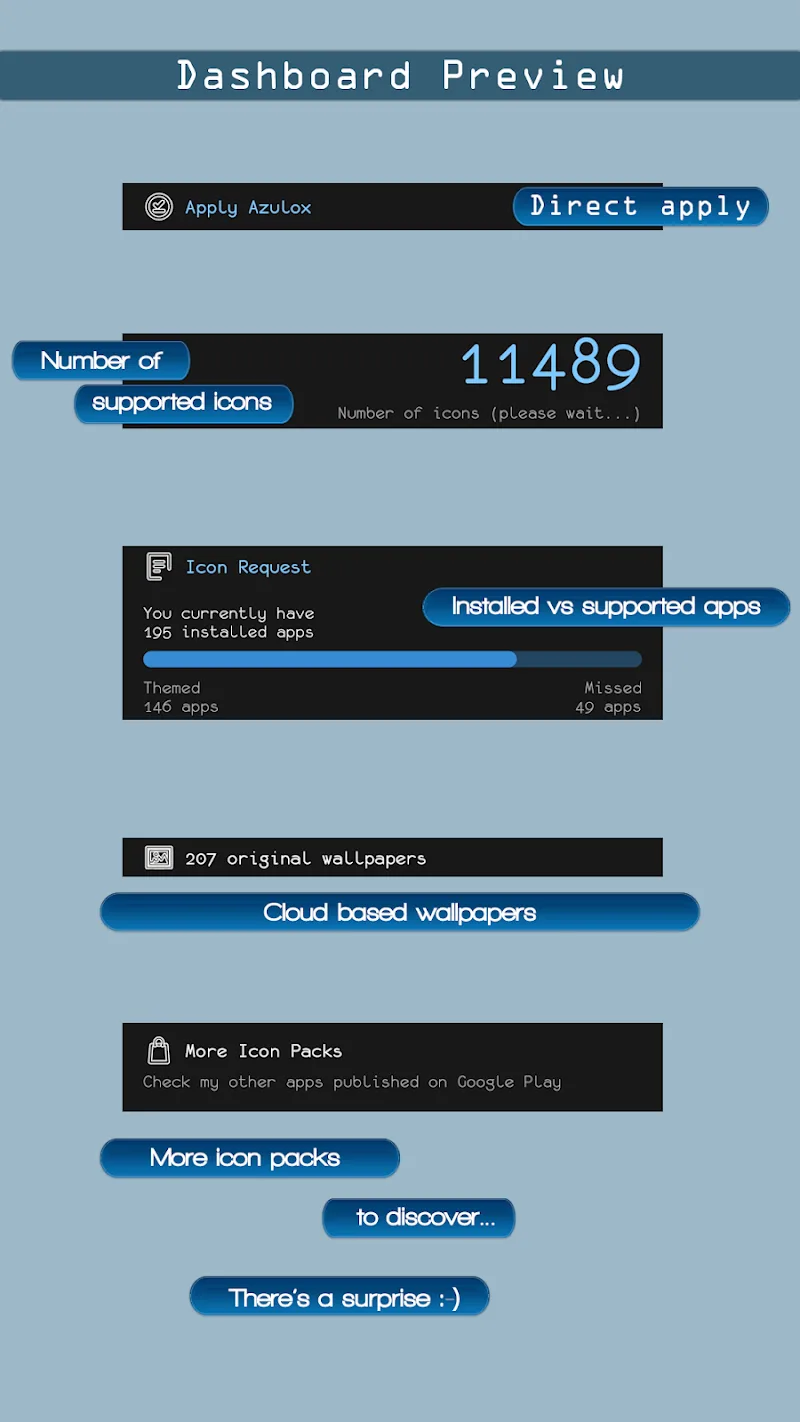
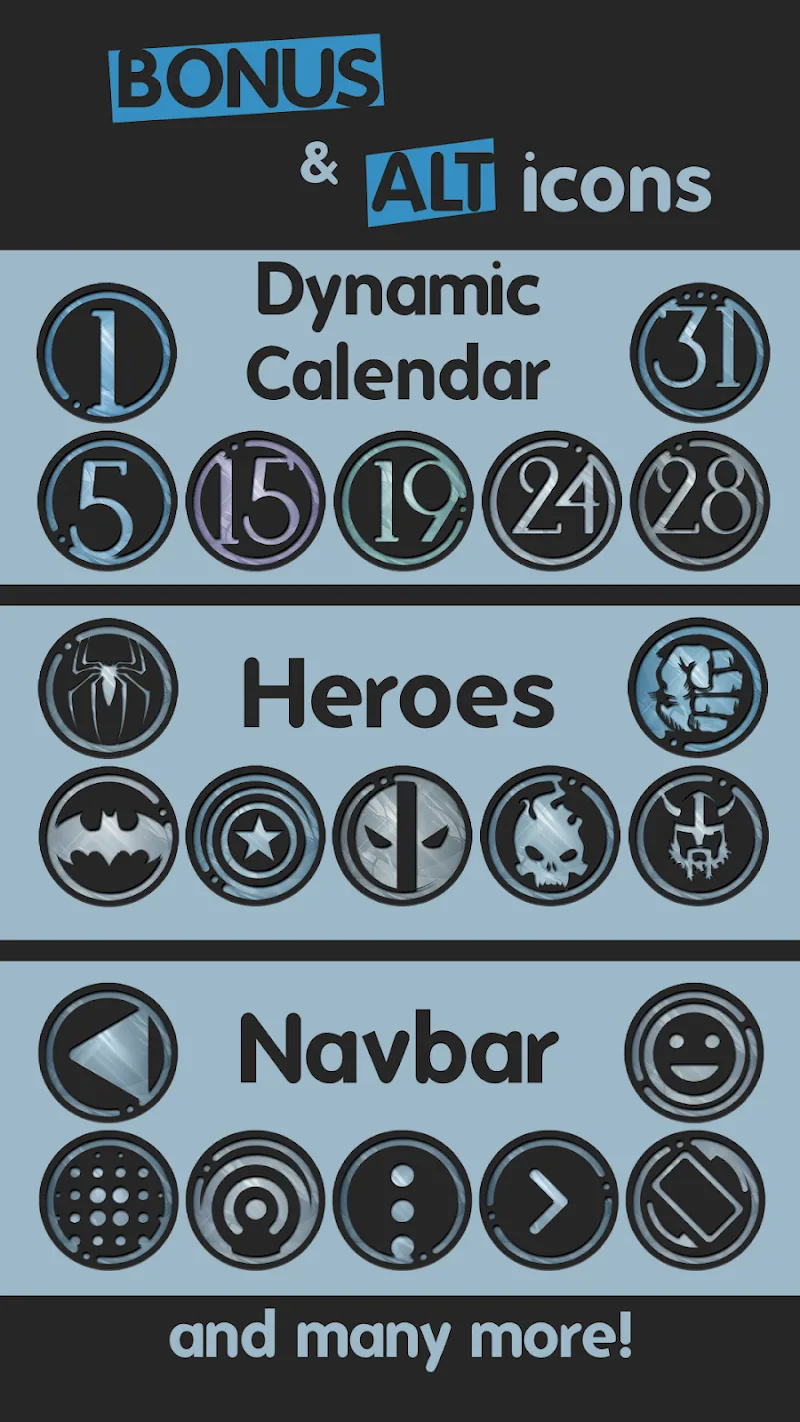
Extensive icon set: A wide coverage of popular apps means fewer placeholders and a more complete theme for daily use.
Adaptive alternatives: The pack includes variations that align better with different launchers and grid layouts, so icons fit proportionally on most setups.
Artwork and wallpapers: Dark-themed background images are available to complement the icons and preserve the minimal aesthetic across the home screen and lock screen.
Regular updates: The developer periodically adds new icons for recent apps, helping the pack stay current as you install new software.
Getting Started with Azulox Icon Pack - Dark mode
Install and open: After downloading the package, open the app to browse the icon catalog, wallpapers, and additional settings.
Apply via your launcher: Use a compatible launcher from the app's apply menu or the launcher's theme section to swap your current icons for the Azulox set.
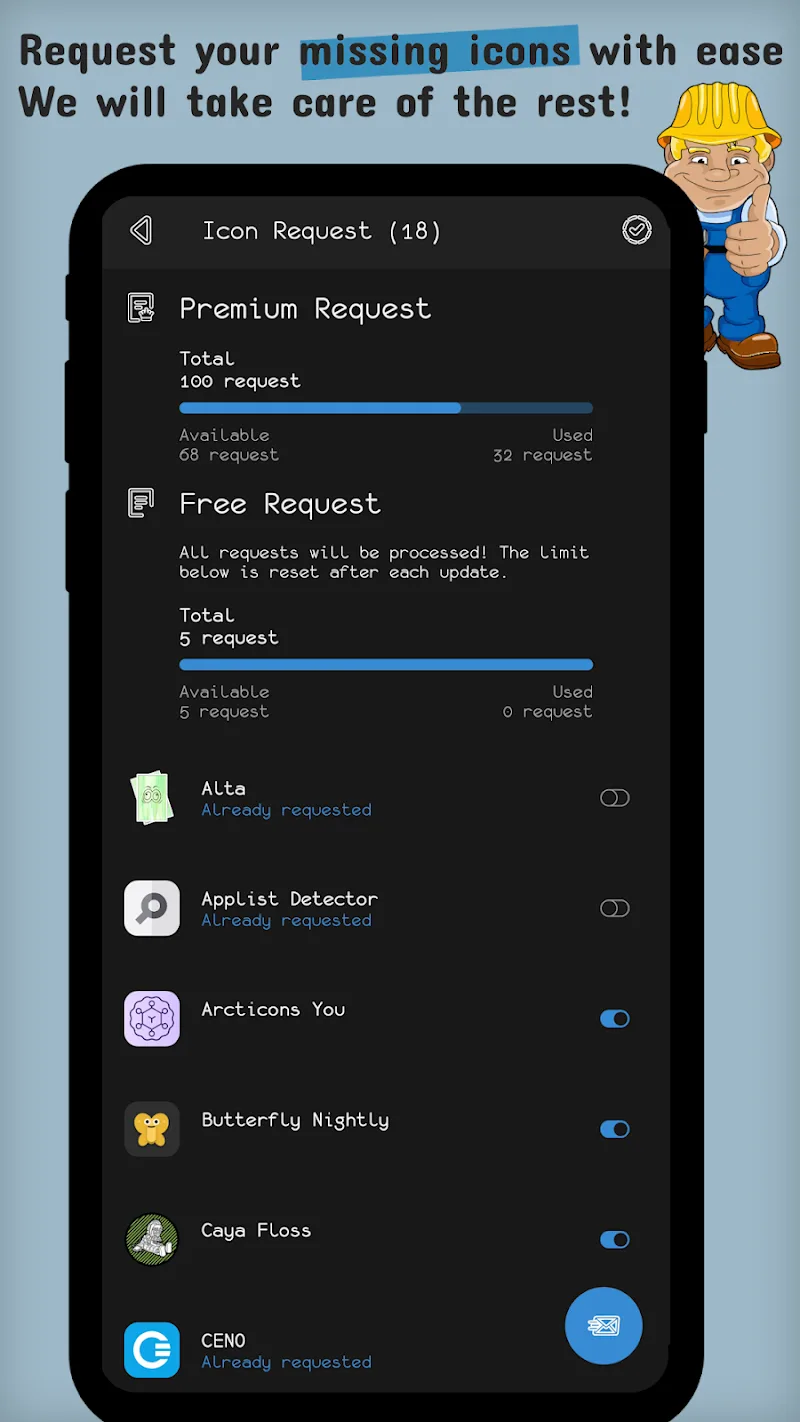
Request missing icons: If some apps show generic icons, use the built-in icon request tool to send a list so the developer can add requested designs in future updates.
FAQs about Azulox Icon Pack - Dark mode:
Will this work on any Android phone?
Most devices will display the icons, but full apply functionality depends on which launcher you use. Popular third-party launchers usually support icon packs directly.
Does the pack include wallpapers?
Yes, it comes with several dark wallpapers designed to match the icon set and keep the overall look consistent.
Will dark icons improve battery life?
On OLED screens, darker pixels use less power than bright ones, so a dark theme can contribute to modest savings; results vary by device and usage.
Conclusion:
Compared with colorful default themes, Azulox Icon Pack - Dark mode focuses on restraint and visual harmony, offering a polished, monochrome alternative for users who prefer a minimalist phone appearance. If you present your device frequently or work a lot at night, this pack helps maintain a professional look while easing eye fatigue. It especially suits people who value consistency and a refined visual identity over loud or playful icon styles.
Show More
Information
Screenshots
Latest Update











Latest News
-
![Revealing the Launch Playlists and Cross-Progression for COD Warzone Mobile News]()
-
![March 2024 Free Redemption Codes for Honkai: Star Rail News]()
-
PUBG Mobile Teams Up with Bentley Motors: Luxury Cars, Exclusive Collectibles, and Beyond 2024-04-18
![PUBG Mobile Teams Up with Bentley Motors: Luxury Cars, Exclusive Collectibles, and Beyond News]()
-
![Monster Never Cry is now accessible on both Android and iOS mobile devices. News]()
-
V2.2 of the Farlight 84 update introduces an overhauled Season structure, fresh in-game currency, an 2024-04-16
![V2.2 of the Farlight 84 update introduces an overhauled Season structure, fresh in-game currency, an News]()
-
![Arrival of Genshin Impact 4.6 Update: 'Embers of Two Realms, Twilight of Crimson' News]()
-
April 2024 Clash of Clans Update: Unveiling a Fresh Companion, Enhanced Levels, Chat Tagging, and Be 2024-04-16
![April 2024 Clash of Clans Update: Unveiling a Fresh Companion, Enhanced Levels, Chat Tagging, and Be News]()






