

Vanilla - Icon Pack
Version:3.2
Published:2026-11-11
Introduction
Vanilla - Icon Pack delivers a clean, minimalist set of icons designed to simplify and harmonize Android home screens. It focuses on subtle textures, soft shadows, and consistent shapes to create a cohesive look across apps. Ideal for users who prefer understated aesthetics without sacrificing clarity or recognizability.
Quick overview
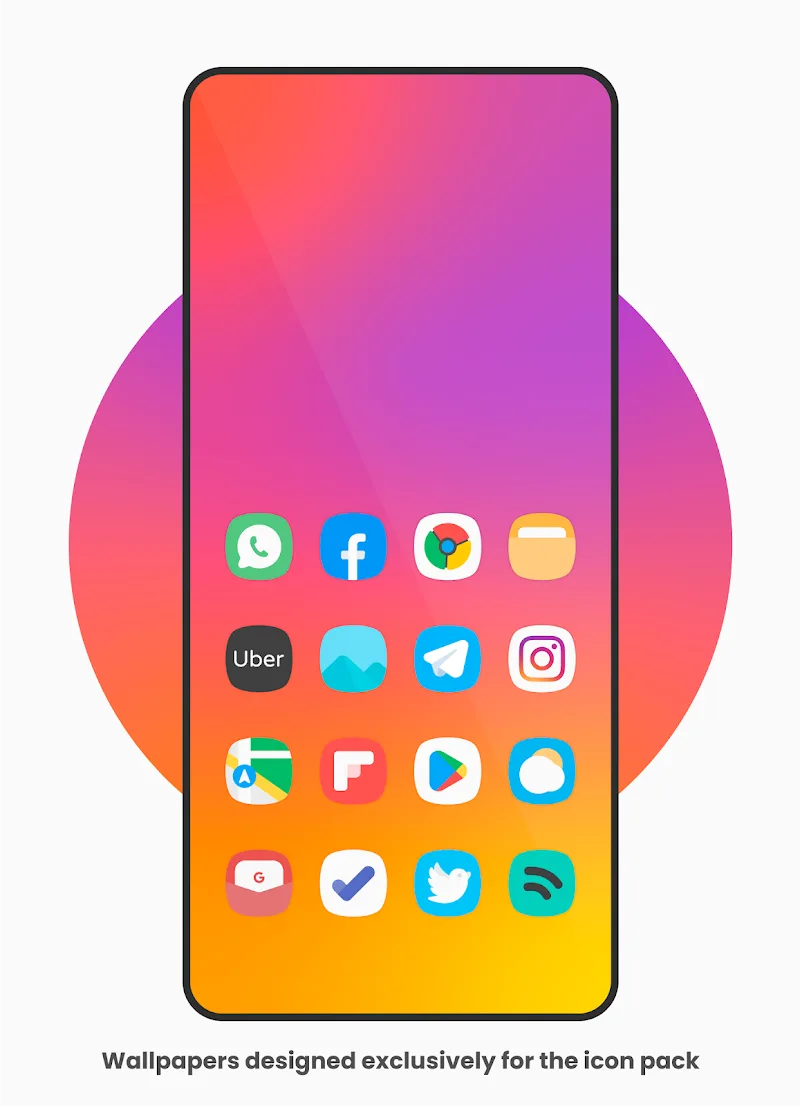
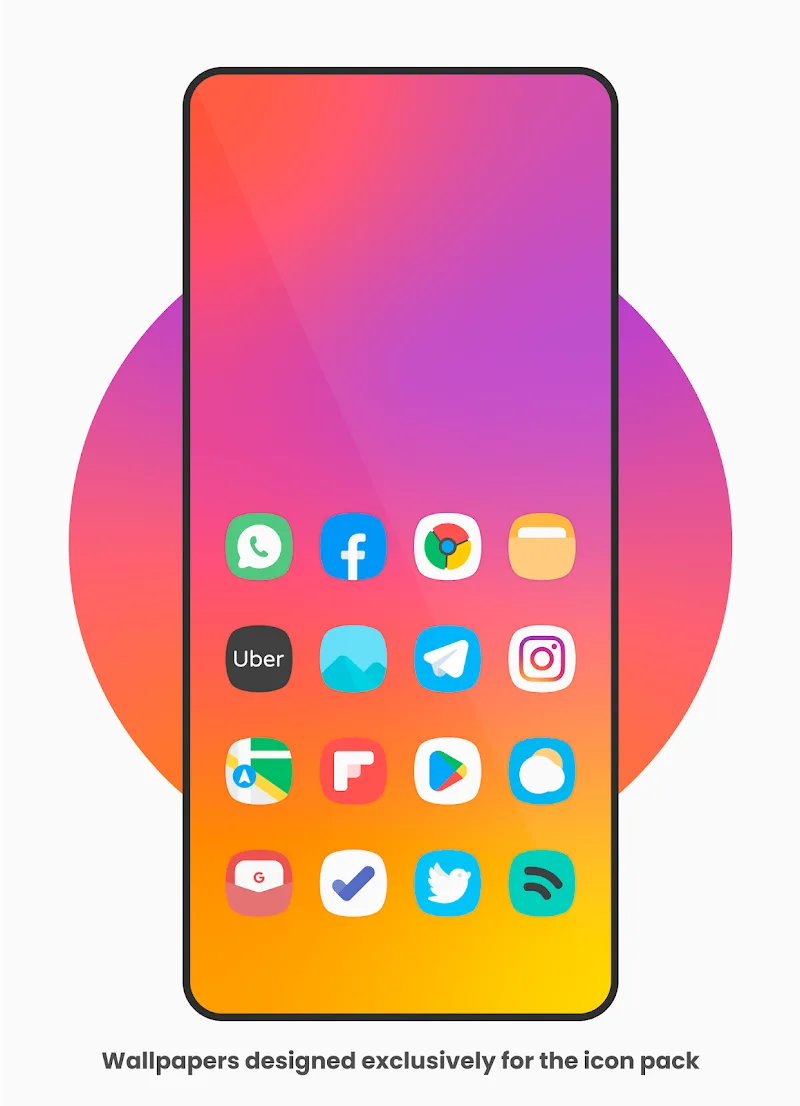
Vanilla - Icon Pack is a theming package for Android launchers that replaces app icons with a unified visual language. Rather than flashy effects or heavy gradients, it uses gentle color palettes and modest depth to produce a refined appearance. The pack supports hundreds of popular apps and includes matching wallpapers to complete the look.
Core features explained
- Consistent design: Icons share a common grid, stroke weight, and rounded corners, keeping your home screen orderly and predictable.
- High resolution: Each icon is supplied in multiple sizes to ensure sharp rendering on phones and tablets.
- Adaptive support: Where possible, the pack adapts to different icon shapes required by launchers and recent Android versions.
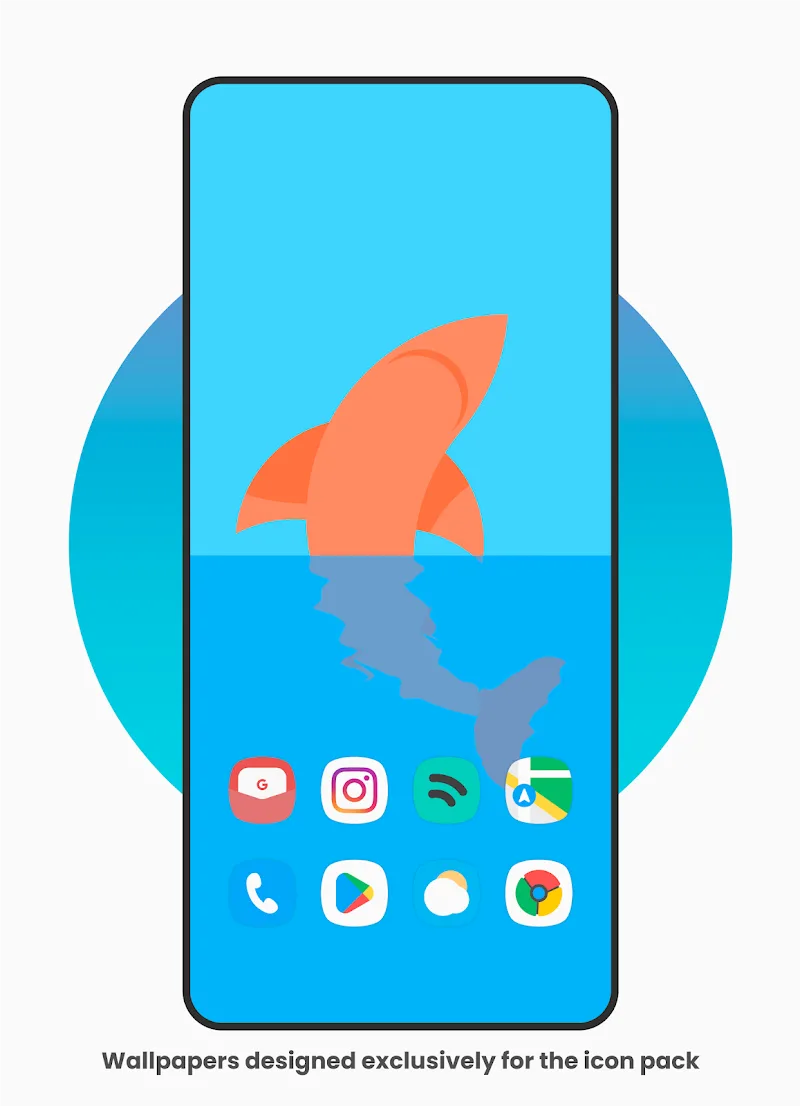
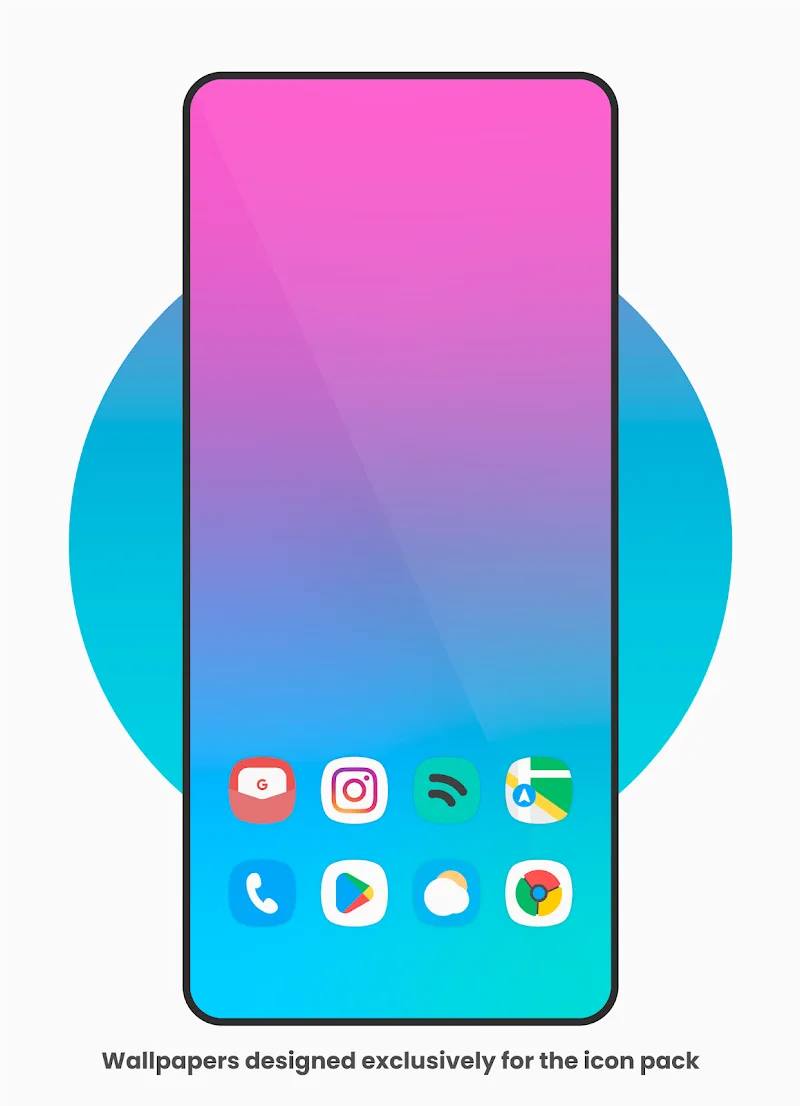
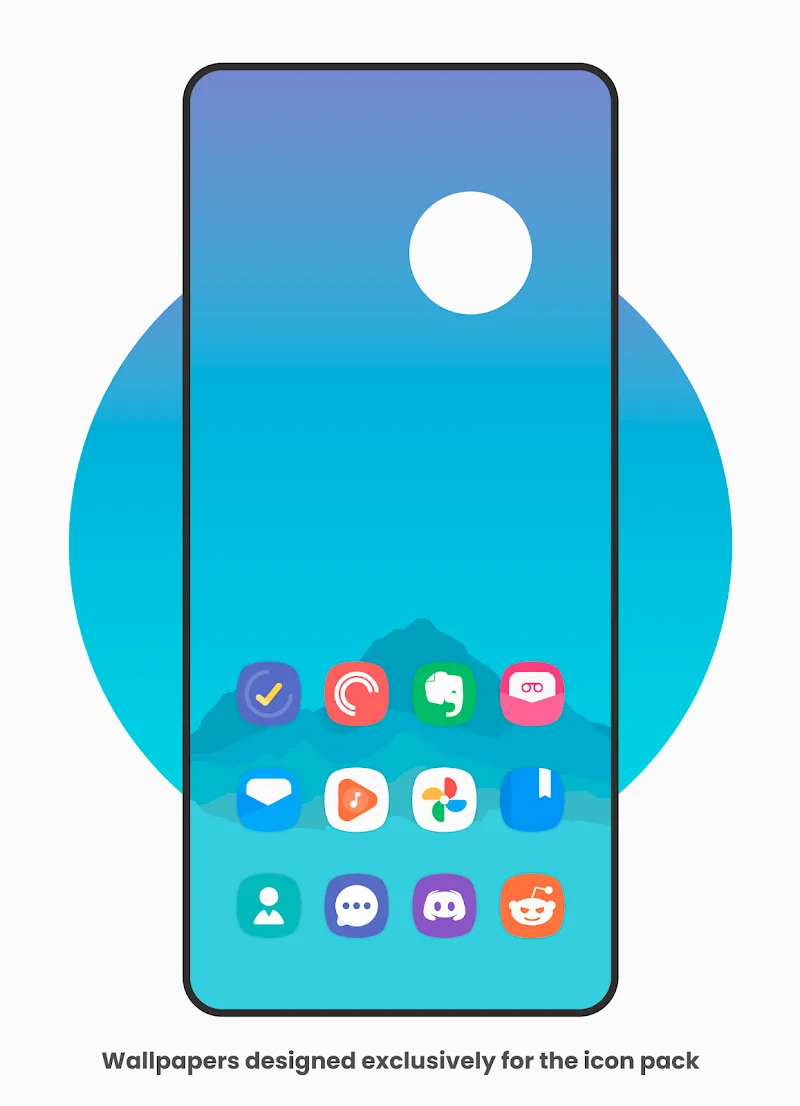
- Wallpaper collection: Coordinated backgrounds that highlight icon contrast and maintain visual balance.
- Icon search: A built-in request system helps you quickly find and request missing icons.
User interface and performance
The app that delivers Vanilla - Icon Pack places emphasis on a fast, no-friction experience. The interface keeps controls minimal: apply, backup, and request icons are one or two taps away. Because the pack relies on static assets rather than live rendering, it has a tiny memory footprint and does not affect battery life in normal use.
Compatibility and launcher support
Compatibility is a major consideration for any icon pack. Vanilla - Icon Pack works with most popular third-party launchers such as Nova, Lawnchair, Action, Smart Launcher, and many more. It also supports some stock launchers through manual masking and adaptable icons, but experience may vary on heavily customized OEM skins.
Customization options
Although minimalism is the guiding principle, the pack offers enough flexibility to personalize your setup. Apply the full set for a uniform look, or mix and match icons with other packs. The included wallpapers can be layered with launcher effects, and some launchers allow icon size and label placement tweaks to further refine the presentation.
How to get the most out of it
- Pick a wallpaper first: Start with a Vanilla - Icon Pack wallpaper to ensure maximum contrast and harmony.
- Adjust icon size: Slight changes to icon scale in your launcher can make shapes feel more balanced on different screen sizes.
- Group similar apps: Use folders to keep frequently used apps accessible without cluttering the main grid.
- Request missing icons: Submit icon requests through the app to keep your set complete and current.
Installation and setup
Installing Vanilla - Icon Pack is straightforward. After download, open the app, choose your preferred launcher from the list, and tap apply. If your launcher is not listed, most provide an option to select a third-party icon pack manually. The app also offers a simple backup and restore feature so you can save your layout before experimenting.
Who should consider this pack?
Vanilla - Icon Pack is well suited for users who value clean design and consistent visual language across device interfaces. Photographers, writers, and professionals who prefer distraction-free screens will appreciate the subdued palette. It also appeals to anyone who wants a polished look without spending time on elaborate theming.
Final observations
With careful attention to scale, color, and uniformity, Vanilla - Icon Pack refines the look of an Android device without drawing attention away from content. It blends performance-conscious design with practical tools like icon requests and wallpaper matching, making it a reliable choice for daily use. If you’re aiming for a tidy, modern home screen, this pack is worth trying.
Show More
Information
Screenshots
Latest Update











Latest News
-
![Revealing the Launch Playlists and Cross-Progression for COD Warzone Mobile News]()
-
![March 2024 Free Redemption Codes for Honkai: Star Rail News]()
-
PUBG Mobile Teams Up with Bentley Motors: Luxury Cars, Exclusive Collectibles, and Beyond 2024-04-18
![PUBG Mobile Teams Up with Bentley Motors: Luxury Cars, Exclusive Collectibles, and Beyond News]()
-
![Monster Never Cry is now accessible on both Android and iOS mobile devices. News]()
-
V2.2 of the Farlight 84 update introduces an overhauled Season structure, fresh in-game currency, an 2024-04-16
![V2.2 of the Farlight 84 update introduces an overhauled Season structure, fresh in-game currency, an News]()
-
![Arrival of Genshin Impact 4.6 Update: 'Embers of Two Realms, Twilight of Crimson' News]()
-
April 2024 Clash of Clans Update: Unveiling a Fresh Companion, Enhanced Levels, Chat Tagging, and Be 2024-04-16
![April 2024 Clash of Clans Update: Unveiling a Fresh Companion, Enhanced Levels, Chat Tagging, and Be News]()






