

Android Auto
Version:12.7.643414-release
Published:2026-11-21
Introduction
Android Auto transforms your phone into a streamlined in-car interface, projecting navigation, communication, and media controls onto compatible vehicle displays. It keeps distractions low by prioritizing voice commands and large, glanceable visuals, helping drivers access essential apps safely while on the road.
What it does
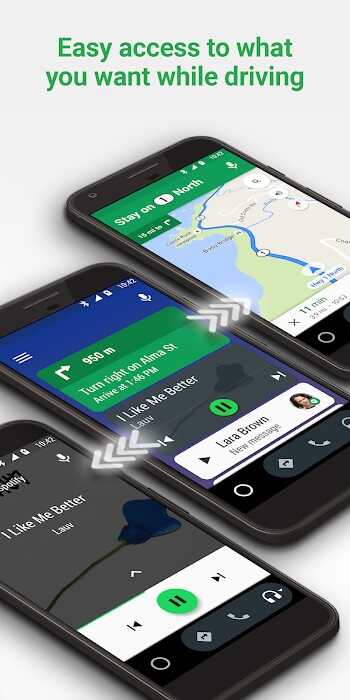
Designed for drivers who want smart connectivity without complexity, Android Auto centralizes maps, music, calls, messages, and third-party apps into a single, consistent layout. The system reduces cognitive load with simplified menus, clear typography, and a predictable interaction model that works across many vehicle head units.
Core capabilities
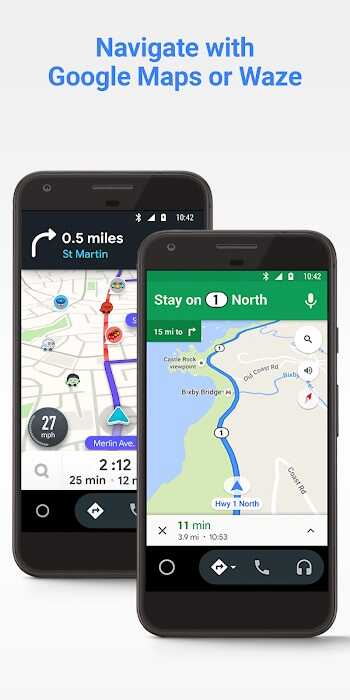
- Navigation — Turn-by-turn directions with live traffic, lane guidance, and rerouting from major mapping apps.
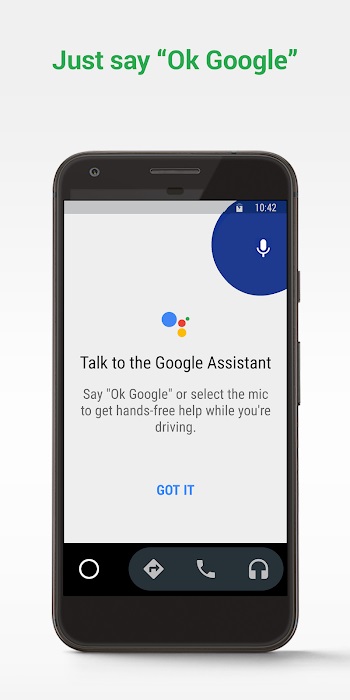
- Voice control — Hands-free access to directions, messages, and media through Google Assistant.
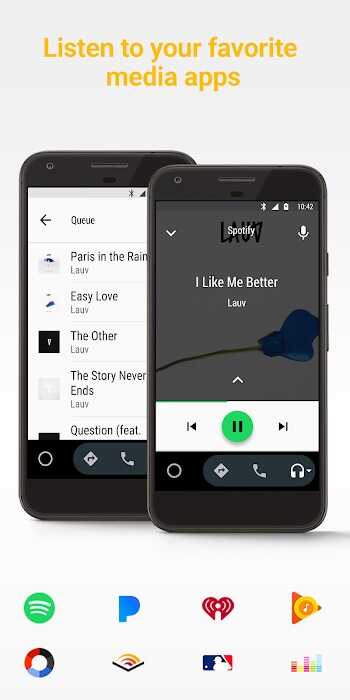
- Media — Play music, podcasts, and audiobooks with large text and playback controls suited for quick glances.
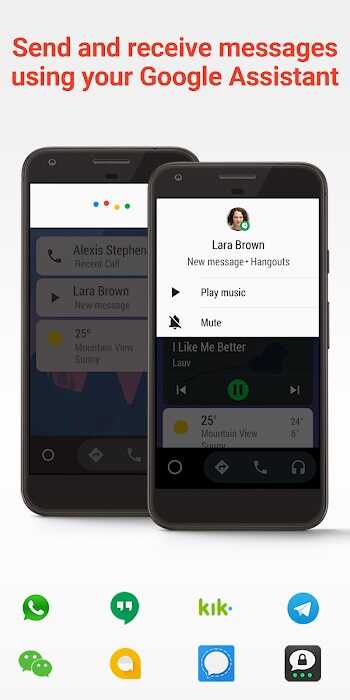
- Communication — Read and send messages or place calls safely via voice or an easy touch interface.
- Third-party apps — Compatible with many navigation, audio, and messaging apps that follow Android Auto guidelines.
Interface and responsiveness
The interface prioritizes readability and minimal touch targets. Animations are reduced to keep transitions quick and predictable, and the layout adapts whether your car uses a portrait or landscape screen. Performance depends on phone hardware and the vehicle’s head unit; newer phones generally produce smoother graphics and faster app switching.
How it works in practice
Once connected, Android Auto mirrors a vehicle-optimized shell on the car display. Drivers can use steering-wheel buttons, touchscreens, or voice to interact. The platform is built to keep most interactions to a few taps or a single spoken command, which helps comply with common safety guidelines for in-car use.
Setup and compatibility
Getting started is straightforward. Install the companion app on your Android phone, enable permissions for location and notifications, then connect to the vehicle via USB or, when supported, wirelessly. Not every car supports wireless connections, so check the vehicle’s manual. Ensure your phone OS and apps are up to date for the best compatibility.
Customization and integrations
Android Auto allows selective customization: choose your preferred navigation and audio apps, reorder app shortcuts, and set notification preferences. Integrations with smart home and calendar services let you check appointments or control home devices from the dash, reducing the need to switch devices while driving.
Practical tips for safer use
- Preconfigure routes and playlists before you start driving to limit in-journey interaction.
- Use voice commands for messaging and calls to maintain hands on the wheel and eyes on the road.
- Keep critical updates current—map updates and app patches improve routing accuracy and stability.
- Adjust notification settings to avoid frequent interruptions that could distract you.
Troubleshooting common issues
If the connection drops or apps fail to appear, restart your phone and the vehicle’s infotainment system. Swap USB cables to rule out a faulty connector and verify that no battery-saving or data-restriction settings are blocking the companion app. For persistent problems, consult the vehicle manufacturer’s compatibility list or the phone’s support resources.
User experience highlights
Drivers praise the predictability of the controls and the way Android Auto surfaces the most relevant actions at the right time—directions start automatically when a trip is detected, and incoming messages are summarized for quick replies. The ability to use popular third-party navigation and media services without learning a new system is a frequent advantage.
For people who spend significant time on the road, Android Auto streamlines routine tasks and reduces friction between phone and car. Its steady updates and expanding app support continue to tighten the integration between mobile and automotive ecosystems, making daily commutes and long trips easier to manage.
Show More
Information
Screenshots
Latest Update












Latest News
-
![Revealing the Launch Playlists and Cross-Progression for COD Warzone Mobile News]()
-
![March 2024 Free Redemption Codes for Honkai: Star Rail News]()
-
PUBG Mobile Teams Up with Bentley Motors: Luxury Cars, Exclusive Collectibles, and Beyond 2024-04-18
![PUBG Mobile Teams Up with Bentley Motors: Luxury Cars, Exclusive Collectibles, and Beyond News]()
-
![Monster Never Cry is now accessible on both Android and iOS mobile devices. News]()
-
V2.2 of the Farlight 84 update introduces an overhauled Season structure, fresh in-game currency, an 2024-04-16
![V2.2 of the Farlight 84 update introduces an overhauled Season structure, fresh in-game currency, an News]()
-
![Arrival of Genshin Impact 4.6 Update: 'Embers of Two Realms, Twilight of Crimson' News]()
-
April 2024 Clash of Clans Update: Unveiling a Fresh Companion, Enhanced Levels, Chat Tagging, and Be 2024-04-16
![April 2024 Clash of Clans Update: Unveiling a Fresh Companion, Enhanced Levels, Chat Tagging, and Be News]()






