

Dove Icon Pack
Version:4.2
Published:2026-11-21
Introduction
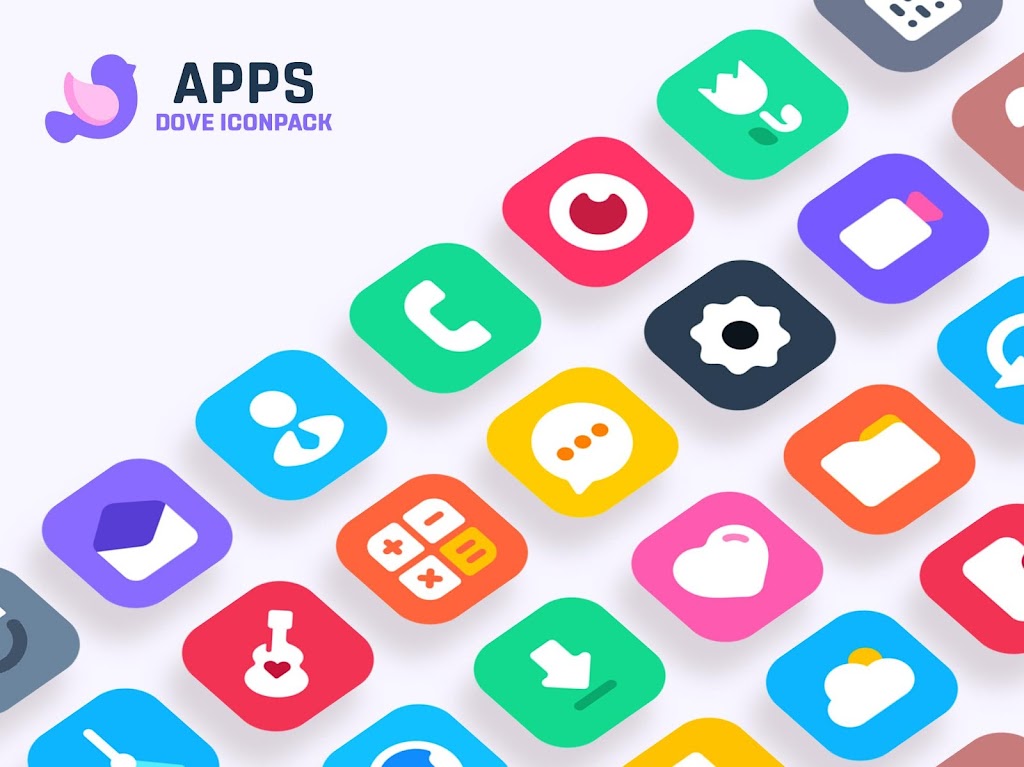
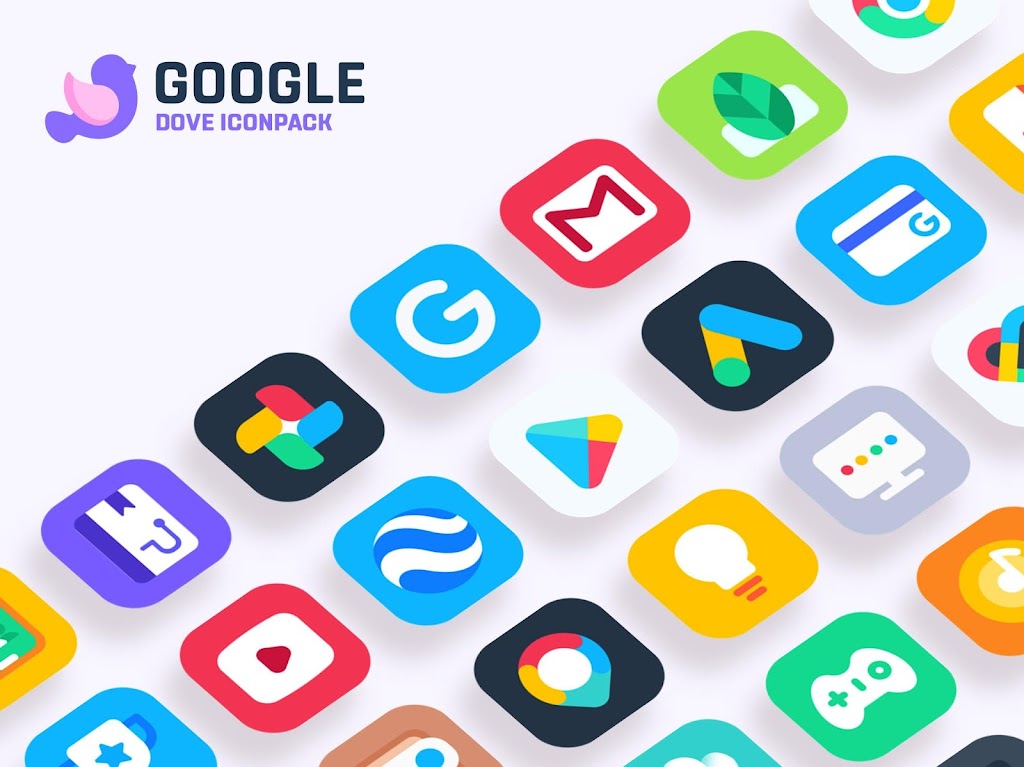
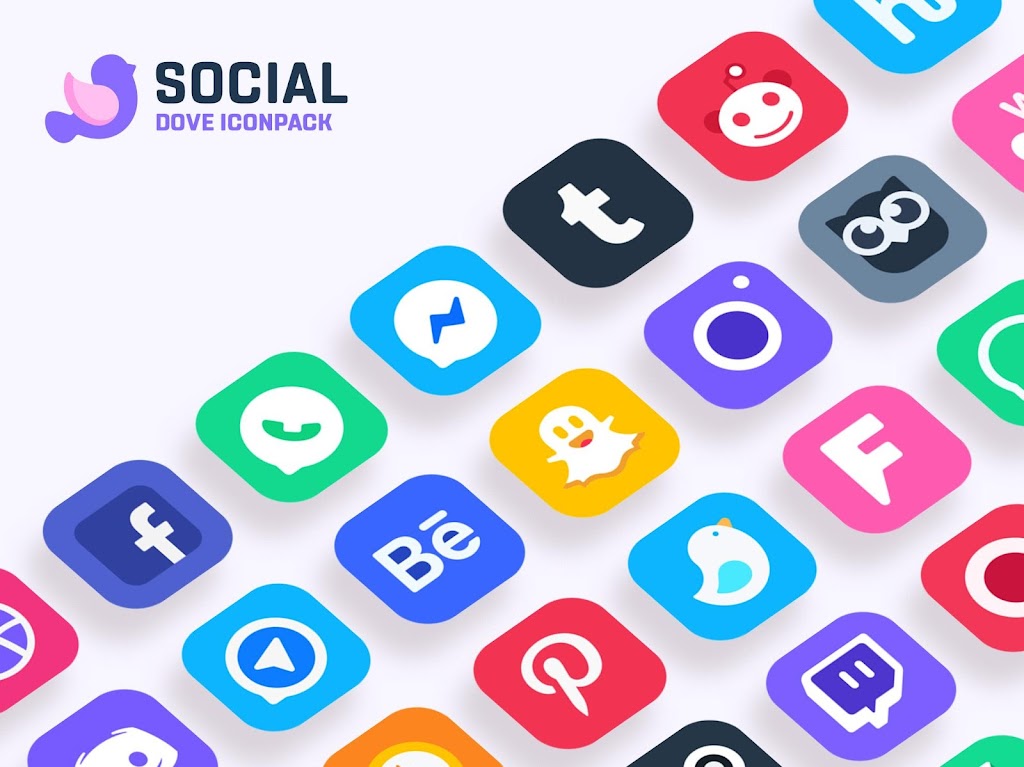
Dove Icon Pack transforms your Android home screen with a cohesive, minimalist icon collection that emphasizes soft shadows and pastel tones. It replaces standard app icons with carefully crafted glyphs and rounded shapes, offering a fresh, elegant look while maintaining clarity and compatibility across many launchers.
Design Philosophy and Visual Style
Dove Icon Pack focuses on subtlety and balance. The palette leans toward muted hues and gentle gradients to create a calming aesthetic without sacrificing legibility. Each icon combines simplified symbols with a soft rounded square background, producing a consistent visual rhythm across dozens of app icons. This restrained approach makes the pack suitable for work, study, and creative setups.
Key Features
The set packs both variety and consistency, aiming to enhance daily navigation rather than distract from it. Highlights include:
- Extensive coverage — hundreds of icons for popular apps, with adaptive styles for many system apps.
- Wallpaper collection — curated backgrounds designed to match icon tones and maintain contrast.
- Icon request tool — an in-app mechanism to request missing icons and speed up updates.
- Frequent updates — designers release themed additions and refreshes to reflect app changes.
- Adaptive compatibility — support for major Android launchers ensuring icons apply cleanly.
How Installation Works
Applying Dove Icon Pack is straightforward. After downloading, open the app and follow the launcher selection menu. Most popular home screen apps like Nova, Lawnchair, Apex, and Action Launcher are supported; a single tap applies the icon theme. For launchers without direct support, manual icon replacement via a launcher’s settings or shortcut editor remains an option.
Customization Options
Beyond one-tap application, the pack lets you tailor several details. You can mix-and-match wallpapers from the bundled gallery to achieve the right contrast, manually select alternate icons for specific apps, and adjust icon size through your launcher settings to refine spacing and visual balance. The icon request feature streamlines personalized updates when unique or niche apps aren’t covered yet.
Performance and Compatibility
Dove Icon Pack is lightweight and optimized to avoid draining resources. Icons are delivered as vector-based assets where possible, which helps them scale cleanly on different screen densities without increasing APK size unnecessarily. Compatibility spans Android 7.0 and newer in most cases, and the pack is regularly tested across multiple devices to ensure crisp rendering and minimal performance impact.
Practical Tips for a Polished Setup
To make the most of Dove Icon Pack, pair the icons with a neutral wallpaper and adjust your grid spacing to let icons breathe. Use gesture shortcuts in your launcher to reduce homescreen clutter and consider hiding less-used apps while keeping essential ones on the primary screen. When requesting icons, include screenshots and package names to speed up accurate replacements.
Developer Support and Updates
The development team behind Dove Icon Pack maintains a straightforward update cadence. Users can expect periodic additions that reflect newly popular apps and visual refinements. Update notes typically outline newly added icons, wallpaper additions, and general bug fixes. The icon request queue provides transparency so you can see when a requested design has been published.
Why Users Choose This Pack
Many users pick Dove Icon Pack for its thoughtful restraint and broad compatibility. The look is contemporary without feeling gimmicky, and the balance between iconic clarity and aesthetic softness works well for a wide range of users—from professionals to creatives. Its small footprint and reliable performance make it an efficient cosmetic upgrade for most Android devices.
Getting Started
Download the pack, open the app, choose your launcher, and apply the theme. Spend a few minutes pairing a wallpaper and arranging your grid for the cleanest result. If you notice any missing icons, use the in-app request tool for fast attention. With just a little setup, Dove Icon Pack can refresh your device’s look while keeping navigation intuitive and pleasant.
Show More
Information
Screenshots
Latest Update











Latest News
-
![Revealing the Launch Playlists and Cross-Progression for COD Warzone Mobile News]()
-
![March 2024 Free Redemption Codes for Honkai: Star Rail News]()
-
PUBG Mobile Teams Up with Bentley Motors: Luxury Cars, Exclusive Collectibles, and Beyond 2024-04-18
![PUBG Mobile Teams Up with Bentley Motors: Luxury Cars, Exclusive Collectibles, and Beyond News]()
-
![Monster Never Cry is now accessible on both Android and iOS mobile devices. News]()
-
V2.2 of the Farlight 84 update introduces an overhauled Season structure, fresh in-game currency, an 2024-04-16
![V2.2 of the Farlight 84 update introduces an overhauled Season structure, fresh in-game currency, an News]()
-
![Arrival of Genshin Impact 4.6 Update: 'Embers of Two Realms, Twilight of Crimson' News]()
-
April 2024 Clash of Clans Update: Unveiling a Fresh Companion, Enhanced Levels, Chat Tagging, and Be 2024-04-16
![April 2024 Clash of Clans Update: Unveiling a Fresh Companion, Enhanced Levels, Chat Tagging, and Be News]()






