

MeetMe
Version:14.72.0.4284
Published:2026-11-21
Introduction
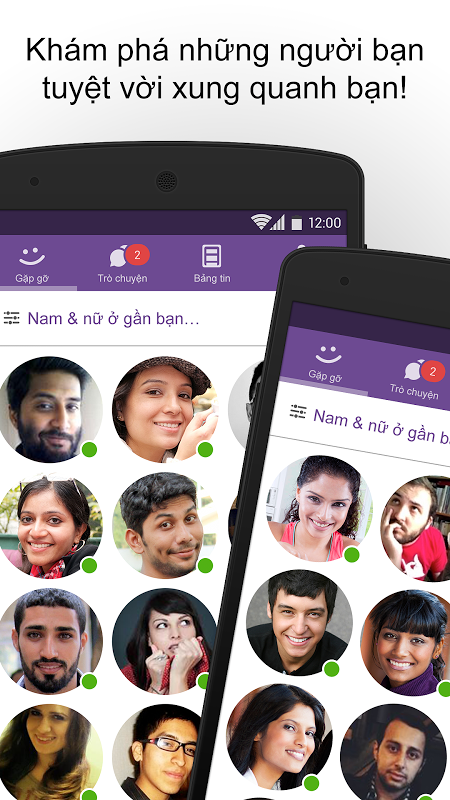
MeetMe is a social networking app designed to help users discover friends nearby, join conversations, and share updates through profiles, streams, and matching features. It combines simple discovery tools with in-app chat and live features, making it straightforward to connect with people who share interests in your area.
Overview of the experience
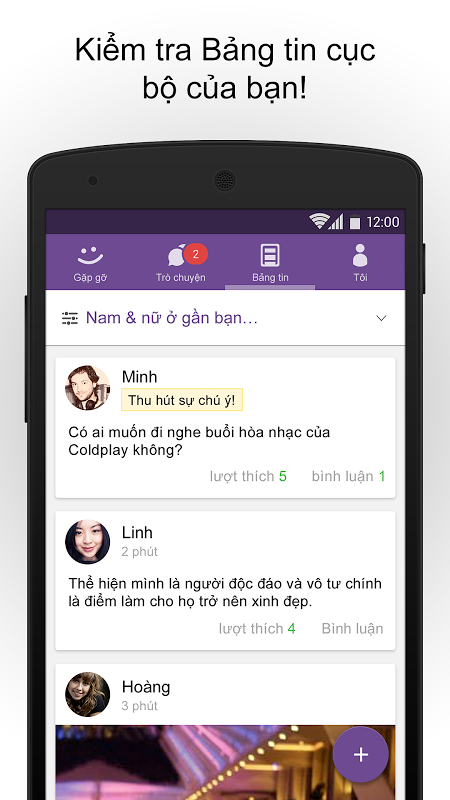
The app focuses on making discovery and interaction quick and accessible. Its core is a profile-driven feed where posts, photos, and short updates surface based on proximity and shared interests. For people who want to expand their social circle without complex setup, MeetMe provides a low-friction path from browsing to messaging.
Key features at a glance
- Discovery — Browse users by location, interests, and trending topics.
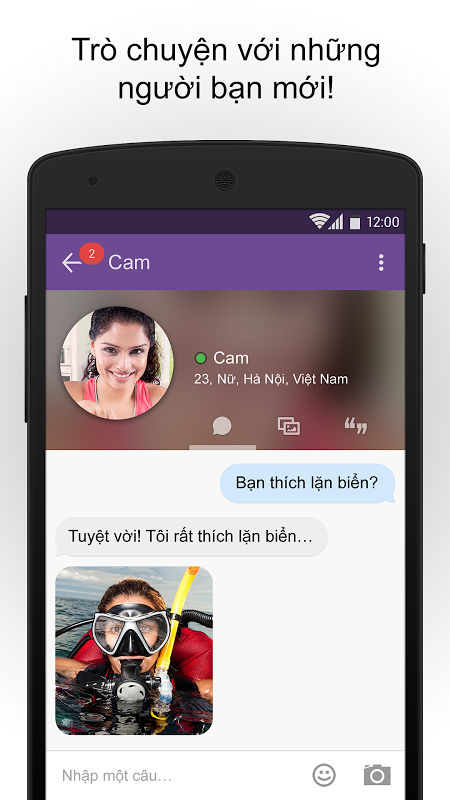
- Chat — One-to-one messaging with media sharing and read receipts.
- Live streams — Watch or host live video sessions to connect in real time.
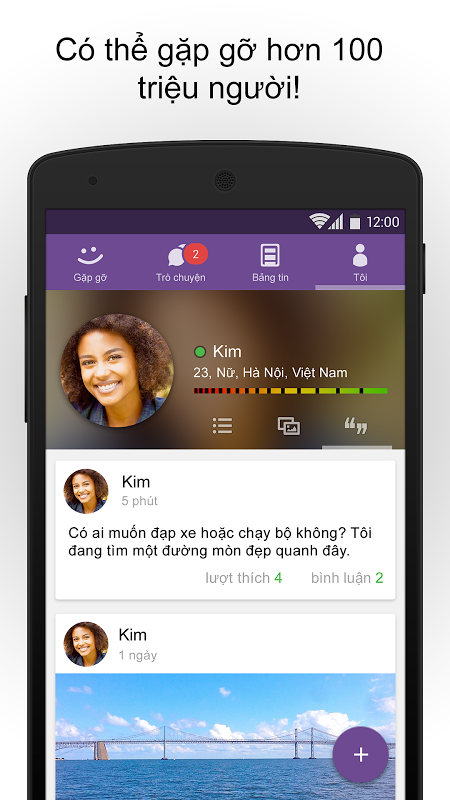
- Profile customization — Add photos, short bios, and preference tags to attract relevant matches.
How the app works day to day
Using the app typically starts with a few profile details and a photo. The discovery algorithm then surfaces potential connections in your area and people who have similar tags or interests. You can react to posts, join group conversations, or initiate private chats. Notifications keep you informed about replies, new followers, or live sessions that match your preferences.
User interface and navigation
The interface is built for speed: a bottom navigation bar provides quick access to home feed, discovery, chats, and live streams. Profiles are compact and easy to scan, with key actions—like follow and message—visible immediately. Settings and account controls are grouped to reduce friction when adjusting privacy or notification options.
Performance and reliability
Performance is generally responsive on modern devices. Image loading and feed updates happen smoothly, and chat messages are delivered with minimal delay. The app includes options to limit background activity or media auto-downloads, which helps preserve battery life and data usage on constrained connections.
Privacy and safety features
Privacy controls allow you to manage who can contact you and view your content. Blocks and report tools are available for handling unwanted interactions. The app also supports adjusting visibility settings so your profile is discoverable only under preferred conditions, a useful feature when testing the service or limiting exposure.
Customization and personalization
MeetMe lets users tailor their experience through preference tags, content filters, and customizable notification settings. These tools refine the discovery stream so you see more relevant profiles and fewer irrelevant posts. Profile badges and short bio prompts help present key details without overwhelming visitors.
Tips for new users
- Complete your profile with a clear photo and a concise bio to increase responses.
- Use interest tags to improve the relevance of suggested connections.
- Engage in live sessions to show personality and build quick rapport with others.
- Adjust notification settings to avoid being overwhelmed while staying responsive.
Why people keep using it
People return to the app for its straightforward discovery loop and the blend of passive feed browsing with active chat opportunities. The live streaming feature provides a dynamic alternative to text-only interaction, while the mix of local and global discovery helps users find both nearby friends and niche communities.
Getting started and installation
Installation requires a standard app-store download and a few setup steps to create an account. New users should review privacy settings during onboarding and consider enabling or disabling certain discovery options to match comfort levels. Once set up, the app guides you through discovery to start making connections within minutes.
For anyone seeking a lightweight social platform focused on meeting new people and maintaining casual connections, MeetMe presents a balanced set of tools for discovery, communication, and live interaction without unnecessary complexity.
Show More
Information
Screenshots
Latest Update











Latest News
-
![Revealing the Launch Playlists and Cross-Progression for COD Warzone Mobile News]()
-
![March 2024 Free Redemption Codes for Honkai: Star Rail News]()
-
PUBG Mobile Teams Up with Bentley Motors: Luxury Cars, Exclusive Collectibles, and Beyond 2024-04-18
![PUBG Mobile Teams Up with Bentley Motors: Luxury Cars, Exclusive Collectibles, and Beyond News]()
-
![Monster Never Cry is now accessible on both Android and iOS mobile devices. News]()
-
V2.2 of the Farlight 84 update introduces an overhauled Season structure, fresh in-game currency, an 2024-04-16
![V2.2 of the Farlight 84 update introduces an overhauled Season structure, fresh in-game currency, an News]()
-
![Arrival of Genshin Impact 4.6 Update: 'Embers of Two Realms, Twilight of Crimson' News]()
-
April 2024 Clash of Clans Update: Unveiling a Fresh Companion, Enhanced Levels, Chat Tagging, and Be 2024-04-16
![April 2024 Clash of Clans Update: Unveiling a Fresh Companion, Enhanced Levels, Chat Tagging, and Be News]()






