
Nova Launcher Lifetime Prime
Version:8.0.18
Published:2026-11-21
Introduction
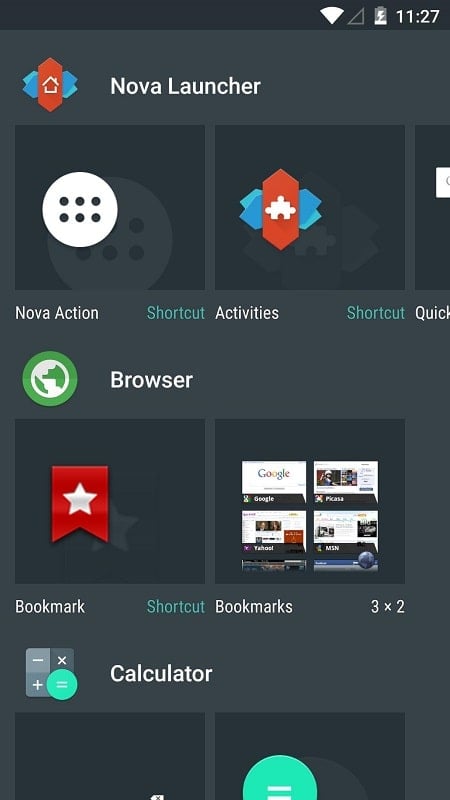
Arrange and personalize - Nova Launcher Lifetime Prime puts control of your Android home screen in your hands with a deep set of layout and visual options. Whether you like a minimalist dock or a dense grid of widgets, this launcher replaces the stock home experience so you can place apps, shortcuts and information exactly where they make sense. The app balances powerful customization with straightforward setup, and it includes a universal search and support for third-party icon themes so your device can look and behave the way you want.
Getting Started with Nova Launcher Lifetime Prime
Make it the default launcher: After installation open Nova and accept the prompt to set it as your home app so your settings apply each time you press Home.
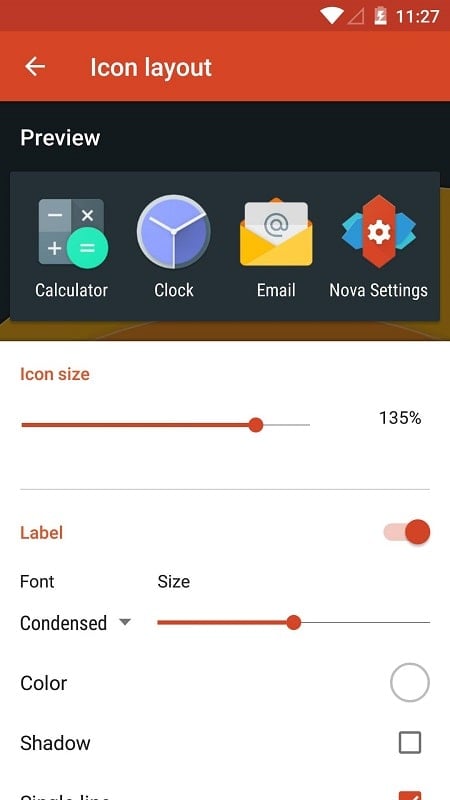
Configure the desktop grid: Choose rows and columns and resize icons so commonly used apps sit within comfortable reach on your main screen.
Organize the app drawer and dock: Tweak scrolling, tab behavior and the dock slots to keep tools you use every day easily accessible.
Save a backup: Once your layout is set, export a local or cloud backup to restore the same setup on a new phone or after a factory reset.
Features of Nova Launcher Lifetime Prime:
Flexible layout controls: Adjust separate settings for the home screen, dock, folders and app drawer including grid size, icon labels and scroll direction.
Sub-grid positioning: Place icons and widgets between conventional grid cells for finer alignment with your wallpaper or for compact arrangements.
Icon packs and theme accents: Apply third-party icon sets, change icon shapes and pick accent colors or Material Design palettes to match a chosen background or system theme.
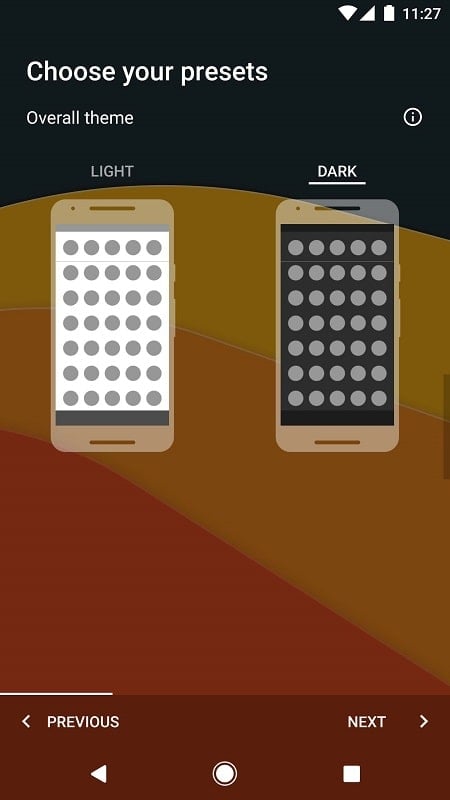
Adaptive light and dark modes: Choose a permanent theme, follow system settings, or switch automatically based on local sunrise and sunset times for better readability in different lighting.
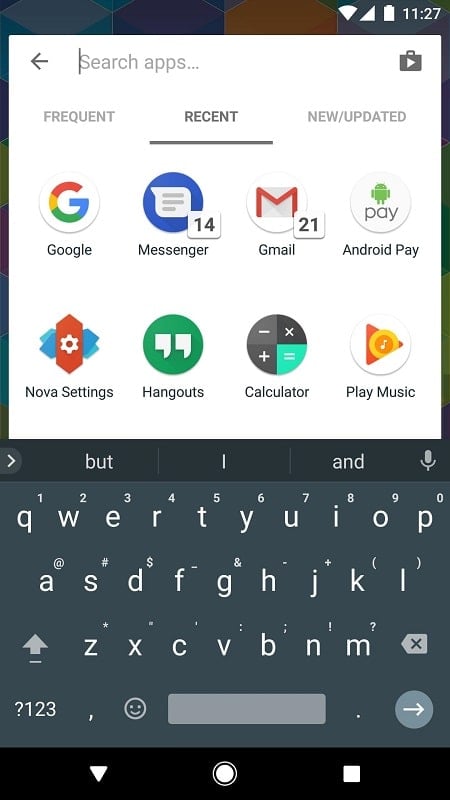
Powerful search and quick answers: Use the launcher’s search field to find apps and contacts fast; mini results also handle basic conversions, calculations and shipment lookups without opening other apps.
Tips and Tricks:
Create context pages: Set up a dedicated screen for work apps and widgets you only need during business hours or when preparing a presentation to reduce distraction.
Match wallpapers with icon styles: Try a dark wallpaper plus bright icon accents for contrast on the lock and home screens, or use a subtle pattern and rounded icons for a clean, cohesive look.
Use gestures for speed: Assign two-finger swipe or double-tap to actions like opening the camera or toggling the app drawer to save time during a commute or when you need to check something quickly.
FAQs about Nova Launcher Lifetime Prime:
Can I create folders on the home screen?
Yes. Drag one app icon onto another to form a folder, or pull folders out from the app drawer. If items overlap unintentionally, check the home screen advanced placement option.
Why is a Nova shortcut showing on every screen after an update?
That usually comes from an accessibility shortcut. Open your phone’s accessibility settings and remove the Nova shortcut while keeping any required accessibility service active to preserve features like badges.
Is it possible to have different wallpapers for home and lock screen?
On devices running Android 7.0 and above you can set separate wallpapers during the wallpaper selection process so your lock screen and home screen can look distinct.
Conclusion:
Nova Launcher Lifetime Prime provides a robust platform for reworking how your Android device looks and behaves, giving you precise control over placement, themes and shortcuts. Expect slight differences in behavior across manufacturers and Android versions, so some features may vary depending on your phone and system updates.
Show More
Information
Screenshots
Latest Update









Latest News
-
![Revealing the Launch Playlists and Cross-Progression for COD Warzone Mobile News]()
-
![March 2024 Free Redemption Codes for Honkai: Star Rail News]()
-
PUBG Mobile Teams Up with Bentley Motors: Luxury Cars, Exclusive Collectibles, and Beyond 2024-04-18
![PUBG Mobile Teams Up with Bentley Motors: Luxury Cars, Exclusive Collectibles, and Beyond News]()
-
![Monster Never Cry is now accessible on both Android and iOS mobile devices. News]()
-
V2.2 of the Farlight 84 update introduces an overhauled Season structure, fresh in-game currency, an 2024-04-16
![V2.2 of the Farlight 84 update introduces an overhauled Season structure, fresh in-game currency, an News]()
-
![Arrival of Genshin Impact 4.6 Update: 'Embers of Two Realms, Twilight of Crimson' News]()
-
April 2024 Clash of Clans Update: Unveiling a Fresh Companion, Enhanced Levels, Chat Tagging, and Be 2024-04-16
![April 2024 Clash of Clans Update: Unveiling a Fresh Companion, Enhanced Levels, Chat Tagging, and Be News]()






