

MagicFace-AI Face Swap
Version:1.0.6
Published:2026-11-21
Introduction
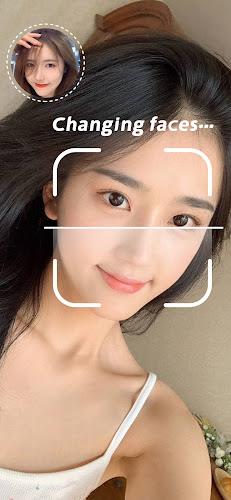
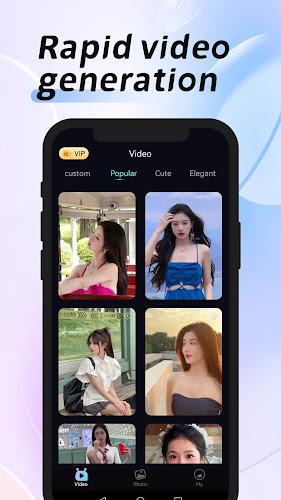
MagicFace-AI Face Swap makes it simple to transform portrait photos and short videos using advanced artificial intelligence tools designed for quick, creative edits. The app combines one-click processing with a broad template library so users can apply influencer-style filters, face swaps and animated effects without a steep learning curve. Previews show how each template will look before you commit to an edit, and straightforward controls keep the focus on fast, repeatable results from a selfie or a short clip.
Key Features
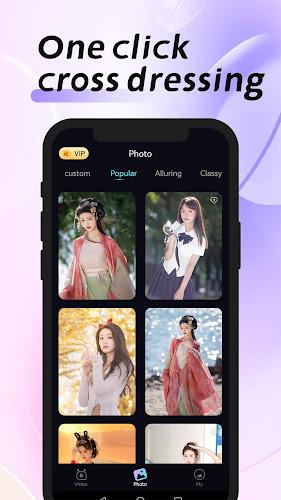
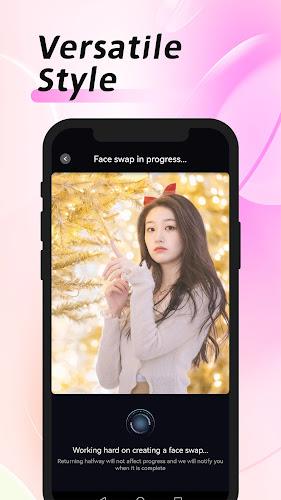
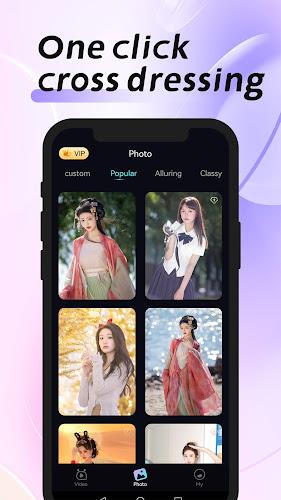
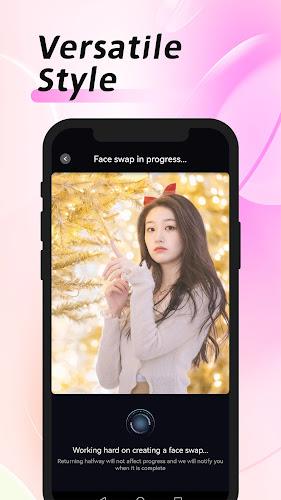
MagicFace-AI Face Swap centers on a few practical capabilities: single-tap AI processing to generate polished outputs, a large selection of photo and video templates that cover stylistic filters and face-morphing scenes, and an in-app preview system that displays the final look before export. The portrait-oriented processing preserves facial expressions and aligns features automatically, while playful options such as gender-swap styles and meme-ready animations let users explore humorous or stylized outcomes.
How It Works — Controls and Workflow
Loading a project is straightforward: import a portrait photo or a short video clip, choose a template and run the AI processor. Controls are intentionally simple — tap to apply, drag to reposition the face region, and use a small set of sliders to adjust intensity, color balance and animation speed. The app handles most of the technical work automatically, but gives casual editors enough manual control to fine-tune alignment, crop framing and the strength of the applied effect without switching to a separate editor.
Customization and Visual Style
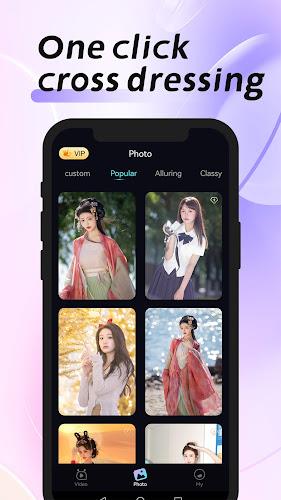
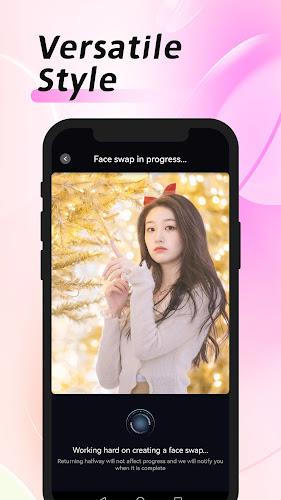
The visual styles available in MagicFace-AI Face Swap range from subtle influencer-inspired retouching to highly stylized, animated transformations. Templates include preset color grading, lighting adjustments and motion overlays for short clips. Customization is focused on approachable options: users can combine a template with basic retouch tools, tweak how strongly the new face integrates with the original image and save custom presets to reuse a preferred look across multiple photos or clips.
Progression, Organization and Replay Value
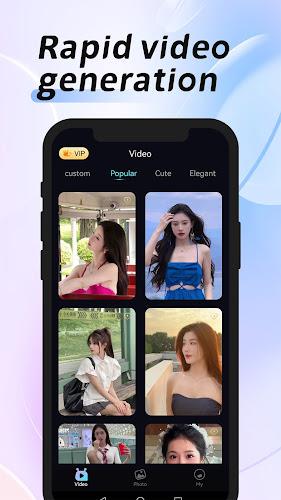
Instead of traditional game-style progression, the app encourages organic exploration through template discovery and personal organization. Templates are grouped by theme and purpose so you can browse categories or save favorites into a personal collection. The creative replay value comes from experimenting with different templates, combining subtle adjustments for more realistic results, or pushing styles toward comedy and animation for social posts. Regularly trying new templates and saving successful presets provides a natural progression of skill and style over time.
User Experience and Accessibility
The interface aims for clarity and speed: large previews, contextual tips for first-time users and a preview pane that shows before-and-after comparisons. MagicFace-AI Face Swap was designed to be approachable for users with limited editing experience while still allowing faster workflows for experienced editors who want immediate results. Accessibility considerations include readable text sizes in the editor, simple gesture controls for repositioning, and brief on-screen guidance that explains each control step-by-step.
Performance, Offline Use and Export
Processing speed varies with device capability and the complexity of the selected template; the app optimizes for portrait photos and short clips to keep turnaround times low. Some templates or features may rely on remote processing for the most advanced effects, while basic template previews and saved presets remain available locally. Exports are saved in common image and short-video formats suitable for sharing to social networks or saving to your device gallery.
Limitations and Practical Tips
While MagicFace-AI Face Swap produces playful and often convincing edits, certain limitations are important to note: highly stylized templates may prioritize humorous or dramatic looks over strict photorealism, and the best results depend on starting with a clear, well-lit portrait. For consistent outcomes, choose a template that matches the pose and facial orientation of the input photo, use the alignment and intensity controls to blend the effect, and keep multiple saved presets to reproduce preferred styles quickly.
This editor-style description highlights practical uses and expectations for MagicFace-AI Face Swap: a fast, template-driven portrait editor focused on creativity and ease of use that helps both casual users and hobbyists produce engaging images and short animated clips with minimal technical effort.
Show More
Information
Screenshots
Latest Update












Latest News
-
![Revealing the Launch Playlists and Cross-Progression for COD Warzone Mobile News]()
-
![March 2024 Free Redemption Codes for Honkai: Star Rail News]()
-
PUBG Mobile Teams Up with Bentley Motors: Luxury Cars, Exclusive Collectibles, and Beyond 2024-04-18
![PUBG Mobile Teams Up with Bentley Motors: Luxury Cars, Exclusive Collectibles, and Beyond News]()
-
![Monster Never Cry is now accessible on both Android and iOS mobile devices. News]()
-
V2.2 of the Farlight 84 update introduces an overhauled Season structure, fresh in-game currency, an 2024-04-16
![V2.2 of the Farlight 84 update introduces an overhauled Season structure, fresh in-game currency, an News]()
-
![Arrival of Genshin Impact 4.6 Update: 'Embers of Two Realms, Twilight of Crimson' News]()
-
April 2024 Clash of Clans Update: Unveiling a Fresh Companion, Enhanced Levels, Chat Tagging, and Be 2024-04-16
![April 2024 Clash of Clans Update: Unveiling a Fresh Companion, Enhanced Levels, Chat Tagging, and Be News]()






