

Launcher iOS 16
Version:6.2.5
Published:2026-11-21
Introduction
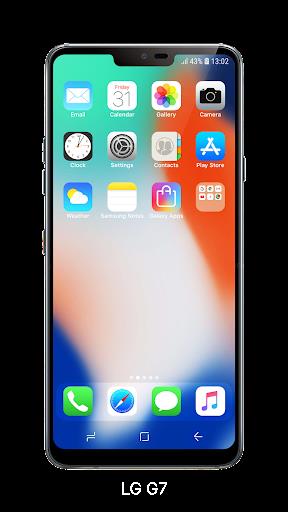
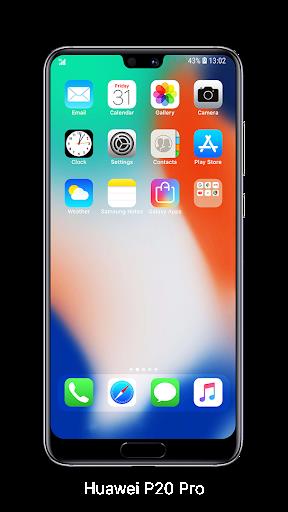
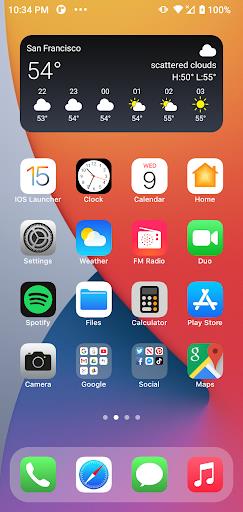
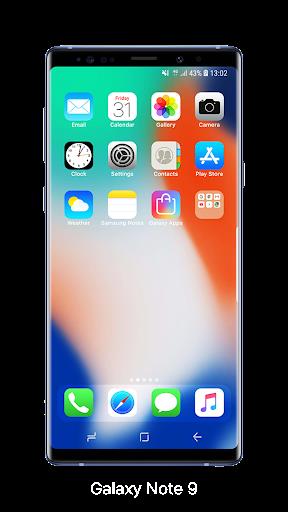
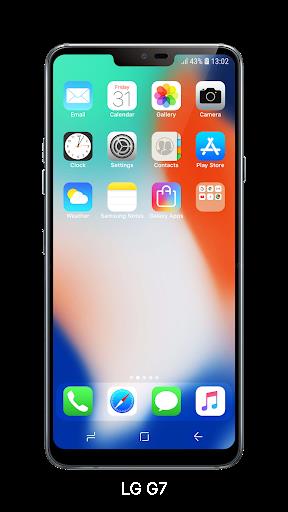
While waiting for a delayed train, you might find yourself wanting a cleaner, more familiar home screen experience on your Android device. Launcher iOS 16 recreates the look and many interactions of iPhone-style launchers while keeping Android under the hood, so you get a polished, uniform interface without switching platforms. This article walks through how to get started, what features are included, practical ways to use the launcher during everyday moments, and whether it matches your needs.
Getting Started with Launcher iOS 16
Install and apply: Download the APK, install it, then set Launcher iOS 16 as your default home app to begin using the new interface immediately.
Grant permissions: Allow the permissions requested for shortcuts, notifications, and wallpaper access so the launcher can mirror system behaviors and show quick actions.
Enable optional modules: If you want Control Center or Assistive Touch-like features, follow the in-app prompts to enable those companion utilities and place their toggles where you prefer.
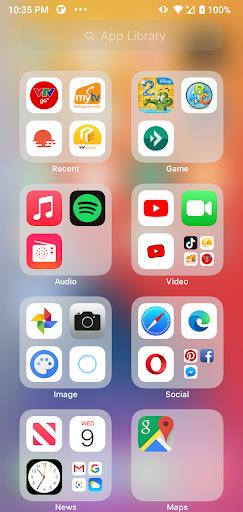
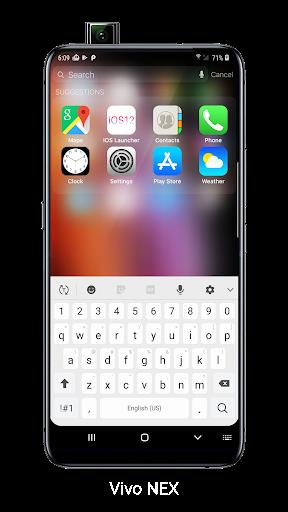
Personalize your layout: Use the built-in settings to choose icon size, dock style, and app grouping so the home screen feels tailored to your routine.
Features of Launcher iOS 16
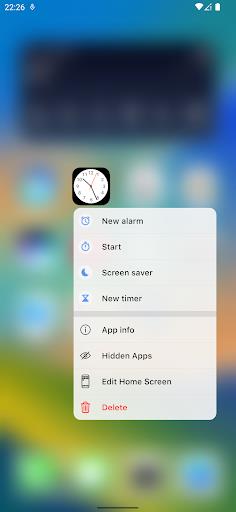
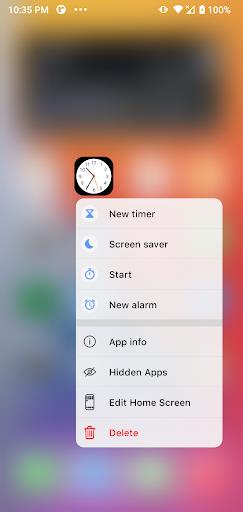
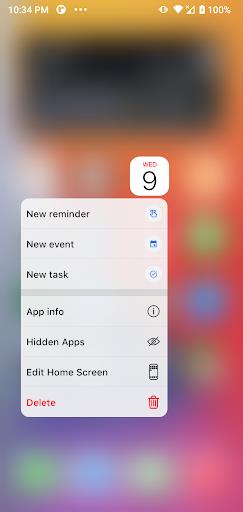
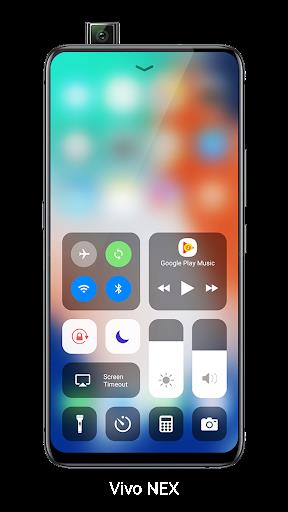
iOS-style Control Center: A slide-up panel gives fast access to Wi-Fi, brightness, and media controls in a layout inspired by iOS, useful when you need quick changes on the go.
Assistive Touch replica: A floating, customizable button provides shortcuts to system functions and apps, handy when you need one-handed control or want persistent quick access.
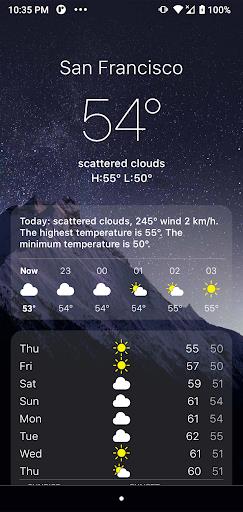
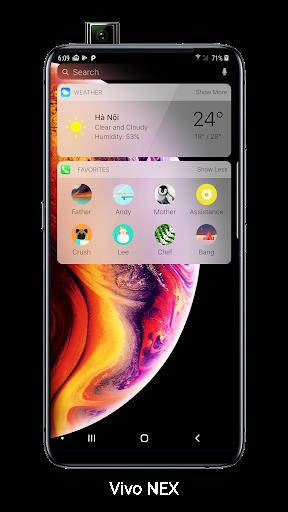
Realistic wallpaper handling: The launcher supports changing wallpapers in a way that mimics true iOS behavior, including parallax-like positioning and lock-screen-like previews.
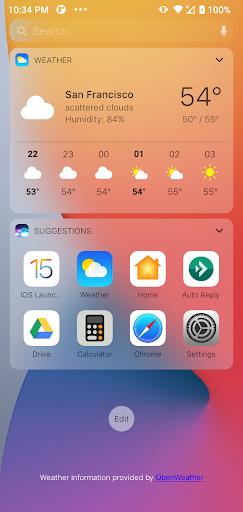
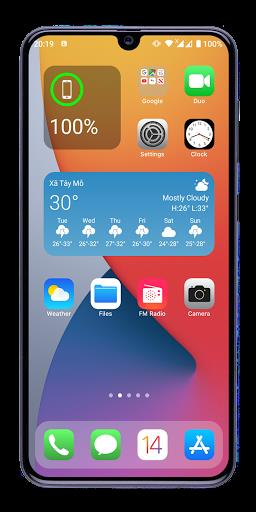
Icon and grid options: Multiple home grid sizes and icon packs let you match spacing and appearance to your taste, whether you prefer compact or airy layouts.
Lightweight performance: The launcher aims to keep memory use modest so your device stays responsive while presenting a smooth visual layer over Android.
Tips and Tricks
Quick access gestures: Set swipe gestures on the dock for shortcuts to your camera or messaging app so you can act fast during a short break.
One-handed setup: Place the Assistive Touch button and frequently used apps within thumb reach, which helps when you're juggling bags or commuting.
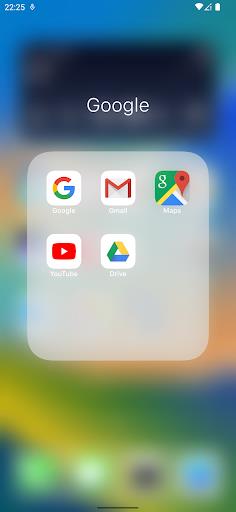
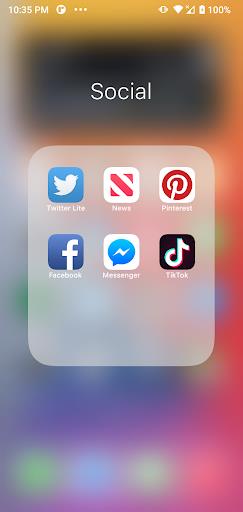
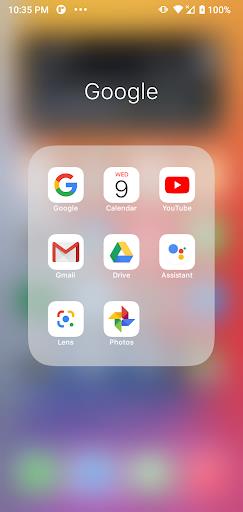
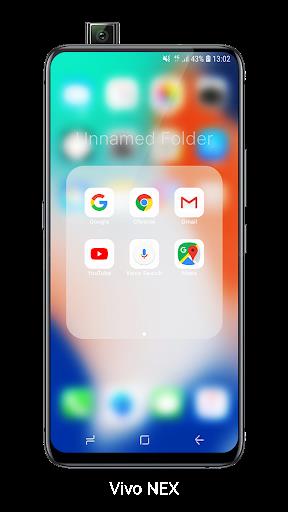
Organize by context: Create folders for work, travel, and entertainment to switch focus quickly, useful when moving between a meeting and a social outing.
Backup your layout: Export your home configuration if the launcher offers a backup option, so you can restore settings after updates or device changes.
Suitable for Launcher iOS 16
- Users who prefer an iPhone-like look on Android
- People who want quick, gesture-driven access to settings
- Owners of older phones seeking a fresh interface without heavy resources
- Anyone who likes to customize icon packs and home grid layouts
Final Verdict
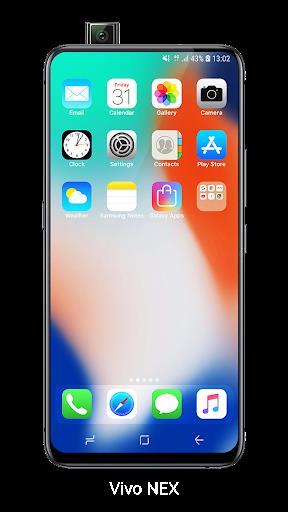
Launcher iOS 16 provides a convincing iOS-style shell for Android that emphasizes accessibility and visual polish, making everyday tasks like toggling settings and launching apps feel smoother. It’s an appealing choice if you want Apple-like aesthetics without leaving Android, and the optional Assistive Touch and Control Center add practical shortcuts. Bear in mind that deeper system integration can vary between devices and some functionality may rely on additional permission grants or companion modules, but for users who value a neat, familiar home screen, it’s worth trying.
Show More
Information
Screenshots
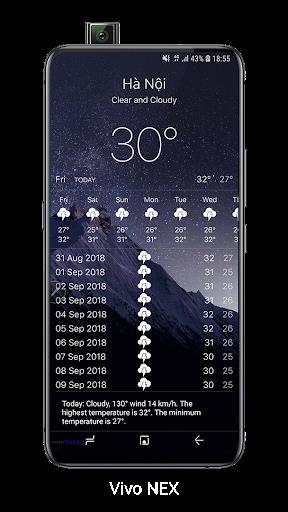
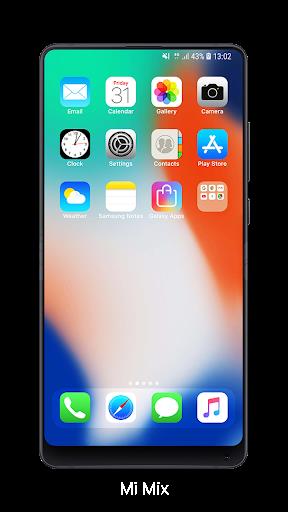
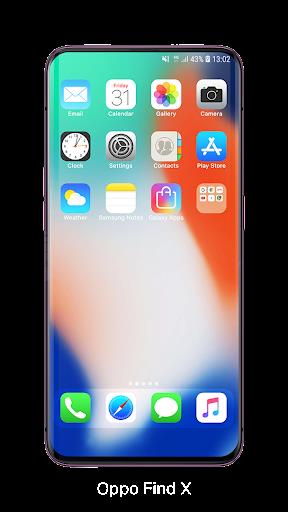
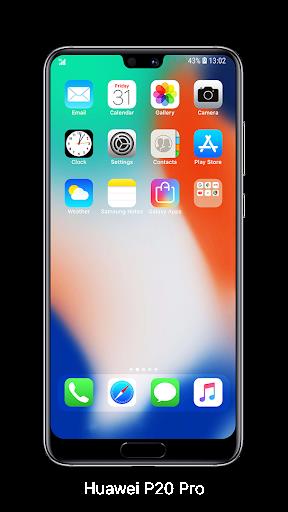
Latest Update












Hot Tags
Latest News
-
![Revealing the Launch Playlists and Cross-Progression for COD Warzone Mobile News]()
-
![March 2024 Free Redemption Codes for Honkai: Star Rail News]()
-
PUBG Mobile Teams Up with Bentley Motors: Luxury Cars, Exclusive Collectibles, and Beyond 2024-04-18
![PUBG Mobile Teams Up with Bentley Motors: Luxury Cars, Exclusive Collectibles, and Beyond News]()
-
![Monster Never Cry is now accessible on both Android and iOS mobile devices. News]()
-
V2.2 of the Farlight 84 update introduces an overhauled Season structure, fresh in-game currency, an 2024-04-16
![V2.2 of the Farlight 84 update introduces an overhauled Season structure, fresh in-game currency, an News]()
-
![Arrival of Genshin Impact 4.6 Update: 'Embers of Two Realms, Twilight of Crimson' News]()
-
April 2024 Clash of Clans Update: Unveiling a Fresh Companion, Enhanced Levels, Chat Tagging, and Be 2024-04-16
![April 2024 Clash of Clans Update: Unveiling a Fresh Companion, Enhanced Levels, Chat Tagging, and Be News]()






