
FluOxigen - Icon Pack
Version:5.4
Published:2026-11-05
Introduction
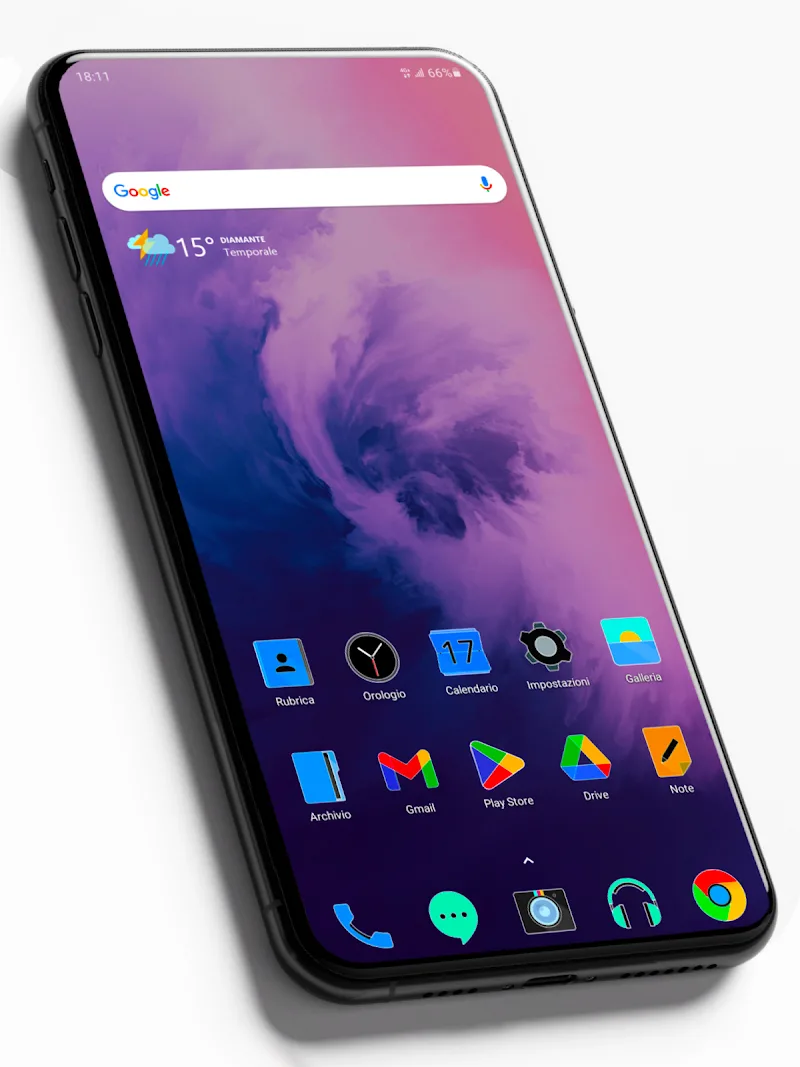
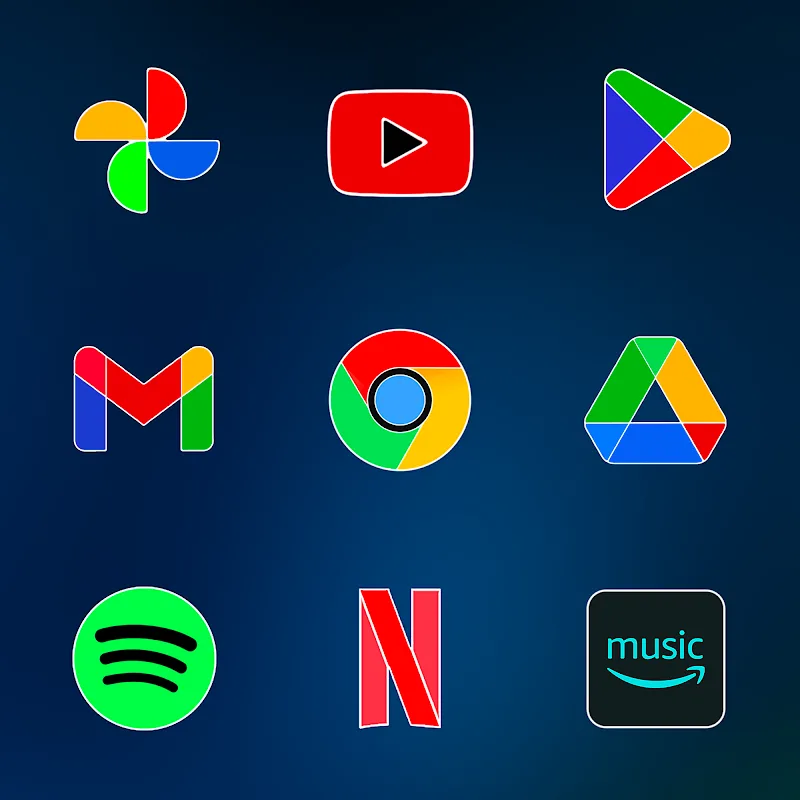
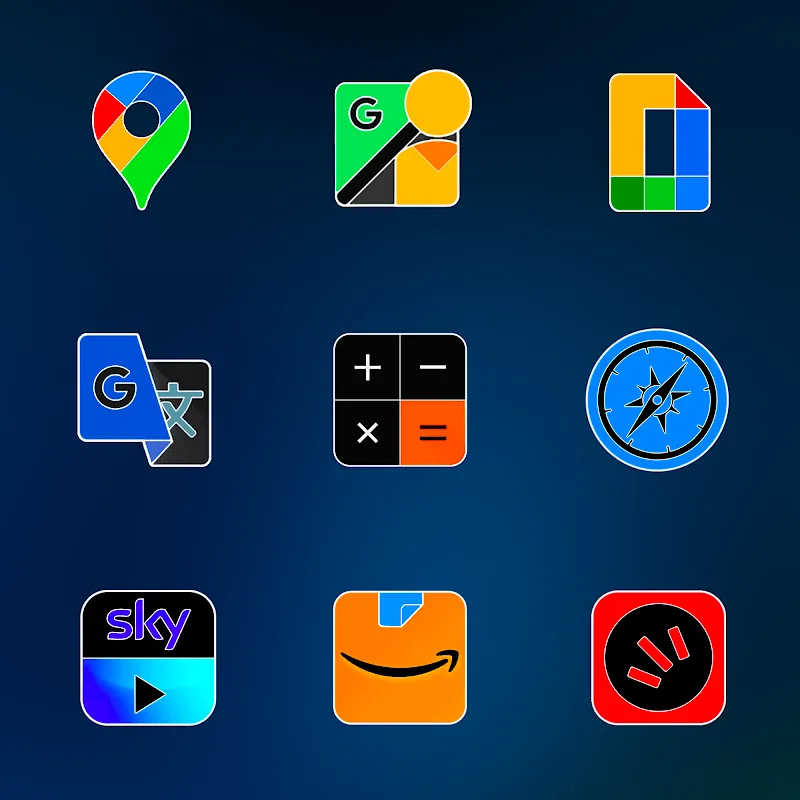
FluOxigen - Icon Pack is a modern icon theme designed for Android launchers that blends vivid gradients with minimalist glyphs. It delivers a cohesive visual overhaul for home screens, offering thousands of icons, multiple wallpaper styles, and adaptive support to keep your device appearance fresh and consistent.
Overview of the design approach
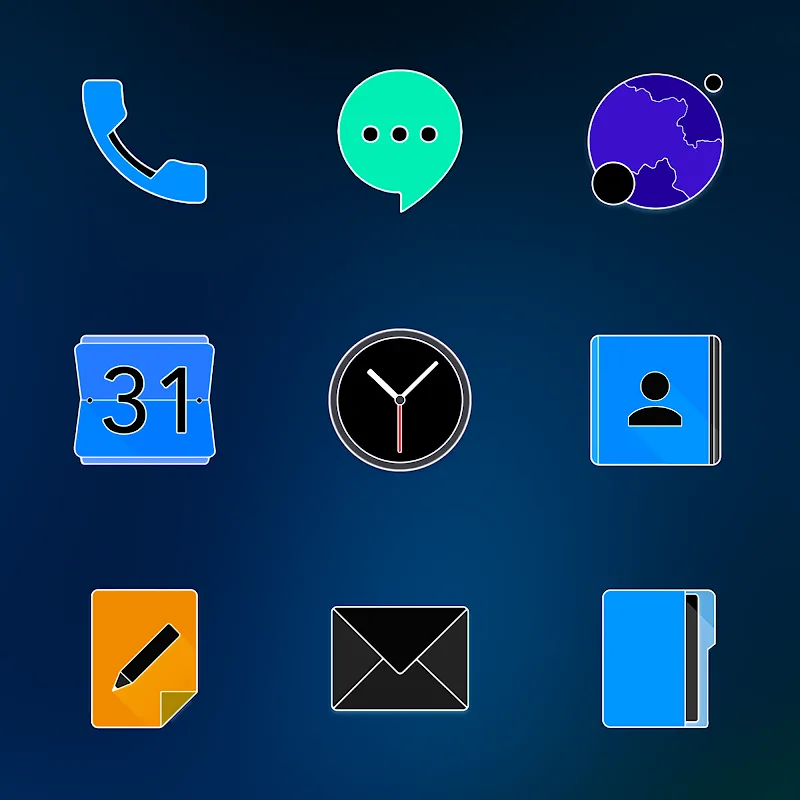
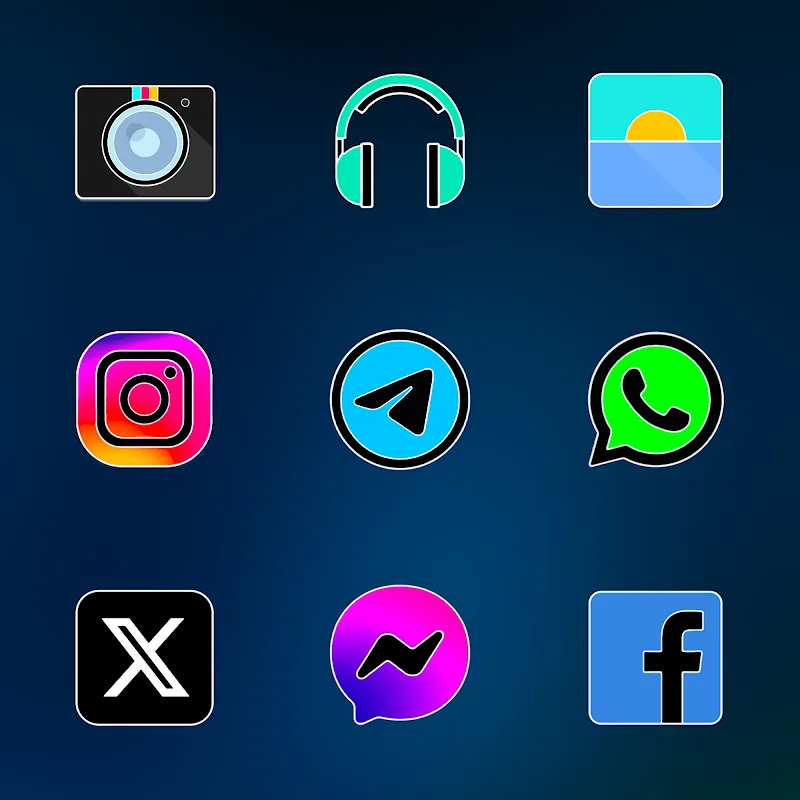
FluOxigen - Icon Pack focuses on clarity and color harmony. Icons use soft neon gradients, subtle shadows, and simplified shapes to create a recognizable aesthetic that works across different wallpaper types. The set emphasizes legibility at small sizes while maintaining distinctive silhouettes for popular apps.
What’s inside the package
- Extensive icon coverage: Thousands of handcrafted icons covering mainstream apps and niche utilities.
- Adaptive icon support: Many icons are provided in adaptive formats for compatible launchers.
- Custom wallpapers: A curated collection of matching wallpapers and texture backdrops.
- Icon request tool: Built-in request feature for missing icons.
Customization and flexibility
Customization is where FluOxigen shines. The icon pack doesn’t force a single look; instead it provides choices that let users tune contrast, choose accent colors, and apply alternate glyphs to achieve a personalized feel. The wallpaper set is designed to pair with the icons so that app icons maintain visual balance regardless of background brightness.
How to tailor the experience
- Mix and match alternate icons from the icon picker to create a unique grid.
- Apply icon masks or roundness adjustments via compatible launchers to match system elements.
- Use the provided wallpapers to emphasize either warm or cool tones, depending on your preference.
Performance and compatibility
FluOxigen - Icon Pack is lightweight and optimized for responsiveness. Icons are vector-based or high-resolution PNGs, which keep file sizes reasonable while ensuring crisp rendering on high-DPI displays. The package supports most popular Android launchers, including Nova, Lawnchair, Apex, and others, and falls back gracefully when full adaptive icon support isn't available.
Launcher integration tips
- After installing, open your launcher’s theme or icon settings and select FluOxigen as the active icon pack.
- For adaptive icons, enable the launcher’s adaptive option so rounded or squircle shapes align across all icons.
- Use the icon request option to fill gaps; many developers respond with weekly updates.
User experience and interface
The setup app that accompanies FluOxigen organizes content simply: a preview grid, wallpaper browser, and request center are all accessible from the main screen. Small touches—like quick-apply buttons and an indicator for unthemed apps—smooth the process of refreshing a home screen without diving into complex settings.
Practical workflow for theming
- Pick a wallpaper from the curated collection as your starting point.
- Apply the icon pack and adjust launcher shape settings to match your taste.
- Replace remaining unthemed icons manually from the icon picker to complete the look.
Tips for new users
Beginners should try a single mode before experimenting. Start with the default gradient palette and a neutral wallpaper to understand how glyph contrast behaves. If you want a bold look, select a high-saturation wallpaper and use alternate icons with thicker strokes.
Maintenance and updates
- Check the app periodically for icon updates tied to newly released apps or system changes.
- Use the icon request tool to prioritize icons you need most; developers typically batch requests into updates.
- Back up your launcher settings before making sweeping changes so you can revert quickly.
Why designers and users choose it
FluOxigen - Icon Pack appeals to people who want a contemporary, colorful interface without sacrificing readability. It balances artistry and utility: designers appreciate consistent styling, while everyday users get an easy way to refresh their device’s look. Regular updates and thoughtful integration make the pack suitable for both casual themers and enthusiasts.
Whether you want a subtle refresh or a vivid overhaul, FluOxigen - Icon Pack provides the assets and workflow to achieve a polished home screen with minimal effort.
Show More
Information
Screenshots
Latest Update









Latest News
-
![Revealing the Launch Playlists and Cross-Progression for COD Warzone Mobile News]()
-
![March 2024 Free Redemption Codes for Honkai: Star Rail News]()
-
PUBG Mobile Teams Up with Bentley Motors: Luxury Cars, Exclusive Collectibles, and Beyond 2024-04-18
![PUBG Mobile Teams Up with Bentley Motors: Luxury Cars, Exclusive Collectibles, and Beyond News]()
-
![Monster Never Cry is now accessible on both Android and iOS mobile devices. News]()
-
V2.2 of the Farlight 84 update introduces an overhauled Season structure, fresh in-game currency, an 2024-04-16
![V2.2 of the Farlight 84 update introduces an overhauled Season structure, fresh in-game currency, an News]()
-
![Arrival of Genshin Impact 4.6 Update: 'Embers of Two Realms, Twilight of Crimson' News]()
-
April 2024 Clash of Clans Update: Unveiling a Fresh Companion, Enhanced Levels, Chat Tagging, and Be 2024-04-16
![April 2024 Clash of Clans Update: Unveiling a Fresh Companion, Enhanced Levels, Chat Tagging, and Be News]()






