

Mico Live Wallpaper
Version:1.69.0
Published:2026-11-05
Introduction
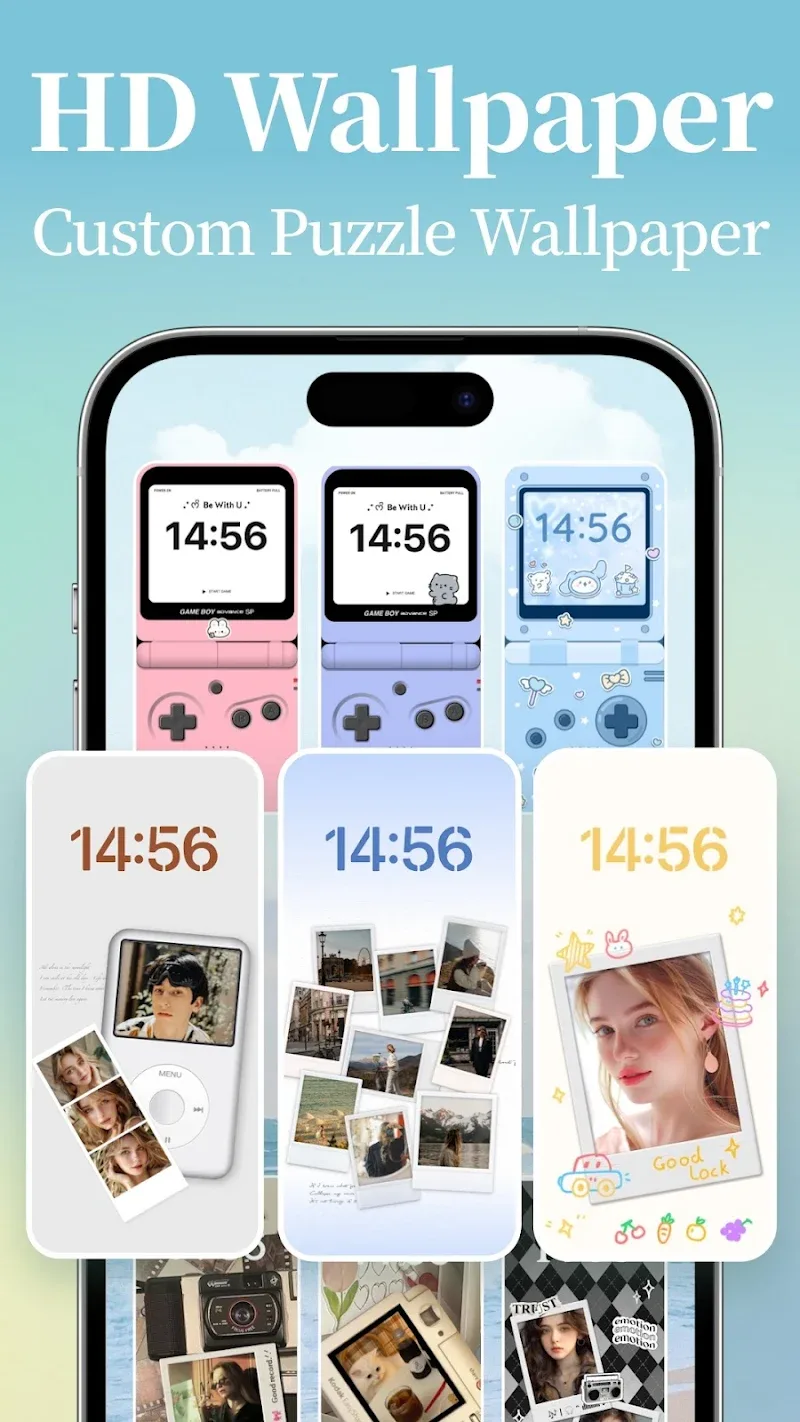
Mico Live Wallpaper is a home-screen personalization tool that helps you refresh your Android device with animated backgrounds, a broad widget library, and photo-based live wallpaper creation. Mico Live Wallpaper combines easy-to-use controls with professional visual options: choose from hundreds of styles, convert your own photos into crisp 4K live wallpapers with depth and filter effects, and place photo-frame widgets that display favorite images directly on your desktop. The app is designed to make personalization visual and immediate, letting you experiment with minimal setup and clear previews before you apply any changes to your lock or home screen.
Key Features
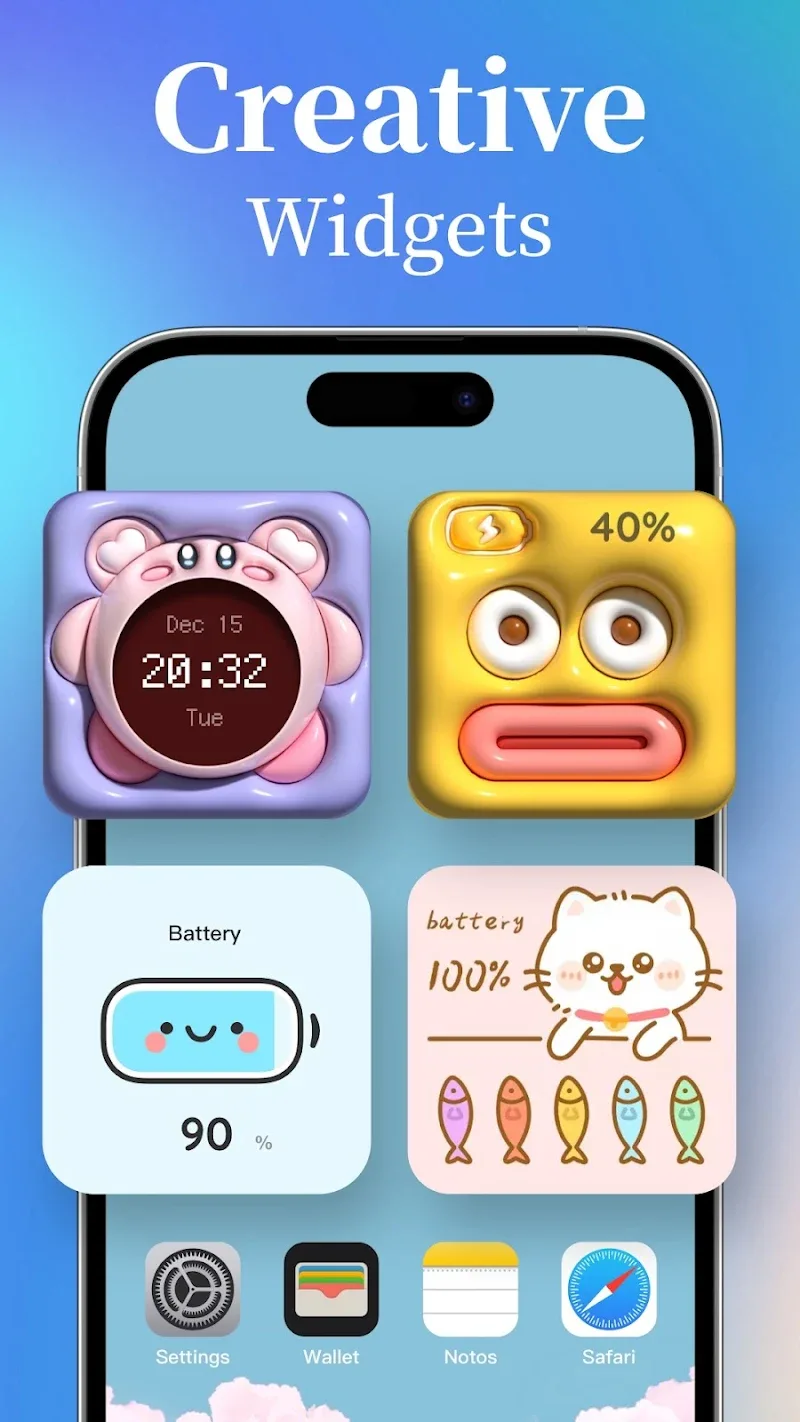
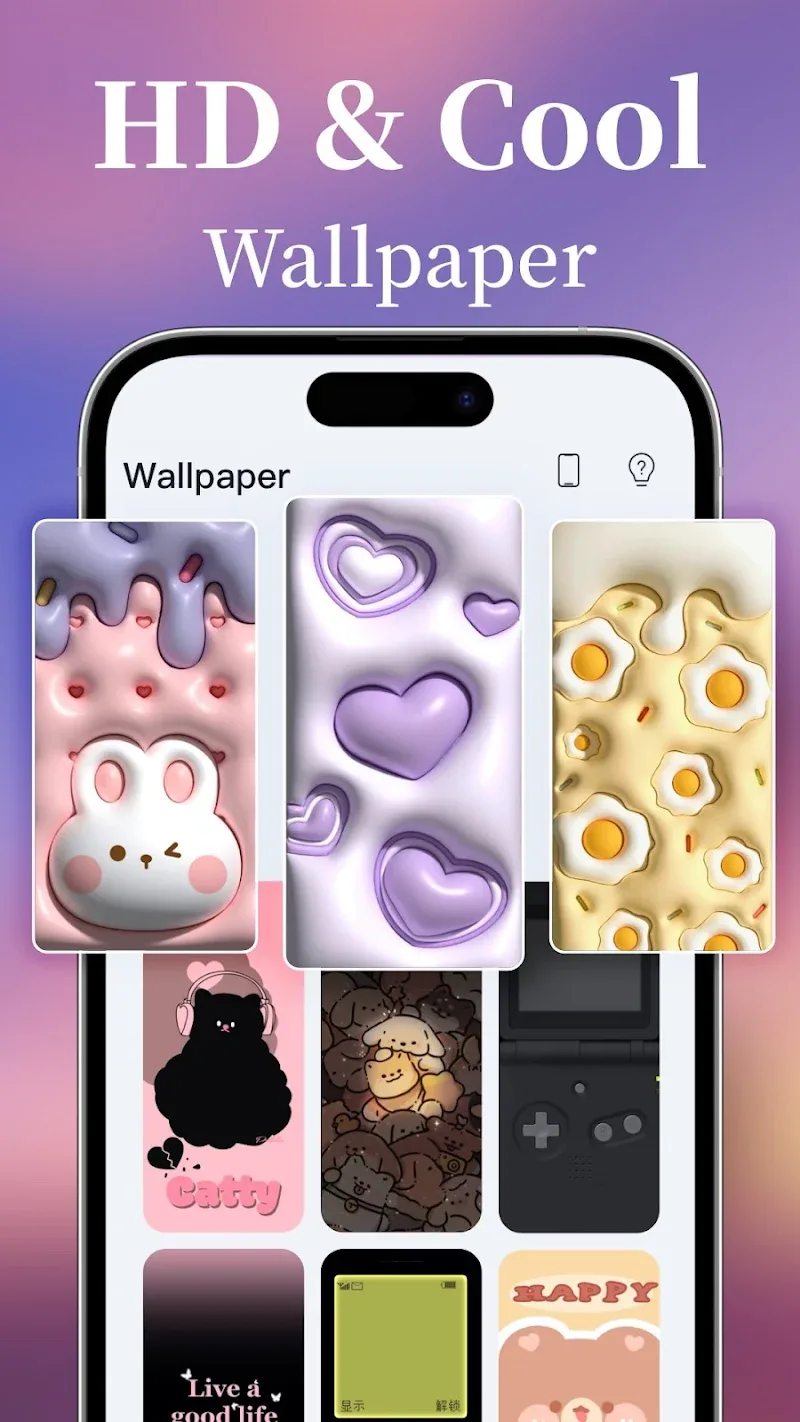
The feature set centers on a large library of widgets and daily-updated wallpapers across diverse categories, from subtle abstract textures to vivid illustrated themes. Widgets can be customized in style and size and used for both decorative and practical purposes. The photo-to-live-wallpaper tool applies AI-assisted depth and sharpening techniques to create dynamic 4K backgrounds from your pictures while preserving detail. A live preview mode shows how animations, parallax and filters will look at the selected resolution so you can fine-tune settings before applying them.
Controls and Interaction
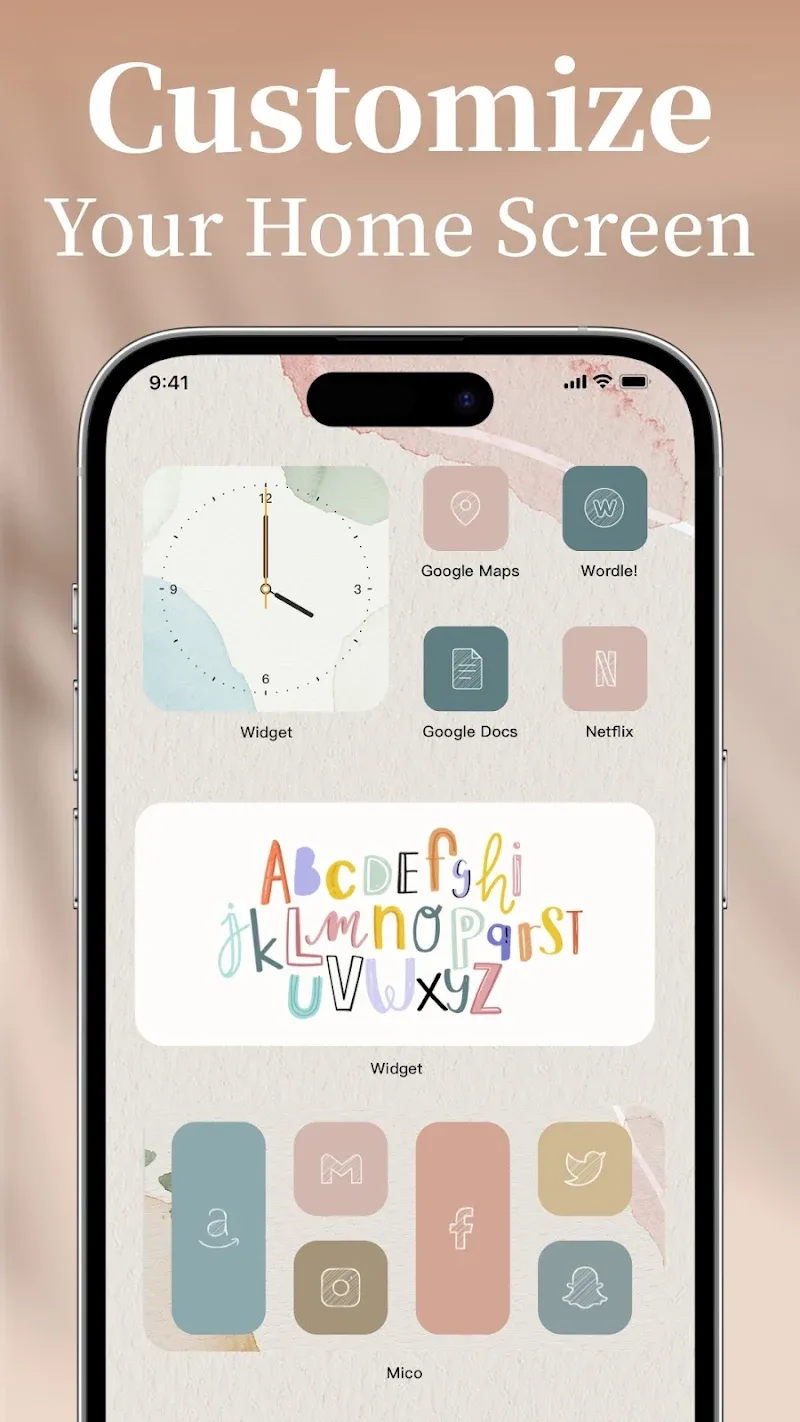
Controls are intentionally straightforward: select a wallpaper or widget from the in-app gallery, preview it at full-screen, then apply it to the home screen or lock screen with a single tap. Widget placement follows standard Android gestures: long-press the home screen to enter layout mode, drag and drop widgets to position them, and use pinch or drag handles to resize where supported. During wallpaper creation you can adjust depth intensity, animation speed and filter strength using sliders, and the preview updates in real time so you understand the impact of each change.
Customization and Progression
Customization is a progressive experience rather than a one-shot edit: you can save multiple themed presets (for example work, evening, and weekend layouts), pin favorite wallpapers to a collection, and revisit previously applied backgrounds from an applied-history panel. As you explore the library and daily-curated additions, you can build a personal catalog of looks that reflect evolving tastes without losing the original images. Small iterative edits—tweaking fonts, colors or motion settings—let users evolve a theme over time rather than starting from scratch each session.
Visual Style and Performance
Visual options range from minimal, understated wallpapers with subtle grain and low-motion parallax to richly animated scenes with layered depth and light effects. The app supports high-resolution exports so converted photos remain sharp on modern displays, and filters provide color grading and contrast adjustments to match seasonal or mood-based themes. Performance controls allow you to choose lower frame rates or simplified animation layers on devices where battery life and thermal behavior are a concern, keeping the app flexible across hardware generations.
User Experience and Accessibility
The interface emphasizes discoverability with curated collections and search-friendly categories to help you find a style quickly. Onboarding tips guide new users through basic operations such as applying a wallpaper, adding a widget, and saving presets. Accessibility-conscious options include higher-contrast palettes, larger text for in-app labels where applicable, and a reduce-motion mode that limits parallax and animation for users sensitive to motion. Wallpapers and widgets you download for offline use remain available without an active connection, making the core features usable on the go.
Compatibility and Practical Considerations
Mico Live Wallpaper runs well on most modern Android phones and tablets, but some advanced AI-powered depth effects and ultra-high-resolution exports perform best on more recent hardware. If you prefer to save battery or use older devices, the app provides simplified visual modes and the ability to disable the most expensive animation layers. Be aware that dynamic wallpapers and continuous animations will use more power than static backgrounds, so the app gives you clear controls to trade off visual richness against battery life.
Experience and Replay Value
Because the app updates its gallery regularly and allows you to save and combine widgets, the experience offers long-term replay value: you can rotate daily themes, create seasonal presets, and continually refine a personal aesthetic without repeated setup. The combination of a large widget catalog, photo conversion tools and incremental customization options makes it easy to keep your device feeling fresh while retaining a coherent visual identity.
Getting Started
Download Mico Live Wallpaper to explore the gallery, convert a favorite photo into a live 4K background, and save your first preset. The app is built to be approachable for quick, one-step changes and deep enough for users who enjoy refining fonts, colors, and motion to craft a unique home screen look over time.
Show More
Information
Screenshots
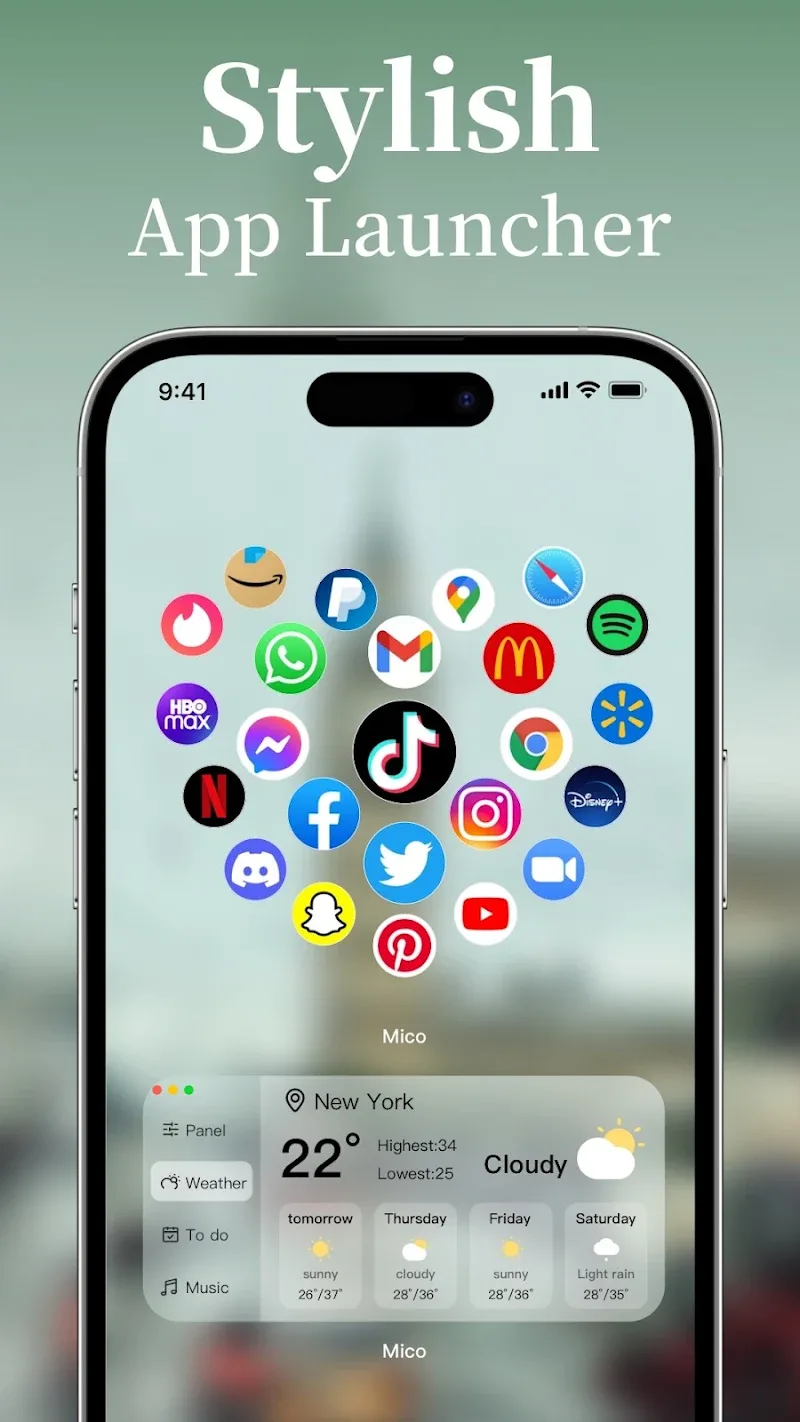
Latest Update











Latest News
-
![Revealing the Launch Playlists and Cross-Progression for COD Warzone Mobile News]()
-
![March 2024 Free Redemption Codes for Honkai: Star Rail News]()
-
PUBG Mobile Teams Up with Bentley Motors: Luxury Cars, Exclusive Collectibles, and Beyond 2024-04-18
![PUBG Mobile Teams Up with Bentley Motors: Luxury Cars, Exclusive Collectibles, and Beyond News]()
-
![Monster Never Cry is now accessible on both Android and iOS mobile devices. News]()
-
V2.2 of the Farlight 84 update introduces an overhauled Season structure, fresh in-game currency, an 2024-04-16
![V2.2 of the Farlight 84 update introduces an overhauled Season structure, fresh in-game currency, an News]()
-
![Arrival of Genshin Impact 4.6 Update: 'Embers of Two Realms, Twilight of Crimson' News]()
-
April 2024 Clash of Clans Update: Unveiling a Fresh Companion, Enhanced Levels, Chat Tagging, and Be 2024-04-16
![April 2024 Clash of Clans Update: Unveiling a Fresh Companion, Enhanced Levels, Chat Tagging, and Be News]()






