

Flat Pie - Icon Pack
Version:7.1
Published:2026-11-09
Introduction
Flat Pie - Icon Pack transforms your Android home screen with a cohesive set of flat, colorful icons and matching wallpapers. Designed for simplicity and readability, Flat Pie streamlines app presentation while supporting popular launchers, adaptive icons, and frequent updates to keep a consistent look across devices.
Design and Icon Set
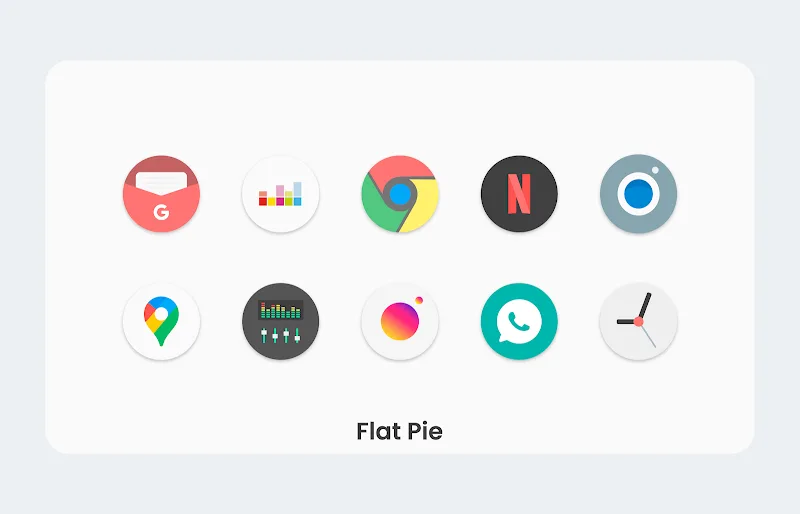
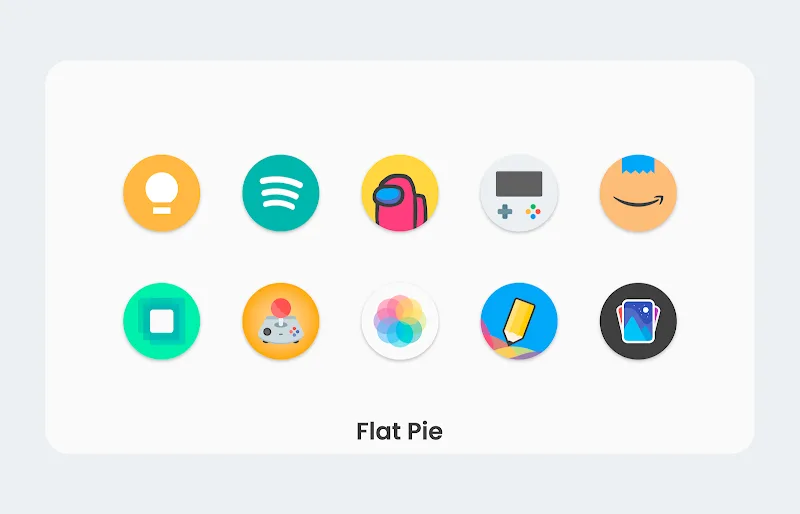
Flat Pie focuses on clean geometry and a muted palette that suits minimalist and modern themes. Each icon uses a flattened design language, subtle shadows, and simplified silhouettes to enhance recognition at small sizes. The pack includes thousands of icons covering major apps plus a curated collection of alternate glyphs and color variations to fit different backgrounds.
Customization and Theme Tools
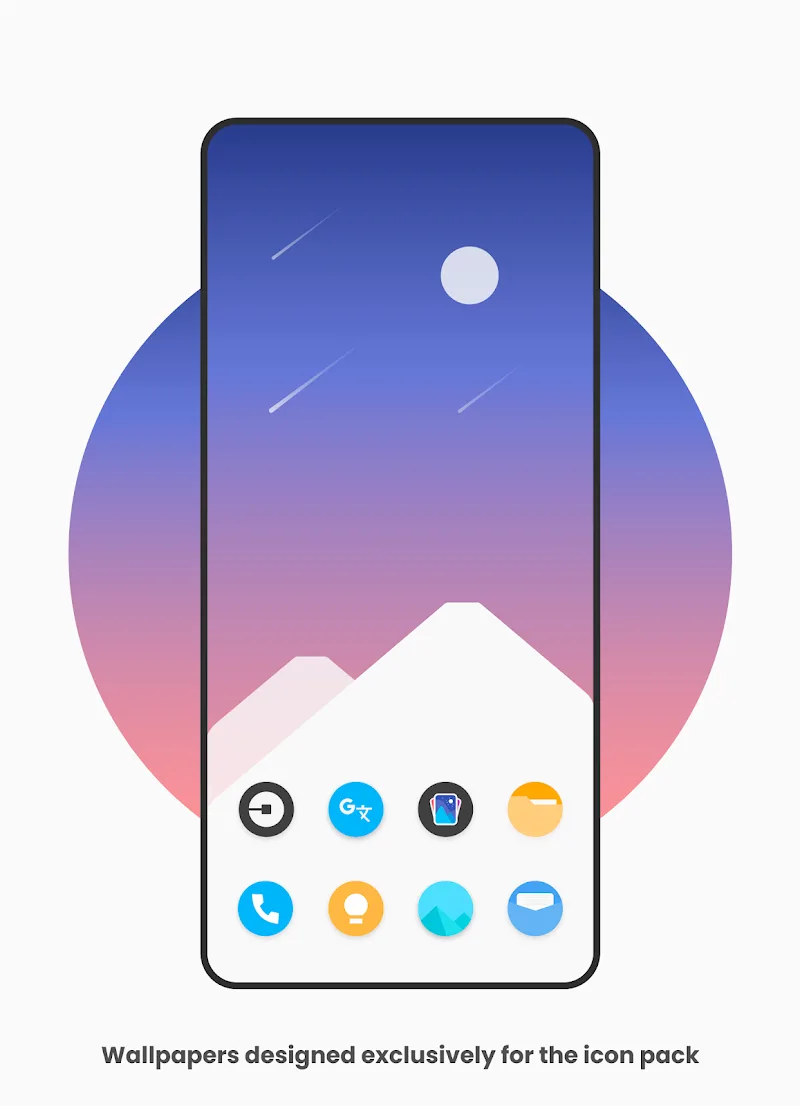
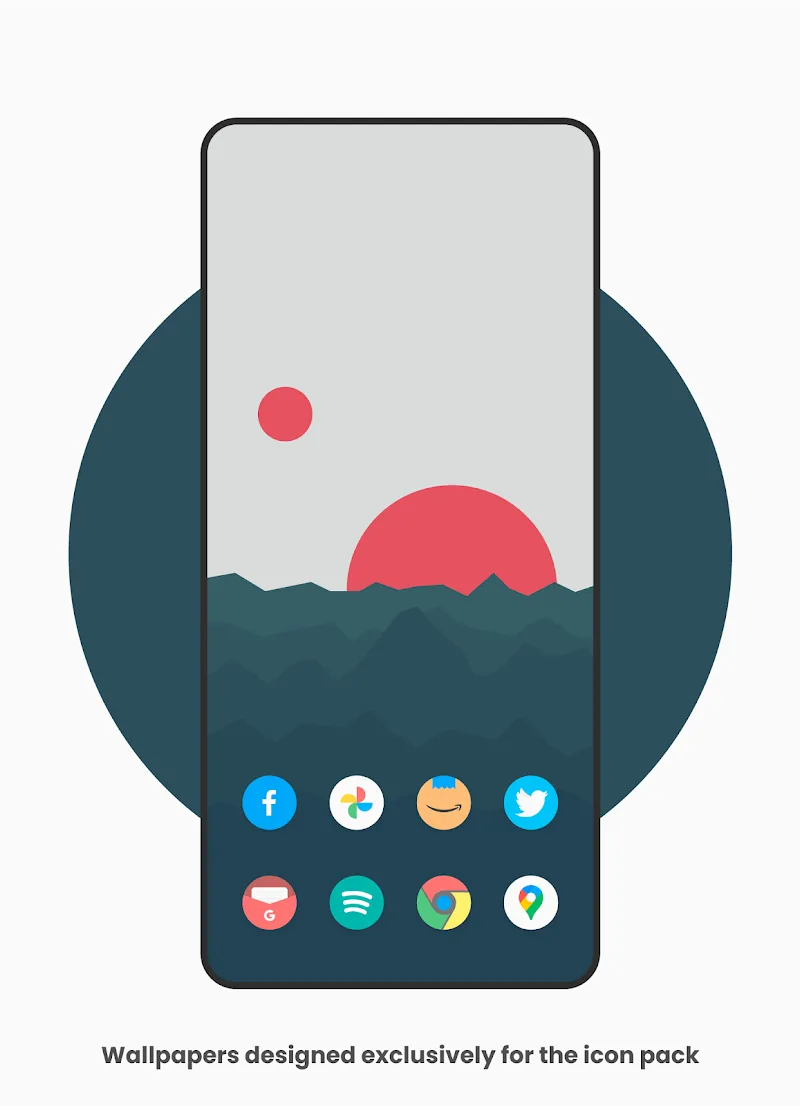
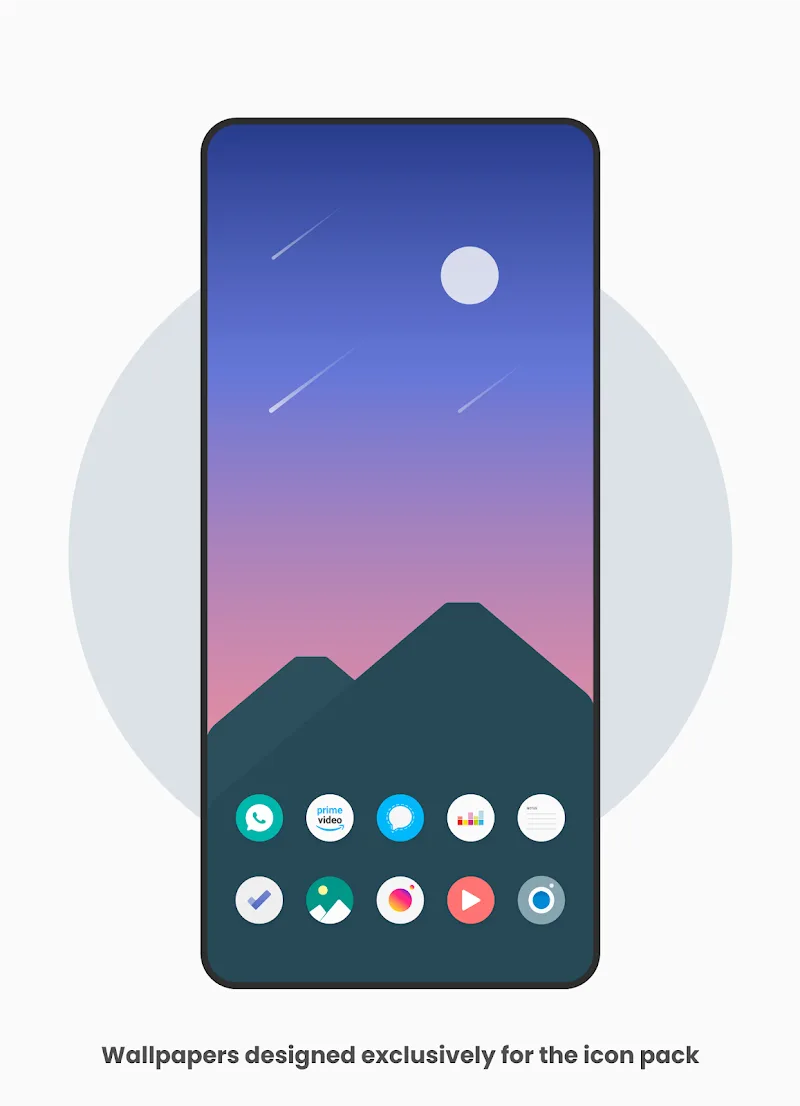
The package goes beyond icons: it bundles matching wallpapers, folder backgrounds, and clock widgets that keep your home screen cohesive. A built-in dashboard lets you browse icons by category, request missing icons, and preview wallpapers. If you prefer a tailored look, you can apply icon masks and adjust icon sizes through supported launchers to refine spacing and alignment.
How to Apply Icons
Applying Flat Pie - Icon Pack is straightforward. Open the app dashboard, select your launcher from the list, and tap Apply. The pack supports most mainstream launchers such as Nova, Lawnchair, Action, and many OEM launchers that accept third-party icon sets. For launchers without direct integration, manual replacement via the launcher’s settings or a compatible theming tool will achieve the same result.
Compatibility and Performance
Performance is light — icons are vector-based and optimized for fast loading and minimal memory overhead. The icon pack is compatible with a wide range of Android versions and works well on both phones and tablets. Adaptive icon support ensures the visuals match the device’s system style, while high-resolution PNG fallbacks maintain clarity on devices that don’t support adaptive shapes.
Icon Requests and Updates
Flat Pie includes a streamlined request system so you can ask the developer to add icons for apps that aren’t yet covered. Each update typically adds requested icons and occasionally refreshes palettes or wallpaper options. Regular updates help the pack stay current as new apps appear and existing apps change their branding.
Personalization Tips
- Start with a matching wallpaper included in the pack to see the full effect of the icon colors and shapes.
- Use a launcher that supports adaptive icons and icon size adjustments to fine-tune spacing and consistency.
- Create custom folders and assign alternate glyphs to frequently used apps for faster access and improved aesthetics.
User Interface and Workflow
The app’s dashboard is designed for quick navigation. Icons are searchable and grouped by category, and the wallpaper previewer includes a fit-to-screen option for different aspect ratios. The workflow is quick: search, select, and apply. For users who manage multiple setups, the app preserves your selection state when switching between themes or after updates.
Visual Quality and Device Support
Flat Pie - Icon Pack delivers crisp visuals on AMOLED and LCD panels alike. Icons are crafted with attention to contrast and legibility, which helps readability under different brightness settings. The pack supports both light and dark backgrounds without losing detail, and its palette choices aim to reduce visual clutter while maintaining identifiable app branding.
Support and Documentation
Comprehensive documentation inside the app covers installation steps for lesser-known launchers and troubleshooting tips for icon masking or badge compatibility. Developer contact and FAQ links are provided for faster responses to requests or technical issues. The small download size and clear instructions lower the barrier for users new to custom icon packs.
Why Choose Flat Pie - Icon Pack
For users who want a unified, modern appearance without heavy embellishment, Flat Pie offers a balanced approach: elegant minimalism, reliable performance, and thoughtful extras like wallpapers and widgets. It’s a practical choice for people who change themes frequently or those looking to give an older device a contemporary, cohesive look.
Flat Pie continues to evolve through user feedback and regular maintenance, keeping its icon library relevant while remaining easy to use. Whether you want to refresh a current setup or build a brand-new minimalist home screen, this icon pack provides the tools and polish to achieve a clean, organized interface.
Show More
Information
Screenshots
Latest Update












Latest News
-
![Revealing the Launch Playlists and Cross-Progression for COD Warzone Mobile News]()
-
![March 2024 Free Redemption Codes for Honkai: Star Rail News]()
-
PUBG Mobile Teams Up with Bentley Motors: Luxury Cars, Exclusive Collectibles, and Beyond 2024-04-18
![PUBG Mobile Teams Up with Bentley Motors: Luxury Cars, Exclusive Collectibles, and Beyond News]()
-
![Monster Never Cry is now accessible on both Android and iOS mobile devices. News]()
-
V2.2 of the Farlight 84 update introduces an overhauled Season structure, fresh in-game currency, an 2024-04-16
![V2.2 of the Farlight 84 update introduces an overhauled Season structure, fresh in-game currency, an News]()
-
![Arrival of Genshin Impact 4.6 Update: 'Embers of Two Realms, Twilight of Crimson' News]()
-
April 2024 Clash of Clans Update: Unveiling a Fresh Companion, Enhanced Levels, Chat Tagging, and Be 2024-04-16
![April 2024 Clash of Clans Update: Unveiling a Fresh Companion, Enhanced Levels, Chat Tagging, and Be News]()






