

Listen2MyRadio
Version:1.9.0.6
Published:2026-11-09
Introduction
Tap - then listen, and your device becomes a compact radio console with Listen2MyRadio at the center. This app brings thousands of stations, live streams and talk shows into a single interface so you can quickly find familiar frequencies or stumble onto new programs. It stores your recent plays and favorites, offers basic discovery hints and a community chat for live reaction. If you prefer radio over playlists, Listen2MyRadio packs your saved stations and a lightweight social layer into one simple Android app.
Getting Started with Listen2MyRadio
Install and launch: Download the APK and open the app to land on a clean home screen that lists popular and recent streams.
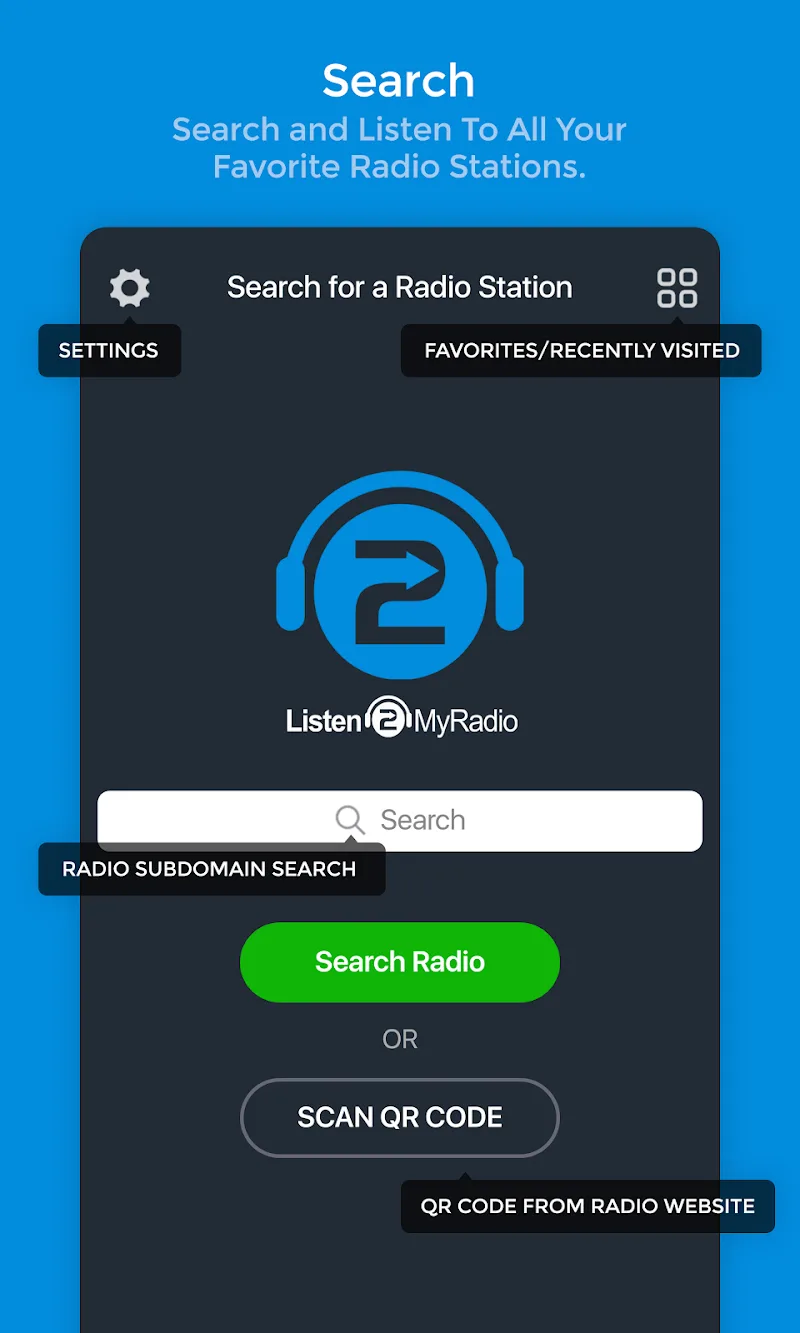
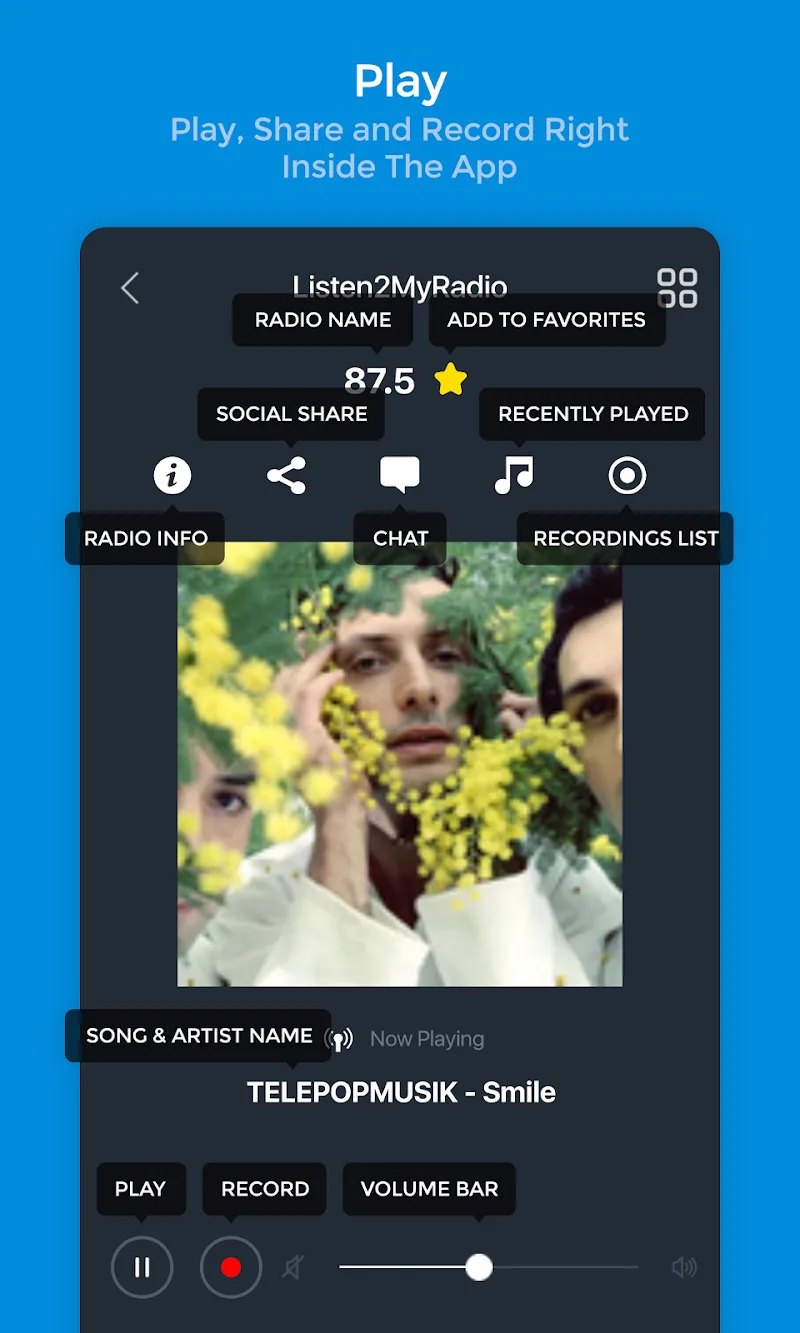
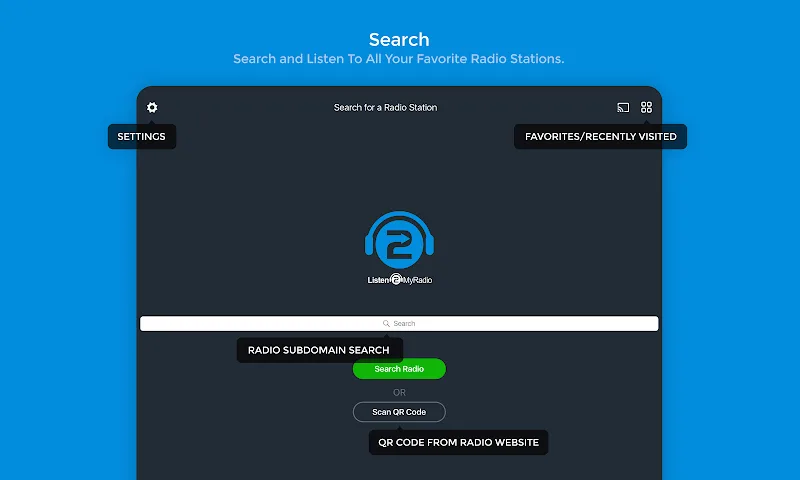
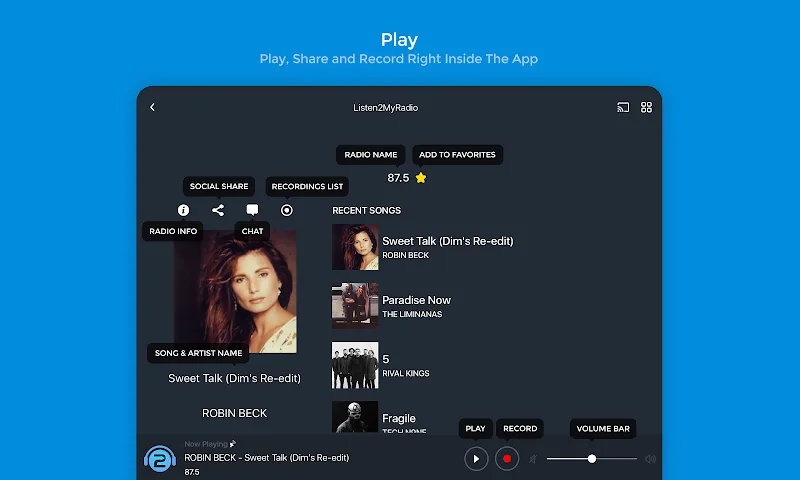
Search and save: Use the search bar to type station names, genres or locations; tap the star icon to add a station to your favorites for one-tap return.
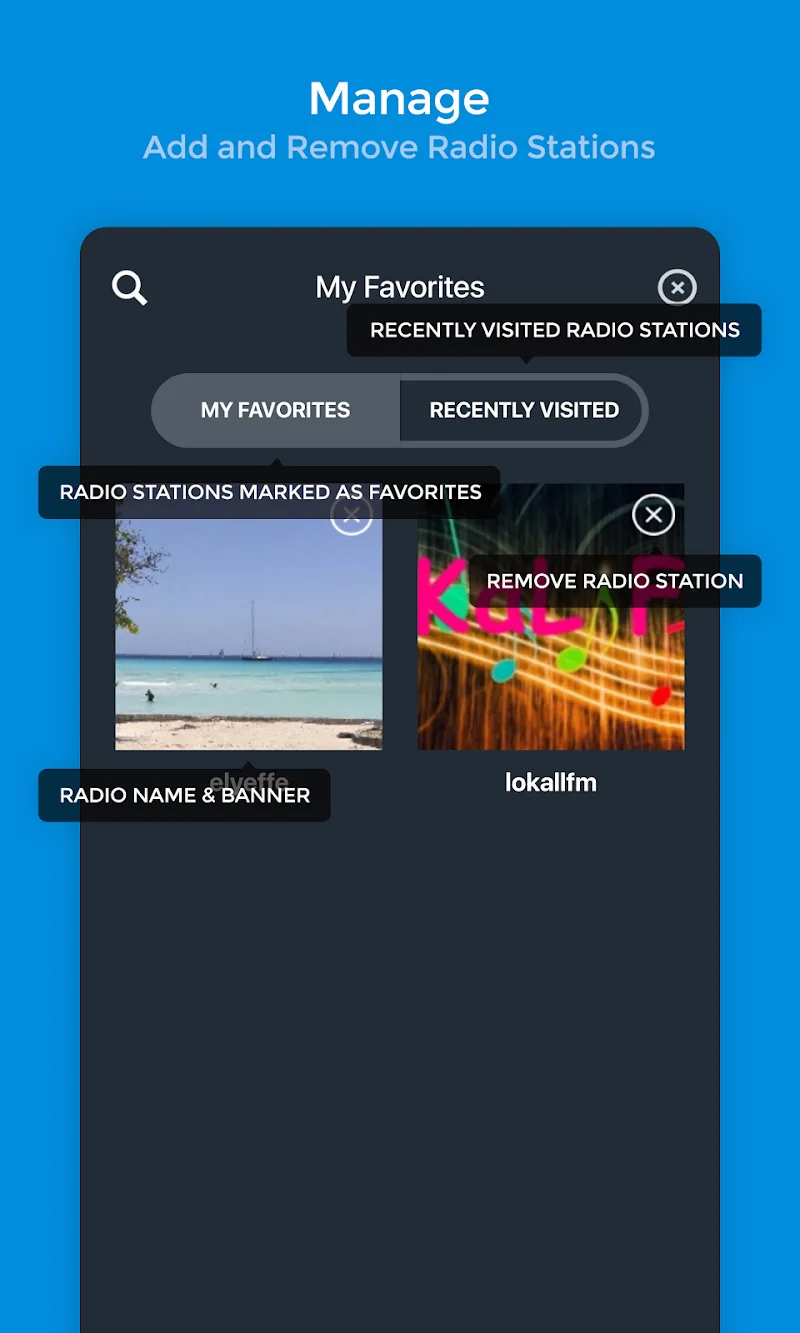
Manage your list: Open your favorites or history to reorder, rename or remove saved stations so your lineup stays tidy.
Join chats: When a stream is live, the chat window appears; sign in with a nickname to post short messages and see other listeners react.
Features of Listen2MyRadio:
Extensive station access: The app aggregates a wide range of stations from music and news to niche community broadcasters, making it easy to flip among styles.
Favorites and history: Save frequently used stations and review your listening history so you don’t repeat searches or lose a discovery.
Quick search filtering: Keyword filtering speeds up results when you enter a station name or genre, helping you zero in on a match without scrolling endlessly.
Related suggestions: Each station page points to similar channels so you can explore variations of a style or region you like.
Lightweight streaming: Designed to run on most Android devices, Listen2MyRadio focuses on stable playback without heavy background processing or complex settings.
Tips and Tricks:
Build focused lists: Create separate favorites for commute music, evening talk and background study playlists so you switch moods fast.
Use history as a backup: If a saved station changes address or goes offline, check history to re-find the stream or discover an alternative.
Engage in chat selectively: Chat windows are great for live shoutouts and show notes, but mute or minimize them when you need distraction-free listening.
Watch data use: Stream quality affects mobile data; pick lower bitrates when away from Wi-Fi to avoid surprise usage.
FAQs about Listen2MyRadio:
Can I add a custom stream URL?
Yes. The app supports manual station addresses so you can add private or community streams that aren’t indexed by default.
Do I need an account to use the chat?
No formal account is required for basic participation; you can enter a display name to post messages in community chat during live streams.
Will playback continue in the background?
Background play is supported so you can switch apps while listening. Some devices may restrict background activity; check Android power settings if playback stops unexpectedly.
Conclusion:
Listen2MyRadio keeps live radio browsing and short-form social interaction straightforward, making it easy to collect favorite stations and join live conversations. It fits listeners who prefer an uncluttered interface and quick access to saved channels, though it doesn’t replace feature-rich podcast managers or offline libraries. Availability and specific behaviors may vary by Android version and region, so test the app on your device to confirm streaming performance.
Show More
Information
Screenshots
Latest Update











Latest News
-
![Revealing the Launch Playlists and Cross-Progression for COD Warzone Mobile News]()
-
![March 2024 Free Redemption Codes for Honkai: Star Rail News]()
-
PUBG Mobile Teams Up with Bentley Motors: Luxury Cars, Exclusive Collectibles, and Beyond 2024-04-18
![PUBG Mobile Teams Up with Bentley Motors: Luxury Cars, Exclusive Collectibles, and Beyond News]()
-
![Monster Never Cry is now accessible on both Android and iOS mobile devices. News]()
-
V2.2 of the Farlight 84 update introduces an overhauled Season structure, fresh in-game currency, an 2024-04-16
![V2.2 of the Farlight 84 update introduces an overhauled Season structure, fresh in-game currency, an News]()
-
![Arrival of Genshin Impact 4.6 Update: 'Embers of Two Realms, Twilight of Crimson' News]()
-
April 2024 Clash of Clans Update: Unveiling a Fresh Companion, Enhanced Levels, Chat Tagging, and Be 2024-04-16
![April 2024 Clash of Clans Update: Unveiling a Fresh Companion, Enhanced Levels, Chat Tagging, and Be News]()






