

Status Bar Mini Pro
Version:1.0.262
Published:2026-11-09
Introduction
If you're the kind of user who prefers glanceable, always-on device stats, Status Bar Mini Pro offers a tidy way to keep vital information visible without opening a drawer or an app.
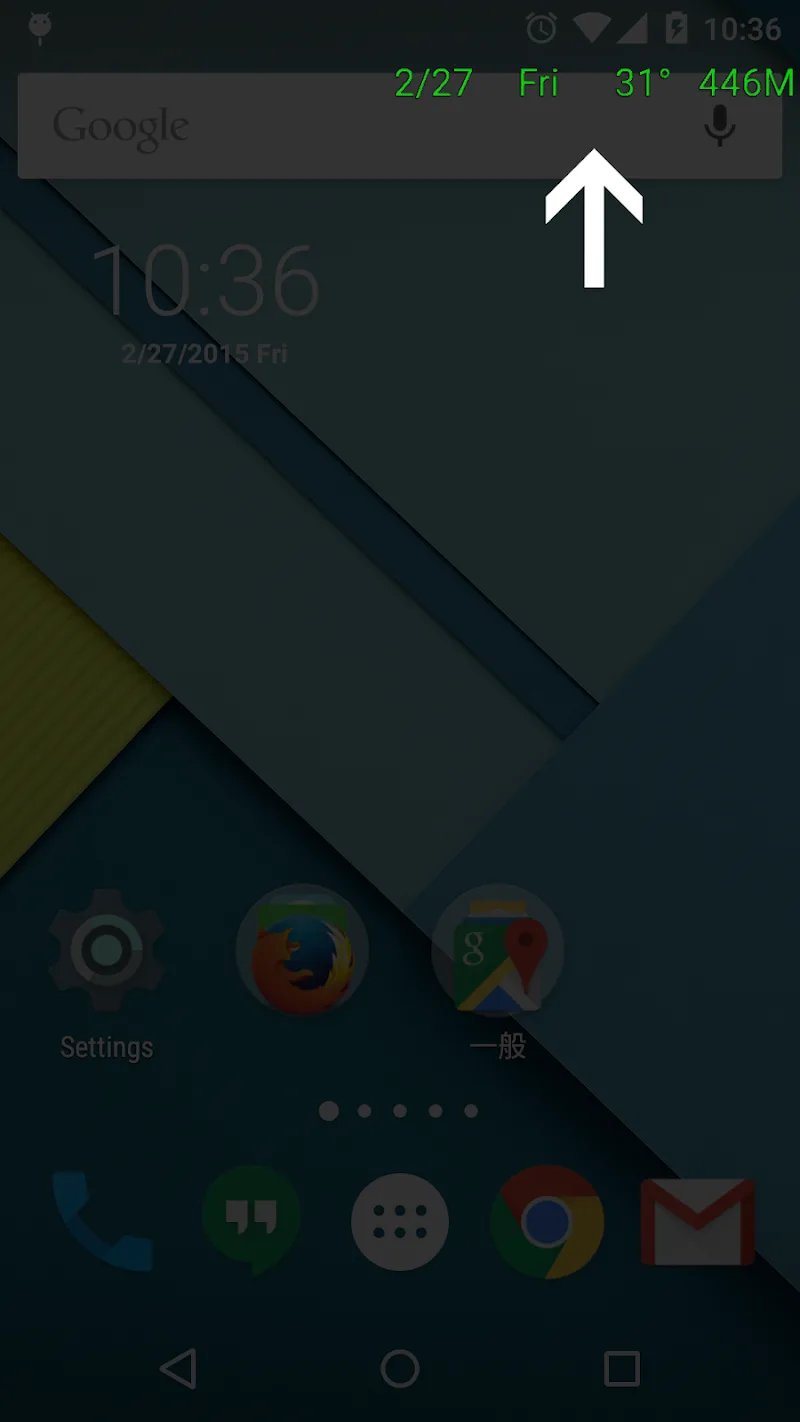
Status Bar Mini Pro places compact text overlays on your home screen and other surfaces so you can monitor battery, memory, network and other system values at a glance. The app focuses on clarity and customization: choose which metrics appear, tweak fonts and colors, and position overlays where they suit your workflow. It is lightweight, designed to run with minimal overhead, and can be helpful in everyday scenarios like managing battery during a long call or checking performance while traveling.
Getting Started with Status Bar Mini Pro
Install and enable overlays: After installing, grant the permission that allows the app to draw on top of other apps. This is needed for overlays to appear on your home screen and over running apps.
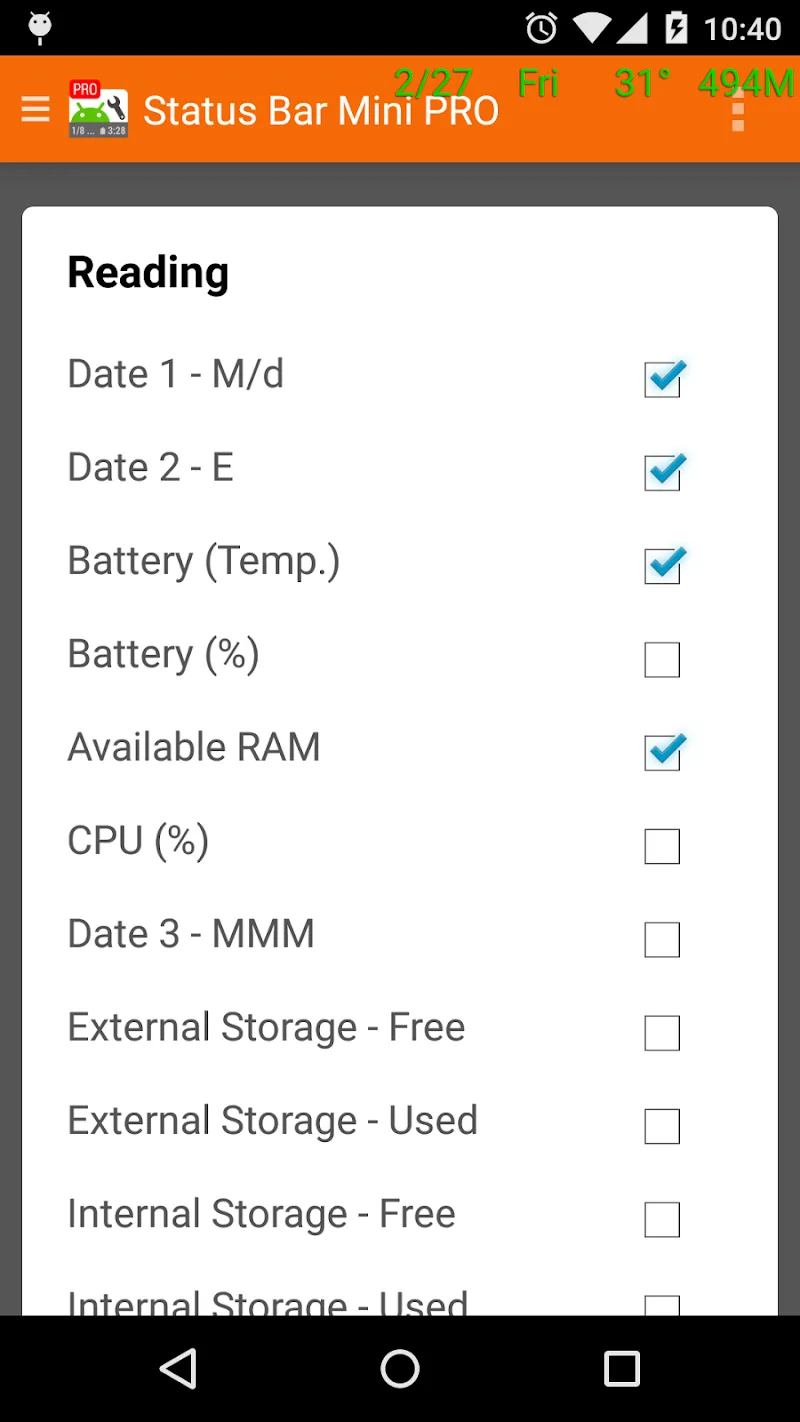
Select the metrics: Pick the values you want to see such as battery percentage, free memory, CPU load, network speed or time. You can combine several items into a single strip or show them separately.
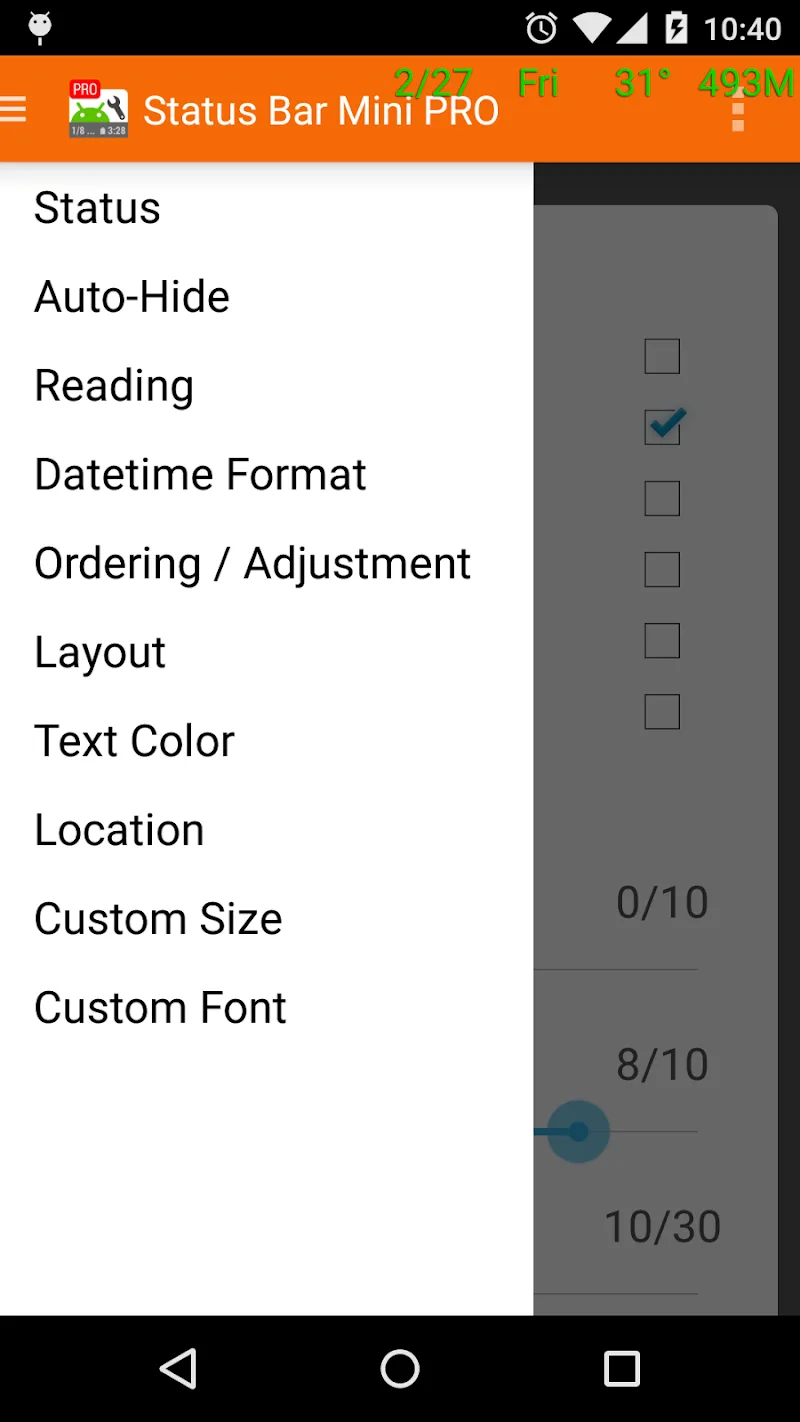
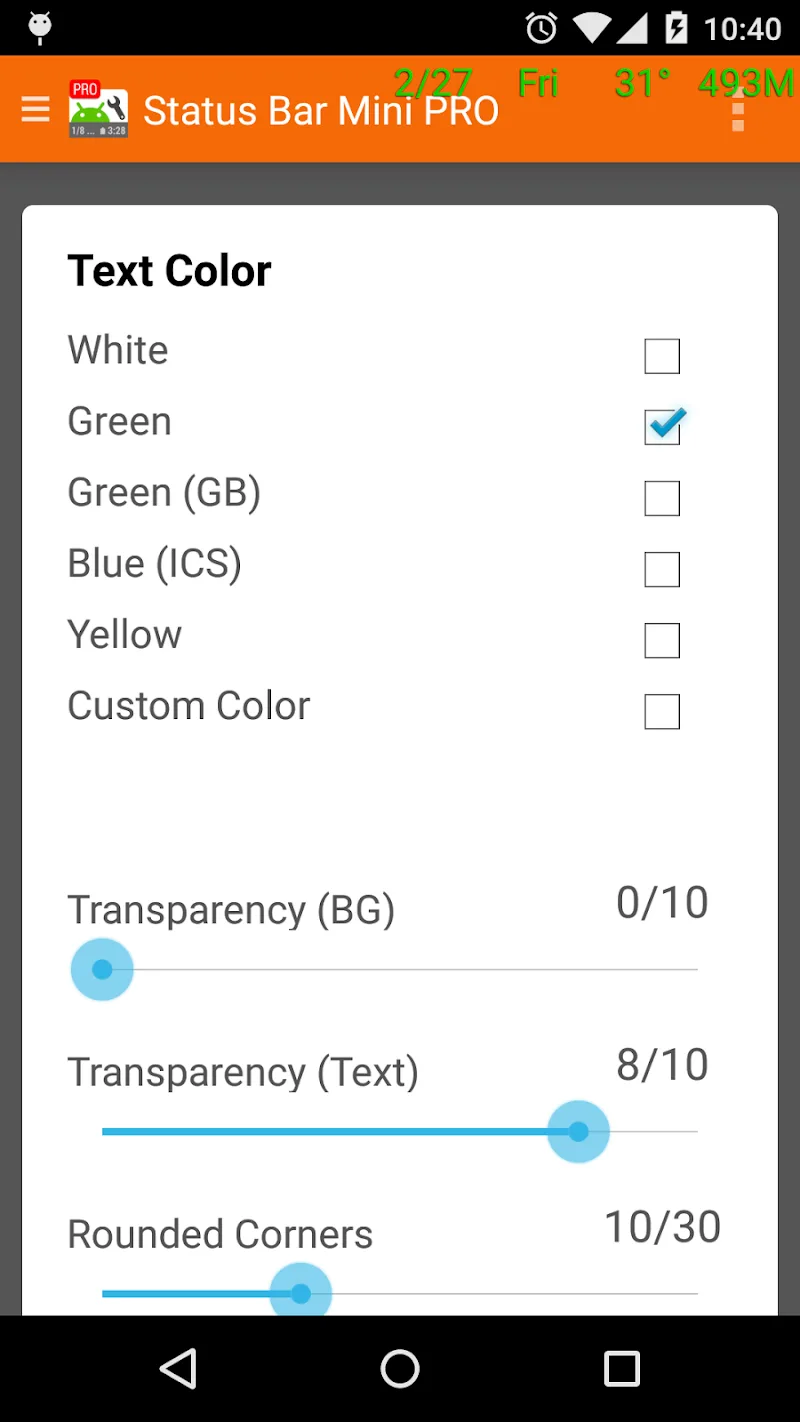
Adjust appearance: Use the built-in controls to set font size, color and transparency. Small changes here help the overlay blend with your wallpaper and remain readable in different lighting conditions.
Place and lock overlays: Drag the overlay to your preferred location and lock its position so it does not move accidentally when you interact with the screen.
Features of Status Bar Mini Pro
Custom text overlays: Create compact text strips that display the specific system indicators you want. Labels are editable so you can keep things concise and helpful.
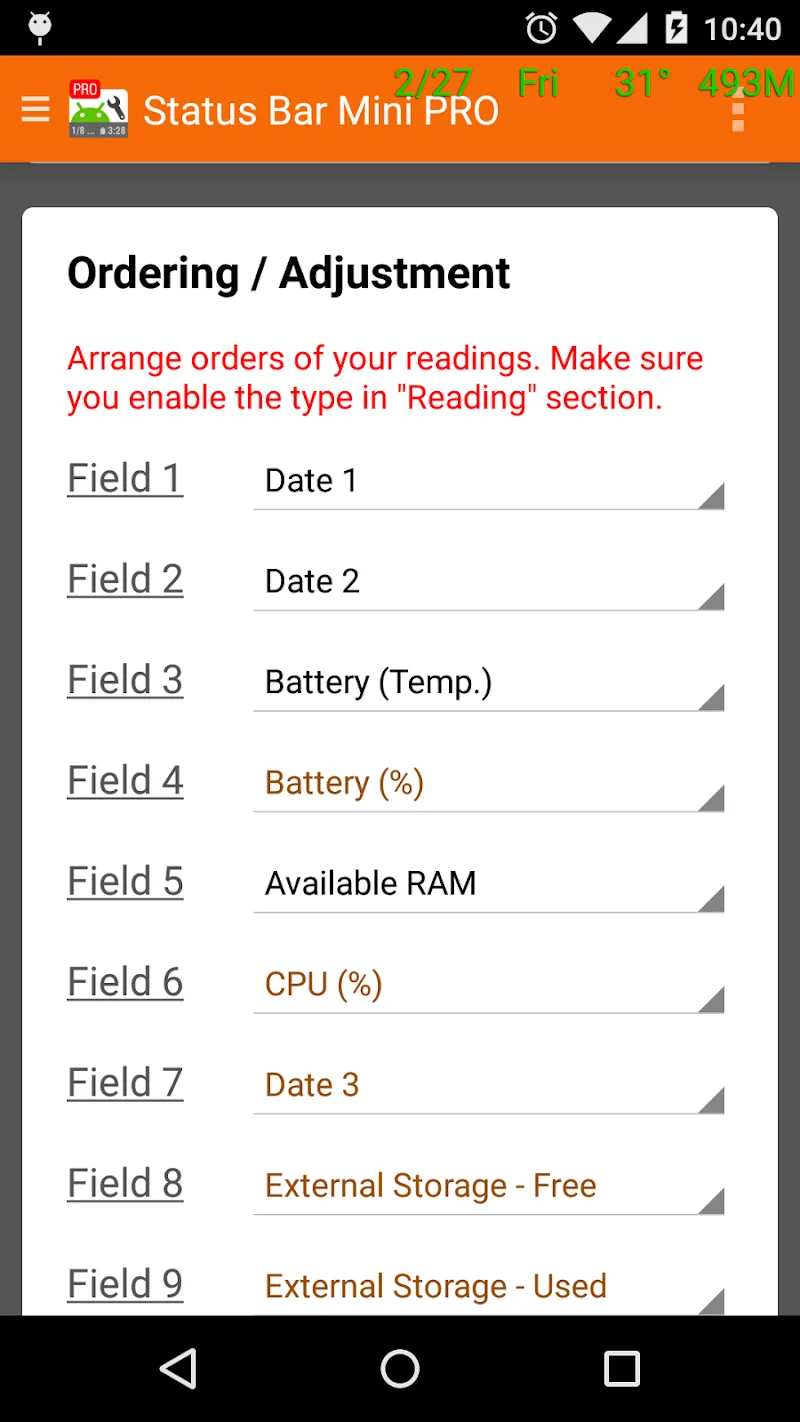
Flexible display options: Choose between horizontal or vertical layouts, toggle individual items on or off, and set update frequency for each metric so the interface matches your needs.
Real-time monitoring: Watch live values for critical stats. Status Bar Mini Pro updates information continuously so you can spot trends like rising CPU usage or sudden battery drain.
Seamless integration: The overlays are designed to look like a native part of your system UI. They use little processing power and stay responsive while you use other apps.
Quick presets and profiles: Save configurations for different situations. For example, create a travel profile that surfaces network speed and battery life, and a workstation profile focused on memory and CPU readings.
Pros & Cons:
- Compact and unobtrusive display that keeps useful data visible.
- Highly configurable appearance with multiple layout options.
- Low resource usage so it won't noticeably slow down most phones.
- Some device manufacturers restrict overlay behavior, which may require extra setup steps.
- Advanced users may wish for more detailed graphing; the app prioritizes simplicity over heavy analytics.
Final Words:
Status Bar Mini Pro is a handy utility if you like having status details always within view and prefer to tailor what appears on your screen. It streamlines routine checks like battery and network without demanding extra taps, and its profile feature makes it useful across different daily scenarios. Try installing the app to see if its compact approach fits your workflow and personal style.
Show More
Information
Screenshots
Latest Update










Latest News
-
![Revealing the Launch Playlists and Cross-Progression for COD Warzone Mobile News]()
-
![March 2024 Free Redemption Codes for Honkai: Star Rail News]()
-
PUBG Mobile Teams Up with Bentley Motors: Luxury Cars, Exclusive Collectibles, and Beyond 2024-04-18
![PUBG Mobile Teams Up with Bentley Motors: Luxury Cars, Exclusive Collectibles, and Beyond News]()
-
![Monster Never Cry is now accessible on both Android and iOS mobile devices. News]()
-
V2.2 of the Farlight 84 update introduces an overhauled Season structure, fresh in-game currency, an 2024-04-16
![V2.2 of the Farlight 84 update introduces an overhauled Season structure, fresh in-game currency, an News]()
-
![Arrival of Genshin Impact 4.6 Update: 'Embers of Two Realms, Twilight of Crimson' News]()
-
April 2024 Clash of Clans Update: Unveiling a Fresh Companion, Enhanced Levels, Chat Tagging, and Be 2024-04-16
![April 2024 Clash of Clans Update: Unveiling a Fresh Companion, Enhanced Levels, Chat Tagging, and Be News]()






