

Logos Bible Study App
Version:9.11.0
Published:2026-11-09
Introduction
Read - then reflect, Logos Bible Study App helps you move quickly from a passage to deeper study in moments you choose. This mobile study tool collects sermon-worthy resources, searchable texts, and annotation tools in one place so you can examine scripture, follow a reading plan, or prep a short talk without juggling paper or many apps. The interface balances quick lookups with options for longer study sessions, and it works around schedules by letting you save searches, set reminders, and bookmark passages for later review.
Getting Started with Logos Bible Study App
Install and sign in: Download the app and sign in with an account to keep your notes and library in sync across devices.
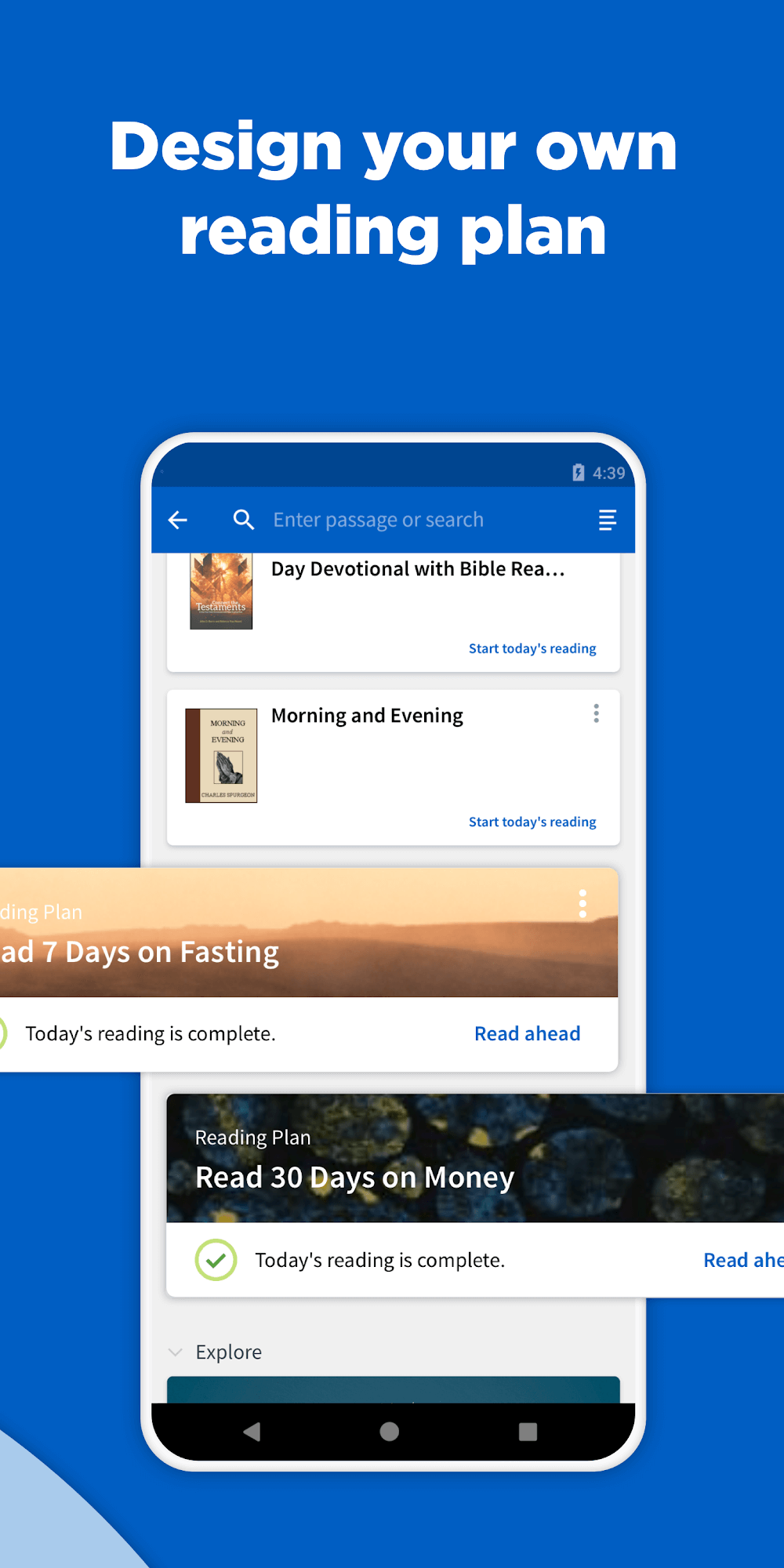
Create or join a reading plan: Use the built-in schedule tools to pick daily readings, set notification times, and manage which books you want to focus on.
Open the library and navigate: Browse collections, jump to a verse or a specific commentary, and add frequently used titles to a quick-access list for faster future searches.
Features of Logos Bible Study App:
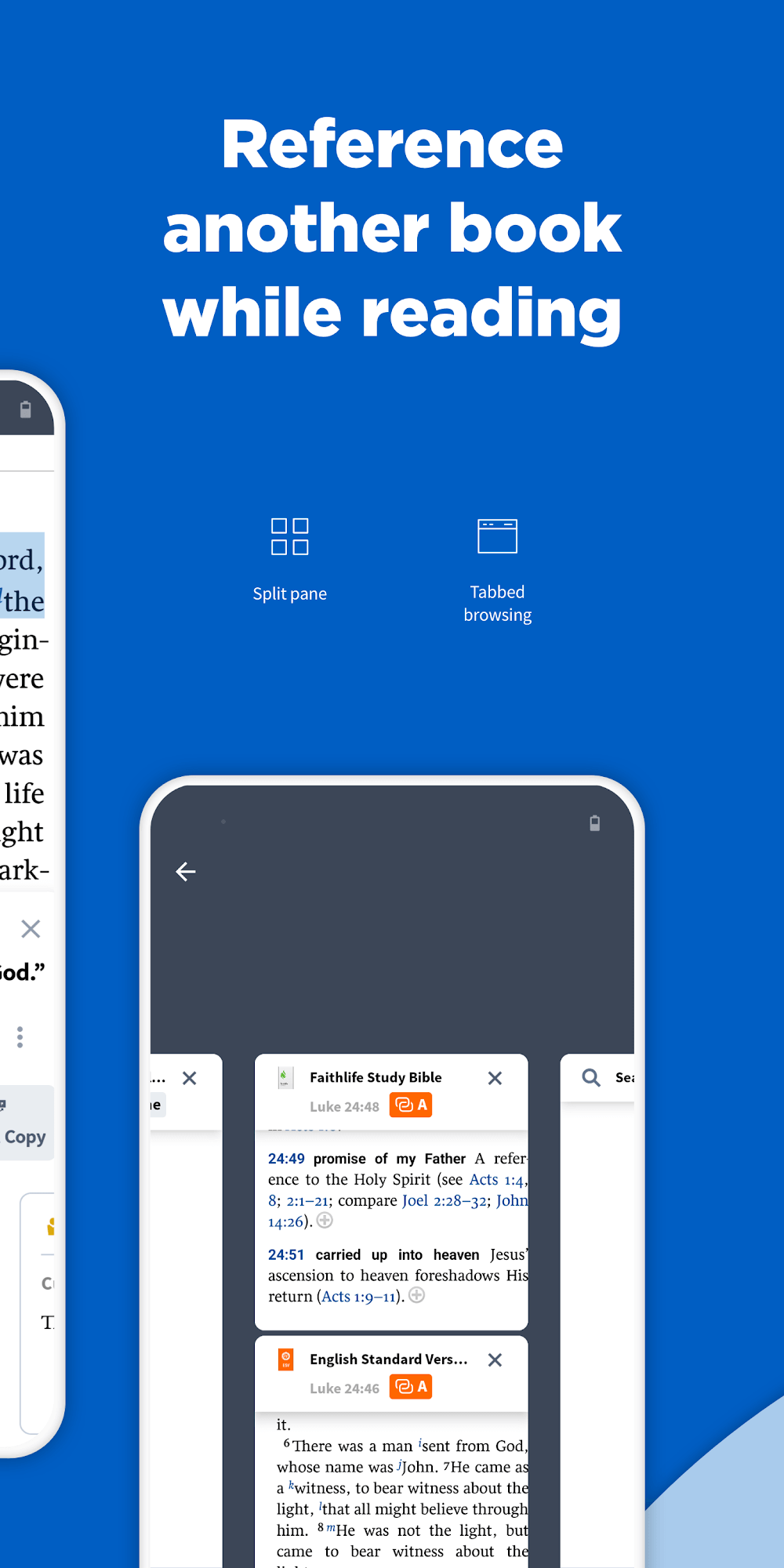
Large, organized library: Access a wide range of translations, commentaries, and reference works from one consolidated collection so you can compare notes without switching apps.
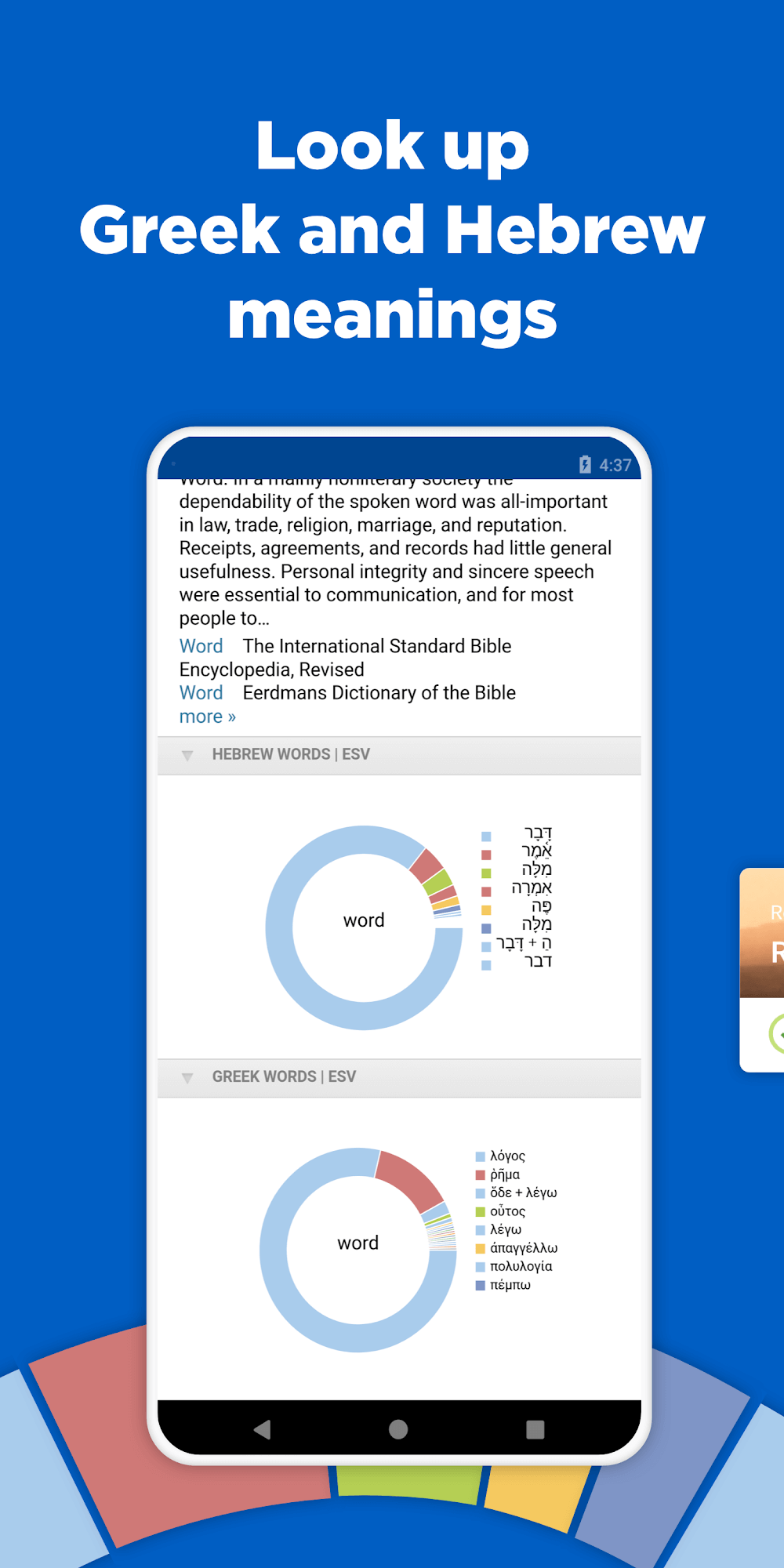
Text selection and word study: Highlight a phrase and launch lexical or cross-reference looks to understand original-language meanings and related passages.
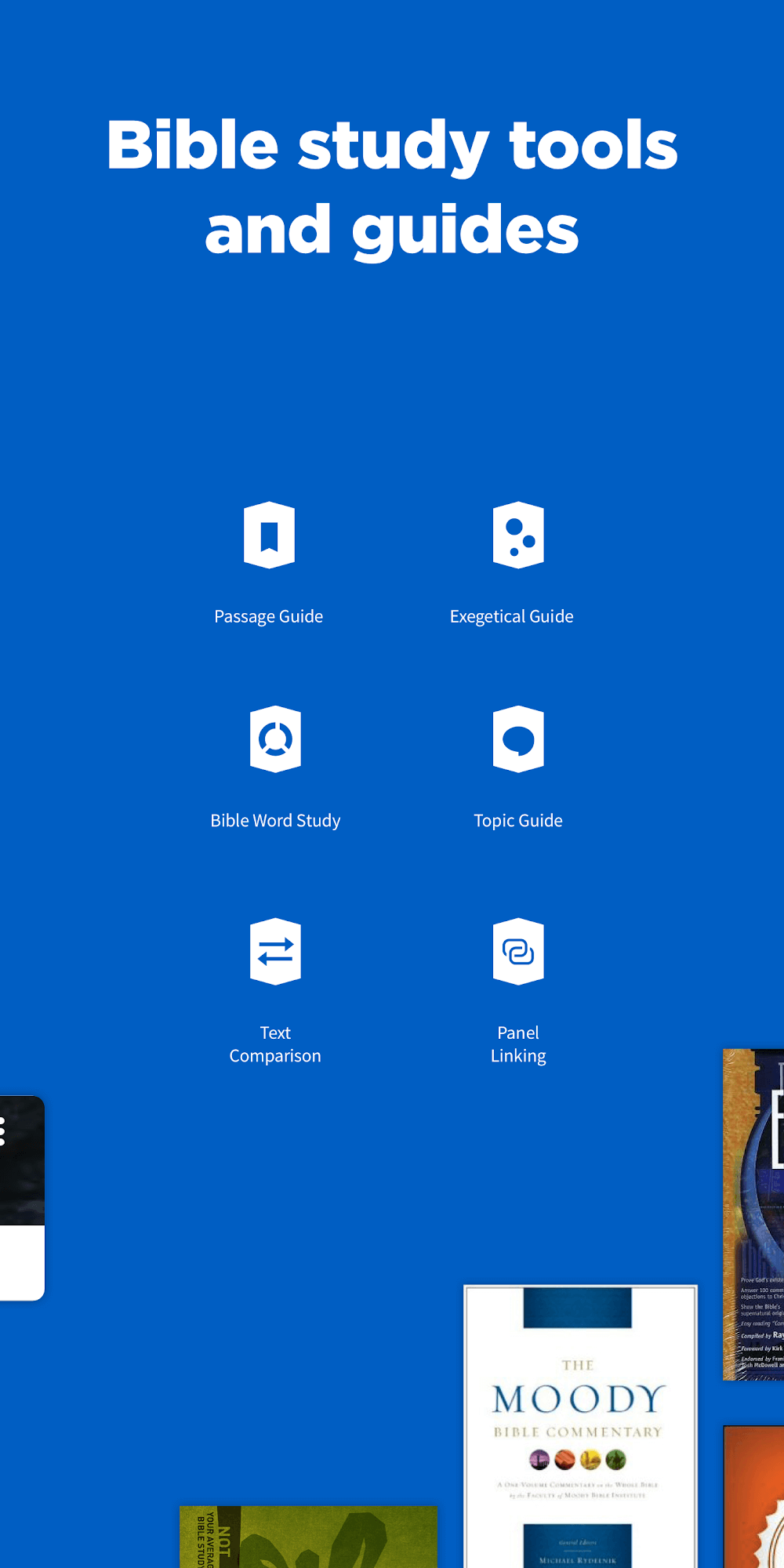
Advanced search tools: Search across your local collection or the whole library with filters for book type, topic, or passage to find exact references quickly.
Notes, highlights, and bookmarks: Mark up passages, add personal commentary, and keep study threads linked so you can return to insights while preparing a group discussion or a sermon.
Tips and Tricks:
Build focused reading lists: Create short lists for specific goals like 'Gospels overview' or 'Psalms for comfort' to reduce decision fatigue when you open the app.
Use search filters for research: Narrow results by resource type when you want commentaries versus original texts; this speeds up finding source material for a study session.
Prepare ahead for meetings: Collect a few key verses, save your notes, and export or share them with a study group so everyone arrives on the same page.
FAQs about Logos Bible Study App:
Do I need an account to use the app?
You can browse some features without registering, but signing in preserves your notes, reading plans, and synced library across devices.
Can I access materials offline?
Certain downloaded resources and personal notes are available offline, but full library access and cloud features require an internet connection at times.
Is the app suitable for academic research?
Yes, the search and reference tools support deeper study and citation checking, though access to some specialized titles may depend on purchases or library collections linked to your account.
Conclusion:
Logos Bible Study App provides a practical bridge between quick scripture reading and methodical study, offering searching, note-taking, and scheduling tools that work together. It’s well suited for students, church leaders, and anyone building daily habits, while access to premium collections and some online features may change with different versions or purchases.
Show More
Information
Screenshots

Latest Update











Hot Tags
Latest News
-
![Revealing the Launch Playlists and Cross-Progression for COD Warzone Mobile News]()
-
![March 2024 Free Redemption Codes for Honkai: Star Rail News]()
-
PUBG Mobile Teams Up with Bentley Motors: Luxury Cars, Exclusive Collectibles, and Beyond 2024-04-18
![PUBG Mobile Teams Up with Bentley Motors: Luxury Cars, Exclusive Collectibles, and Beyond News]()
-
![Monster Never Cry is now accessible on both Android and iOS mobile devices. News]()
-
V2.2 of the Farlight 84 update introduces an overhauled Season structure, fresh in-game currency, an 2024-04-16
![V2.2 of the Farlight 84 update introduces an overhauled Season structure, fresh in-game currency, an News]()
-
![Arrival of Genshin Impact 4.6 Update: 'Embers of Two Realms, Twilight of Crimson' News]()
-
April 2024 Clash of Clans Update: Unveiling a Fresh Companion, Enhanced Levels, Chat Tagging, and Be 2024-04-16
![April 2024 Clash of Clans Update: Unveiling a Fresh Companion, Enhanced Levels, Chat Tagging, and Be News]()






