
Mandala Maker 360
Version:23.0
Published:2026-11-09
Introduction
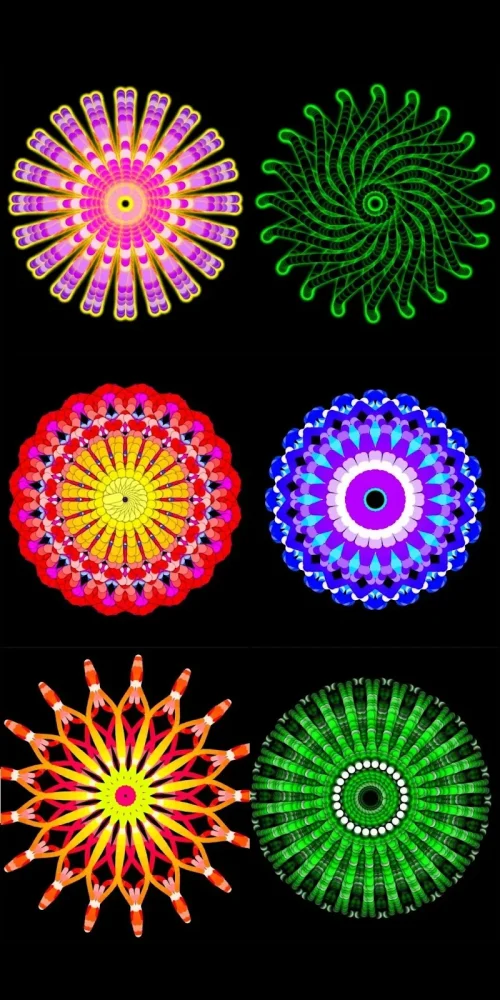
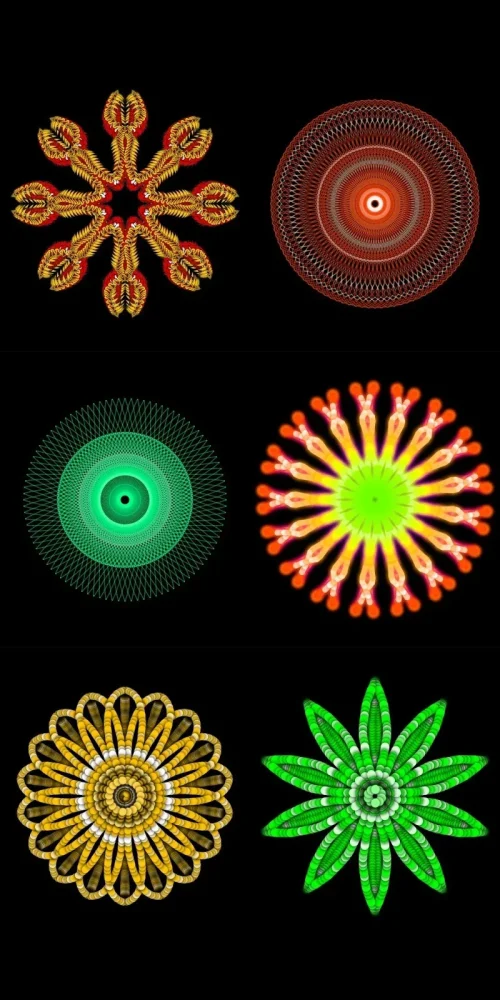
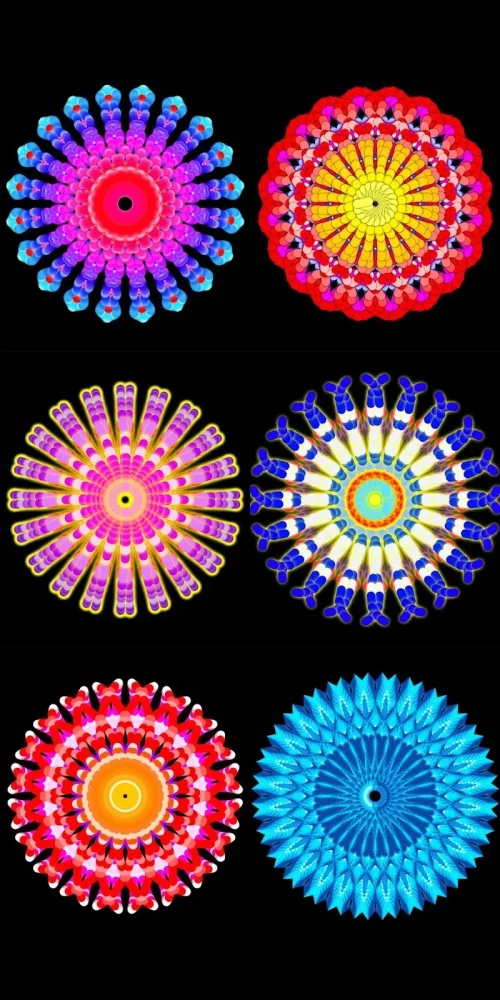
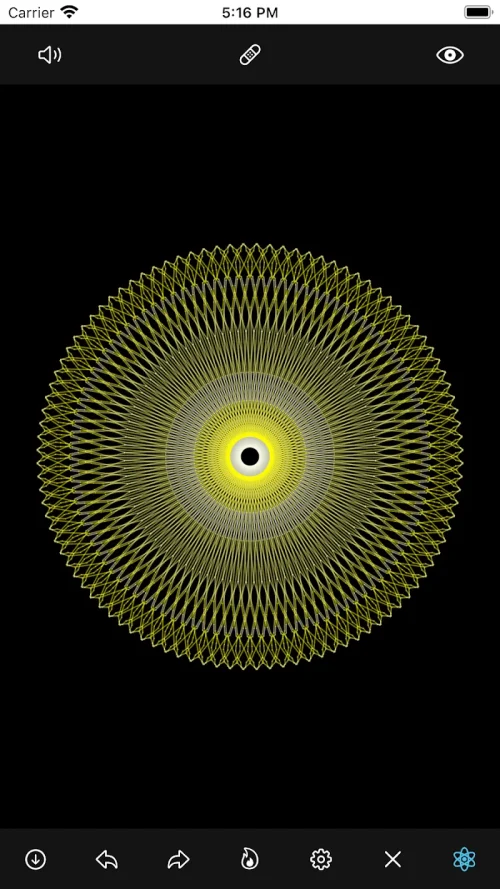
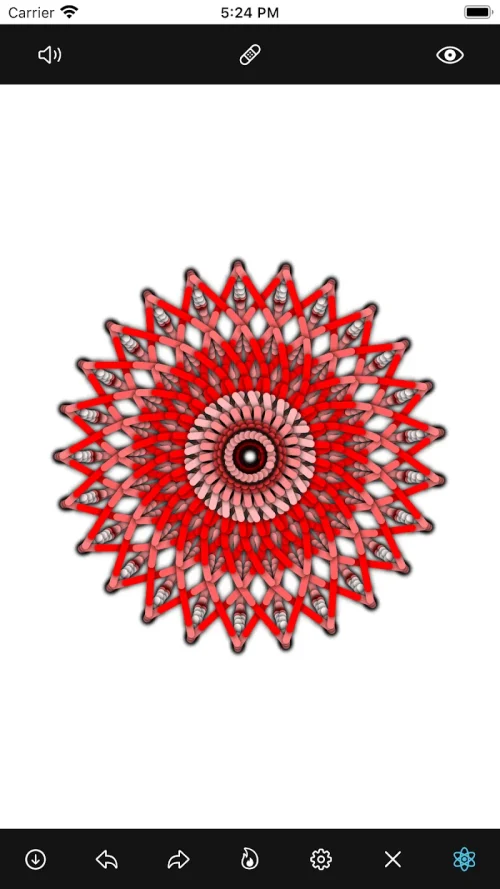
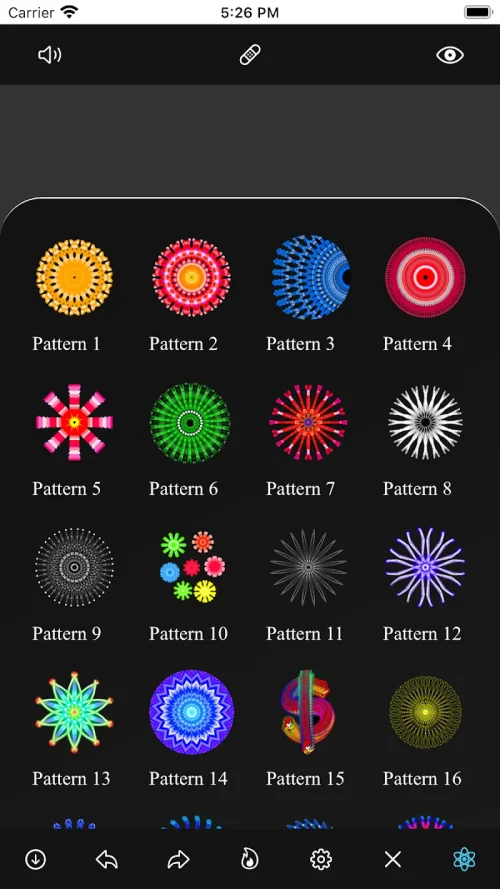
Mandala Maker 360 is a mobile drawing tool that streamlines mandala creation with symmetry controls, brush presets and export options. It’s designed for hobbyists and artists who want to produce intricate circular designs quickly, offering hands-on controls that balance simplicity with advanced styling choices for polished results.
What the app does
Mandala Maker 360 focuses on generating radial artworks by automating symmetry and mirroring. Instead of starting from a blank page each time, the app lets you define sectors, choose brushes and watch brush strokes propagate around a circle. This approach reduces repetitive work and speeds up exploration of patterns and color combinations.
Key tools and features
- Symmetry controls: Adjust the number of segments and toggle rotational or reflective symmetry to create diverse mandala structures.
- Brush presets: Selection ranges from pencil-like strokes to textured brushes with pressure sensitivity support on compatible devices.
- Layer system: Stack and blend layers for non-destructive editing and complex overlays.
- Color management: Built-in palettes, a color wheel and eyedropper let you save swatches and maintain color harmony across the design.
- Export options: Save projects as PNG, JPEG or SVG for further editing or high-resolution printing.
How it works — step by step
Start by picking the symmetry type and number of segments. Choose a brush and color, then draw in a single wedge; the app mirrors your strokes in real-time to fill the circle. Use eraser and transform tools to refine shapes, and toggle visibility of guides to inspect the finished composition without distraction.
Customization and creative control
Mandala Maker 360 offers fine-grain controls for size, spacing and brush dynamics. Users can tweak stroke thickness, spacing between repeated elements and jitter to create organic textures. The app supports custom brushes and allows importing images as masks or texture overlays to blend photographic elements with vector-like symmetry.
User interface and performance
The interface is arranged to keep core tools within thumb reach: a radial toolbar, quick-access color swatches and a compact layer panel. Performance is generally smooth on modern devices; canvas rendering uses optimized algorithms to handle multiple mirrored strokes without noticeable lag. For very high-resolution exports, the app queues rendering tasks to prevent interface slowdowns.
Workflow for serious creators
Professional and hobby users can integrate Mandala Maker 360 into a larger workflow. Create base motifs in the app, export SVGs for vector edits in desktop software, and re-import textures. The layer and export system is designed to minimize format conversions and preserve editability.
Tips for beginners
- Start with low segment counts to understand how symmetry affects your strokes.
- Use the mirror guides while learning; hide them later to evaluate the composition clearly.
- Experiment with different brush combinations on separate layers to discover pleasing overlays.
- Save color palettes for recurring themes—this speeds up consistent color application.
Why users appreciate it
Users praise Mandala Maker 360 for lowering the barrier to producing complex circular art. The app removes repetitive manual duplication and lets creators focus on composition. Casual doodlers and serious illustrators both find value in quick prototyping and the ability to export production-ready files.
Common use cases
Mandala Maker 360 fits a variety of contexts: it’s useful for social media artwork, print-on-demand designs, teaching symmetry in art classes, and personal relaxation through meditative drawing. The app’s export options and SVG support make it practical for designers who need scalable assets.
Getting started and installation
Installing Mandala Maker 360 is straightforward from app marketplaces that support Android. After installation, the onboarding tutorial outlines symmetry setup, brush selection and saving projects. The app stores projects locally with options for cloud backup depending on device permissions and available integrations.
Final thoughts on usability
Mandala Maker 360 balances accessibility with enough depth for complex work. It’s a focused tool: instead of mimicking a full-featured painting suite, it streamlines the specific task of radial design creation. Whether you’re building a personal portfolio or testing color concepts, the app is a practical addition to a digital creative toolkit.
Show More
Information
Screenshots
Latest Update










Hot Tags
Latest News
-
![Revealing the Launch Playlists and Cross-Progression for COD Warzone Mobile News]()
-
![March 2024 Free Redemption Codes for Honkai: Star Rail News]()
-
PUBG Mobile Teams Up with Bentley Motors: Luxury Cars, Exclusive Collectibles, and Beyond 2024-04-18
![PUBG Mobile Teams Up with Bentley Motors: Luxury Cars, Exclusive Collectibles, and Beyond News]()
-
![Monster Never Cry is now accessible on both Android and iOS mobile devices. News]()
-
V2.2 of the Farlight 84 update introduces an overhauled Season structure, fresh in-game currency, an 2024-04-16
![V2.2 of the Farlight 84 update introduces an overhauled Season structure, fresh in-game currency, an News]()
-
![Arrival of Genshin Impact 4.6 Update: 'Embers of Two Realms, Twilight of Crimson' News]()
-
April 2024 Clash of Clans Update: Unveiling a Fresh Companion, Enhanced Levels, Chat Tagging, and Be 2024-04-16
![April 2024 Clash of Clans Update: Unveiling a Fresh Companion, Enhanced Levels, Chat Tagging, and Be News]()






