
GPS Speedometer
Version:12.8
Published:2026-11-09
Introduction
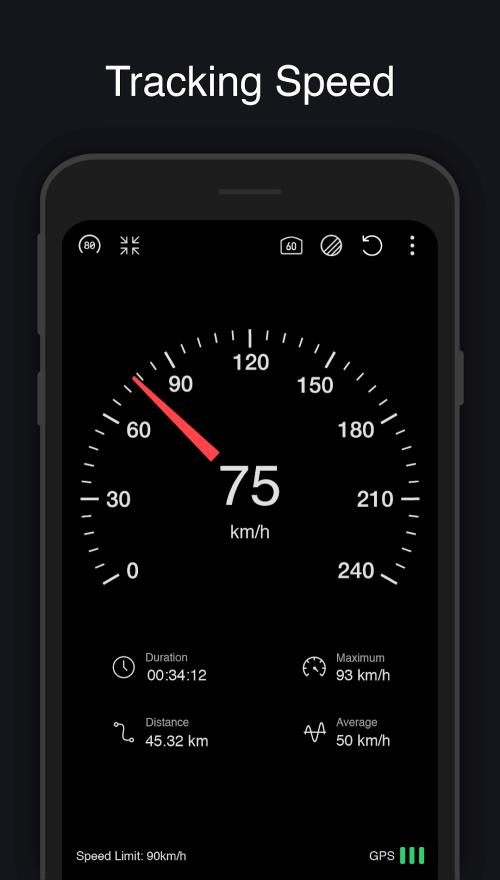
GPS Speedometer is a compact Android utility that converts your phone into an accurate digital speed display using satellite location data. It provides real-time speed, trip distance, and altitude readings with a clear, customizable dashboard designed for drivers, cyclists, and outdoor enthusiasts seeking reliable on-the-move metrics.
Key features at a glance
The app offers a clean interface focused on actionable travel information. GPS Speedometer emphasizes speed accuracy and easy readability while minimizing distractions. You get instant feedback on motion, plus useful trip summaries and alerts for speed thresholds and route statistics.
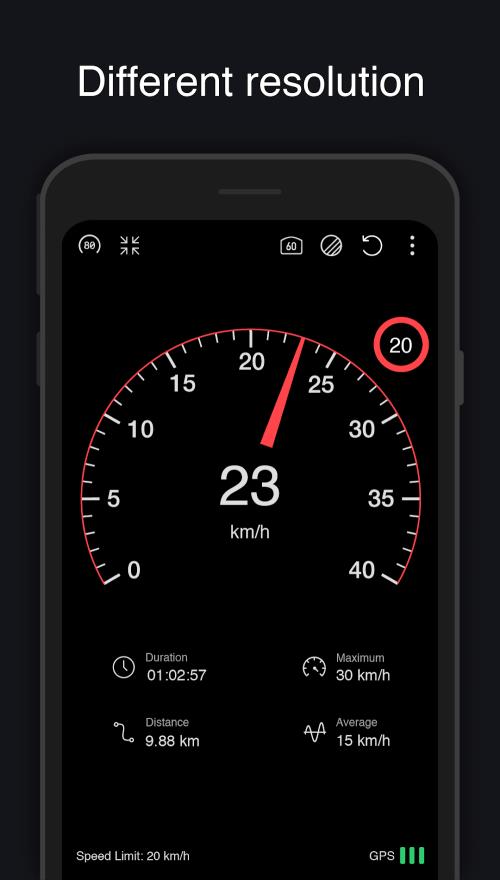
- Real-time speed readout: Instant display in MPH, KPH, or knots with smooth updates.
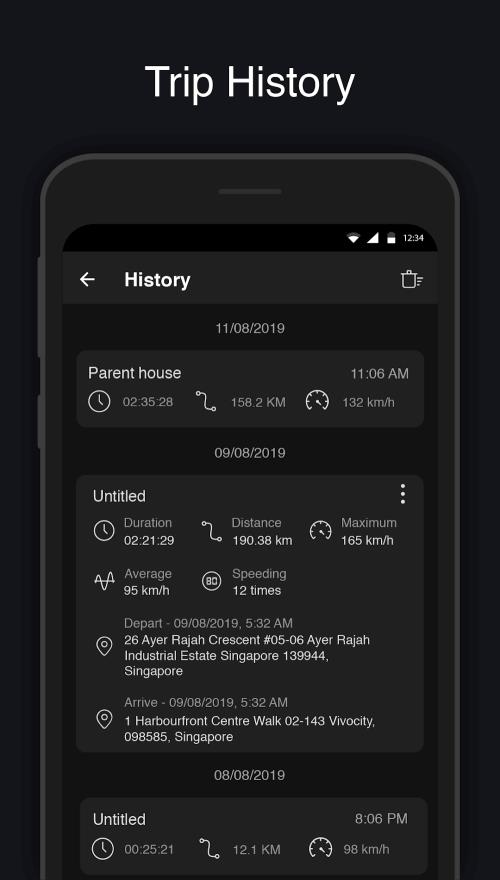
- Trip odometer: Track distance for a session, reset when needed.
- Altitude and coordinates: Helpful metrics for hiking and cycling routes.
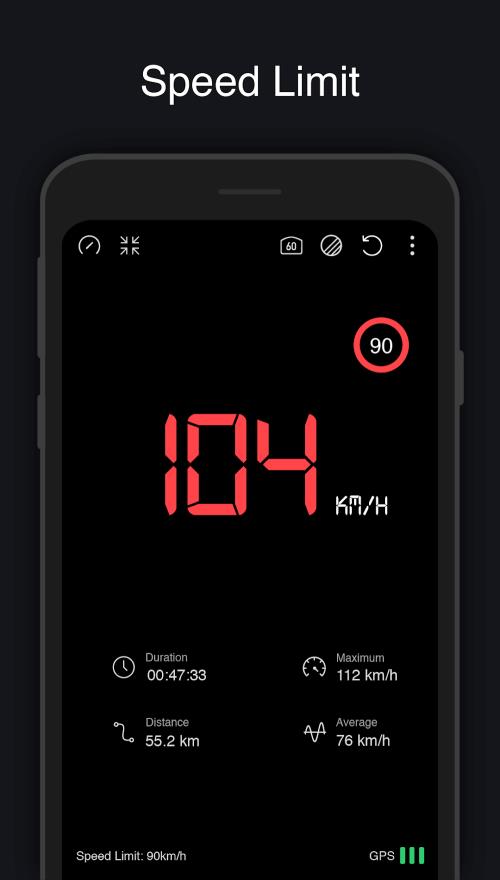
- Speed warnings: Configurable alerts when you exceed preset limits.
- Clear night/day modes: Adaptive themes to maintain visibility in different light conditions.
How GPS measurements are collected
GPS Speedometer relies on your device’s satellite and network location services to calculate velocity and position. The app reads latitude and longitude updates and derives speed using time-stamped location points. When satellite signals are strong, readings are precise; in urban canyons or tunnels the app gracefully flags lower accuracy so you can interpret numbers appropriately.
Personalizing your dashboard
Customization helps you focus on the metrics that matter. Widgets and display modules can be rearranged or hidden to suit a particular activity. Drivers might prefer a large numeric speed display, while cyclists often keep distance and average speed visible. Settings let you switch units, toggle compass or map overlays, and determine when the screen should stay awake.
- Selectable fonts and sizes for immediate legibility.
- Color themes to match vehicle interiors or personal preferences.
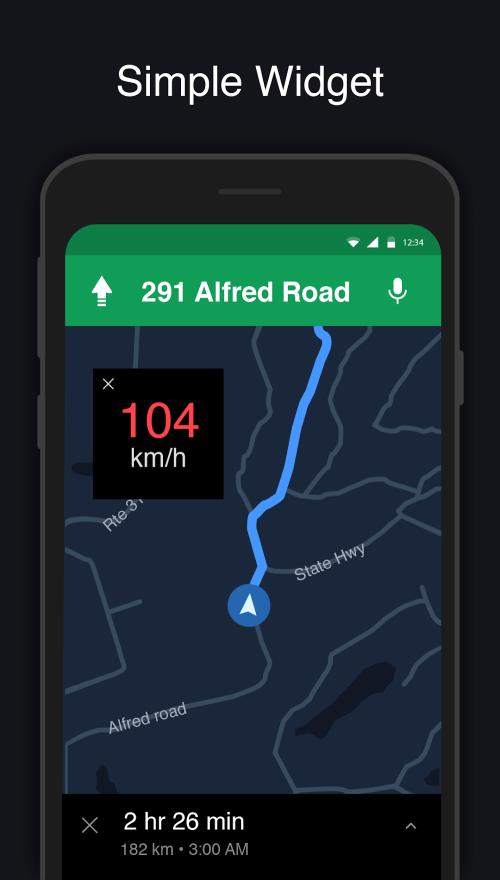
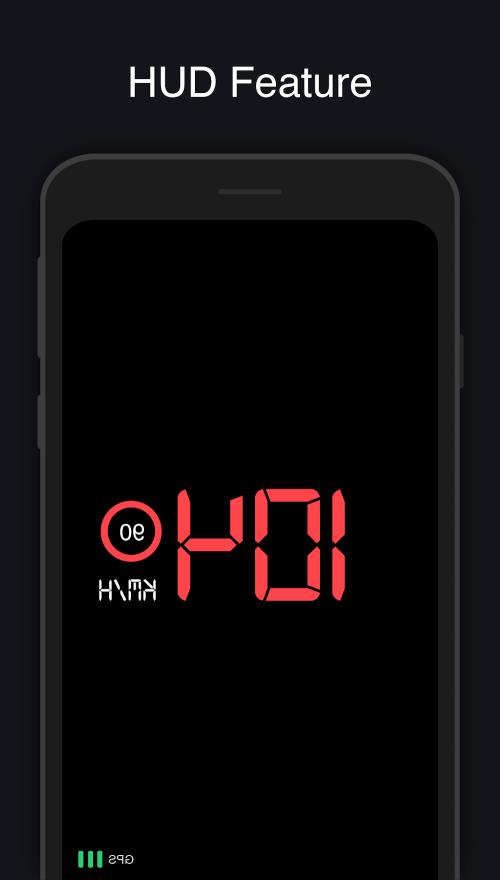
- Optional heads-up layout for windshield projection setups.
Practical use cases
Everyday scenarios benefit from a reliable speedometer on your phone. Ride-share drivers and delivery couriers can monitor speed and trip distance without specialized hardware. Cyclists and runners can record pace and elevation for training analysis. Hikers appreciate coordinate readouts when navigating off-trail, while motorists use the app to confirm speedometer accuracy or detect drifting issues.
Workflow tips for consistent results
For dependable data, allow the app access to location services and enable high accuracy mode in your device settings. Mount the phone securely to keep the GPS antenna unobstructed and avoid rapid battery-saver modes that throttle background updates. Use the trip reset feature at the start of each journey to collect focused session statistics.
Performance and device compatibility
GPS Speedometer is optimized for modern Android devices and works with phones that have functional GPS hardware. Battery usage is modest when configured for periodic updates; however, continuous high-frequency sampling will increase power draw. The app detects available sensors and adjusts update frequency to balance responsiveness with energy efficiency.
- Supports a wide range of screen sizes and resolutions.
- Works offline for basic speed and distance tracking once satellites are locked.
- Low-latency display designed for minimal lag during motion.
Safety and responsible use
Designed with minimal distractions in mind, the interface prioritizes large, legible numbers and simple controls. Drivers should set preferences before starting to drive and avoid interacting with the screen while the vehicle is moving. Mounting the device in a secure holder improves both safety and GPS reception.
Getting started with the app
Install GPS Speedometer and grant the requested location permissions. Allow a short time for the app to acquire satellite signals and then choose your preferred units and display layout. Create a custom speed alert and test the trip odometer during a short journey to confirm settings fit your needs.
Regular updates have improved stability and introduced new display options; explore the settings menu to tailor the experience. Whether you need a dependable traveling companion for daily commutes or a simple tool to verify vehicle instruments, GPS Speedometer provides straightforward features that make motion metrics accessible and useful.
Show More
Information
Screenshots
Latest Update











Hot Tags
Latest News
-
![Revealing the Launch Playlists and Cross-Progression for COD Warzone Mobile News]()
-
![March 2024 Free Redemption Codes for Honkai: Star Rail News]()
-
PUBG Mobile Teams Up with Bentley Motors: Luxury Cars, Exclusive Collectibles, and Beyond 2024-04-18
![PUBG Mobile Teams Up with Bentley Motors: Luxury Cars, Exclusive Collectibles, and Beyond News]()
-
![Monster Never Cry is now accessible on both Android and iOS mobile devices. News]()
-
V2.2 of the Farlight 84 update introduces an overhauled Season structure, fresh in-game currency, an 2024-04-16
![V2.2 of the Farlight 84 update introduces an overhauled Season structure, fresh in-game currency, an News]()
-
![Arrival of Genshin Impact 4.6 Update: 'Embers of Two Realms, Twilight of Crimson' News]()
-
April 2024 Clash of Clans Update: Unveiling a Fresh Companion, Enhanced Levels, Chat Tagging, and Be 2024-04-16
![April 2024 Clash of Clans Update: Unveiling a Fresh Companion, Enhanced Levels, Chat Tagging, and Be News]()






