

NYT Cooking
Version:2.106.0
Published:2026-11-09
Introduction
NYT Cooking brings thousands of tested recipes and practical meal-planning tools from the New York Times to your phone or tablet, helping home cooks learn techniques, speed weeknight dinners, and build a reliable personal recipe collection. NYT Cooking balances editorially curated recipes with simple organization: search across global cuisines, follow step-by-step instructions, and save favorites into folders that reflect your taste and routine. Whether you want to follow calorie-aware menus, try a new regional specialty, or simply find a dependable roast chicken, the app is designed to make recipes easier to find and follow.
Key features and what they do
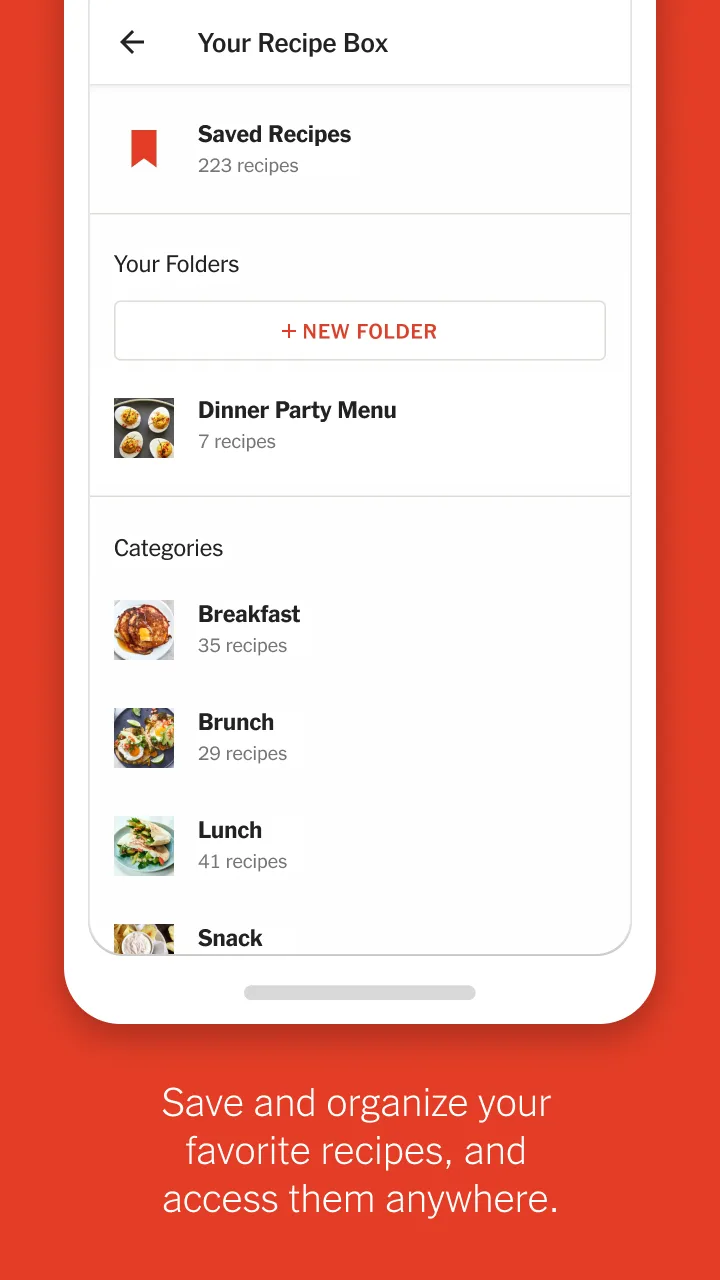
The app offers a large searchable recipe library that spans appetizers to desserts, with filters for ingredient, cuisine, and dietary notes that help narrow results without overwhelming you. NYT Cooking’s recipe pages present clear step-by-step instructions and ingredient lists that are easy to scan while cooking. Save-to-collection tools let you group dishes into custom folders — for example, weeknight dinners, baking projects, or guest menus — and retain those choices for future reference. The app also surfaces recommended recipes based on what you’ve saved, helping you discover variations and new techniques without guessing at quality.
Navigation, controls and user experience
Navigation relies on straightforward tap and swipe interactions: tap a recipe to open full instructions, swipe through photos and tips, and use the persistent search bar to jump to a specific ingredient or technique. The interface keeps common controls within thumb reach, so switching between recipe steps, ingredient lists, and saved notes feels natural during a busy cooking session. Recipe pages are organized so that timers, notes, and serving-size adjustments are visible without extra menu diving. The result is a low-friction experience that favors clarity over clutter.
Progression, personalization and replay value
Progress in the app is represented by the development of your personalized collection rather than traditional game-like levels: as you save, tag, and revisit recipes you build a tailored library that reflects your skills and preferences. Custom folders and search histories help you track favorites and repeatable go-to meals, while the practice of trying variations — altering spices, swaps for ingredients, or portion sizes — encourages replay value. Over time your saved collection becomes a progression system of skill and taste, showing how your cooking repertoire expands.
Visual style, photography and readability
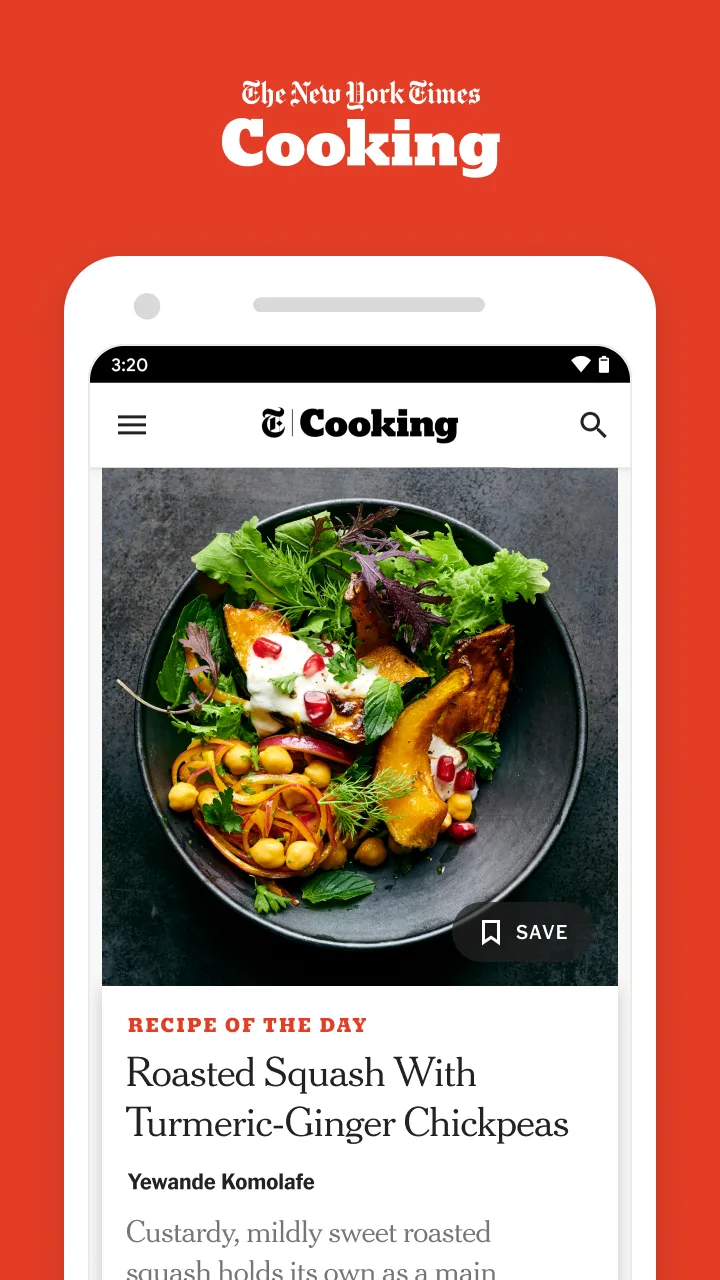
The app emphasizes clear, attractive photography and legible typography so each recipe feels approachable and instructive. High-quality images illustrate finished dishes and key technique steps where available, helping to set expectations before you begin. Contrast and font sizes are chosen for readability in kitchen lighting, and the layout groups ingredients and directions logically so you can glance at what matters most while cooking.
Organization, level structure and customization
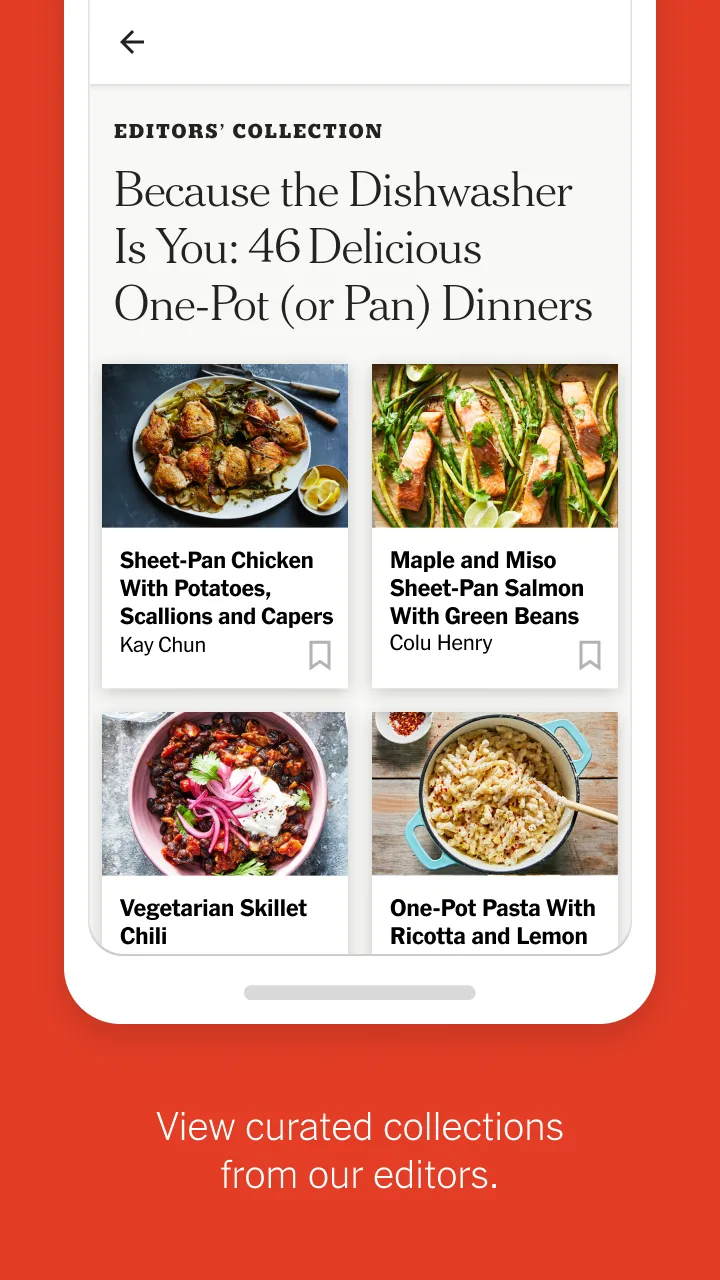
Content is structured into searchable categories, curated collections, and user-created folders that function like levels or stages of culinary focus: weeknight basics, baking fundamentals, seasonal menus, or international explorations. Filters and sort options let you tailor search results by time, difficulty, or dietary considerations, and you can add personal notes or adjustments on each recipe to record your own improvements and substitutions. Those customization features make it easy to adapt recipes to available ingredients and household preferences.
Accessibility, offline use and performance
The app is built with accessibility in mind: readable text, clear navigation, and touch-friendly controls help users of varying experience levels move through recipes confidently. Saved recipes and personal collections reduce dependence on repeated searching while planning meals. Performance optimizations prioritize fast search results and responsive page loading so browsing a large recipe library does not feel sluggish; depending on device settings and app permissions, saved items and notes can help you reference recipes when you have limited connectivity.
Challenges, tips and realistic expectations
Because the recipe library is extensive, browsing without a goal can feel overwhelming; using filters, collections, and the search bar will focus results more quickly. Recipes still require time, practice, and cleanup — the app provides structure and reliable testing, but successful results depend on technique and attention in the kitchen. For best outcomes, start with recipes tagged as beginner-friendly, try one new technique at a time, and use the save-and-note features to record adjustments that worked for you.
About the content source
NYT Cooking content is drawn from the New York Times’ editorial kitchen, a team experienced in recipe testing and curation. That editorial background gives many recipes a consistent voice and a commitment to reproducible results, making the app a practical resource for cooks who want dependable recipes, useful tips, and the ability to organize their home cooking over time.
Show More
Information
Screenshots

Latest Update











Hot Tags
Latest News
-
![Revealing the Launch Playlists and Cross-Progression for COD Warzone Mobile News]()
-
![March 2024 Free Redemption Codes for Honkai: Star Rail News]()
-
PUBG Mobile Teams Up with Bentley Motors: Luxury Cars, Exclusive Collectibles, and Beyond 2024-04-18
![PUBG Mobile Teams Up with Bentley Motors: Luxury Cars, Exclusive Collectibles, and Beyond News]()
-
![Monster Never Cry is now accessible on both Android and iOS mobile devices. News]()
-
V2.2 of the Farlight 84 update introduces an overhauled Season structure, fresh in-game currency, an 2024-04-16
![V2.2 of the Farlight 84 update introduces an overhauled Season structure, fresh in-game currency, an News]()
-
![Arrival of Genshin Impact 4.6 Update: 'Embers of Two Realms, Twilight of Crimson' News]()
-
April 2024 Clash of Clans Update: Unveiling a Fresh Companion, Enhanced Levels, Chat Tagging, and Be 2024-04-16
![April 2024 Clash of Clans Update: Unveiling a Fresh Companion, Enhanced Levels, Chat Tagging, and Be News]()






