

Gladient Icon Pack
Version:11.4
Published:2026-11-09
Introduction
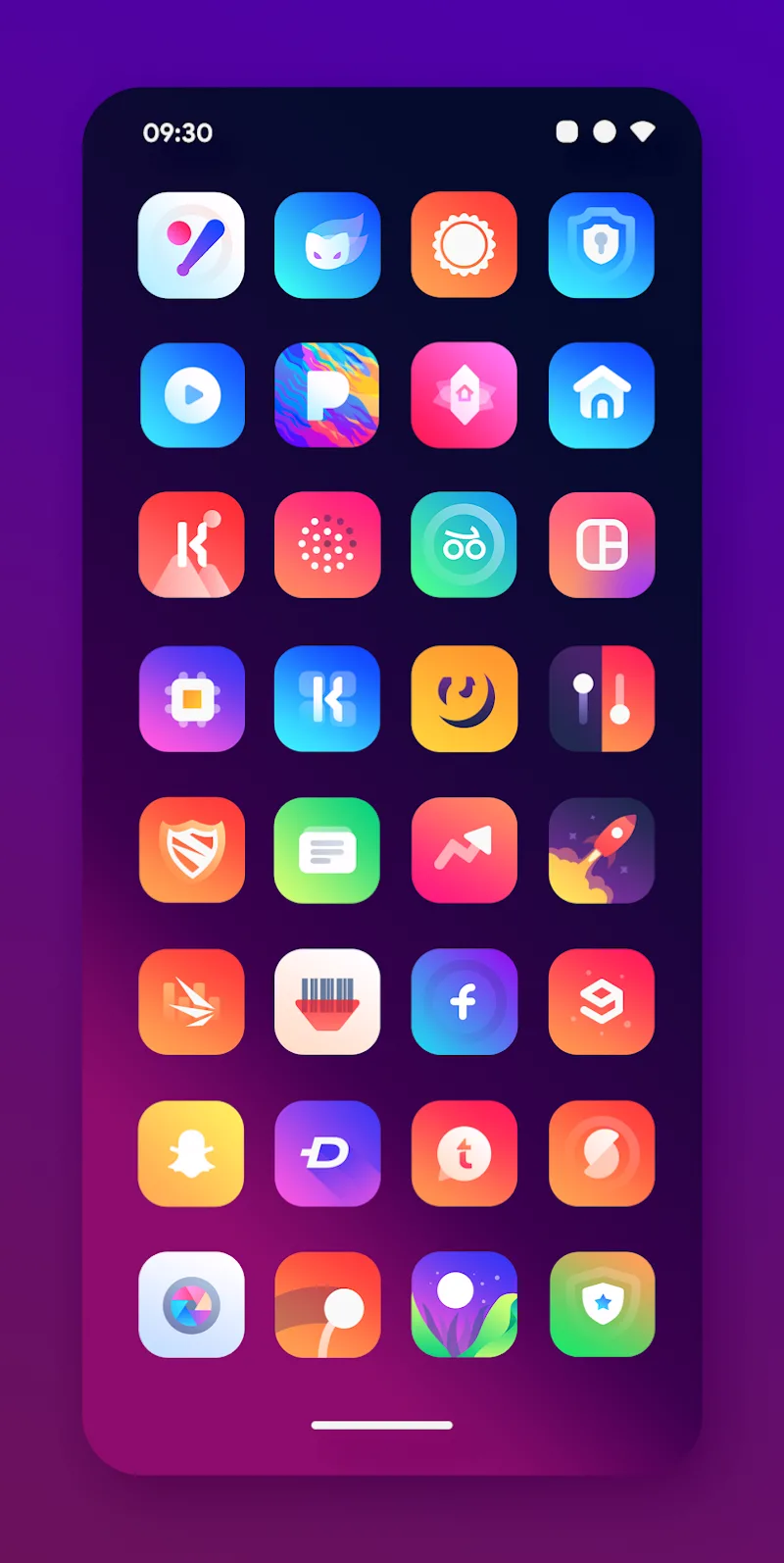
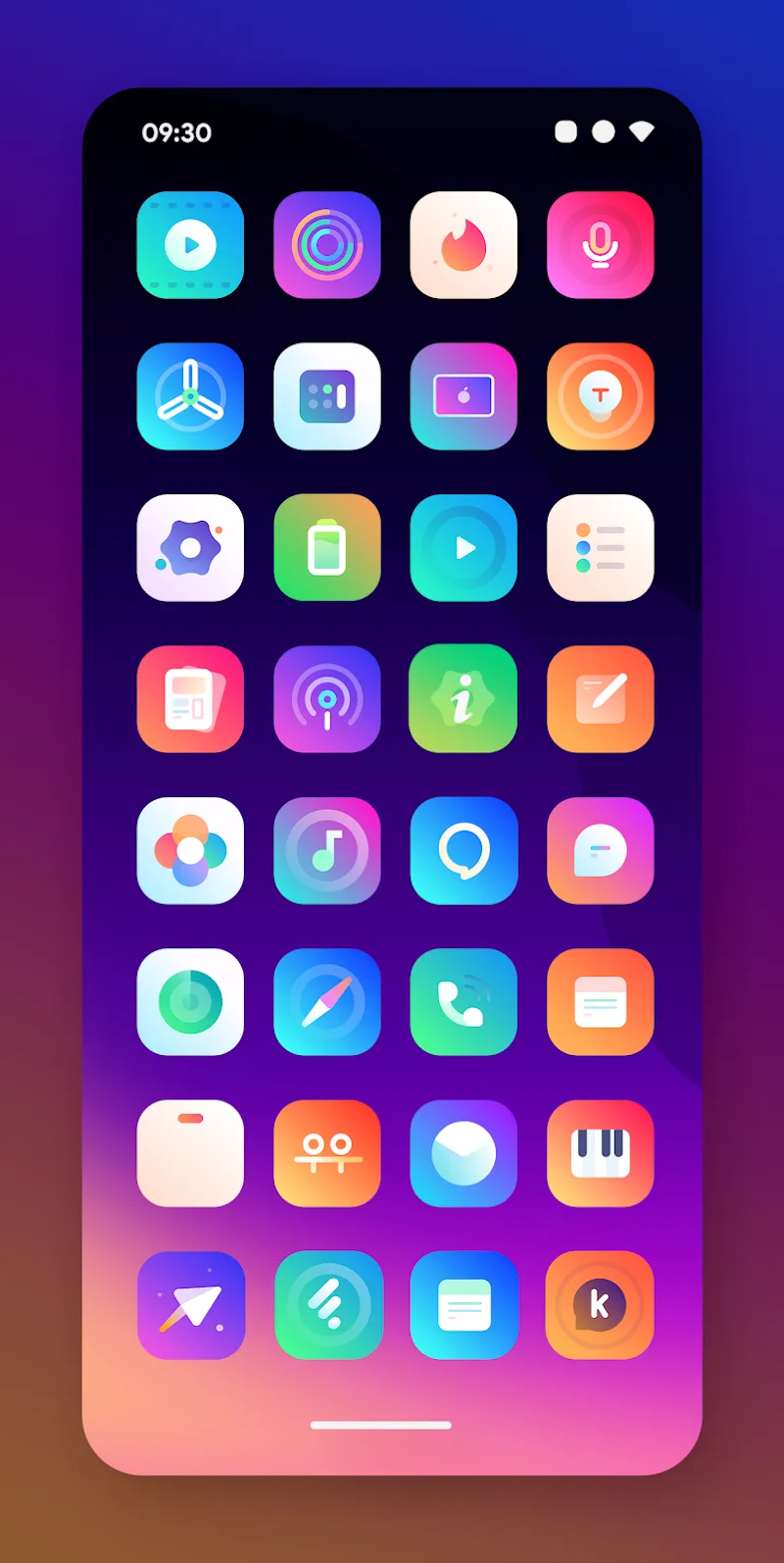
Gladient Icon Pack is a carefully crafted icon theme designed to refresh your Android launcher with soft gradients, crisp outlines, and consistent shapes. It delivers a cohesive visual language that works with popular launchers, offering thousands of icons plus matching wallpapers to give your device a modern, unified appearance.
What Gladient Icon Pack offers
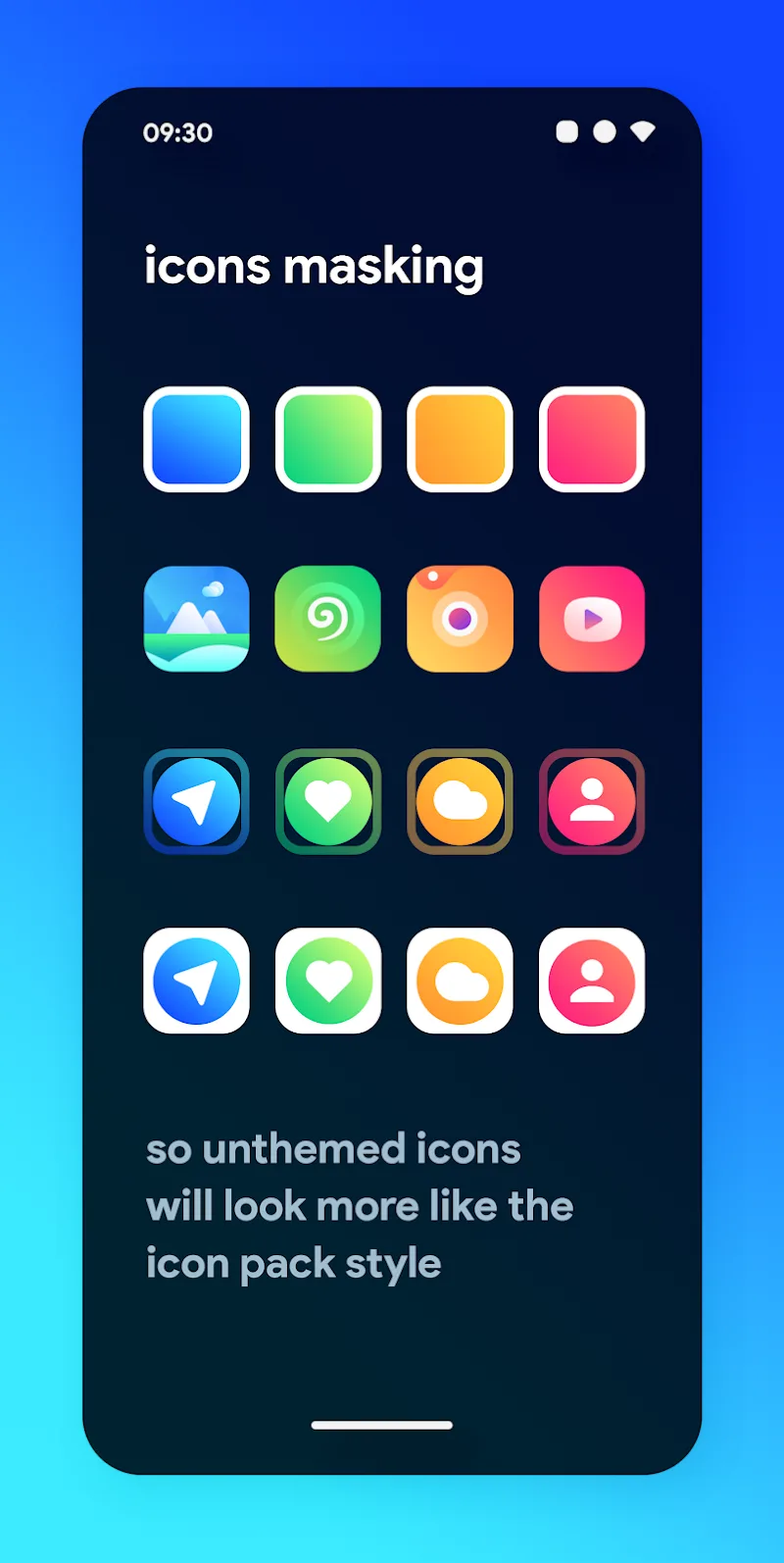
Gladient Icon Pack includes a substantial library of high-resolution icons built with a focus on harmony and legibility. Each icon follows a consistent color palette and subtle gradient treatment that looks good on light and dark backgrounds. Alongside the core set, the pack provides alternate glyphs and icon masking to ensure unsupported apps receive a compatible visual placeholder.
Design and visual approach
The design philosophy emphasizes clarity: icons retain recognizable silhouettes while being simplified to avoid visual clutter. Gradients are applied with restraint so that app symbols remain the focal point without overpowering the home screen. Rounded corners and uniform padding create a grid-friendly aesthetic that pairs well with minimal widgets and clean wallpapers.
Customization and theming options
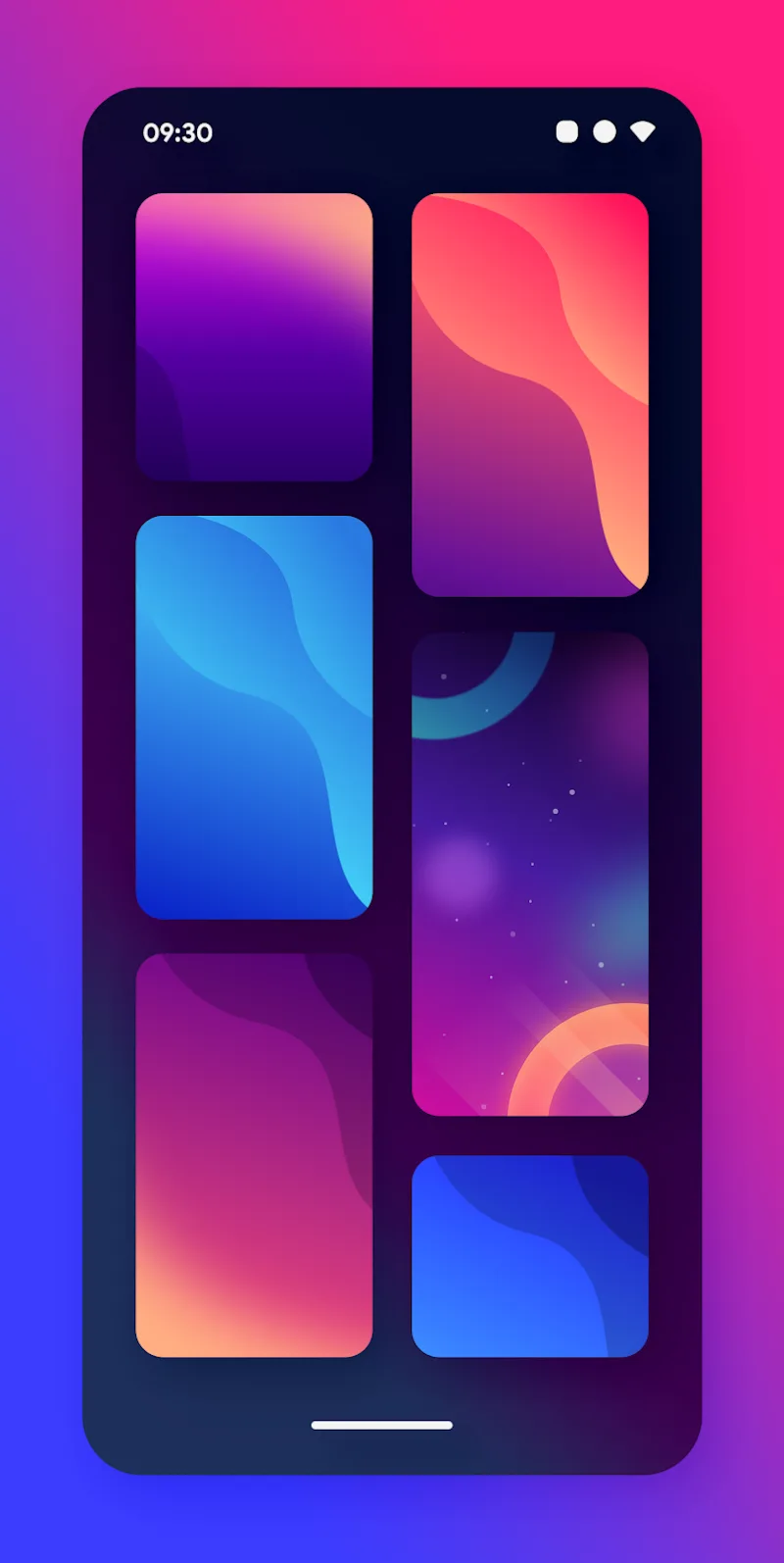
Users can personalize how the icon pack integrates with their setup. Options typically include manual icon replacement, automatic icon request features, and several wallpaper choices that complement the pack's tones. Themed folders and icon shape masks are supported by many launchers, allowing users to refine the look further without editing each icon individually.
Integration and compatibility
The icon pack supports a broad range of third-party launchers such as Nova, Lawnchair, Action, Smart, and more. It also provides basic support for some OEM launchers through icon request systems. Compatibility notes and a list of supported launchers are usually included inside the app to help users apply the theme quickly.
How to apply Gladient Icon Pack
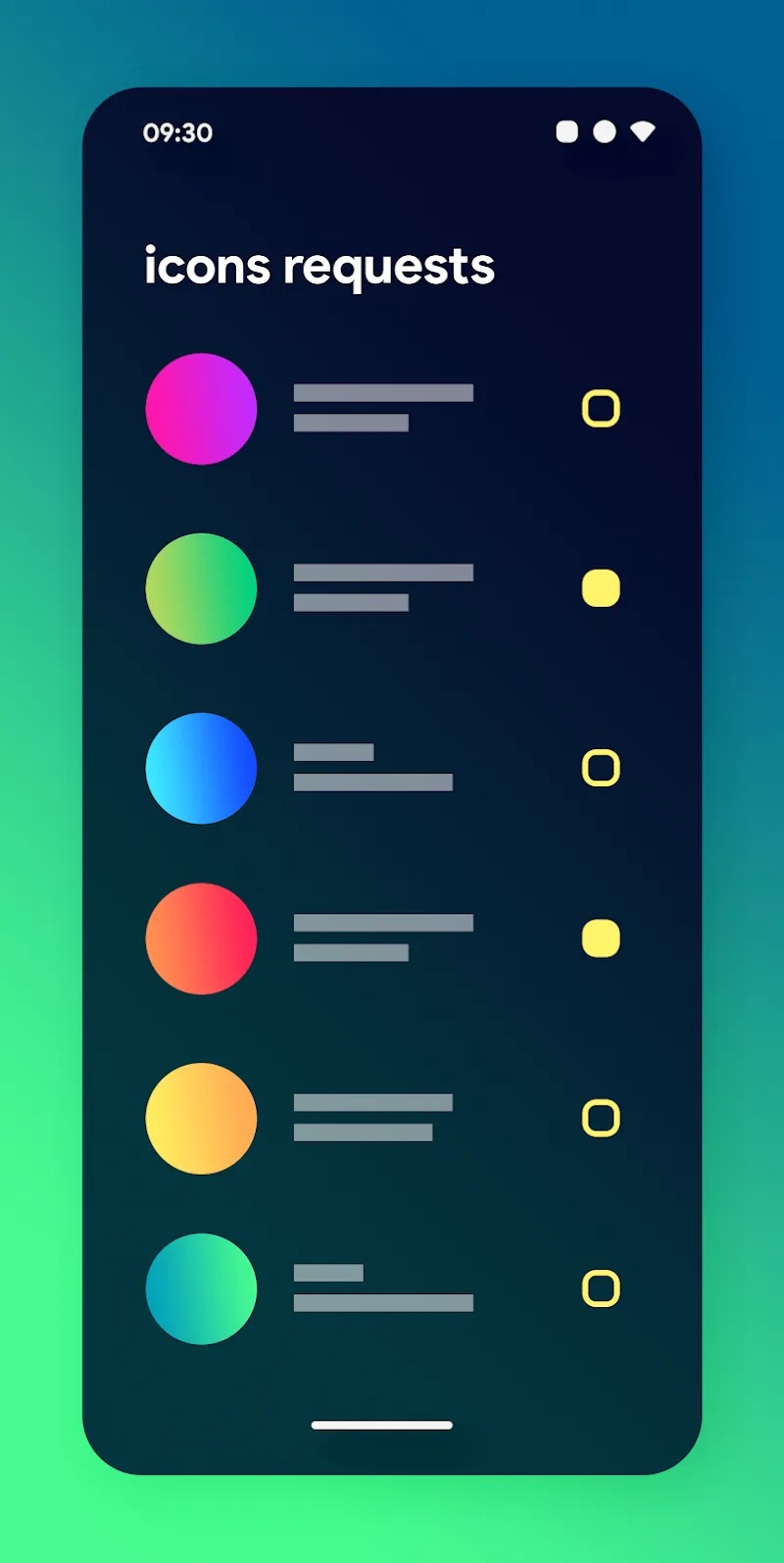
Applying the icon pack is straightforward: open the app, select your preferred launcher from the list, and apply the theme. If an app icon is missing, the icon request tool makes it easy to submit missing icons to the developer for future updates. Many users prefer to combine the pack with a matching wallpaper and a dark or light launcher theme for a cohesive home screen.
Performance and resource use
Gladient Icon Pack is optimized to minimize memory and storage overhead. Icons are vector-based where possible, reducing file size while keeping crisp visuals on high-resolution displays. The pack does not run background services, so battery impact is negligible. Any performance differences are generally limited to the launcher when rendering custom icons.
Workflow for power users
For users who fine-tune their interface, the pack supports per-icon replacement and batch apply features. Designers and themers will appreciate the consistent naming conventions and organized icon folders inside the app, which streamline manual edits. Pairing the pack with an icon editor or a custom launcher profile enables highly personalized setups in minutes.
Updates and developer support
Regular updates introduce new icons and refine existing artwork to match app redesigns. The developer usually accepts icon requests and implements weekly or monthly updates based on user submissions. This keeps the icon set current as app logos evolve and new apps gain popularity.
Why pick this icon pack
Choose Gladient Icon Pack if you want a modern, understated look that enhances readability and visual order. Its balanced gradients and consistent geometry make it versatile across different wallpapers and widget arrangements. The pack is especially suited for users who favor a minimal, contemporary aesthetic without sacrificing recognizability.
Getting started tips
- Back up your launcher profile before applying a full theme to revert easily.
- Combine the icon pack with one of the included wallpapers for instant cohesion.
- Use the icon request tool to keep your app library fully themed as new apps are installed.
- Experiment with icon size and grid settings in your launcher to find the best balance.
Gladient Icon Pack makes it simple to achieve a polished home screen with minimal effort. With careful design, broad compatibility, and ongoing updates, it provides a reliable way to refresh the look of your Android device while keeping performance smooth and battery impact low.
Show More
Information
Screenshots
Latest Update











Latest News
-
![Revealing the Launch Playlists and Cross-Progression for COD Warzone Mobile News]()
-
![March 2024 Free Redemption Codes for Honkai: Star Rail News]()
-
PUBG Mobile Teams Up with Bentley Motors: Luxury Cars, Exclusive Collectibles, and Beyond 2024-04-18
![PUBG Mobile Teams Up with Bentley Motors: Luxury Cars, Exclusive Collectibles, and Beyond News]()
-
![Monster Never Cry is now accessible on both Android and iOS mobile devices. News]()
-
V2.2 of the Farlight 84 update introduces an overhauled Season structure, fresh in-game currency, an 2024-04-16
![V2.2 of the Farlight 84 update introduces an overhauled Season structure, fresh in-game currency, an News]()
-
![Arrival of Genshin Impact 4.6 Update: 'Embers of Two Realms, Twilight of Crimson' News]()
-
April 2024 Clash of Clans Update: Unveiling a Fresh Companion, Enhanced Levels, Chat Tagging, and Be 2024-04-16
![April 2024 Clash of Clans Update: Unveiling a Fresh Companion, Enhanced Levels, Chat Tagging, and Be News]()






