
Blur Video and Photo Editor
Version:4.9.8
Published:2026-11-09
Introduction
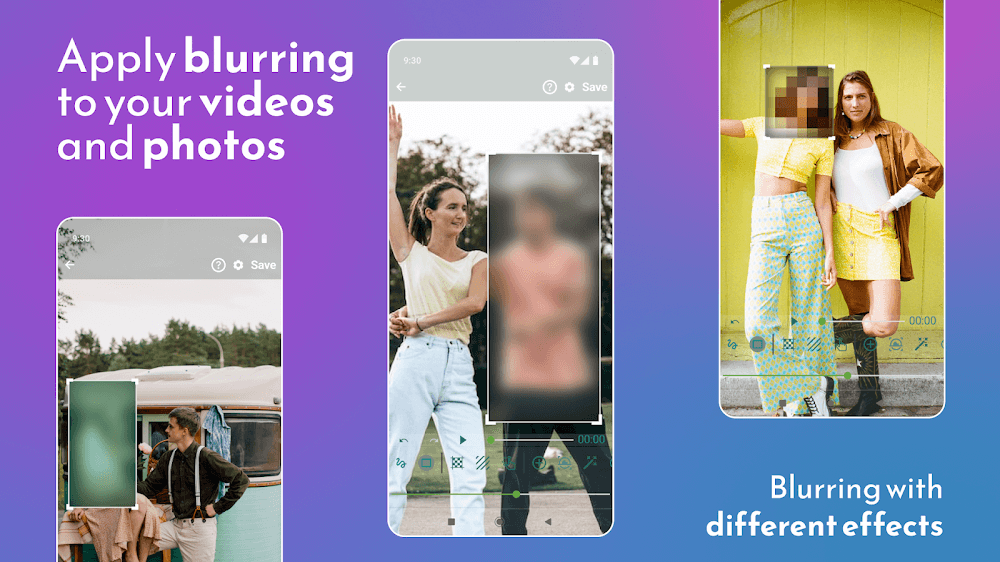
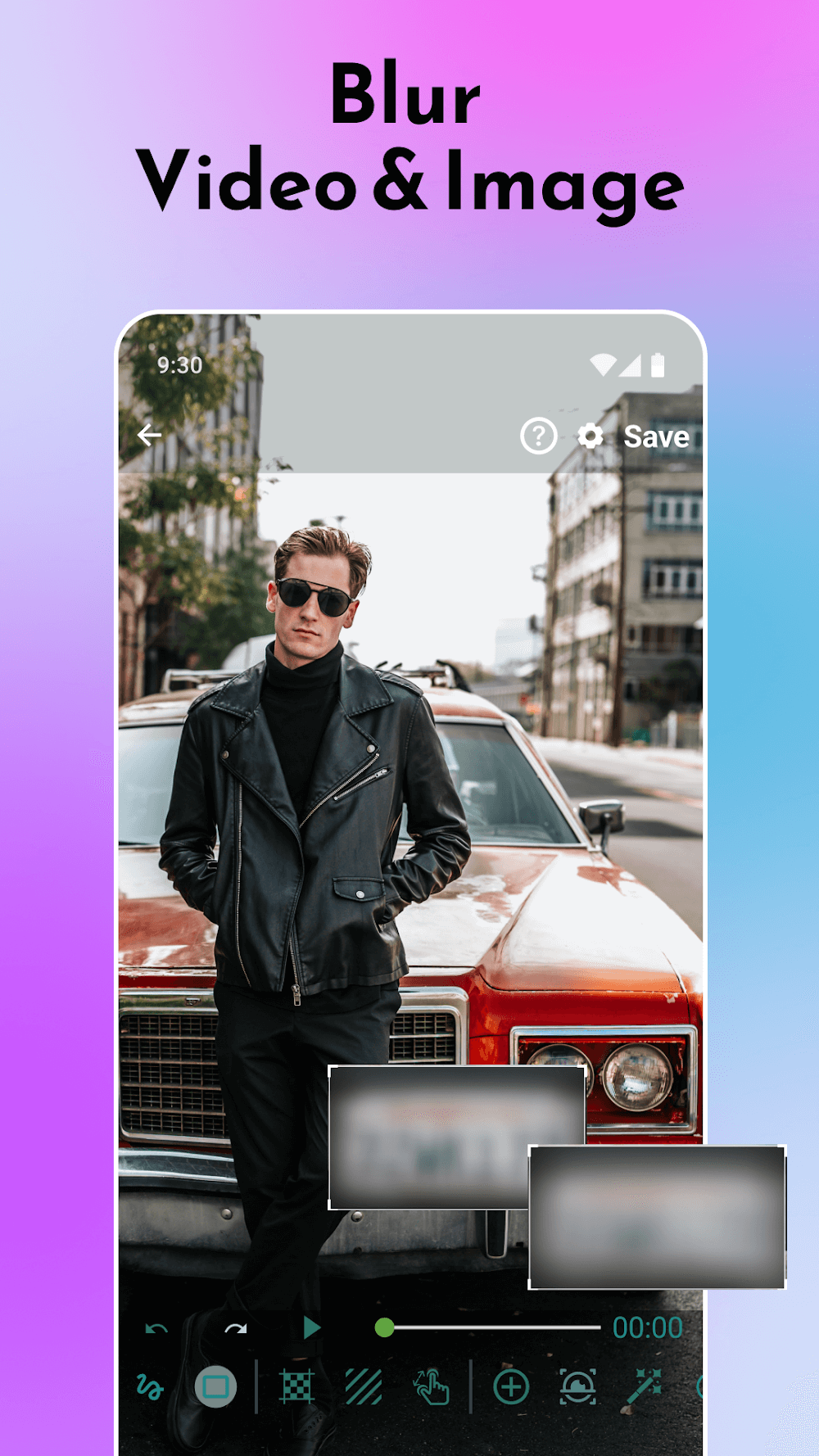
Blur Video and Photo Editor puts precise blur tools at your fingertips, so you can protect privacy, hide distractions and shape visual focus in both photos and video clips. Blur Video and Photo Editor offers custom shape masks, motion-aware tracking and per-scene timing controls so you can isolate faces, license plates or background elements frame-by-frame without juggling multiple apps. The interface is designed for quick edits when you need a fast background blur for a portrait and for deeper, timeline-based work when you want fine selective blurring across a clip.
Key Features
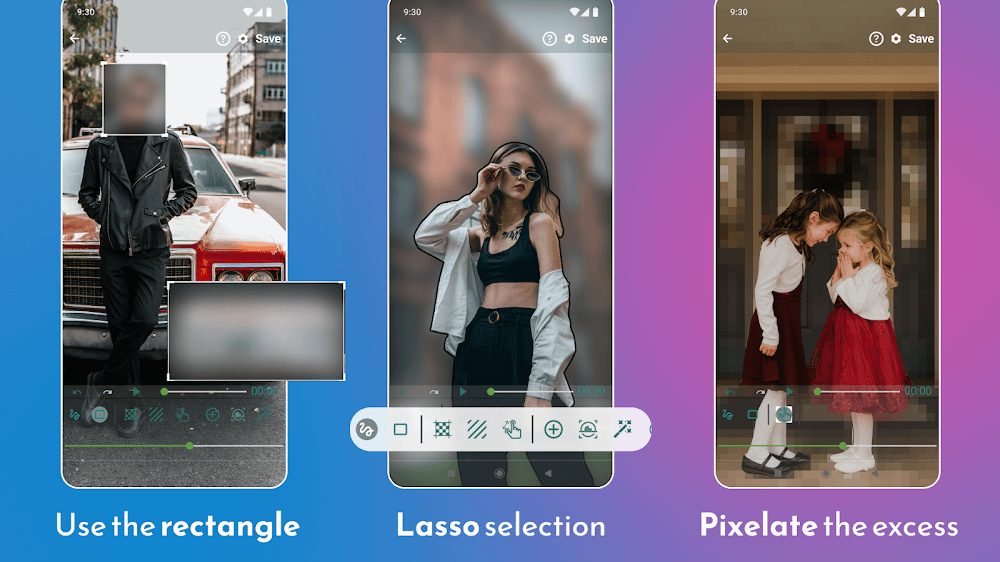
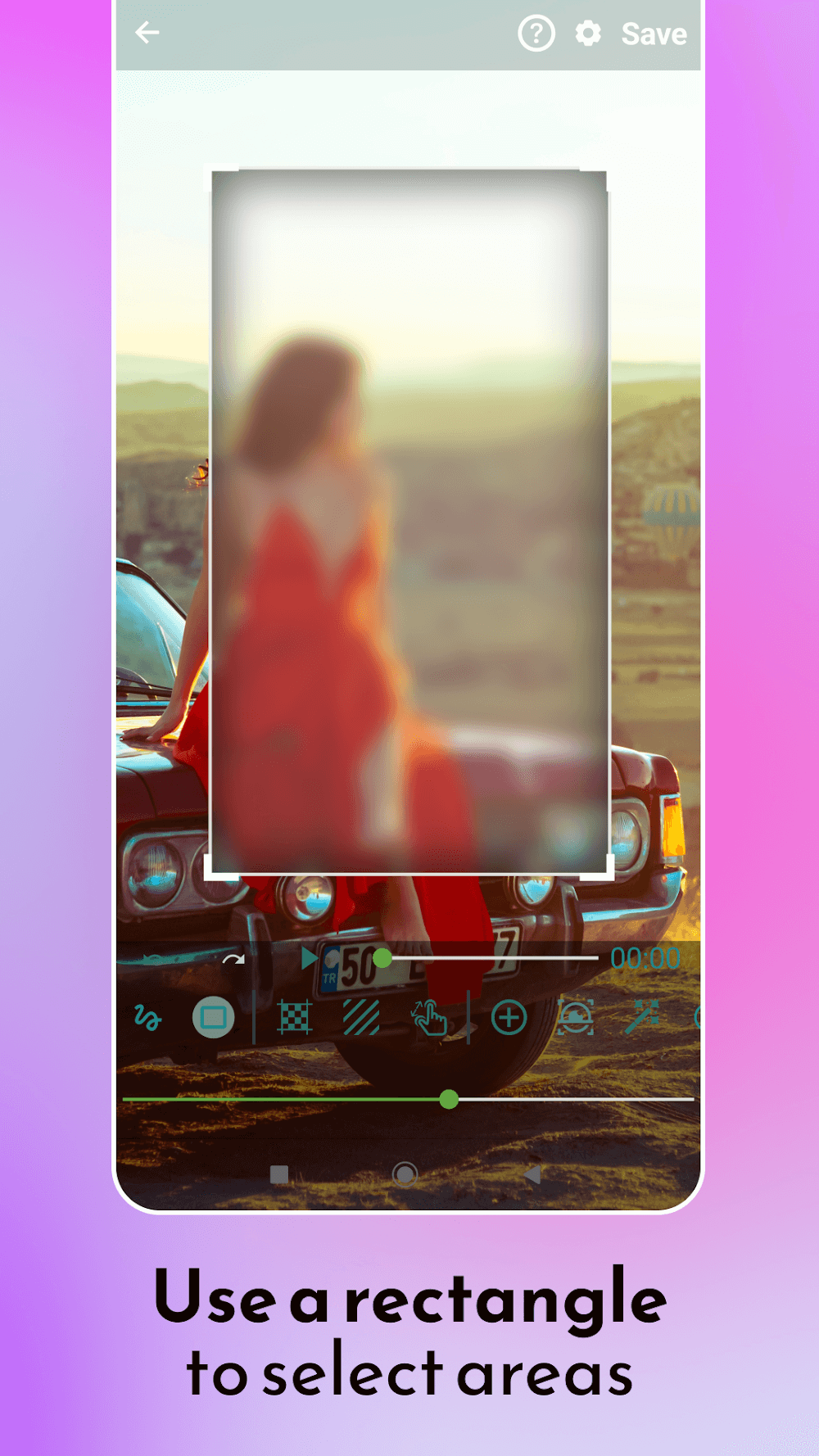
The app includes customizable mask shapes that let you define exact areas to soften or obscure, as well as freehand brushes for organic selections. Motion tracking keeps a blur attached to moving subjects so edits remain accurate throughout a sequence, and adjustable timing controls let you choose when an effect appears and how long it persists. Background blur tools allow gradual depth-of-field effects or full backdrop obscuring, and selective inversion options apply blur to everything except the chosen region. Playback preview runs at real-time speeds on capable devices so you can judge results before exporting.
How it works and controls
Editing centers on a simple timeline and a layered mask system: add a mask, assign a blur strength and position it across frames. Touch gestures control most actions — tap to place, pinch to zoom for detailed masking, drag to reposition, and two-finger rotate for angled shapes. Sliders adjust intensity, feathering and edge hardness; a frame scrubber and thumbnail view make it straightforward to jump to specific moments. For video, you can set keyframes for position and strength so a single mask can follow a subject automatically through a scene.
Customization, presets and project structure
Build and save custom presets for common tasks like face blurs, license-plate masking or soft portrait backgrounds to speed repetitive work. Project files preserve mask layers, keyframes and export settings so you can return later and refine edits without starting over. The visual workspace includes zoom and grid controls to align masks precisely, and you can rename layers to keep complex projects organized. These options let creators move from one clip to the next while maintaining a consistent look across a series of images or videos.
Performance, offline use and export
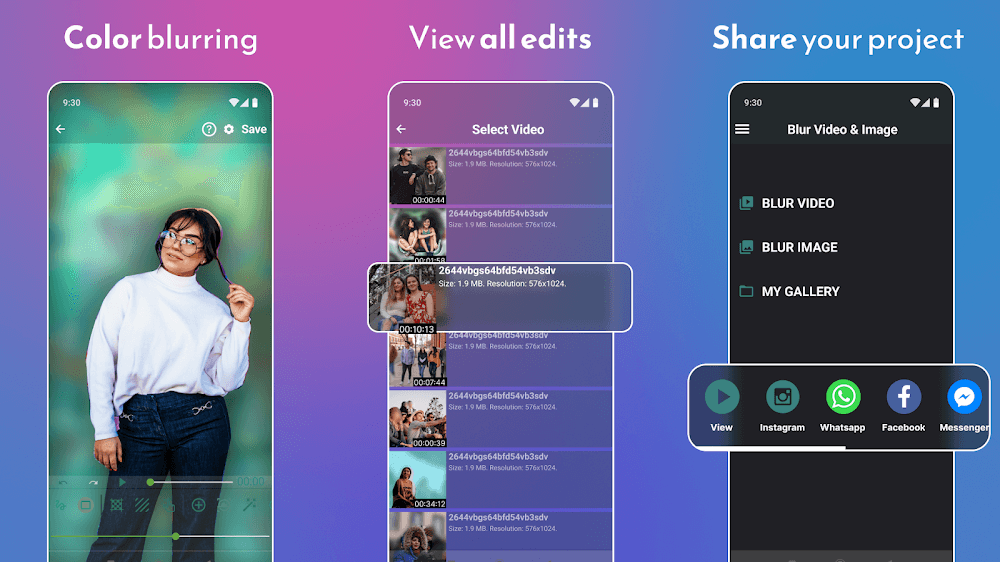
Render quality balances speed and fidelity: quick previews use lower-resolution proxies while final exports render at full resolution for preservation of detail. Blur Video and Photo Editor supports exporting common formats and keeps all processing local to your device so edits can be made offline without uploading personal media. Cache management and an undo history provide responsive editing even on mid-range phones; on high-end devices the app takes advantage of hardware acceleration for faster motion tracking and export times.
User experience, accessibility and replay value
The app’s layout emphasizes discoverability, with contextual tips and an optional tutorial that walks through a typical blur workflow. Controls are reachable with one hand and the contrast-friendly UI improves visibility in different lighting conditions. Accessibility features include large-touch targets and compatibility with Android accessibility services so users who rely on screen readers or alternative input methods can still perform key tasks. Because masks and presets are reusable, the app rewards experimentation and provides strong replay value: you can revisit the same clip to try different artistic blurs or refine privacy coverage as needed.
Limitations and practical advice
While Blur Video and Photo Editor automates many steps, the quality of results depends on selection accuracy and scene complexity. Dense crowds, transparent surfaces or extreme motion can require extra manual keyframes or careful mask feathering to avoid artifacts. For best outcomes, use higher-resolution source files when available, take a moment to refine edges on the most important frames and preview exports on the target device. These realistic expectations help you get professional-looking results without putting unnecessary strain on your workflow.
Show More
Information
Screenshots
Latest Update











Latest News
-
![Revealing the Launch Playlists and Cross-Progression for COD Warzone Mobile News]()
-
![March 2024 Free Redemption Codes for Honkai: Star Rail News]()
-
PUBG Mobile Teams Up with Bentley Motors: Luxury Cars, Exclusive Collectibles, and Beyond 2024-04-18
![PUBG Mobile Teams Up with Bentley Motors: Luxury Cars, Exclusive Collectibles, and Beyond News]()
-
![Monster Never Cry is now accessible on both Android and iOS mobile devices. News]()
-
V2.2 of the Farlight 84 update introduces an overhauled Season structure, fresh in-game currency, an 2024-04-16
![V2.2 of the Farlight 84 update introduces an overhauled Season structure, fresh in-game currency, an News]()
-
![Arrival of Genshin Impact 4.6 Update: 'Embers of Two Realms, Twilight of Crimson' News]()
-
April 2024 Clash of Clans Update: Unveiling a Fresh Companion, Enhanced Levels, Chat Tagging, and Be 2024-04-16
![April 2024 Clash of Clans Update: Unveiling a Fresh Companion, Enhanced Levels, Chat Tagging, and Be News]()






