

PlanWiz
Version:105.0
Published:2026-11-09
Introduction
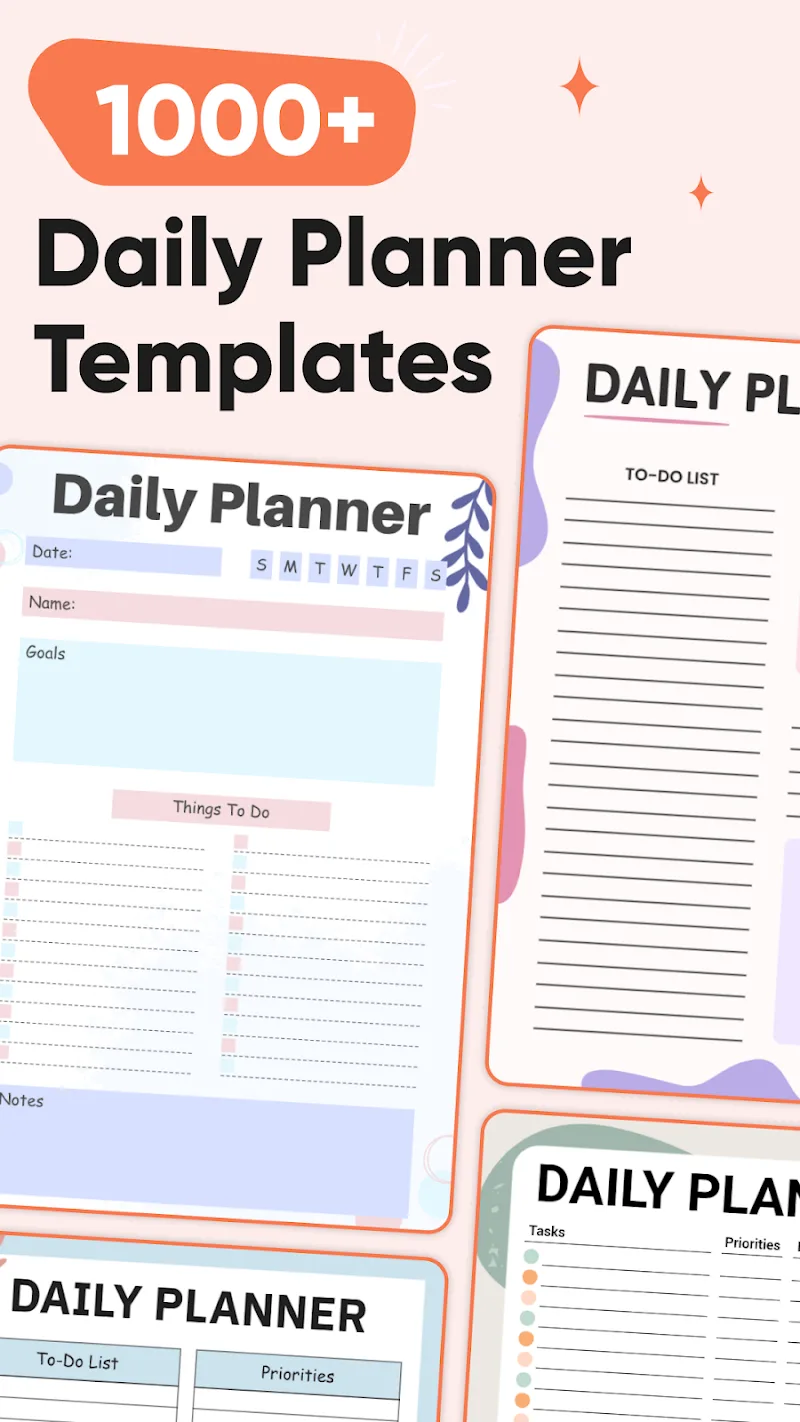
PlanWiz is a compact planning and productivity tool designed to simplify task management and time allocation for Android users. It combines scheduling, smart reminders and lightweight project tracking in a single interface, helping individuals and small teams stay organized without steep learning curves.
Overview
PlanWiz positions itself as a no-friction planner that balances simplicity with useful automation. The app targets professionals, students and anyone who needs a transparent way to map out daily priorities. Instead of overwhelming users with settings, it focuses on fast input, intuitive visuals and actionable notifications.
Core capabilities at a glance
- Task creation with quick-entry templates and natural language parsing.
- Smart reminders that adjust based on progress and context.
- Project lanes to group related tasks and view milestones.
- Lightweight analytics to track productivity trends over time.
Key features in detail
PlanWiz gives you a concise set of tools that cover most everyday planning needs. The task composer supports phrases like "Call client tomorrow at 2pm" and automatically schedules the reminder. Tasks can be tagged, prioritized and assigned due dates or estimated durations. For longer efforts, project lanes provide a column-style view where tasks can be moved between stages, making it easy to visualize progress.
Notifications are adaptive: if a task is repeatedly snoozed, PlanWiz suggests a different reminder time or breaks the item into subtasks. The analytics module remains unobtrusive yet informative, showing completion rates, average time to finish tasks and weekly focus windows.
User interface and performance
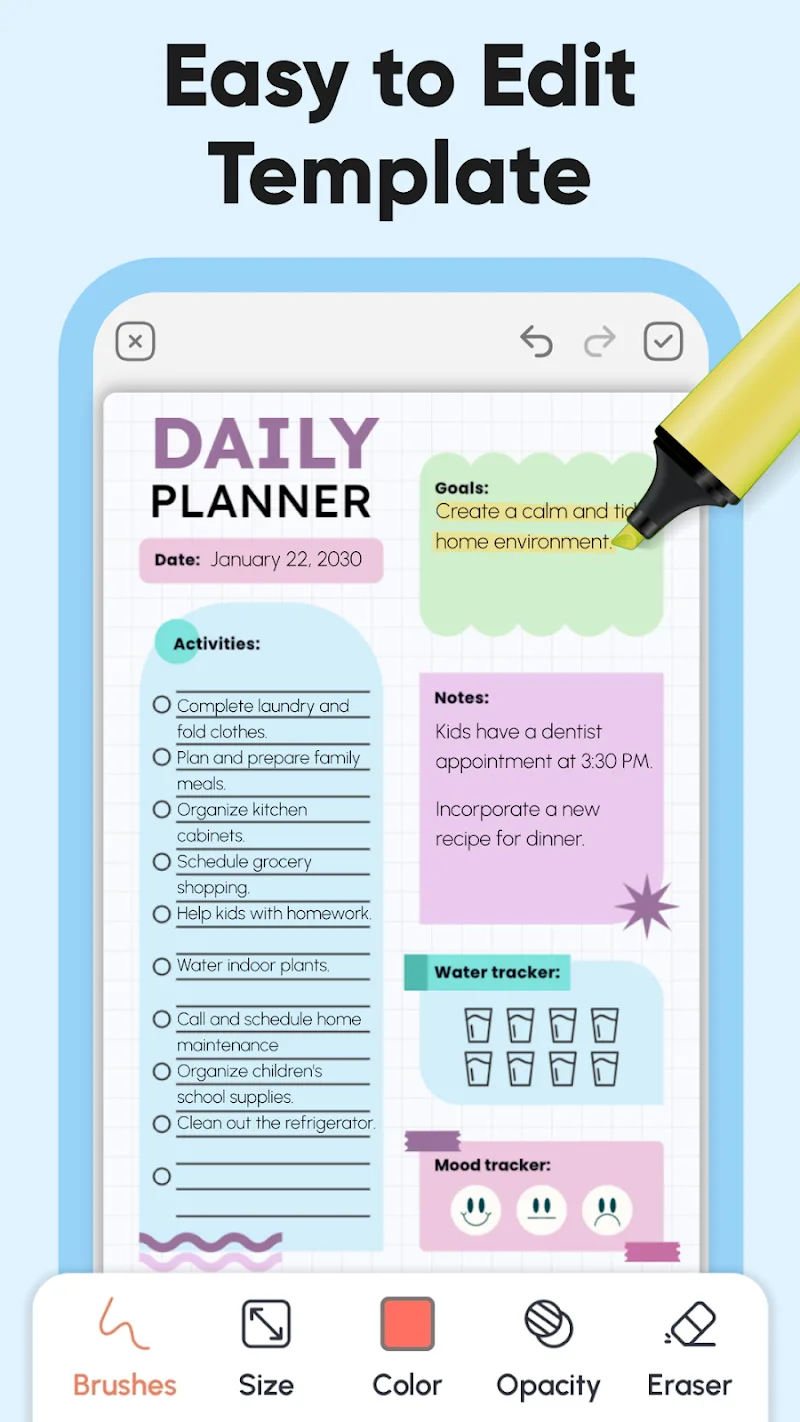
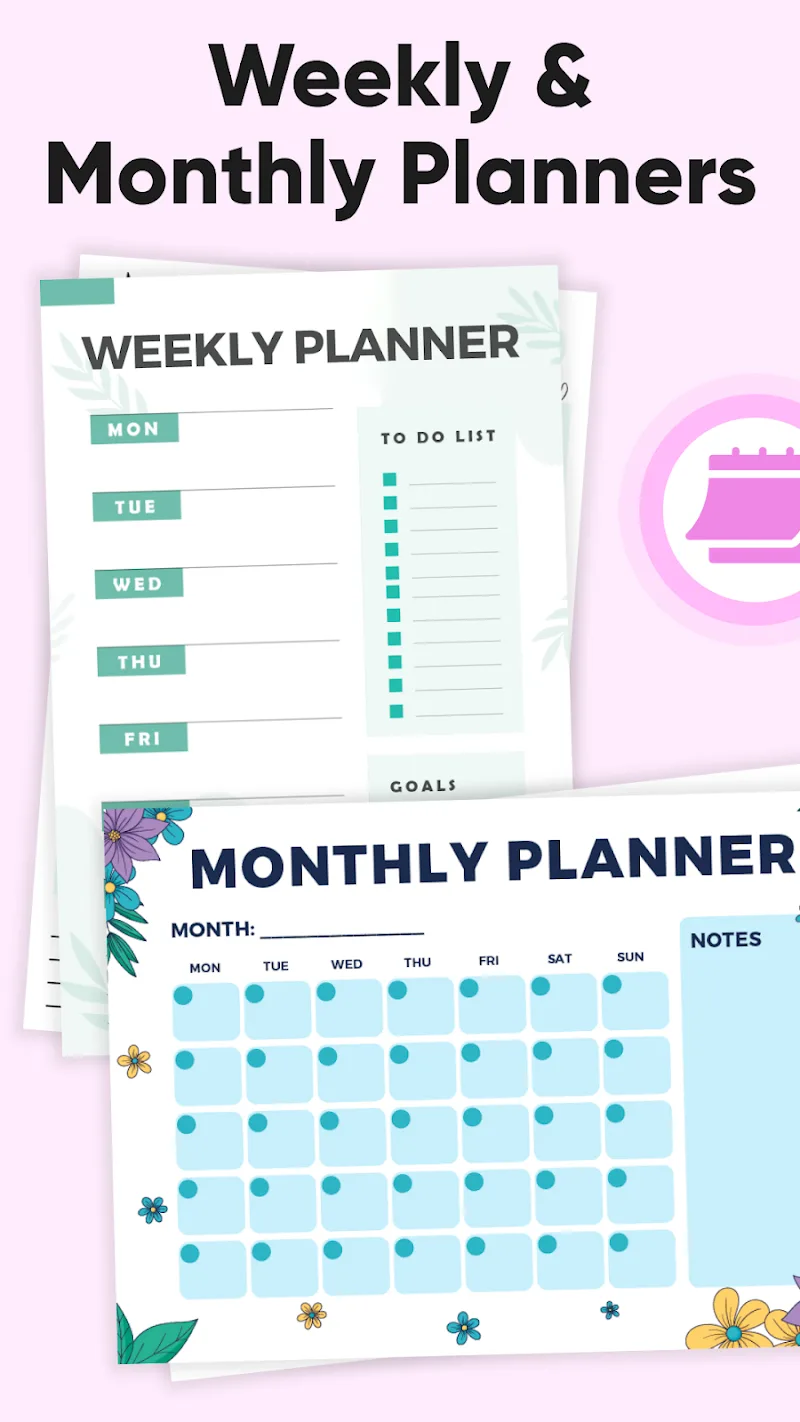
Design choices emphasize clarity. The main dashboard presents an agenda-style list with color-coded priorities and a compact calendar strip for quick date jumps. Transitions are smooth on mid-range devices and the app is optimized to minimize battery drain when running background reminders. The interface uses readable typography, clear icons and a restrained color palette to reduce cognitive load.
How it works
Getting things set up in PlanWiz is straightforward. Create projects or use the default inbox for quick capture. Add tasks with voice or text, tag them and assign due dates. Use the timeline view to block focus sessions and see where tasks will fit into your day. The app syncs across devices when you enable the optional account system, keeping your schedule available on multiple phones or tablets.
Integration and export
PlanWiz supports calendar syncing and can export task lists as CSV for sharing or backup. While it doesn’t try to be a full suite integrator, its simple connections to native calendars and notification system mean you can keep using other productivity tools alongside it.
Customization and workflow
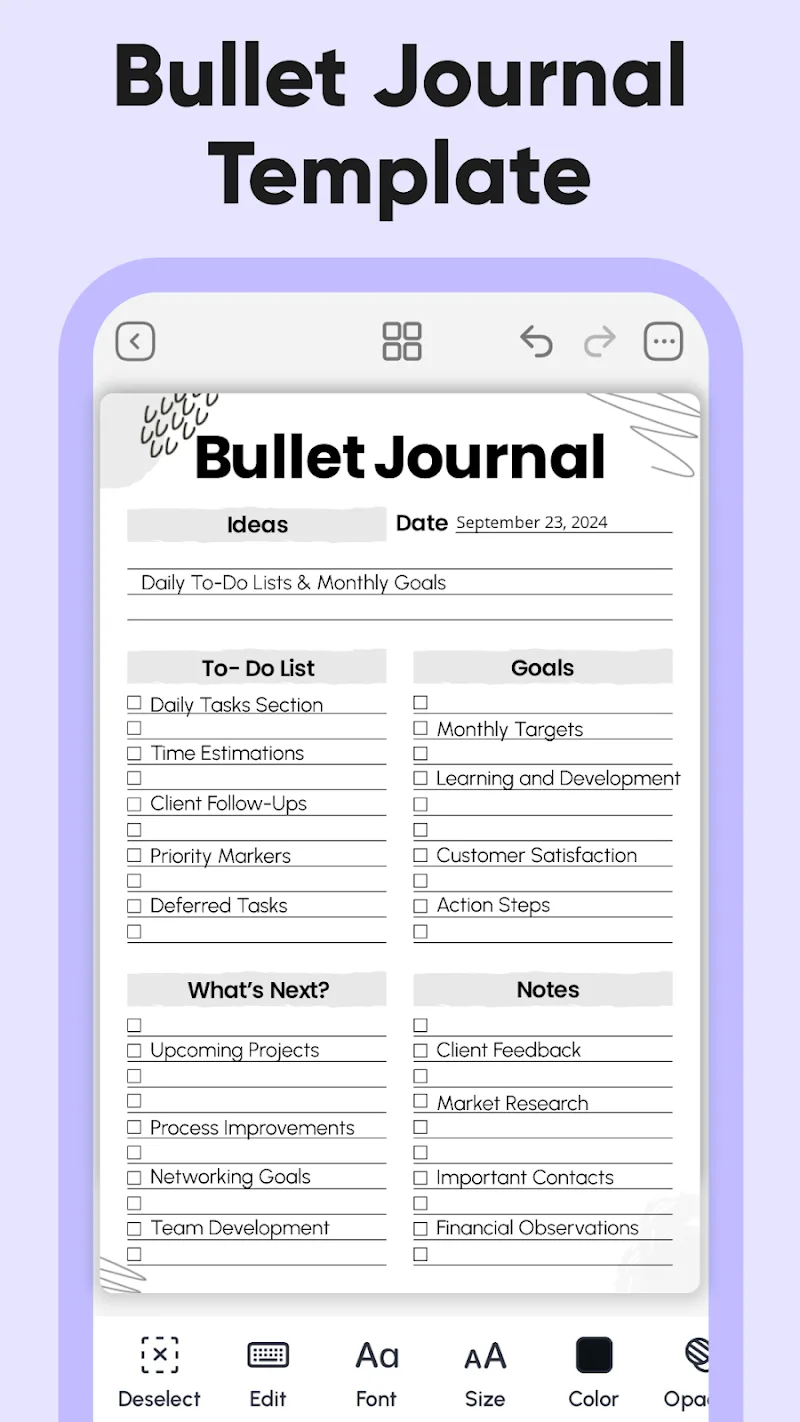
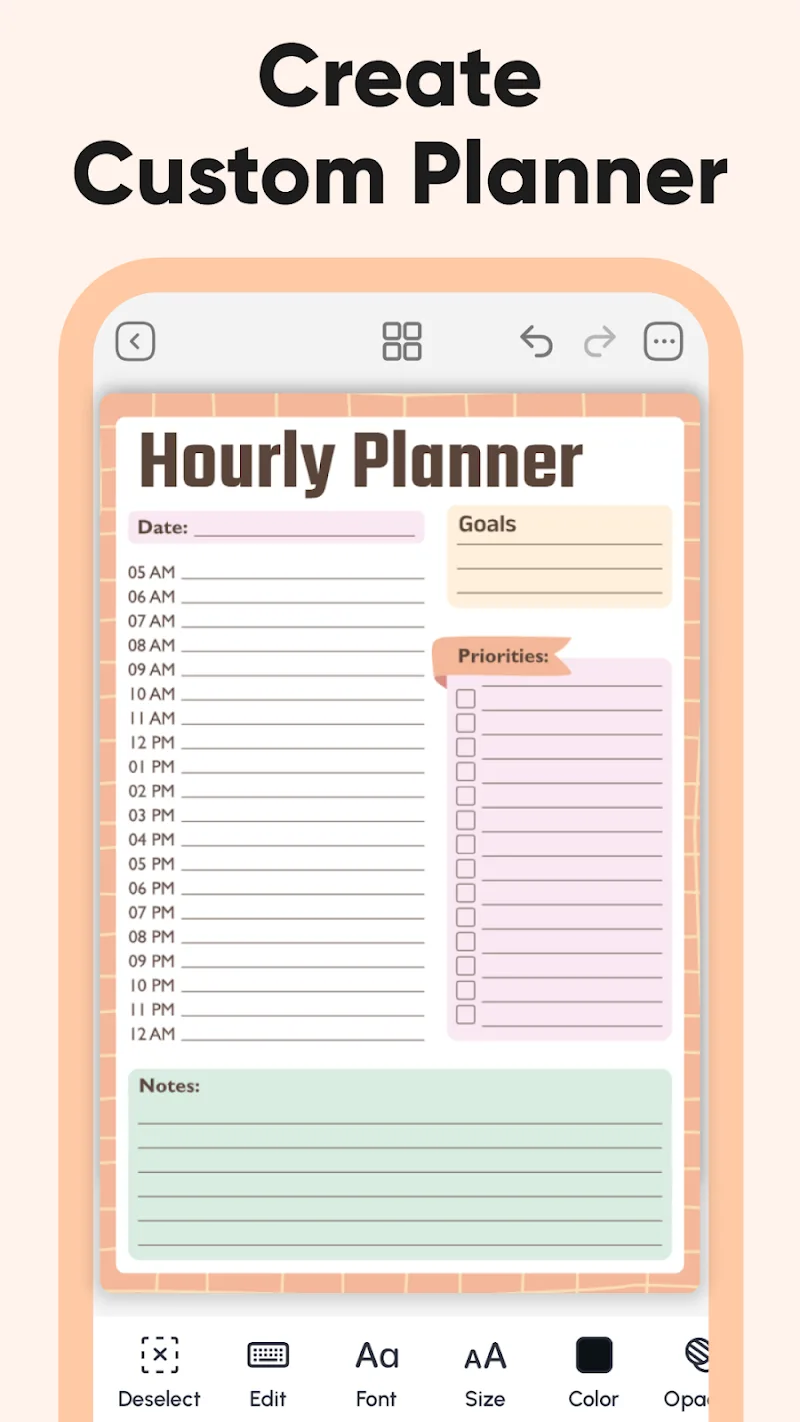
The app includes several customization options to match personal habits. Choose between compact and expanded list layouts, enable dark mode, and set default reminder offsets. For recurring work, custom templates speed up task creation. Teams can share individual project lanes for coordination without introducing heavy permission management.
Tips for new users
- Begin with a weekly brain dump into the inbox, then assign two or three daily priorities.
- Use estimated durations to better plan focus blocks and avoid overcommitment.
- Enable adaptive reminders only after a week of using the app so suggestions reflect real behavior.
Why users pick PlanWiz
People who prefer lightweight, efficient planning tools tend to appreciate PlanWiz for its rapid capture flow and pragmatic automation. The app reduces friction around scheduling and nudges users toward consistent habits without heavy-handed controls. It’s particularly useful for those who want a digital planner that behaves more like a personal assistant than a full-featured project management suite.
Getting started
To begin, install PlanWiz from the store, grant notification permissions and run the onboarding checklist. Add a few tasks and try the timeline view to see how your day shapes up. Explore templates for recurring items and enable calendar sync if you want appointments visible alongside tasks.
As a focused tool for planning and time management, PlanWiz delivers a balance of speed, clarity and small but meaningful automation designed to help you get things done without unnecessary complication.
Show More
Information
Screenshots
Latest Update












Hot Tags
Latest News
-
![Revealing the Launch Playlists and Cross-Progression for COD Warzone Mobile News]()
-
![March 2024 Free Redemption Codes for Honkai: Star Rail News]()
-
PUBG Mobile Teams Up with Bentley Motors: Luxury Cars, Exclusive Collectibles, and Beyond 2024-04-18
![PUBG Mobile Teams Up with Bentley Motors: Luxury Cars, Exclusive Collectibles, and Beyond News]()
-
![Monster Never Cry is now accessible on both Android and iOS mobile devices. News]()
-
V2.2 of the Farlight 84 update introduces an overhauled Season structure, fresh in-game currency, an 2024-04-16
![V2.2 of the Farlight 84 update introduces an overhauled Season structure, fresh in-game currency, an News]()
-
![Arrival of Genshin Impact 4.6 Update: 'Embers of Two Realms, Twilight of Crimson' News]()
-
April 2024 Clash of Clans Update: Unveiling a Fresh Companion, Enhanced Levels, Chat Tagging, and Be 2024-04-16
![April 2024 Clash of Clans Update: Unveiling a Fresh Companion, Enhanced Levels, Chat Tagging, and Be News]()






