
Radient Icons
Version:5.5
Published:2026-11-09
Introduction
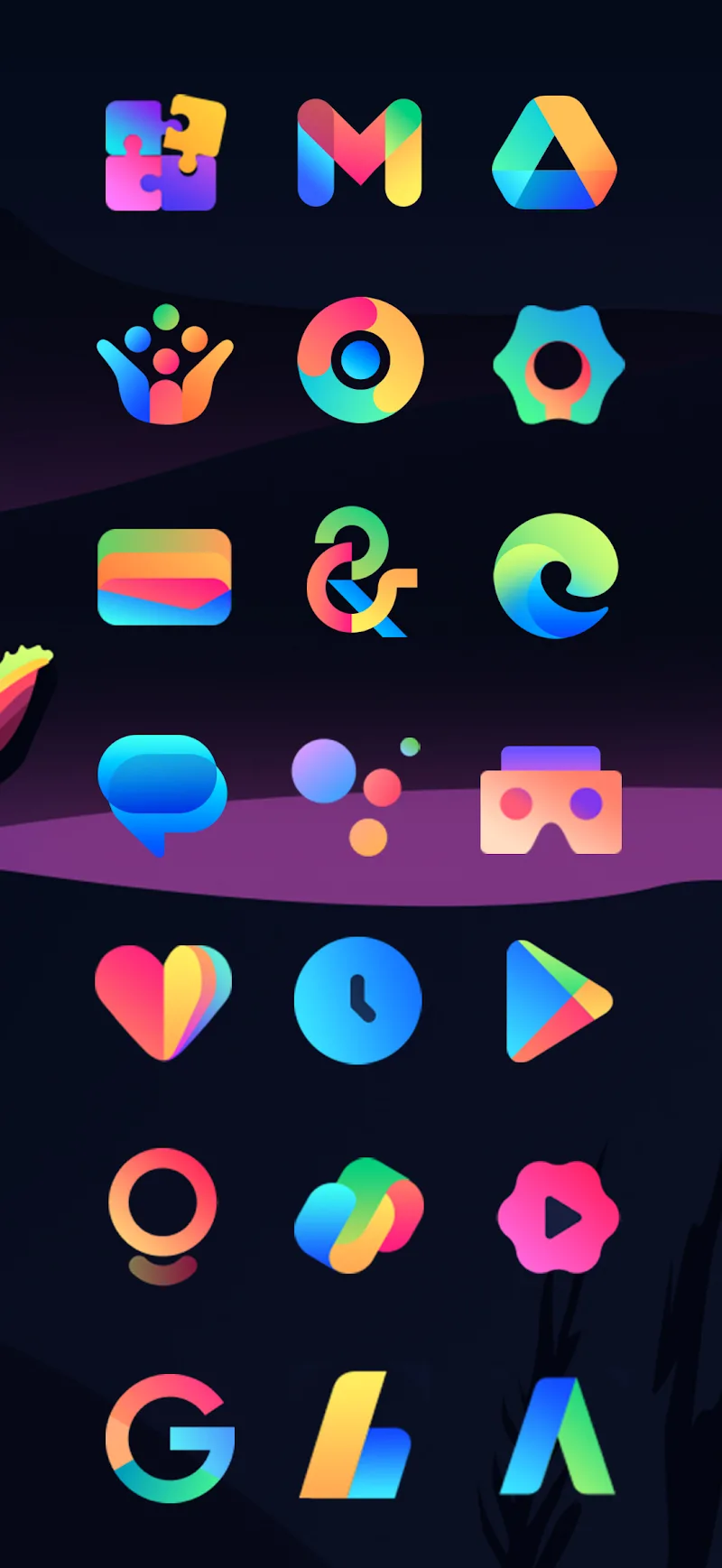
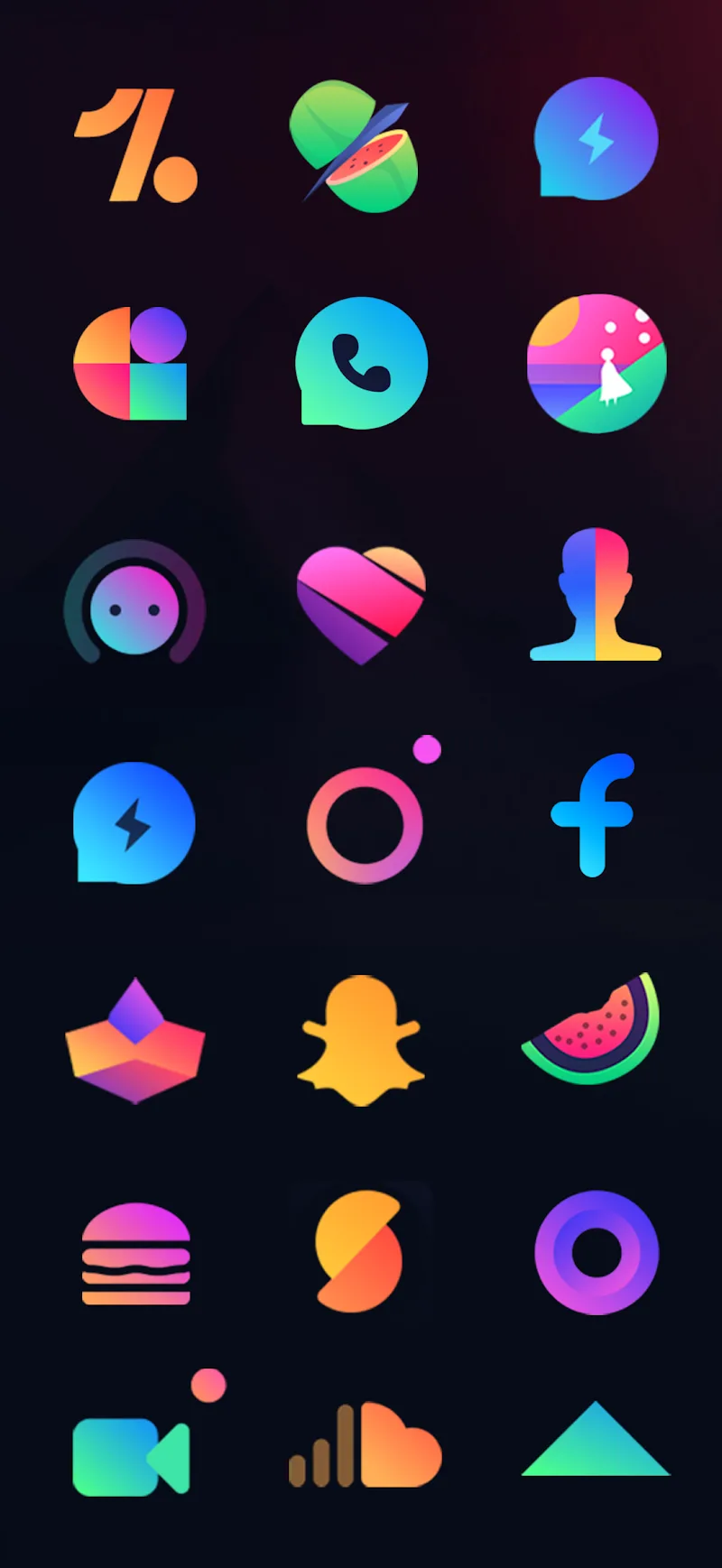
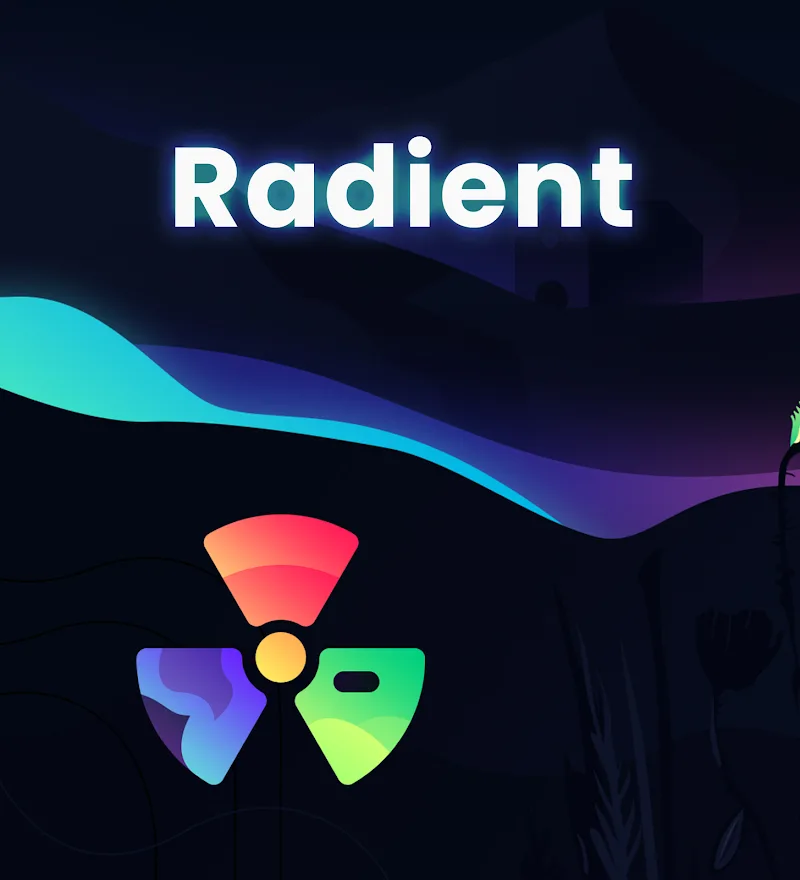
Radient Icons delivers a polished icon pack for Android users who want a cohesive, colorful aesthetic across their home screens. It includes hundreds of hand-crafted icons, adaptive shapes, and multiple wallpaper options to match. Ideal for launcher enthusiasts seeking visual consistency without sacrificing performance.
What Radient Icons Brings to Your Device
Radient Icons is focused on transforming the look of your Android device quickly and reliably. The pack provides a coherent visual language — consistent stroke weights, shadow behavior, and a palette designed to remain readable across varying wallpapers. Icons are vector-based where possible, keeping file sizes efficient while maintaining sharpness on high-resolution displays.
Core Features at a Glance
- Extensive Coverage: Hundreds of icons covering most popular apps, plus dynamic masking for unsupported icons.
- Adaptive Support: Compatible with major third-party launchers and offers alternate shapes for different looks.
- High-Resolution Assets: Scalable images and carefully tuned grid alignment for a uniform home screen appearance.
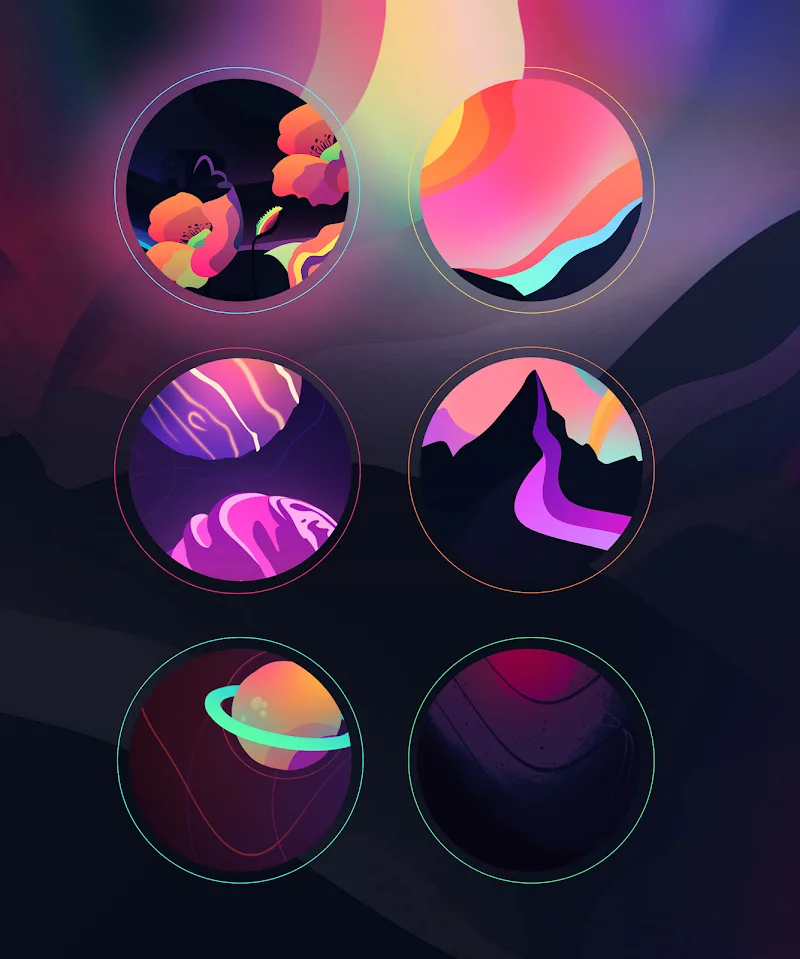
- Custom Wallpapers: A curated selection of wallpapers designed to complement the icon palette.
- Icon Request System: Built-in request mechanism so missing icons can be added in updates.
Installation and Setup
Setting up Radient Icons is straightforward. After installing from the Play Store, open the app and select your launcher. Most mainstream launchers (Nova, Lawnchair, Action Launcher, etc.) are supported directly. Applying the theme typically takes just a couple of taps. If your launcher is unsupported, the app provides instructions for manual icon packs and offers adaptive masking to maintain a consistent look.
Customization Options
Beyond a default theme, Radient Icons encourages light customization. Users can choose alternate icon shapes, adjust the masked background for unthemed apps, and pick wallpapers that accentuate the icon colors. There’s also a simple icon picker for swapping individual app icons without leaving the home screen, which is handy when you want a specific app to stand out.
Performance and Design Quality
The developers emphasize minimal performance impact. Radient Icons uses optimized PNGs and vector drawables where appropriate, keeping memory use low. The design focuses on balance: bold enough to read at a glance, subtle enough to avoid visual clutter. The icon pack's consistent grid and margin rules reduce visual noise across folders and app drawers.
User Experience and Workflow
Navigation inside the app is uncluttered. Sections are organized for quick access to themes, wallpapers, and the icon request interface. A preview screen shows how icons look against each included wallpaper, which helps when deciding a final appearance. Regular updates and a changelog make it easy to see what’s been added or refined.
Tips for Getting the Best Results
- Choose a Complementary Wallpaper: Wallpapers supplied with Radient Icons are optimized for contrast; try them before using third-party images.
- Enable Adaptive Shapes: If your launcher supports adaptive icons, enable the alternate shapes for a uniform silhouette.
- Request Missing Icons: Use the built-in request tool to speed up additions; developers often respond to popular requests first.
- Combine with Widget Packs: For a complete home screen refresh, pair the icon pack with a minimal widget set to match typography and spacing.
Who Should Consider This Pack?
Radient Icons suits users who prioritize aesthetic cohesion and subtle color. It’s particularly attractive for people who enjoy curating a consistent look across multiple devices or for those who frequently switch themes but want a reliable, polished base set of icons.
Final Notes on Updates and Support
Updates tend to arrive regularly with new icons, bug fixes, and occasional wallpaper additions. Support channels are listed within the app for reporting issues or requesting new icons. For anyone who values a refined, efficient icon pack with practical customization, Radient Icons is worth trying out.
Show More
Information
Screenshots
Latest Update










Latest News
-
![Revealing the Launch Playlists and Cross-Progression for COD Warzone Mobile News]()
-
![March 2024 Free Redemption Codes for Honkai: Star Rail News]()
-
PUBG Mobile Teams Up with Bentley Motors: Luxury Cars, Exclusive Collectibles, and Beyond 2024-04-18
![PUBG Mobile Teams Up with Bentley Motors: Luxury Cars, Exclusive Collectibles, and Beyond News]()
-
![Monster Never Cry is now accessible on both Android and iOS mobile devices. News]()
-
V2.2 of the Farlight 84 update introduces an overhauled Season structure, fresh in-game currency, an 2024-04-16
![V2.2 of the Farlight 84 update introduces an overhauled Season structure, fresh in-game currency, an News]()
-
![Arrival of Genshin Impact 4.6 Update: 'Embers of Two Realms, Twilight of Crimson' News]()
-
April 2024 Clash of Clans Update: Unveiling a Fresh Companion, Enhanced Levels, Chat Tagging, and Be 2024-04-16
![April 2024 Clash of Clans Update: Unveiling a Fresh Companion, Enhanced Levels, Chat Tagging, and Be News]()






