

One4Icons: Icon Pack Studio
Version:0.2.60
Published:2026-11-09
Introduction
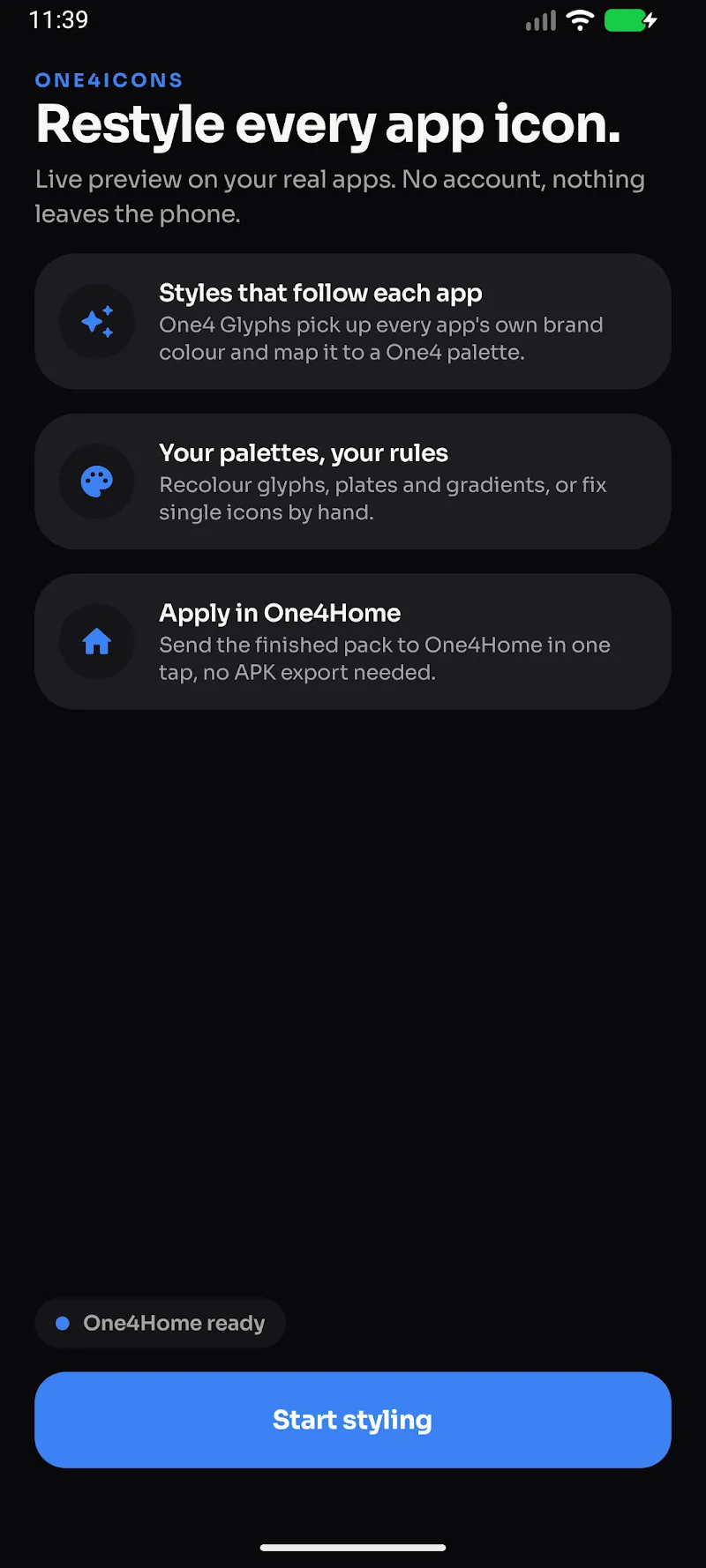
One4Icons: Icon Pack Studio is a versatile Android app that empowers users to create, customize, and manage icon packs without advanced design skills. It combines vector editing, batch processing, and export tools in a single environment, making personalized launchers and themes easy to build and distribute.
Overview of the app
One4Icons: Icon Pack Studio aims at users who want control over their device aesthetics. Instead of relying on predefined packs, it provides a toolkit to design consistent icons, apply cohesive effects, and package them for popular launchers. The interface balances powerful features and approachable tools, so novices and experienced designers can both be productive.
Core functionality
The app centers on three tasks: creating individual icons, applying global treatments, and exporting finished packs. A vector-based editor keeps icons scalable while a layer system supports overlays, shadows, and masks. Batch operations let you apply scripts or changes across hundreds of icons in moments.
Key features at a glance
- Vector editor with path tools, fills, strokes, and export-ready SVG output.
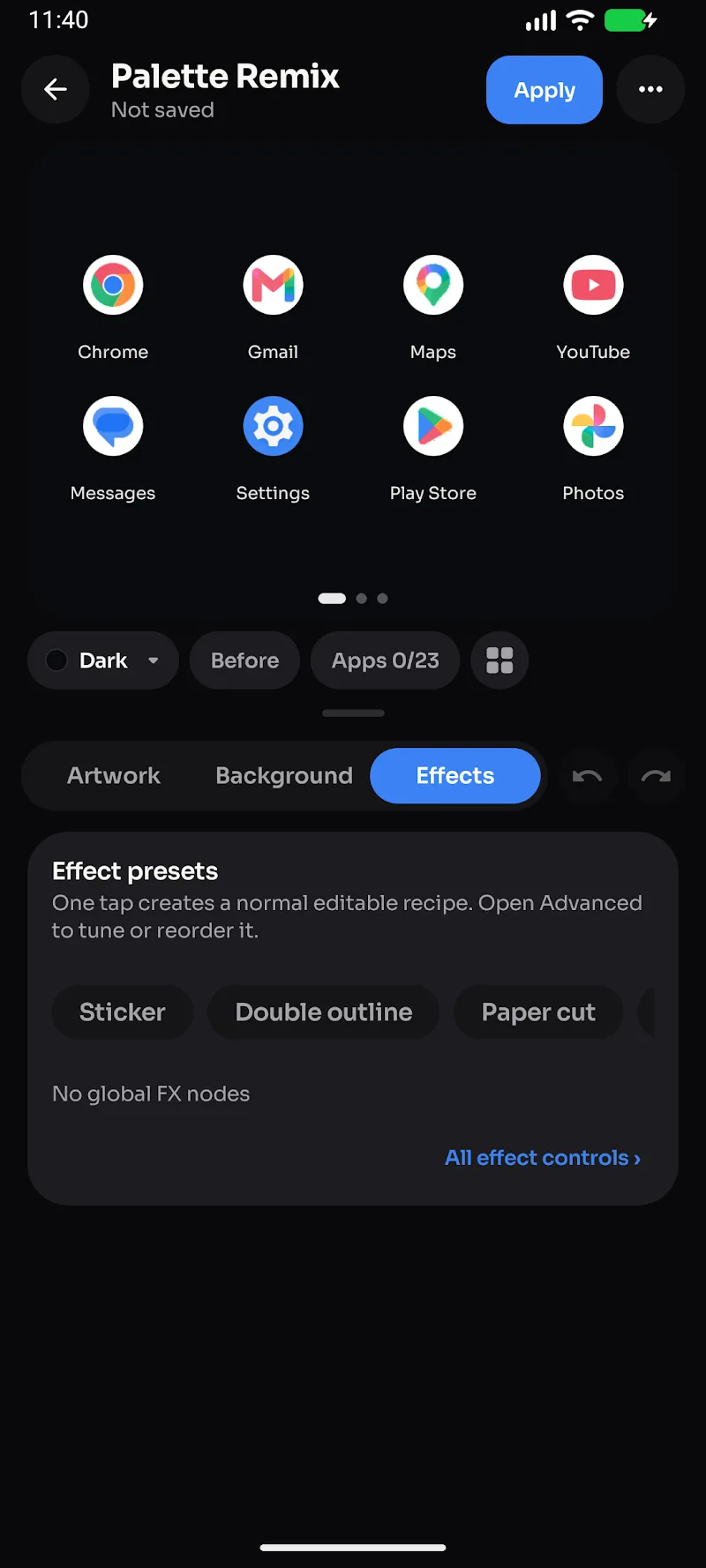
- Batch processing to resize, recolor, or add effects to many icons at once.
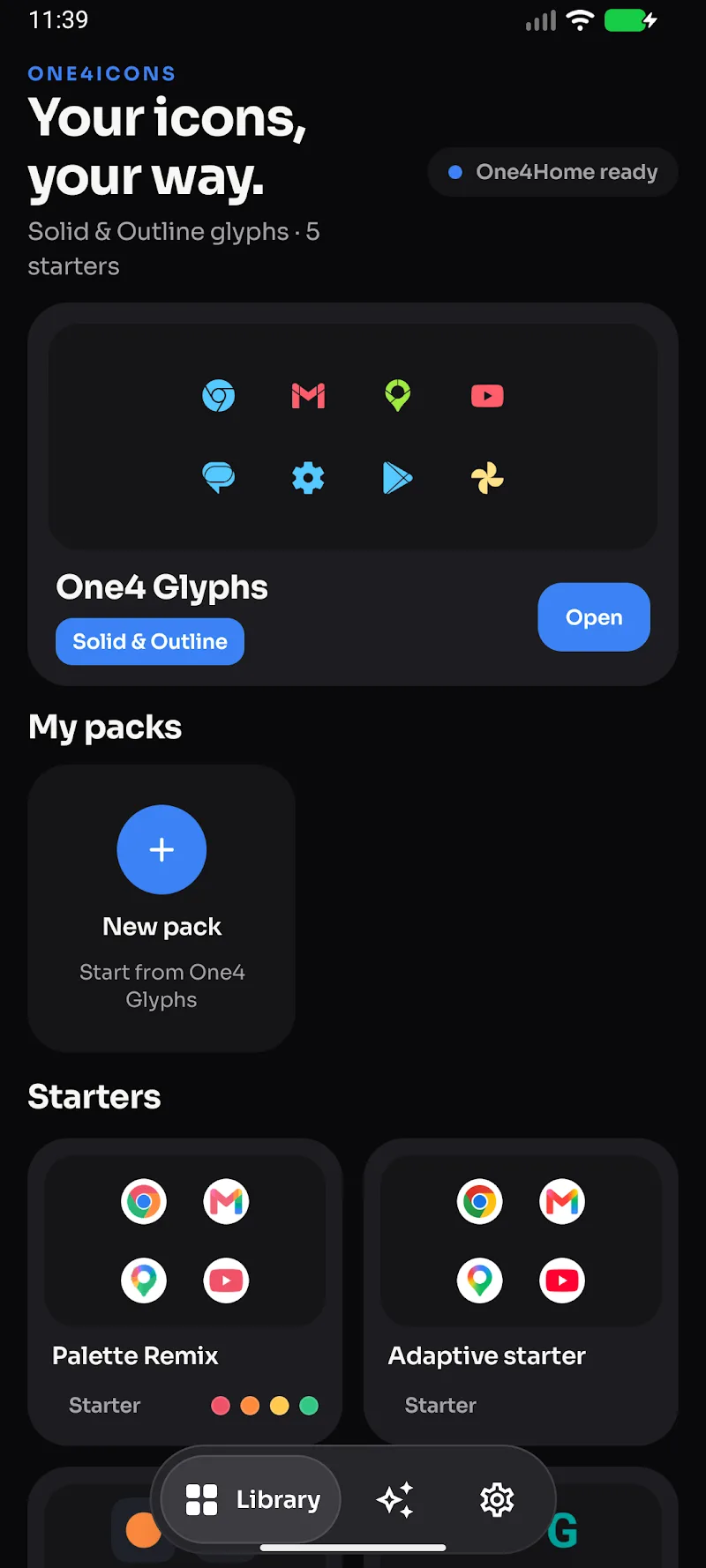
- Template library including shapes, glyphs, and background styles to speed up design.
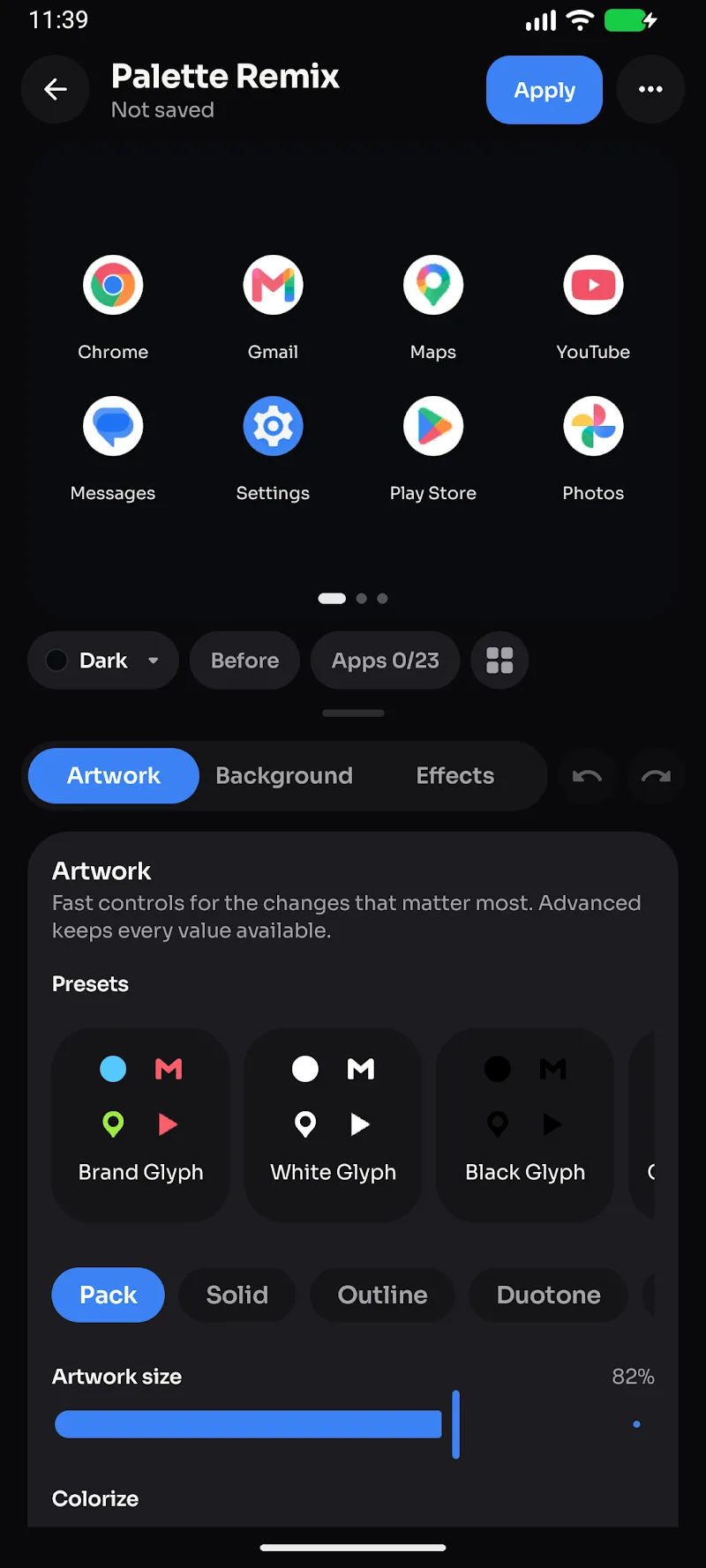
- Adaptive previews that show how icons look on different launchers and grid sizes.
- Export and packaging for popular launchers, APK generation, and zip bundles for manual installation.
How it works
Start by importing single icons or entire folders. The editor accepts common image formats and preserves vector assets for crisp results. Apply a mask or background template to enforce a uniform look, then use the batch pane to propagate changes. When the set looks right, use the export wizard to choose naming conventions and target launcher compatibility.
Customization tools and workflows
The app includes quick presets and deeper controls. Presets are useful for consistent color schemes, shadows, and corner radii. If you prefer granular control, advanced layers let you adjust gradients, inner glows, and stroke alignment. There are also smart rules that detect icon content and preserve legibility when masks are applied.
User interface and responsiveness
One4Icons: Icon Pack Studio features a clean, dark-themed interface with context-sensitive toolbars. Performance is optimized for mobile hardware; vector operations run smoothly on mid-range phones and batch tasks scale with available CPU threads. The app caches previews to reduce lag when toggling between multiple sets.
Practical tips for new users
- Begin with a small test set to learn how masks and templates affect icon legibility.
- Use vector shapes whenever possible; they scale without quality loss.
- Keep a naming convention early to simplify export and launcher mapping.
- Test exported packs on different launchers to confirm adaptive icons behave as expected.
Integrations and compatibility
The tool supports many popular Android launchers and adaptive icon standards. Export options include single APK packs, zip archives for manual installs, and flattened PNG sets for older launchers. One4Icons: Icon Pack Studio also creates metadata files so launchers can match icons to package names automatically.
Why creators choose it
Designers appreciate how the app balances speed with control. The combination of batch editing, templates, and export automation cuts the time it takes to produce a polished icon pack. Casual users enjoy experimenting with themes and quickly applying consistent looks across their home screens.
Getting started
Download the app, grant storage permissions if requested, and import a few sample icons. Explore the template library and try running a batch operation to apply a single mask across all items. When you’re ready, use the exporter to generate a test APK or zip and install it on your device for a final check.
Whether you’re building a full commercial pack or customizing your personal home screen, One4Icons: Icon Pack Studio provides a focused set of tools that streamlines icon design and deployment while keeping workflows flexible and efficient.
Show More
Information
Screenshots
Latest Update












Latest News
-
![Revealing the Launch Playlists and Cross-Progression for COD Warzone Mobile News]()
-
![March 2024 Free Redemption Codes for Honkai: Star Rail News]()
-
PUBG Mobile Teams Up with Bentley Motors: Luxury Cars, Exclusive Collectibles, and Beyond 2024-04-18
![PUBG Mobile Teams Up with Bentley Motors: Luxury Cars, Exclusive Collectibles, and Beyond News]()
-
![Monster Never Cry is now accessible on both Android and iOS mobile devices. News]()
-
V2.2 of the Farlight 84 update introduces an overhauled Season structure, fresh in-game currency, an 2024-04-16
![V2.2 of the Farlight 84 update introduces an overhauled Season structure, fresh in-game currency, an News]()
-
![Arrival of Genshin Impact 4.6 Update: 'Embers of Two Realms, Twilight of Crimson' News]()
-
April 2024 Clash of Clans Update: Unveiling a Fresh Companion, Enhanced Levels, Chat Tagging, and Be 2024-04-16
![April 2024 Clash of Clans Update: Unveiling a Fresh Companion, Enhanced Levels, Chat Tagging, and Be News]()






