

WiFi Monitor Pro
Version:2.9.2
Published:2026-11-09
Introduction
WiFi Monitor Pro is a compact network utility that helps you analyze wireless environments, track connected devices, and diagnose connectivity issues quickly. Designed for technicians and curious users alike, it combines signal mapping, channel scanning, and real-time throughput measurements into a single mobile toolkit for clearer Wi-Fi visibility.
What WiFi Monitor Pro Does
At its core, WiFi Monitor Pro turns your Android device into a diagnostic center for local wireless networks. The app scans available access points, visualizes signal strength over time, and identifies channel congestion. It also lists devices on the network and provides latency and throughput estimates so you can pinpoint trouble spots or performance bottlenecks.
Key Capabilities
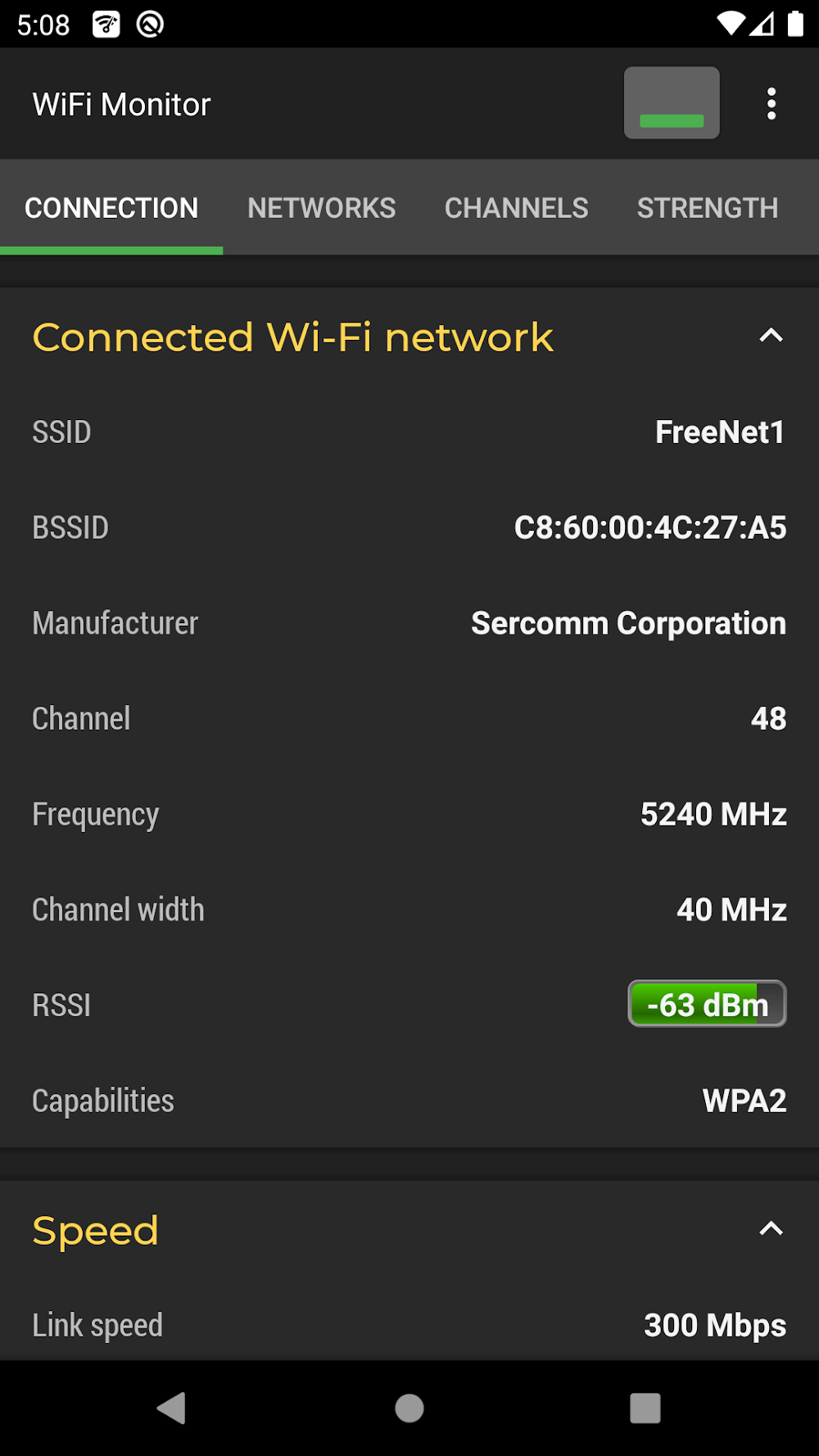
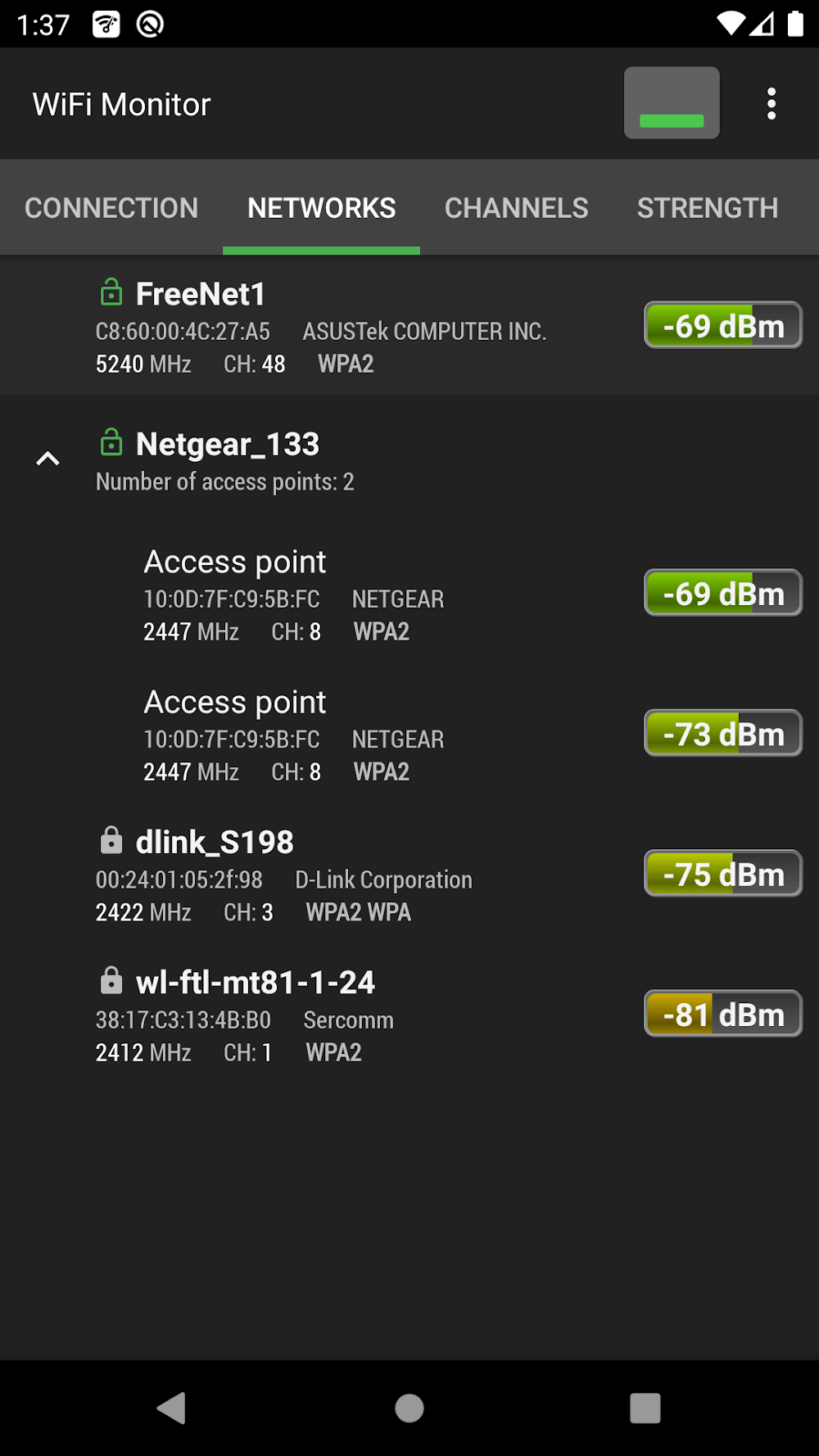
- Access Point Discovery: Detect nearby routers and APs with BSSID, SSID, and security type details.
- Signal Graphs: View historical RSSI trends to locate weak coverage areas and assess stability.
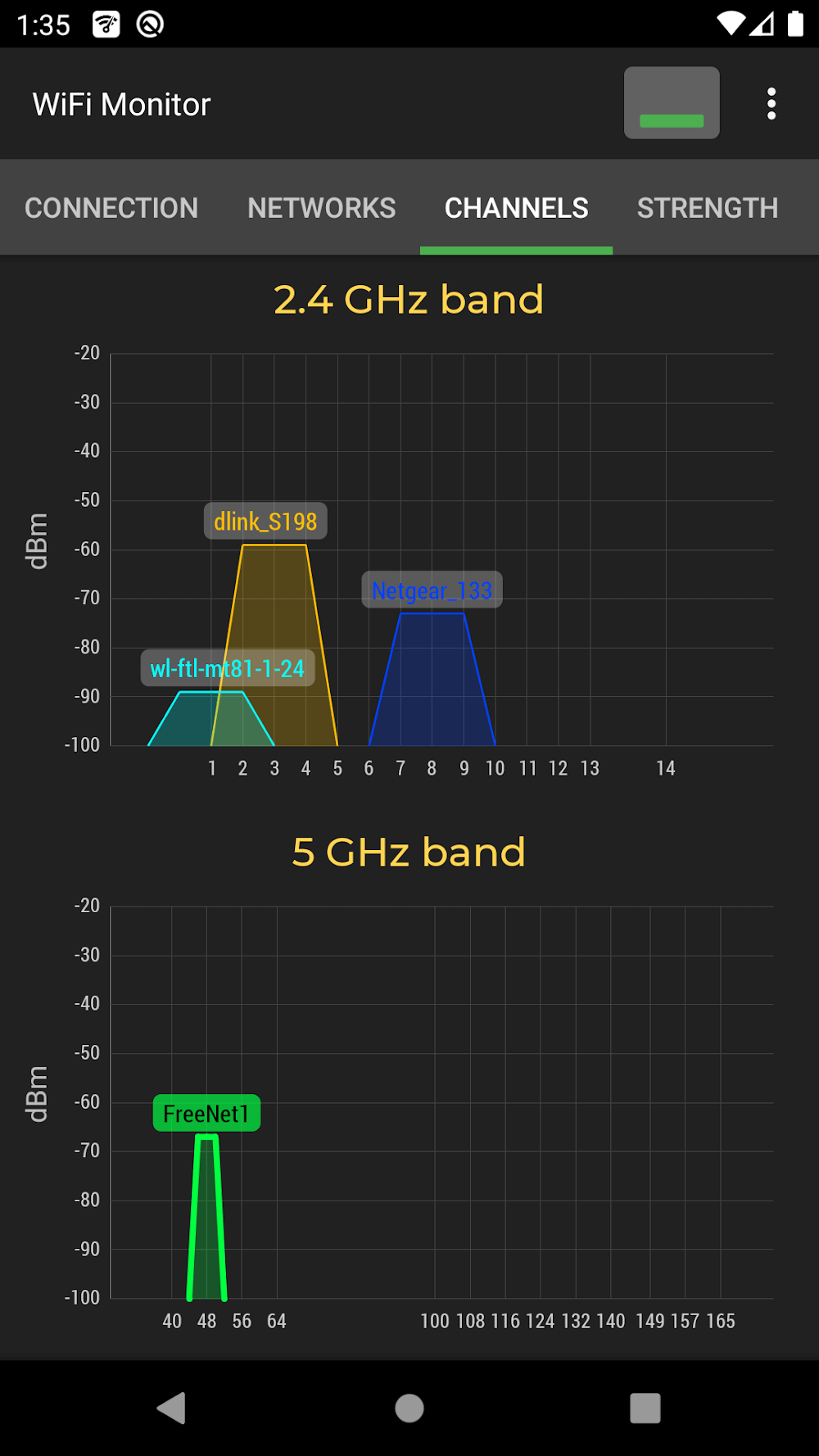
- Channel Analysis: See which 2.4 GHz and 5 GHz channels are most crowded to inform channel planning.
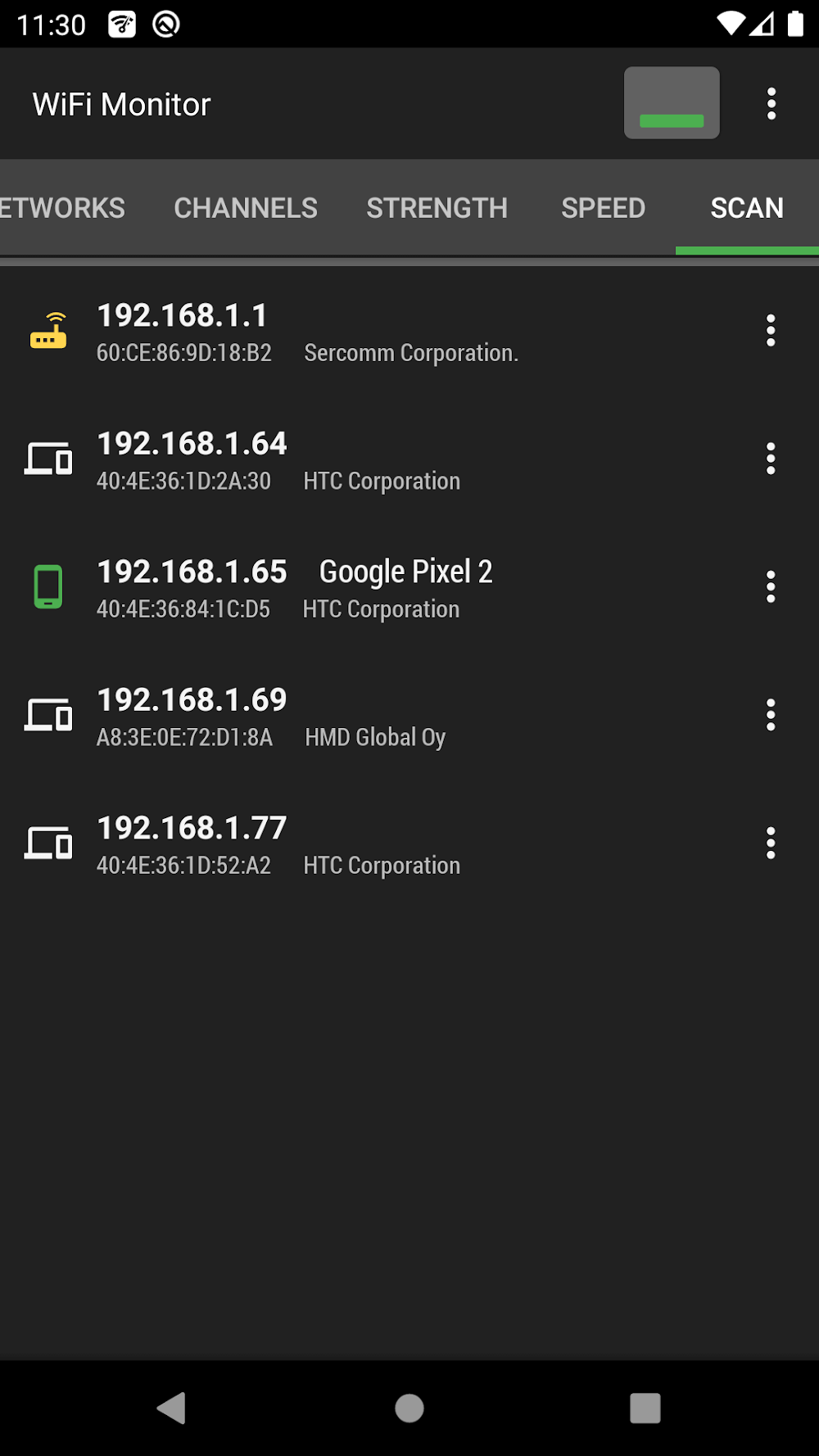
- Client Monitoring: Monitor devices connected to your network and check their IPs and MACs for quick inventory.
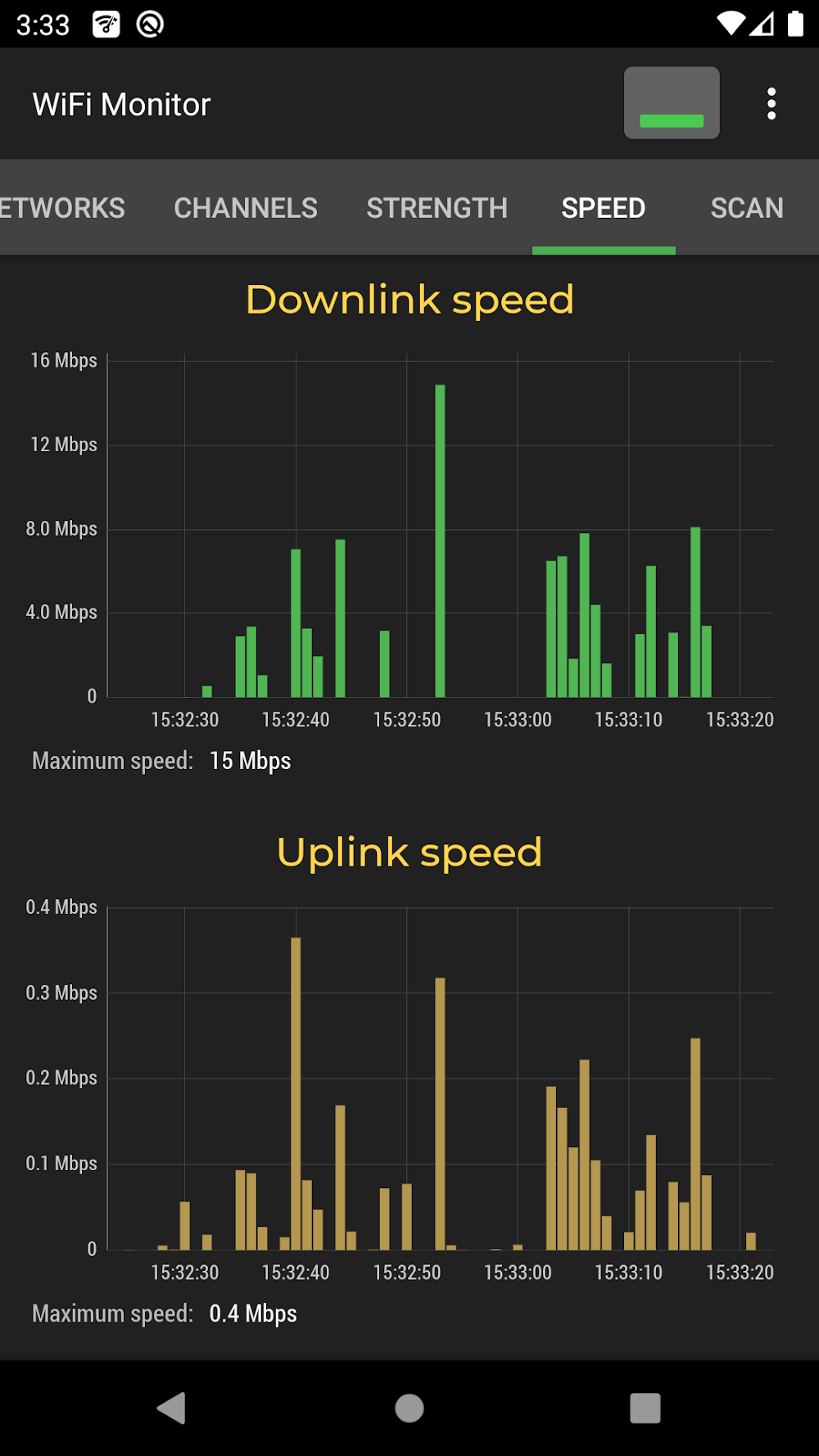
- Latency and Throughput: Measure ping and estimate bandwidth to validate ISP and local network performance.
How It Operates
WiFi Monitor Pro uses standard Android APIs to collect wireless data and presents it in concise visual formats. Scans run on demand or on a scheduled interval, providing up-to-date charts without overwhelming battery life. The app translates raw metrics into actionable suggestions, such as switching to a less congested channel or moving an access point to improve coverage.
Interface and Navigation
The interface emphasizes readability: dashboards show current signal levels, while separate tabs hold historical graphs and device lists. Interactive elements let you tap an AP to see a detailed breakdown, and simple toggles control scan frequency. The design aims to keep common tasks one or two taps away so professionals can move quickly during site surveys.
Optimization and Performance
Performance is balanced for real-world use. Scanning intervals are adjustable to reduce CPU and power consumption. Results are cached for rapid comparison, and the app limits background activity when the screen is off. For long-term site assessments, exportable logs allow deeper analysis on a laptop without leaving important data behind.
Tools for Troubleshooting
- Heatmap-friendly exports: Export signal samples to CSV for external heatmap tools.
- Conflict detection: Alerts when overlapping channels could be harming throughput.
- Device identification: Manufacturer lookup via MAC prefixes to help identify unknown clients.
- Historical snapshots: Compare different times of day to detect intermittent interference.
Practical Tips for New Users
Start by running a full scan while moving through the space where connectivity matters most. Use short, frequent scans to build a reliable sample set. If you manage multiple APs, check each radio band separately to decide whether to rebalance devices across 2.4 GHz and 5 GHz. For home users, prioritizing channel changes often yields quick improvements without additional hardware.
When to Use Advanced Options
Advanced features are useful during structured audits: lock scan duration long enough to capture transient interference and enable client tracking to identify devices that repeatedly drop or hog bandwidth. Professionals performing installations can pair WiFi Monitor Pro with external spectrum analyzers for complete RF diagnostics.
Installation and First Steps
Installation is straightforward and the initial setup walks you through granting the necessary location and network permissions. After a first scan, review the detected access points and run a short throughput test to establish a baseline. Regularly update the app to benefit from improvements in device detection and analytic accuracy.
Why Network Pros Use It
Technicians value WiFi Monitor Pro for its compact feature set, clear visualizations, and fast access to essential metrics. The app suits both quick troubleshooting and structured site surveys, helping reduce guesswork and speed up repairs or optimization tasks. Whether you need to identify a noisy neighbor or validate a new AP placement, it streamlines the investigative workflow.
For users who need a portable, intuitive way to see what’s happening on their wireless network, WiFi Monitor Pro packs meaningful insights into a focused toolset while keeping complexity manageable for everyday tasks.
Show More
Information
Screenshots
Latest Update












Latest News
-
![Revealing the Launch Playlists and Cross-Progression for COD Warzone Mobile News]()
-
![March 2024 Free Redemption Codes for Honkai: Star Rail News]()
-
PUBG Mobile Teams Up with Bentley Motors: Luxury Cars, Exclusive Collectibles, and Beyond 2024-04-18
![PUBG Mobile Teams Up with Bentley Motors: Luxury Cars, Exclusive Collectibles, and Beyond News]()
-
![Monster Never Cry is now accessible on both Android and iOS mobile devices. News]()
-
V2.2 of the Farlight 84 update introduces an overhauled Season structure, fresh in-game currency, an 2024-04-16
![V2.2 of the Farlight 84 update introduces an overhauled Season structure, fresh in-game currency, an News]()
-
![Arrival of Genshin Impact 4.6 Update: 'Embers of Two Realms, Twilight of Crimson' News]()
-
April 2024 Clash of Clans Update: Unveiling a Fresh Companion, Enhanced Levels, Chat Tagging, and Be 2024-04-16
![April 2024 Clash of Clans Update: Unveiling a Fresh Companion, Enhanced Levels, Chat Tagging, and Be News]()






