
Liquid Glass 26 Icon Pack
Version:2.1
Published:2026-11-10
Introduction
Waiting for a delayed train and thinking your home screen could use a quick makeover while you wait? Liquid Glass 26 Icon Pack offers a fast way to refresh your interface with a translucent, modern look inspired by iOS 26. This icon collection focuses on clean glass-like glyphs and a minimalist feel, letting you change hundreds of icons in a few taps once a compatible launcher is installed. The pack is built for users who enjoy a refined, cohesive aesthetic across apps without diving deep into manual icon editing.
Getting Started with Liquid Glass 26 Icon Pack
Install: Download the icon pack APK and open it; the app itself acts as a catalog of included icons rather than a launcher.
Choose a launcher: Liquid Glass 26 Icon Pack requires a third-party launcher to apply themes; popular choices include Nova, Lawnchair, and Smart Launcher.
Apply icons: From your launcher theme or icon settings, select Liquid Glass 26 as the active pack or manually replace icons from the icon picker.
Request and replace: If an app icon isn’t themed, use the pack's alternate icon options or the request feature (if available) to flag missing icons for future updates.
Features of Liquid Glass 26 Icon Pack
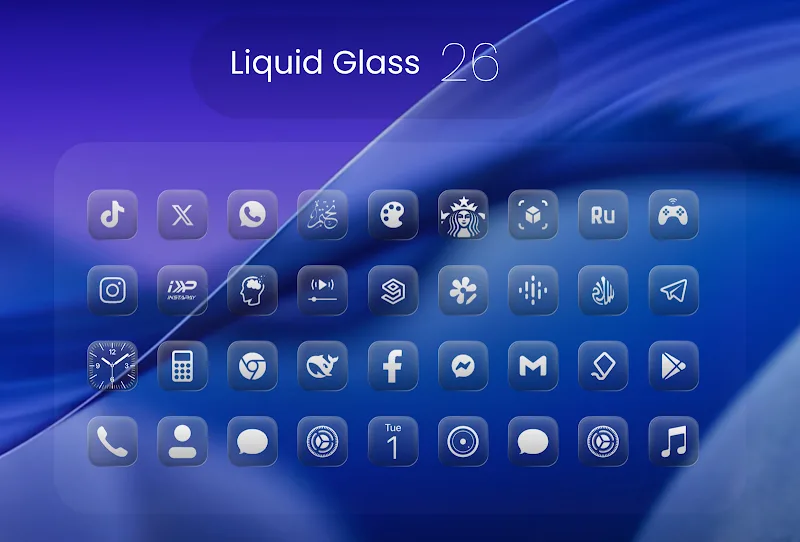
Extensive library: The pack ships with roughly 2,500 handcrafted icons, covering popular apps and many niche tools so your grid looks consistent.
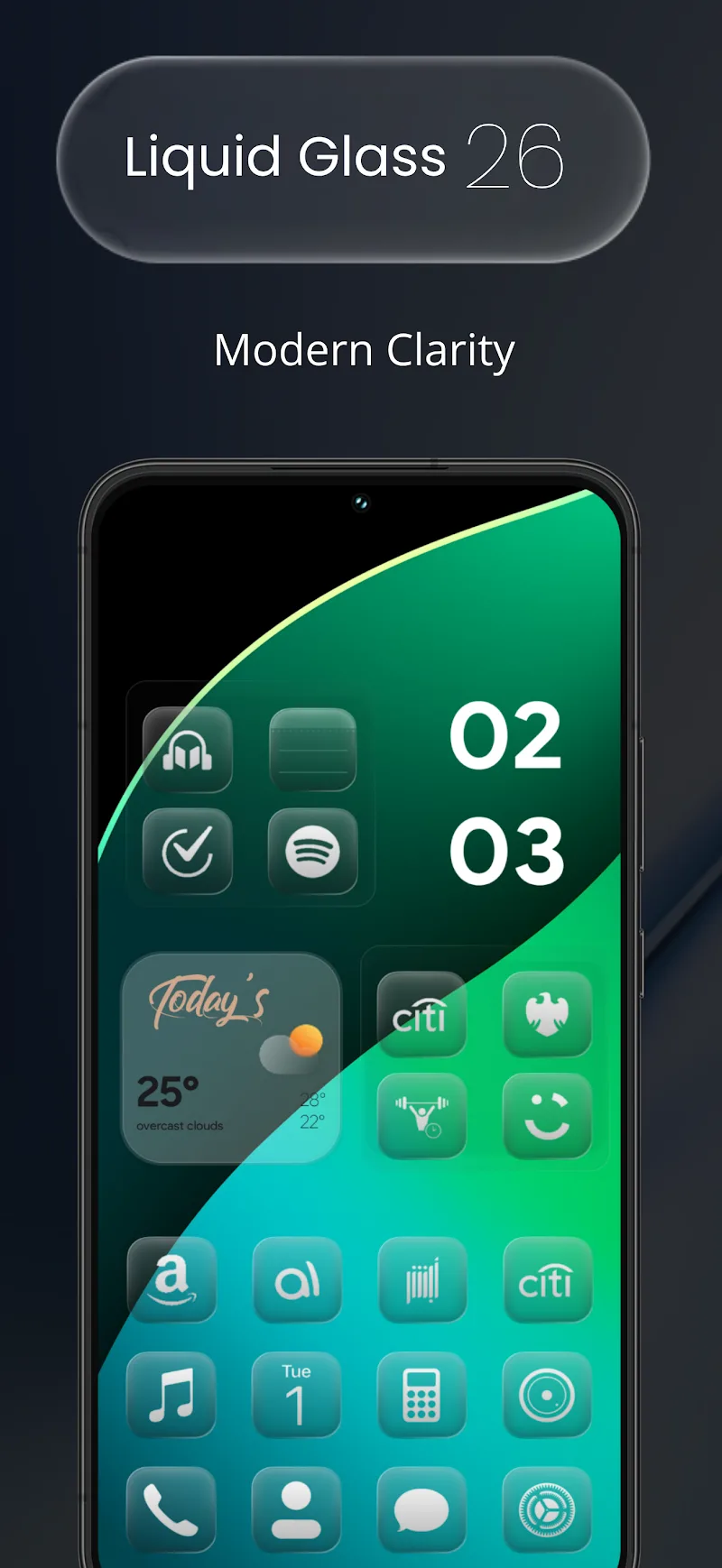
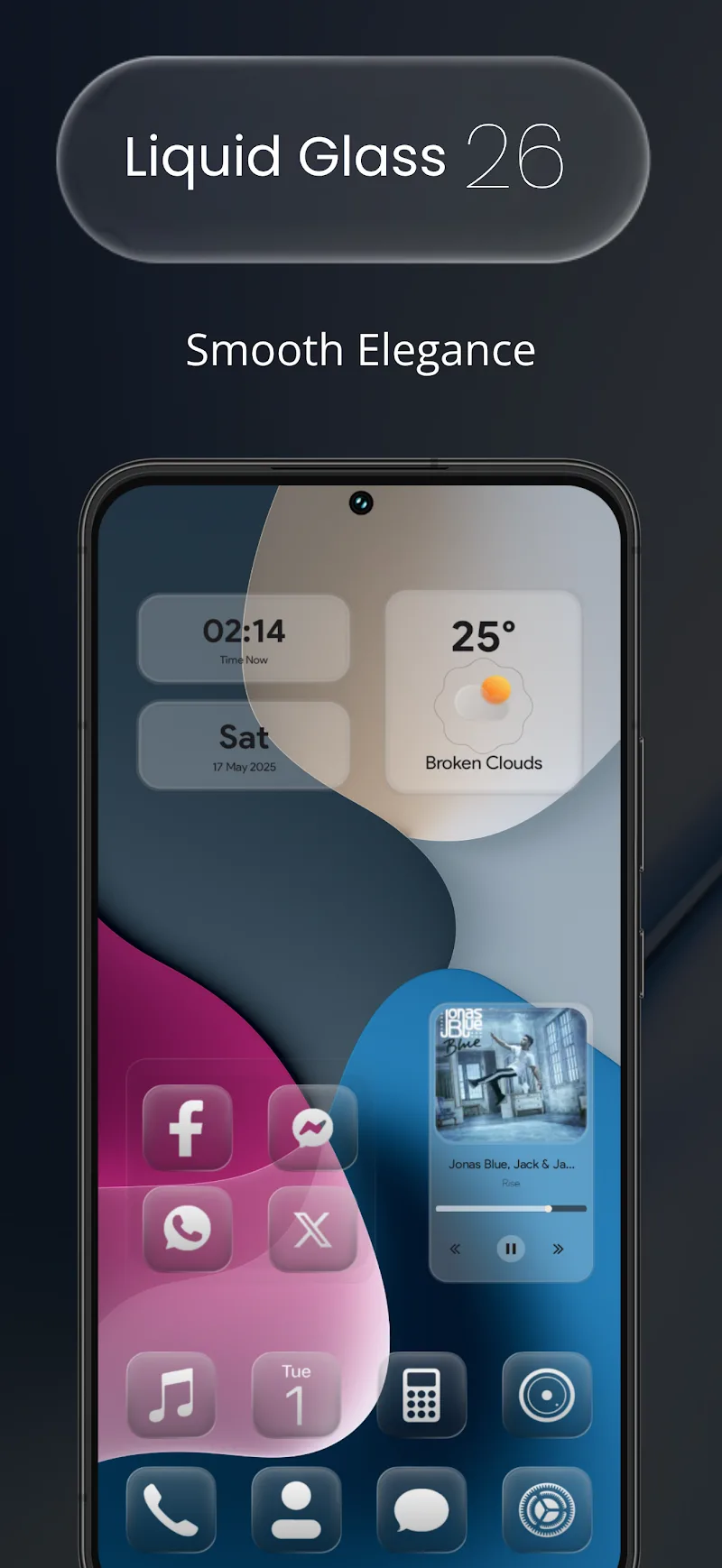
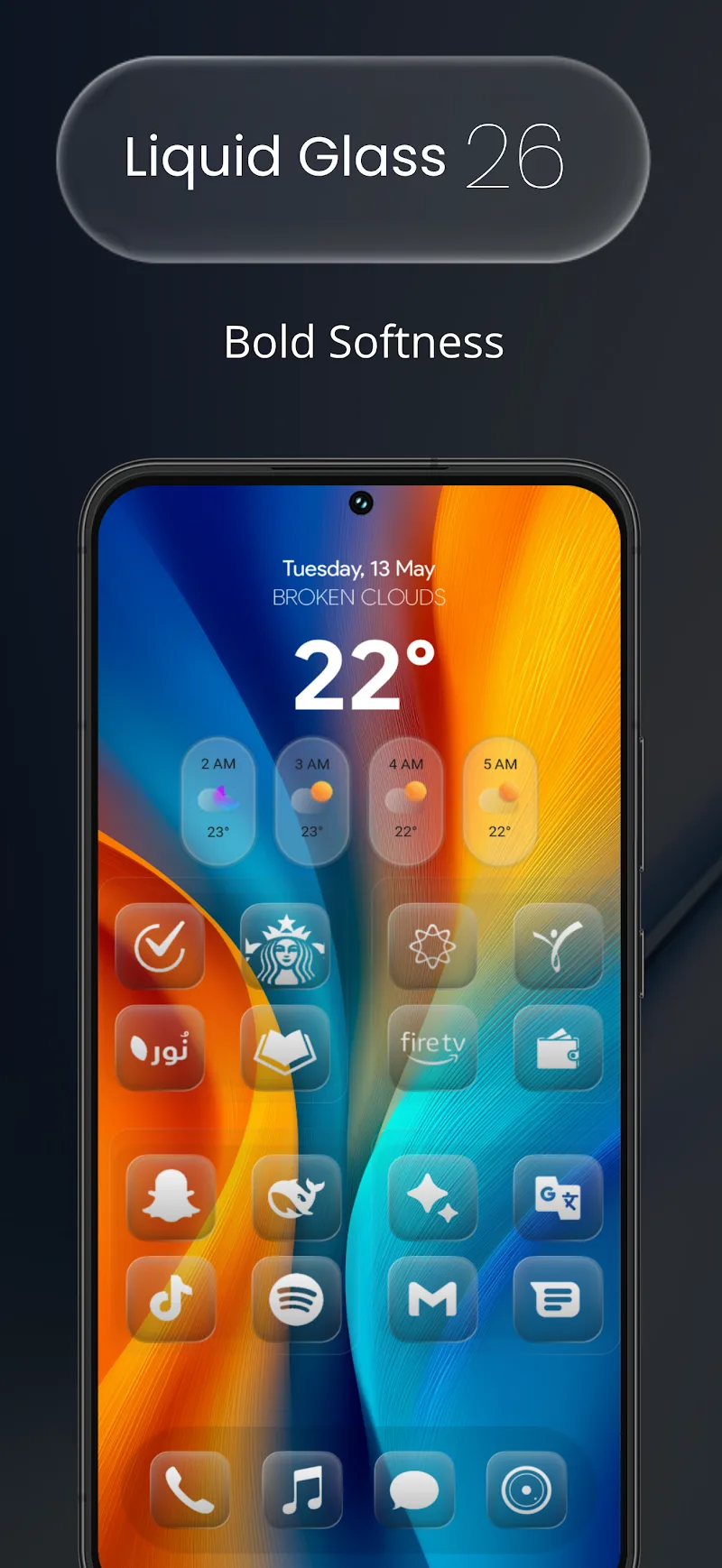
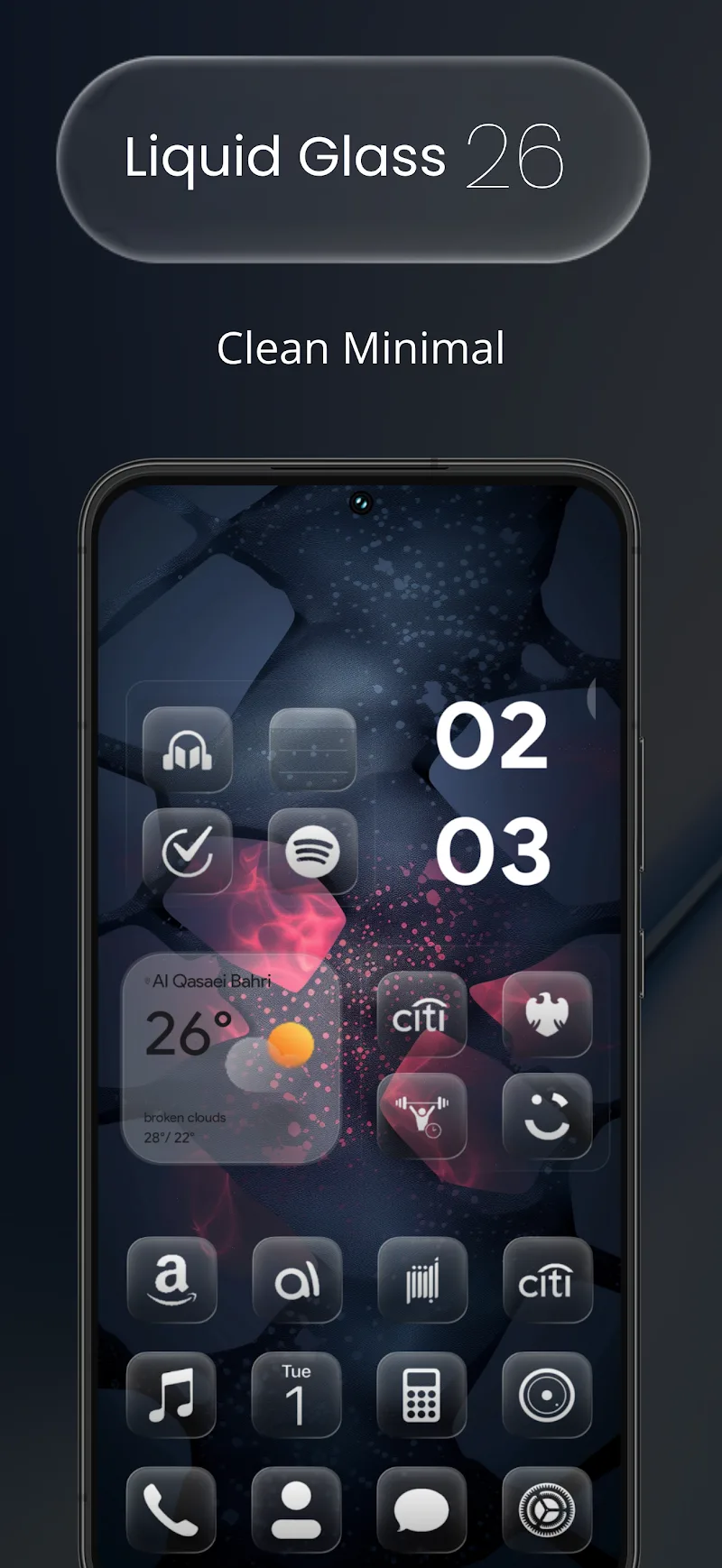
Transparent glass style: Each icon embraces a translucent aesthetic with subtle lines and rounded corners that mimic a sleek glass surface.
Alternate icons: Multiple icon choices for many apps let you pick the look that best suits your layout or personal taste.
Ongoing updates: The developer regularly adds new icons and refines designs, so the collection grows over time and adapts to new app releases.
Launcher compatibility: Designed to work with a wide range of Android launchers, Liquid Glass 26 Icon Pack leaves layout control to the launcher while providing the visuals.
Tips and Tricks
Match wallpapers: Pair the transparent icons with muted, gradient wallpapers to let the glass effect pop without creating visual clutter.
Group by use: Use alternate icons to create visual groups for work, social, or productivity apps so you can scan your home screen faster.
Adjust grid and size: Experiment with your launcher grid and icon scaling; slightly larger icons emphasize the glass detail, while a tighter grid gives a denser, minimalist look.
Switch for events: Try swapping to Liquid Glass 26 before a presentation or when you want a cleaner, distraction-free display—it's an easy seasonal or situational refresh.
Suitable for Liquid Glass 26 Icon Pack
- Users who prefer minimalist, modern home screens
- People who like iOS-inspired iconography on Android
- Anyone willing to use a third-party launcher
- Those who enjoy regularly updating and customizing their UI
Final Verdict
Liquid Glass 26 Icon Pack gives your phone a refined, contemporary look with a coherent set of translucent icons and frequent updates; it shines for anyone who values a tidy, stylish interface. Keep in mind it depends on a compatible launcher to apply themes, so if you prefer stock launchers the requirement may be a drawback, but for launcher users this pack is a compact way to achieve a premium glass-like aesthetic.
Show More
Information
Screenshots
Latest Update










Latest News
-
![Revealing the Launch Playlists and Cross-Progression for COD Warzone Mobile News]()
-
![March 2024 Free Redemption Codes for Honkai: Star Rail News]()
-
PUBG Mobile Teams Up with Bentley Motors: Luxury Cars, Exclusive Collectibles, and Beyond 2024-04-18
![PUBG Mobile Teams Up with Bentley Motors: Luxury Cars, Exclusive Collectibles, and Beyond News]()
-
![Monster Never Cry is now accessible on both Android and iOS mobile devices. News]()
-
V2.2 of the Farlight 84 update introduces an overhauled Season structure, fresh in-game currency, an 2024-04-16
![V2.2 of the Farlight 84 update introduces an overhauled Season structure, fresh in-game currency, an News]()
-
![Arrival of Genshin Impact 4.6 Update: 'Embers of Two Realms, Twilight of Crimson' News]()
-
April 2024 Clash of Clans Update: Unveiling a Fresh Companion, Enhanced Levels, Chat Tagging, and Be 2024-04-16
![April 2024 Clash of Clans Update: Unveiling a Fresh Companion, Enhanced Levels, Chat Tagging, and Be News]()






