

Magic Eraser
Version:2.6.2
Published:2026-11-10
Introduction
Magic Eraser is a lightweight photo-editing utility that removes unwanted elements from images with a few taps, using intelligent background reconstruction and simple brush controls. It targets quick fixes for mobile photography, delivering natural-looking results for stray objects, blemishes, or distractions without a steep learning curve.
What the app does
Designed for users who want clean photos fast, Magic Eraser blends automated algorithms with manual touch-ups. The app analyzes surrounding pixels to rebuild areas after an object is removed, so users don’t need complex selection tools. It supports a variety of image sizes and keeps edits non-destructive until export.
Core capabilities
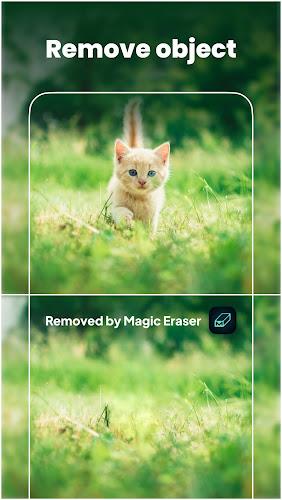
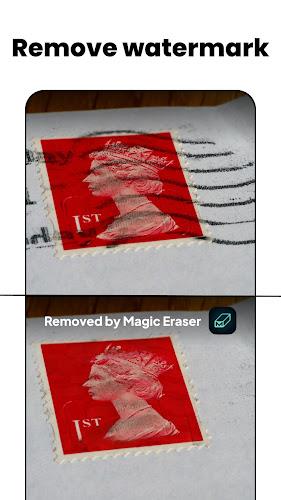
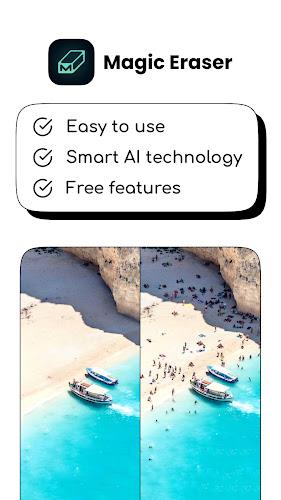
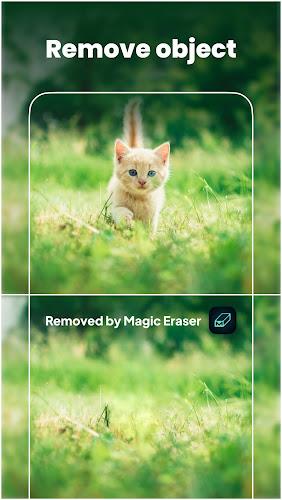
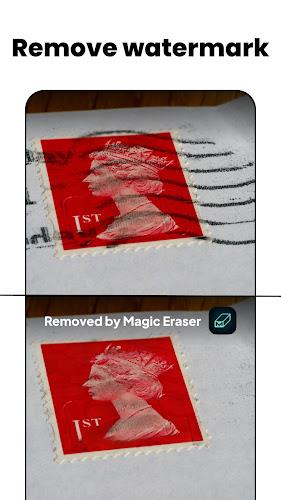
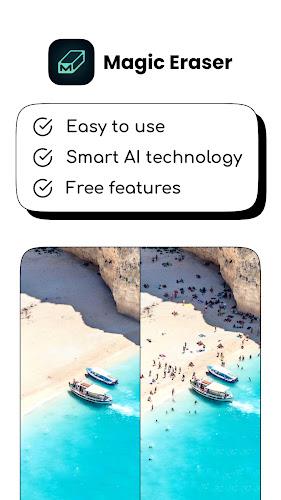
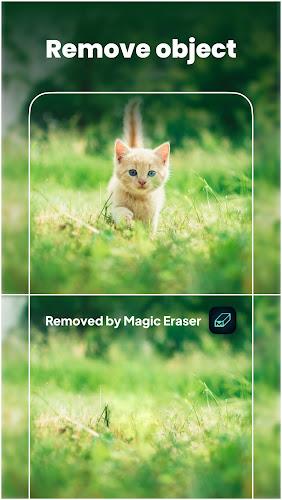
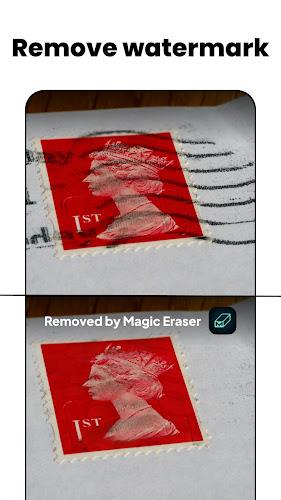
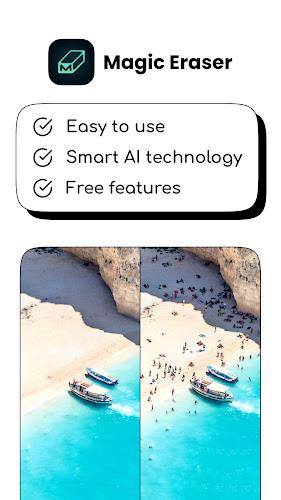
- Object removal: Paint over unwanted items and let the app reconstruct the background.
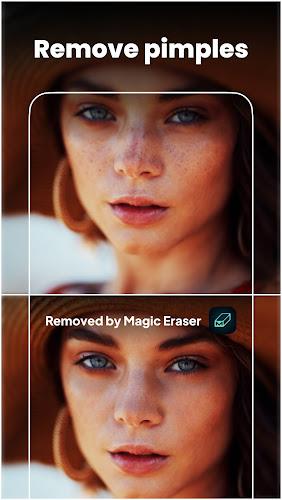
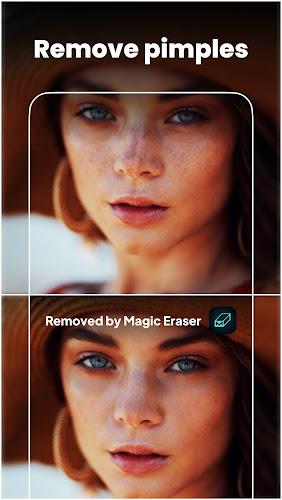
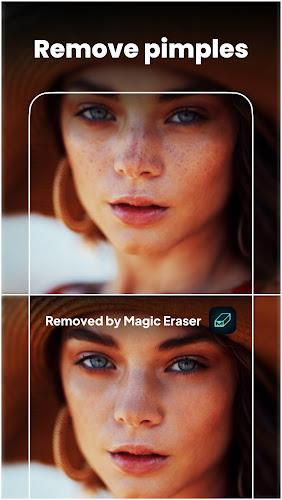
- Spot healing: Small blemishes, dust, or sensor marks are corrected with a single tap.
- History rollback: Step backward through changes to fine-tune results.
- Export options: Save in common formats and control output resolution to balance quality and file size.
How it works
Magic Eraser combines pixel-aware sampling and edge detection. When you mark an area, the tool evaluates nearby textures, colors, and gradients to synthesize replacement pixels. For complex scenes it may suggest multiple fill candidates, enabling you to select the most natural-looking result. The process is fast, allowing quick iteration on mobile hardware.
User interface and workflow
The interface puts primary tools within thumb reach. A large preview canvas occupies the center of the screen, while brush size, undo, and preview buttons sit along the edges. Performance is smooth on modern devices; previews are rendered in real time and the app provides a zoom mode for detailed work. Layer-like non-destructive editing simplifies experimentation without permanently altering the original file.
Practical tips for better edits
For the cleanest outcomes, start with a medium brush to remove the bulk of an object, then switch to a small brush for edge refinement. Use the zoom feature to check fine details and the history slider to compare alternatives. When working on patterned or high-contrast backgrounds, make tiny, incremental removals so the algorithm can sample nearby pixels more accurately.
Advanced strategies
- Break large objects into smaller sections and remove them in stages.
- Combine Magic Eraser with a cloning tool for repeating textures or complex gradients.
- Export at maximum resolution for print or crop for web to reduce artifacts.
Performance, compatibility, and limitations
Magic Eraser runs well on mid-range and flagship devices, using optimized routines to keep memory usage reasonable. It handles high-resolution photos but may slow slightly on very large files. While the app achieves excellent results on many scenes, extremely cluttered or highly structured backgrounds sometimes need extra manual touch-ups or a complementary editor for perfect blending.
Why users choose this tool
People pick Magic Eraser for its speed and intuitive controls. Photographers and casual users alike appreciate not having to switch between multiple apps for simple cleanup tasks. The balance between automation and manual control gives confidence that edits will look natural without investing hours in retouching.
Getting started
Install the app from your device store and allow access to photos. Open an image and use the brush tool to mark unwanted areas; the preview will show the replacement in real time. If needed, refine edges or use the undo history. When satisfied, export using the desired resolution and format. Regular updates often add refinements and performance improvements, so check for new releases periodically.
Final considerations
Magic Eraser is a practical utility for anyone who wants to tidy up images quickly. It balances user-friendly design with competent image reconstruction, making it a strong choice for on-the-go editing and finishing touches before sharing or printing photos.
Show More
Information
Screenshots
Latest Update










Hot Tags
Latest News
-
![Revealing the Launch Playlists and Cross-Progression for COD Warzone Mobile News]()
-
![March 2024 Free Redemption Codes for Honkai: Star Rail News]()
-
PUBG Mobile Teams Up with Bentley Motors: Luxury Cars, Exclusive Collectibles, and Beyond 2024-04-18
![PUBG Mobile Teams Up with Bentley Motors: Luxury Cars, Exclusive Collectibles, and Beyond News]()
-
![Monster Never Cry is now accessible on both Android and iOS mobile devices. News]()
-
V2.2 of the Farlight 84 update introduces an overhauled Season structure, fresh in-game currency, an 2024-04-16
![V2.2 of the Farlight 84 update introduces an overhauled Season structure, fresh in-game currency, an News]()
-
![Arrival of Genshin Impact 4.6 Update: 'Embers of Two Realms, Twilight of Crimson' News]()
-
April 2024 Clash of Clans Update: Unveiling a Fresh Companion, Enhanced Levels, Chat Tagging, and Be 2024-04-16
![April 2024 Clash of Clans Update: Unveiling a Fresh Companion, Enhanced Levels, Chat Tagging, and Be News]()






