

Wave Keyboard
Version:1.78.0
Published:2026-11-10
Introduction
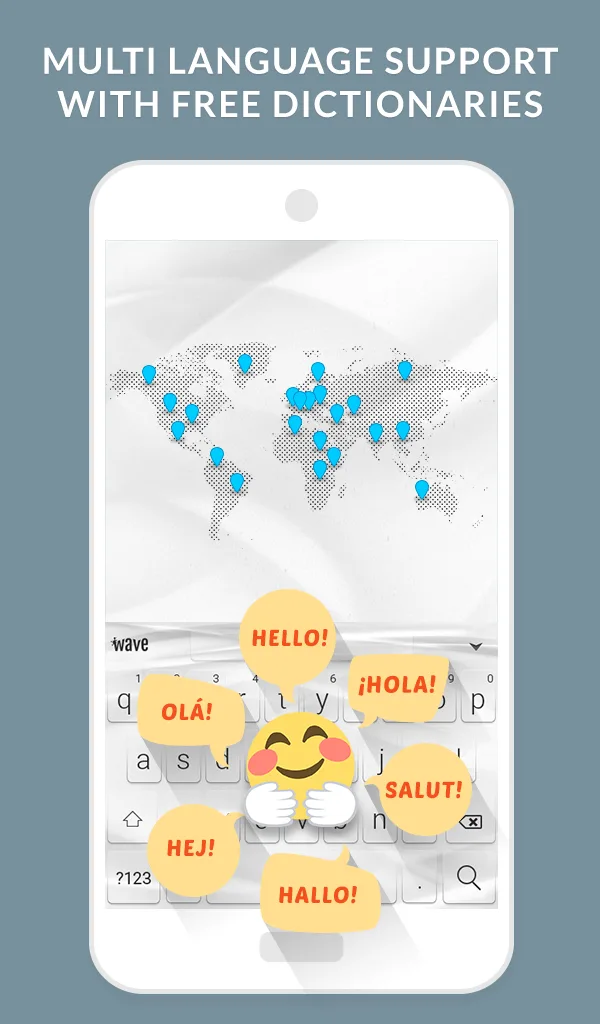
While waiting in a slow queue or during a brief pause between meetings, customizing your phone can be a small, satisfying task that brightens the day. Wave Keyboard brings animated themes, font options and expressive stickers into one keyboard app so you can update looks and typing feel without digging through multiple settings. The app focuses on visual flair and practical tweaks, offering a huge theme gallery, sound and font choices, plus GIFs and emoji collections to liven up messages and social posts.
Getting Started with Wave Keyboard
Install and enable: After installing, grant the basic keyboard permission and switch your input method to Wave Keyboard in system settings so it becomes available across apps.
Choose a theme: Open the theme browser and preview animated styles; you can apply a theme instantly or save it for later testing with messaging apps.
Personalize keys: Tap the customization tools to change font, key color and typing sound; these options let you alter the typing feel as well as the look.
Emoji and GIF panel: Access the integrated emoji and GIF drawer while typing to add expressive reactions without leaving your chat.
Features of Wave Keyboard
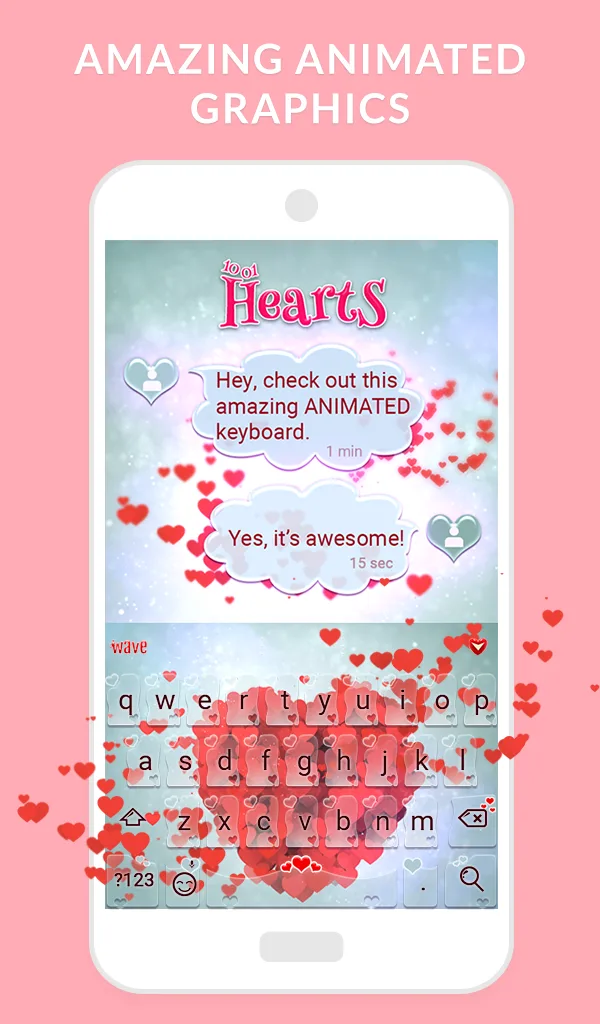
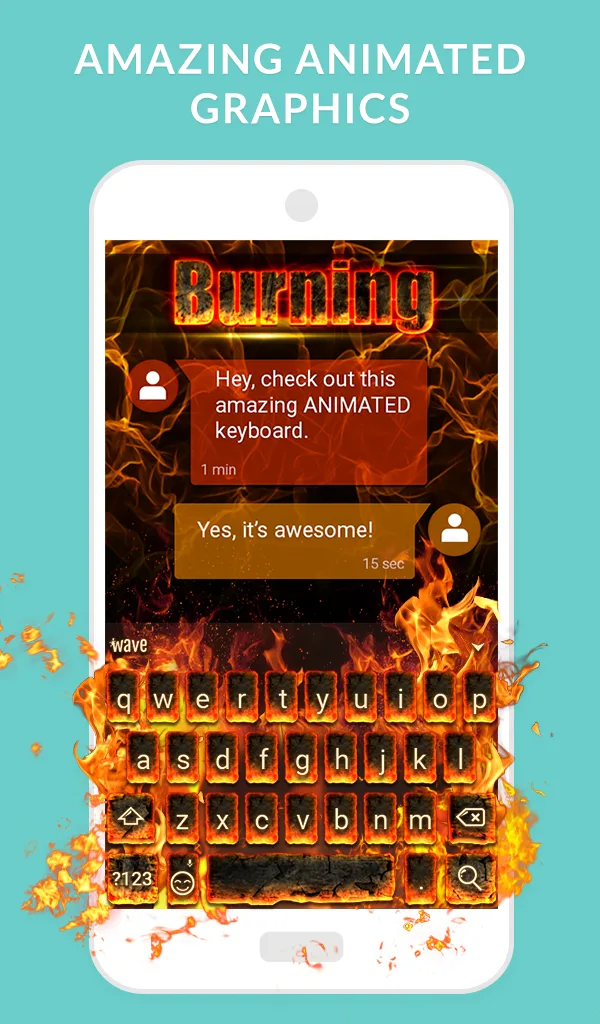
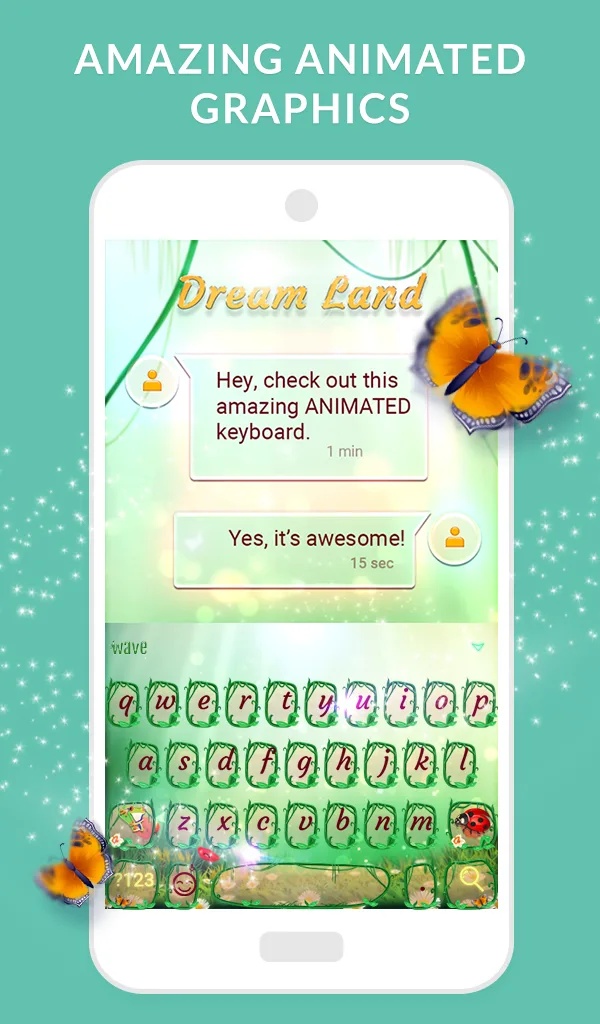
Animated themes: A variety of moving backgrounds and subtle animations give the keyboard a modern, dynamic appearance that stands out from plain stock keyboards.
Large theme library: The gallery includes seasonal packs, minimal designs and colorful animated options so you can refresh the keyboard regularly.
Custom fonts and sounds: Choose from different font styles and keytap sounds to match your visual preference and audio feedback expectations.
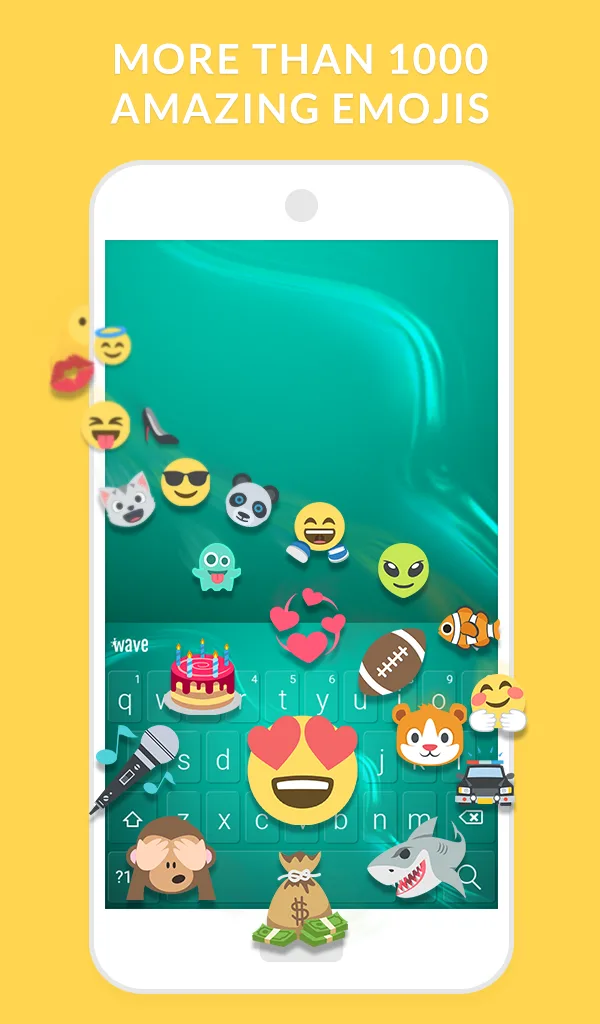
Emoji and GIF support: A built-in selection of emojis and GIFs makes it easy to express yourself without juggling separate sticker apps.
Theme creator: Simple tools let you build a theme by combining background images, key shapes and color palettes for a one-off look you won’t find elsewhere.
Tips and Tricks
Preview before apply: Use the live preview to see animations and key spacing in action so you confirm legibility before setting a theme permanently.
Keep battery in mind: Animated backgrounds look great but can use more battery than static themes; pick a subtle animation if you want longer runtime between charges.
Customize for clarity: If you type a lot in low light or small text, increase key contrast and select a clear font to reduce typos while keeping a custom look.
Suitable for Wave Keyboard
- Users who enjoy visual customization and animated designs.
- People who send lots of emoji and GIFs during chats.
- Anyone who likes to tweak fonts and sounds for a personalized typing experience.
- Those who want a single keyboard with theme creation tools rather than several separate apps.
Final Verdict
Wave Keyboard is a solid choice if you value style and expressive input in one package, offering a broad theme library and easy tools to change fonts, sounds and animated backgrounds. It excels at letting you personalize the look and mood of typing, and the built-in emoji/GIF access speeds up messaging. Keep in mind that some animated themes can be heavier on battery and might not suit users who prefer minimal power use, but for anyone who enjoys a lively, customizable keyboard it delivers a lot of creative options.
Show More
Information
Screenshots
Latest Update








Latest News
-
![Revealing the Launch Playlists and Cross-Progression for COD Warzone Mobile News]()
-
![March 2024 Free Redemption Codes for Honkai: Star Rail News]()
-
PUBG Mobile Teams Up with Bentley Motors: Luxury Cars, Exclusive Collectibles, and Beyond 2024-04-18
![PUBG Mobile Teams Up with Bentley Motors: Luxury Cars, Exclusive Collectibles, and Beyond News]()
-
![Monster Never Cry is now accessible on both Android and iOS mobile devices. News]()
-
V2.2 of the Farlight 84 update introduces an overhauled Season structure, fresh in-game currency, an 2024-04-16
![V2.2 of the Farlight 84 update introduces an overhauled Season structure, fresh in-game currency, an News]()
-
![Arrival of Genshin Impact 4.6 Update: 'Embers of Two Realms, Twilight of Crimson' News]()
-
April 2024 Clash of Clans Update: Unveiling a Fresh Companion, Enhanced Levels, Chat Tagging, and Be 2024-04-16
![April 2024 Clash of Clans Update: Unveiling a Fresh Companion, Enhanced Levels, Chat Tagging, and Be News]()






